


In terms of the current Internet model, we often enjoy music on platforms such as Youtube or Spotify, and these platforms will also display the singer’s name and song information, which is very convenient. So if you are watching a video today and don’t know the opening and ending of the video (if you are too lazy to Google it), or if you click on a music link on a web page and there is no singer or song information on it, you will probably feel it is a pity. Although there are many apps on mobile phones that can do listening and identification, for people who use computers, it is a bit laborious to take out their mobile phones to listen to and identify music. The “AHA Music” I will introduce today is an extension program in chrome. As long as it is installed, you can rely on it to identify the song title and artist for the music you listen to on the web:
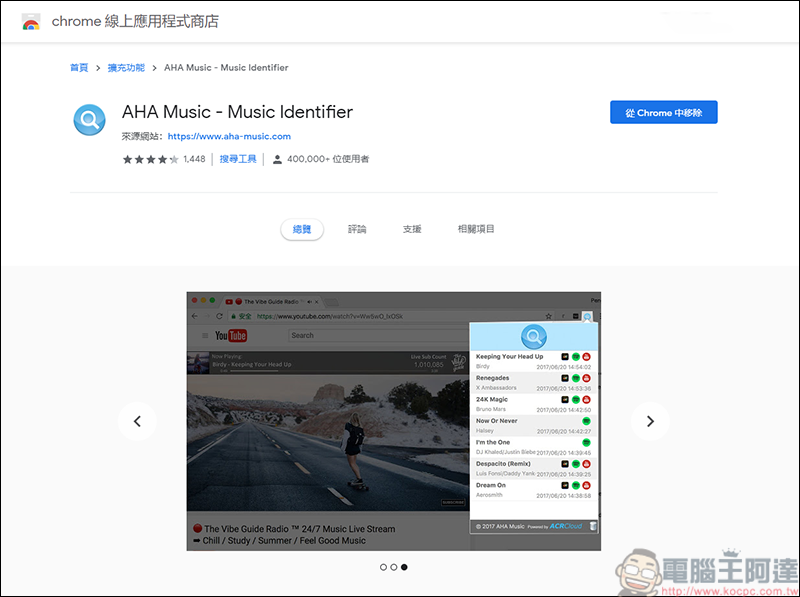
(Extension: AHA Music)
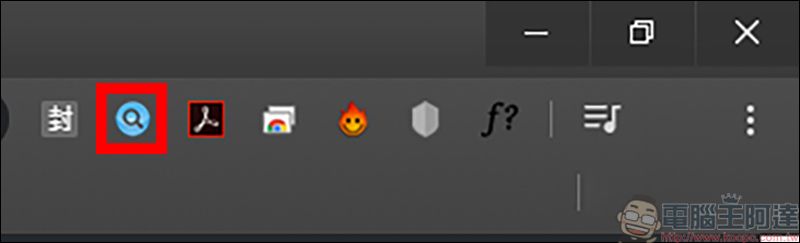
After clicking the above extension link to install it, the AHA Music icon (red frame) will appear in the upper right corner:
After clicking on it, AHA Music will appear. Because the current web page is not playing music, the red text No Sound Playing in Current Tab will appear: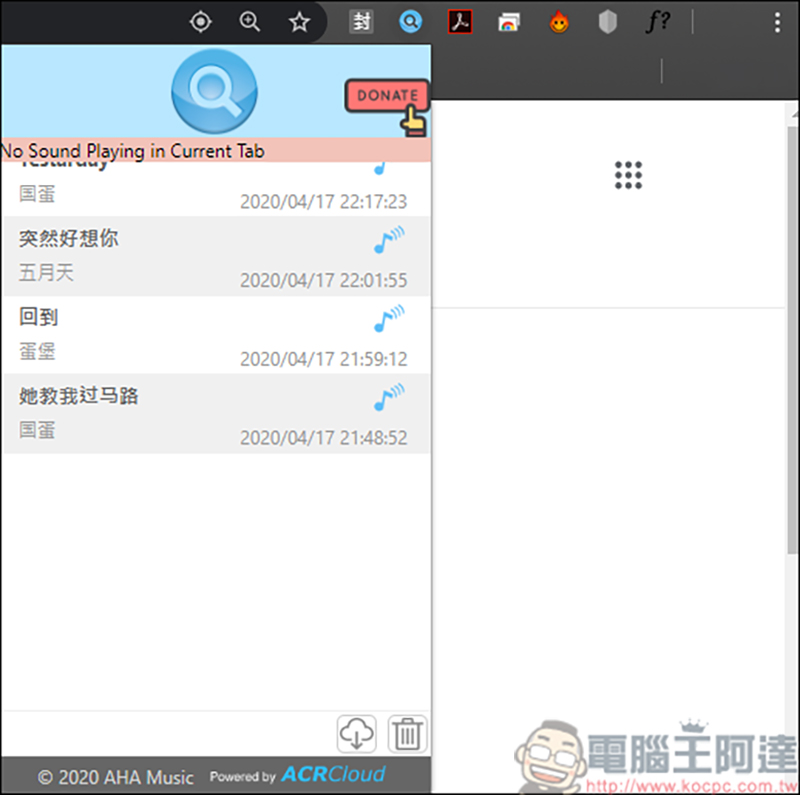
The method of use is also very simple. Just use Youtube as a test. As long as the webpage is playing music, click AHA Music and the music will be recognized by itself. For example, this song “Cigarette” is successfully recognized: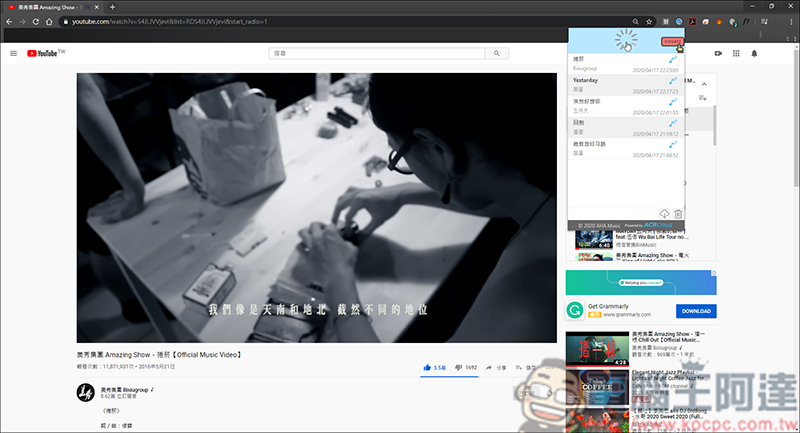
It’s really pointless to only test on a platform where you already know the information. Here we have prepared one song each in Chinese and English as a test: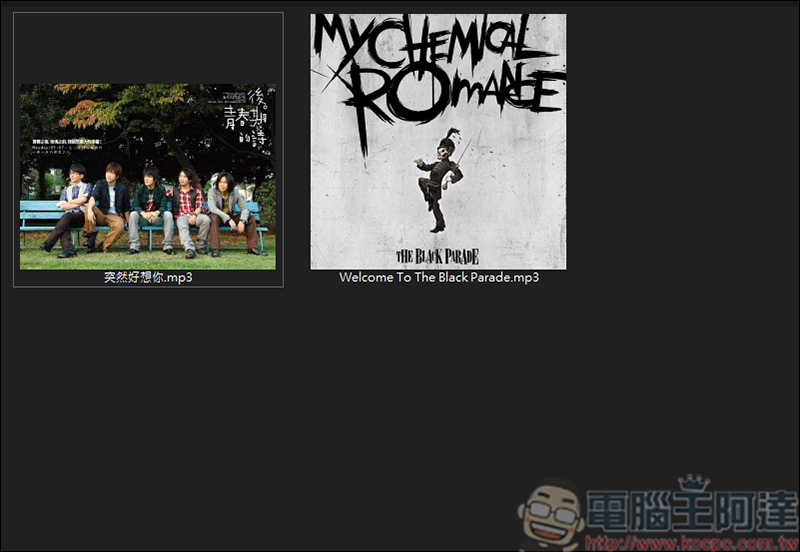
Let’s change the song title first… :
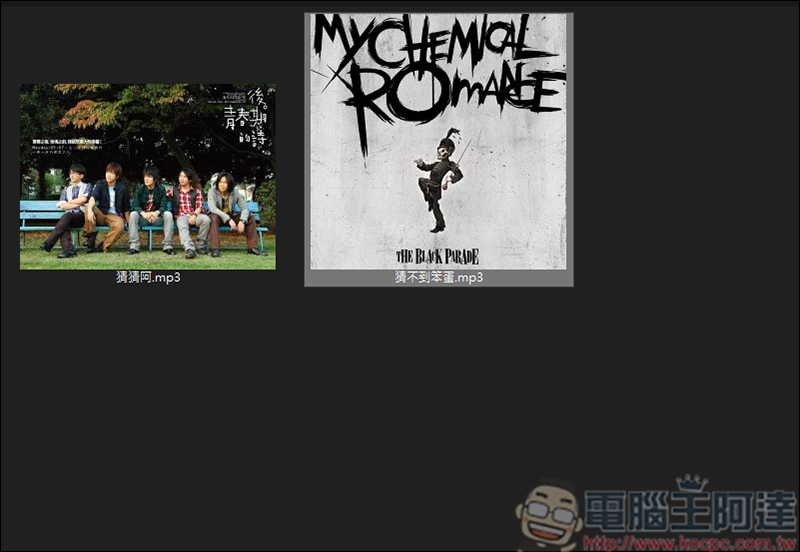
Then throw him into my clouds:
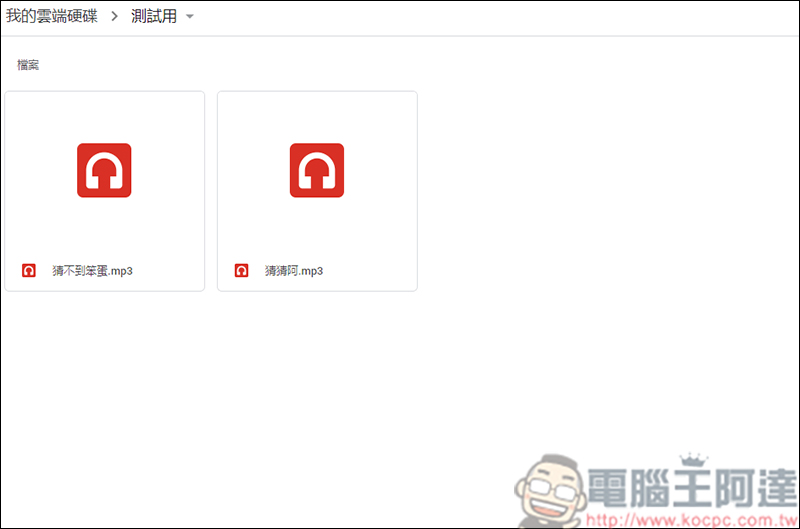
First, I tested the first song, and it was immediately recognized as Mayday’s “Suddenly Miss You So Much:”
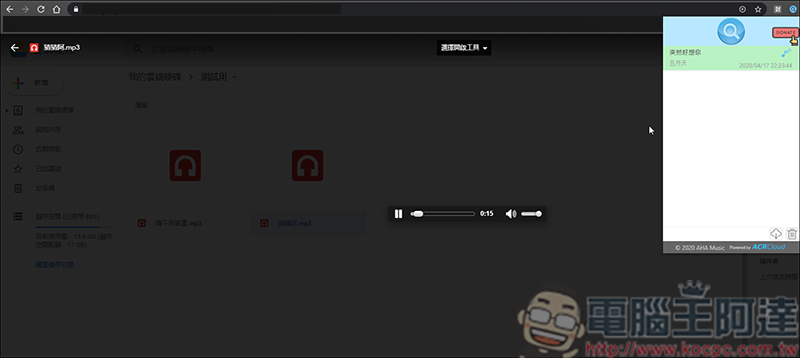
Another English song, Welcome To The Black Parade, was also recognized. During the test, the program almost found the song as long as the singer sang a sentence: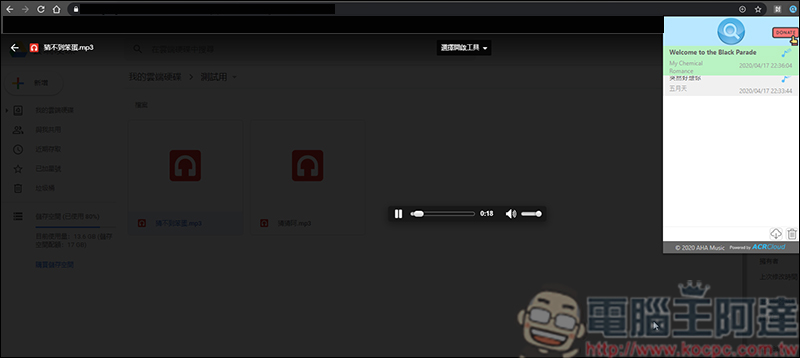
The music found using AHA Music will be imported to the AHA Music website with just one click. There is also more detailed information on it: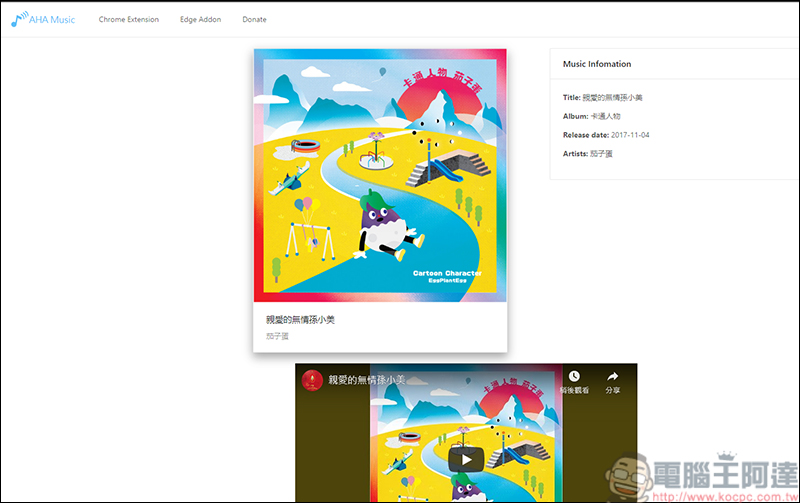
Source: KOCPC Chinese