


While you can directly download the installer over the internet to reinstall macOS on your Mac, sometimes your network speed might be slow, requiring a long wait, or you might not have internet access at all. In such cases, having a macOS bootable USB drive is much more convenient. This article recommends a simple and user-friendly free open-source tool called “macUSB” with a Chinese interface that supports directly downloading macOS installers from Apple’s official servers – you don’t need to prepare them yourself, which is very convenient.
If you have Windows or Linux image files, you can also use them to create a bootable drive.
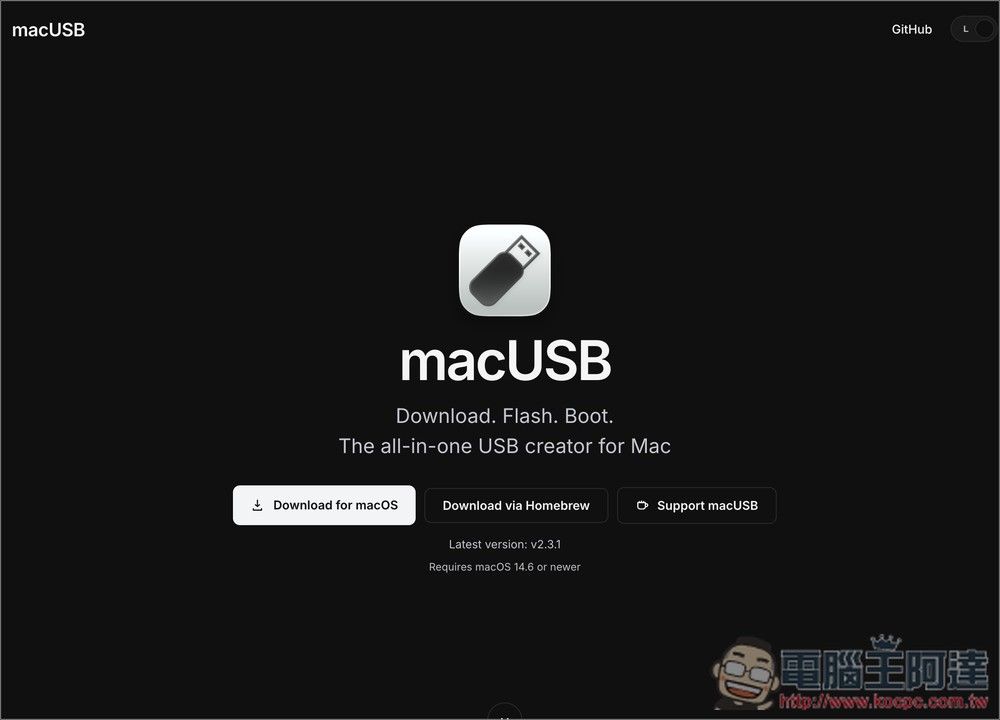
macUSB: Free Open-Source Tool for Easily Creating macOS Boot Drives – Introduction and Tutorial Guide
macUSB is a free, open-source bootable USB creation tool designed specifically for Mac users. It transforms what used to require terminal commands into a simple, intuitive graphical interface. Whether you want to reinstall macOS, create a recovery USB for an older Mac, or prepare a Windows or Linux installation flash drive, macUSB can handle it all.
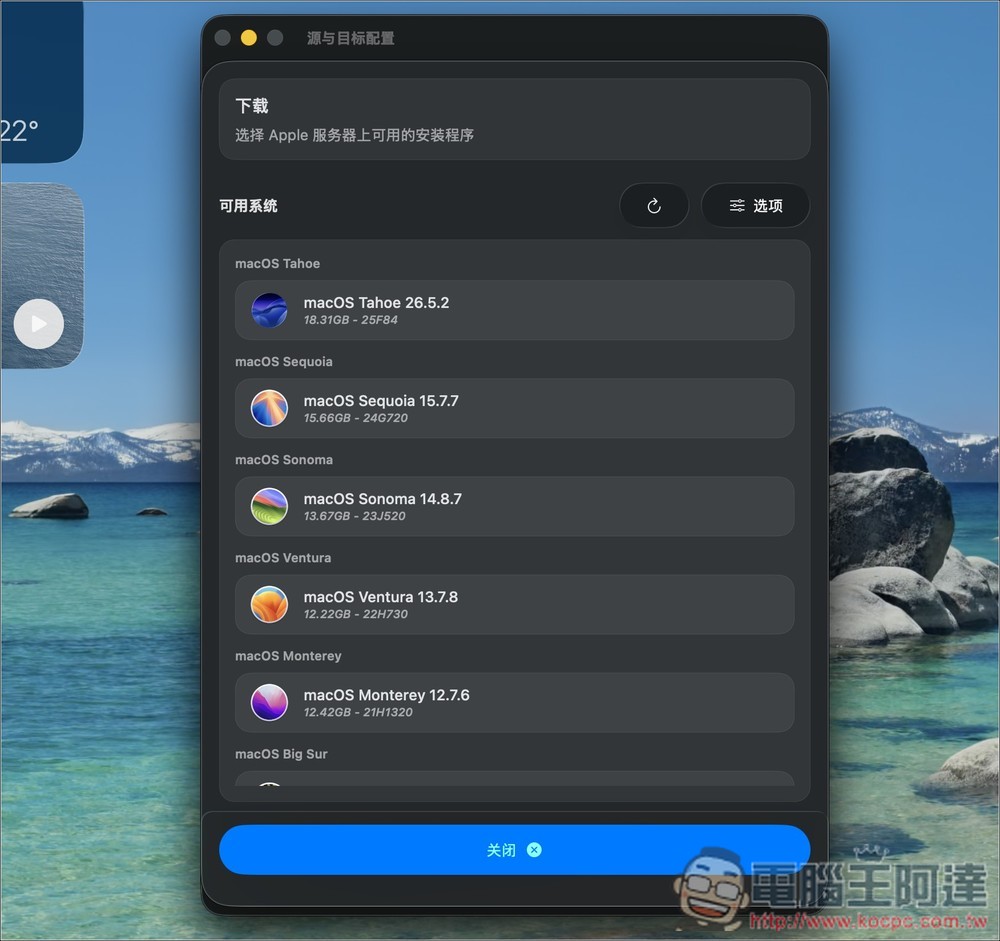
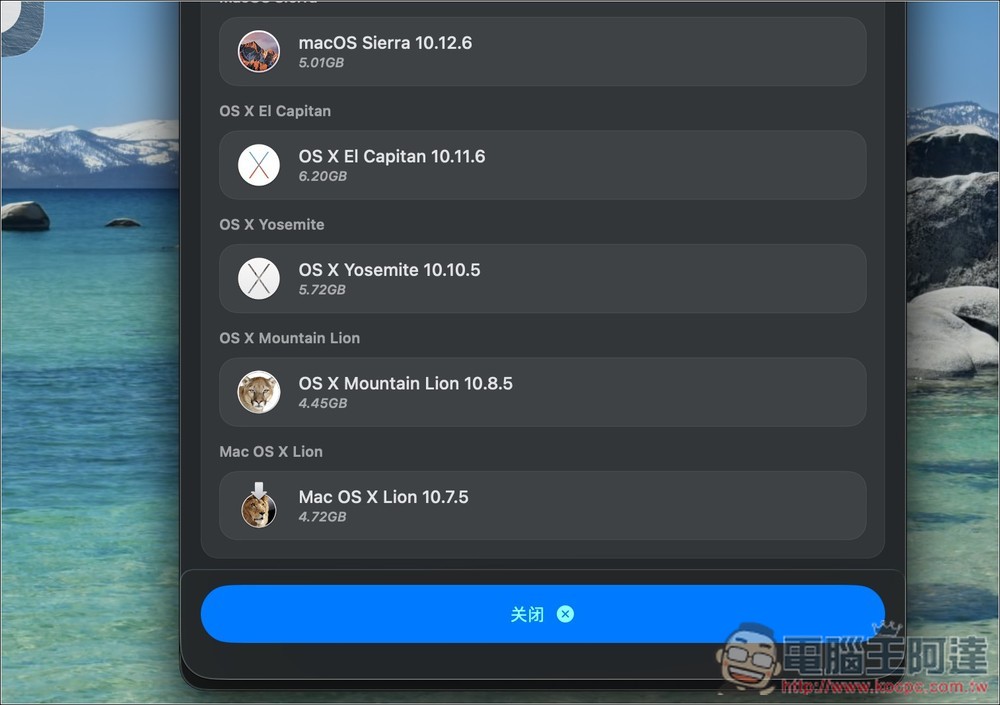
The most convenient feature is that macUSB has a built-in macOS downloader that lets you browse macOS installers directly from Apple’s servers, eliminating the hassle of searching for download sources. In addition to the latest version, it also supports many older systems like macOS Sonoma, Ventura, Monterey, Big Sur, and even earlier OS X versions, which is quite useful for users who need to repair or revive old Macs.
For Windows installation drives, macUSB also includes additional features, such as handling the FAT32 single-file 4GB limit by using wimlib to split install.wim when needed, while also providing Windows 10/11 installation process automation settings that can help adjust certain first-run setup options.
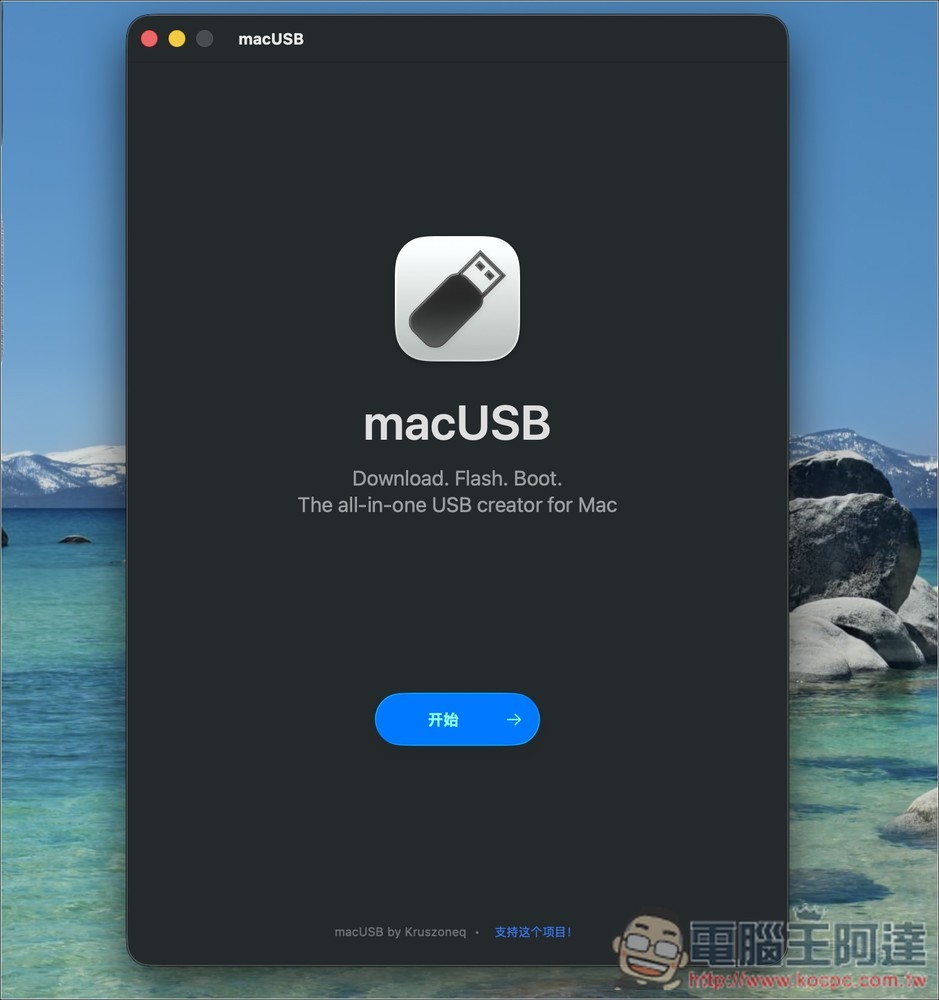
The interface also supports multiple languages, including English, Japanese, and Simplified Chinese.
Main Features
- Released under the MIT license, all features are freely available, and the project source code is publicly viewable.
- You can directly obtain the macOS installer from Apple’s servers without having to find the source yourself.
- Installation media can be created for the latest macOS as well as multiple older OS X versions.
- macOS USB can be created using .app, .dmg, .iso, .cdr and other sources.
- Recognizes Windows ISO images, supports Windows 8 and above and Windows Server 2012 and above.
- Can create bootable media for multiple Linux distributions such as Ubuntu, Fedora, Debian, and Arch Linux.
- Assist with formatting, partitioning, and workflow creation to reduce the risk of production failures.
- Supports English, Japanese, German, Simplified Chinese, and many other languages.
Visit the macUSB official website
The first time you open macUSB, it will ask for full disk access permission:
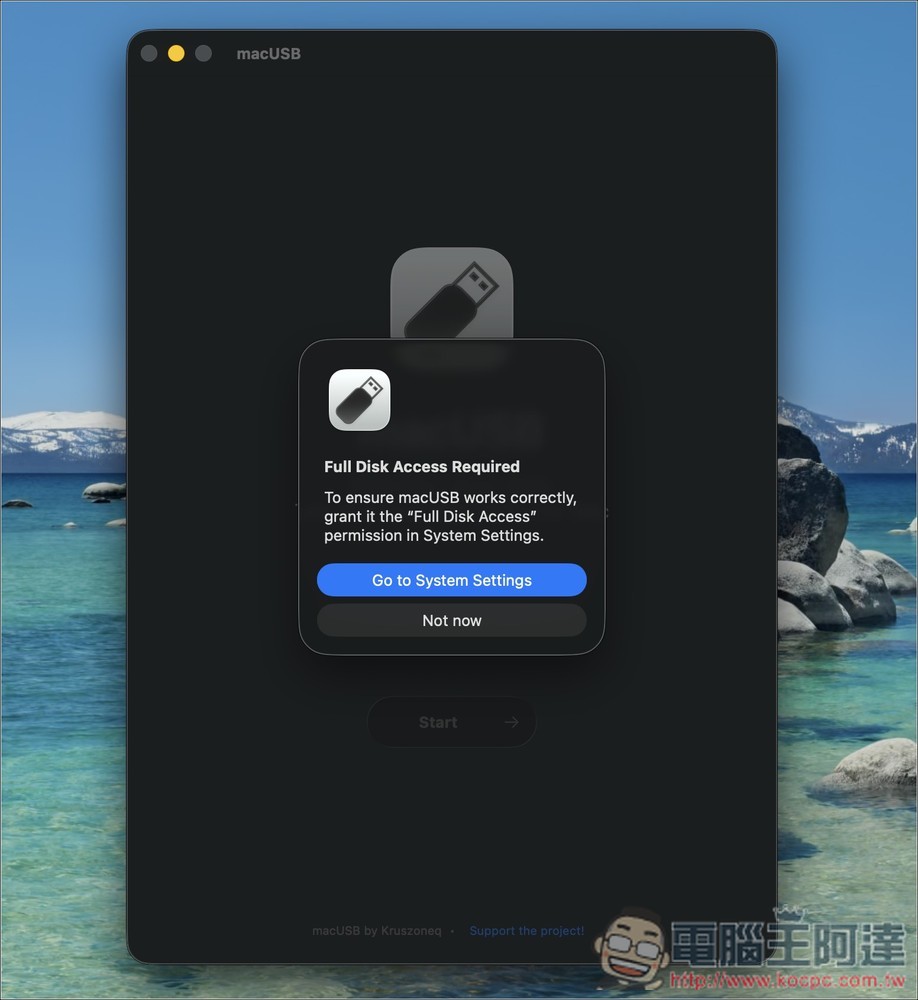
Once the permissions are set, you can start using it. Also, if it’s not displaying in Chinese, you can switch the language in the menu above.
The image below shows the macUSB interface. At the top is the import source section, where you can manually select an image file or click the download button to download the macOS installer from the official website:
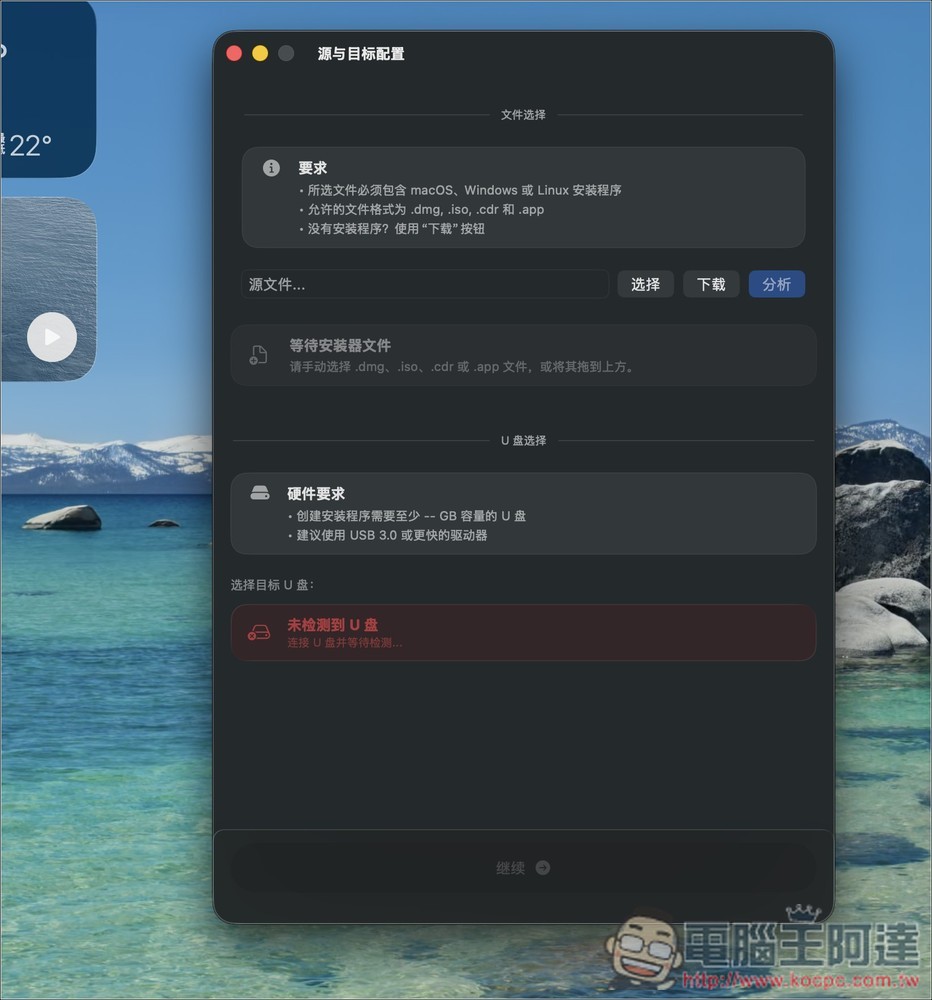
After you click Download, the available macOS version installers will be listed below:
Even the very old Mac OS X Lion 10.7.5 has:
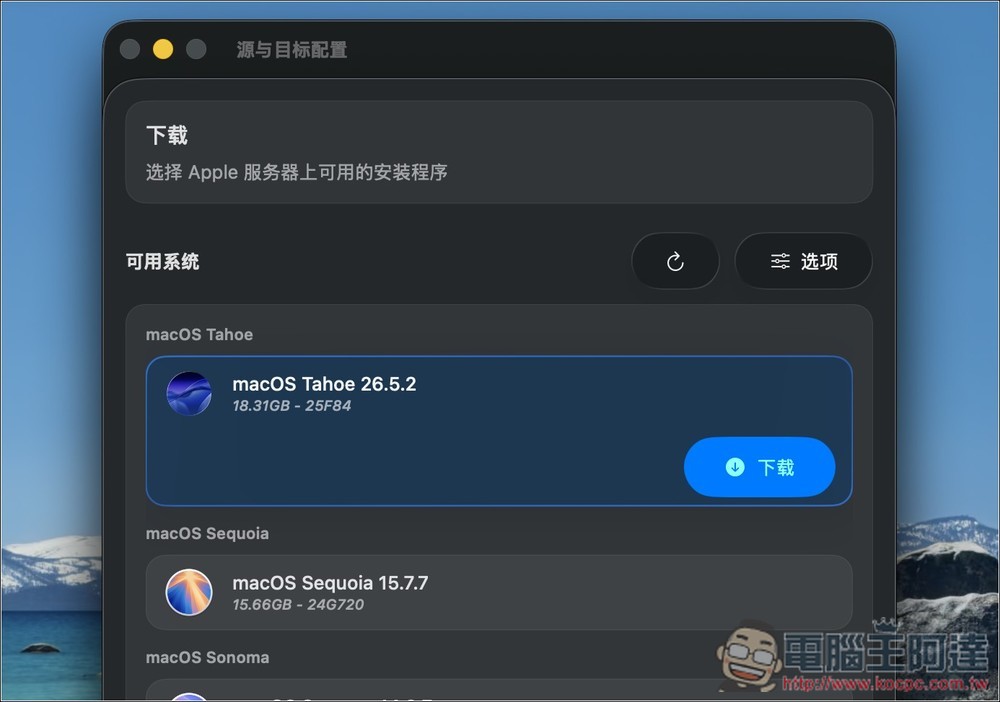
Click on the version you want, and the download button will appear below.
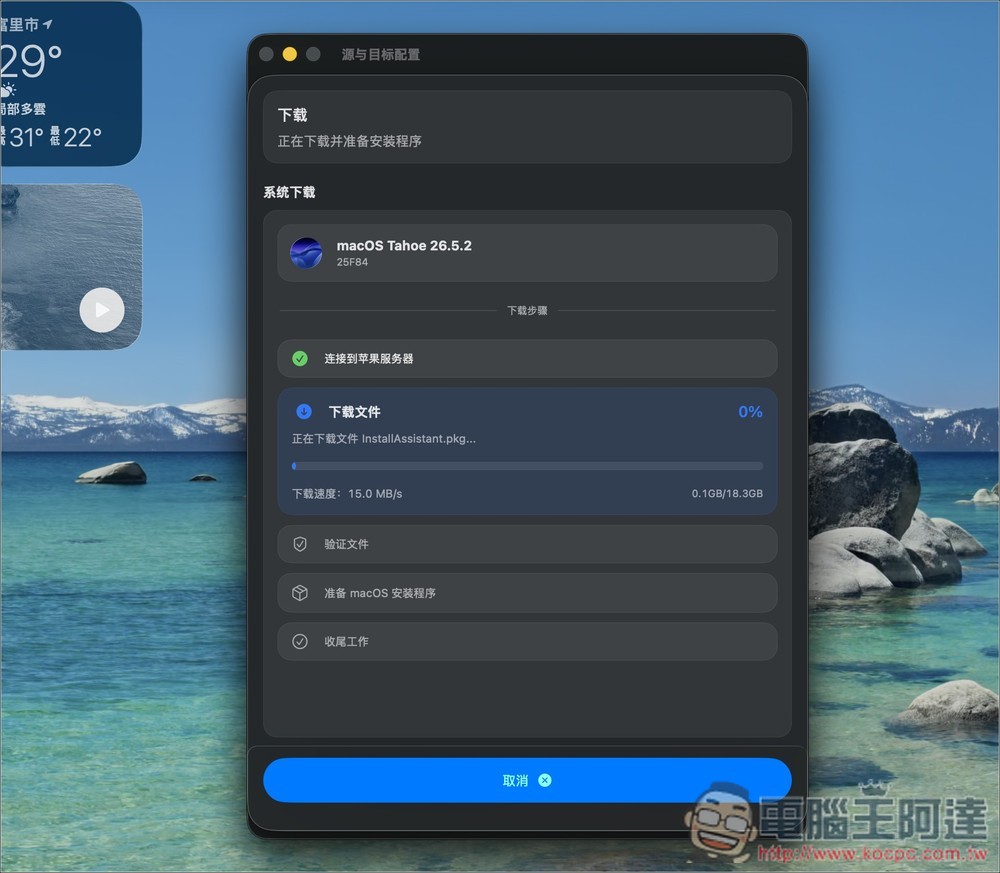
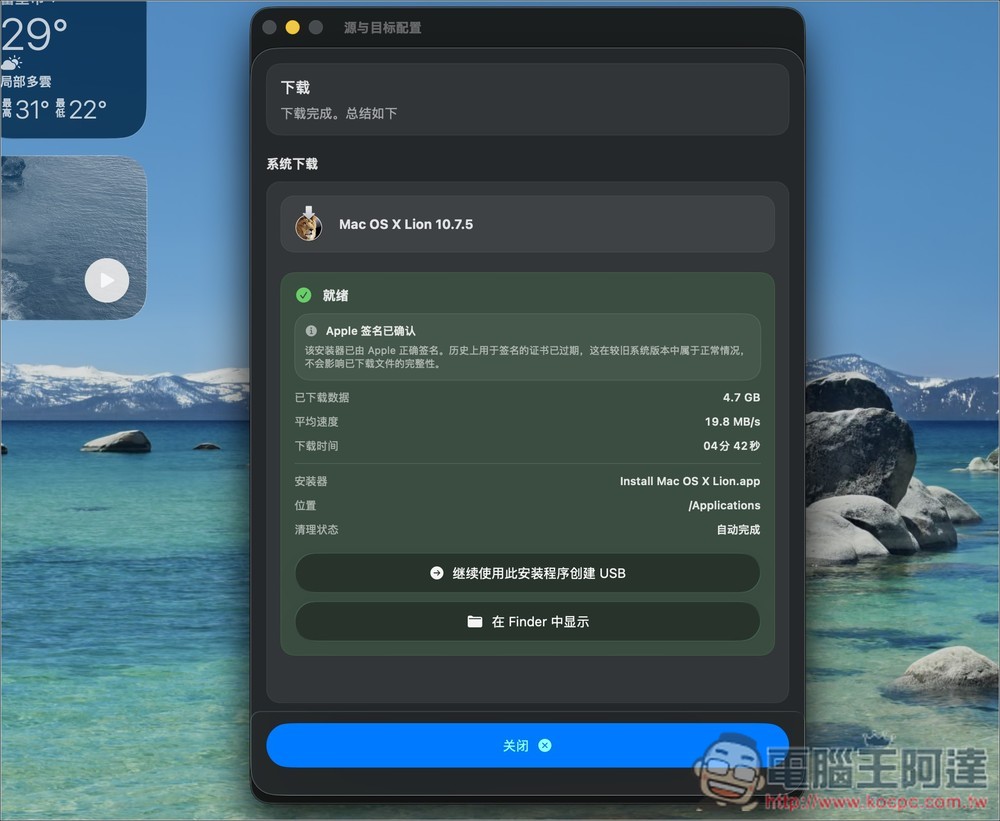
Then just wait for the download to complete:
After downloading, click Continue to use this installer to create a USB:
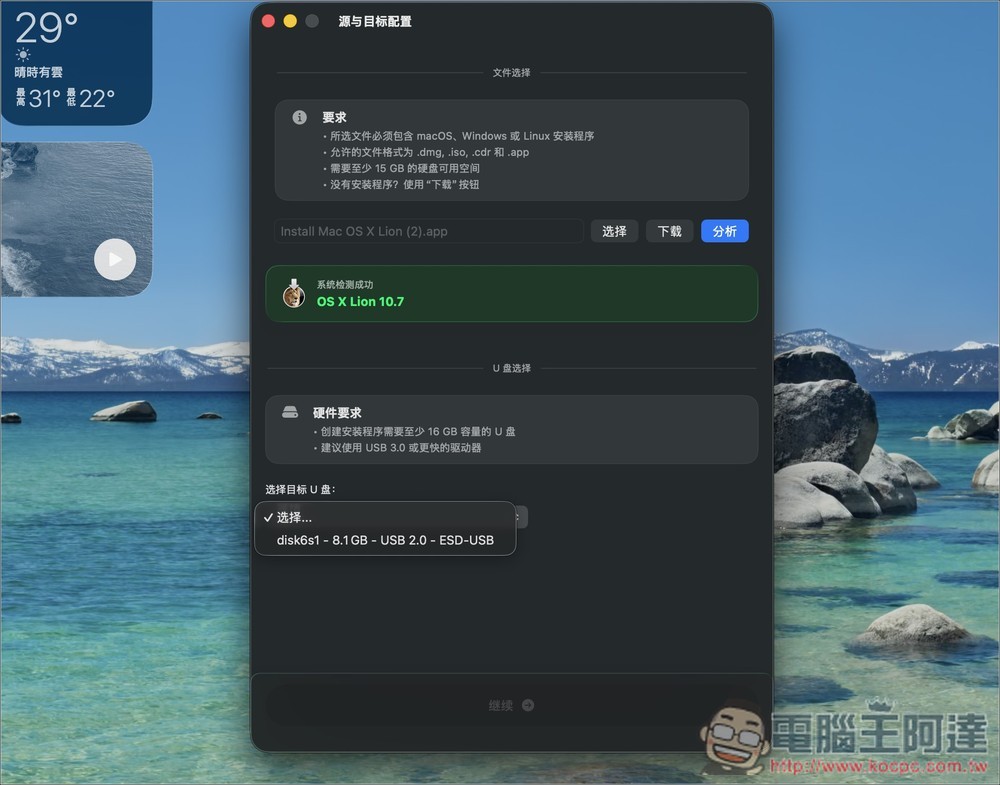
Finally, just follow the on-screen instructions to proceed:
Source: KOCPC Chinese