


There are many components in a computer that perform different functions. Most people may be most familiar with components such as the CPU and graphics card. When considering how much money to spend on a computer, the positioning of these two components will be set in advance. If you have a certain knowledge of computers, you may also consider how to modify these two components to have a better temperature state. However, you may not encounter that the temperature of the graphics card you buy home is higher than expected as soon as it is installed. ASUS ROG Strix Radeon RX 5700 and RX 5700 XT two series of graphics cards have recently encountered high temperature problems, and the official has also made changes in the shortest possible time and proposed measures that allow players to return them to the original factory for repairs:
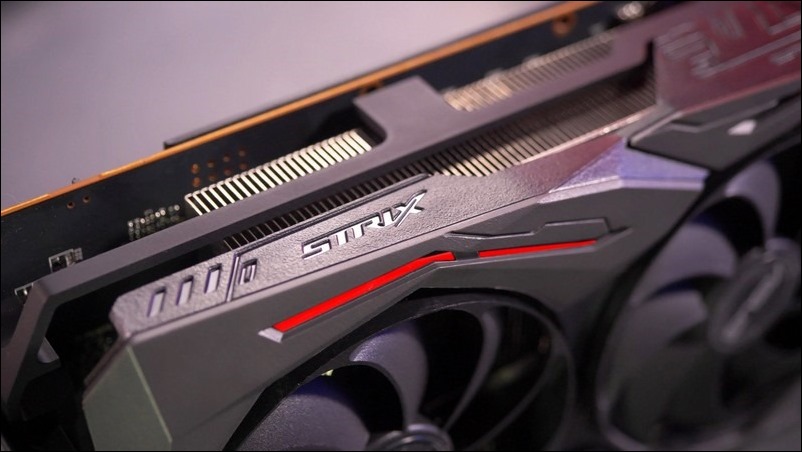
▲ROG Strix belongs to the mid-to-high-end ASUS graphics card brand, but it was found that the RX 5700 series graphics cards have temperature issues (Image source)
The graphics card and processor are the most important computing centers in the computer. The graphics card is mainly responsible for system graphics, game special effects and even video playback. The processor handles most of the computing work, but does not include the computing work that the graphics card is mainly responsible for. With the advancement of technology, the development of these two components has naturally reached a high level. The side effect of their powerful capabilities is the high temperatures generated during operation. These temperatures must be eliminated through dedicated heat dissipation devices.
Today, ASUS ROG Strix Radeon RX 5700 and RX 5700 XT graphics cards encountered temperature-related problems. According to information provided by ASUS, the temperature problem comes from the installation pressure of the graphics card radiator. ASUS stated that AMD officials had told manufacturers to install the radiator at a pressure of 30 ~ 40 psi, so that the radiator is in close contact with the GPU core to achieve optimal cooling efficiency. However, ASUS found that although the graphics card in question followed AMD’s recommendations in terms of installation pressure, it is still a fact that the temperature is higher than expected:
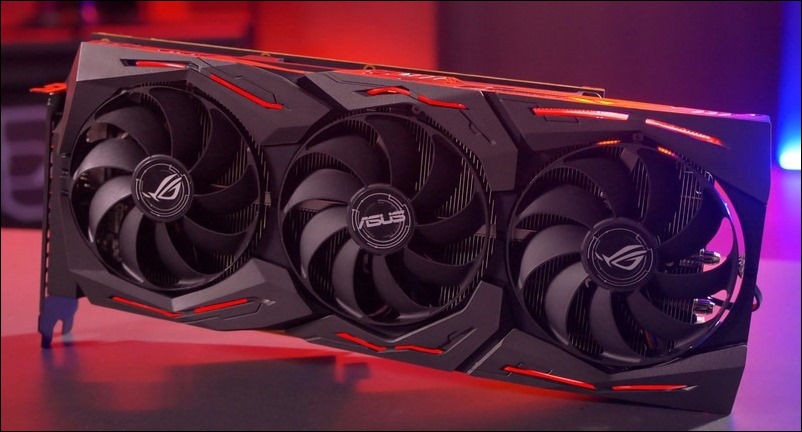
▲The ROG Strix RX 5700 series graphics card with three fans has a temperature problem, which is actually related to the installation pressure (Image source)
Official information from ASUS shows that the first batch of ROG Strix Radeon RX 5700 and RX 5700 XT graphics cards use AMD’s recommended installation pressure to set the radiator, while graphics cards shipped from January 2020 have improved the installation pressure settings and use new screws to install the radiator. The new batch of graphics cards will increase the installation pressure to 50~60 psi. This pressure value seems to be higher than the original recommended value. However, ASUS emphasized that it has tested this pressure value in the new batch of graphics cards. In addition to further cooling, it will not harm other components on the graphics card and cause serious problems:
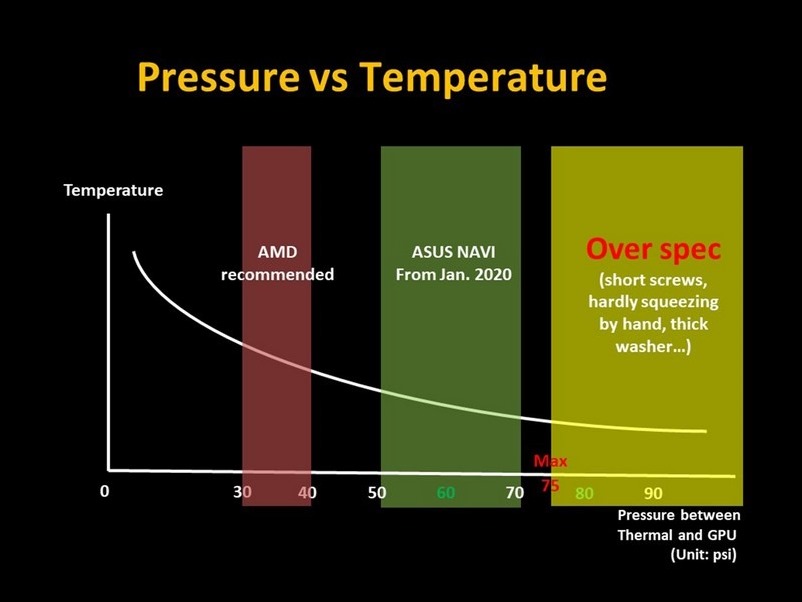
▲Temperature and installation pressure actually affect each other. Too much installation pressure may damage the wafer, but too little may cause the temperature to soar. The red range in the picture is the installation pressure specification recommended by AMD, and the green range is the range allowed by ASUS after judgment. Of course, unless these pressure data are the hands of God, tightening the screws with your own hands may not achieve the specified pressure, and may also cause damage to the graphics card (Image source)
As for the early launch of graphics cards that use old screws and AMD’s recommended pressure settings, ASUS said it will provide free screw replacement services in March. You only need to contact official customer service. Although early-released graphics cards should be able to be pressurized directly to the pressure value set by ASUS without changing the screws, considering that the 7nm wafer may not have enough endurance, it is recommended to replace the screws before switching to the pressure value set by ASUS:
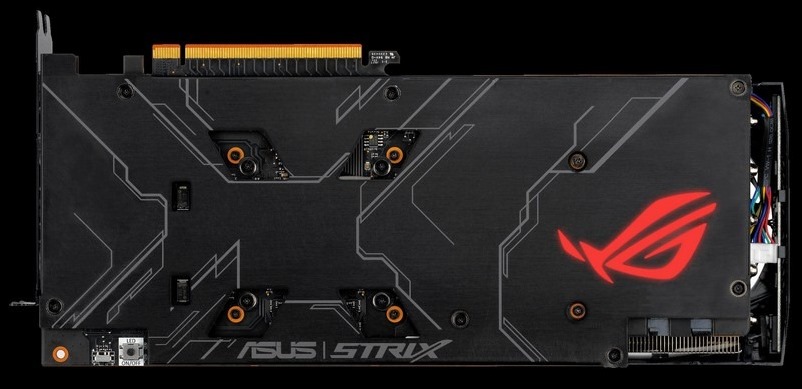
▲Newly shipped graphics cards have all had their screws and installation pressure replaced. Only if you buy an old model and think the temperature is abnormal, you need to contact customer service (Image source)
The announcement that it will open the service for consumers to apply for screw replacement may be just a small thing for Asus, but the supply of the screws themselves may be affected by the Wuhan pneumonia after all. ASUS recommends that consumers call the customer service center first to inquire about the feasibility of replacing the screws and whether they need to wait for materials, so as to avoid a hard trip and a wastage:
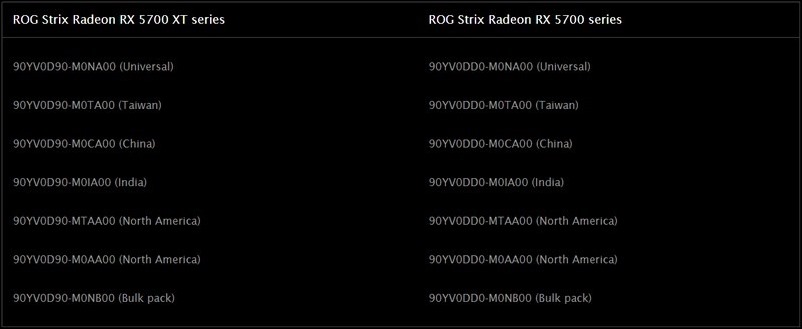
▲If you are not sure whether your card needs repair, you can compare the serial number and country that appear in the picture (Image source)
Source: KOCPC Chinese