


There are actually a lot of desktop YouTube video download tools to choose from, and there are many easy-to-use ones, like the one we recommended before YouTube by Click It’s one of them. But generally speaking, the free version has some restrictions, such as only a few downloads, a very short number of minutes, etc. This article recommends ChrisPC Free VideoTube Downloader. Although it also has free and paid versions, the free version has limitations. I personally think that if you are a light user, it is absolutely enough. There is no quantity limit. You can download as many as you want. It also supports up to 35 audio and video platforms, which means that not only YouTube, but also any website listed in the list can be downloaded.
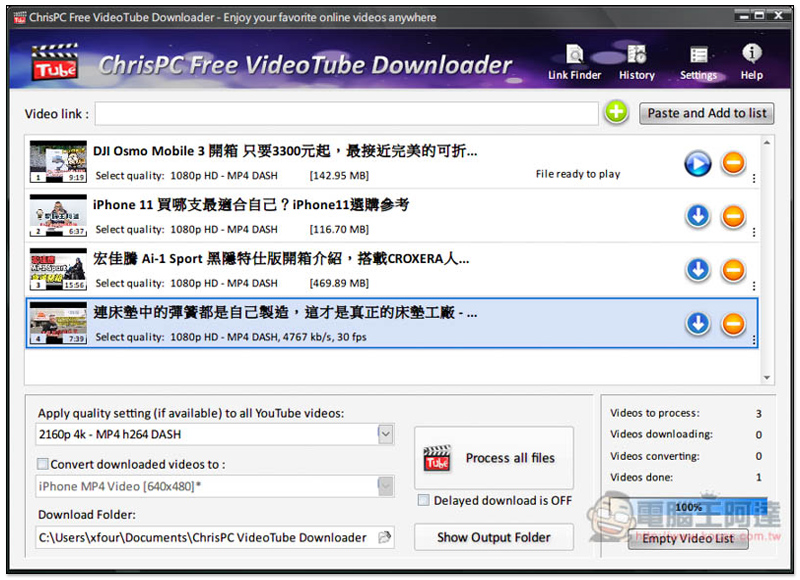
ChrisPC Free VideoTube Downloader Introduction
Click here to go to ChrisPC Free VideoTube Downloader official websiteDownload the installation file of the free version. I think the main difference between paid and free is that the paid version can download multiple videos at one time and there is no video time limit, while the free version can only download one video at a time, and the video time is within 15 minutes.
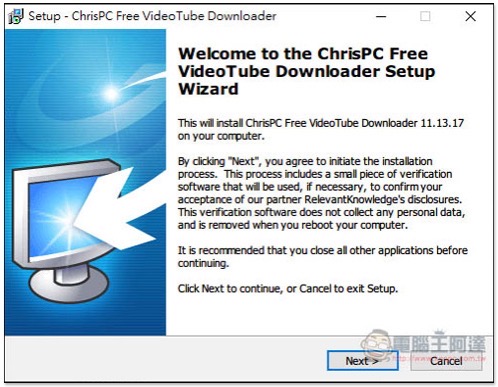
Just keep pressing Next during the installation process:
The Chinese interface is not currently supported, but it is quite simple to use, so don’t worry too much. Find the YouTube video you want to download, and after copying the URL, it will usually detect it on its own:
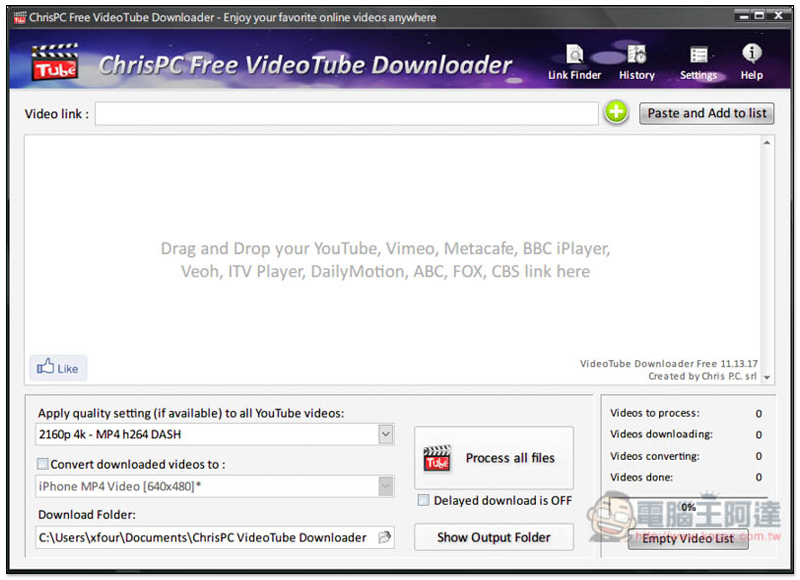
If not, you can also click Paste and Add to list in the upper right corner to paste it. The video will appear on the screen, and the image quality, format, and file size to be downloaded will also be noted below:
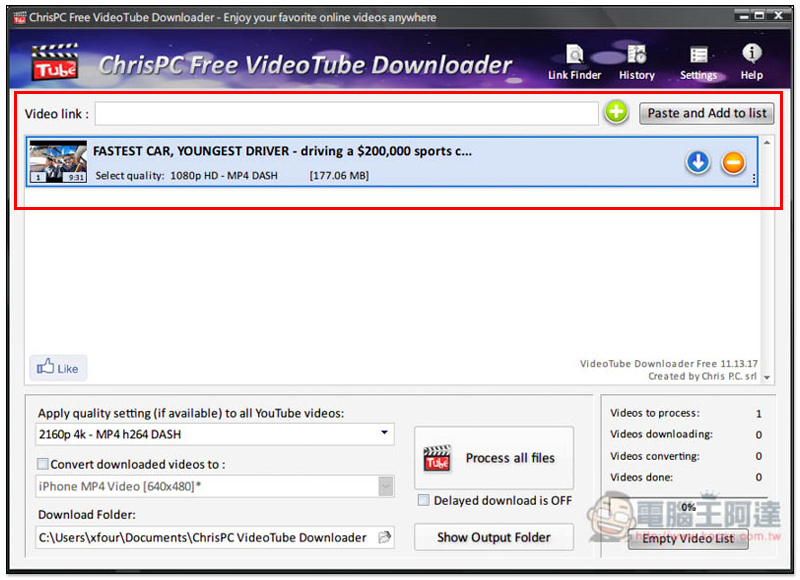
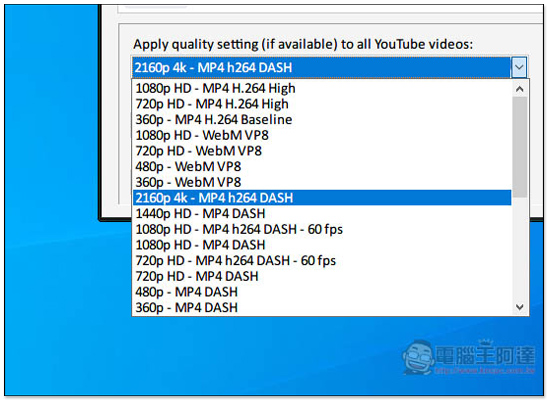
The default download quality for all videos is 4K. If not, they will be downloaded at the highest quality. You can also specify the quality setting you want to download:
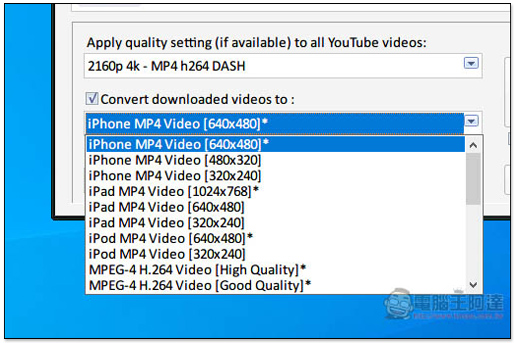
Supports direct conversion to formats suitable for iPhone, iPad, and iPod:
After clicking Process all files below, all files will start to download. You can also click the download icon on the right side of each video:
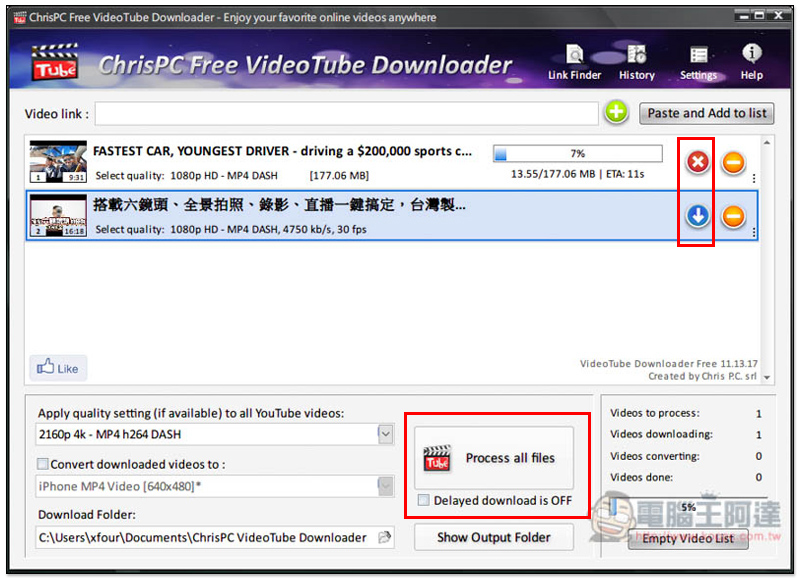
The download speed is very fast, I personally think it is faster than many YouTube online download services.
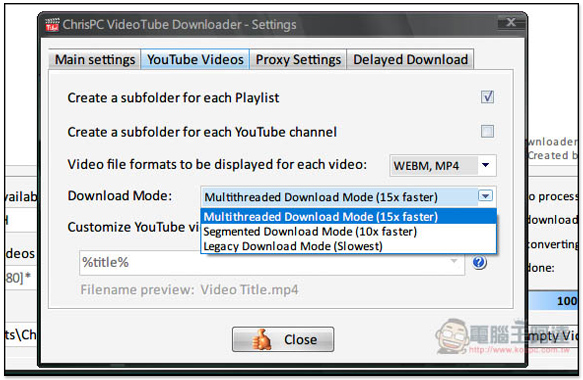
You can find the Settings function (Settings) in the upper right corner. Everything related to YouTube is in YouTube Settings:
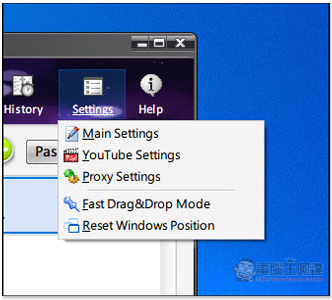
The default is multi-threaded download mode. People who don’t want it to take up too much bandwidth can also change it to a slower speed:
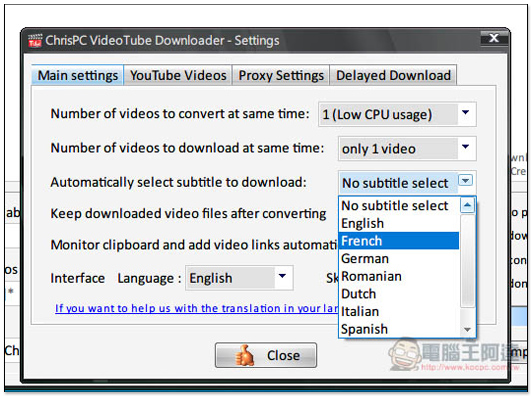
Subtitle file downloads are also supported:
There are many more functions in this set, and readers can finish the rest by themselves.
Supplementary information
ChrisPC Free VideoTube Downloader official website:Click here to go
Source: KOCPC Chinese