


All along,MacBook Should you joinTouchOperation is a topic of endless debate among users. Some people are used to the precise control of mice and trackpads, while others, after using tablets and touch screens, begin to look forward to being able to operate directly with their fingers.Laptop. While the market is still waiting for Apple’s move, an external accessory that “directly adds touch capabilities to the existing MacBook” has quietly appeared.
It doesn’t require replacing your computer or changing your usage habits. With a simple installation, you can bring a new way of interacting with the familiar MacBook screen. From daily operations and creative processes to presentations and multi-tasking applications, such changes may redefine how you imagine how to operate your MacBook.
Is MacBook finally touch-enabled? This Magic Screen external accessory brings touch control directly to your body
For many MacBook users, touch control has always been in an awkward position of “it seems necessary, but it doesn’t seem that urgent”. The operating logic of macOS itself is mature, and the trackpad gestures are also quite smooth. However, when you start to frequently switch between iPad and mobile phone, you will always reach out to touch the screen unconsciously. This gap in usage inertia over the years has also become a space for third-party accessory manufacturers to enter.
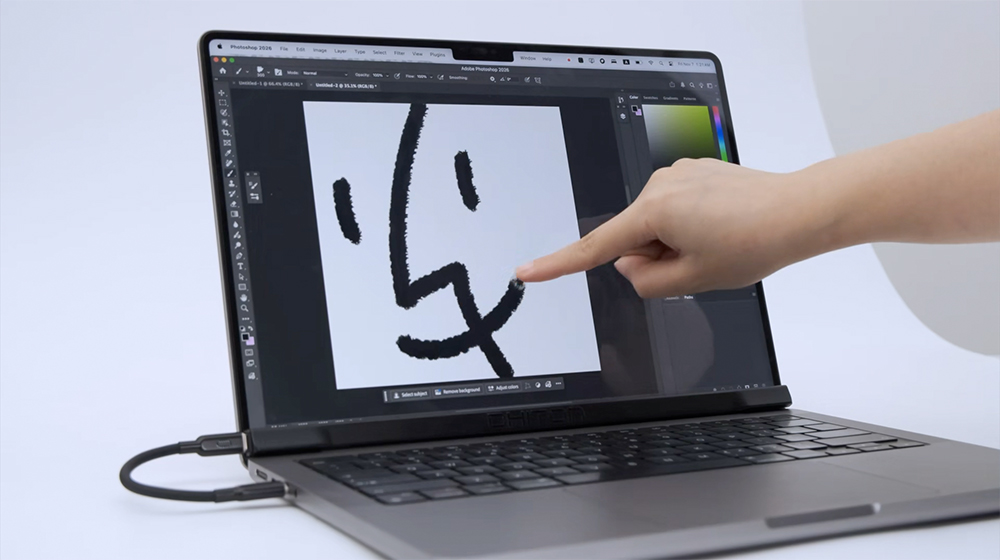
During the recent CES 2026, there was a product called Intricuit Magic Screen that will be launched on the crowdfunding platform Kickstarter. It is a product designed to address this pain point. Its concept is quite straightforward. It does not modify the MacBook itself, but uses a detachable touch module to give the existing MacBook Air and MacBook Pro screens immediate touch capabilities.
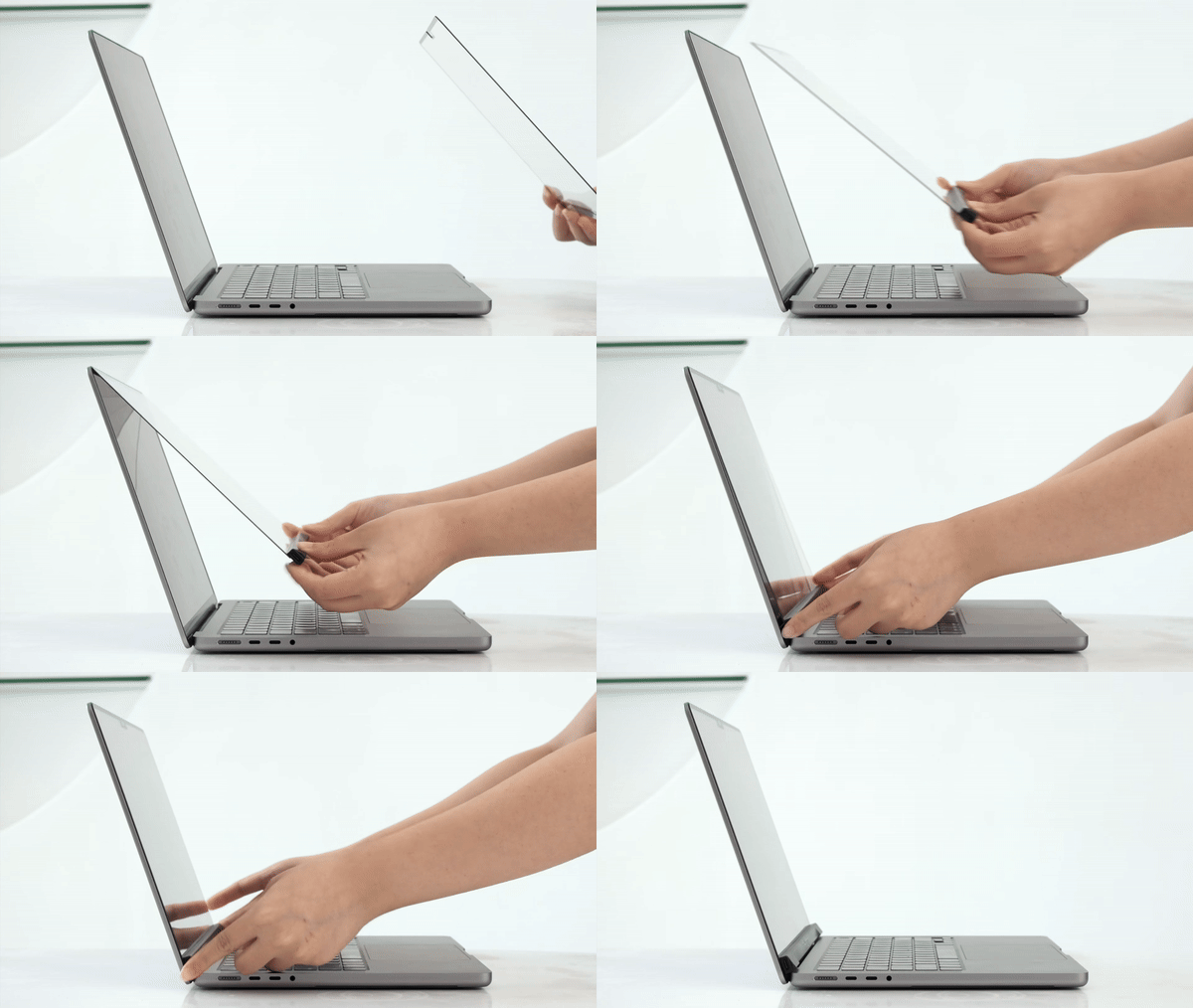
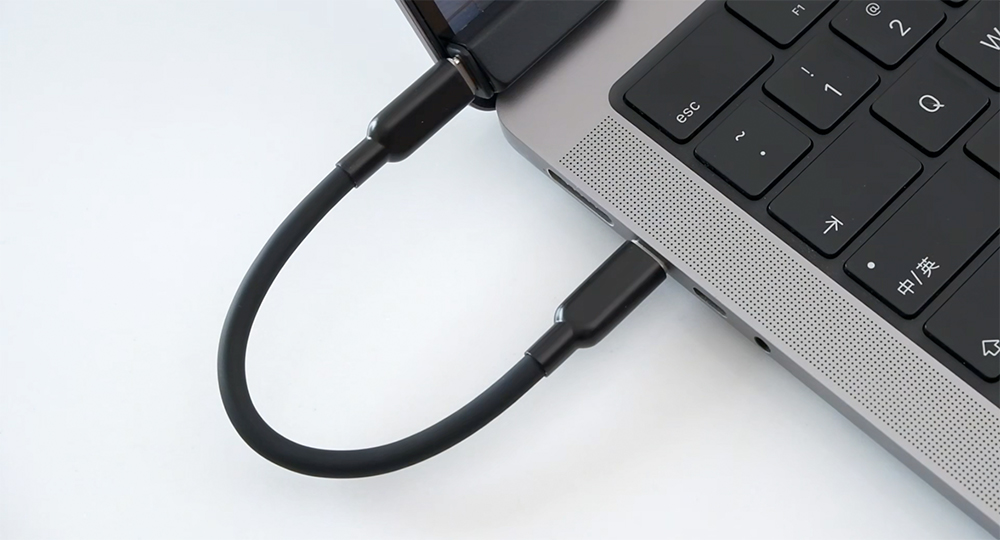
The installation method of Magic Screen focuses on “zero learning cost”. Utilizing the built-in magnetic structure of the MacBook screen, you can align it and attach it directly to the screen surface. No need for sticking, no tools, and no need to worry about leaving traces after disassembly. Then just connect it to the MacBook through a USB-C cable, and the entire system is set up with almost no impact on the original use rhythm.
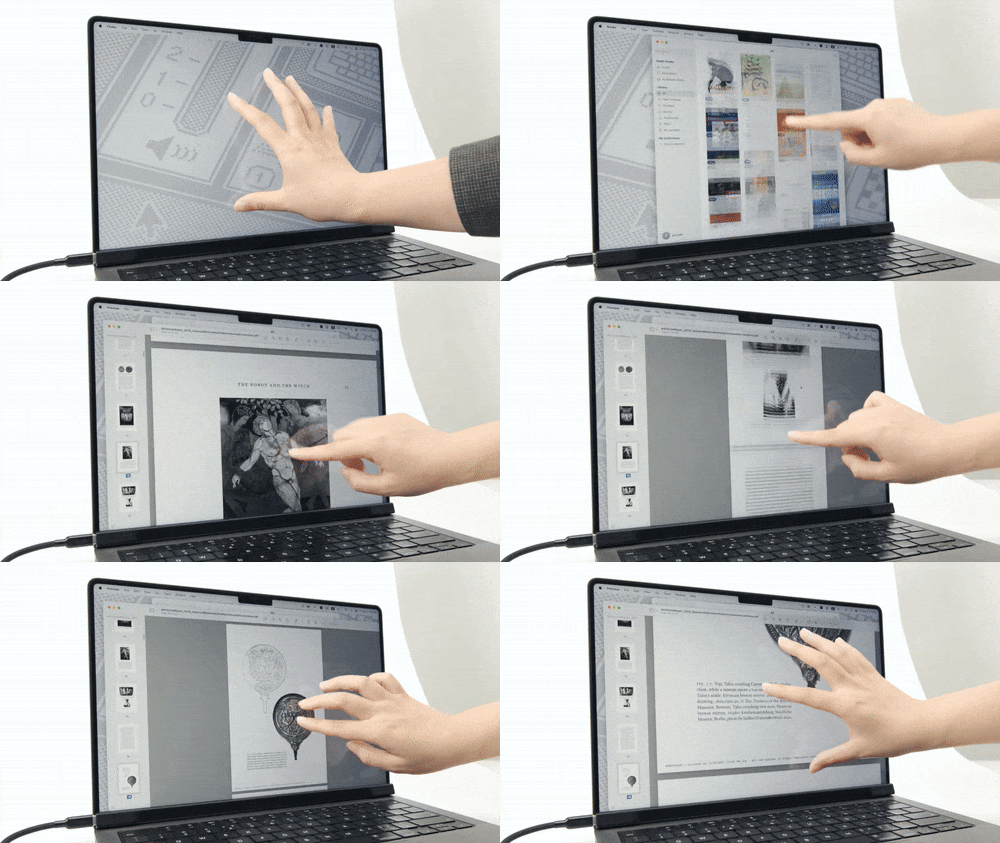
Once enabled, you can tap, slide, and zoom directly on the screen with your fingers. When browsing the web, you can quickly scroll through content just like using a tablet; when viewing photos, the intuitive operation of zooming in and out with two fingers also becomes natural. For users who switch between a large amount of content for a long time, this operation method can indeed reduce a lot of interruptions.
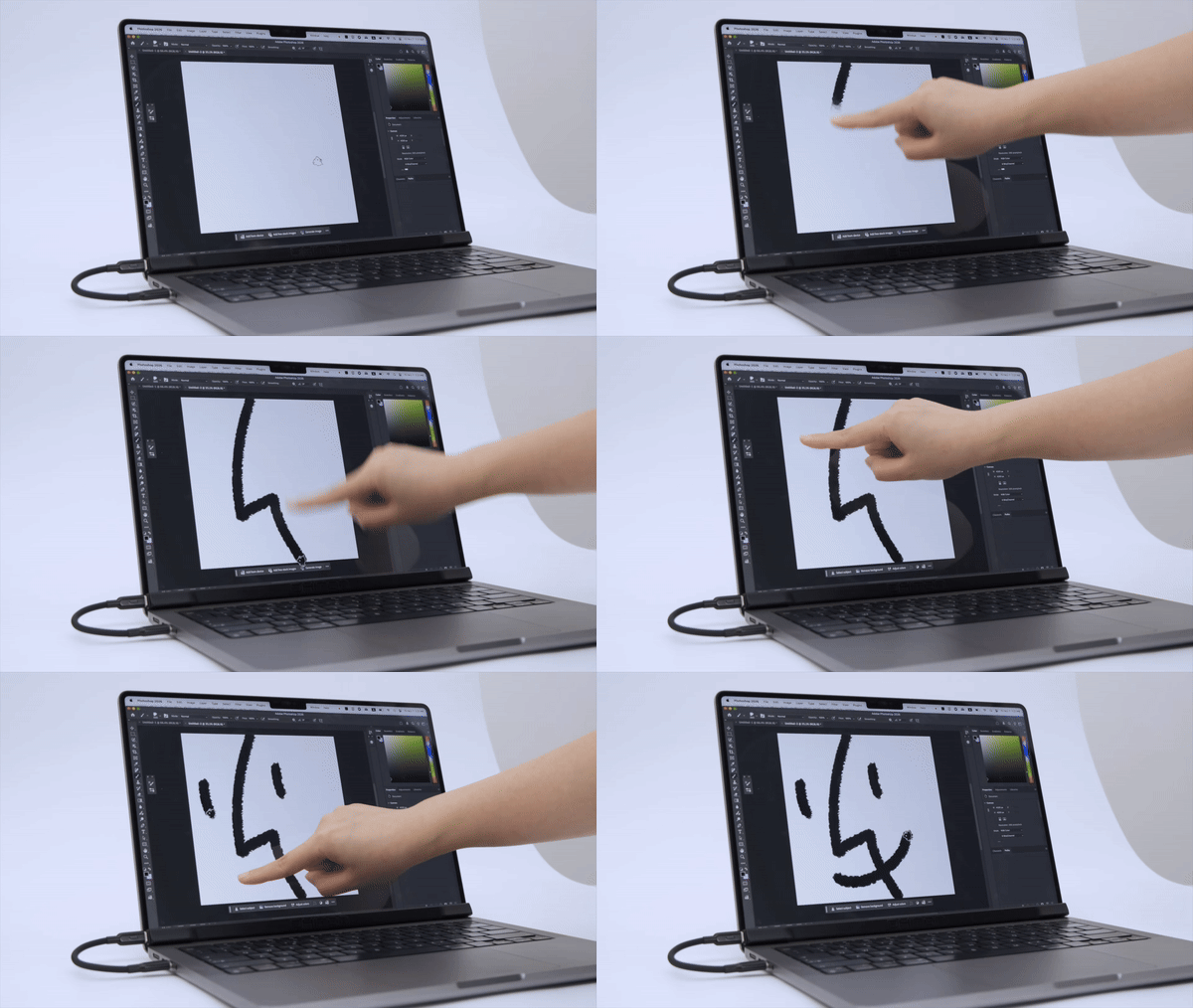
Magic Screen not only supports finger operation, but also has a built-in dedicated stylus that supports pressure sensing and suspension sensing. This is its most attractive feature for the creator community. You can draw, annotate, and write directly on the MacBook screen. The thickness of the stroke will change with the strength. You can also confirm the pen position through the floating prompt before drawing the line. The accuracy is much higher than simply tapping with your finger.
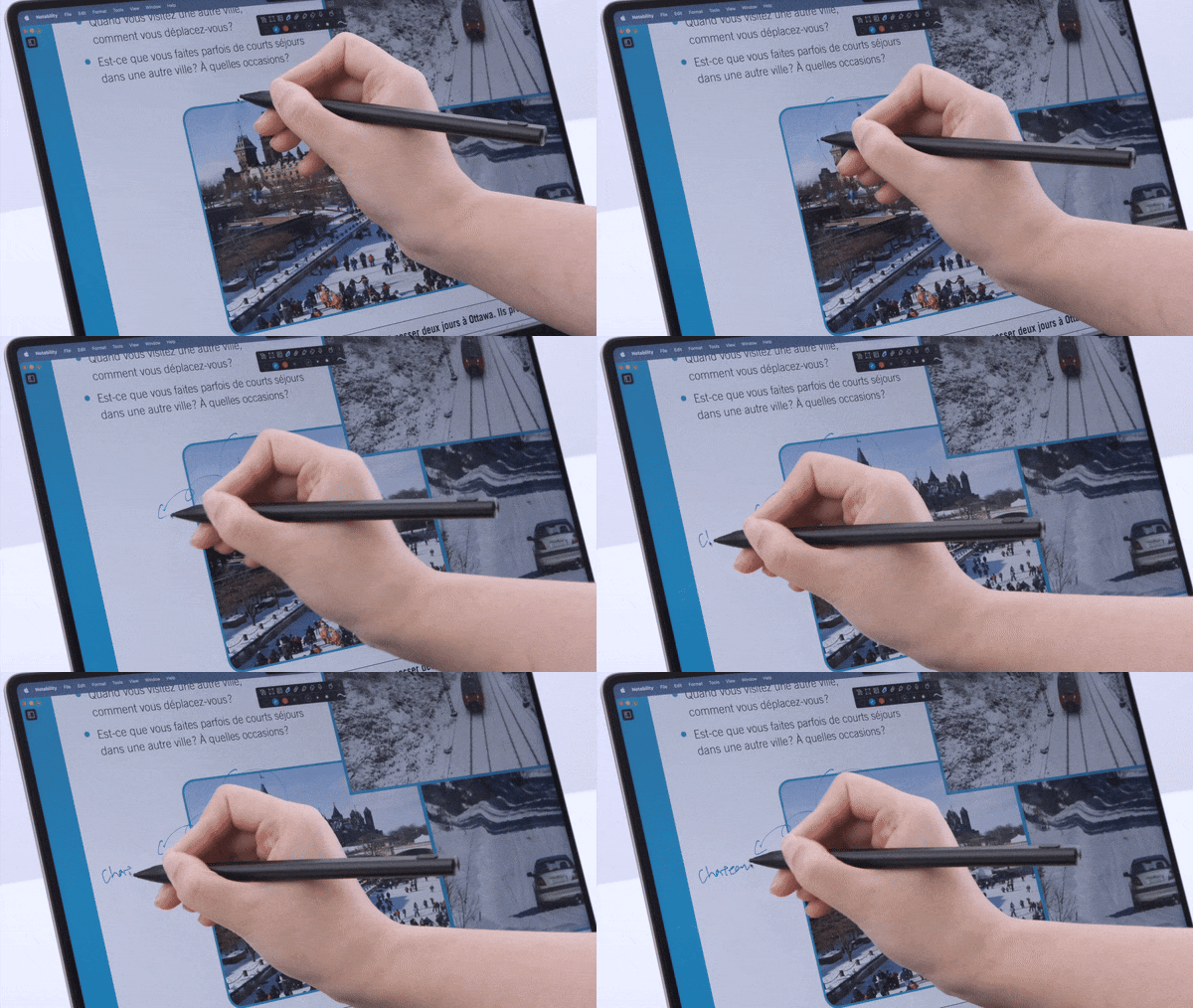
The official also emphasized that this stylus performs well in detailed operations. Whether it is tiny interface buttons, fine lever adjustments, or detailed corrections during image editing, it can maintain a very stable sense of control. It can be used for about 100 hours on a single charge. For daily creation and note-taking, the battery life is not stressful.
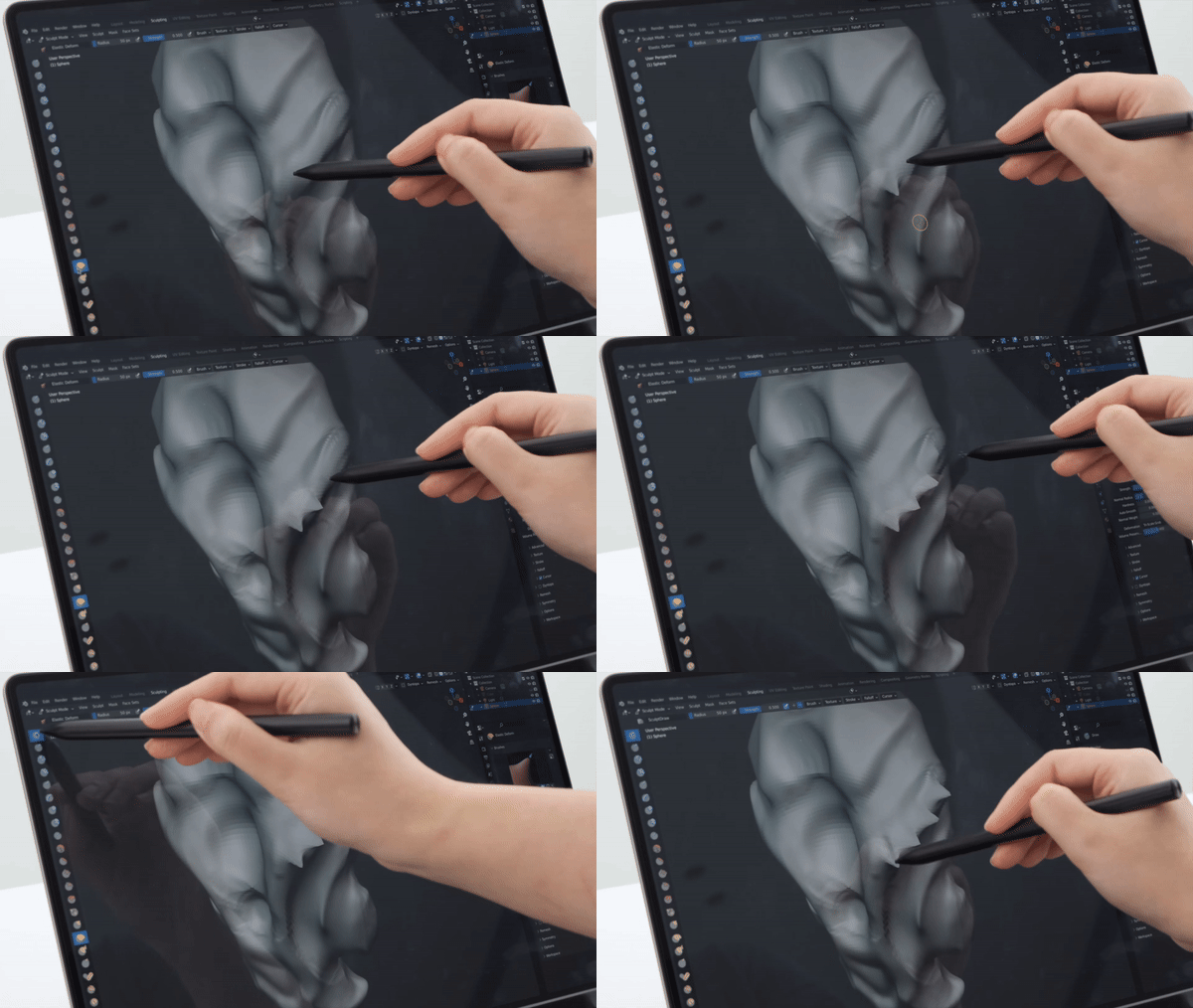
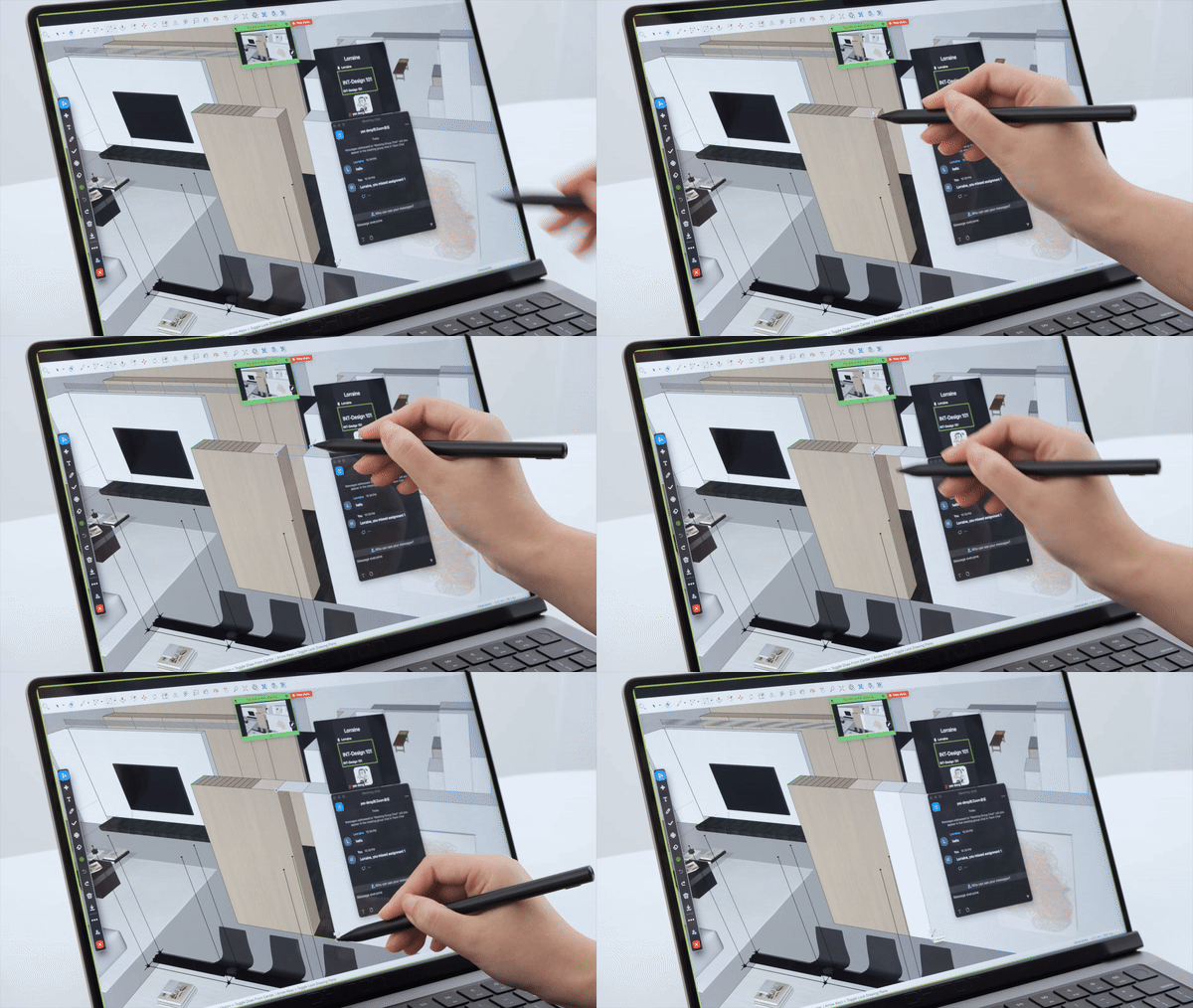
In actual usage scenarios, Magic Screen is not limited to drawing or design. When giving a presentation, you can directly slide the slide on the screen with your hands and circle key points to make the presentation rhythm more natural. During meetings and discussions, it can also be turned into a portable whiteboard to quickly draw processes, record ideas, and zoom in and out at any time to rearrange.
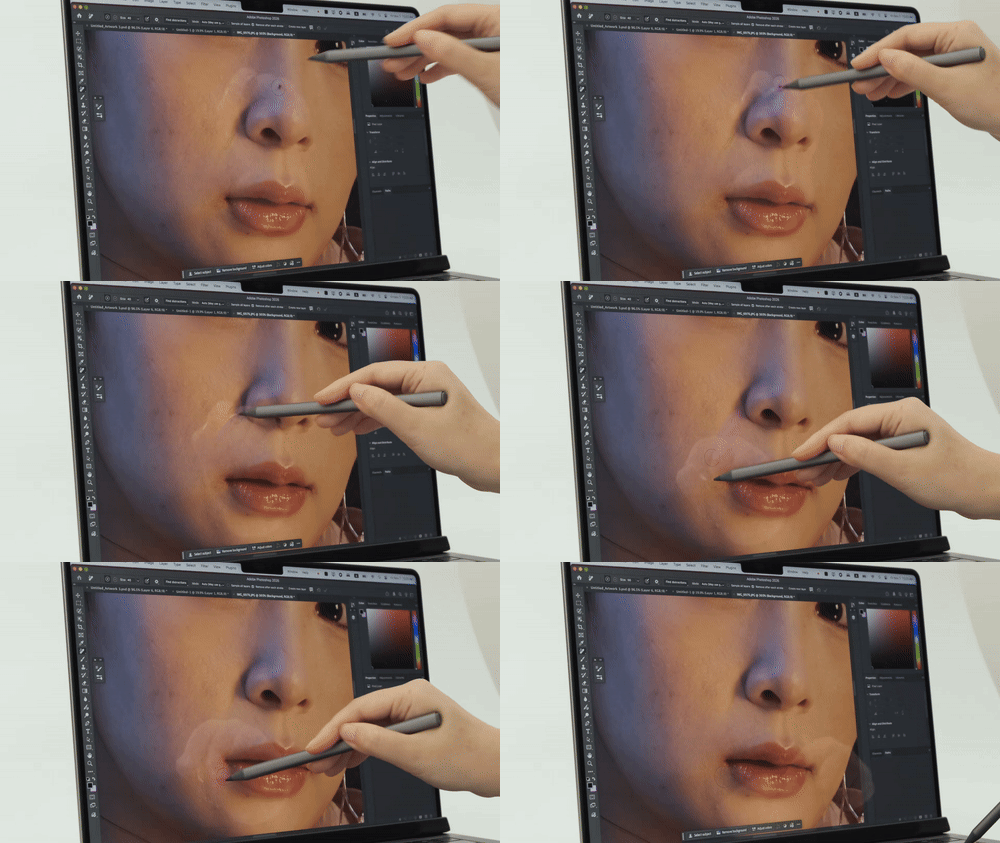
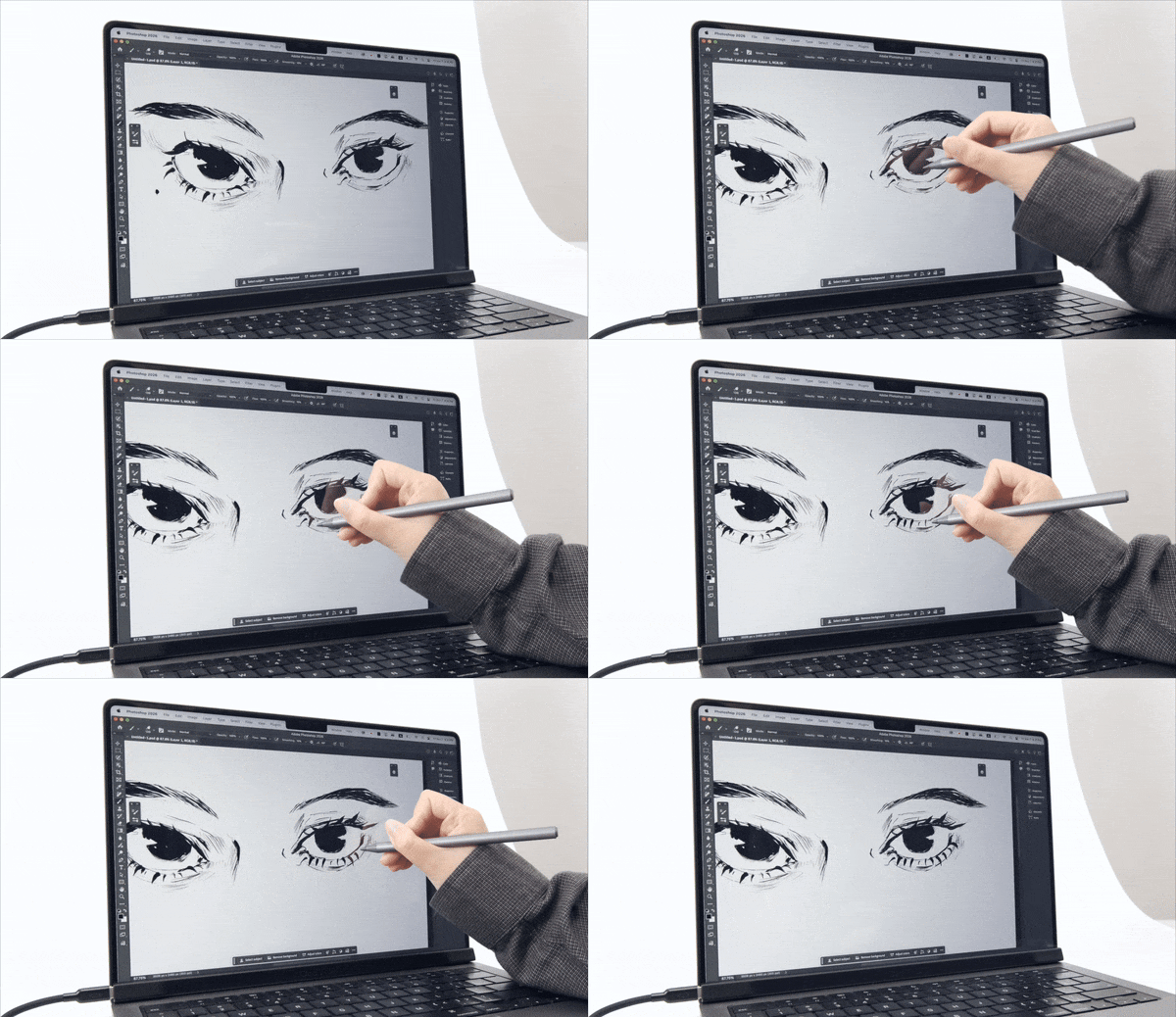
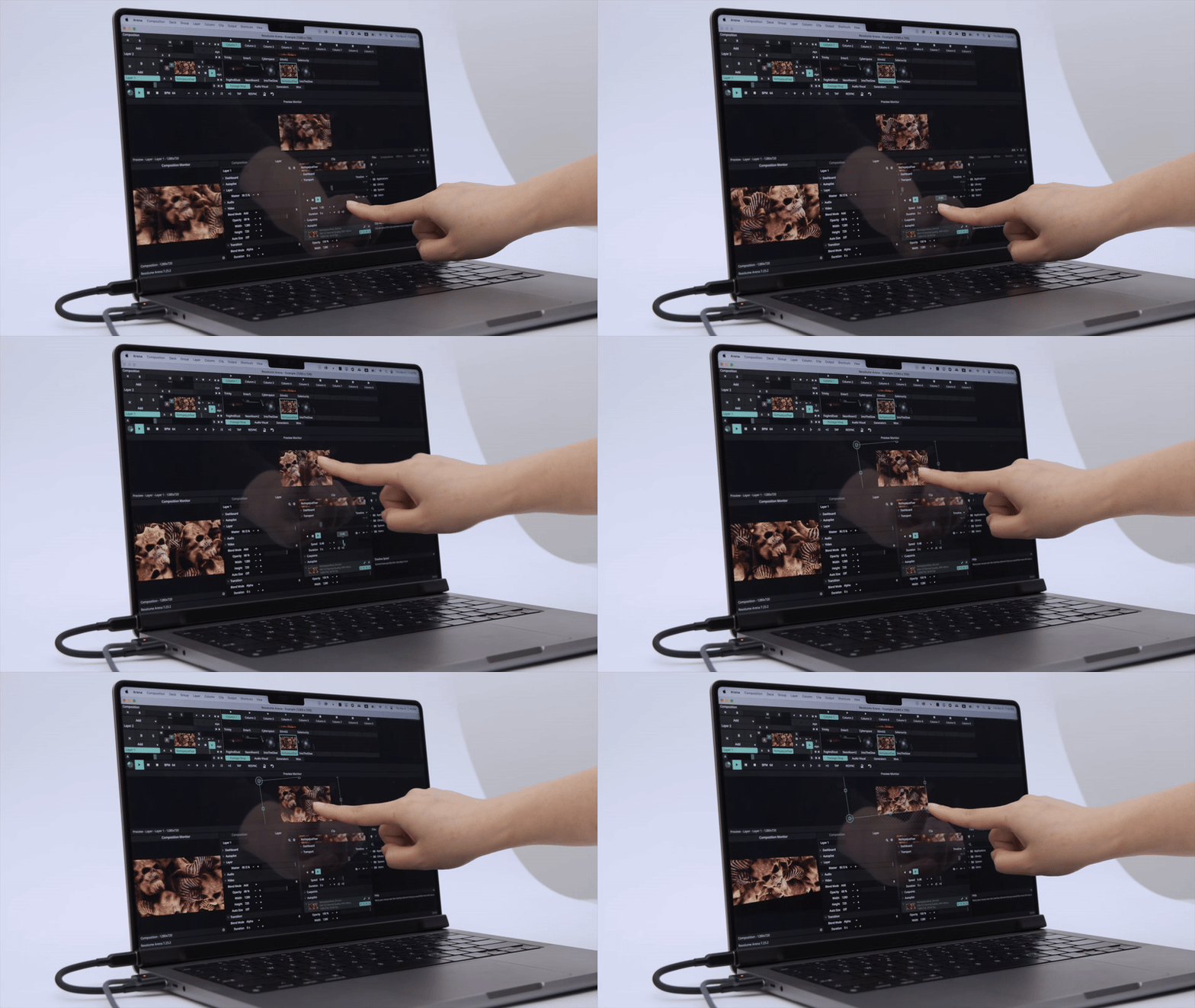
For heavy multi-tasking users, touch can also bring a more intuitive operation method for some complex commands. For example, for music, video editing or real-time control interfaces, actions that originally required memorizing shortcut keys or mouse positioning can now be completed through simple clicks and slides, reducing the time spent searching for tools.
Another interesting application is iPhone mirroring. When the virtual iPhone screen is displayed on the Mac, direct operation through touch is closer to the original usage logic than mouse clicks, and it also makes cross-device operation more smooth.

In addition, Magic Screen can be switched to independent drawing tablet mode after being detached and used simply as an external drawing device. For users who don’t want to carry an extra large drawing tablet, but still want to maintain a professional pen feel, the flexibility is quite high.
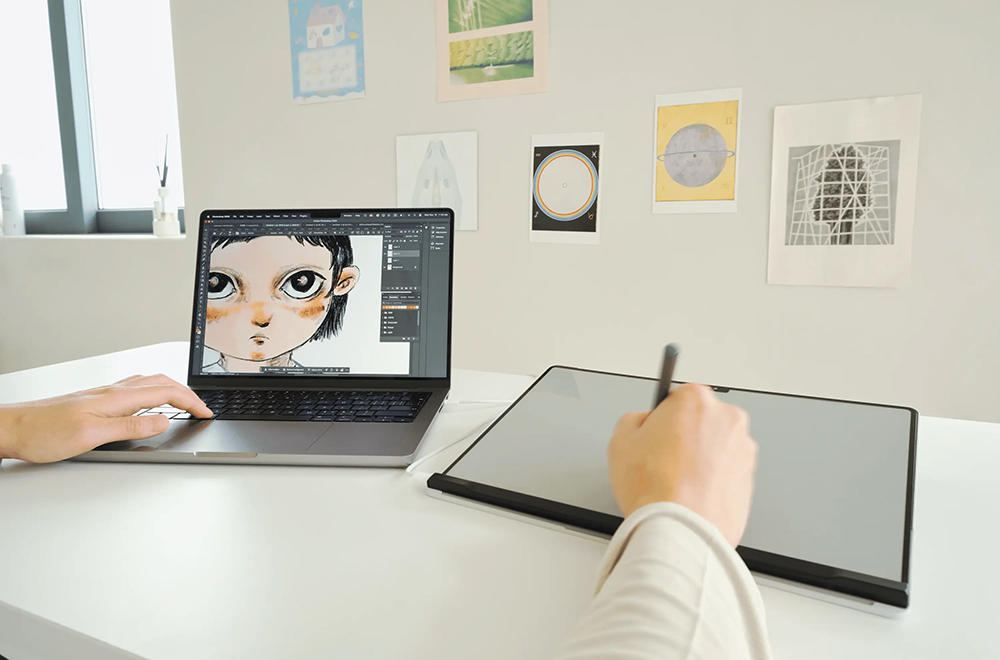
In terms of portability design, the included protective Folio can store the Magic Screen at the same time and can be magnetically attached to the MacBook. The entire set of devices does not require additional desktop space.
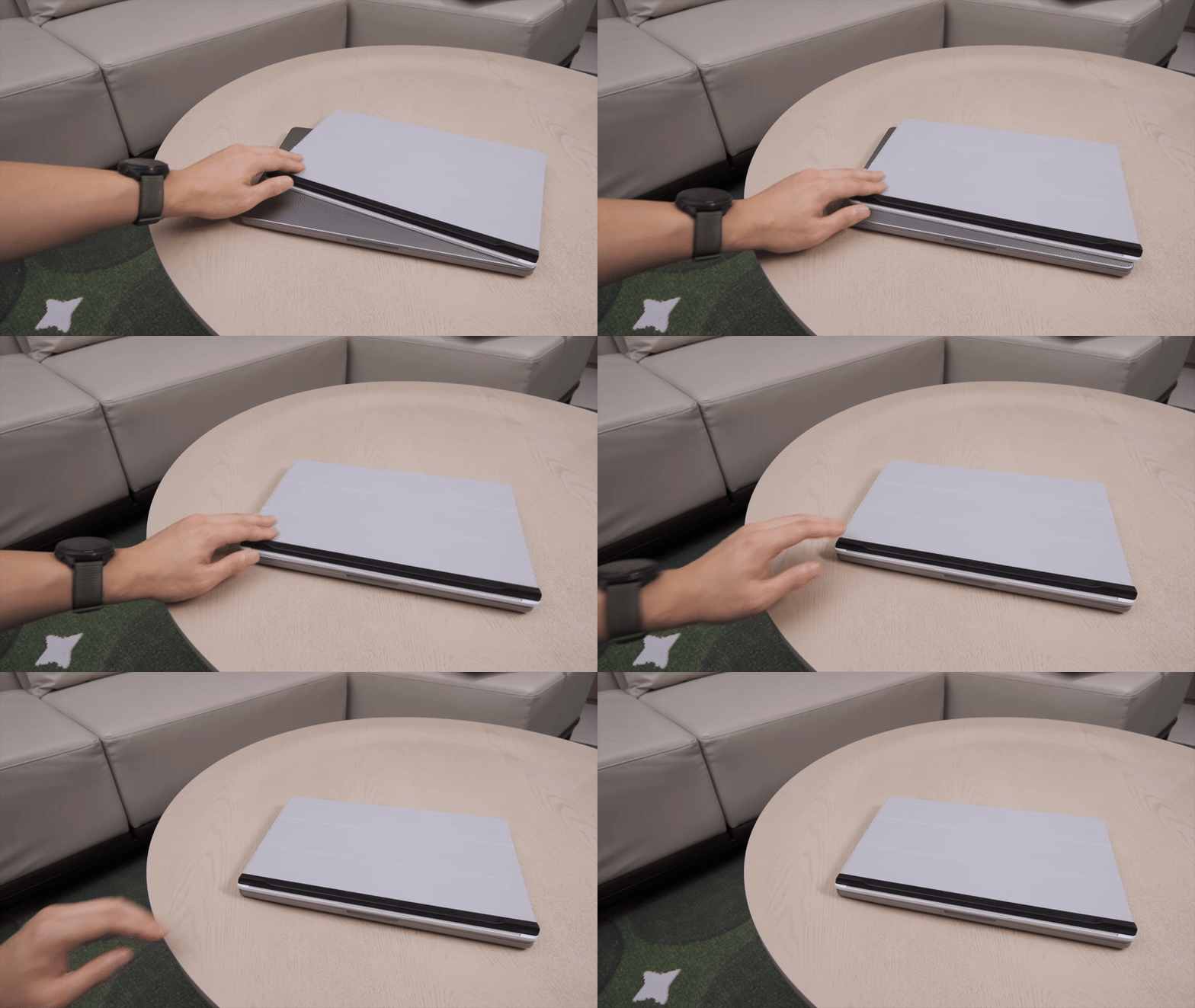
Whether it is used in a coffee shop, on a small table, or even on transportation, it will not add too much burden.

The current fundraising price of Intricuit’s Magic Screen starts from $139, and the actual shipping time and official launch schedule have yet to be officially announced. However, judging from the design ideas and usage scenarios, it is obvious that it does not exist purely for gimmicks, but rather attempts to fill the long-standing gap between MacBook and touch operations.
Further reading:
厚度僅 6mm!小米 Xiaomi 纖薄磁吸行動電源 5000 15W 將於 1/16 在台開賣:早鳥加贈 Xiaomi 3A 編織傳輸線 10cm
Source: KOCPC Chinese