


It was clear that my friend had sent me a message a long time ago, but the notification didn’t pop up at all on my phone. I clicked on it. LINE A bunch of new messages suddenly appeared at once. Have you ever encountered this situation? Quite a lot recently iPhone Users reported on the community that LINE experienced message delays, slow updates, and even blank chat room screens, which not only affected work contacts, but also made daily communication very troublesome.
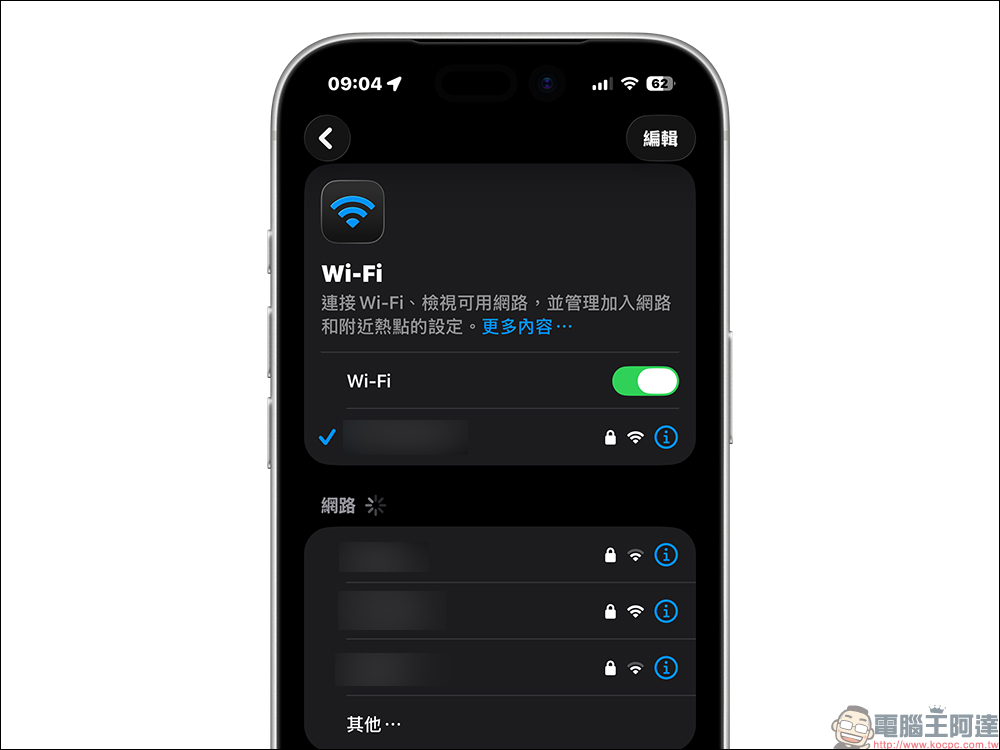
What’s even more troublesome is that this kind of problem does not distinguish between models and system versions. Even new iPhones with the latest iOS You may also get tricked. The good news is that many netizens have found through actual testing that LINE’s response speed can be significantly improved by simply resetting the iPhone’s network settings. This method is not difficult to operate and will not delete mobile phone data. It is very suitable as the first step of self-rescue.
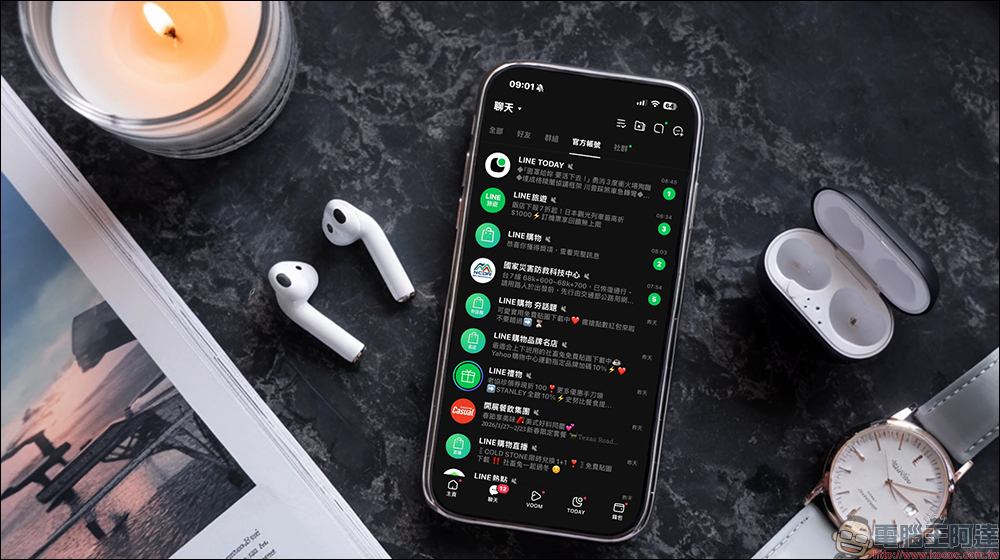
How to solve LINE message delay? try this method
Recently on major social platforms and discussion forums, you can see many people sharing the same problem. LINE messages are obviously sent, but notifications are not displayed for a long time. Even the chat room screen is stuck and does not update. You have to restart the app to display all new messages at once. This situation not only occurs in older models, but also users of the iPhone 17 series with the official version of iOS 26.2 have encountered similar problems.
The reasons for the delay in LINE messages are actually quite complex. It may be a temporary error in the App itself, or it may be an abnormal background connection in the system, or the current Wi-Fi and mobile network status is unstable. Because there are many levels involved, there is currently no official clear statement pointing to a single main cause.
However, among the many reported experiences, there is one method that has been named effective by many people, and that is “resetting iPhone network settings”. This function was originally used to troubleshoot network connection abnormalities, but it was actually applied to LINE latency problems and unexpectedly worked well.
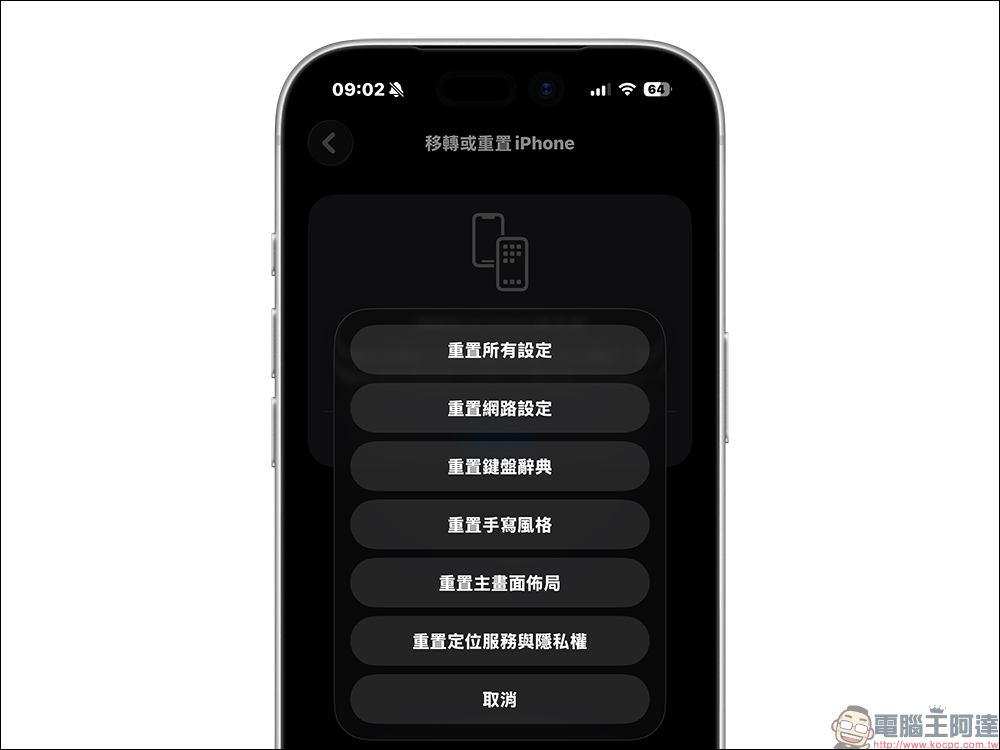
The so-called reset of network settings simply means to restore all network-related settings in the phone to the factory default state, thereby clearing possible conflicts or incorrect configuration files. Problems such as unstable Wi-Fi connections, stuck iCloud synchronization, failed system update downloads, and even Bluetooth audio delays are often improved through this method.
The biggest advantage of this function is that it will not delete photos, messages or app data, making it a relatively safe debugging method. However, it will clear all network-related settings, including recorded Wi-Fi passwords, configured VPNs and APNs, and previously paired Bluetooth devices.
Therefore, it is recommended to confirm that you have an available Wi-Fi password on hand before operating, and be mentally prepared to re-pair the Bluetooth headset or car system.
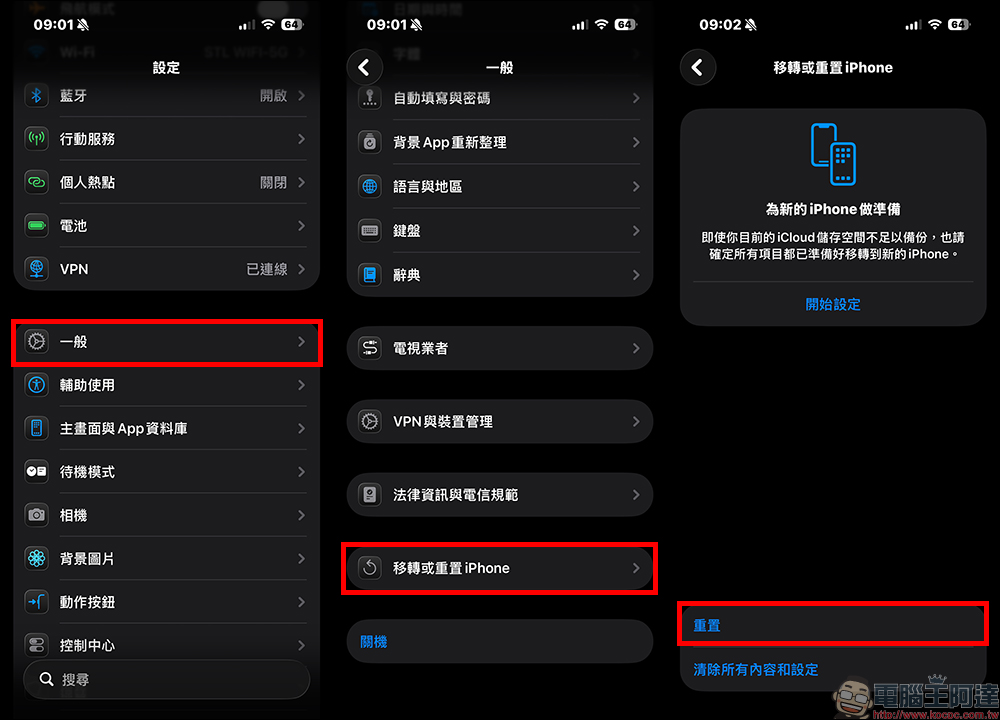
The actual operation method is also very simple. Just open “Settings”, enter “General”, click “Transfer or Reset iPhone” and select “Reset”:
Finally, click “Reset Network Settings”. The system will ask for confirmation of the unlock password, and then the screen will show that it is being reset. Wi Fi and Bluetooth will be temporarily interrupted. The entire process will be completed after the phone restarts.
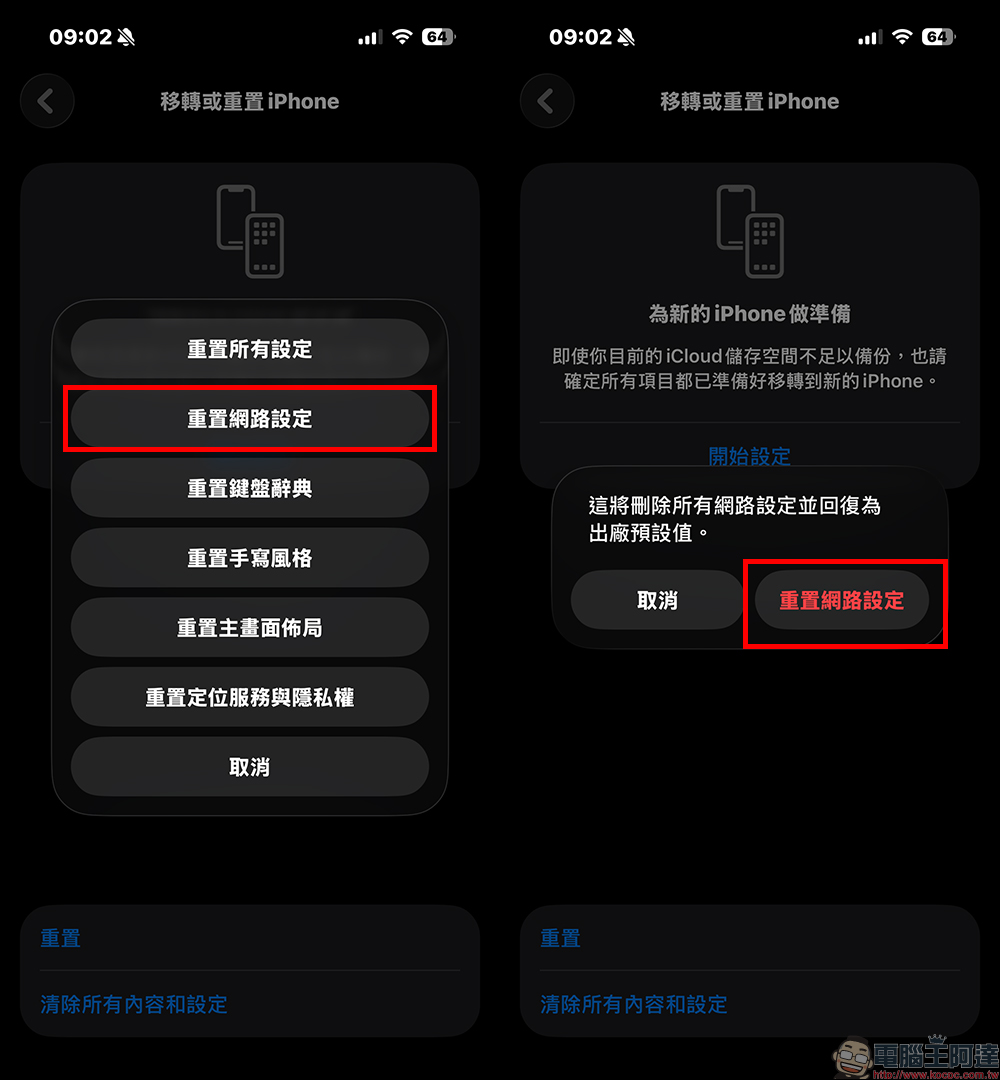
After completing the reset, reconnecting to the Internet and opening LINE, many people reported that the message update speed was significantly faster, and notifications returned to normal and popped up immediately. Although this may not necessarily solve all cases 100%, based on current feedback, it is the lowest cost and most worth trying method first.
Conclusion
Although LINE message delay is not a serious system error, it can easily affect work and daily communication, especially when missing important notifications. By resetting the iPhone’s network settings, this trick can often eliminate most temporary connection abnormalities and return information to the normal state of real-time updates.
However, this is only a temporary solution after all. A real improvement will depend on subsequent official updates from LINE or iOS. It is recommended to develop the habit of regularly updating the system and apps. When encountering an abnormality, start with simple settings and troubleshooting. This can often save a lot of wasted time and return the mobile phone experience to a smooth state.
Further reading:
Source: KOCPC Chinese