


After Google officially announced the January 2026 system update in the second week of this month, it took some time for the update to be gradually rolled out to all compatible Pixel devices. However, this seemingly routine update unexpectedly caused quite a few problems. An increasing number of users have reported that, after installing the update, Wi-Fi and Bluetooth on their Pixel devices can no longer be enabled at all, and no reliable solution has yet been found.
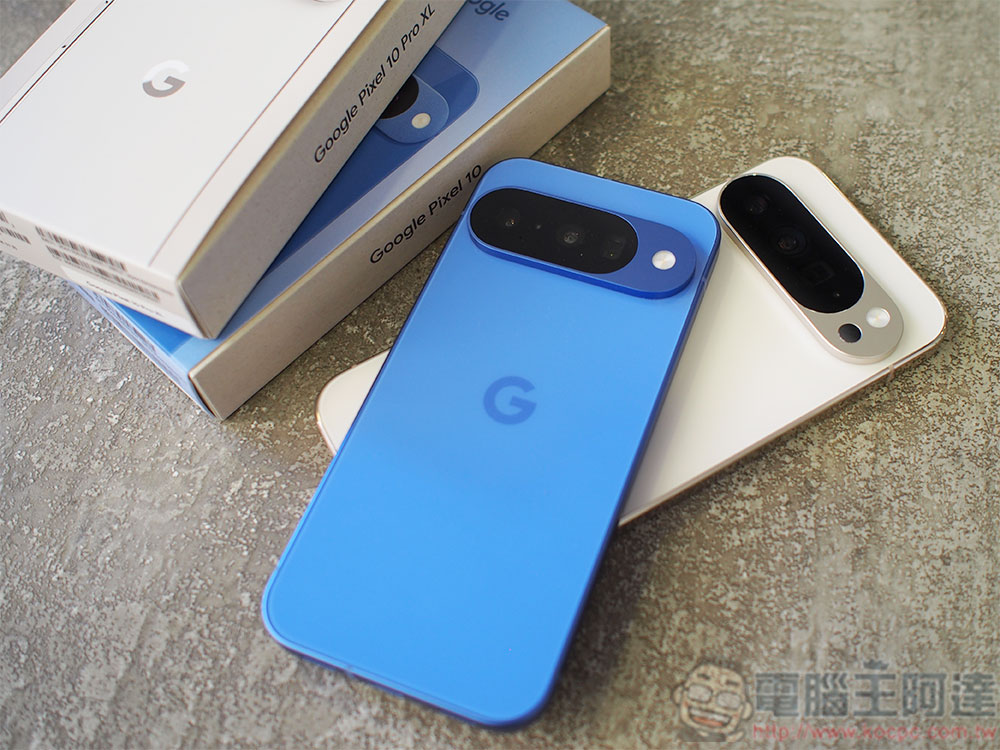
Don’t update just yet! Google’s January Pixel update is causing Wi-Fi and Bluetooth to stop working
According to several affected users on Reddit and Google Official Support ForumAccording to reports shared online, after the update, their phones were not only unable to connect to Wi-Fi or pair with Bluetooth devices, but even the ability to turn these features on or off stopped working altogether. Foreign media 9to5Google We’ve also compiled related reports, which indicate that this is not an isolated incident but rather a fairly common issue. What’s even more frustrating is that common troubleshooting methods—such as restarting the device, clearing the cache, or even restoring factory settings—fail to restore normal functionality; the problem seems to be deeply rooted in the system’s underlying architecture.
Major errors on Pixel 10 after update?
byu/PorcupineTreeClimber inGooglePixel
For users who rely on Wi-Fi or Bluetooth, this bug has a significant impact. This is especially true for users with limited mobile data or those in areas with poor signal, as their phones are essentially forced to remain in a state similar to “Airplane Mode,” severely limiting their daily use. Based on current reports, the issue affects a wide range of Pixel devices, including the Pixel 8 Pro, Pixel 9 Pro, Pixel 10 Pro, and Pixel 10 Pro XL—all models that are eligible for the update. Although not all Pixel devices that installed the January 2026 update are experiencing the issue, the prevalence of the problem is significant enough to have drawn considerable attention from the community.
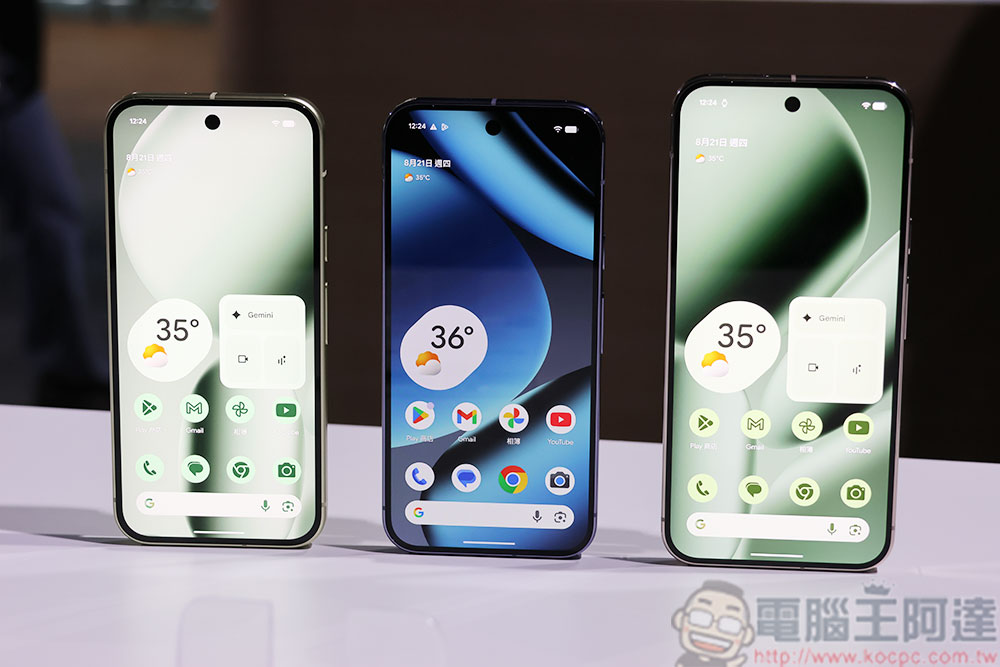
If you happen to encounter the same issue, there are currently very limited steps you can take. Most methods tried by users have proven ineffective; the only solution that has worked for a small number of people is to manually sideload the latest publicly available system image via ADB. However, this method requires a computer connection and a certain level of technical expertise, making it less user-friendly for the average user and carrying some risks.
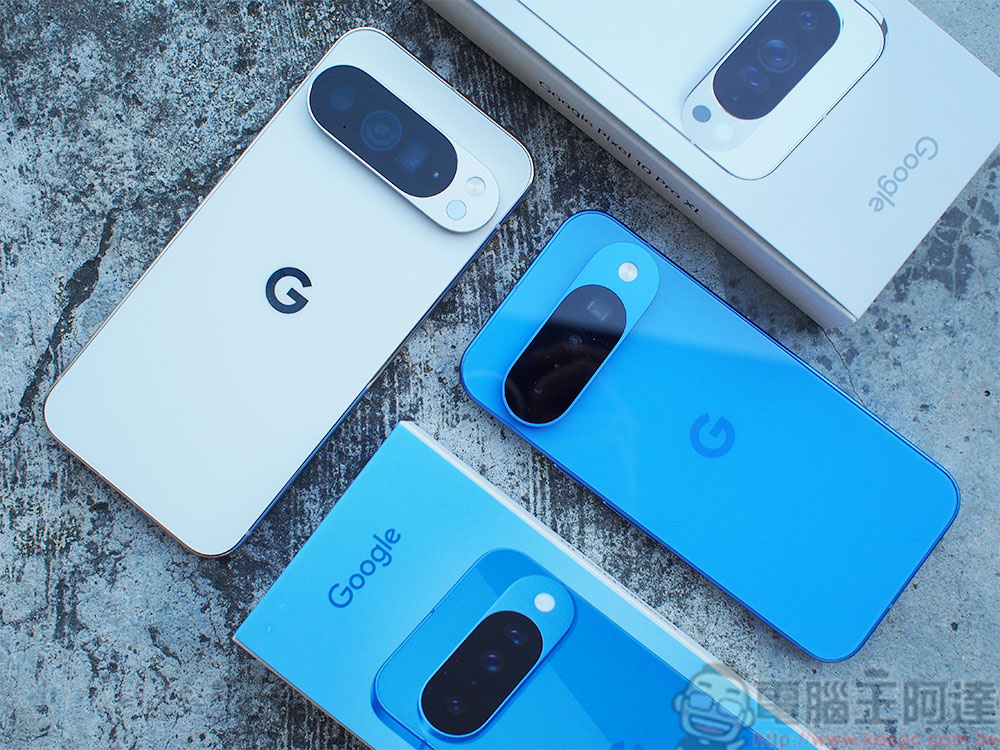
Therefore, if your Pixel hasn’t received this January update yet, the wisest course of action is to hold off on updating to avoid leaving your phone unable to connect to the internet.
Even more concerning is that Wi-Fi and Bluetooth aren’t the only issues. Some users have reported that, following the update, the search function in System Settings has completely stopped working, network and connection-related options fail to load, standby power consumption has increased abnormally, and even the camera may fail to launch properly. Taken together, these issues have cast serious doubt on the stability of this update.
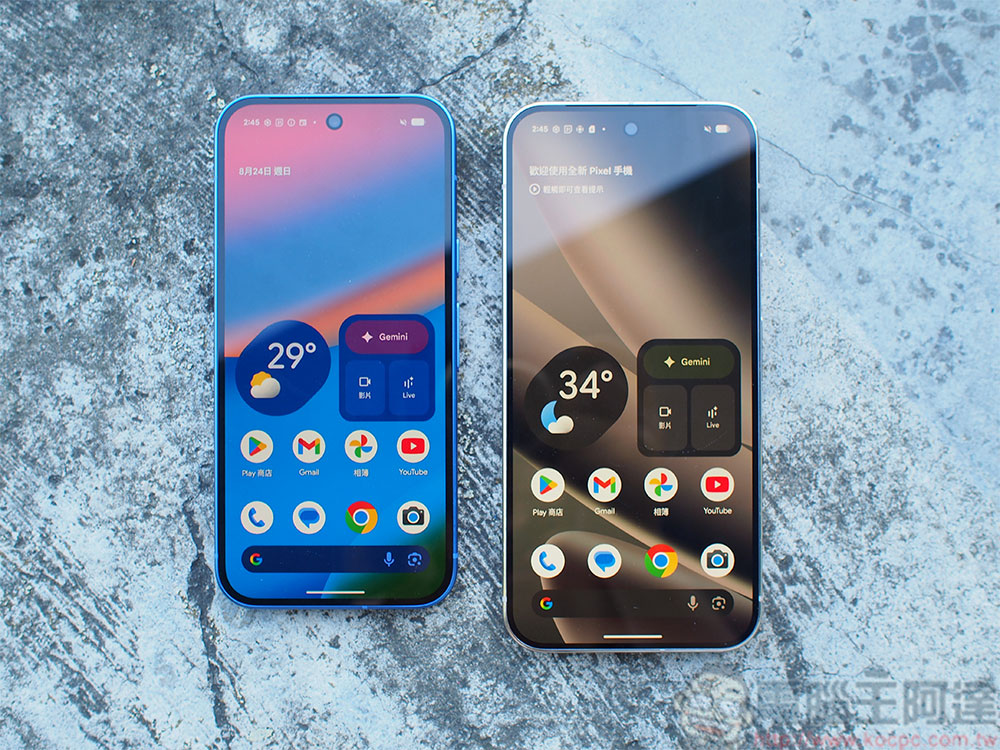
Google’s official account has acknowledged the existence of the issue, but has not yet provided a specific timeline for a fix, nor has it released a temporary patch or rollback solution. For users who rely on Pixel devices for work, this wait undoubtedly adds to the uncertainty. In fact, this isn’t the first time Pixel users have encountered unexpected issues following routine security updates. Over the past few years, it has become commonplace for the Pixel series to encounter new issues after updates, to the point where it has become a half-joking “tradition” within the community. Although Google continues to emphasize the importance of software updates, the inconsistent quality of these updates has led some users to adopt a more cautious attitude toward monthly updates.
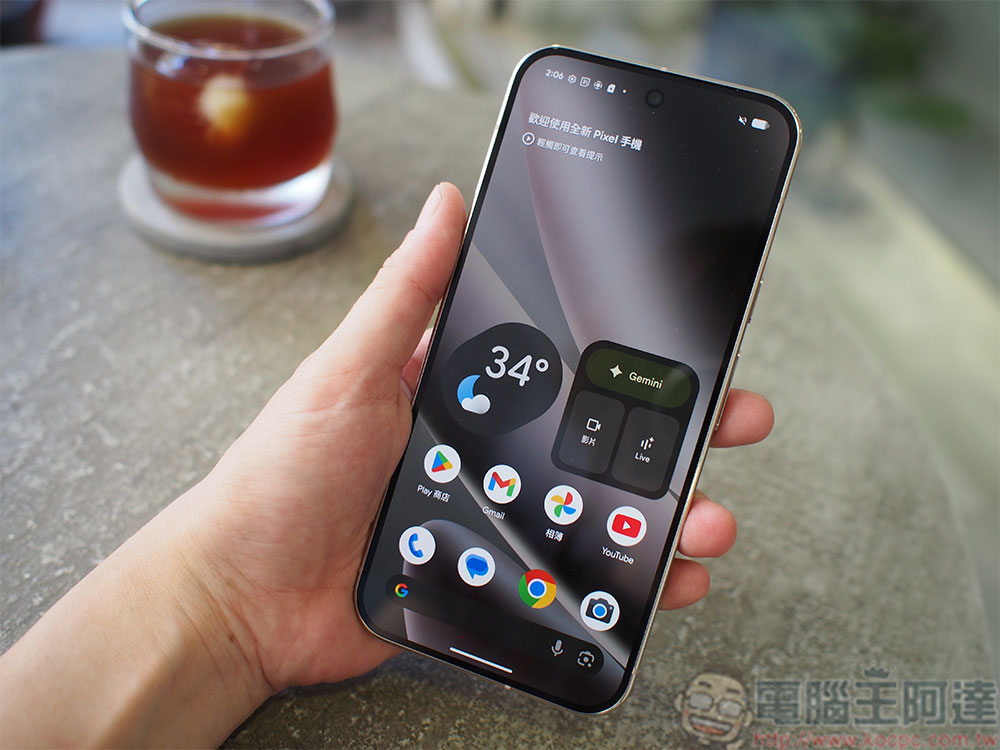
Overall, the January 2026 update once again highlights the challenges the Pixel series faces in terms of software maintenance. For users, the most practical advice remains: avoid updating, wait and see, and keep an eye out for official announcements until Google releases an official fix. For users who have already been affected, the only options are to wait patiently for Google’s fix or, if technically capable, attempt to manually sideload a system update.
Source: KOCPC Chinese