


Many people probably, like me, watch a lot of YouTube videos every day. Although many are good, there’s definitely not enough time to watch every single one. Sometimes you might just want to know a specific piece of information, or want to quickly understand what the key points of the video are before deciding whether to continue watching. This article recommends a really useful Tubelens free Chrome extension that not only offers practical bilingual subtitles but also provides one-click YouTube summaries (with timestamps), mind maps, ask questions about the video content, find related videos, and even includes comment analysis—all powered by the trustworthy Claude AI and completely free to use.
This extension gives you a video summary before watching, letting you click directly on the timestamps that interest you and save a lot of time.
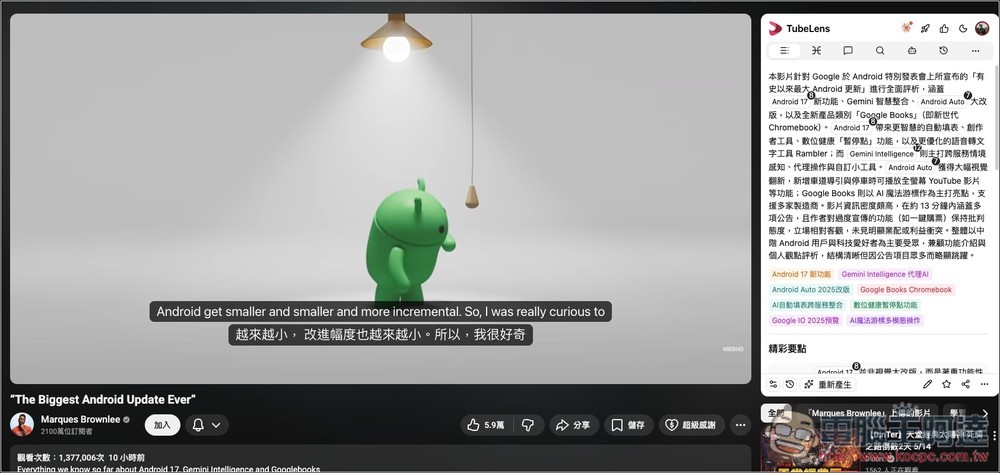
Tubelens Free Chrome Extension: Introduction and How-to Guide
TubeLens is an AI-powered extension designed for YouTube that helps users understand video content faster, allowing them to quickly grasp key points without watching from beginning to end. It can directly generate video summaries, key point summaries, timeline highlights, mind maps, bilingual subtitles, comment analysis, and AI Q&A right on the YouTube page. For those who frequently watch YouTube tutorials, foreign language content, tech presentations, long interviews, or research materials, it can significantly save time on organizing information.
For example, a 1-2 hour video can be quickly condensed into key summaries that take just a few minutes to read. When dealing with complex topics, it can also present the relationships between sections using mind maps, making learning and information retrieval more intuitive. Additionally, TubeLens also supports comment analysis, which can help YouTube creators or researchers quickly understand audience reactions, popular questions, and overall sentiment trends.
According to the tool page description, TubeLens is powered by AI models like GPT, Claude, and Gemini. If you have a Claude account, you can log in to generate YouTube summaries, mind maps, and other features for free through Claude AI.
Featured List
- Supports AI summaries for YouTube videos, quickly organizing key points and highlights
- Can create mind maps to help understand complex topic structures
- Supports bilingual subtitles, ideal for watching foreign films and language learning
- Analyze YouTube comments, organize audience sentiment and popular questions
- Ask AI questions about video content without rewatching the entire video
- Available for free with a Claude account
- Integrated into the YouTube page, no need to keep switching tabs
- Suitable for students, content creators, researchers, and frequent long-form video viewers
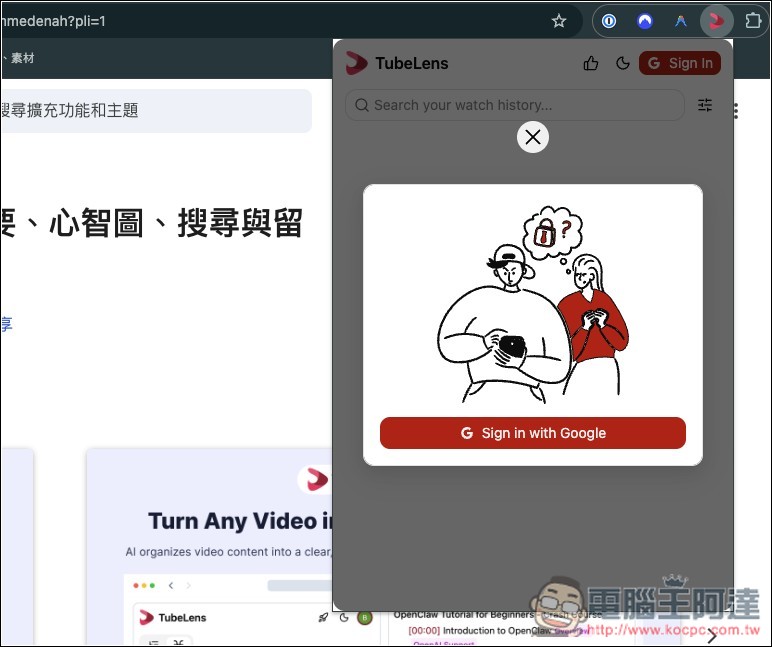
After installing Tubelens, you need to sign in with your Google account. Click Sign in with Google:
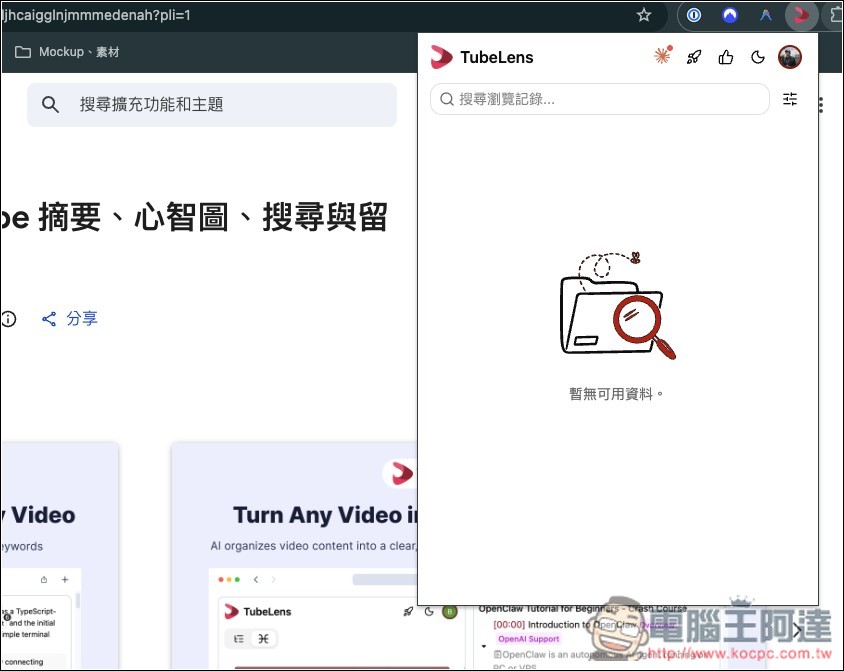
You can start using it right away — the extension icon in the upper right corner lets you quickly find your YouTube browsing history:
Then open the YouTube video you’re interested in, and the TubeLens panel will appear on the right side:
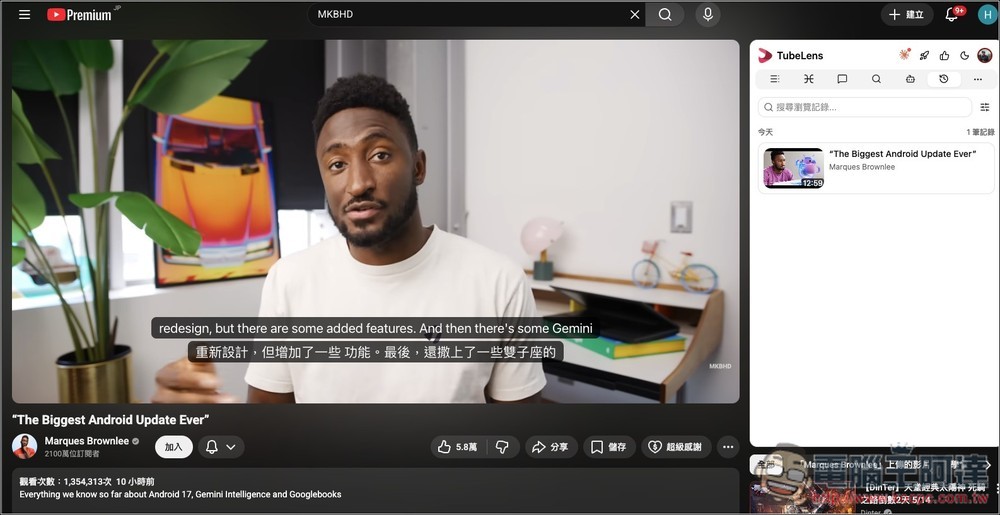
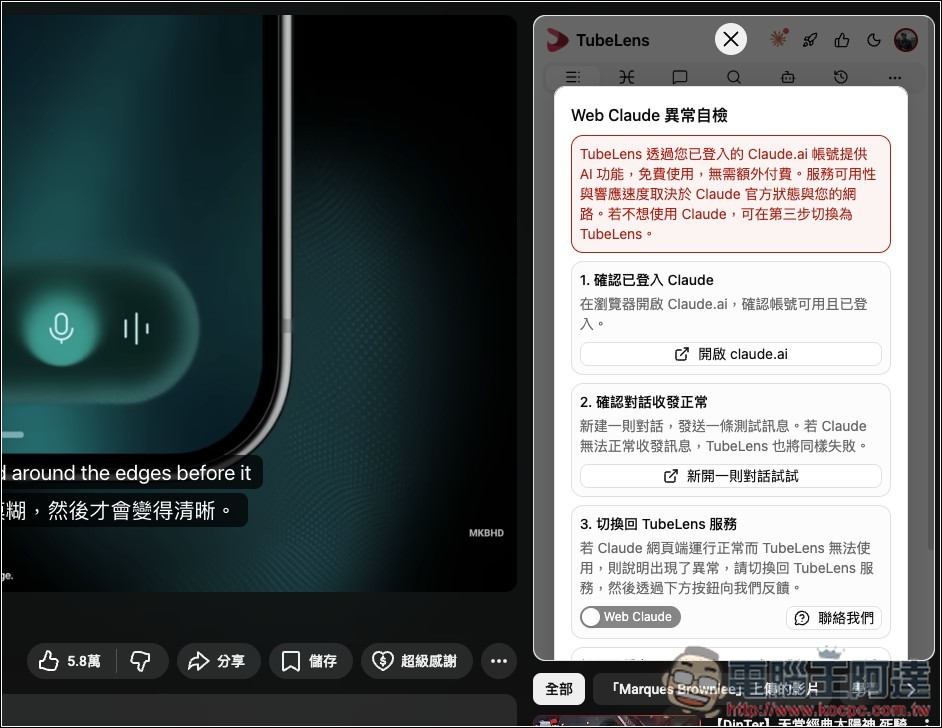
Before using any features, you need to be logged into your account on the official Claude.ai website. If you don’t have one, just sign up for free and log in, and you’ll be able to use it normally here:
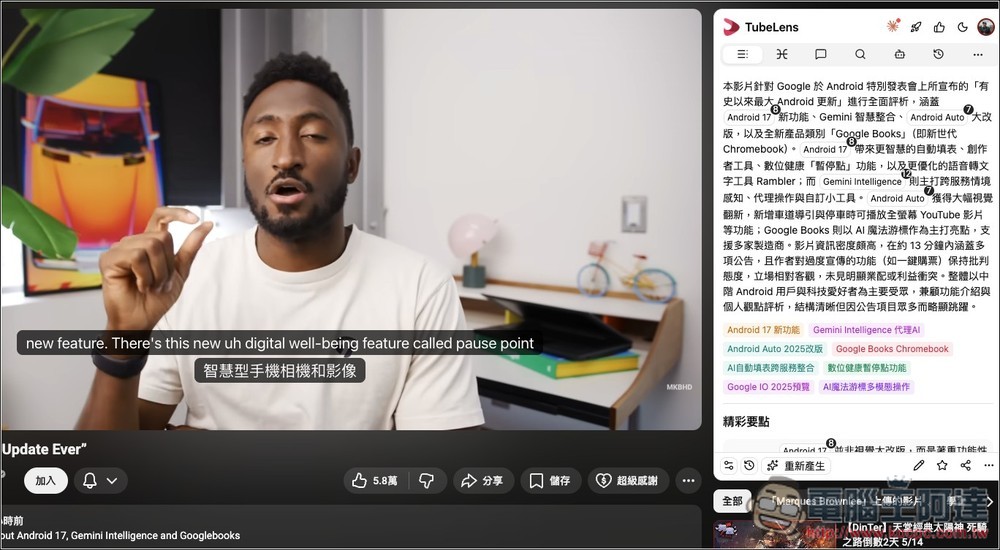
The first icon is the AI Summary feature. It displays a summary of the video at the top, with key point tags below.
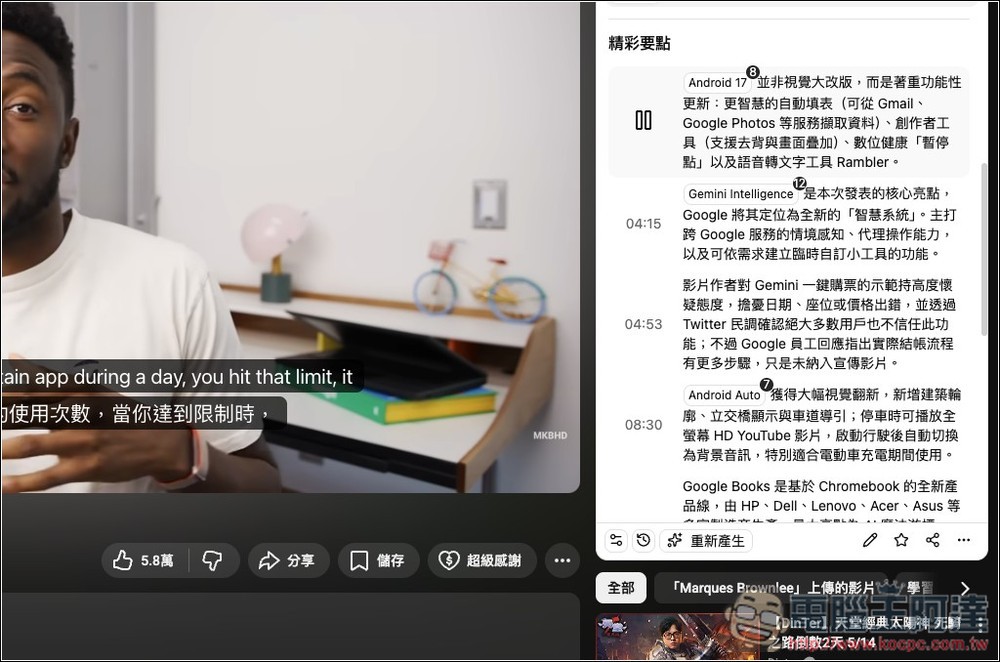
Scroll down for more highlights, each with a timestamp. Tap one you’re interested in and the video will jump right to that point:
Mind maps are pretty clever – they break down each topic from the video, then mark the timestamps where content related to that topic is mentioned, and keep branching out from there.
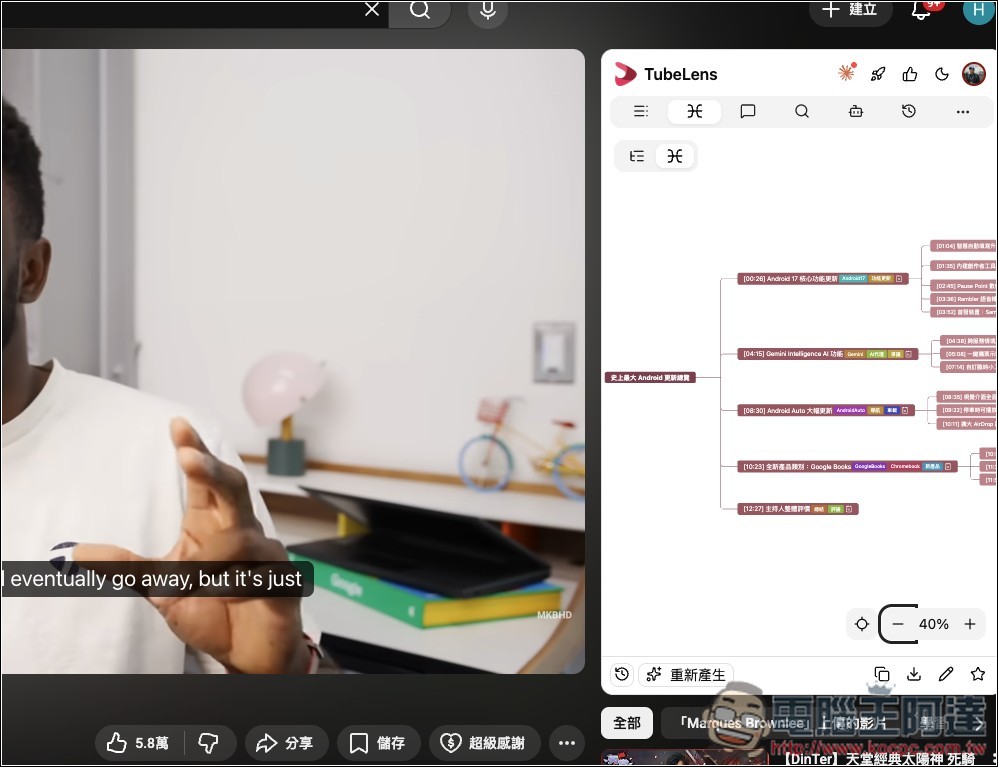
Each one also displays the timestamp, and you can click on it to jump directly to that segment and start watching.
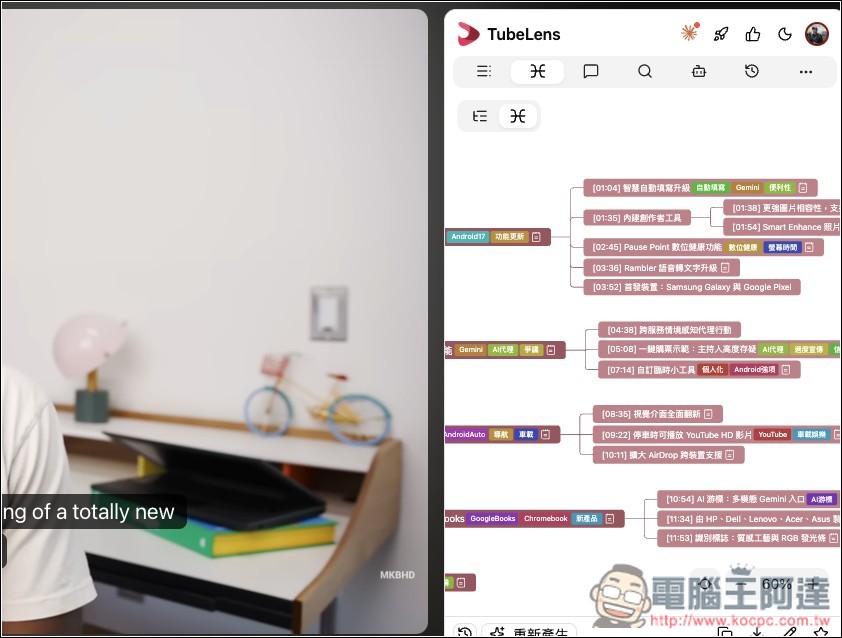
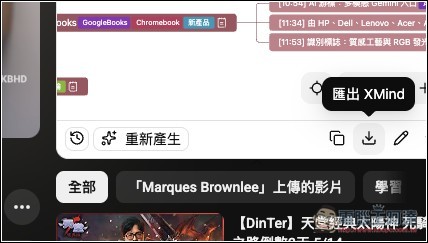
This mind map can also be exported to XMind:
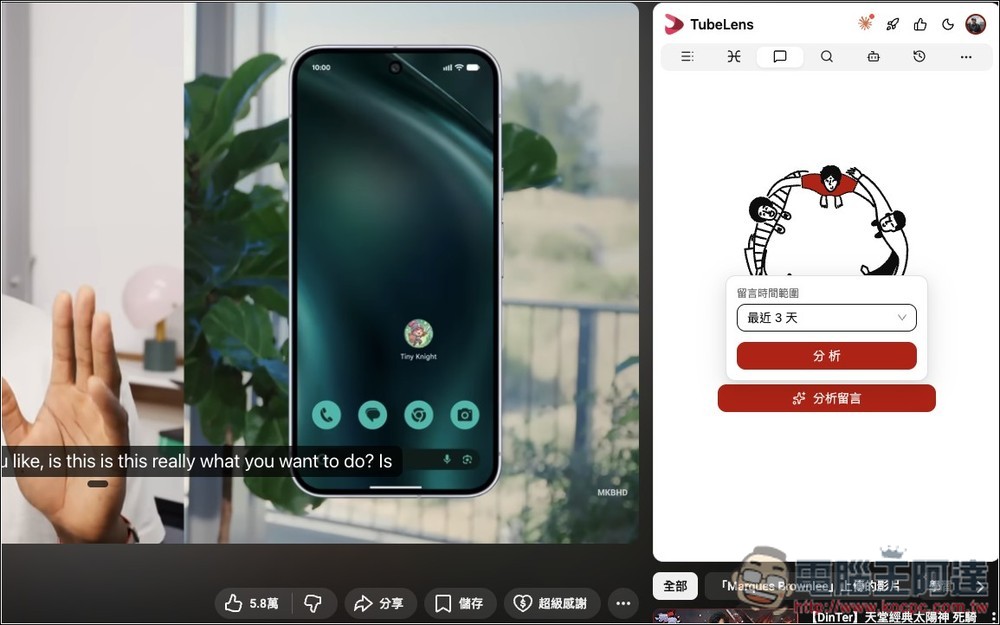
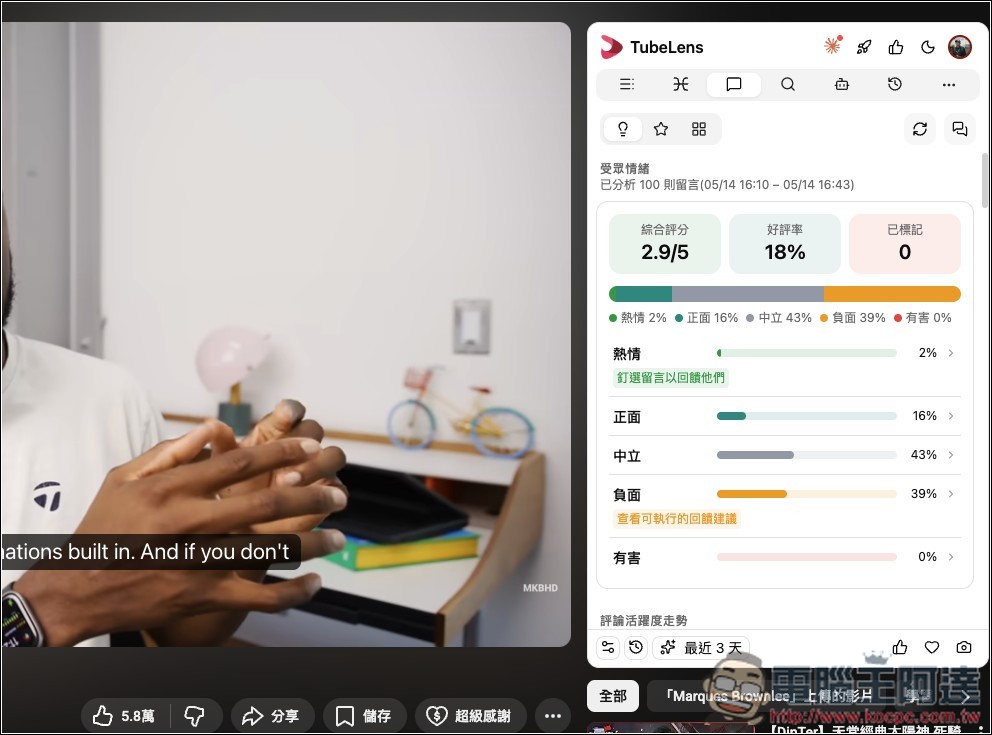
The third feature icon is comment analysis, which uses AI to analyze comments from viewers on this video—this should be pretty useful for creators.
You will receive comprehensive reports, including audience sentiment, engagement trends, audience insights, and more:
Also supports video search functionality:
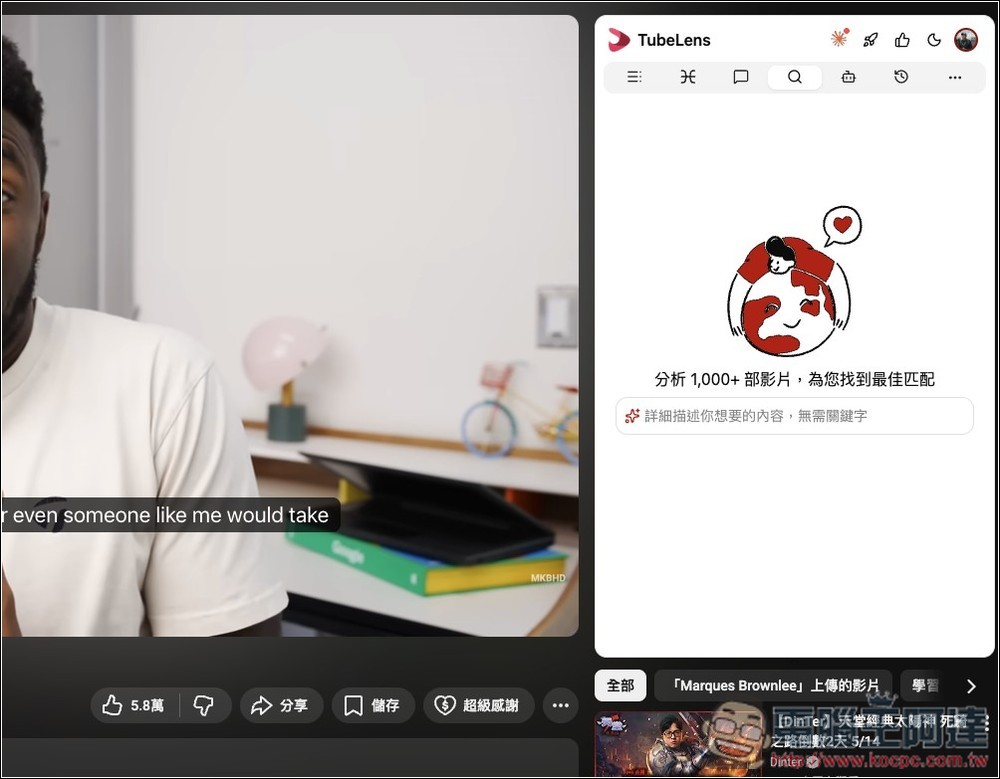
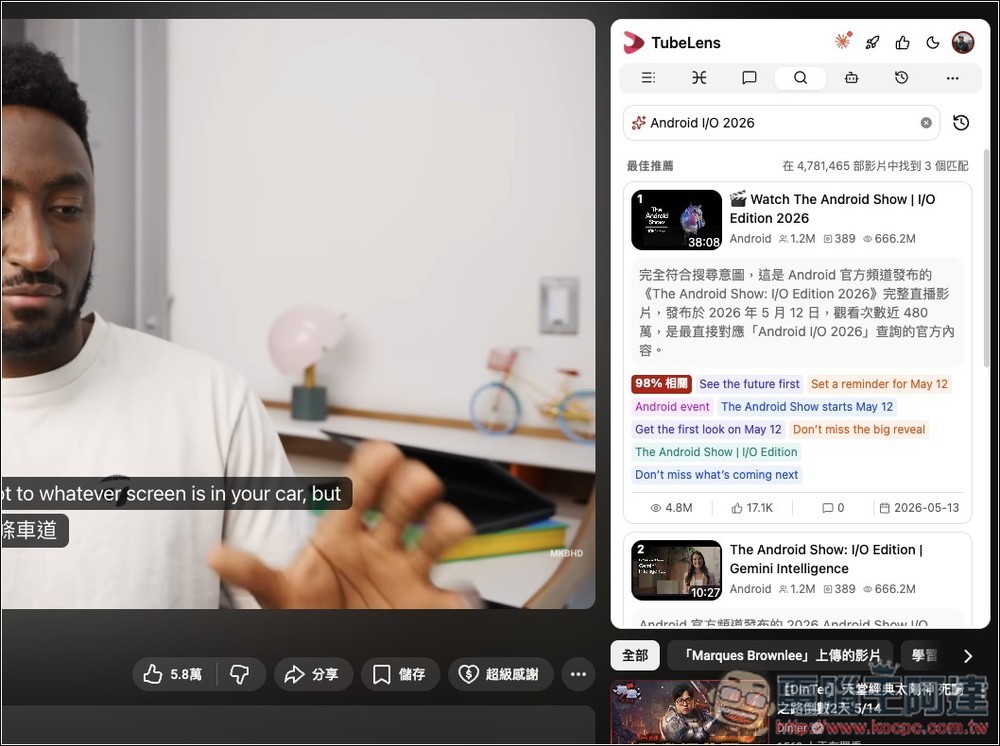
Enter keywords and matching results will be displayed without leaving this page:
As for asking about the video content, it redirects you to the chat interface on the website’s backend, with no option to ask directly beside the video — which is a bit of a pity.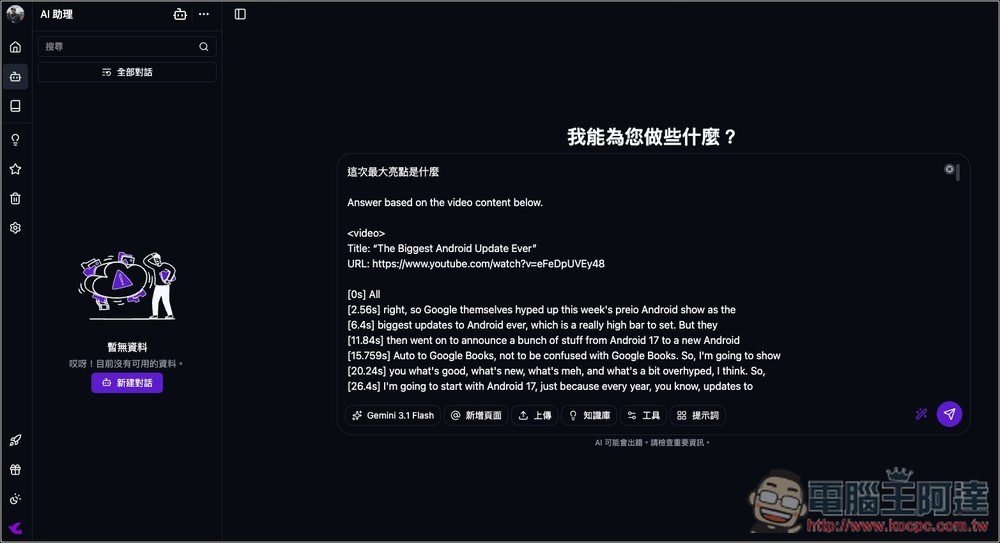
While bilingual subtitles are great, there’s currently a bug where sometimes the translation becomes one long block instead of being translated according to each subtitle segment.
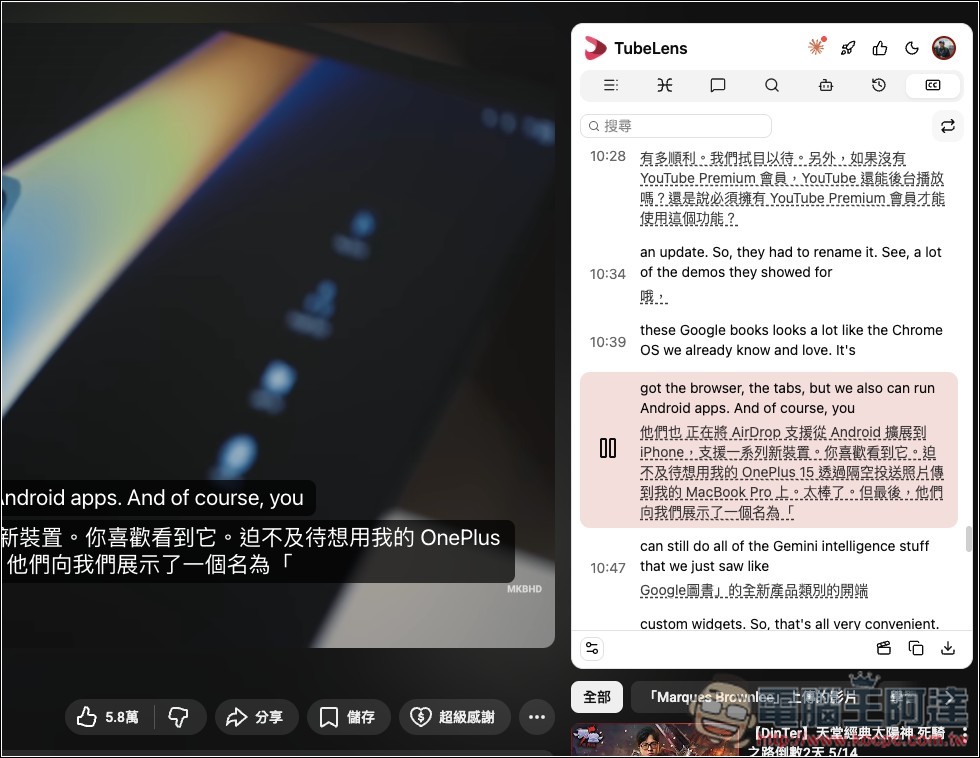
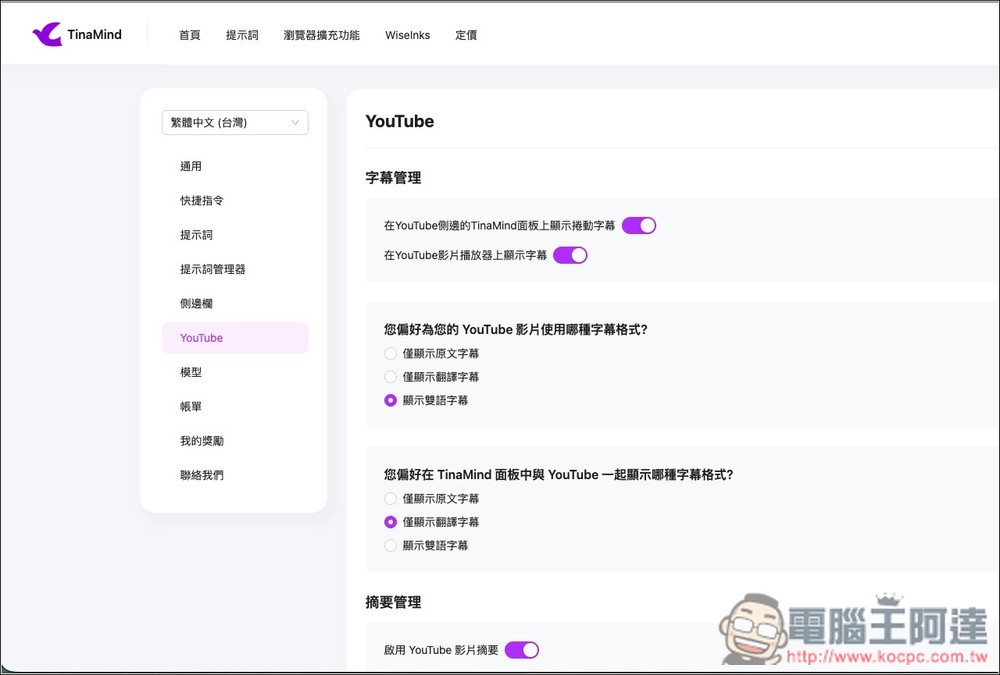
If you don’t want bilingual subtitles to appear, you can turn them off in the YouTube section of the backend settings menu.
Source: KOCPC Chinese