


Mac developers have always excelled at making laptops do things Apple never anticipated. From the quirky app that moans when you tap your MacBook, to haptic simulation tools that let users feel the press of a button on the trackpad before clicking web buttons, these creative apps always spark discussion in the community. Now, another developer has turned the trackpad into a “cat,” releasing an app called “PurrPad” that purrs and vibrates under your hand.
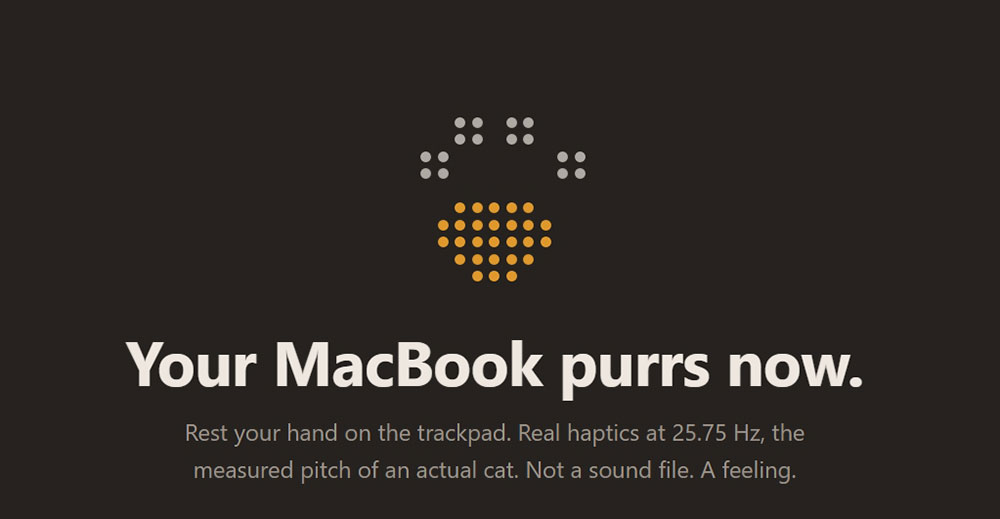
A new app makes your MacBook trackpad purr like a cat.
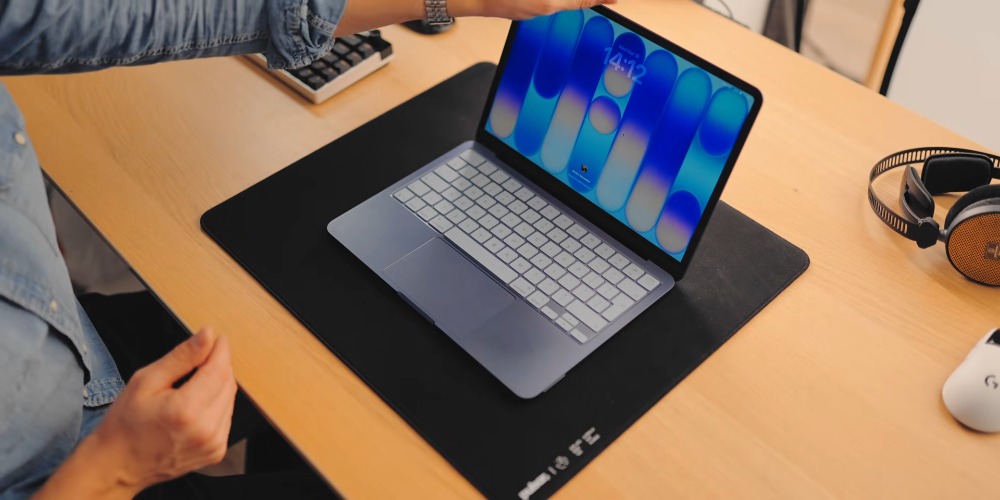
PurrPad The principle isn’t to play sound effects, but to directly drive the Taptic Engine built into the MacBook trackpad. In other words, the purring you feel isn’t coming from the speaker—it’s literally vibrating under your palm. When developer Francesco Pavanetto shared this project on Reddit, he said he specifically tuned the vibration frequency to match the measured pitch of a real cat’s purr, and designed the vibration pattern to never completely repeat, making the tactile sensation closer to a living cat.
PurrPad, I taught my MacBook trackpad to purr. It has since started ignoring me
by u/Different-Door3968 in macapps
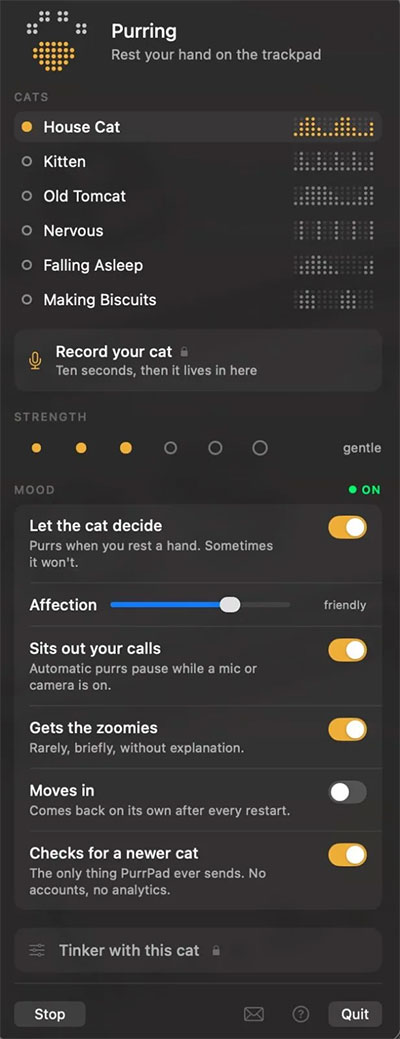
The app features six cats with distinct personalities built in, with the “house cat” available for immediate use in the free version. Place your hand on the trackpad and it will typically purr obediently; occasionally it gets sulky, and if you poke it while it’s in a bad mood, it will even “strike back”; sometimes it suddenly starts darting around, mimicking a cat’s random burst of zoomies. Unlike real cats, it knows to stay quiet when you’re on a phone call and won’t suddenly jump on your keyboard to cause trouble.
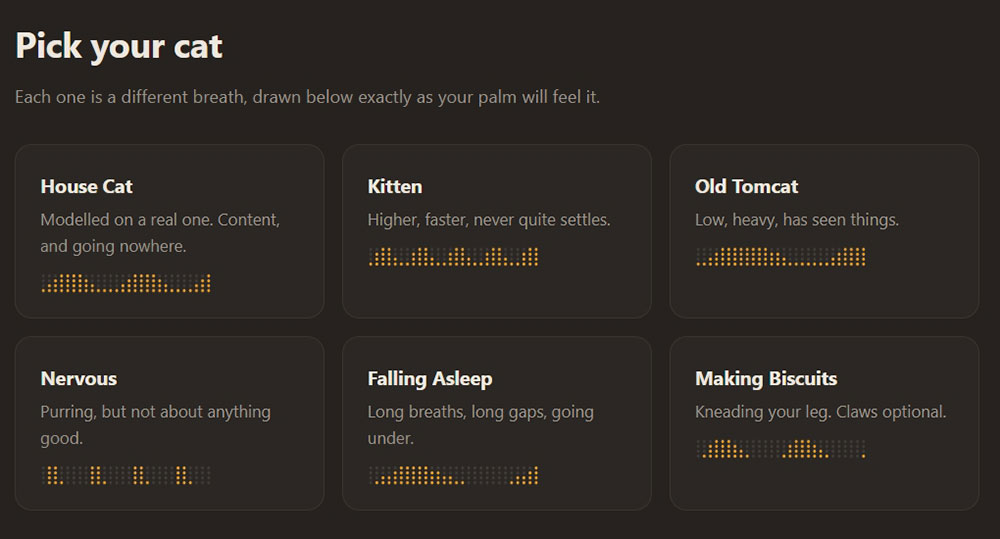
All behavior modes can be adjusted in settings, including vibration intensity and closeness level, and you can even completely turn off “sprint” mode (though the developer humorously asks: why would you do that). The paid version costs $4.99 and is a one-time purchase, unlocking five additional personalities: kitten, old cat, nervous, sleepy, and a cat eating cookies. Additionally, you can record your cat’s purring so the trackpad mimics its vibration rhythm.
Because driving the trackpad requires using macOS private frameworks, PurrPad can’t be listed on the App Store, so Pavanetto offers it directly for download through his own website. He emphasizes that the app is fully signed and notarized, so you won’t run into Gatekeeper blocking the installation. If you have any concerns about downloading software from outside the App Store, this might put your mind at ease.
On the privacy front, the developer has been equally clear. PurrPad makes just one network request, solely to check for new versions, and users can disable this feature entirely. The app requires no account, performs no analytics, and does no cloud syncing; recorded cat sounds are processed locally and deleted once finished, never uploaded to any server. Pavanetto also frankly acknowledges that a future macOS update could block the private interface currently in use, in which case he will offer full refunds. PurrPad is a completely unnecessary yet irresistible little tool that turns your trackpad into a purring cat—absurd and oddly therapeutic, perfectly embodying that “if it can be done, it must be done” creative spirit of the Mac developer community.
Source: KOCPC Chinese