


Not all screens or monitors can display the same color depth and accuracy, and there are limits to the human eye’s ability to distinguish colors. If you’ve ever wondered how subtle a difference in color you can distinguish, now there’s a fun and competitive way to test your visual acuity and the display quality of the device at hand, and even show off your results.
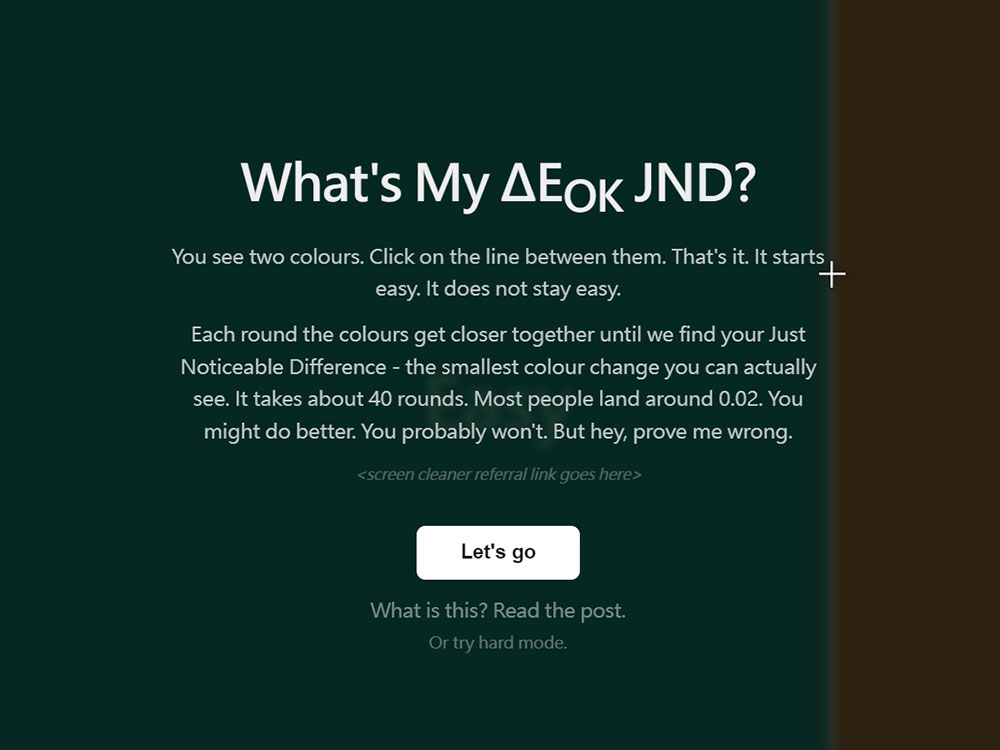
Test your (and screen) color recognition accuracy with this web game!
Software developer Keith Cirkel recently launched a software calledYour ΔE(OK) JND?” website. This tool uses the Oklab color space supported by modern browsers and allows users to measure their Just Noticeable Difference (JND), which is the ΔE value. Simply put, it displays two colors on the screen and you have to find their dividing line and click on it. The entire test consists of about 40 rounds and ends with a score based on how subtle a color difference you can discern.
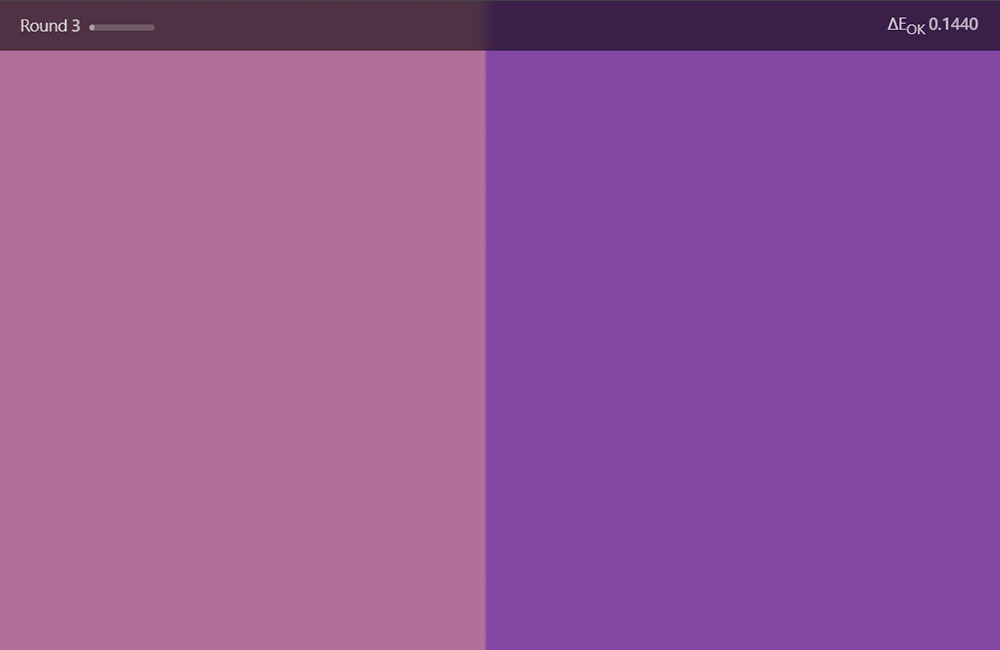
Although this test mainly evaluates the color discrimination ability of the human eye, the display quality of the device itself can also affect the results. When the average person uses the Oklab color space, the average score mostly falls around 0.02. However, if you’re using a phone with a low-end panel, a cheap display with poor color calibration, or a screen that’s not bright enough, your score may be pulled down. Increasing screen brightness will usually bring results closer to your actual visual capabilities. In short, the more digits after the decimal point and the smaller the value, the better your color discrimination ability is.
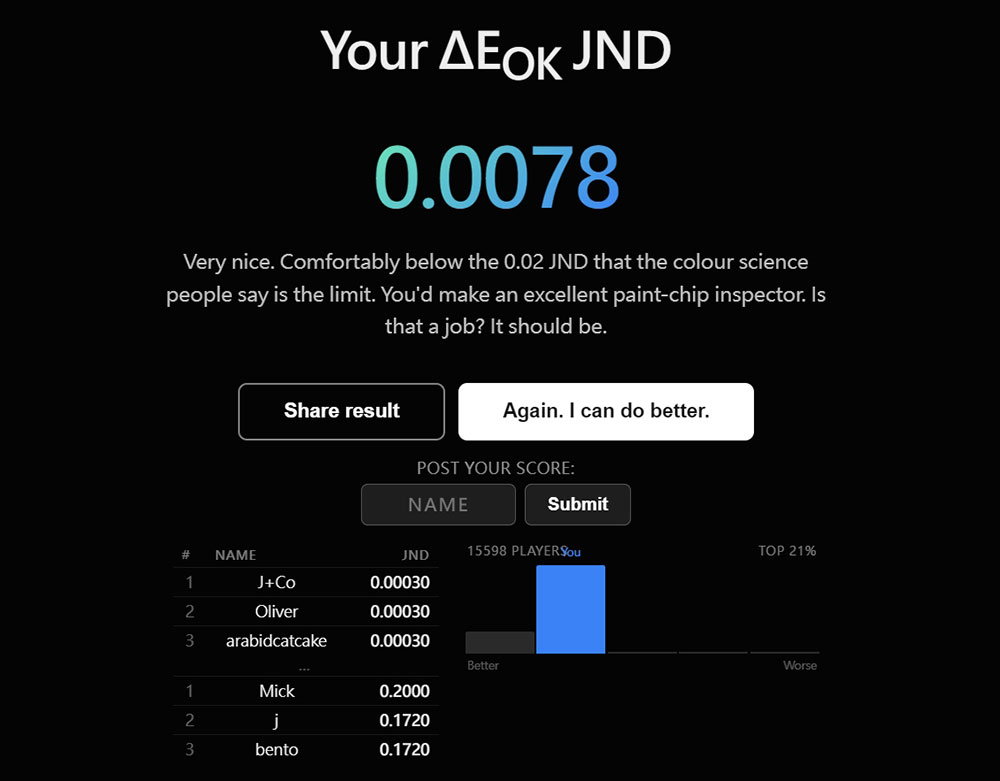
Taking actual measurements as an example, I got a score of 0.0051 on the iPhone 16 Pro with an OLED screen, and 0.0058 on the 2024 MacBook Pro with a Liquid Retina XDR display. There are indeed differences in the results between different devices. After the test is over, the website will provide a custom URL that can be shared, and you can pass your score to your friends to see whose “Eagle Eye Mode” is stronger.
Interestingly, Cirkel developed this test because of a problem he encountered while making a CSS color compressor. He needs to know how far the decimal places of color values can be deleted without affecting the visual effect. He mentioned in his blog: “Do color values really need to be as precise as oklch(0.659432 0.304219 234.75238)? Yes, but usually no more than three decimal places. For Oklch and Oklab, three decimal places is the safe upper limit; for the older Lab and Lch color spaces, it can be even less. Writing more is just a waste of bytes.”
In the developer’s blog post, Cirkel also explained the scientific principles behind the test in more depth, including the meaning of Delta-E in different color spaces, how browsers calculate color values, and why Oklab can be closer to human visual experience. He also reminded that the JND score measured on the website is usually higher than the real situation. After all, in daily life, most people will not stare at the screen and try to find the boundary between two colors; this “gamification” test environment itself will make people more focused on color difference.
In summary, this gadget not only allows you to understand your visual limits, but also allows you to re-understand the display capabilities of the device at hand. Whether you’re a designer, engineer, or just someone curious about color sensitivity, it’s worth taking a few minutes to try it out. Maybe you’ll be surprised to find that your eyes are more powerful than you thought – or that your screen needs an upgrade more than you expected.
Source: KOCPC Chinese