


Nowadays, when many people are chatting with ChatGPT or Bing AI, they want to compare the answers of the two services and get more content at the same time. Therefore, they should open two windows and ask the same questions separately. If you are using the desktop version of Chrome or Microsoft Edge browser, this article recommends a very useful extension function “ChatHub – All-in-one chatbot client”. After obtaining it, you can chat with ChatGPT and Bing AI at the same time in the same window.
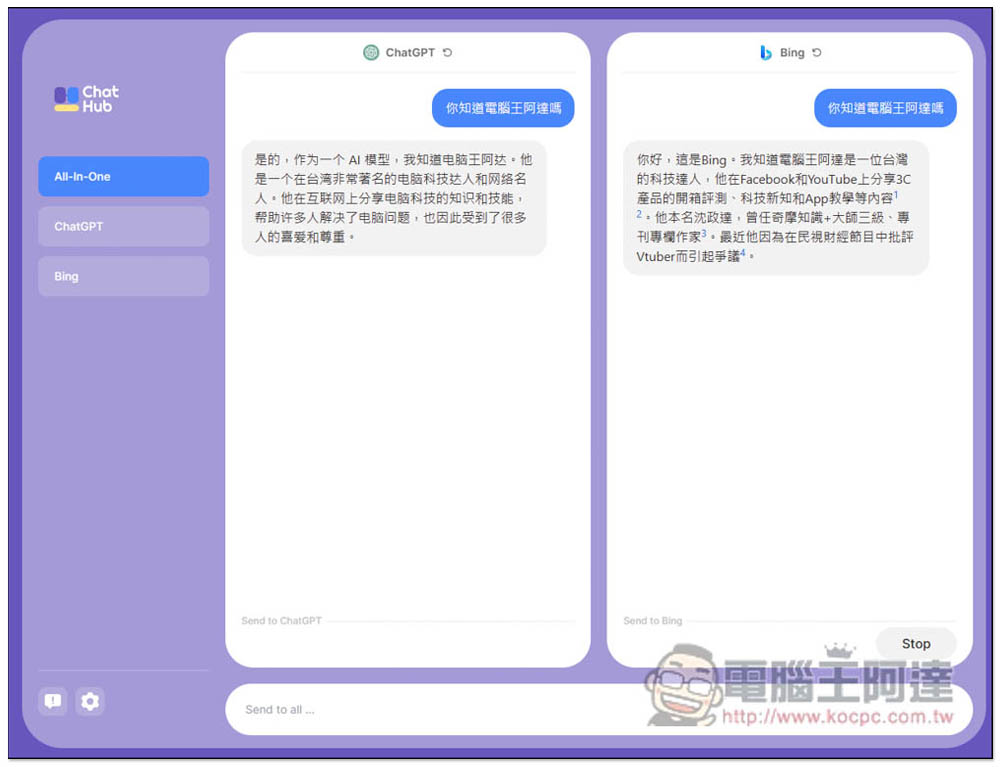
ChatHub – All-in-one chatbot client, allowing you to inquire about the extended functions of ChatGPT and Bing in the same window and at the same time
ChatHub – All-in-one chatbot client is a Chrome extension plug-in that can also be installed on Microsoft Edge. I will use Edge as an example below, and the usage is the same.
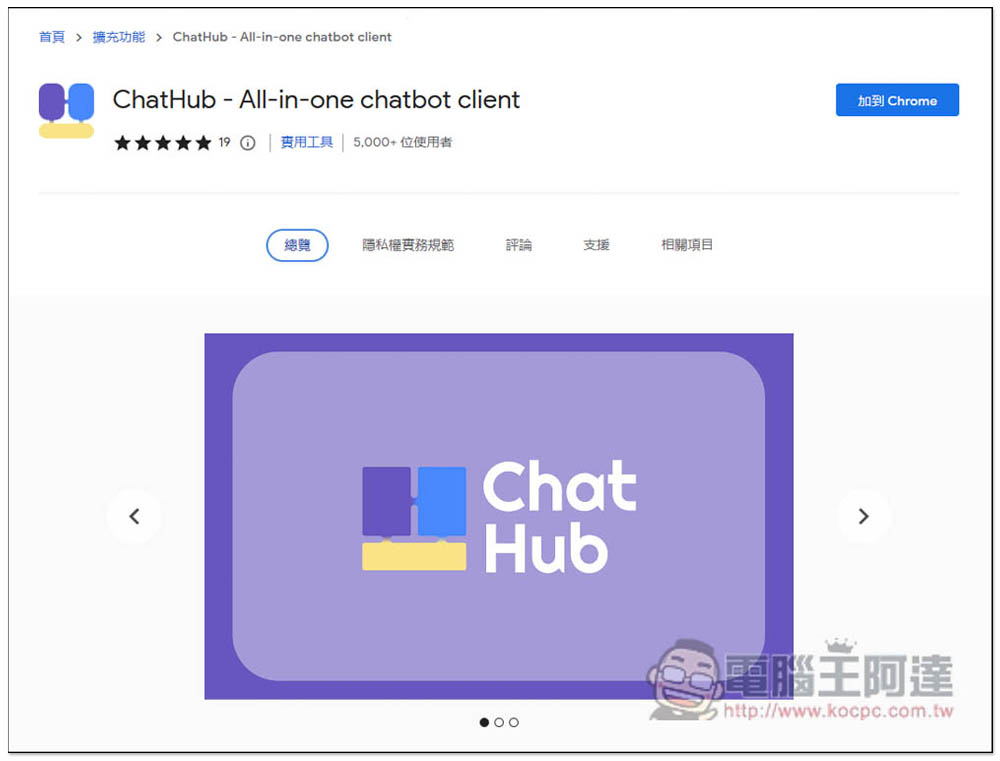
After entering the Chrome store page, click “Add to Chrome” in the upper right corner to obtain:
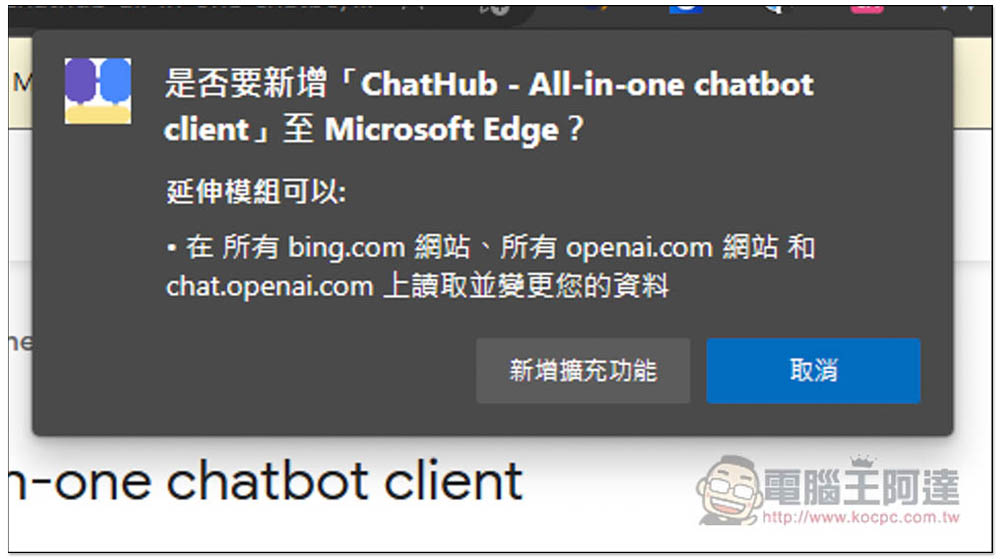
This message will pop up at the top, click “Add extension” and it will be installed:
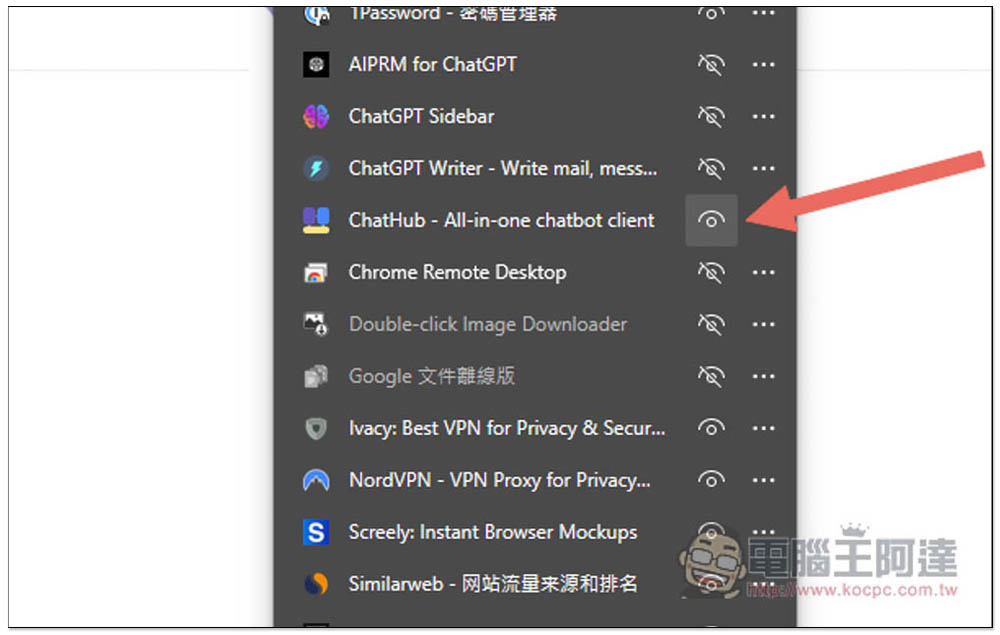
The browser will hide the extension icon by default and needs to be opened manually. After clicking on the puzzle icon on the far right, find ChatHub – All-in-one chatbot client and open your eyes:
When you need it in the future, just click on the icon to open this page. There are three options on the left, namely All-in-One, ChatGPT and Bing. The first one is to ask the function of two chatbots at the same time, as shown in the figure below:
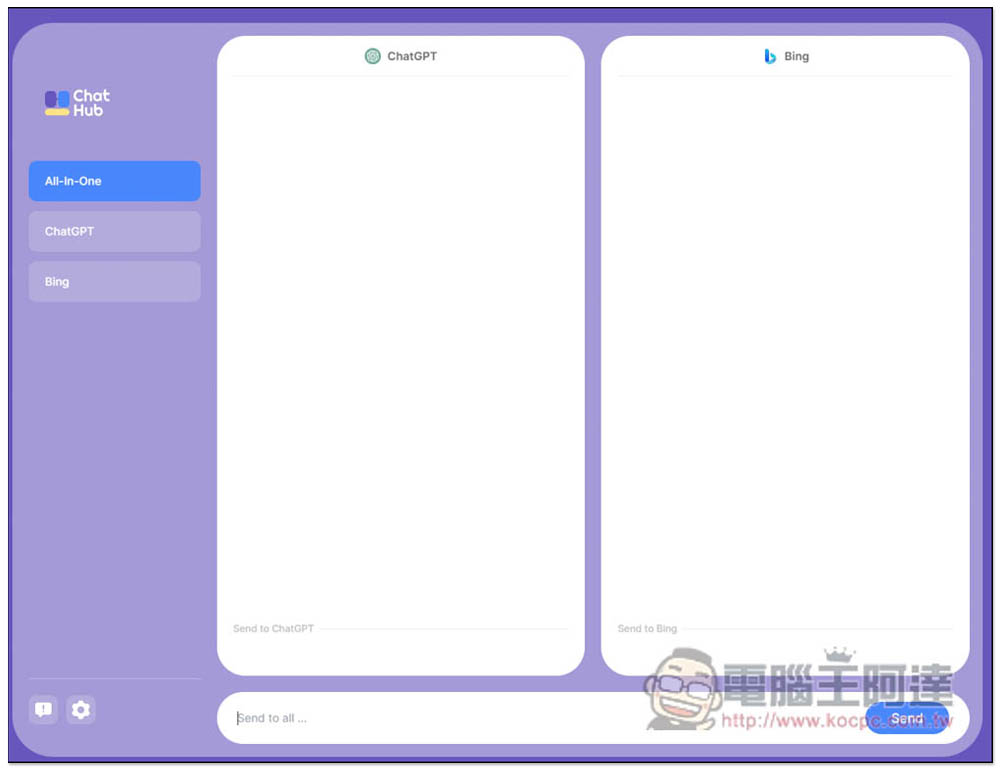
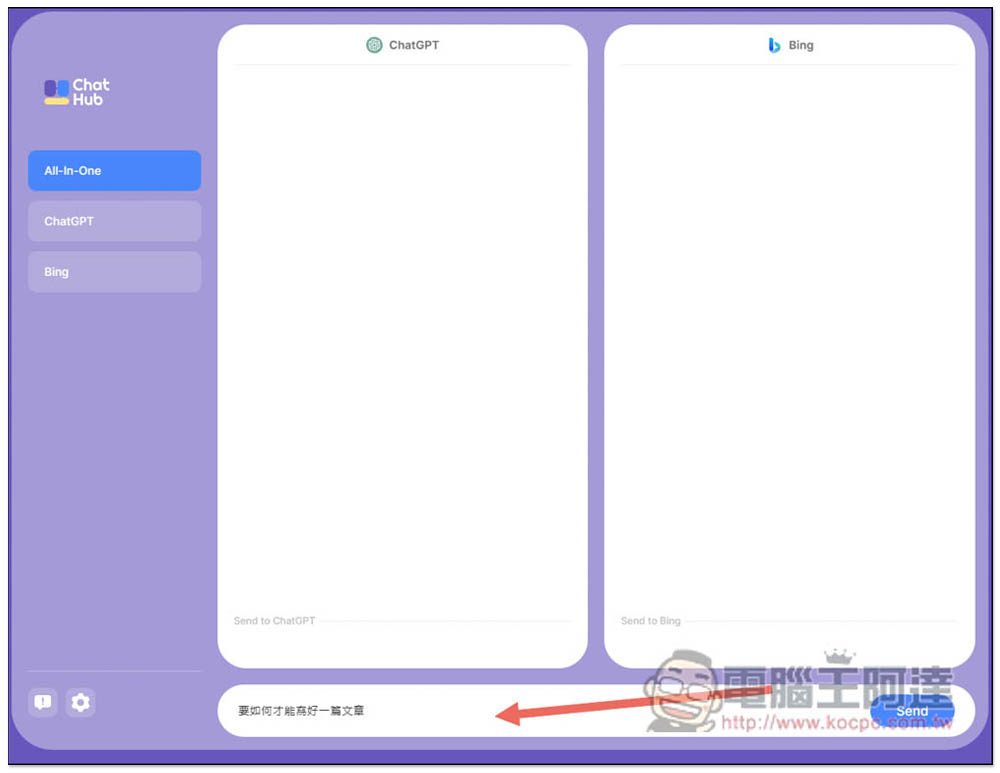
After entering the question you want to ask below, press Send and the question will be sent at the same time:
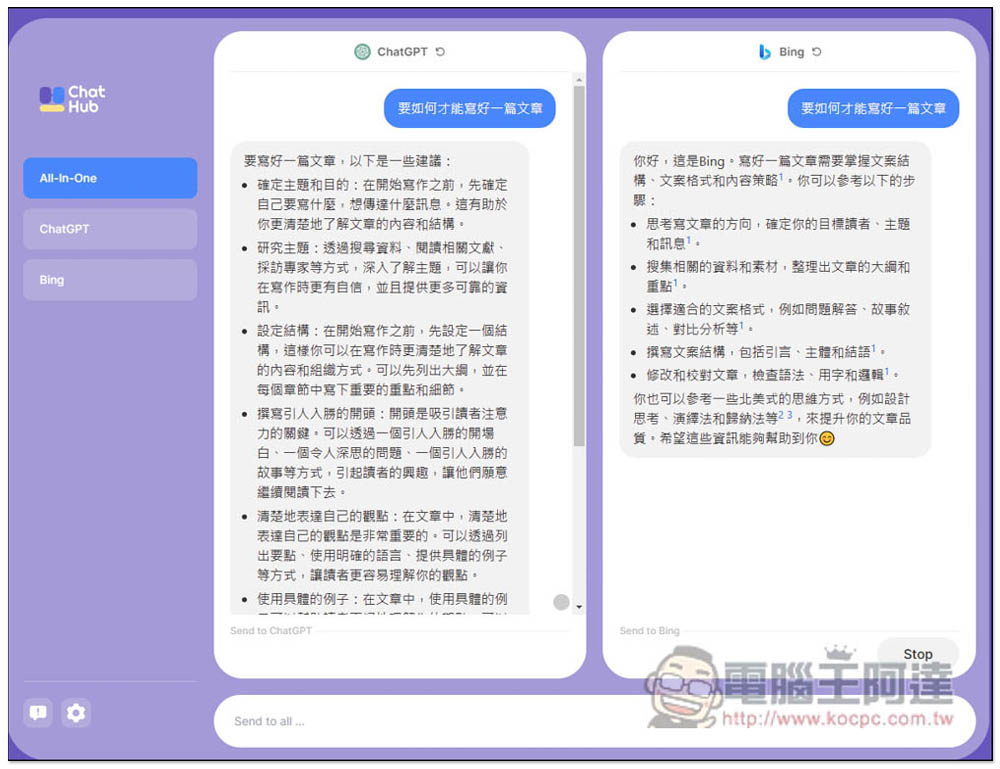
Then you will get the answers from the two chatbots at the same time, and in the same window, which is very easy to compare. Obviously, ChatGPT’s answers are still relatively comprehensive and rich, while Bing’s answers are much shorter. For example, when I asked “how to write a good article”, Bing only gave five short points, while ChatGPT gave more suggestions and provided some explanations for each point:
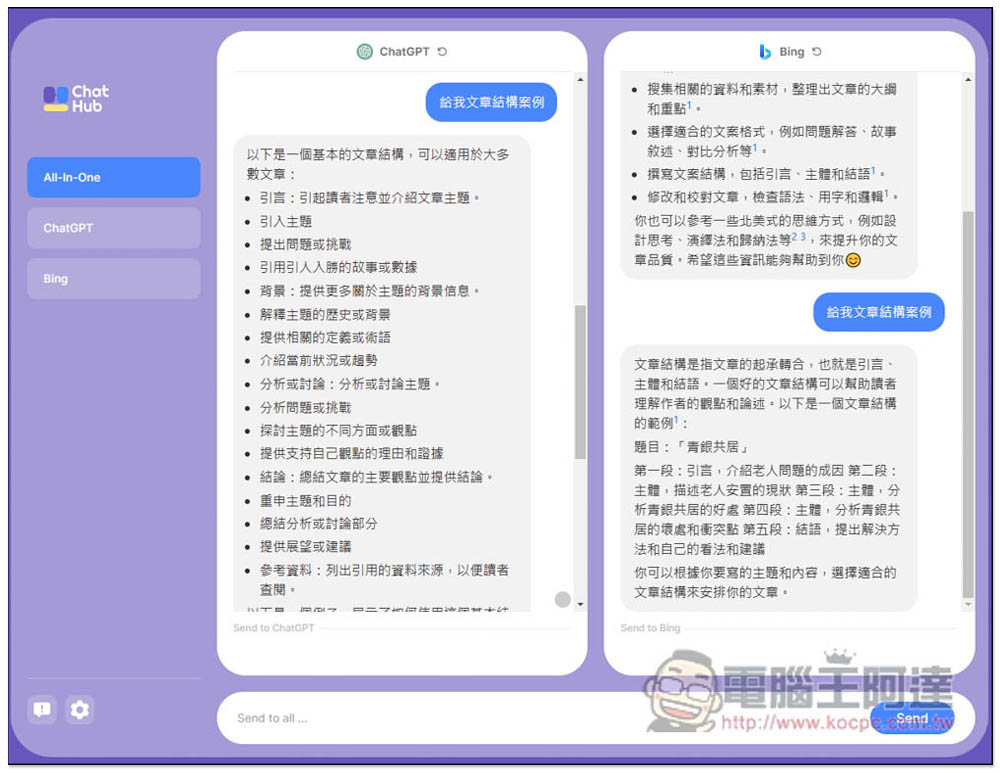
I’m testing another “Give me article structure case”. ChatGPT is also relatively rich, but Bing’s one is super short and the first paragraph is gone. I’m not sure if it’s stuck:
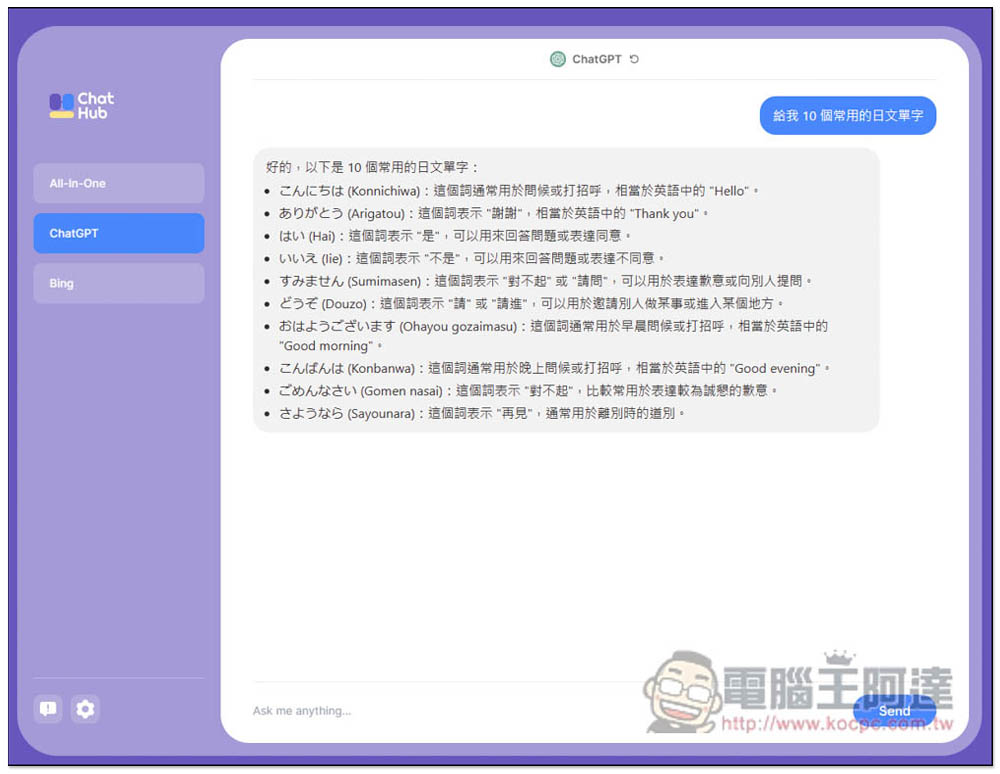
When you don’t want to compare the two, you can switch to the chatbot you want to ask separately. The picture below is ChatGPT:
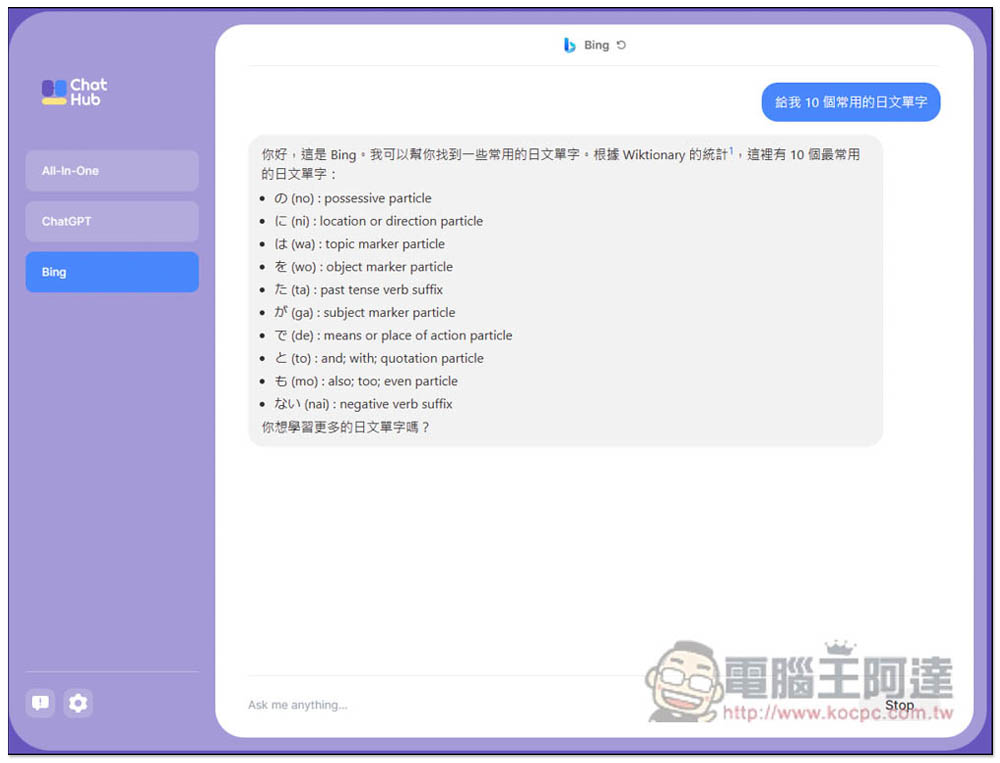
Bing part, same question, the answer given by Bing is wrong. I asked about Japanese words, and it gave 50 sounds:
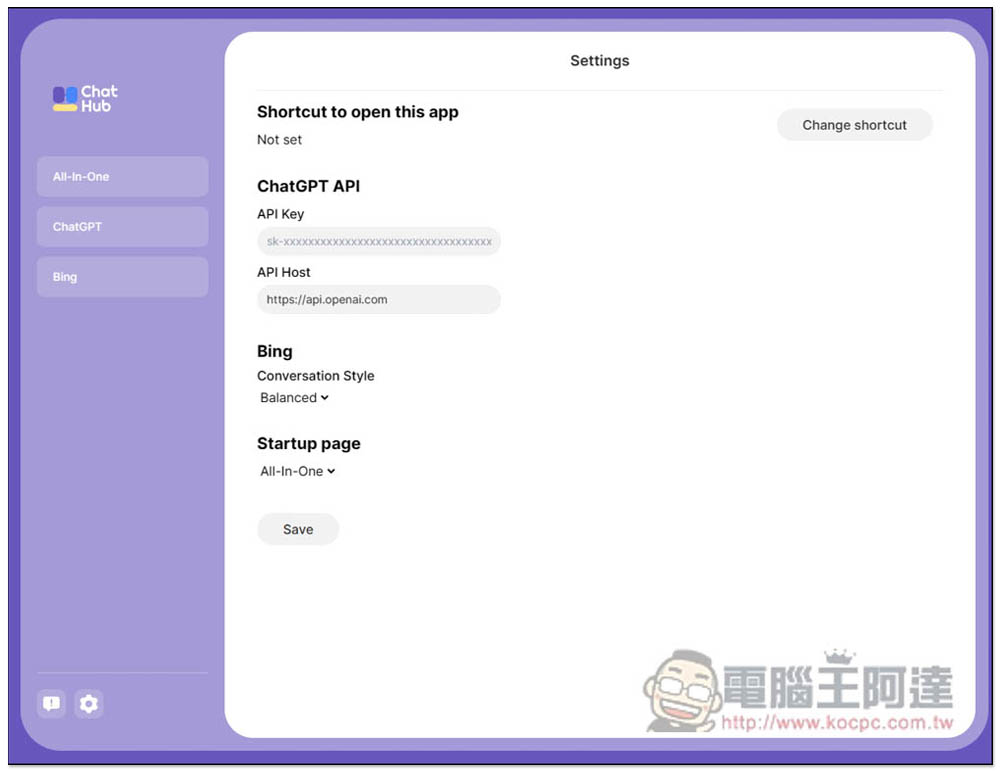
ChatGPT can use its own ChatGPT API instead. Those who need it can fill in the API Key in the settings:
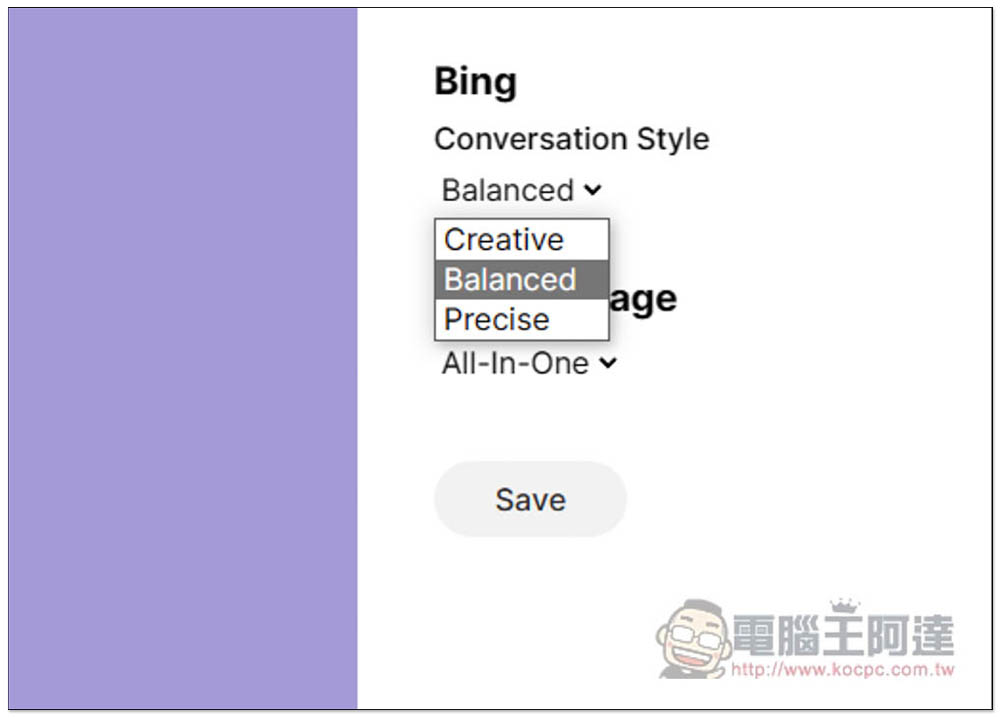
Bing can modify the chat style, including Creative, Balanced and Precise:
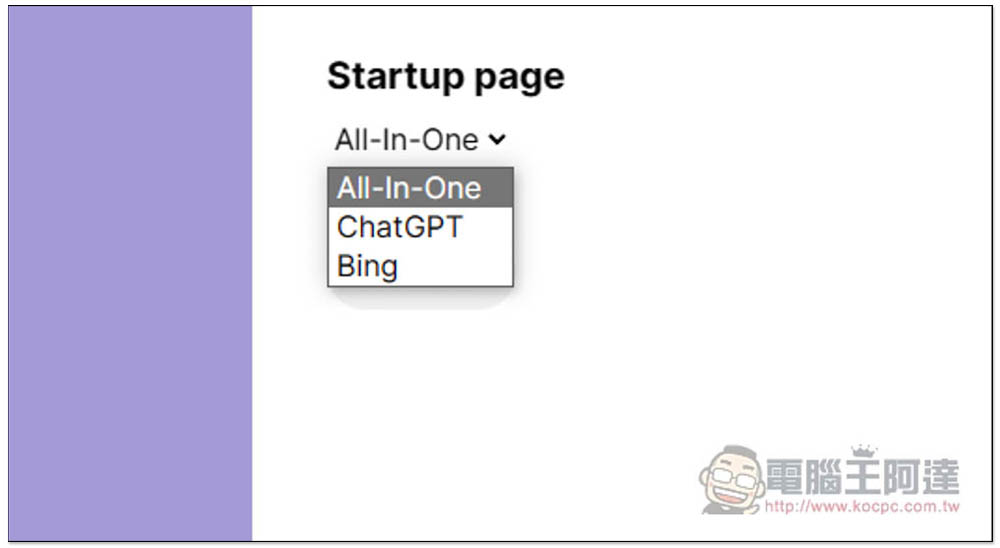
The homepage can also be changed to ChatGPT or Bing, not necessarily All-in-One:
Source: KOCPC Chinese