


Just as the earlier rumors suggested,OpenAI Earlier officially launched its own AI Browser: “ChatGPT AtlasOverall, it’s basically similar to Perplexity Comet, with the biggest difference being that it’s powered by ChatGPT, and you can follow along at any time on the side. ChatGPT For chatting, no more switching back and forth like before—it’s much more convenient. It can translate foreign articles, summarize key points, and even guide learning. Plus, it has a built-in ChatGPT Agent feature that runs faster than on ChatGPT.
Free, Plus, Pro, and Go users can all use ChatGPT Atlas, though it has currently only been launched macOS Edition,Windows Users still need to wait.
OpenAI’s own AI browser ChatGPT Atlas officially launches.
In an earlier live stream, OpenAI officially launched its own AI browser, “ChatGPT Atlas.” OpenAI said that with Atlas, ChatGPT can browse the web alongside you, understanding content and assisting in real time within your current window, so you no longer need to copy-paste or switch tabs.
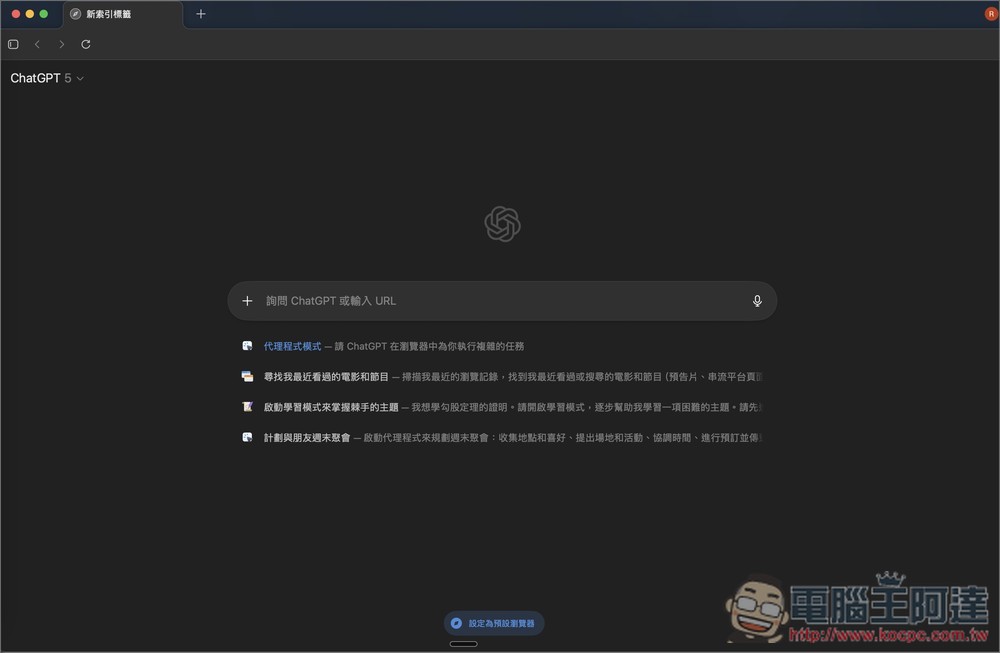
The ChatGPT Atlas interface is very clean overall—when you open a new tab, it shows the ChatGPT chat interface.
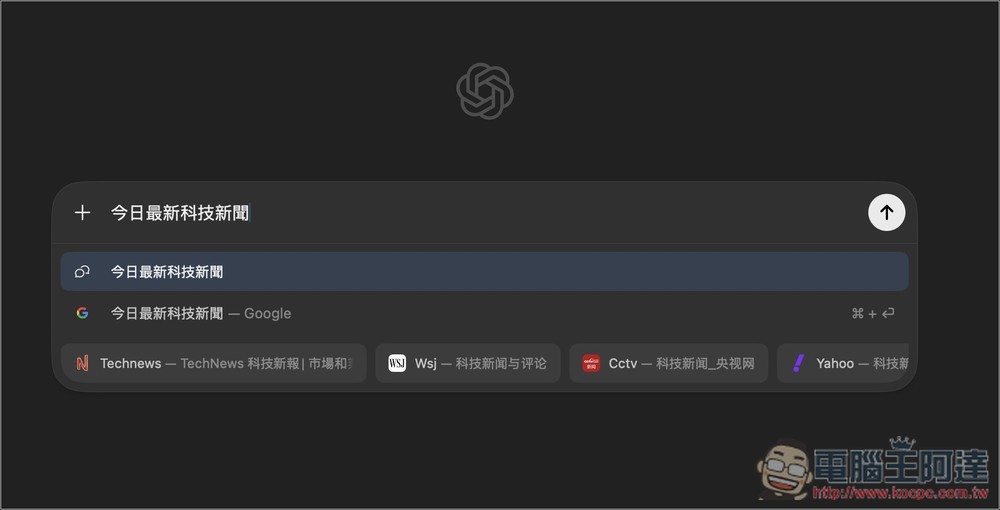
When searching for content, the first default is to use ChatGPT, and the second is Google Search.
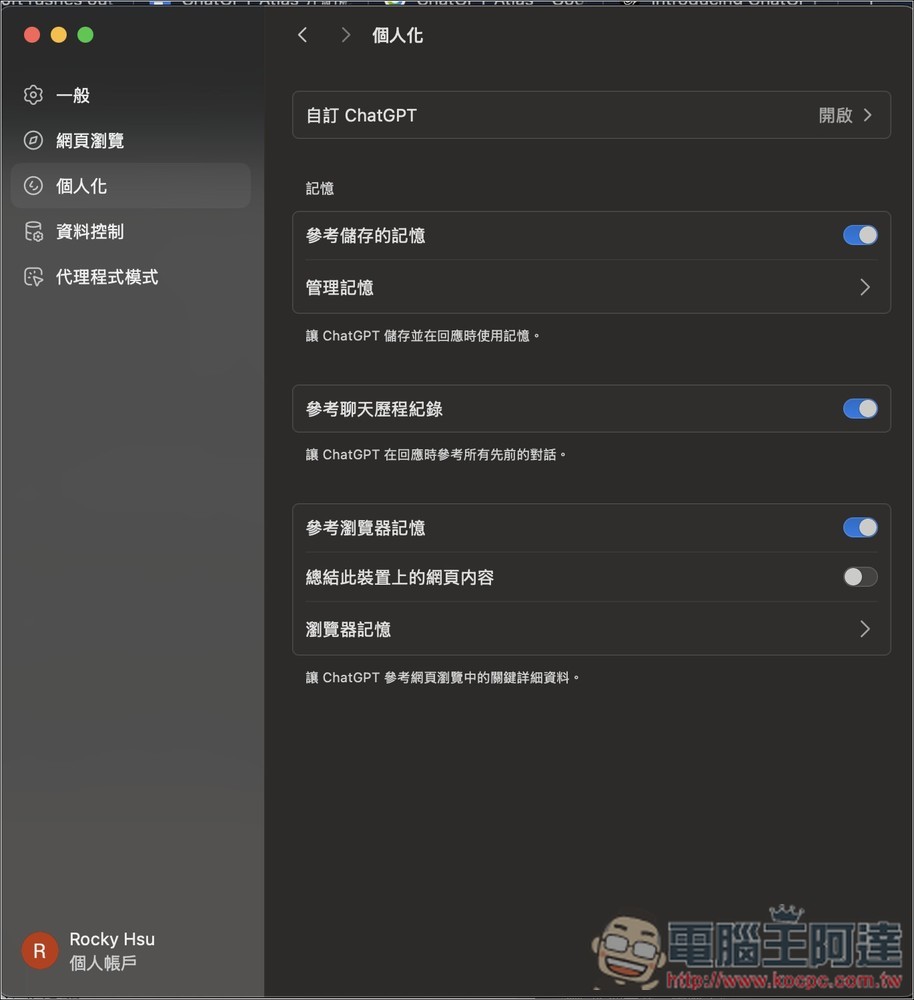
It also introduces ChatGPT’s memory feature, meaning ChatGPT will converse with you based on past chats and data. If you enable the built-in “Browser Memories” feature, ChatGPT can also remember the content of websites you’ve visited and pull up relevant information when you need it.
For example: you can directly ask: “Help me find all the job openings I viewed last week, and put together a summary of industry trends so I can prepare for interviews.”
Of course, just like ChatGPT, you can control permissions at any time in settings, including disabling, deleting memory, and more. Additionally, when clearing browsing history, related memories are also deleted:
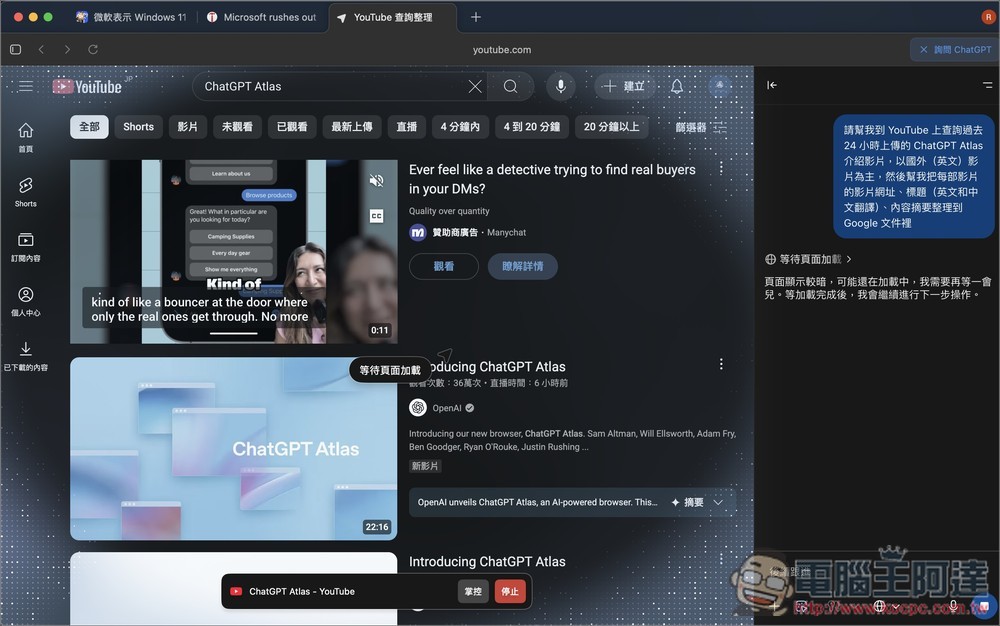
The ChatGPT Agent mode works just like ChatGPT, but runs faster and smoother via Atlas.
Unlike Perplexity Comet, ChatGPT Agent is currently still limited to paid users. OpenAI stated that the Agent mode of ChatGPT Atlas is now open for preview to “Plus, Pro, and Business users,” adding that it is still in the early experience stage and may make mistakes on complex tasks. “We are continuously improving stability, response speed, and task success rate.”
Today, ChatGPT Atlas officially launches globally on macOS, and is available to all Free, Plus, Pro, and Go users. The Business version is now in open Beta, and if enabled by enterprise administrators, it will also be available to Enterprise and Edu users. Versions for Windows, iOS, and Android will be released in the future.
Earlier, I also did a quick test. Although ChatGPT Atlas is overall similar to Perplexity Comet, there are still some differences in the details. Below, I share the 6 features and key points you definitely need to know.
6 ChatGPT Atlas Features and Key Highlights
1. All Chrome extensions can be installed.
ChatGPT Atlas is also developed based on Chromium, which means all Chrome extensions can be installed and used. The only thing to note is that some extensions may not work perfectly like they do on Chrome. In the past, I’ve come across a few extensions that work on Chrome but have bugs on other Chromium-based browsers.
2. Chat with ChatGPT on any webpage
Just like Perplexity Comet, Gemini in Chrome, and Dia, you can now open a ChatGPT chat window in the sidebar on any webpage and ask questions about the page or anything else you want to know.
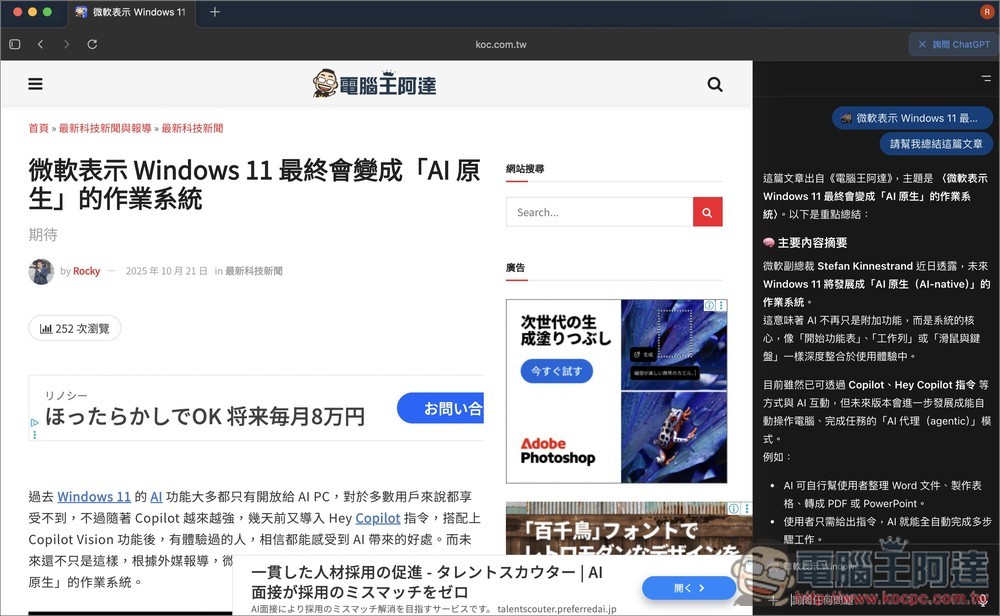
The only difference is that ChatGPT Atlas doesn’t yet support cross-page queries. That means you can only ask about the webpage currently on screen—you can’t ask about pages open in other tabs, nor can you compare them.
3. Switch to the ChatGPT chat history you need from another webpage.
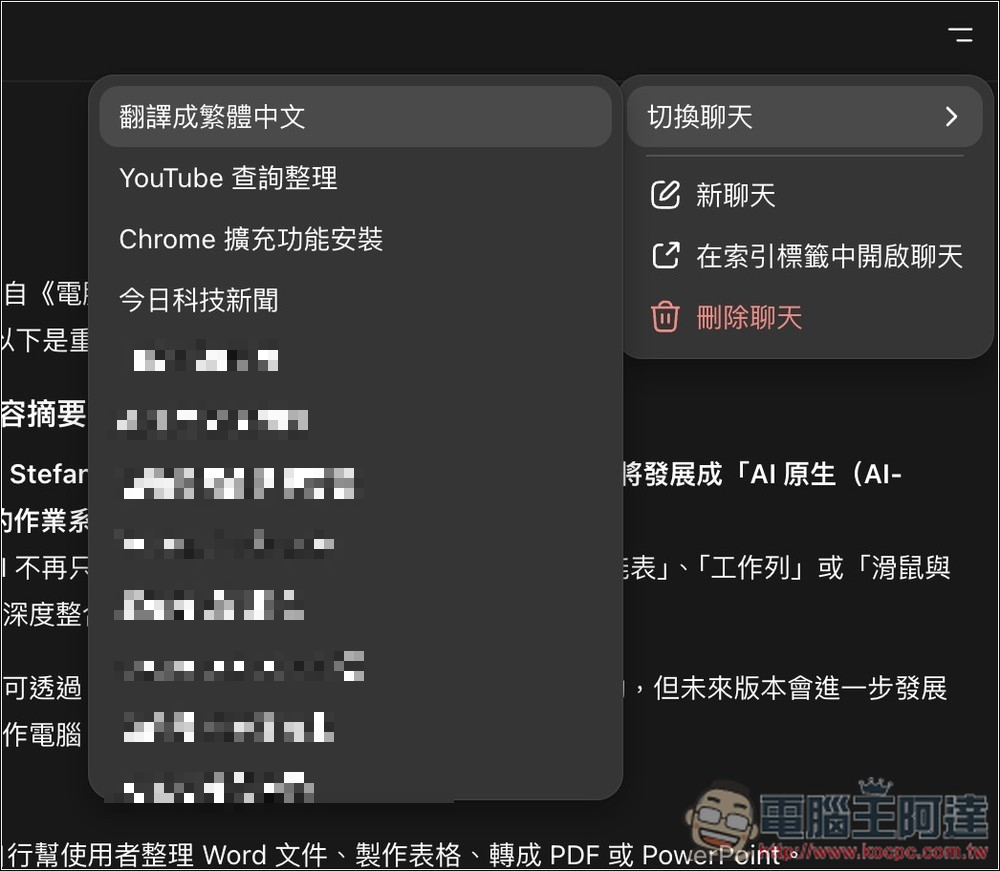
This is a feature I find very convenient. When writing articles, I often use ChatGPT to translate foreign information. Previously, I had to constantly switch tabs to read (writing backend <-> ChatGPT). ChatGPT Atlas not only lets you open ChatGPT chat in the sidebar, but also allows you to switch to other chat histories.
This means that the chat records of translations I complete in other tabs can be displayed on the side of the writing backend.
Open the menu in the top-right corner, then under Switch Chat, you can switch to other chat histories.
4. Use the ChatGPT Agent feature to let AI automatically complete tasks for you.
With the ChatGPT Atlas browser, you can enable the ChatGPT Agent feature anytime in new tabs or side chats.
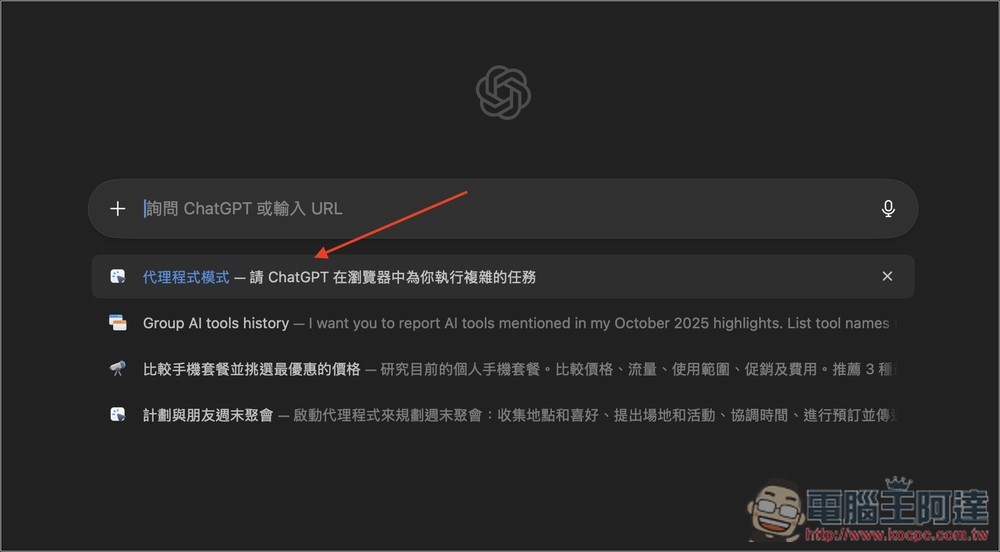
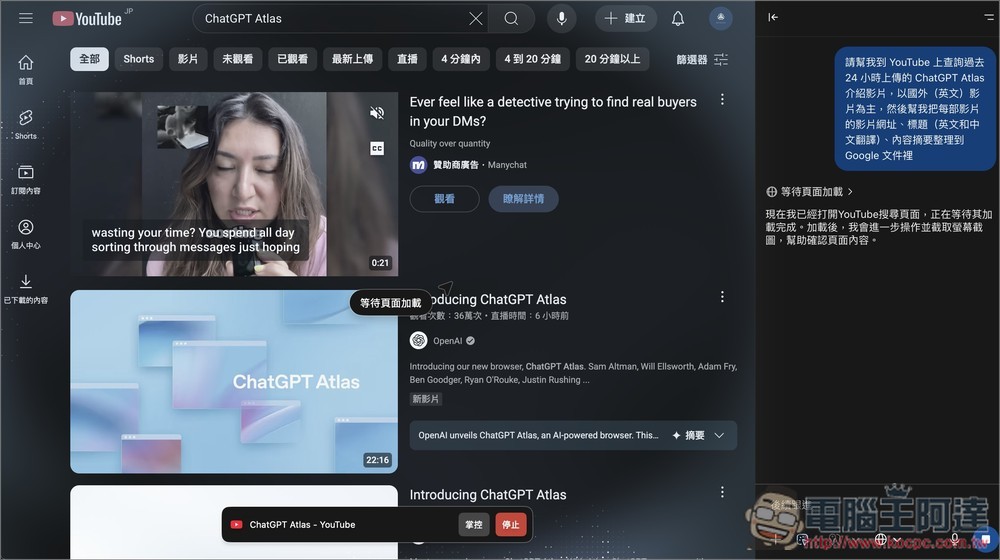
Like my request: “Please help me search YouTube for ChatGPT Atlas introduction videos uploaded in the past 24 hours, focusing mainly on overseas (English) videos, and then compile each video’s URL, title (with English and Chinese translations), and content summary into a Google Doc”
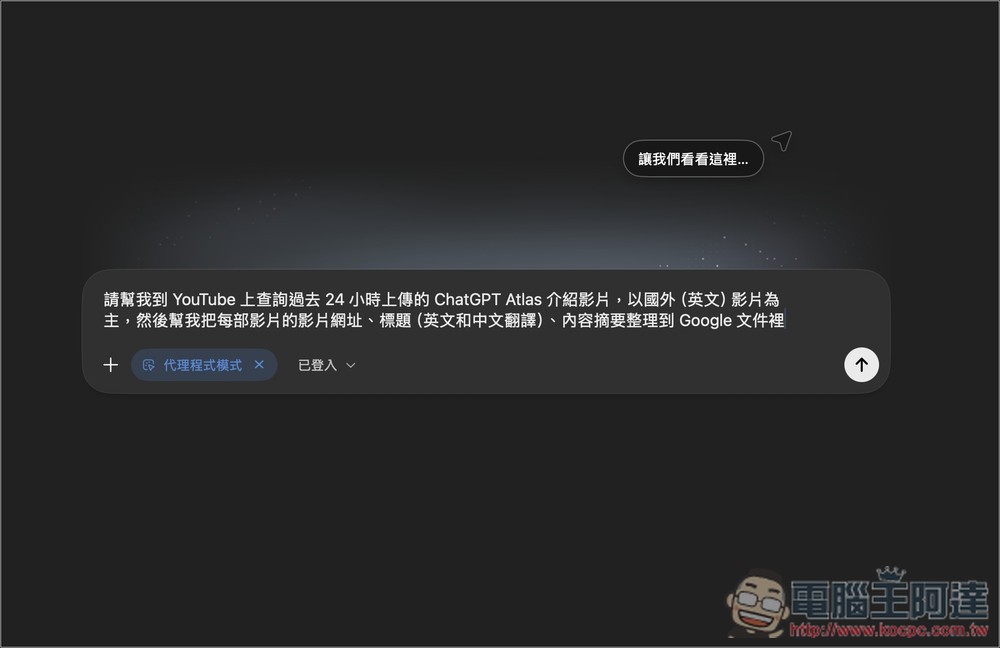
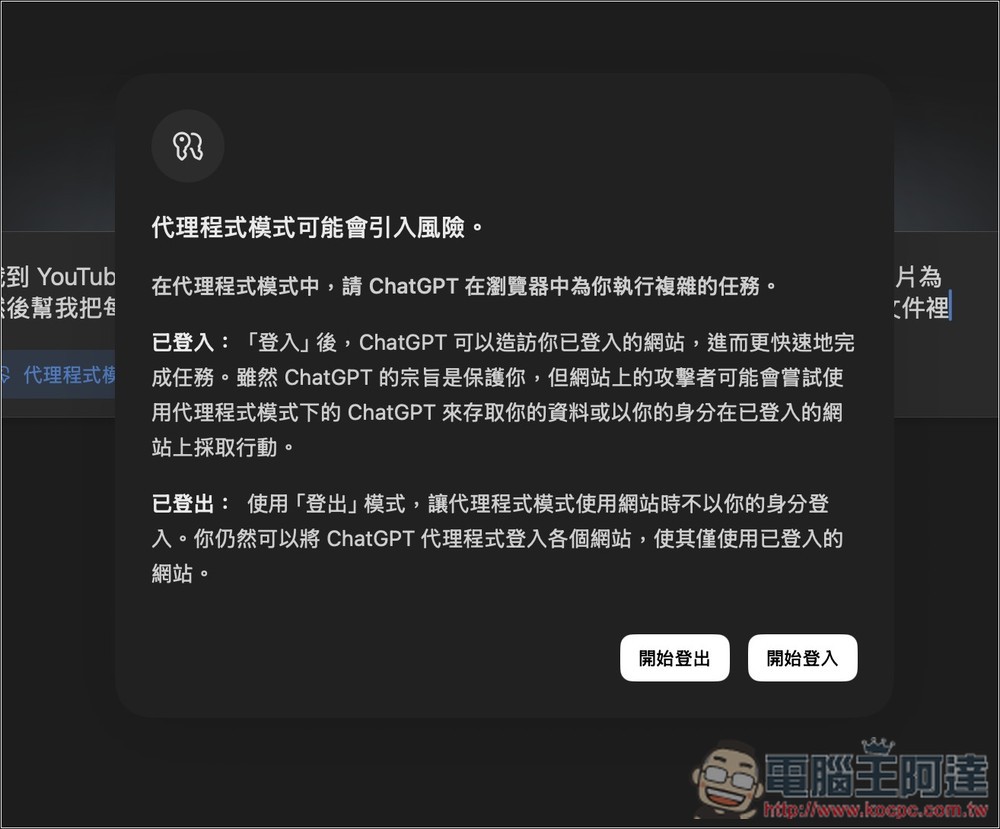
During execution, you can set the mode you want: there are two options, “Logged in” and “Not logged in.” Logged in means you can access websites where you’re already logged into your account. This can complete tasks faster, but there are also some risks. Those who are concerned can choose Not logged in, but in steps that require logging into an account, you must manually enter the information; otherwise, ChatGPT will not continue executing the task:
ChatGPT Agent will start automatically executing the task I requested in this tab, and I can switch to other tabs to continue my original work in the meantime.
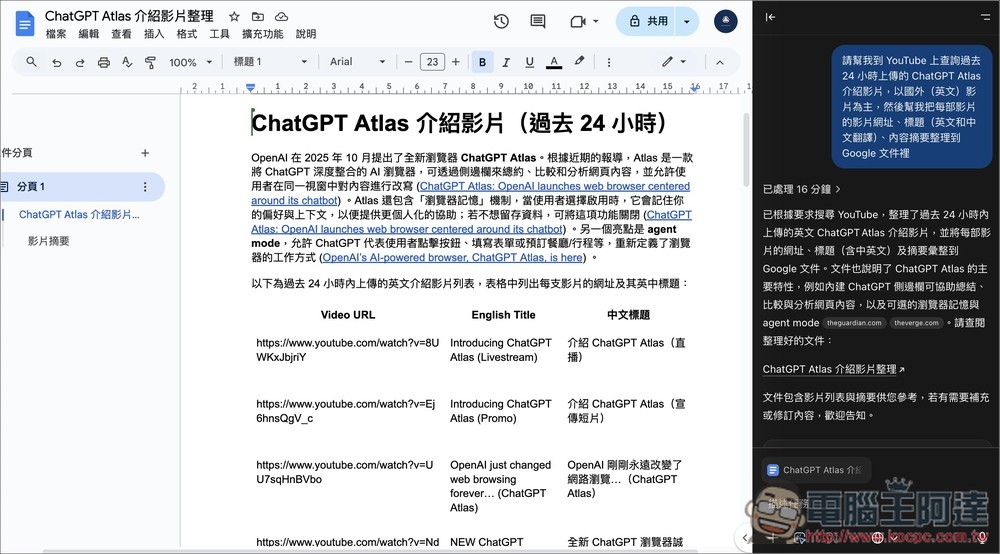
Finally, it also successfully performed the task I requested, inputting the YouTube information into Google Docs:
5. No built-in full-page translation or ad blocking features
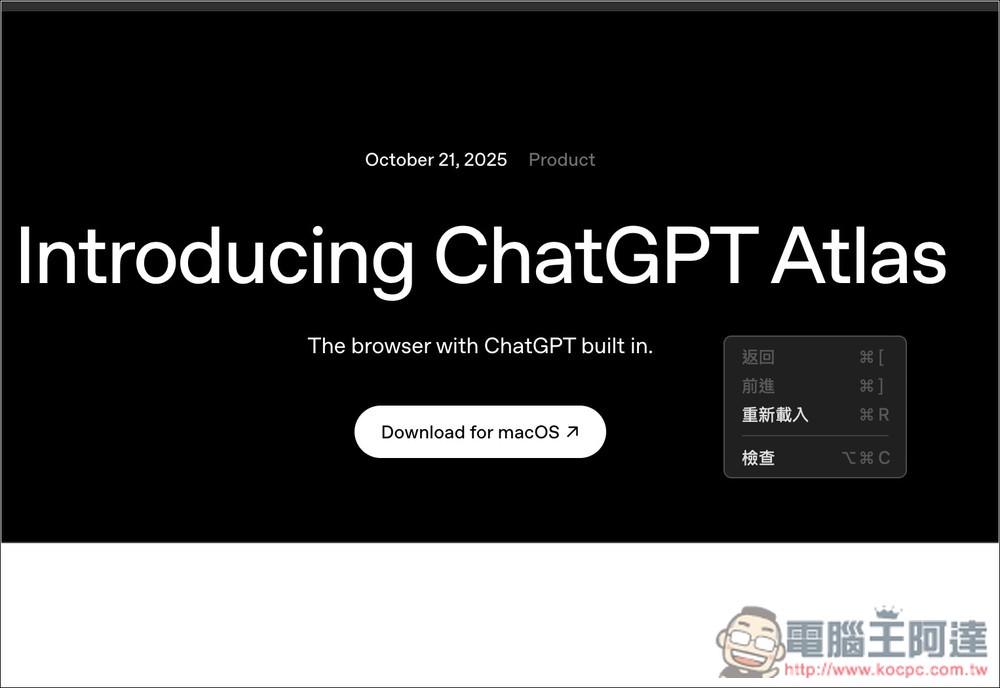
Unlike other AI browsers, ChatGPT Atlas doesn’t have a built-in full-page translation feature, meaning that if you need to translate foreign content, you can only do it through ChatGPT or by installing a third-party extension. It’s not a big deal.
Also, unlike Perplexity Comet and Dia, it has a built-in ad blocker.
The right-click menu on the webpage has no translation feature:
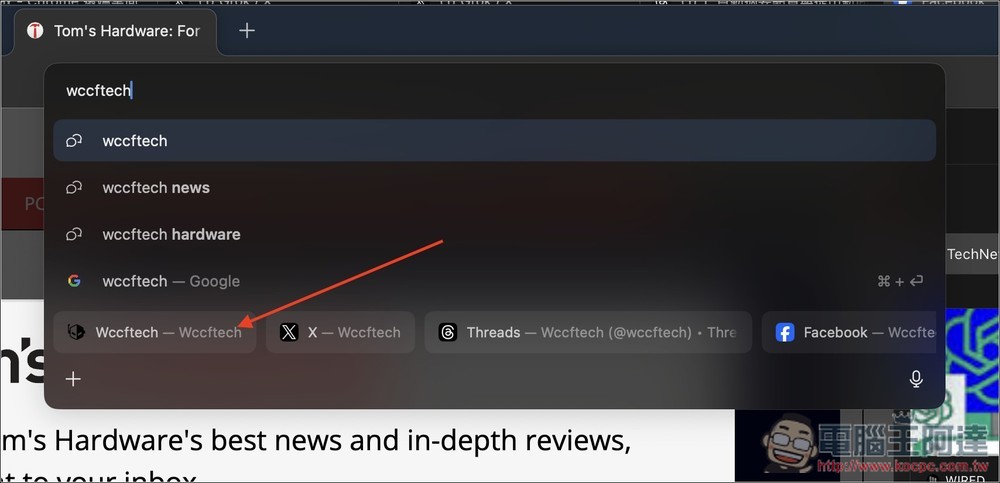
6. When searching for a website name, results appear without actually searching.
This is another design I quite like. When you type a website name in the address bar, without actually searching, matching website results appear at the bottom, and you can click to open them directly. I tested it, and in the vast majority of cases, the first result is the website you’re looking for.
ChatGPT Atlas Live Event Video Chinese-English Translation Version:
Source: KOCPC Chinese