


Have you ever encountered this situation: you want to send a certain picture to the other party for a look, but you are afraid that the other party will save it, forward it, or have it screenshotted? When you need to “just let the other party see it”, the ordinary picture space will not work at all. However, I recently discovered a free tool called Unsee, which focuses on private and secure image sharing. It supports the function of watermarking the viewer’s IP, automatically destroying images after one browse, and can customize the validity time and access restrictions. For friends who need to protect image content or don’t want images to be stored permanently, this service is really convenient!
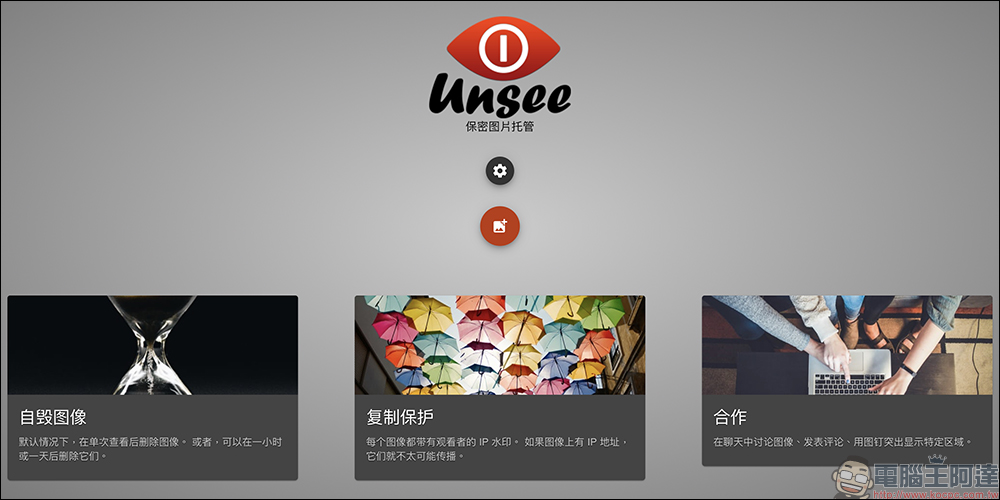
Unsee is a free image sharing tool: Watermark prevents screenshots, time-limited self-deletion, safe and convenient!
General image sharing services, such as Imgur and Google Photos, focus on “convenient access and sharing”, but Unsee’s logic is completely opposite. It is designed for those usage scenarios where “you only want the other party to see it once and don’t leave any traces”. It is achieved through the following methods:
- The default setting is “can only be viewed once”, and the image link will expire immediately after viewing.
- Each picture will be automatically watermarked with the other party’s IP address to prevent screenshots from being leaked.
- You can set the validity time of the picture, from a minimum of 10 minutes to a maximum of six hours.
- You can watch it without the other party registering an account, which is suitable for temporary sharing.
If you have design drawings, work secrets, personal photos, creative sketches and other images that need to be shared securely, then Unsee can really come in handy.
Operation tutorial: How to use Unsee to upload and share pictures
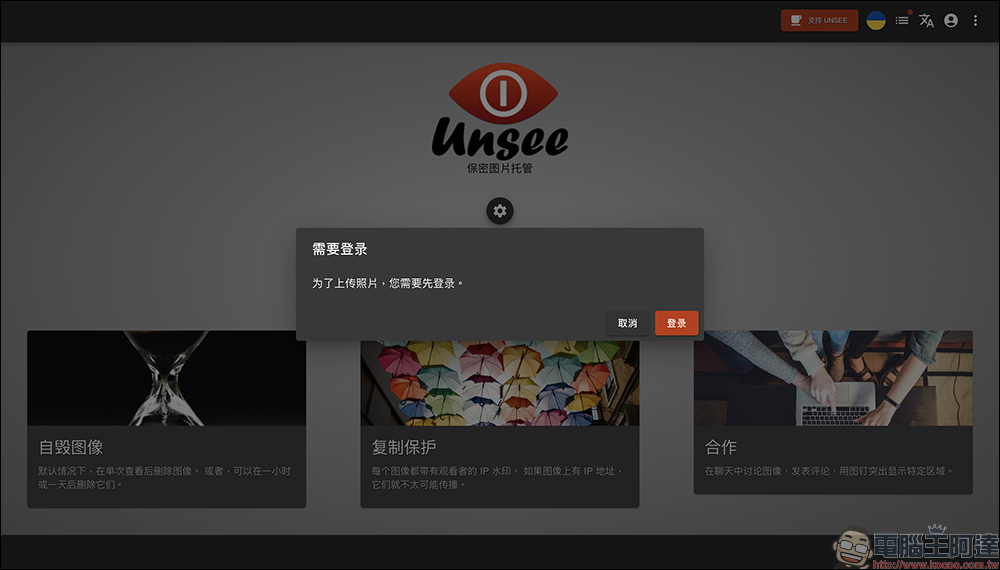
Step 1: Register and log in (or occasionally anonymously)
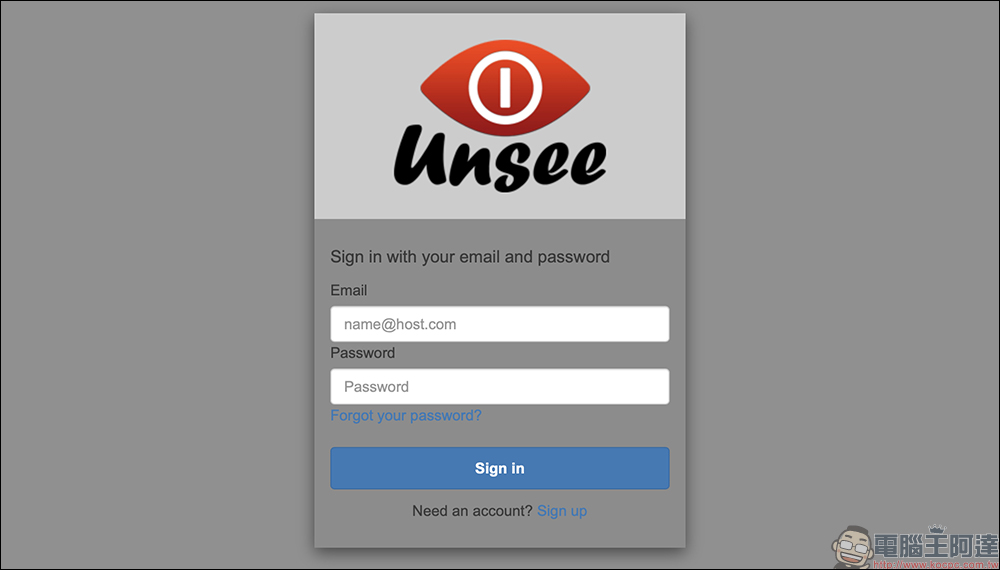
Although Unsee in most cases requires users to register and log in before uploading images, in actual testing, it is sometimes possible to upload anonymously (the triggering conditions are unknown). However, for the sake of insurance, it is recommended to register an account first for stability. However, viewers do not need to register to view pictures, only uploaders need to log in.
Just enter your email and password to complete the registration.
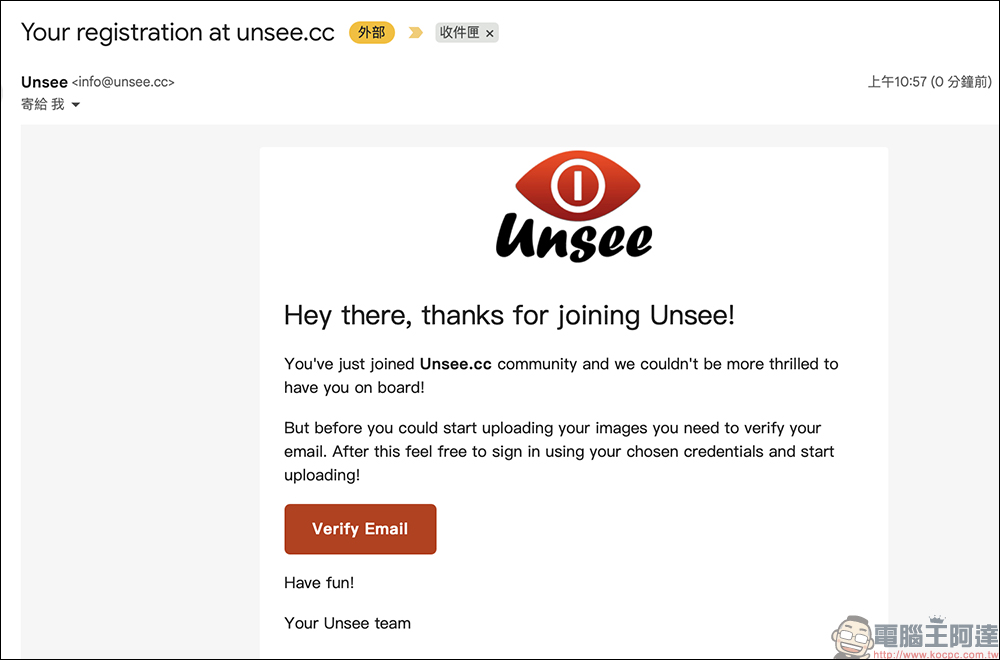
Step 2: Upload pictures and get sharing links
After logging in, click the red upload button on the homepage, select one or more pictures and upload them immediately.
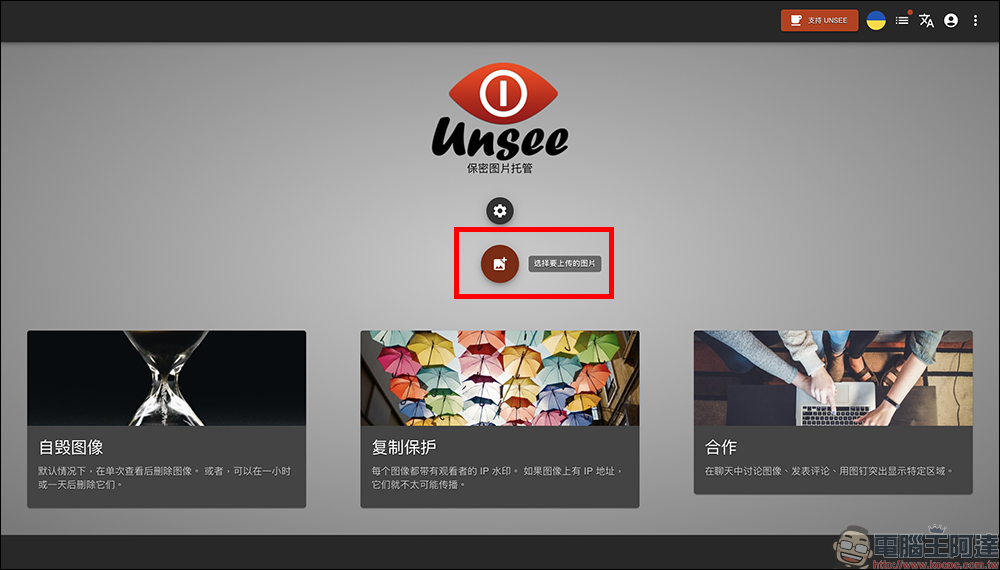
After completion, a set of links will be generated, which can be copied to the other party, or you can test open it yourself to see the screen display effect.
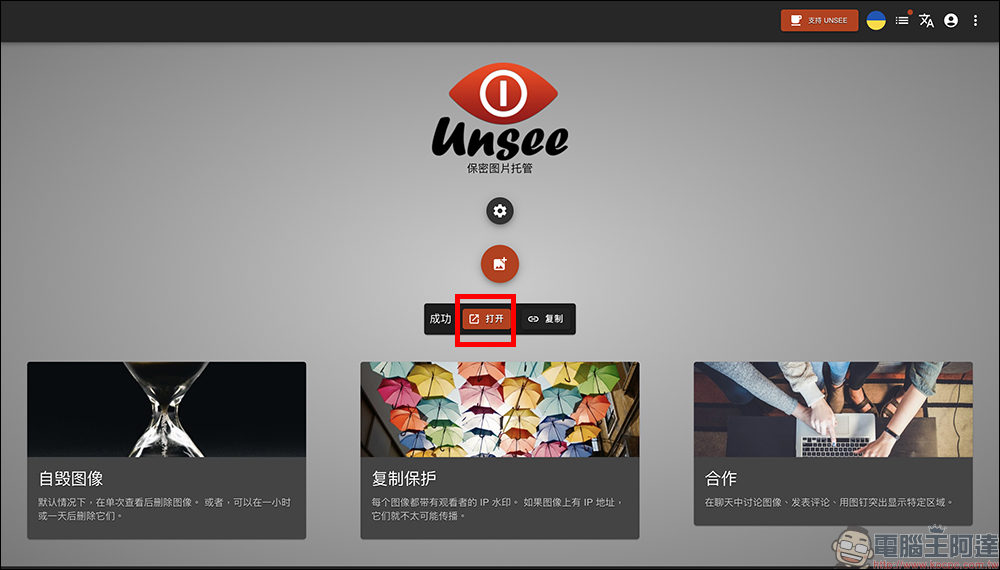
Step 3: Set the image validity time and automatic deletion conditions
Unsee default pictures will be automatically deleted after 6 hours (as shown below):
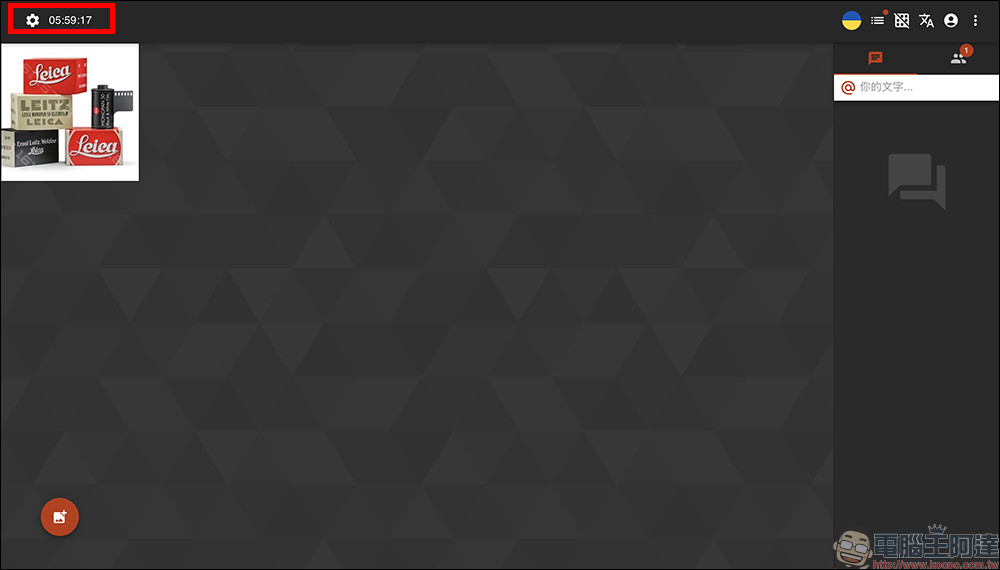
You can also set the image to be invalid immediately after being opened once. This part of the user can manually adjust the text, for example, shorten it to 10 minutes, or extend it to up to 6 hours. If the other party opens the image, the “expiration countdown” will be triggered and the link will no longer be able to be opened a second time.
Step 4: Watermark protection mechanism
Every time someone opens a picture, Unsee will automatically add the other party’s IP address watermark to the picture. Although this approach is not foolproof, it does make people who want to take screenshots and repost them think twice.
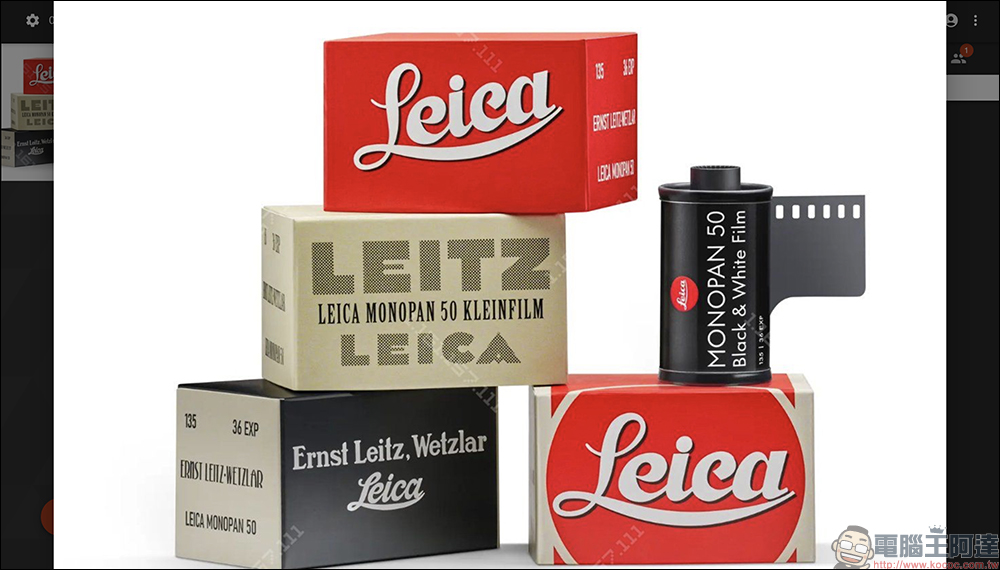
After all, no one wants to leave “evidence of my screenshots.” If you don’t want a watermark, you can turn this option off when uploading.
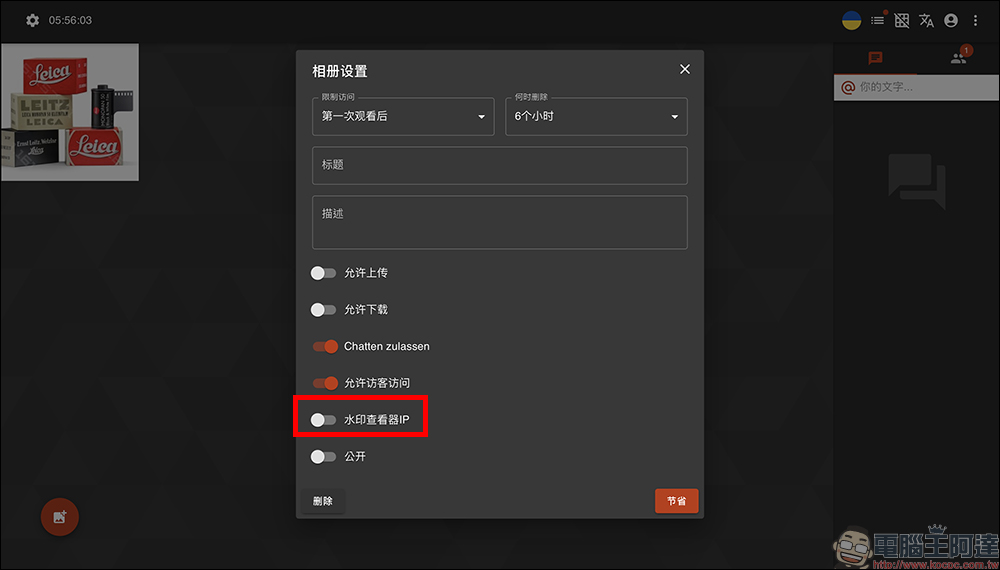
It should be noted that the adjustment of the IP watermark of the picture will not take effect until the next time the picture is uploaded. Therefore, if you turn it off just now, the next uploaded picture will be without watermark.
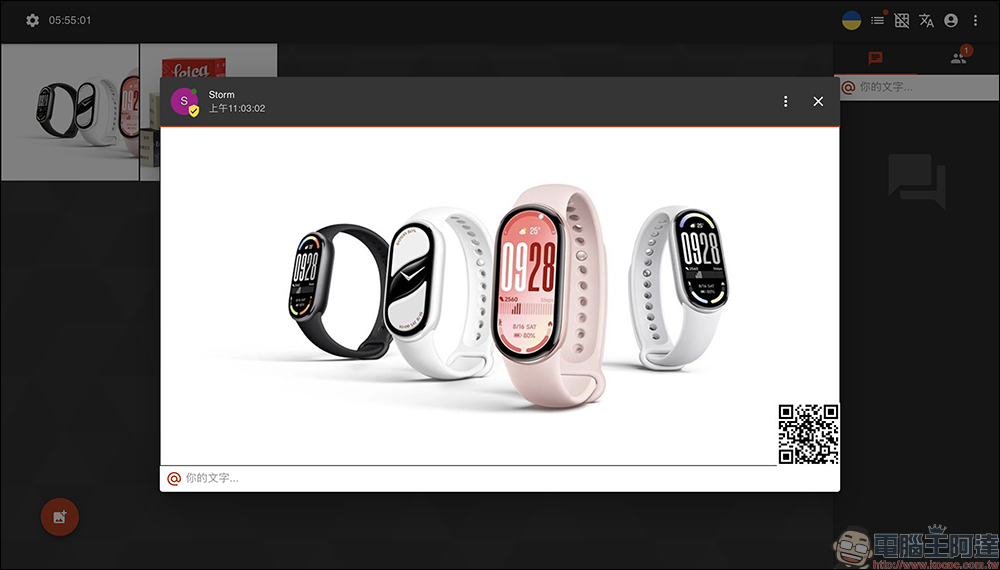
What’s so special about Unsee? How is it different from the general picture space?
The design concept of general picture spaces (such as Google Photos and Imgur) is “convenient for people to view and save”, but Unsee does the opposite:
A quick reminder: Unsee is not foolproof, but it definitely adds an extra layer of protection.
Although Unsee provides many image protection mechanisms, there is no absolutely safe way to share images in the world. Someone may still use another device to take screenshots, and the possibility of transferring them cannot be completely eliminated. But if you want the other person not to save another image so easily, then a design like Unsee is well worth a try.
Unsee picture space
Conclusion
If you just want to send a picture for the other party to “take a look” and don’t want it to be saved, forwarded or exposed, then Unsee is definitely a tool worth bookmarking. The operation is simple, the functions are clear, and it is free and ad-free. Although it does not have Traditional Chinese, it still supports multiple languages such as Simplified Chinese. It is a rare “read-only image space” service currently. Sometimes we protect an image not because it must be confidential, but because we just want to retain a little control.
Unsee picture space
Further reading:
Source: KOCPC Chinese