


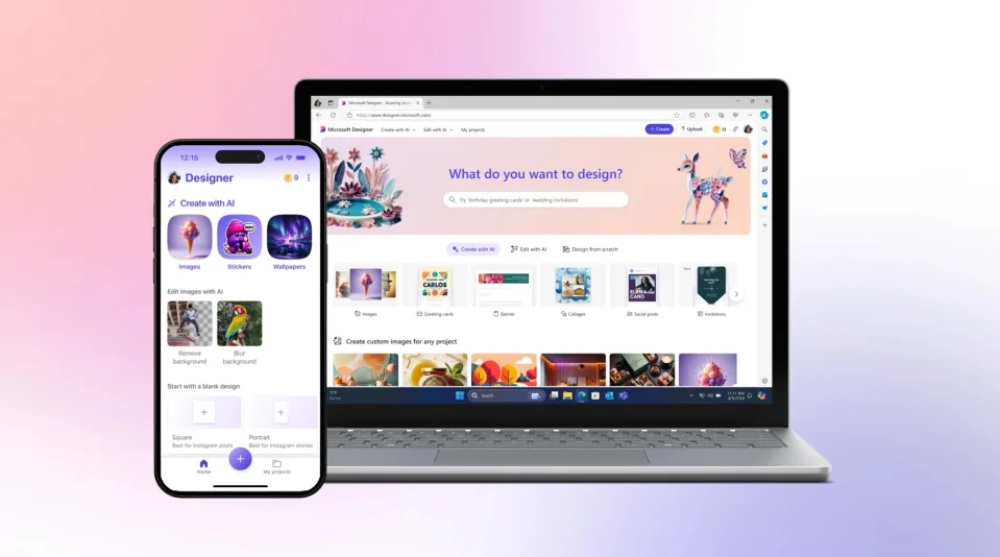
It is full of design functions such as image generation, sticker generation, design creation, background removal, and brand Kit creation. It is basically Microsoft’s response to Canva’s generative AI design service. Microsoft Designer has now announced that it officially supports iOS / Android / Windows / Web and is open to all personal Microsoft account users. Continue reading Microsoft’s launch of Canva’s generative AI design capabilities in Microsoft Designer officially supports iOS / Android / Windows apps! Report text.
▲Picture source for this article: Microsoft
Microsoft’s Microsoft Designer, which embraces Canva’s generative AI design capabilities, officially supports iOS / Android / Windows apps!
It is full of design functions, from image generation, sticker generation, design creation, background removal to brand Kit creation, etc. It is basically Microsoft’s response to Canva’s generative AI design service. Microsoft Designer has now announced that it officially supports iOS / Android / Web, more than 80 languages and is open to all personal Microsoft account users.
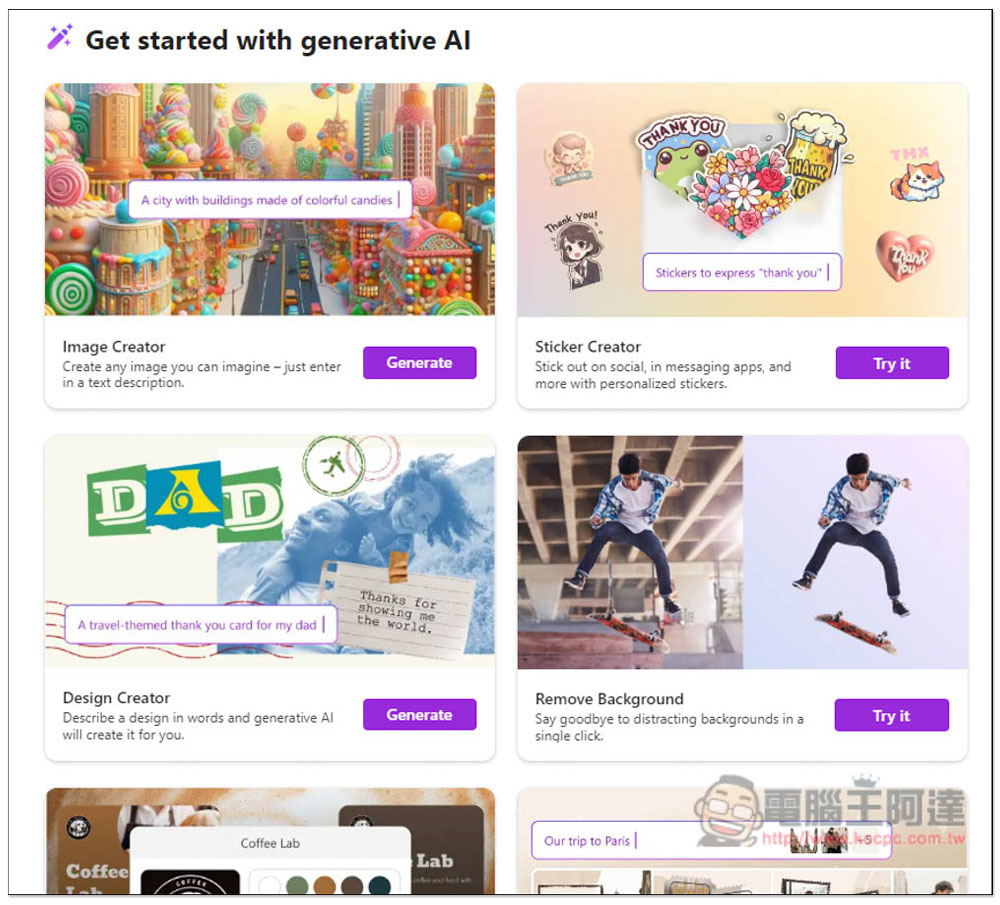
If you have used Microsoft’s “Image Creator” that integrates the OpenAI DALL-E image generation service, I believe you will find Microsoft Designer quite familiar – because it is actually in it, but its functions have also been extended to provide different layouts and designs for community use.
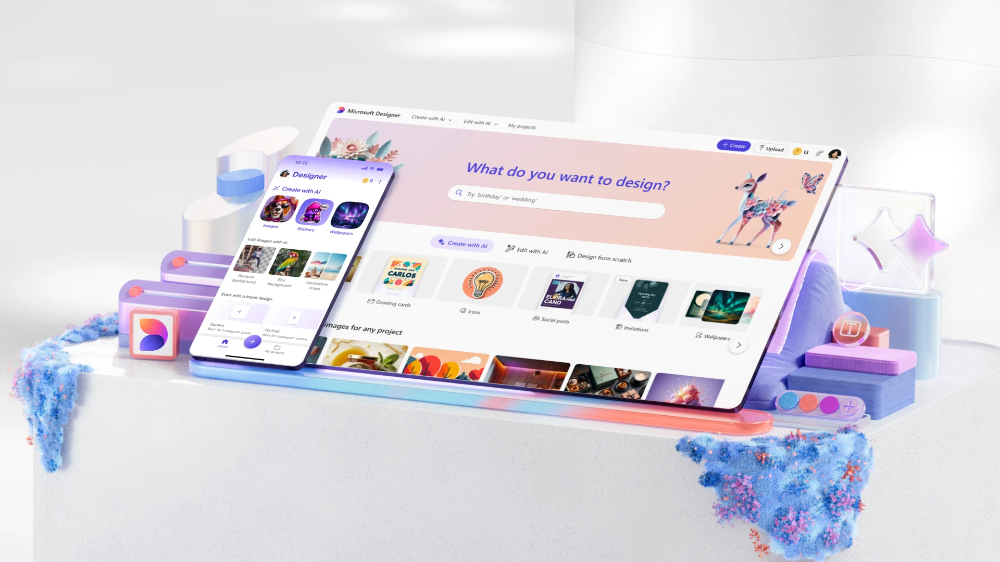
Basically, Microsoft uses the power of generative AI to further provide rich image design tools for users who want to try design.
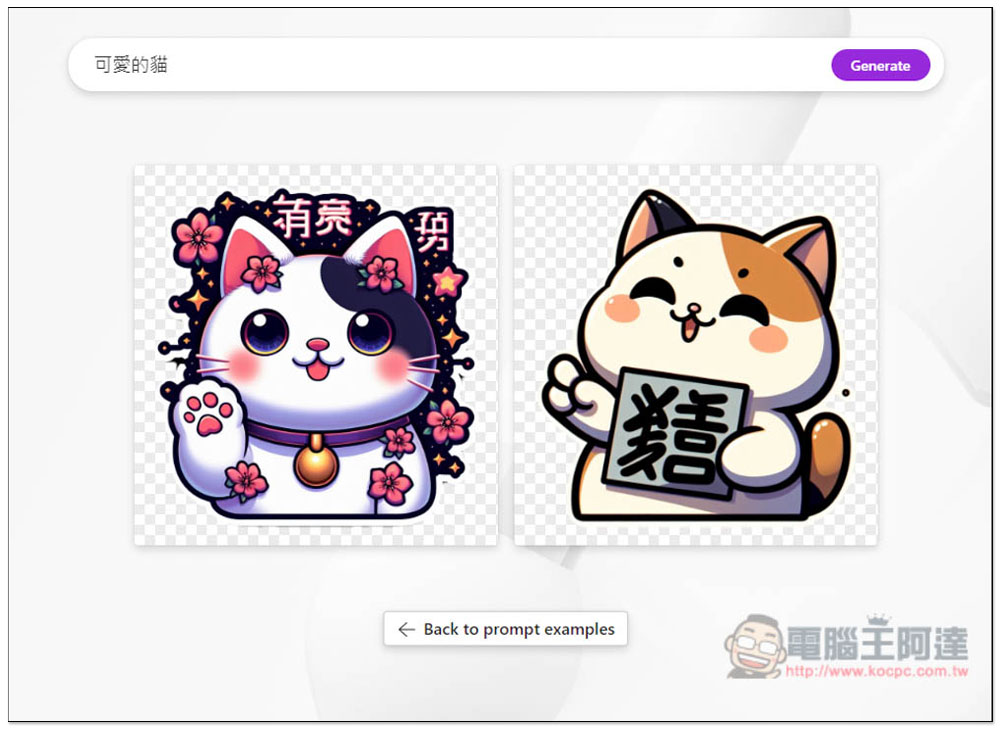
Take the related functions of image generation from scratch as an example. In addition to the above-mentioned Image Creator, it also includes “Sticker Creator” that can generate stickers/maps – it will directly give you a PNG file with a transparent background, which is very convenient! There is also a “Brand Kit Creator” available that extends similar concepts to brand image creation.
For designers who already have materials to apply, Microsoft Designer also provides a dedicated function “Design Creator” that can edit the design layout and a “Remove Background” service that uses AI to assist in background retouching; the new “Replace background” can be used to add a generated new background to the subject.

You can also use the “Restyle image” function to convert photos into different images such as cartoon versions; “Frame image” allows you to design with text chanting around the photo frame. You can also use the new “prompt templates” function to pre-set default templates for different purposes – this is really for professional users!
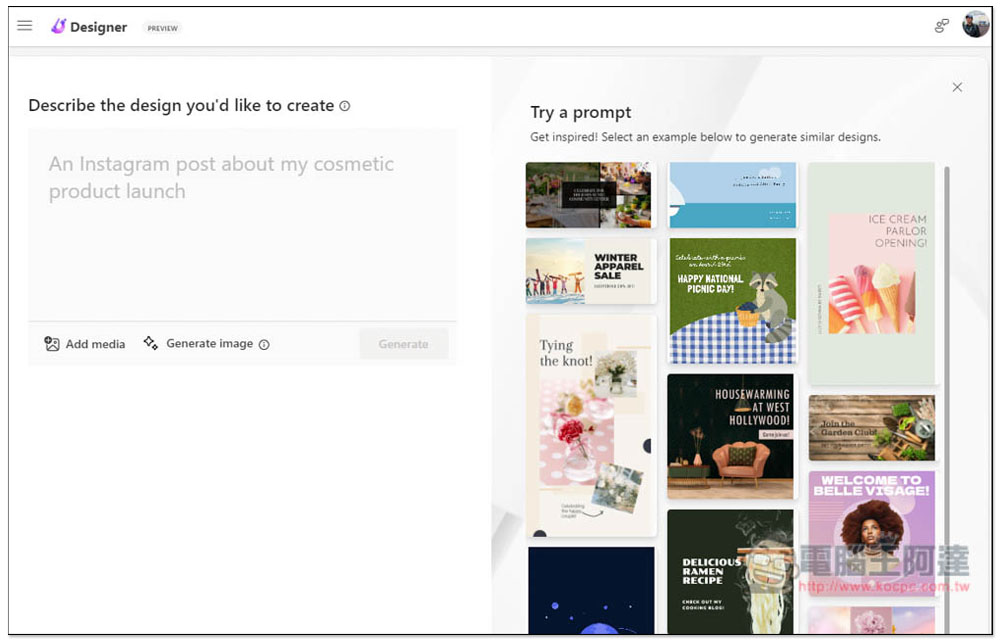
In addition to the free part, Microsoft also provides Copilot Pro paid subscriptions that integrate Microsoft Designer-related functions including Word and PowerPoint. For more detailed function introduction, you can view the official website cited in the source. Or download the App directly and log in to use it more directly!
Further reading:
What black are you talking about? HomePod mini midnight color unboxing experience
Source: KOCPC Chinese