


I have introduced you to a retro game simulator before Delta , allowing many players to use their iPhone to open the app at any time and play various nostalgic games from that year. Many people also hope that the iPad will have a corresponding version soon. After all, in addition to watching TV shows, surfing the Internet, and playing some games from the App Store and Apple Arcade, the iPad sometimes still feels that the previous games are more “playable”. Now the Delta game emulator finally supports iPadOS! It’s time to turn your tablet into a large-scale nostalgic machine.
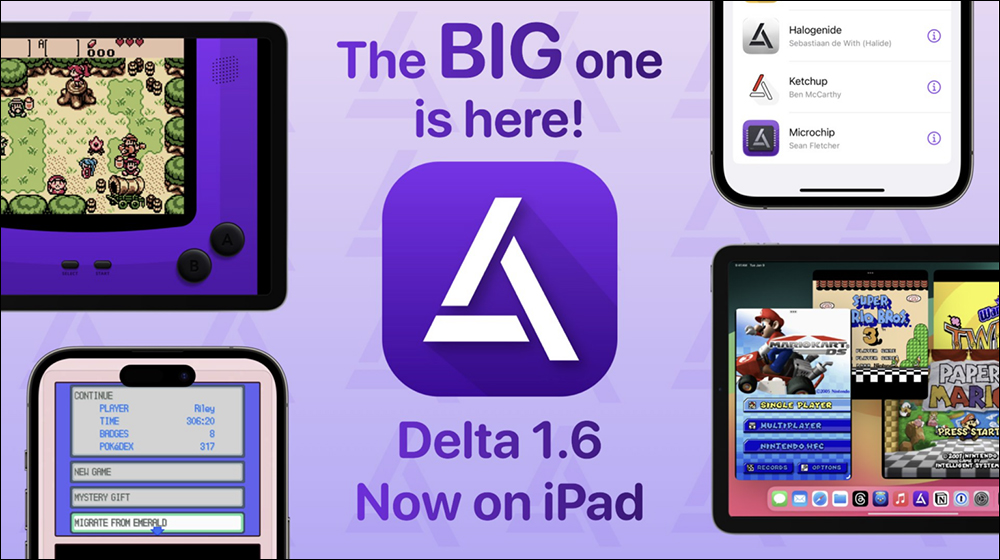
Delta Game Emulator finally supports iPadOS! Classic handheld game consoles have become larger, and Game Boy, NES, SNES, N64, NDS, DS and other consoles can also be played on the iPad
Since Apple adjusted its strategy and opened up game emulators to the App Store, users can play classic retro games from the past directly on iPhone or iPad through the emulator. Among them, Delta is a game emulator app that supports a variety of game console types and simple settings. It is also loved by many players who want to play “old games”. However, in addition to the iPhone in hand being able to turn on the GBA to play games, wouldn’t the larger iPad be more enjoyable to play?
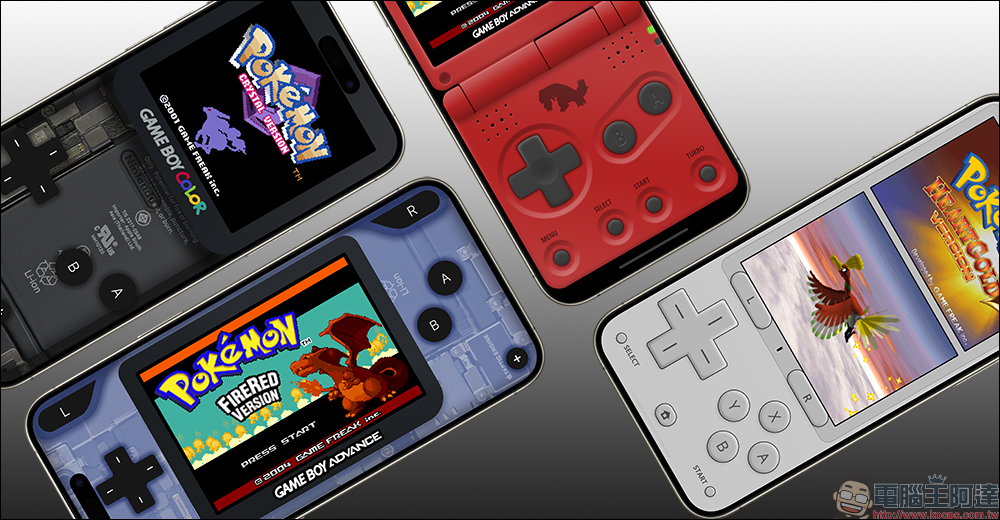
Recently, Delta finally announced support for iPadOS! From now on, everyone can go to the App Store to download the Delta App, plus the same Delta for iOSWith similar settings and game loading methods, you can play various classic games on the iPad.
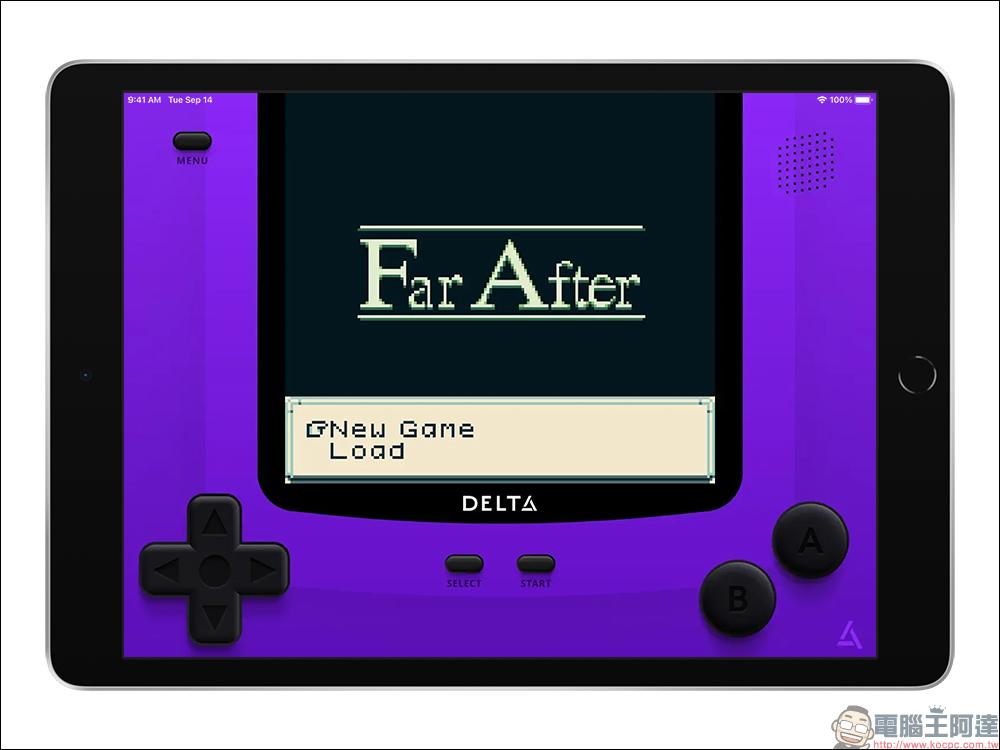
Delta has been extremely popular since its debut on the App Store, with the emulator consistently appearing on the charts and currently sitting at number 33 in the “Entertainment” category. From retro games that originally appeared on consoles like the NES, SNES, N64, Nintendo DS, Game Boy, and Game Boy Advance.
With the addition of iPad support in the Delta v1.6 version update, users can now take advantage of the iPad’s larger display screen and operate in full screen mode. Delta has a new controller panel specifically designed for iPad. The app supports multiple windows in front-end management and split-screen browsing, and the game can be paused when switching windows. The iPad version also supports external game controllers, and developer Riley Testut said the simulated game “relays” seamlessly between iPhone and iPad, allowing gamers to pick up where they left off.
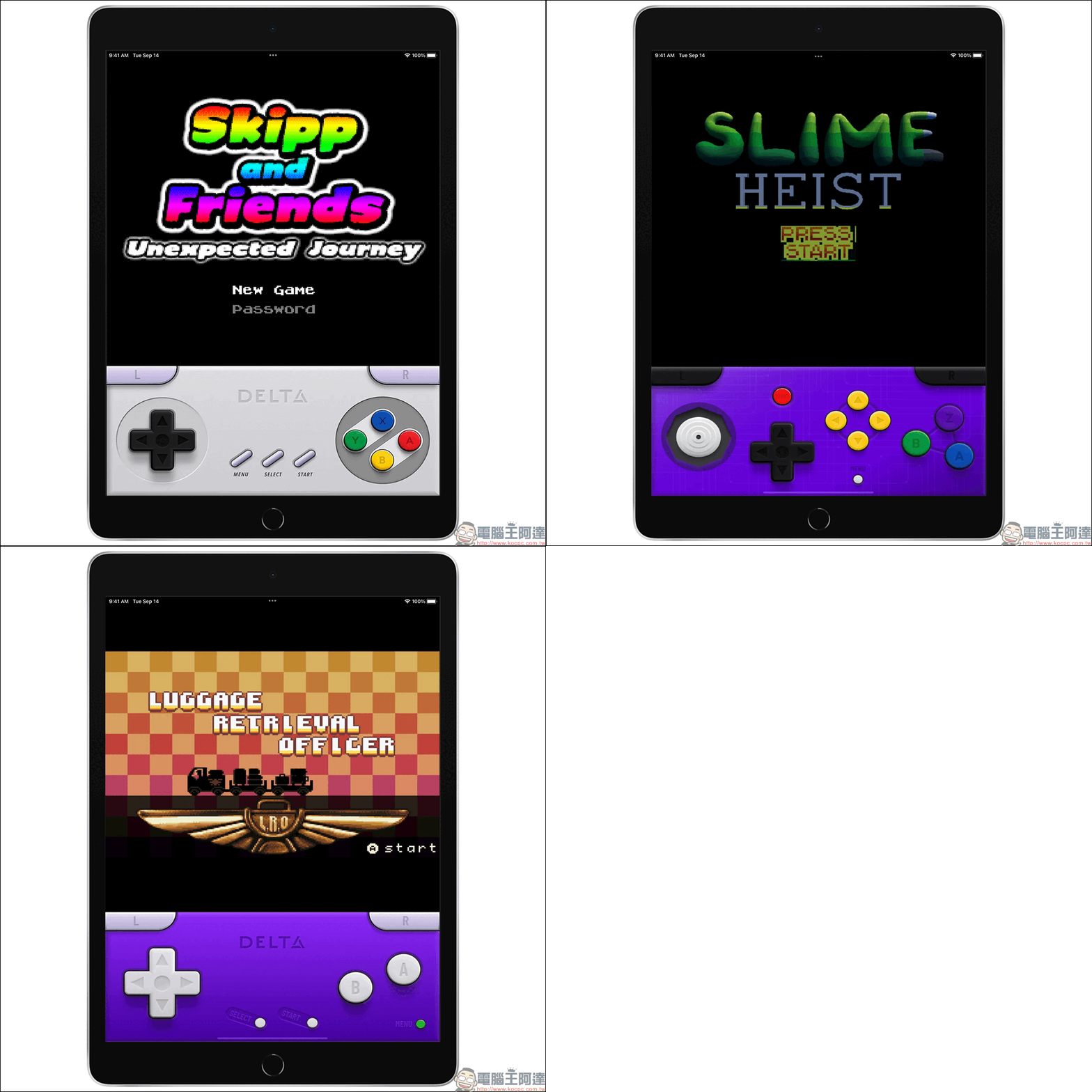
Testut said the setup process is now simplified and a BIOS file is no longer required. Users should also notice considerable improvements in the performance of DS games. The update imports various menu button gestures, providing more intuitive navigation options. An experimental feature “Reverse Controller Panel Screen” has also been added, allowing users to switch controller panel screens during execution, providing greater customization and flexibility during gameplay. Testut previously explained that Delta for iPad was not initially a development priority because the program was being rolled out to the EU via the AltStore PAL restricted emulator, which does not support the iPad.
Download “Delta−Game Emulator” APP (App Store)

Source: KOCPC Chinese