


As AI Programming skills are getting stronger and stronger, and a trend has also risen online. Vibe Coding The trend has led many people to want to try writing code themselves. Even though AI means you don’t need to understand code, learning how to use AI tools correctly is still something you need to figure out. To help everyone quickly understand how to Google AI Studio conducting Vibe Coding in there a few days ago Google Just at the official YouTube The channel has released a series of tutorial videos, covering everything from basic introductions and usage of various modes to examples of building an AI restaurant finder.
If you’re planning to, or already using Google AI Studio to write code, I highly recommend checking it out. Each video is very short, so it won’t take up too much of your time.
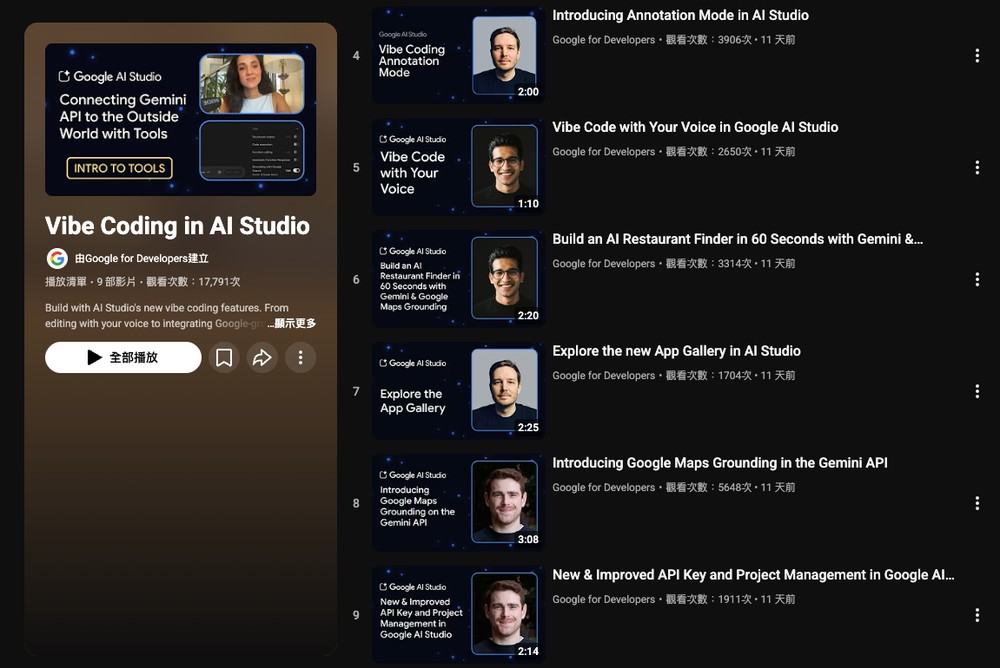
Google has released a series of free tutorial videos on Vibe Coding in AI Studio on YouTube.
This time, Google released a total of 9 tutorial videos for Vibe Coding in AI Studio. Each video is about 2–3 minutes long, meaning you can finish watching all of them in under 30 minutes. Below are the titles and Chinese translations of each video:
- 1. Connecting Gemini API to the Outside World with Tools | Intro to Tools
→ Connect the Gemini API to the External World Using Tools | Getting Started with Tools - 2. Introducing the new vibe coding in AI Studio
Introducing AI Studio’s new Vibe Coding feature - 3. Overview of the new vibe coding experience in AI Studio
→ AI Studio: All-New Vibe Coding Experience Overview - 4. Introducing Annotation Mode in AI Studio
→ Introducing AI Studio’s Annotation Mode - 5. Vibe Code with Your Voice in Google AI Studio
Using voice for Vibe Coding in Google AI Studio - 6. Build an AI Restaurant Finder in 60 Seconds with Gemini & Google Maps Grounding in AI Studio
→ In AI Studio, combine Gemini with Google Maps to build an AI restaurant finder in 60 seconds. - 7. Explore the new App Gallery in AI Studio
Explore AI Studio’s All-New Applications Showcase - 8. Introducing Google Maps Grounding in the Gemini API
→ Introducing the Google Maps location feature in the Gemini API - 9. New & Improved API Key and Project Management in Google AI Studio
Google AI Studio’s newly improved API key and project management features
Go to the Vibe Coding in AI Studio tutorial video series
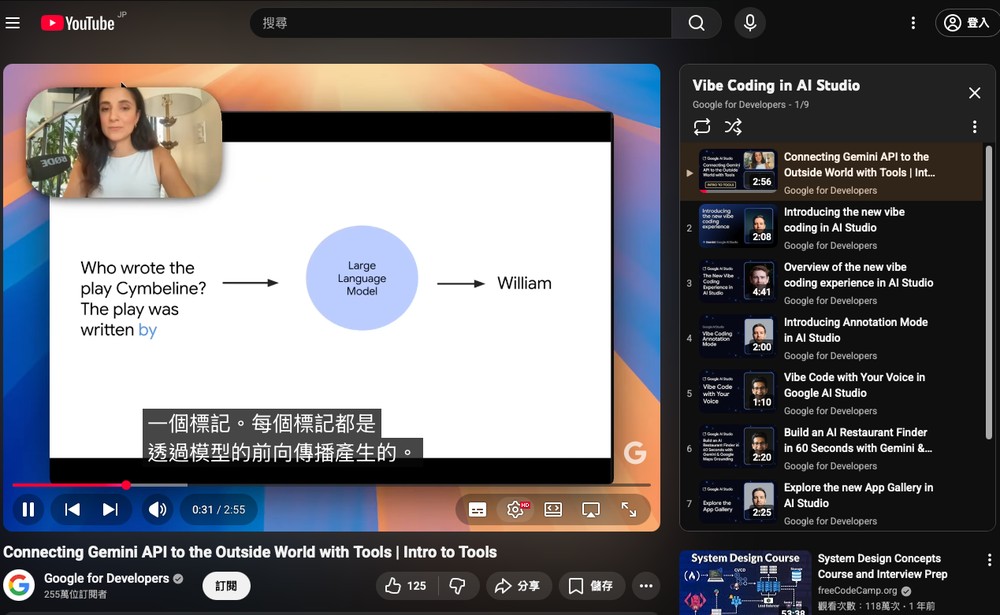
Although the video doesn’t have native Chinese subtitles, you can use the built-in auto-translate feature to convert the English subtitles into Chinese, and it’s basically understandable:
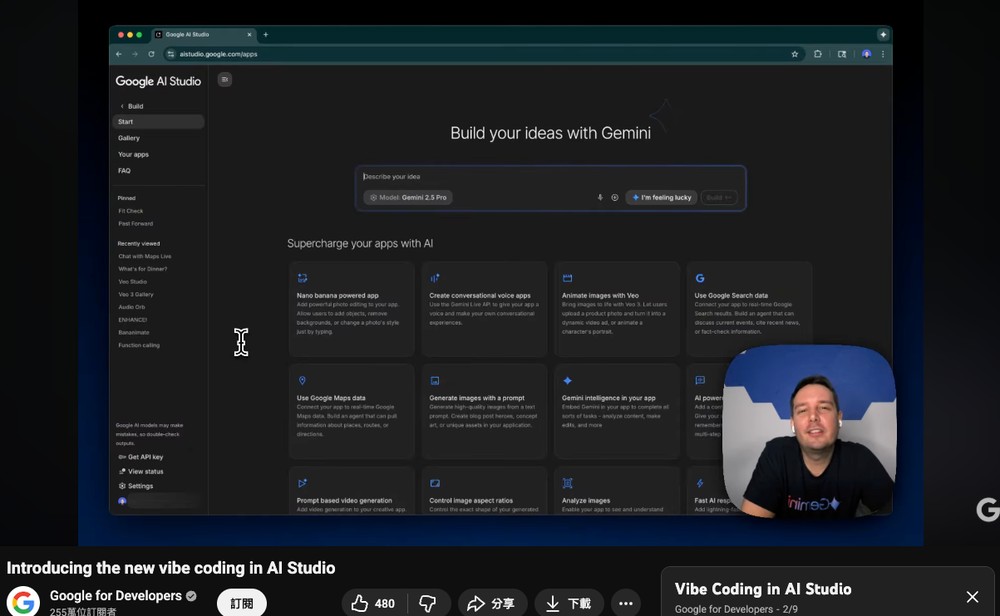
The second part, “Introducing the new vibe coding in AI Studio”, is well worth watching for beginners. It will show you how to build AI-powered applications in the simplest way:
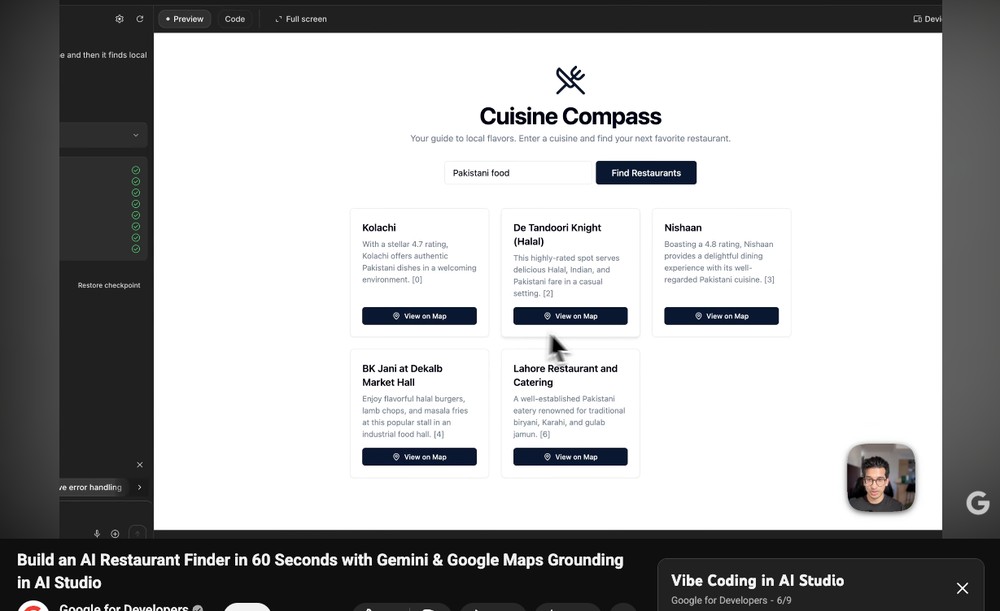
This one is also quite good, showing you a live demo of building a restaurant finder in under a minute, complete with Google Maps integration.
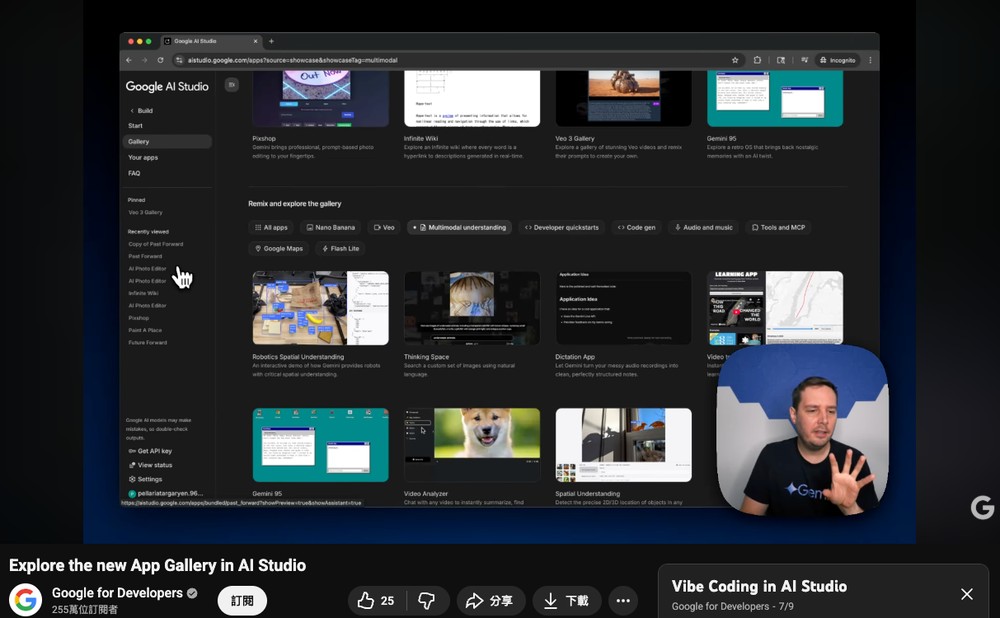
The App Gallery has many great examples to reference, as detailed in the video ‘Explore the new App Gallery in AI Studio’:
Source: KOCPC Chinese