


The MacWhisper team has been teasing the iOS version for a while, but has quietly announced the launch of public testing. The Computer King Ada team quickly used Testflight to try out this great voice-to-text tool and what kind of experience it would be like to use it on the iOS platform. Continue reading The AI transcription tool MacWhisper has landed on the iOS beta version for hands-on play, and can also load local language models! Report text.
The AI transcription tool MacWhisper has landed on the iOS beta version for hands-on play, and can also load local language models!
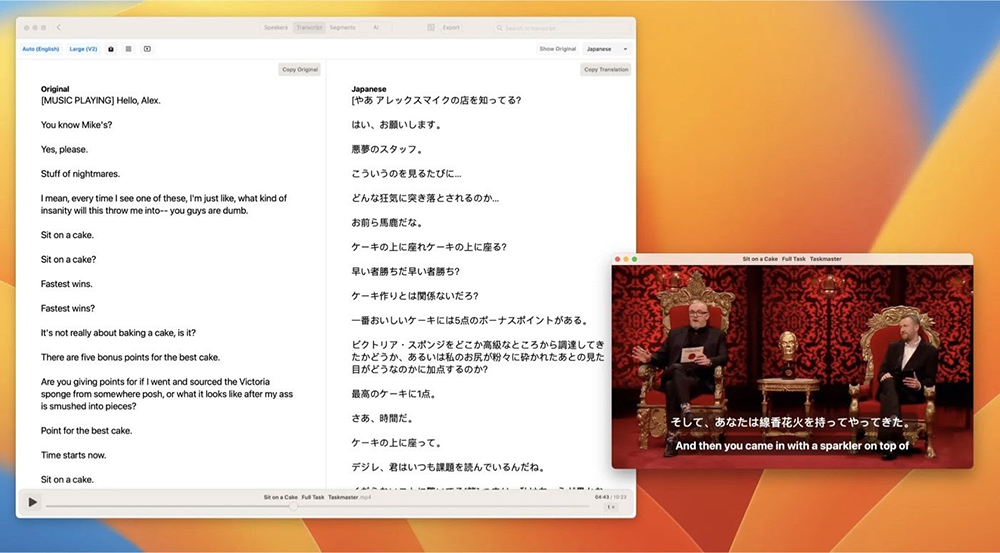
Even if generative AI suddenly became popular, it only took a few years. However, it was very early to provide a local model that can recognize speech and transcribe it into text. MacWhisper Since its launch, it has reached version 8.0, which can synchronize the video viewing and transcription status. It can be said to be a veteran application among generative AI transcription tools.
In this wave of update letters, we discovered that the iOS version that the MacWhisper team has been teasing for a while has silently announced the launch of public testing and that it will be officially launched in the near future. The Computer King Ada team immediately passed Testflight wayBe the first to try this great voice-to-text tool and what kind of experience it will be like when it comes to the iOS platform.
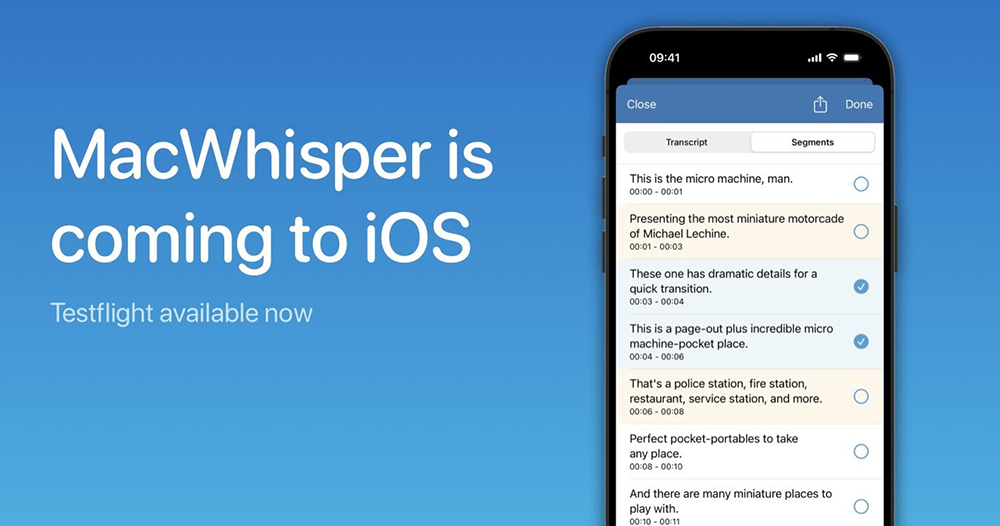
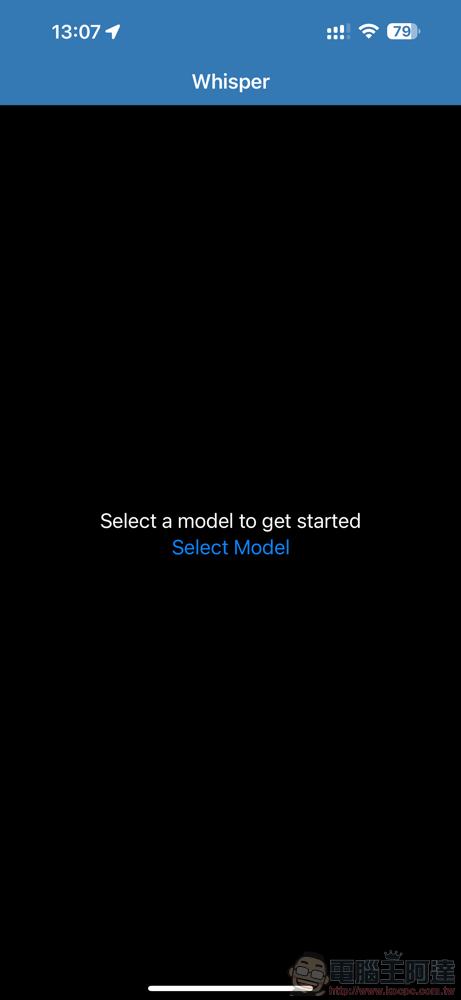
First of all, MacWhisper, which uses a local language model to transcribe and focuses on high privacy, really changed its name when it came to iOS (otherwise, it would have to change its name every time it supports a system~laughs), and after a few days of testing, it became “Whisper Transcription”. After opening the app and downloading the model, it will kick you out of the app (fall) and require you to open the recording app or file with Whisper as an Extension to transcribe.
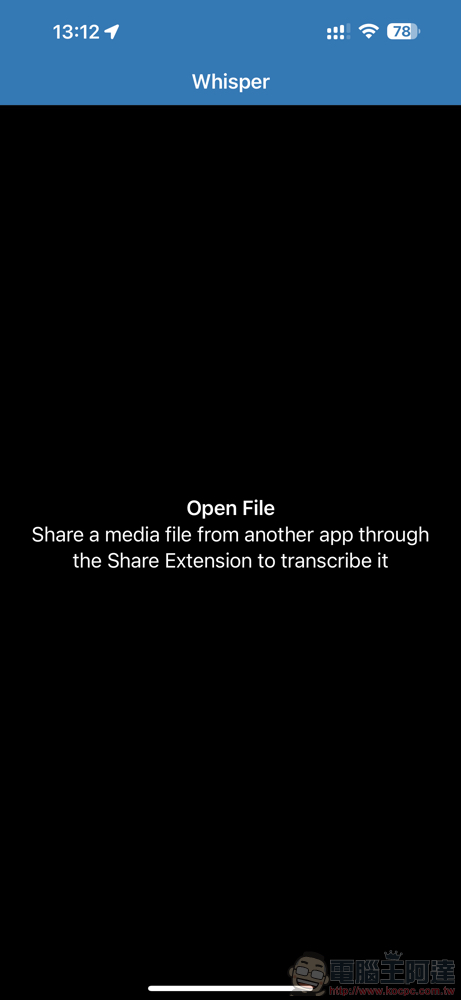
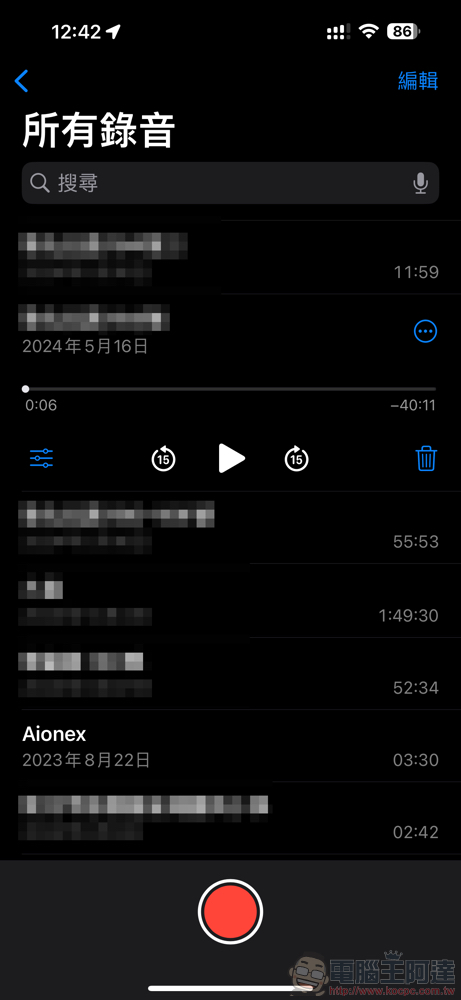
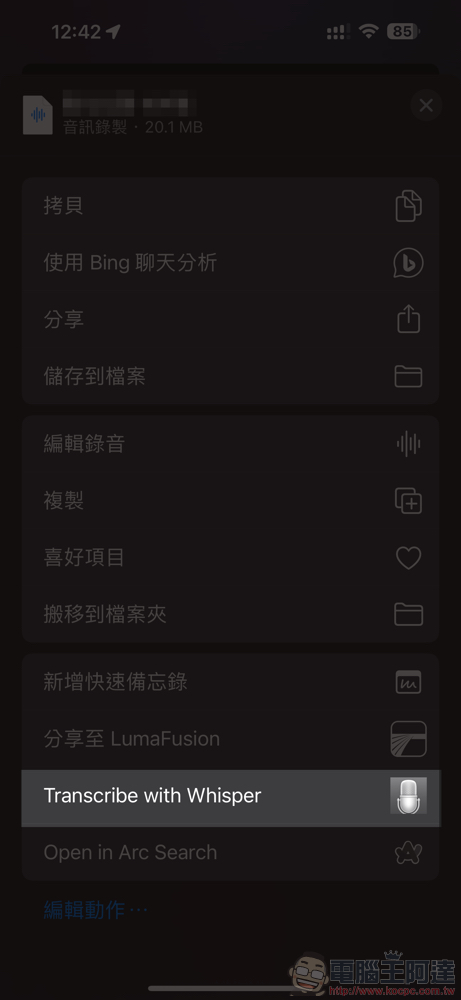
Taking the original voice memo function of iOS as an example, you can directly click “…” on the right and select “Transcribe with Whisper” to jump to the Whisper app for transcription. (PS: If you don’t see the command, you can find it through the “Edit Action…” below.)
After the jump, you can specify the language or model to be transcribed and recognized from the left and right lower corners of the interface.
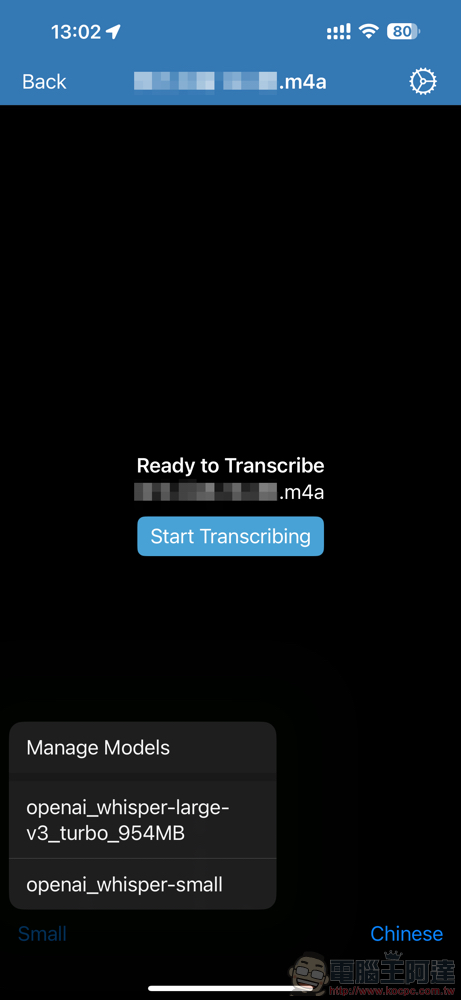
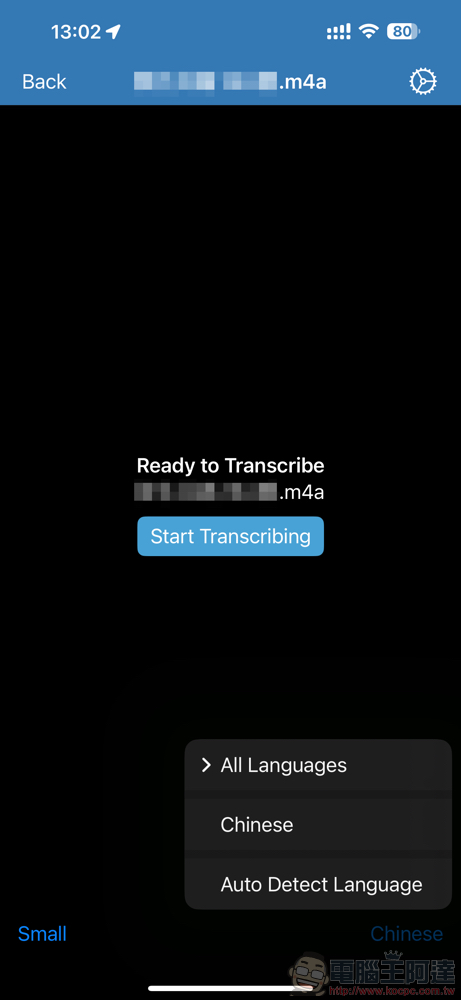
For the model part, we recommend selecting Small just like the desktop version (the 40-minute 20MB interview recording file takes about 14 minutes to complete).
In the test version, we can also choose a larger model. However, since it is marked as Pro, and you can see information about upgrading to Pro in the advanced settings, it is not surprising that in the official version, these advanced models should be limited to paying users – as far as the official information is concerned, you only need to pay once to upgrade to the Pro version.
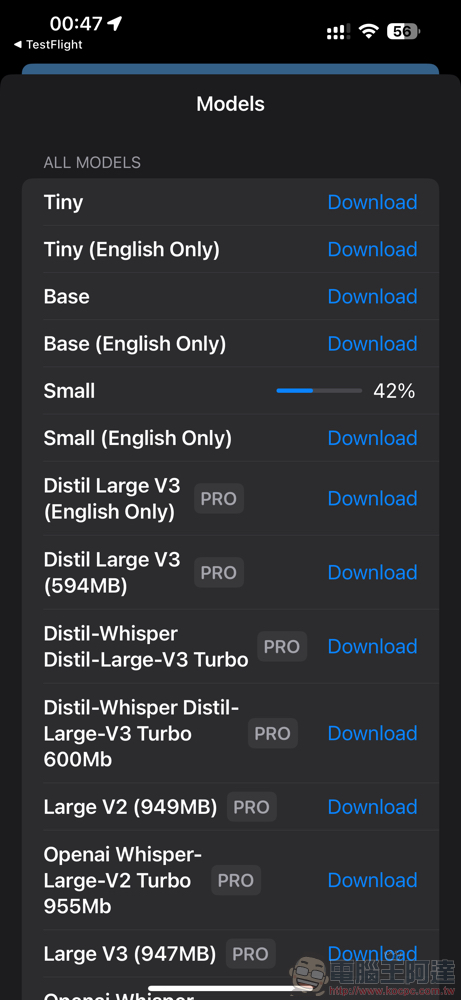
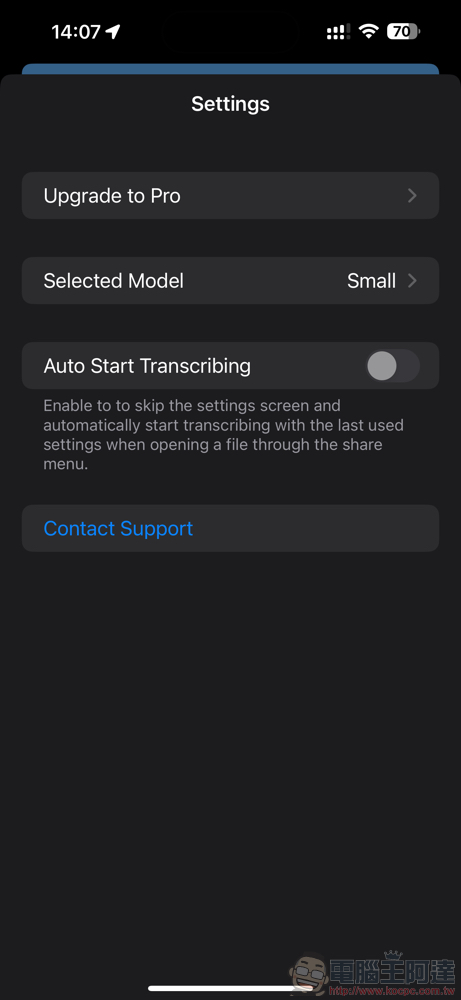
The Active Model can be switched in the model selection interface and settings.
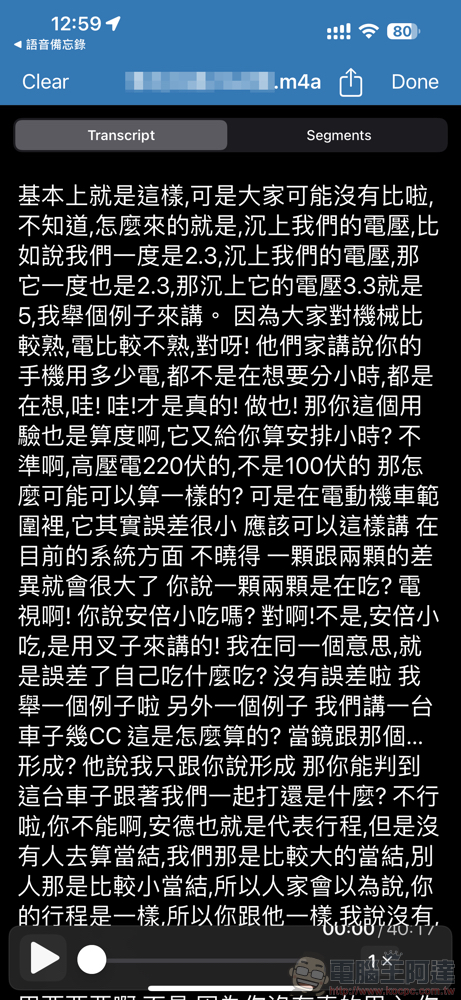
Once you press Start Transcribing, transcription begins – you can see the progress percentage and watch the transcribed text being produced directly. If you use a larger model, you can feel that the performance of the iPhone will really be more difficult; transcribing with Small is relatively fast and easy.
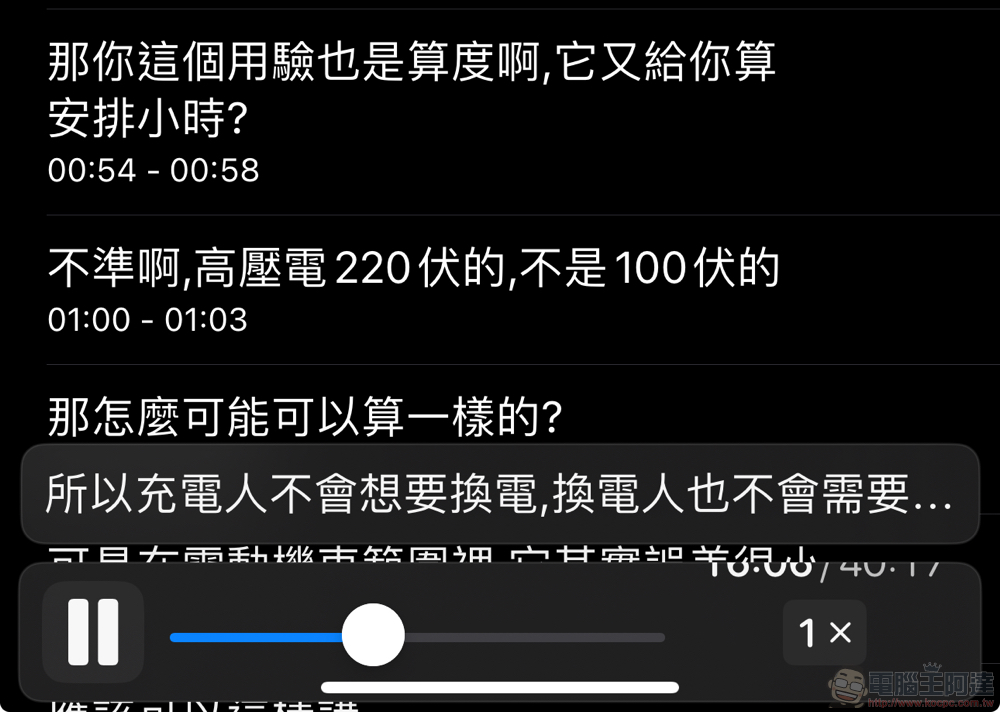
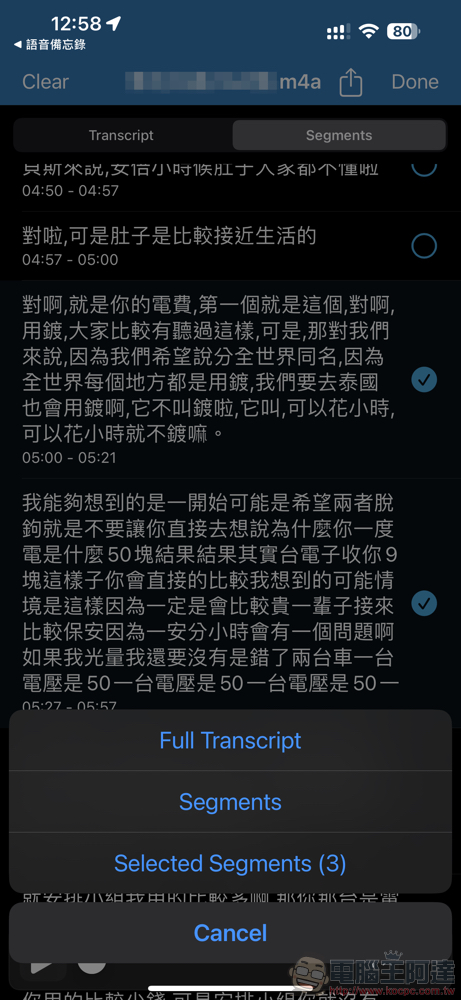
Although the desktop version of video transcription is not yet supported, the interface supports an interface that can branch lines and quickly slide the timeline with text display; you can also directly click on a single line in “Segments” to play voice.
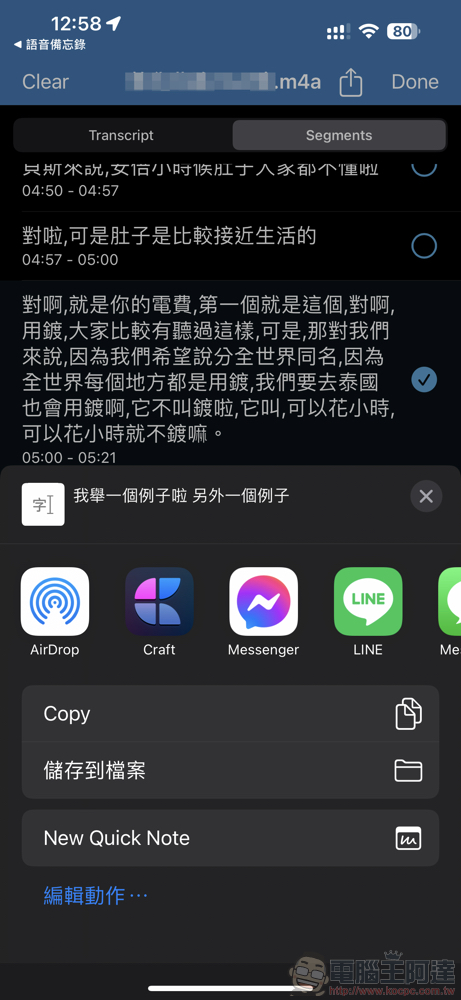
Click the share arrow button in the upper right corner to convert part or all of it into a text file and save it to another location.
Overall, although Whisper for iOS has encountered some minor problems in current testing (such as being stuck on the “Unloaded” page for a long time when switching models), it is really a pretty good tool in terms of its ability to directly transcribe speech to text locally (on a mobile phone). Friends in need can lock the App Store and wait for the official version to be released.
Further reading:

Source: KOCPC Chinese