


Recently Google The latest gemini 2.5 flash image (aka Nano Banana )became extremely popular. Besides the image generation feature being exceptionally powerful and almost perfect in consistency, one of the most popular uses is simply uploading an image to create a figurine. Many people have been enjoying it. Now, as long as you have a 3D printer, you can use the PrintVerse service to effortlessly and easily make the figurine you want. Next, Ada will give a brief introduction.
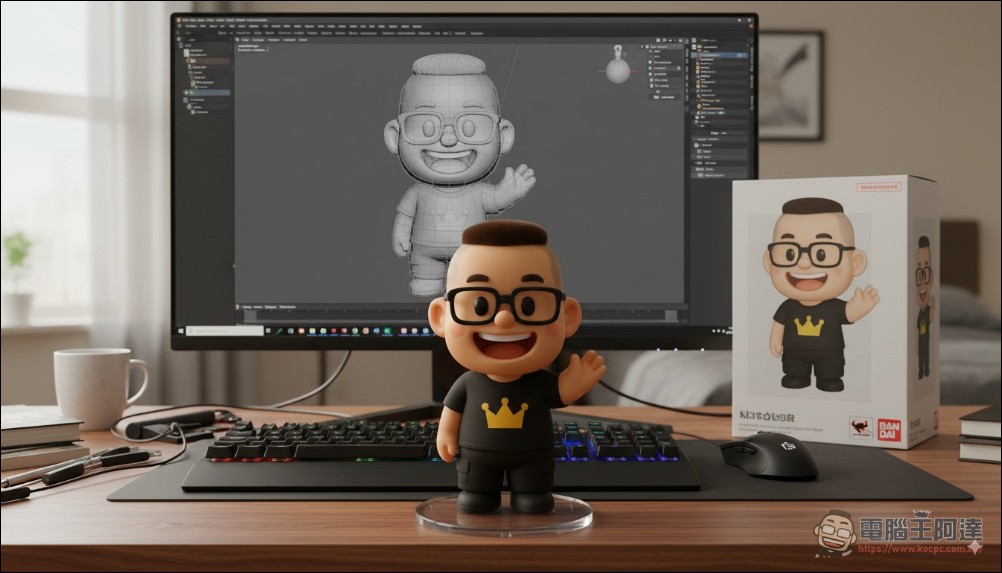
How to Generate Your Own 3D Physical Figurine from Photos (Printverse.ai)
The method is very simple. Just go to the printverse.ai website and log in with your Google account (this service is a Chinese website; if you’re concerned about that, don’t use it):
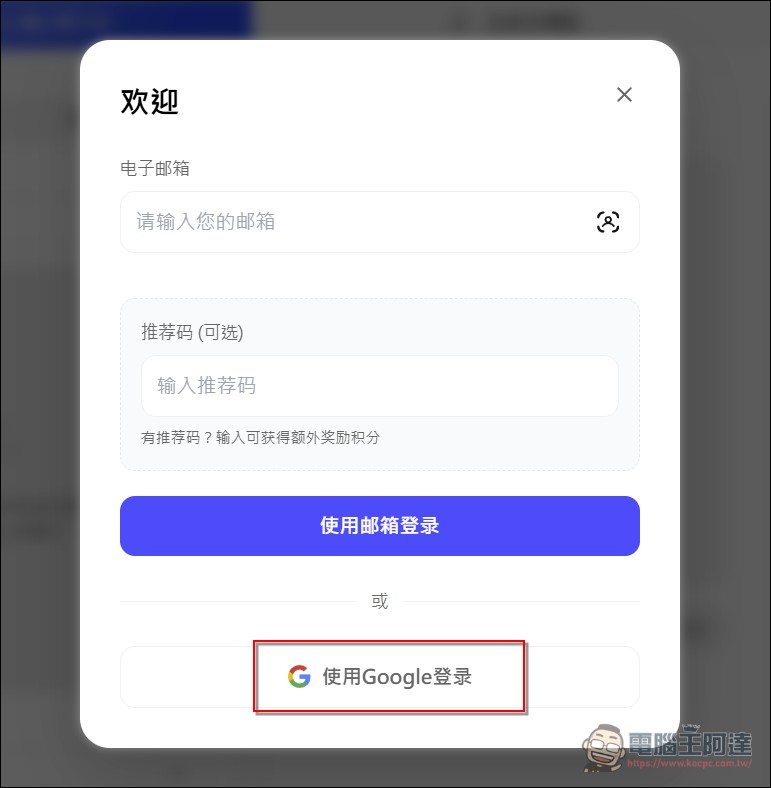
printverse.ai Please click me
On this screen, you can upload your own images and choose your creative style:
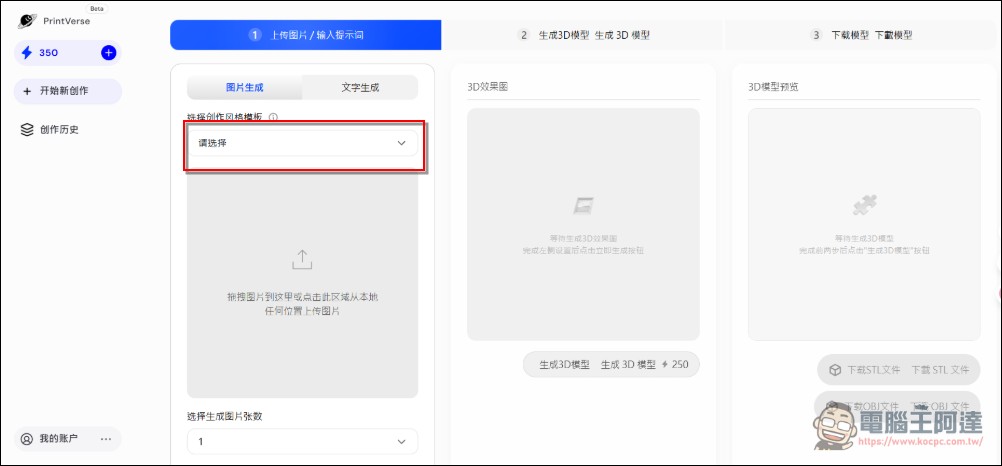
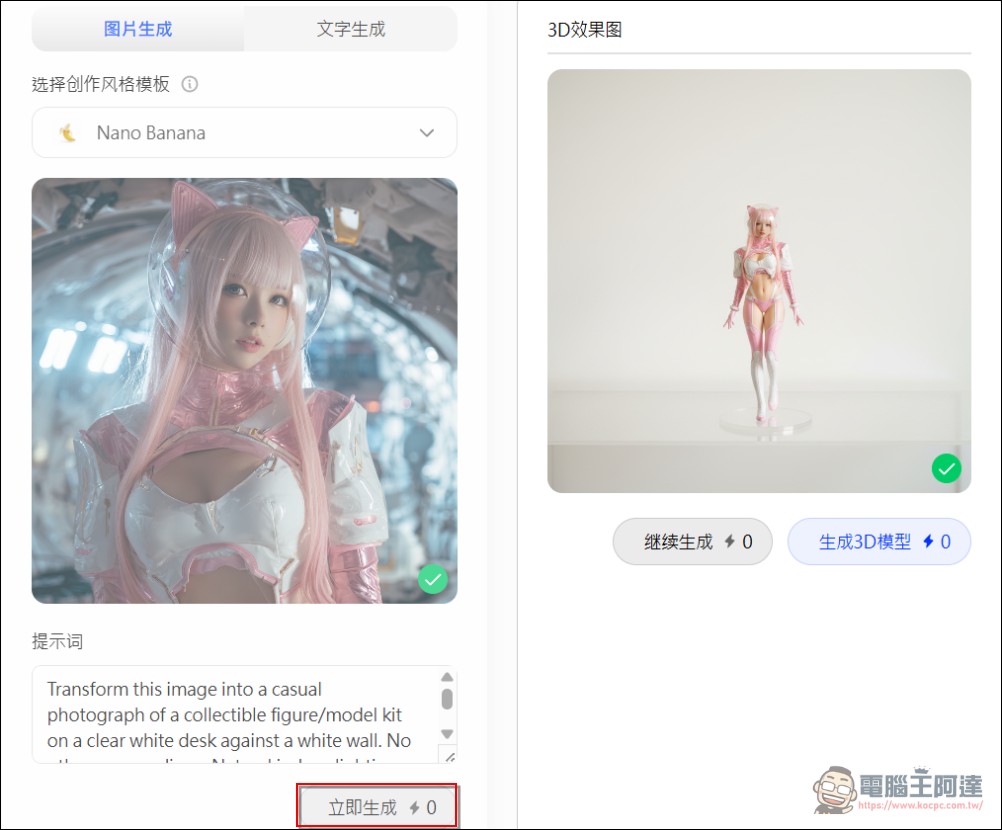
Now Printverse.ai has integrated nano banana, allowing you to directly upload an image and it will generate a 3D preview for you:
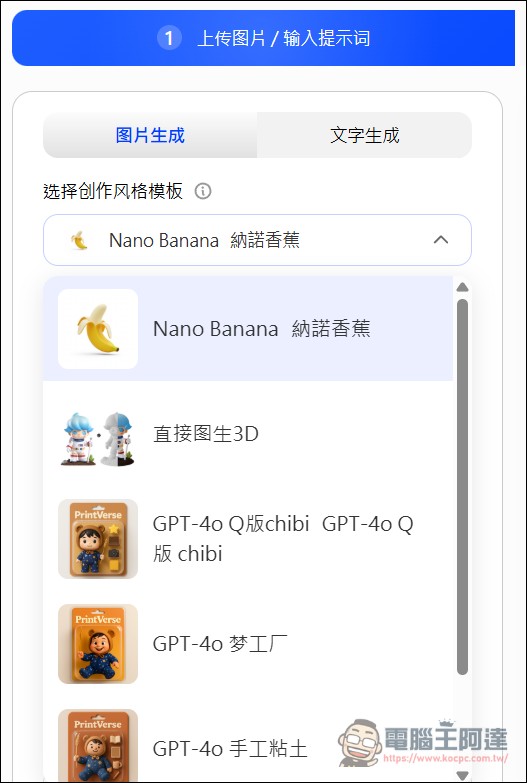
You can upload your own images or photos. Right now it’s 0 points (not sure if there will be points later, but registration gave 350 points). Don’t touch the prompt below, and press “Generate Now” — the system will automatically generate the effect image:
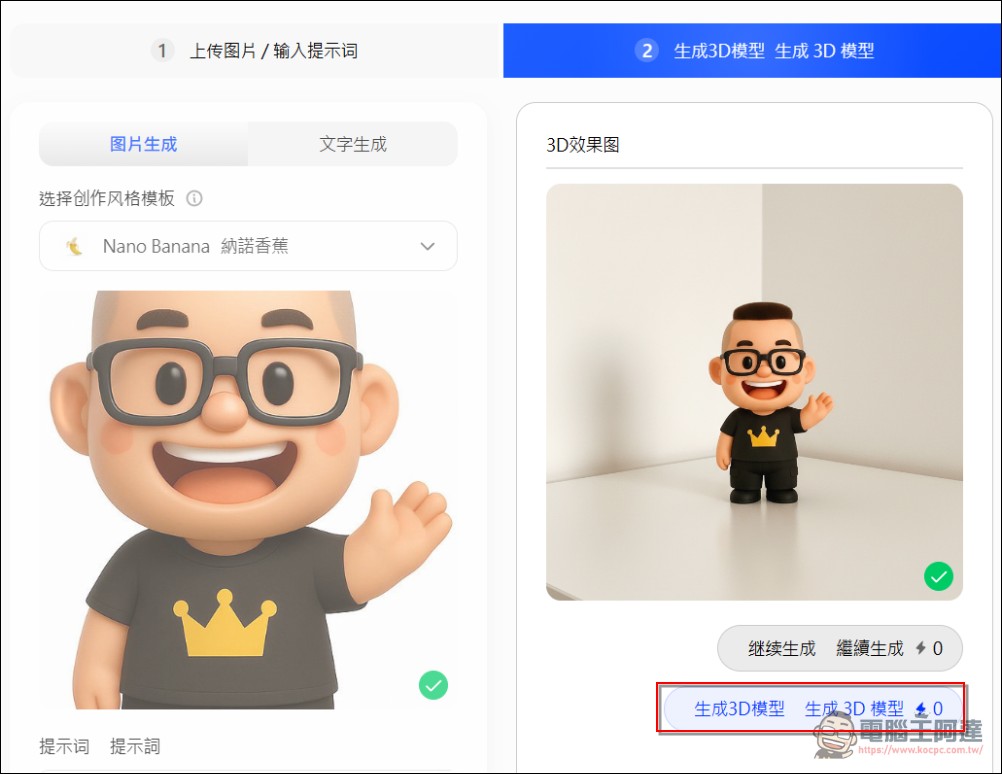
Next, using my LOGO as an example, if you are satisfied with the 3D rendering effect, you can click the “Generate 3D Model” button below. It’s the same now.0 o’clock(Now it’s 250 points):
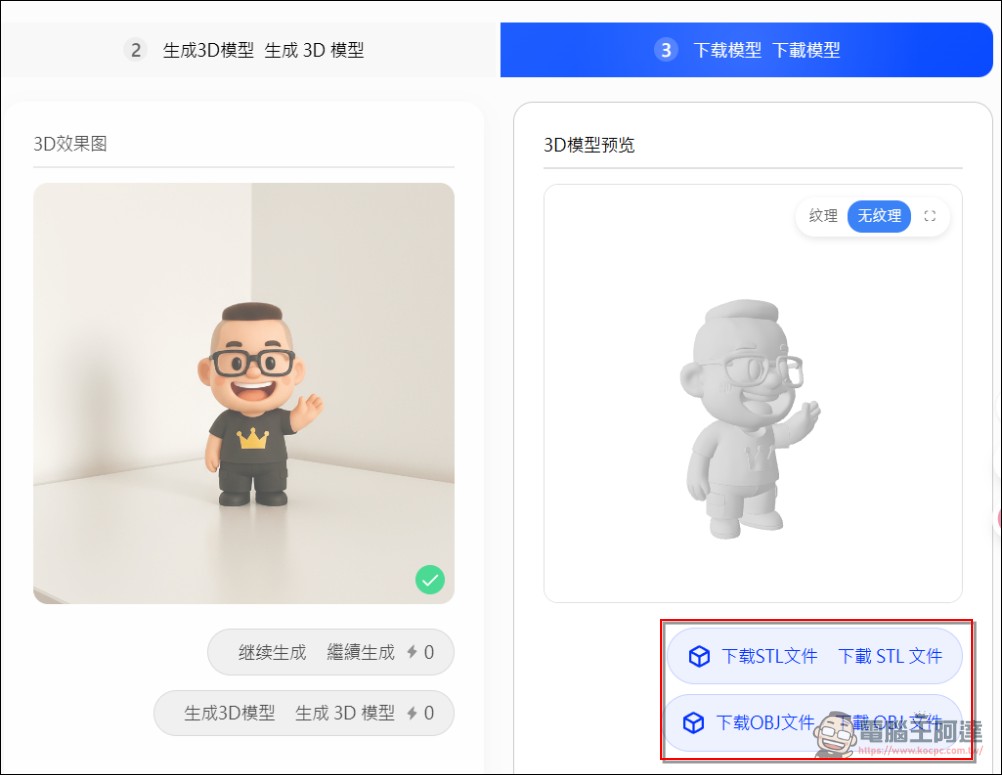
Just wait a moment and the 3D model of your image will be generated. You can rotate the model to view the result from different angles. If you’re satisfied, click below to download the model file — available in STL and OBJ formats, depending on which one your machine supports:
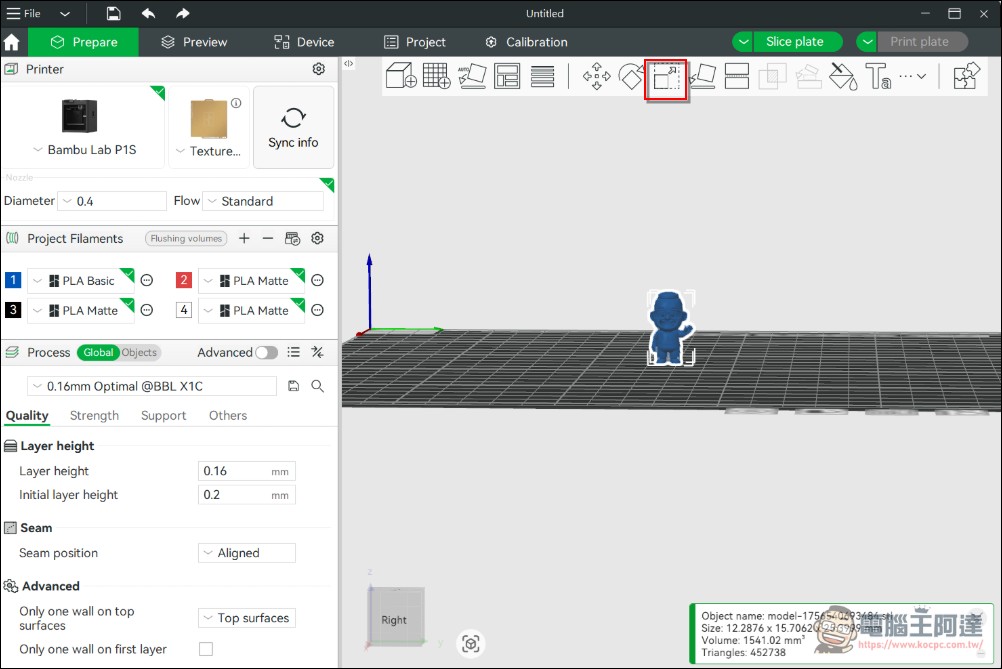
Next, open the downloaded file with your 3D printer. Using my Bambu Lab as an example, printing the original file directly will result in a very small model. Remember to scale it up, basically to 250–300% should be enough:
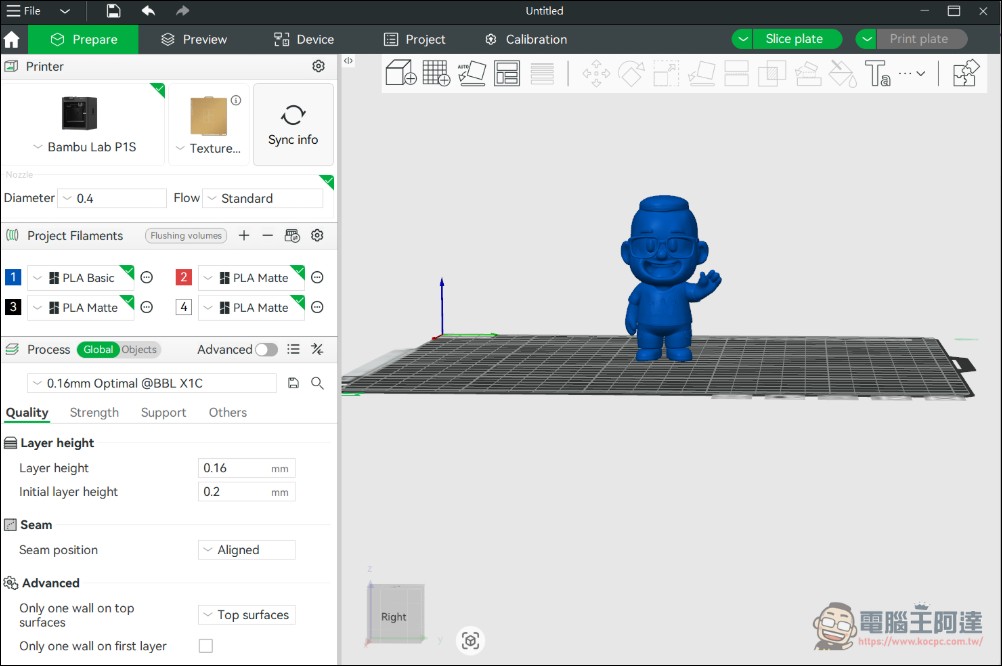
Direct print:
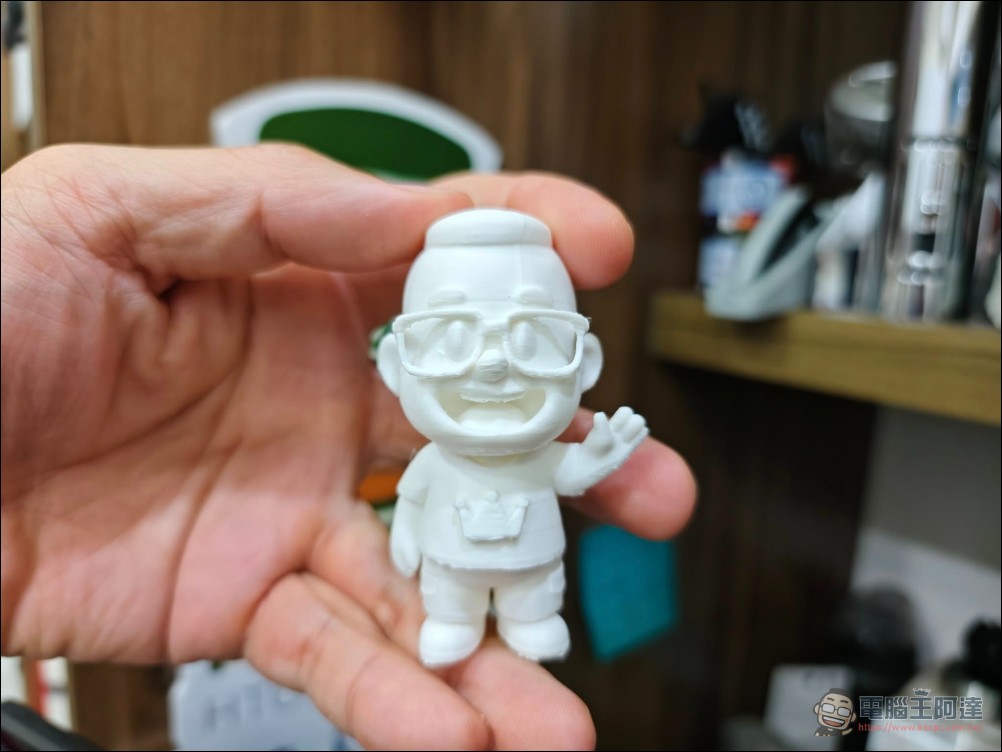
This is what it looks like when finally 3D printed. Layer lines are unavoidable with traditional FDM 3D printing—you’ll need to sand or fill them yourself, otherwise you’d have to go with resin printing:
Just like that, your own figurine is made — simple, right?
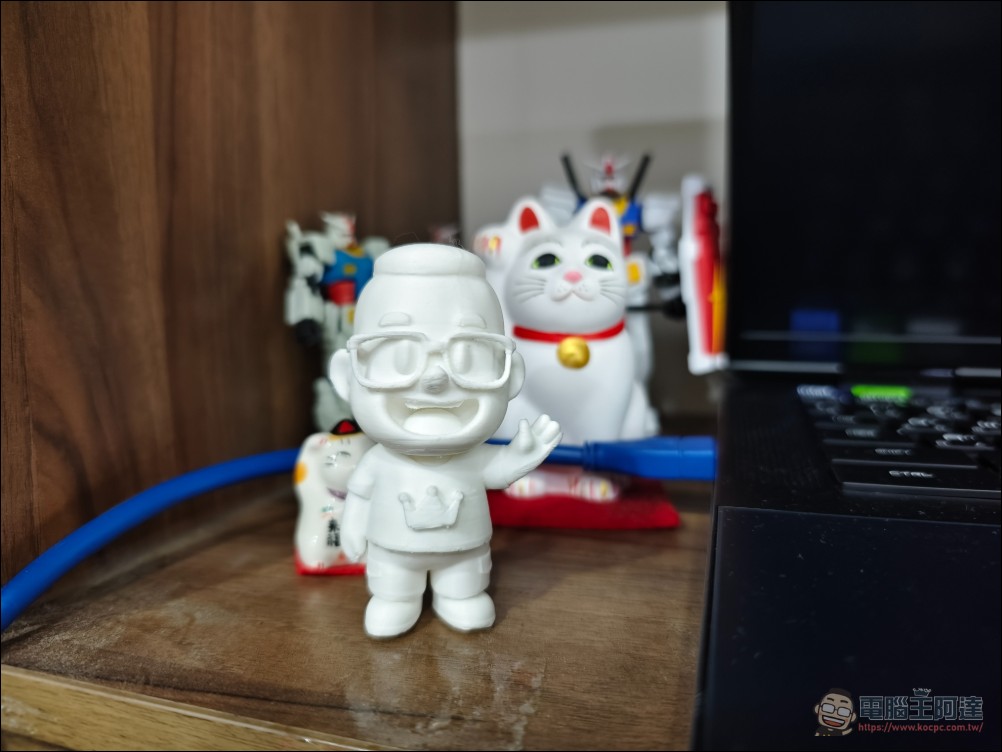
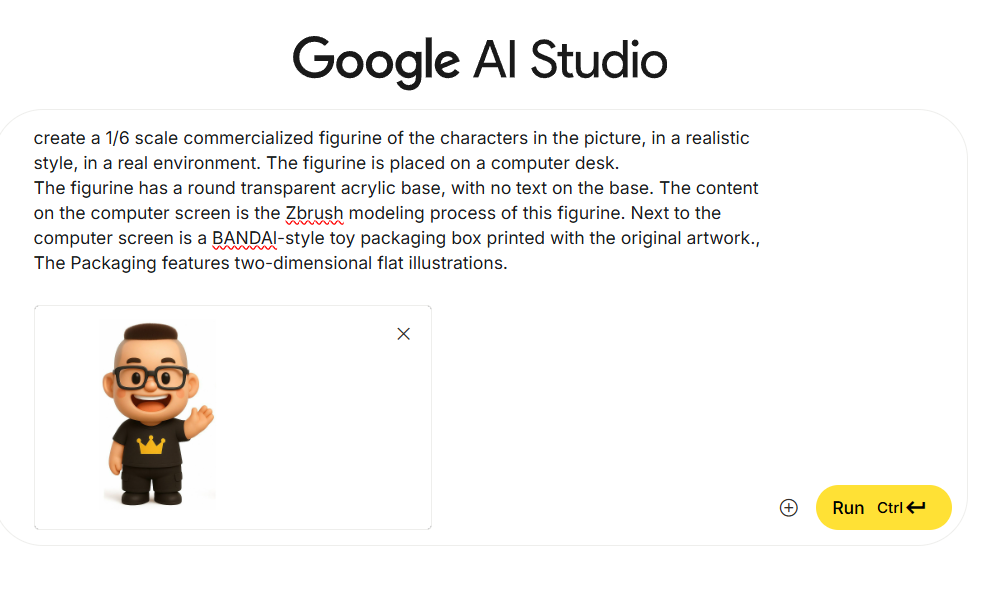
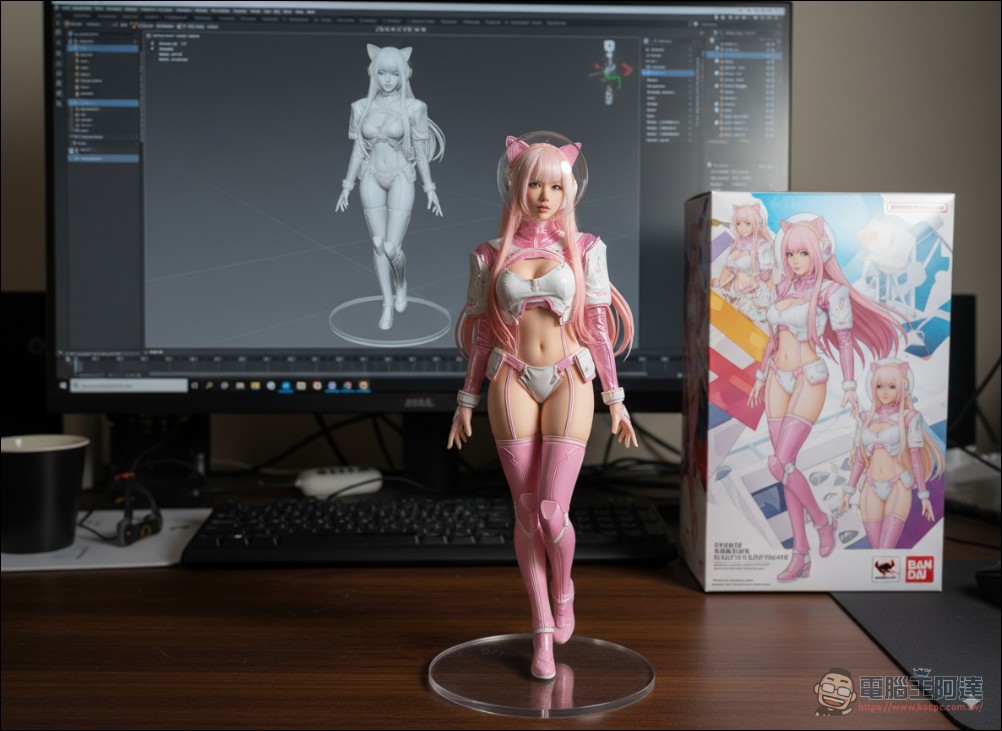
If you don’t have a 3D printer, here’s also how to use nano banana to create this kind of scene image. If you have an image you want to turn into a figurine, just use Gemini or Ai Studio Directly upload the image, then enter the following Prompt:
create a 1/6 scale commercialized figurine of the characters in the picture, in a realistic style, in a real environment. The figurine is placed on a computer desk.
The figurine has a round transparent acrylic base, with no text on the base. The content on the computer screen is the Zbrush modeling process of this figurine. Next to the computer screen is a BANDAl-style toy packaging box printed with the original artwork., The Packaging features two-dimensional flat illustrations.
This way, you can also make your own character images, share them with everyone:
Source: KOCPC Chinese