


Previously, when logging in to LINE using a mobile phone, the common methods used were mobile barcodes, phone numbers, and Facebook accounts. However, if the LINE version is updated to version v13.9 (inclusive) or above, it will support dual-platform users to log in with Apple accounts and Google accounts.

The new version of LINE fully supports dual-platform users to log in with Apple accounts and Google accounts
If you want to register a new LINE account using a mobile device, the mobile device must still be able to receive text messages or make voice calls. But now, as long as you update the LINE version to 13.9 or above, after the registration is completed, you can synchronize the settings of your LINE account with your Facebook account, Apple account, Google account, etc., and then you can log in quickly and easily.
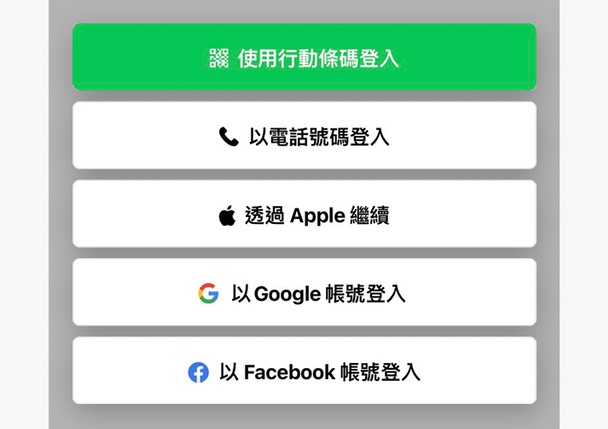
LINE officials also introduced through a brief list that after the version update, both Ios and Android users can log in in 5 ways.
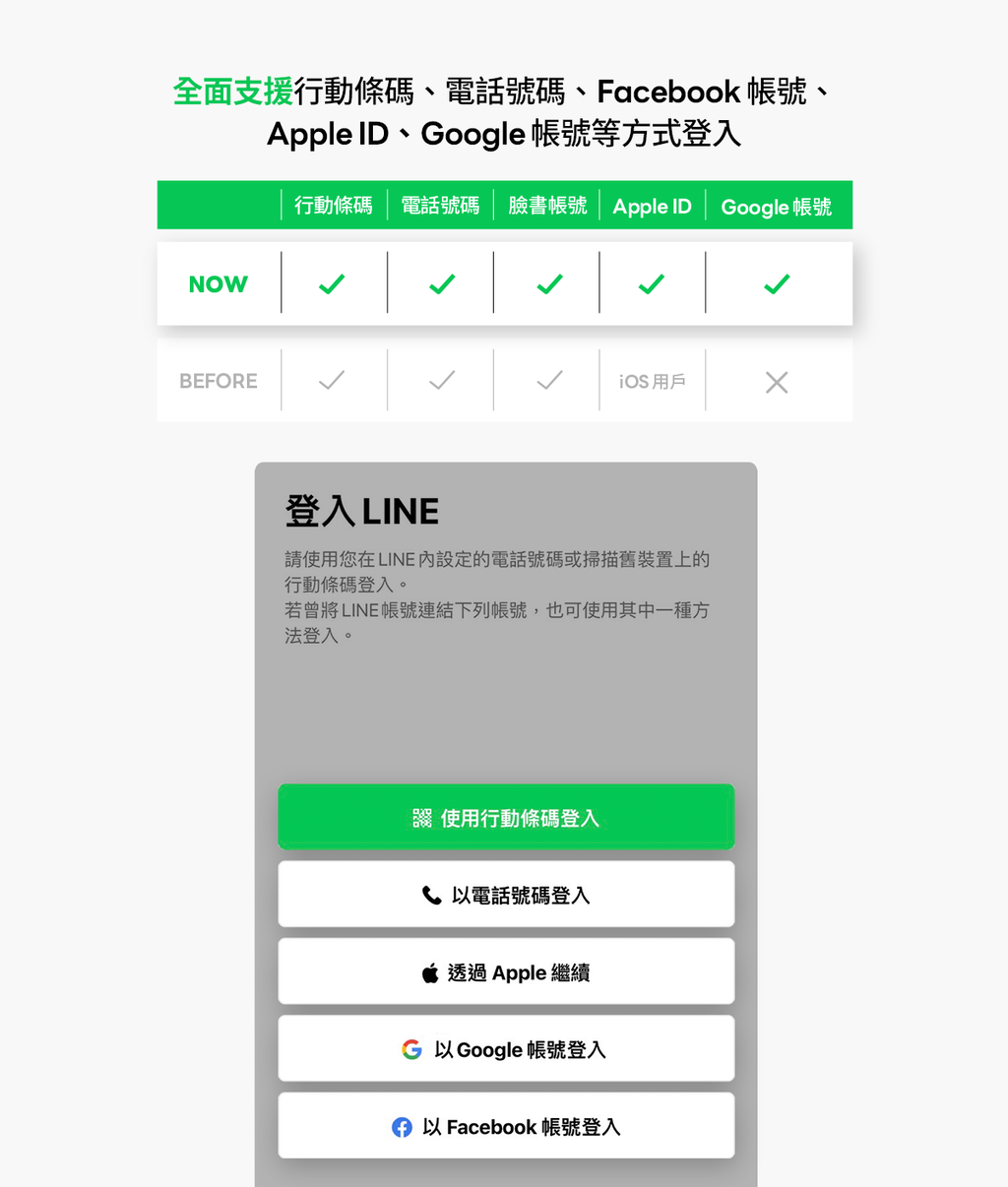
However, if you want to log in with a new method on a new device, you must first make account synchronization settings on the existing device. The method is to click “Home” > “Settings” > “My Account” in order, and then click “Start Sync” in the Apple field, Google field or Facebook according to your needs. After completion, you can choose the desired method to log in on the login page.



The computer version of LINE does not yet support such a variety of synchronization methods. It still only supports logging in with an email account or using a mobile barcode.

Nowadays, it is very common to log in to applications through social accounts. As the new version of LINE fully supports dual-platform users to log in with Apple accounts and Google accounts, users can also log in to LINE through Facebook, Apple accounts, and Google accounts on mobile devices. However, it should be noted that in addition to the support of the LINE version, the LINE account must be synchronized with the application before it can be used.
LINE Secret Tips Login Method Update Instructions Page
Source: KOCPC Chinese