


In the past, if you wanted to translate a video into another language, you either had to have the ability to speak another language, or you had to find someone who could dub it in that language. With the advancement of AI artificial intelligence, there is now such a “Rask AI” on the Internet that can do this, and it can translate videos into more than 60 languages. It can even translate Chinese into other languages. It is not only easy to operate, but also has voice copy technology, that is, the translated voice will try to imitate your original voice.
Rask AI uses AI to translate your videos into more than 60 languages, supporting Chinese, voice copy technology, and YouTube links
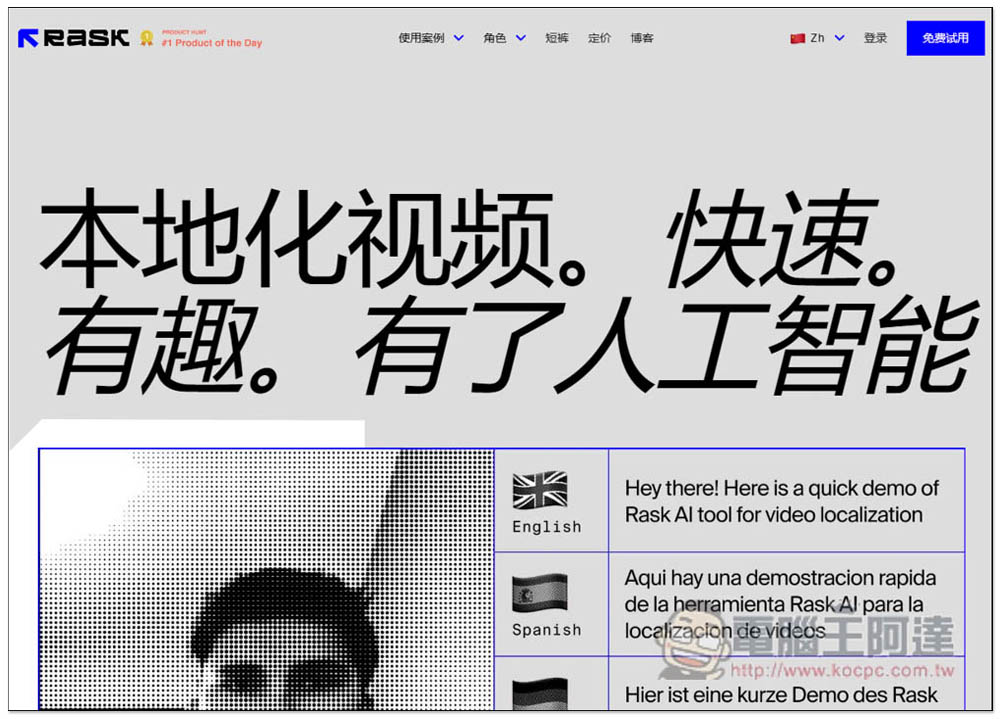
Rask AI is an AI video voice translation service launched abroad. The webpage is in Chinese, so you don’t have to worry about not being able to understand it. It is also very simple to use. It provides a free trial of a 1-minute video. If you think the effect is good and you can use it frequently, you can consider purchasing the paid version. There are two options for personal and commercial use. Please click “Free Trial” in the upper right corner:
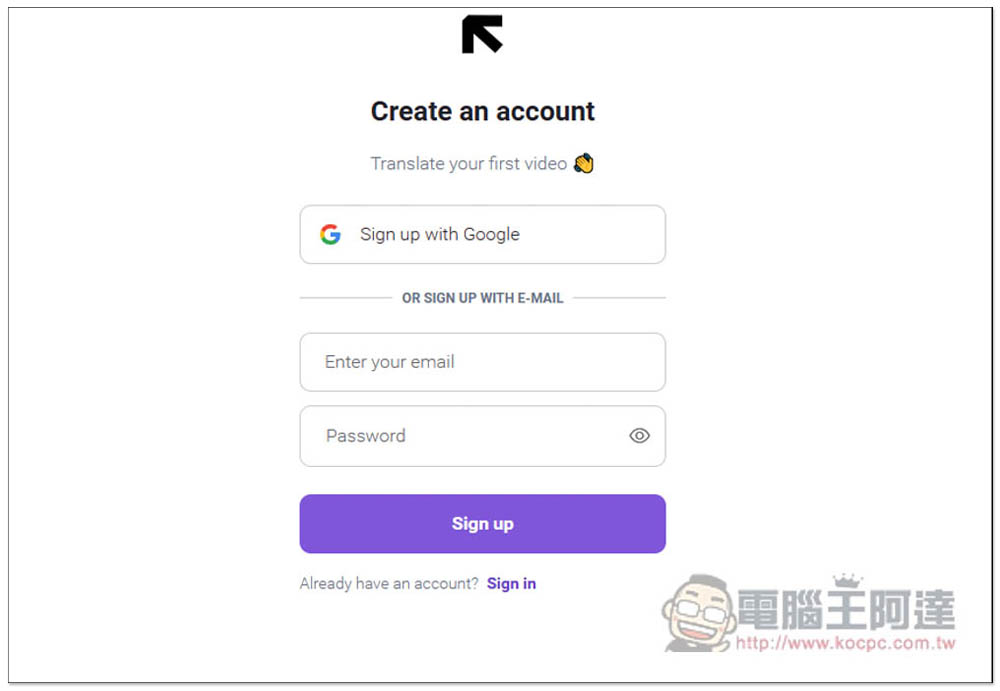
Requires account registration, supports Google quick login:
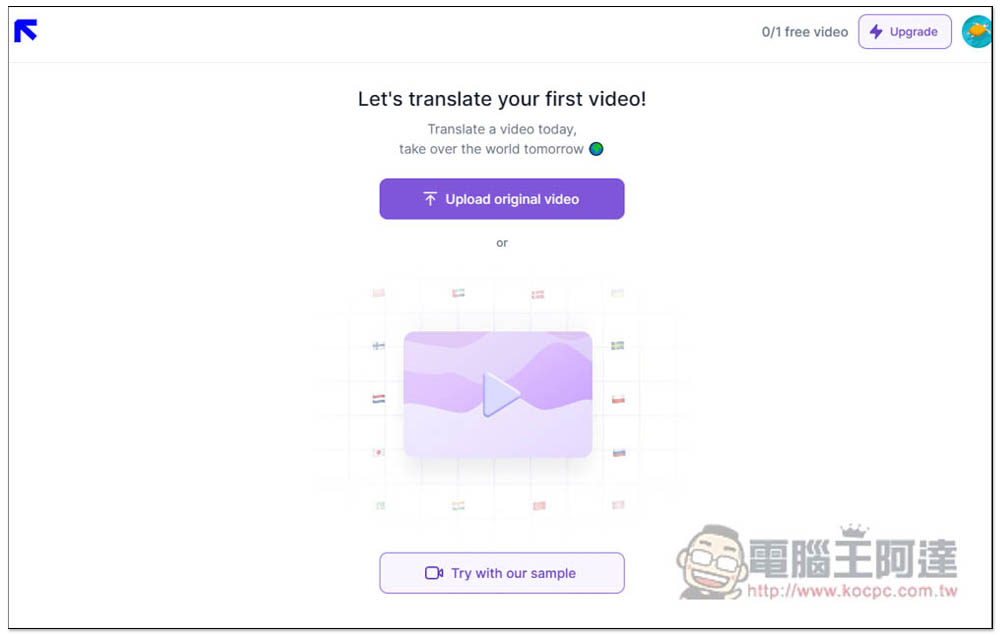
After registering, you can start using it. Click Upload original video to upload the video you want to translate into other languages. People who don’t have videos can also use their samples (Try with our sample). However, please note that you can only try out 1-minute videos for free, which means that if you use their videos, the discount will be used up. I don’t recommend this, after all, the samples they provide must have been specially selected:
Then you can drag in the videos you want to translate into other languages. Links to YouTube or Google Drive are also supported. Project name depends on what name you want:
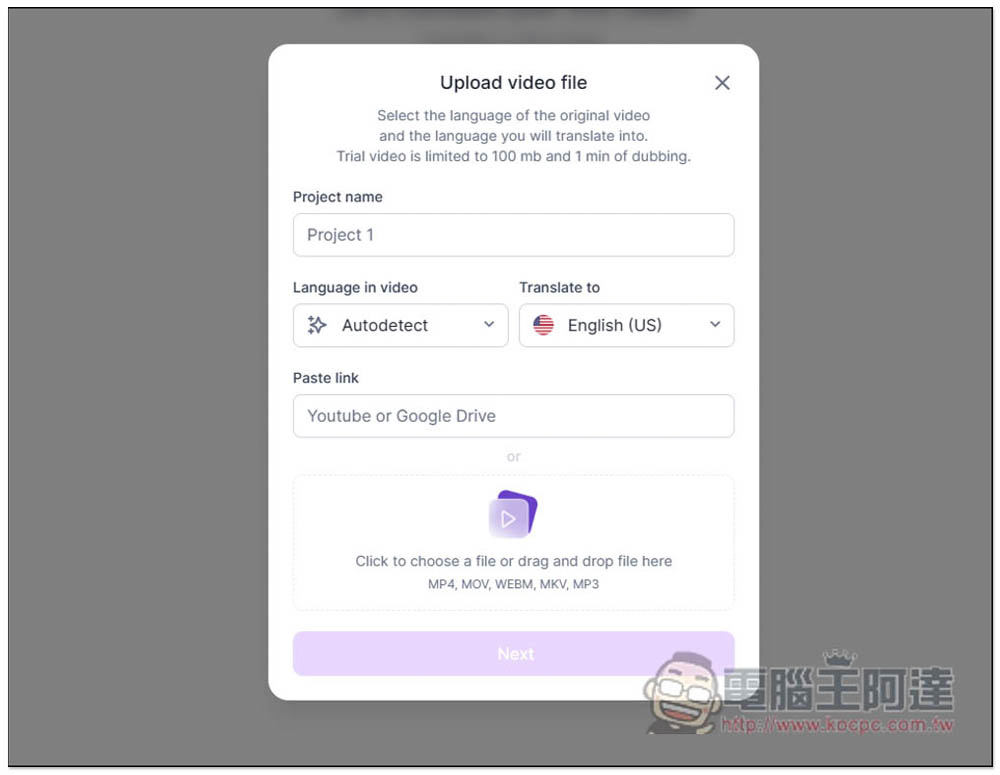
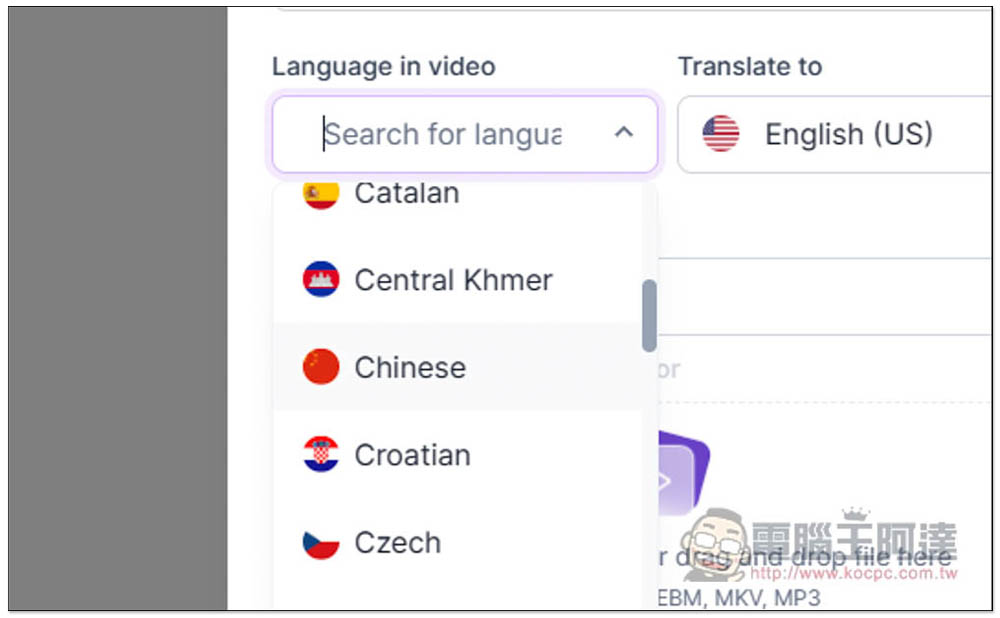
The Language in video on the left has an automatic detection function, but I would recommend specifying the language to be safer. If the test I want is Chinese, I would choose Chinese:
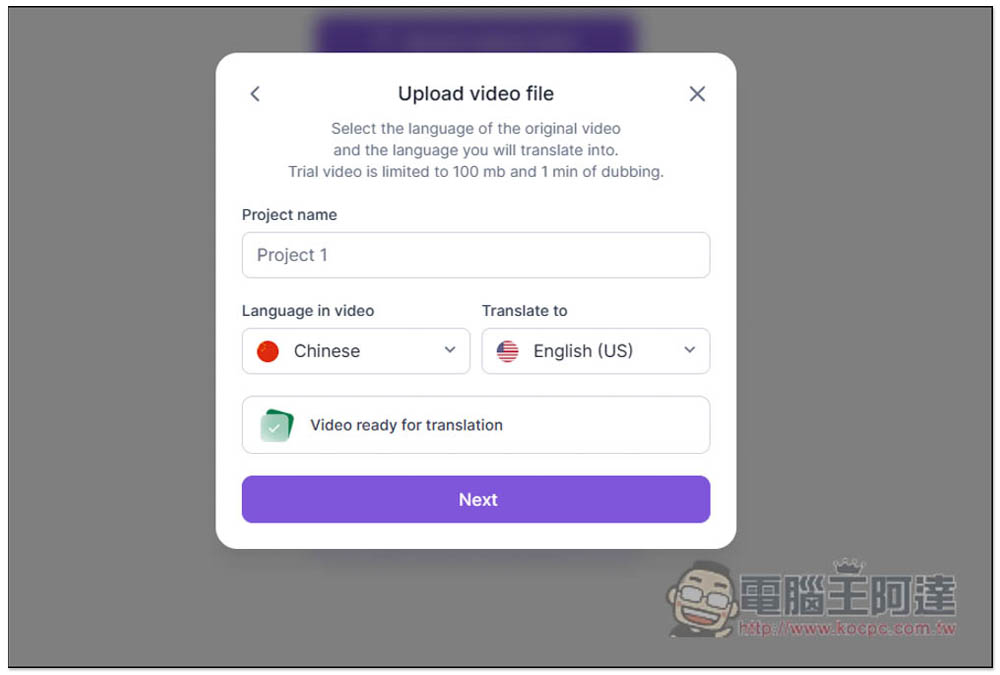
The translation language is English. I use the YouTube URL. After the reading is successful, Video ready for translation will be displayed below, press Next:
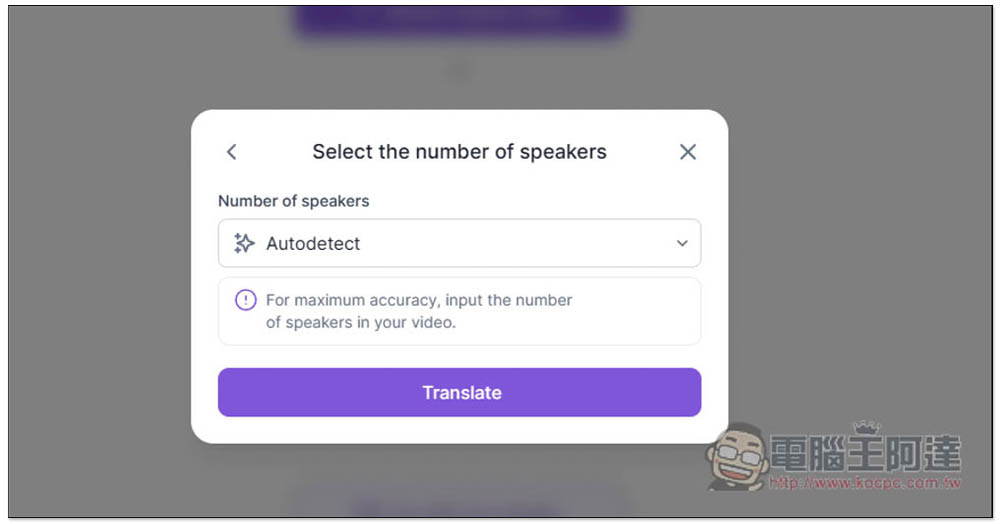
The next step is to select how many people are speaking in the video. With the automatic detection function, you can also directly specify the number of people:
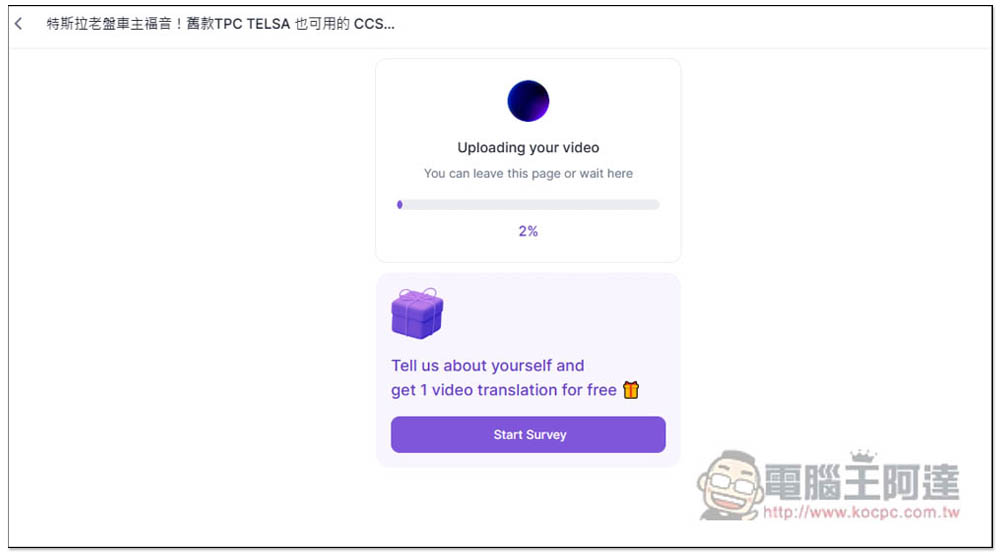
It is recommended to keep this page until it is translated. The translation speed is faster than I expected, and the 1-minute video was completed in 5 minutes:
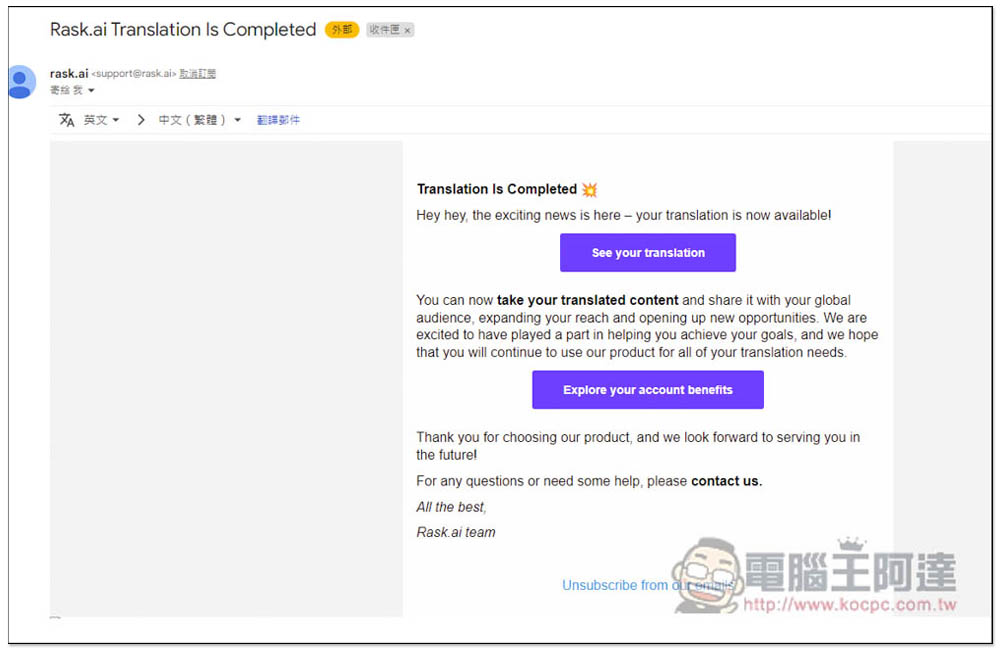
After the translation is completed, your registered Email will also receive a notification:
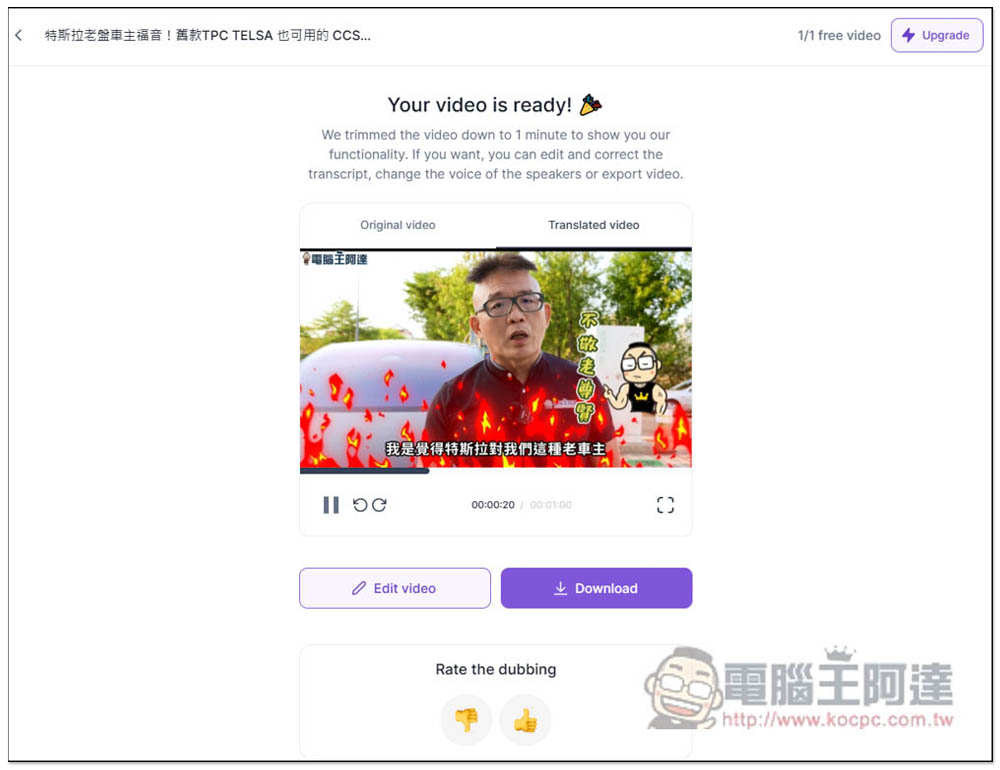
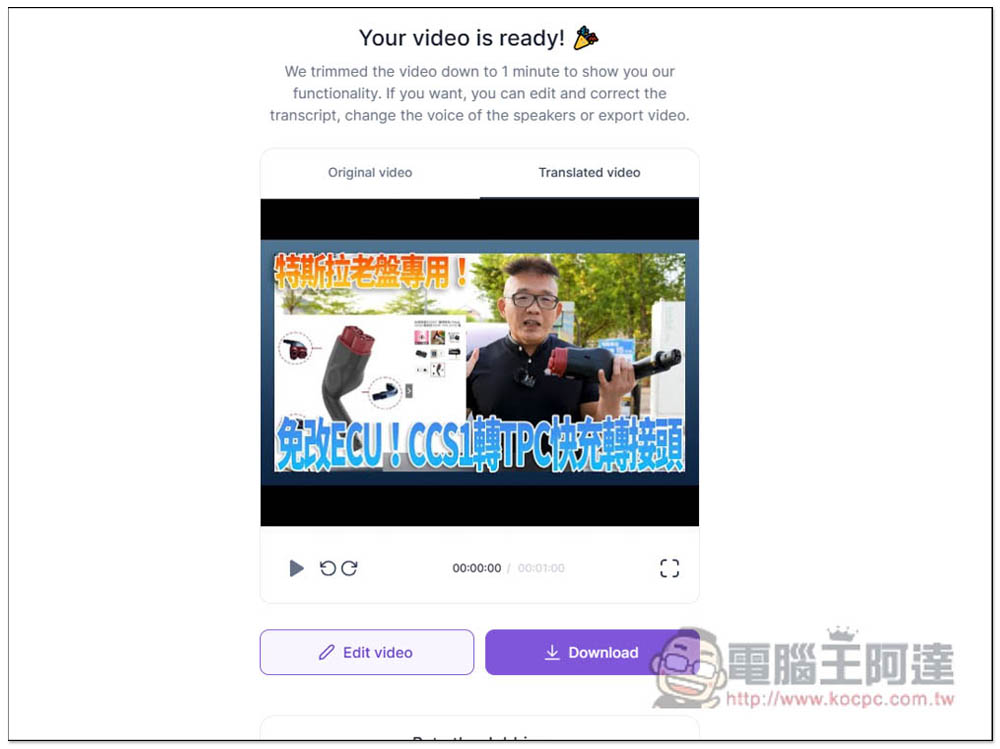
Then you can listen to the effect online first. The video I tested is more than four minutes long. The free version can only translate 1 minute, so it can only help me translate the first 1 minute clip. If you like it, press Download to download the video:
Press Edit video to view its translation results. There are still some proper nouns that are not good in the Chinese recognition part. The free version cannot be modified, but the paid version can. The representative said that if you upgrade to the paid version, then if it recognizes the wrong place, you can manually modify it to be correct:
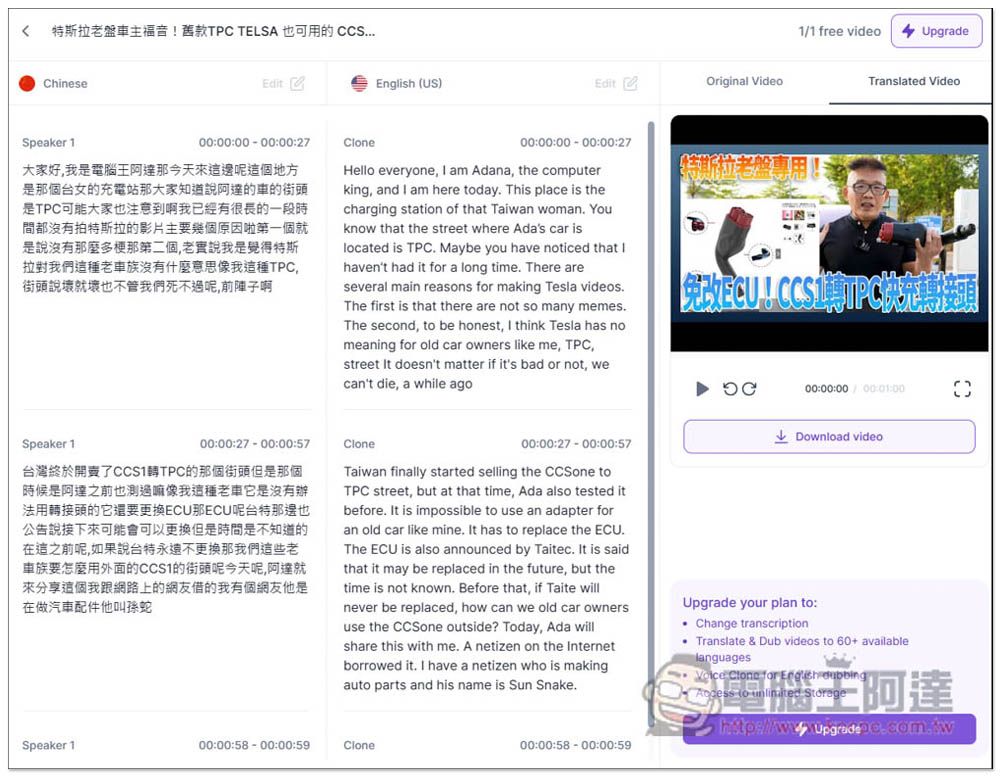
This is a video translated into English. The tone of speech is quite like a real person, not the kind of machine voice:
Original video:
Source: KOCPC Chinese