


Although there are now many AI All chatbots are free to use, but only the most basic models. Many people are sure to want to try out the advanced models to see what makes them better, or to compare the capabilities of advanced models from different providers. This article will introduce one from…JapanThe super generous “Libra AI” service gives you 80 free credits every day after registering an account, which can be used on advanced models from various providers, including OpenAIClaude, Google, DeepSeek, and PLaMO, etc., and each model only consumes 1 point per chat, meaning you can use it up to 80 times.
Japan Libra AI service gives away 80 points daily, which can be used for free on advanced AI models.
Japan Libra AI is a service launched by GMO that lets users run up to 6 generative AI models at once, making it easy to compare the differences in responses across multiple AI models and pick the best one. It supports most well-known LLM models, ranging from basic to advanced—it even includes ChatGPT 4.5 Preview (though that one costs a ton of points).
The only minor inconvenience is that Libra AI doesn’t offer an English or Chinese interface yet—it’s Japanese only. But the operation is pretty straightforward, so I think it’s fine. And if you’re worried about not understanding it, you can always use your browser’s translation feature to convert the screen to Chinese.
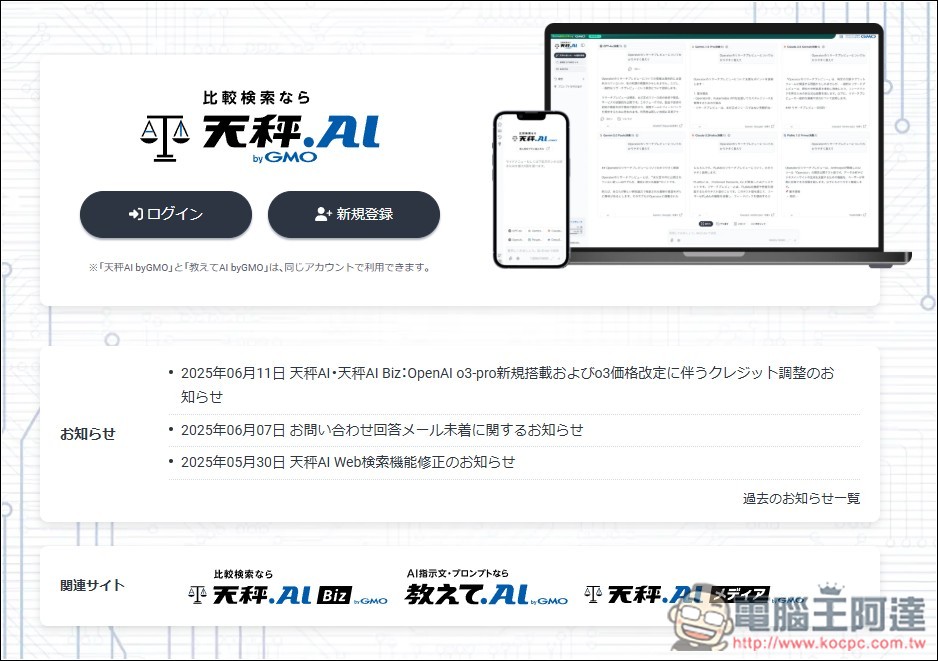
After entering Libra AI via the link above, click “New Registration” to register an account:
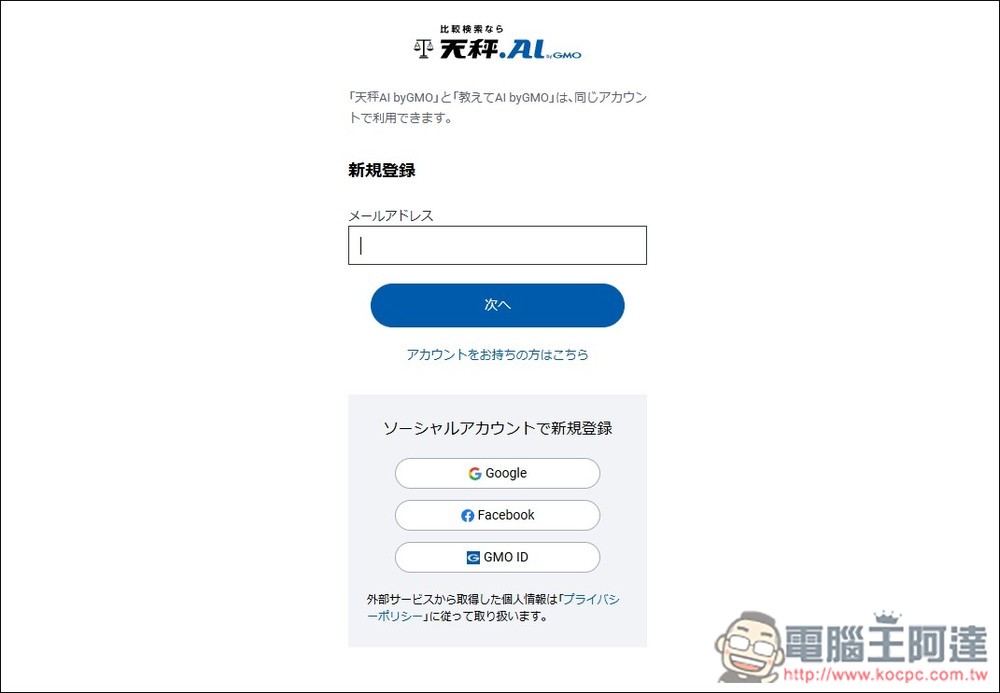
You can register by entering your own email address, and also offer quick registration via Google, Facebook, and GMO ID. Google or Facebook is recommended as it’s more convenient:
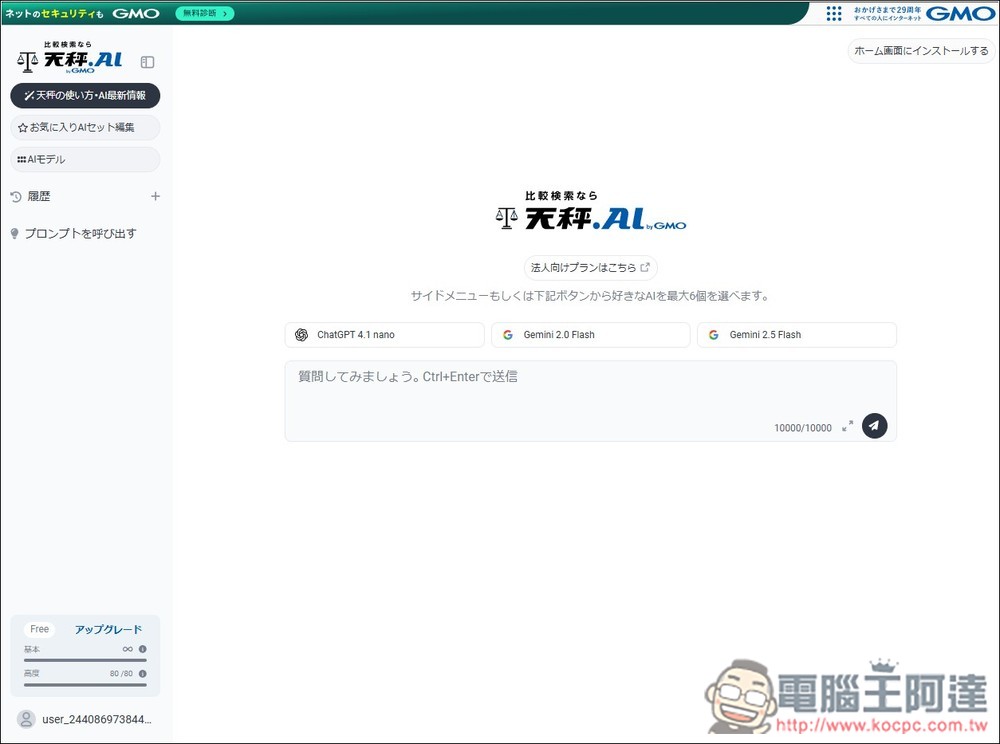
Next, you’ll enter the AI chat screen. Several basic models are already enabled by default, including ChatGPT 4.1 nano, Gemini 2.0 Flash, and Gemini 2.5 Flash. Basic models are free to use without limits, meaning you can use them as many times as you want without deducting any points. In the bottom-left corner, the “Free” label will also remind you how many points you currently have left. Premium gets 80 points each day, while basic is unlimited.
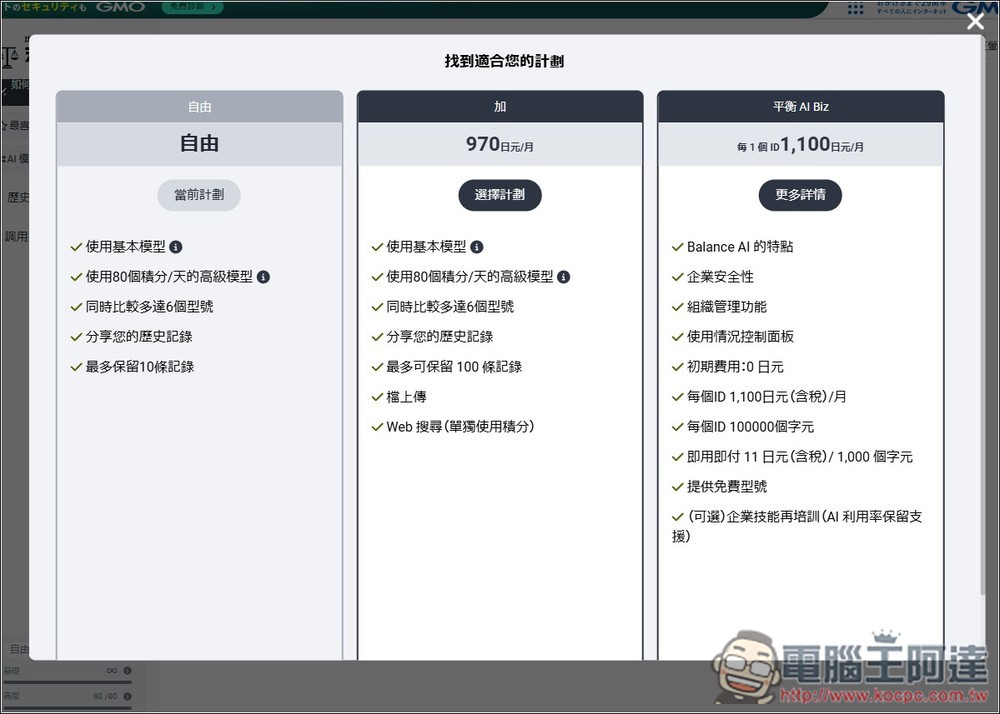
This is the difference between the free version and the paid version, and I used browser translation. What’s ridiculous is that I didn’t expect both the free version and the 970 yen/month plan to give 80 credits per day, with the only difference being that the paid version allows web search, file uploads, and keeps more chat history.
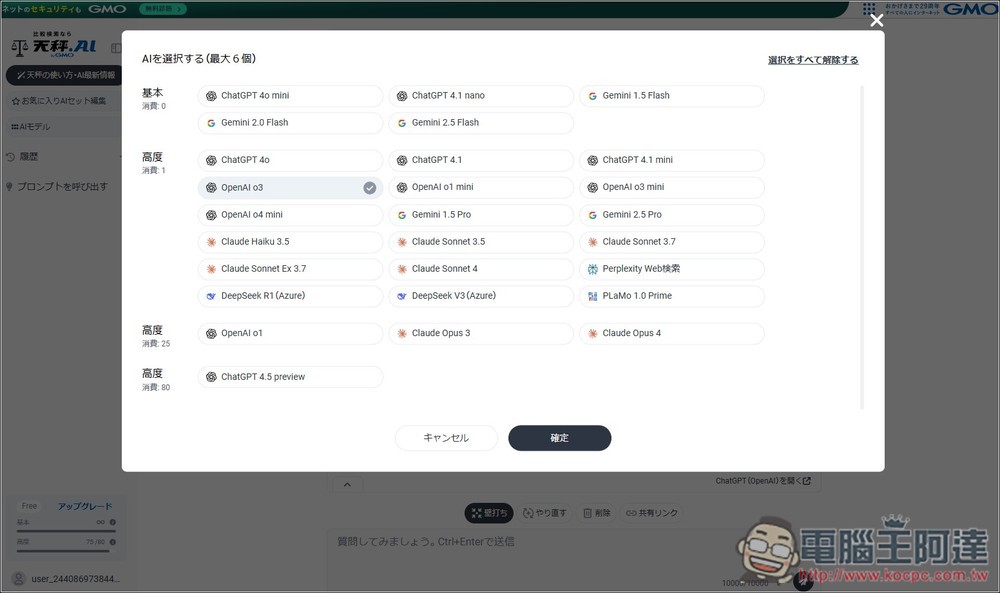
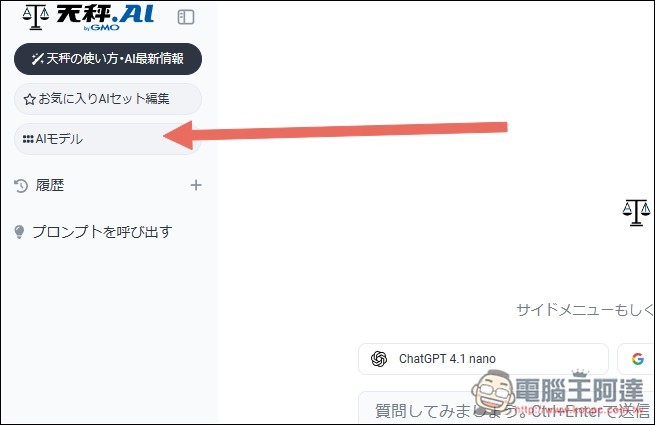
Return to the initial chat screen, tap the AI model at the top left to set the AI model you want to use.
These are all the models currently available. The basic tier includes ChatGPT 4o mini/4.1 nano, Gemini 1.5 Flash/2.0 Flash/2.5 Flash. The high (advanced) tier has many more. Those costing 1 point per use include ChatGPT 4o/4.1/4.1 mini, OpenAI o3/o1 mini/o3 mini/o4 mini, Gemini 1.5 Pro/2.5 Pro, Claude Haiku 3.5, Sonnet 3.7/Ex 3.7/4, and so on: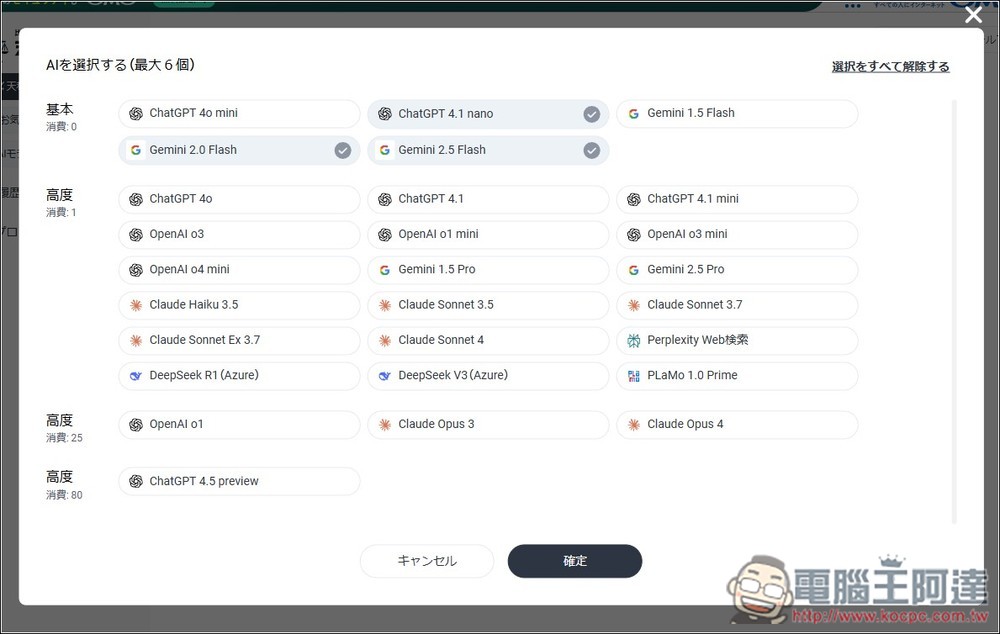
OpenAI o1, Claude Opus 3, and Claude Opus 4 cost more, using 25 points each time. ChatGPT 4.5 preview costs 80, meaning one conversation uses up all your free points.
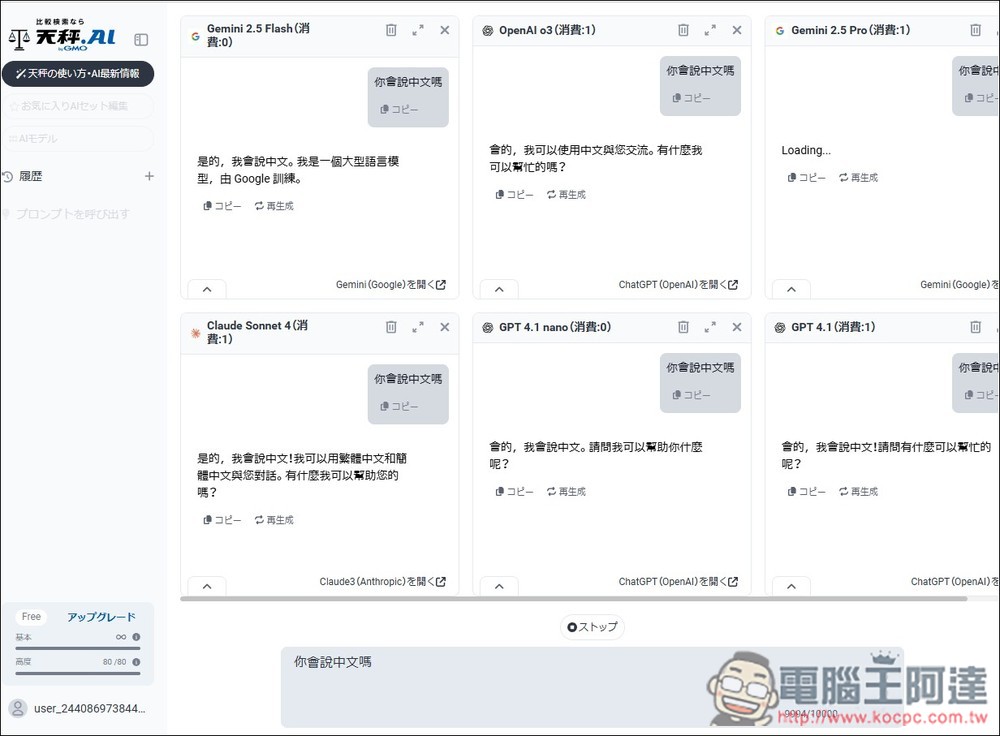
After you select the models you want to use, the top of the chat screen will display them, meaning you’ll get answers from all these models at once. If you only want to chat with one AI model, remember to select just that one. I selected six in total:
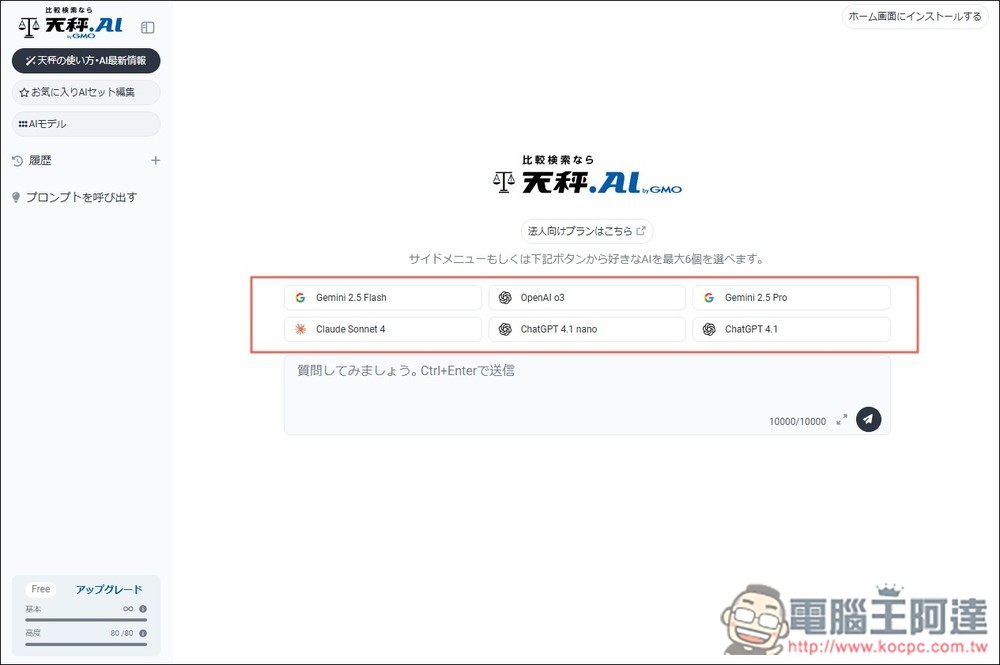
During chat, you can get answers from 6 AI models. The basic model with 0 consumption won’t deduct points, so you can safely mix and use them:
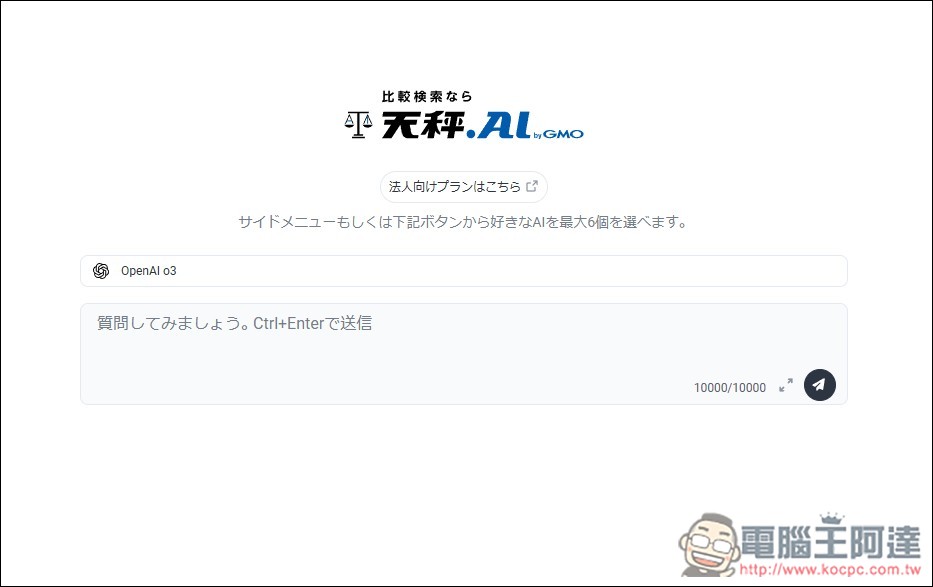
Choose a model that looks like this, I only pick OpenAI o3:
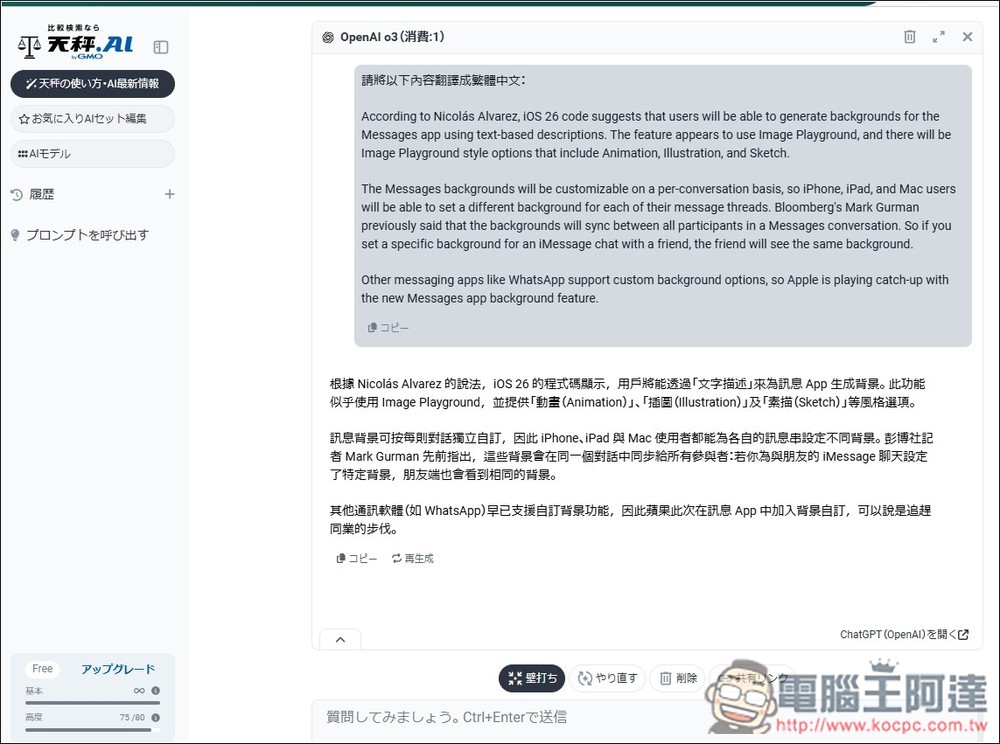
you’ll only get a reply from OpenAI o3:
Source: KOCPC Chinese