


A few days ago we wrote about the latest launch of NVIDIA GeForce RTX graphics card “Video Super Resolution Function (referred to as VSR)”, after turning it on, it can improve the resolution of videos on Netflix, YouTube and other websites, which means the picture quality is better. The good news is that it is not just RTX graphics cards. Chrome and Microsoft Edge also have built-in similar functions, and they can be used by Intel and AMD. Let’s teach you how to enable it.
Teach you to enable Google Chrome’s built-in feature to improve video resolution
Google Chrome’s video resolution enhancement function requires an Intel processor. This is a similar function developed by Intel. It is said that the name will be called “Intel Video Processor Super Resolution”, but this has not yet been determined. Currently, it is forced to turn on through small tricks, because this function is not yet available in Chrome’s settings.
First of all, make sure you use an Intel processor, and it is a model after the 10th generation. Previous ones may not work. In addition, it seems that the Intel Arc graphics card also supports it. For the Chrome browser, it also needs to be at least version 109 or later. The latest version is 110, and hardware acceleration must be enabled.
If these conditions are met, please open the content of the Chrome shortcut right-click menu, and then add –enable-features=IntelVpSuperResolution after the target, as shown in the figure below. If there is no problem, click Apply to confirm. You will be asked to provide system administrator rights, click Continue:

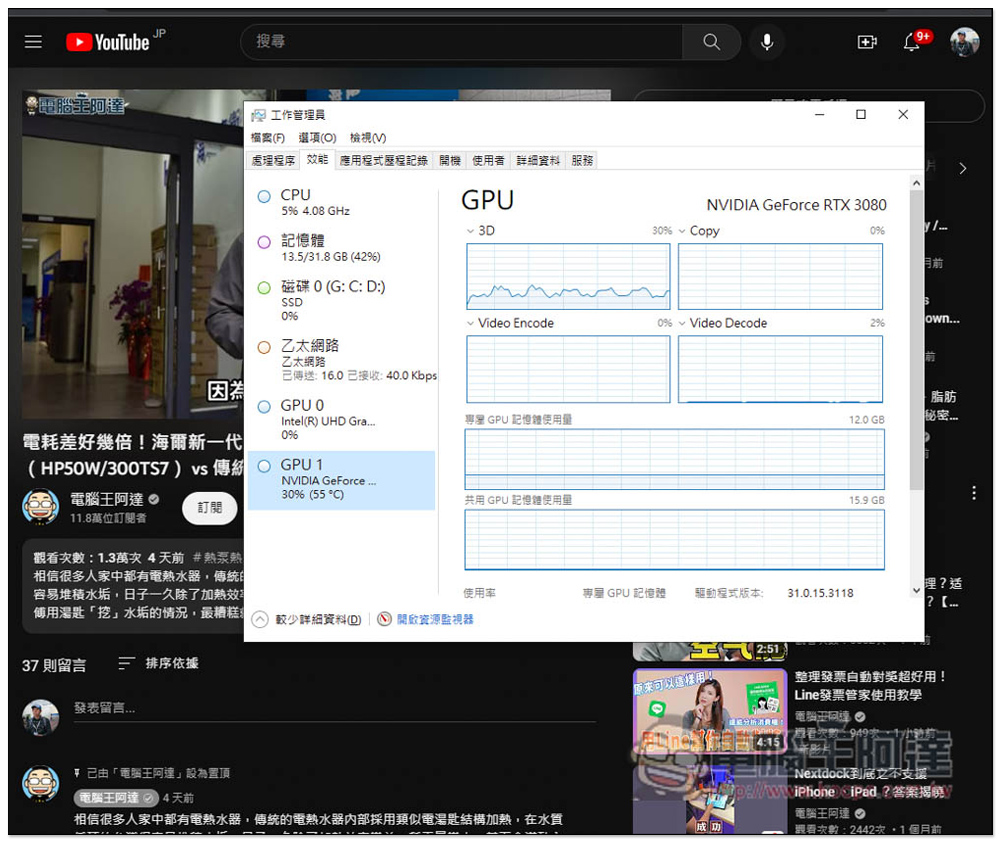
After opening it, the video resolution function will be automatically enabled. To test whether it is successful, you can open a YouTube video and confirm that the GPU usage has improved during playback. If there is, it means success. If not, it is likely that your processor does not support it.
The picture below shows the situation before I play it, and the GPU is about 10%: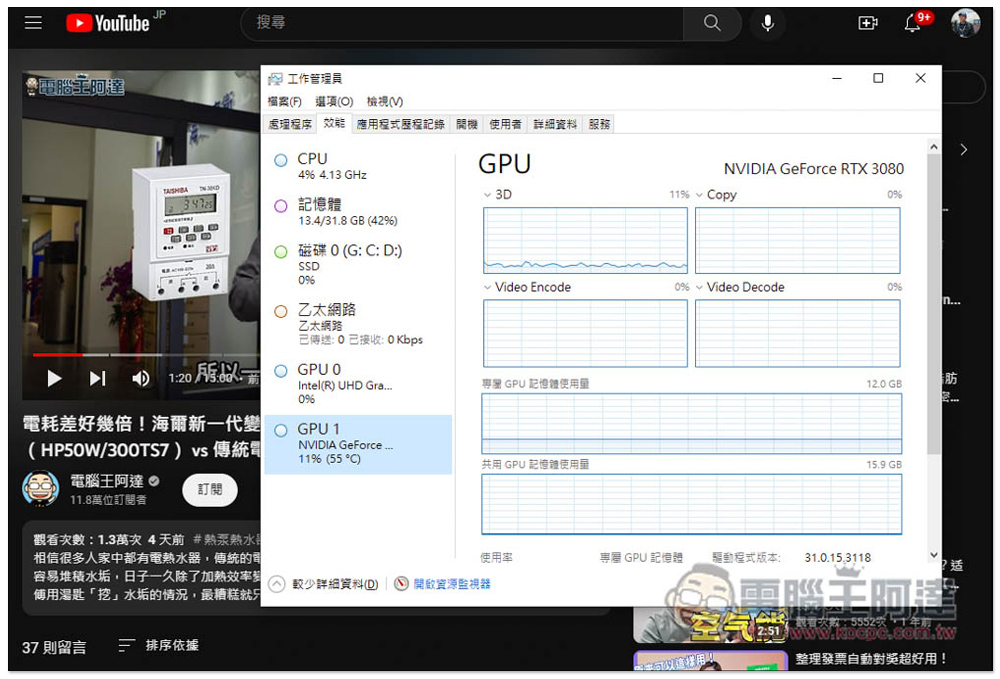
After playback, the GPU usage increases significantly, reaching 25%~30%:
Below are the before and after pictures shared by foreign netizens. The left side is not turned on, and the right side is turned on. It is obviously much sharper:

Another comparison chart:

However, one thing to note is that Intel has not released this technology yet, so strictly speaking it is not officially supported. Some of them still have to wait until Intel announces it. It is just a taster now.
Teach you how to enable Microsoft Edge’s built-in feature to improve video resolution
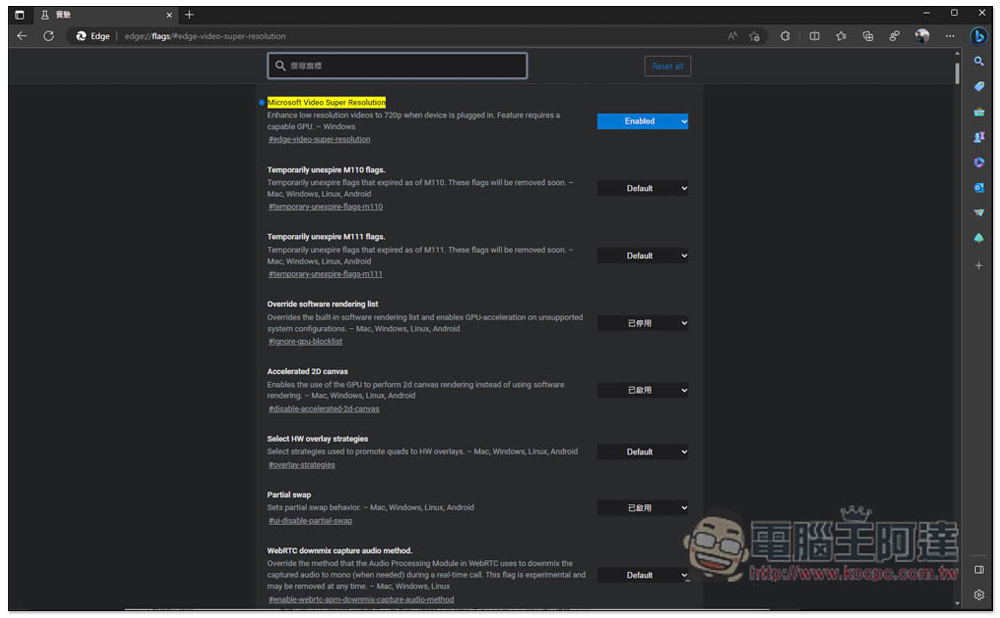
Microsoft Edge is partly different from Chrome. It was developed by Microsoft, and Microsoft has alsoAnnounced on the official websiteThis “Video Super Resolution” feature has been added, but it is currently only available in the Microsoft Edge Canary version. If you installed Canary, you can enable this feature after going to edge://flags/#edge-video-super-resolution:
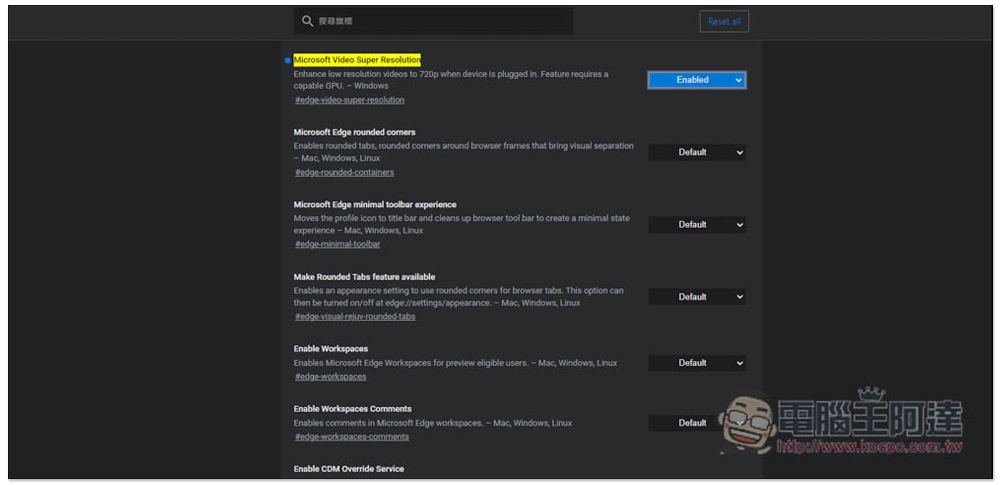
However, there are still some restrictions. The graphics card must be Nvidia RTX 20/30/40, and AMD RX5700~RX7800. Other models are not supported. The video played must be lower than 720p, and AC Power needs to be connected. There are quite a few restrictions.
Source: KOCPC Chinese