


There are many image editing and compression tools on the Internet now, but most of them have to be uploaded to the server, so they are not suitable for more private and personal pictures or photos, even if the website says high security. This article will introduce Imagator, a free web tool that does not require uploading and all actions are completed locally. It can also be used by opening a browser without installing anything. It provides functions such as compression, editing, and transcoding.
Introduction to Imagator, a free web tool that allows you to compress, resize, and convert images by opening your browser.
After opening the Imagator web tool, click GGET STARTED to start using it. The middle description says “No upload required, the file will not leave your device at all, it is completely free and private”:
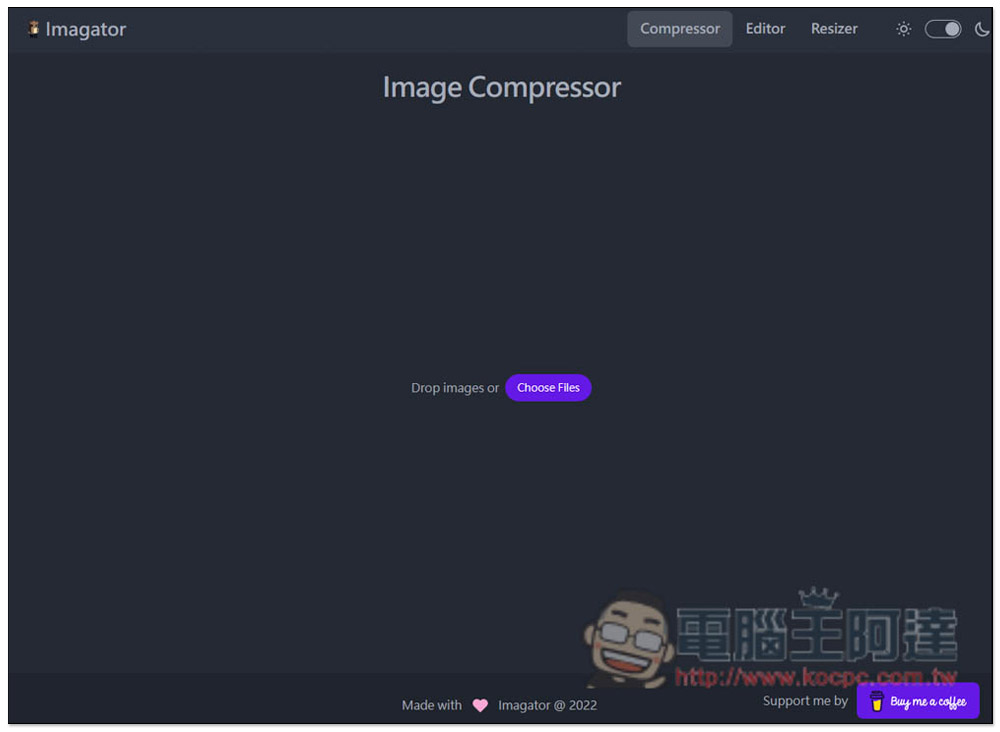
In the upper right corner, you will see three functions: “Compressor”, “Editor”, and “Resizer”. Let’s look at the compression part first. Drag in the image you want to compress, or click Choose Files to select the file. You can process multiple images at one time:
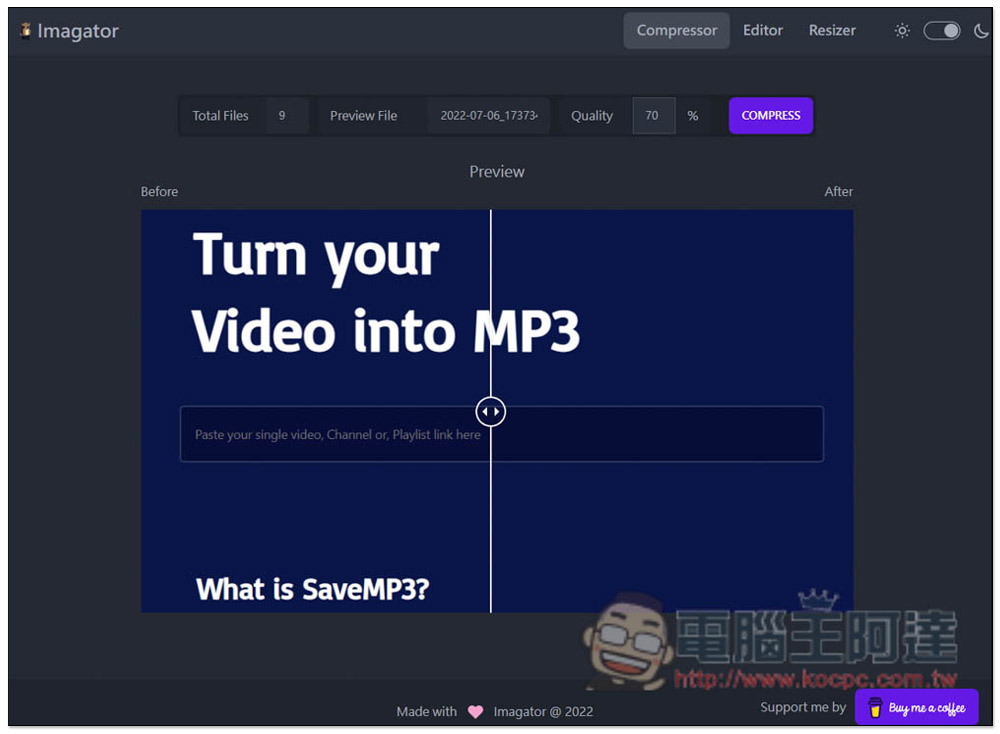
After dragging it in, the Quality at the top sets the quality you want to retain, and the bottom will also let you preview the difference before and after. This is quite good. It is rare to see image compression tools providing this function:
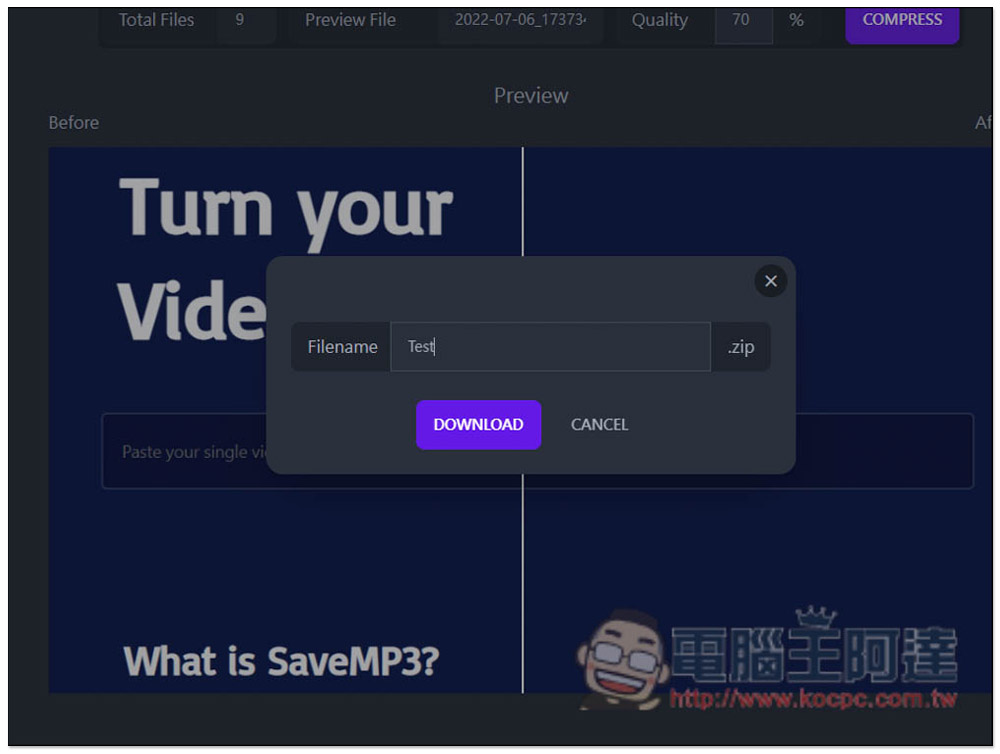
I use the default 70% as an example. Pressing COMPRESS will pop up a window naming the ZIP file. All compressed images will be packaged into compressed files. Press Download and the download will start:
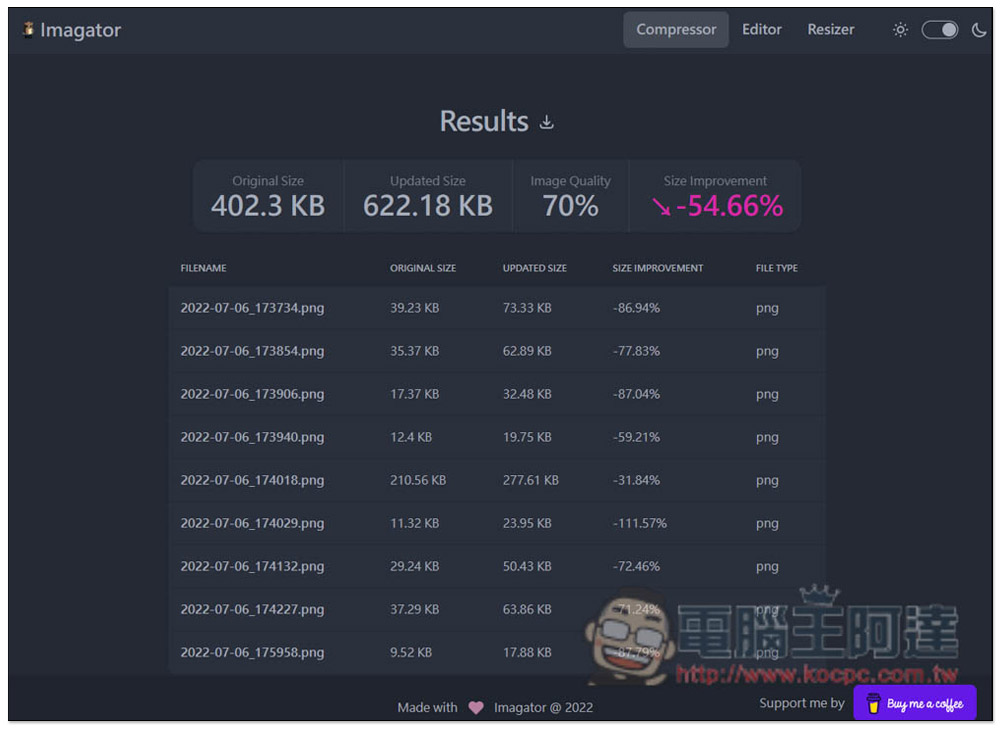
I have to say that the compression rate of this product is quite high. The 9 files I uploaded reduced the file size by an average of 54.66%, which is a huge saving. Another file was reduced from 23.95KB to only 11.32KB, reaching -111.57%:
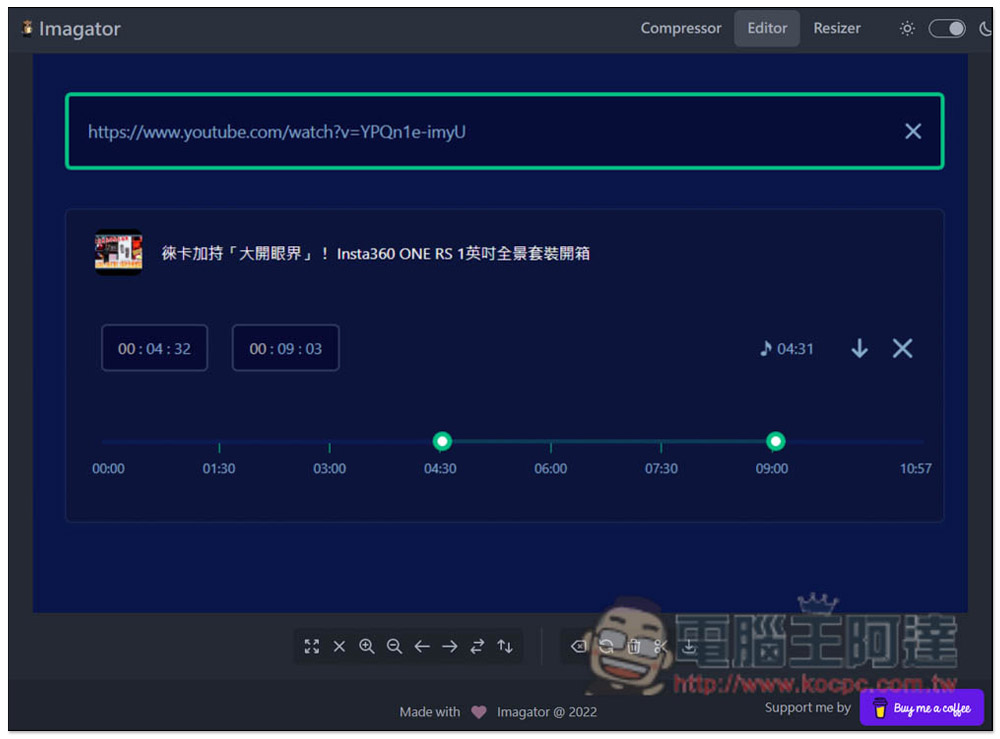
The Editor editing function can only handle single pictures. The function bar is located below, with functions such as left and right flipping, rotation, zooming in and out, etc.:
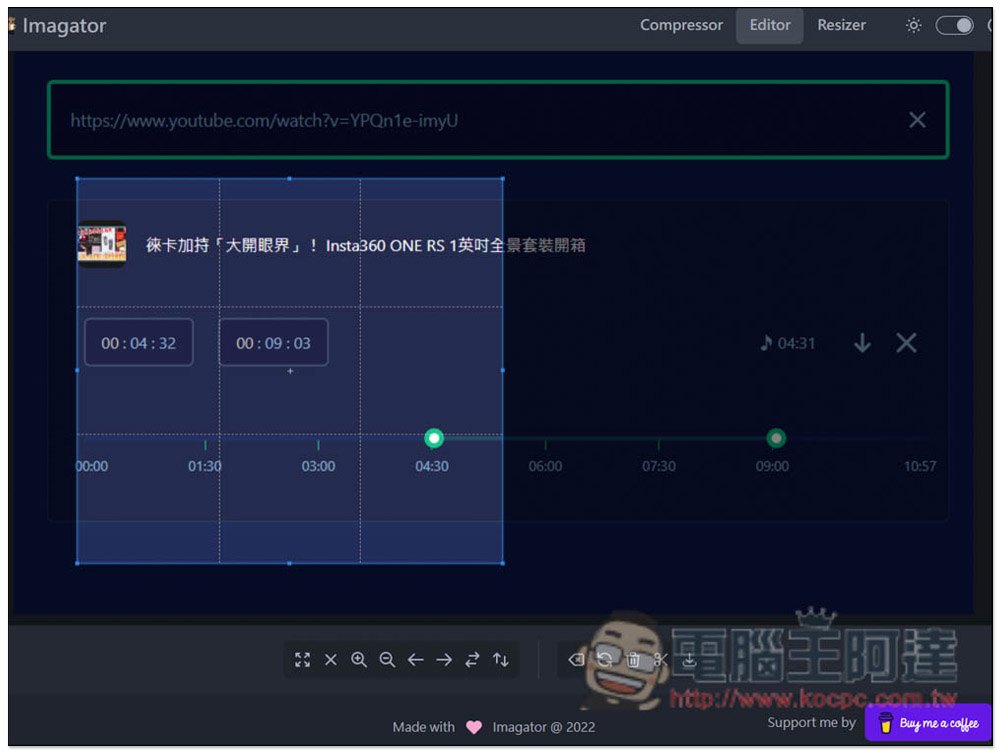
Cropping is also possible, and basic image editing functions are available:
Resizer has quite a lot of functions, including conversion, as well as compression functions. Click EDIT in the upper right corner to expand the menu:
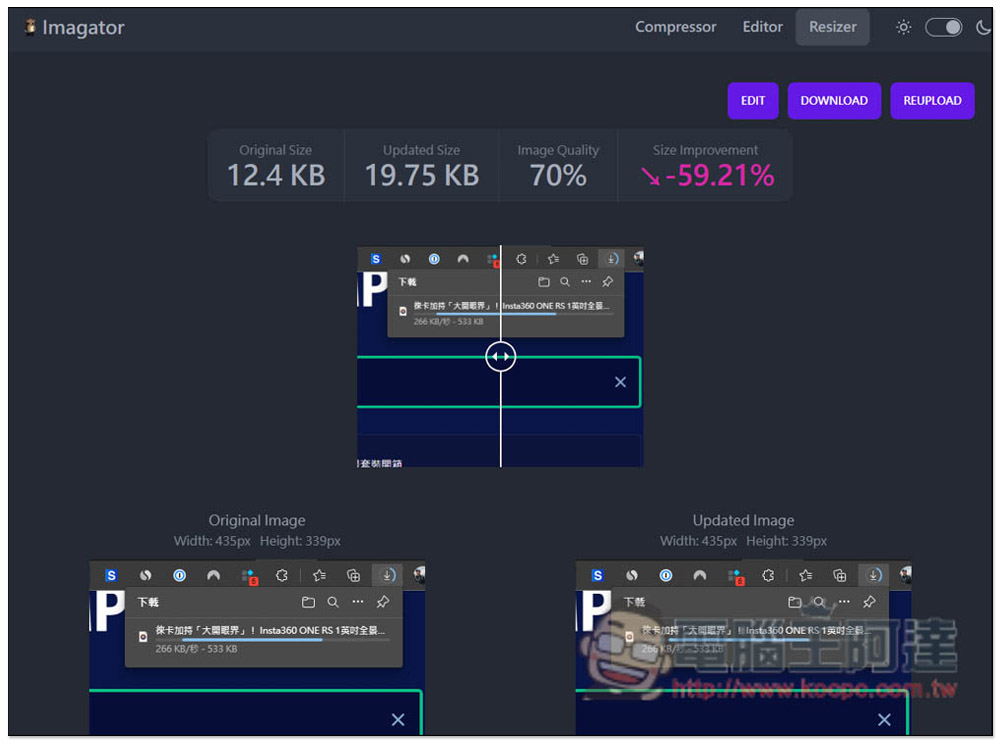
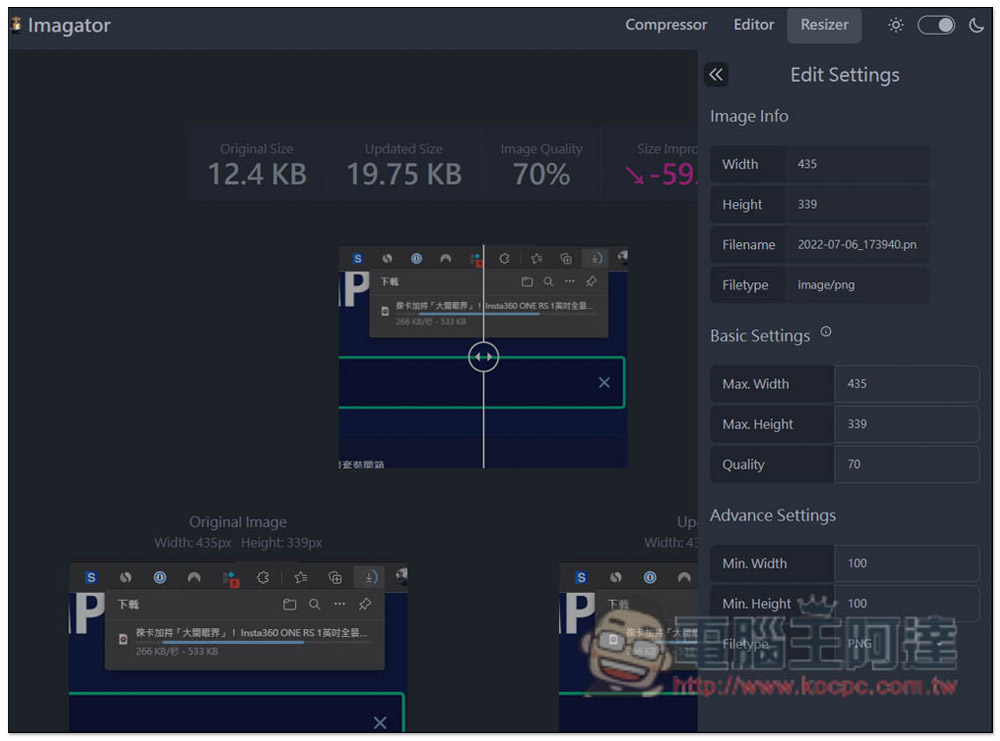
Compared with compression, the compression here can also reduce the image size. Just change the Basic Settings and Advance Settings on the right:
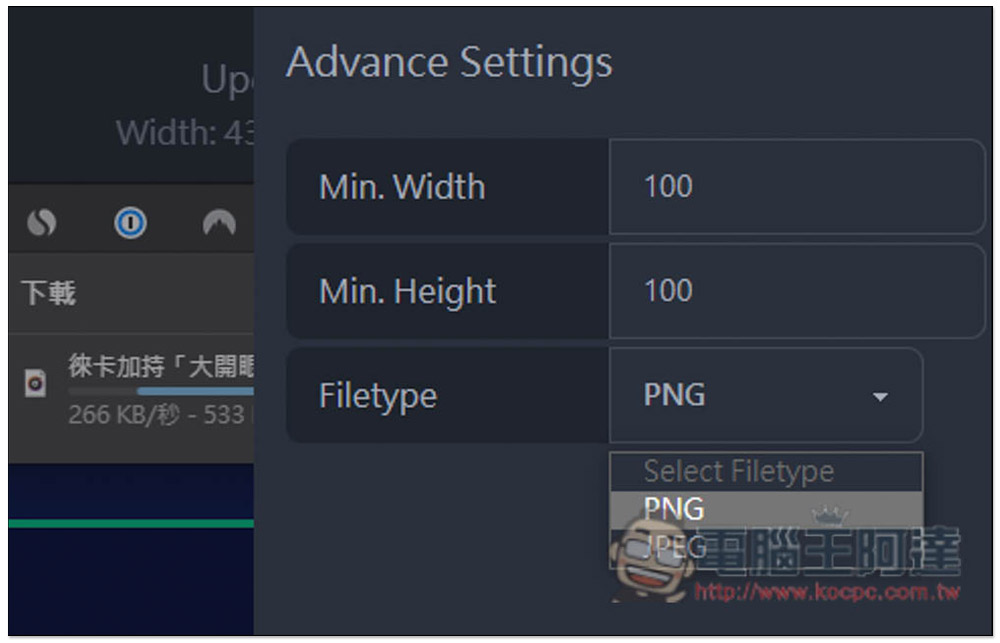
The FileType at the bottom can choose between PNG and JPEG, which means that the conversion function of this tool can convert between these two formats:
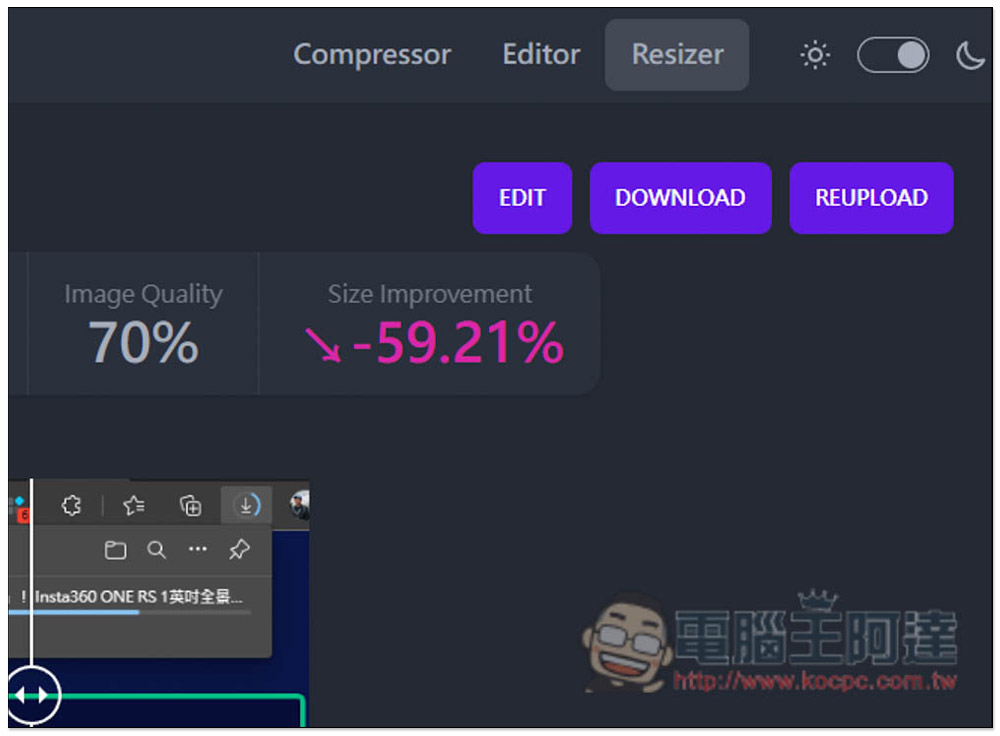
No problem, just click DOWNLOAD on the upper right to download:
For friends who often need to compress pictures, this tool is highly recommended to be collected. It is really easy to use, full-featured and safe. At the same time, because the pictures are all on the machine without uploading, the processing speed is also fast, which is easier to use than many online tools.
Source: KOCPC Chinese