


Sometimes when using images, you might not be sure about the image’s copyright, or you know it’s copyrighted and can’t use it freely, but you can’t find other suitable free stock images. In that case, you can try this recommended No more copyright free AI image-to-image tool. Just upload the image you want to use, select the aspect ratio and size, press generate, and the AI will generate another image based on it. If it happens to fit your needs, you don’t have to worry about copyright. Plus, it can generate unlimited images—you can create as many as you want.
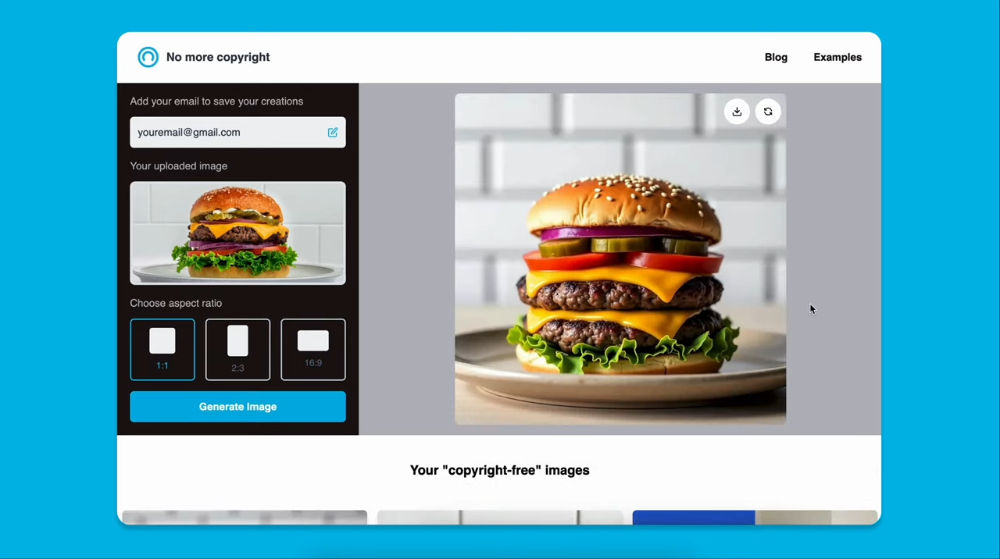
No more copyright Basic Introduction
No more copyright is a completely free image generation tool with no usage restrictions, not even ads. Not sure if it’s because it just launched. When generating images, it offers four aspect ratios: 1:1, 16:9, 4:3, and 9:16, so you can choose based on your needs.
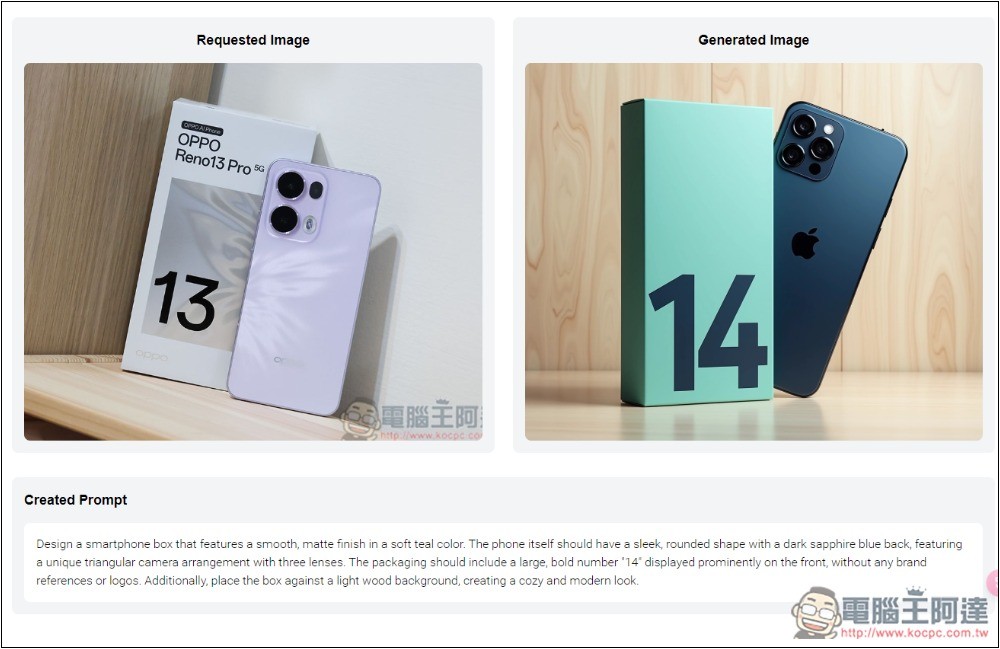
Furthermore, the generated image will also provide the prompt used, meaning you can also use this tool to quickly obtain the prompt for that image.
No more copyright Operation Guide
After entering the No more copyright website, it is recommended to fill in your E-mail, so that the generated images will be recorded under this E-mail, making it convenient for future reuse and management:
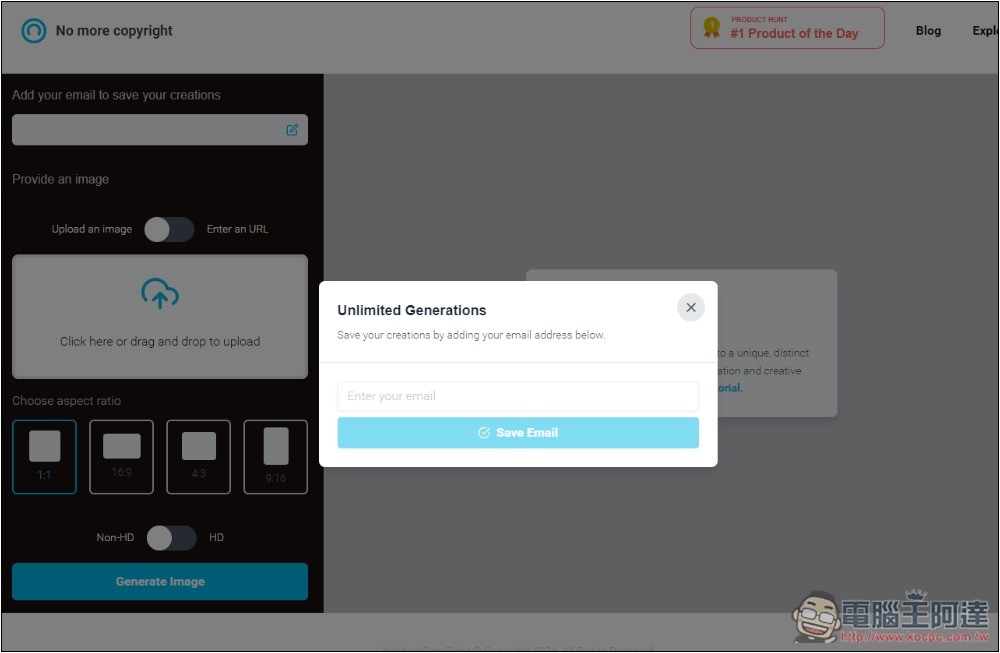
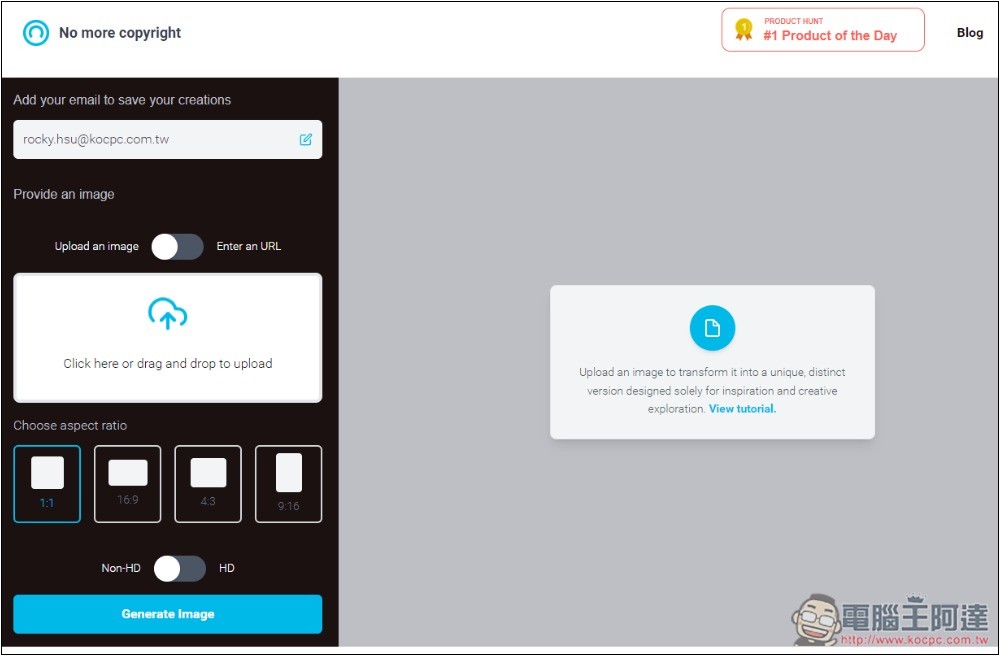
Then you’ll enter the operation interface, which besides manually uploading images also lets you input an image URL, and below that is the aspect ratio for the generated image. As for the HD option, from my testing it seems like there’s no difference whether it’s on or off—the resolution after generation is the same. I’m not sure if the feature is broken or if there’s another reason:
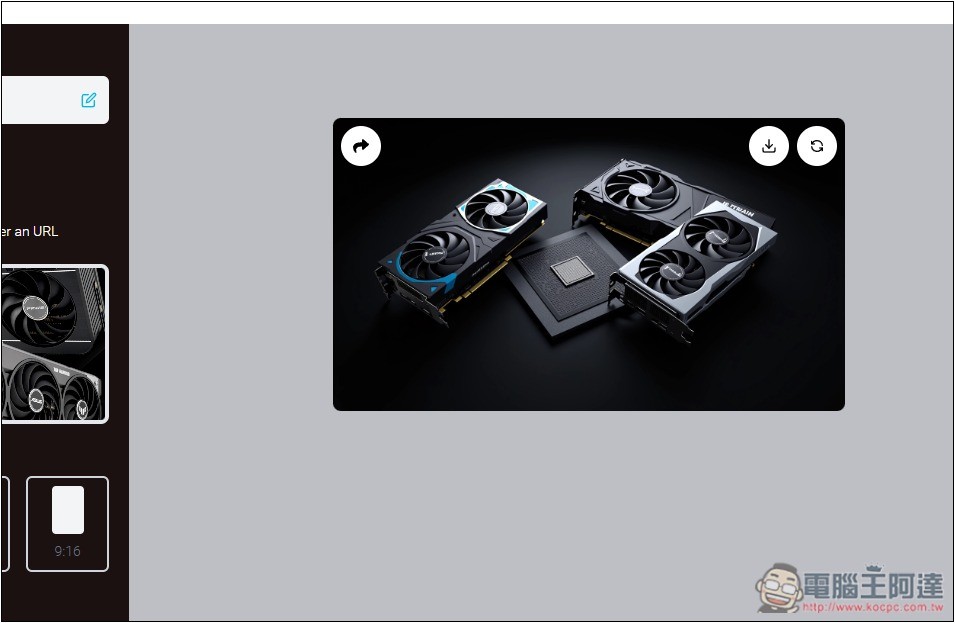
After uploading an image and selecting the desired size, press Generate Image to start generating, and the result will appear on the right. For example, when I uploaded an image of an AMD graphics card, the AI generated a graphics card image without needing any prompt. If you’re not satisfied, you can use the regenerate function at the top right of the image.
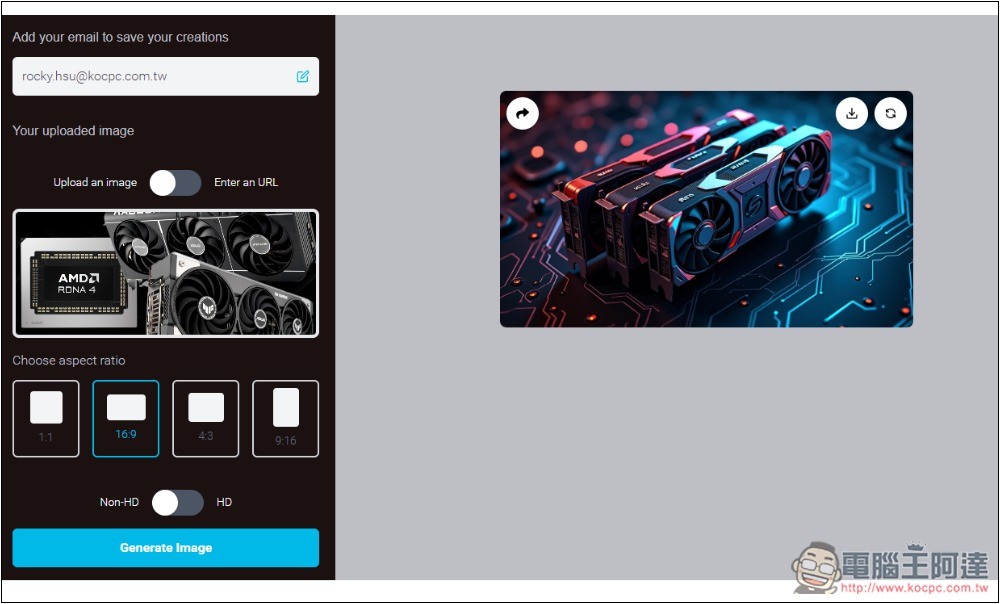
It will then generate another one, which actually matches the AMD image I uploaded even better. This shows that it’s best to generate multiple times, as each generation has a slightly different presentation. I’ve even gotten images similar to poster designs:
Then I tested this image on our website by directly pasting the image URL:
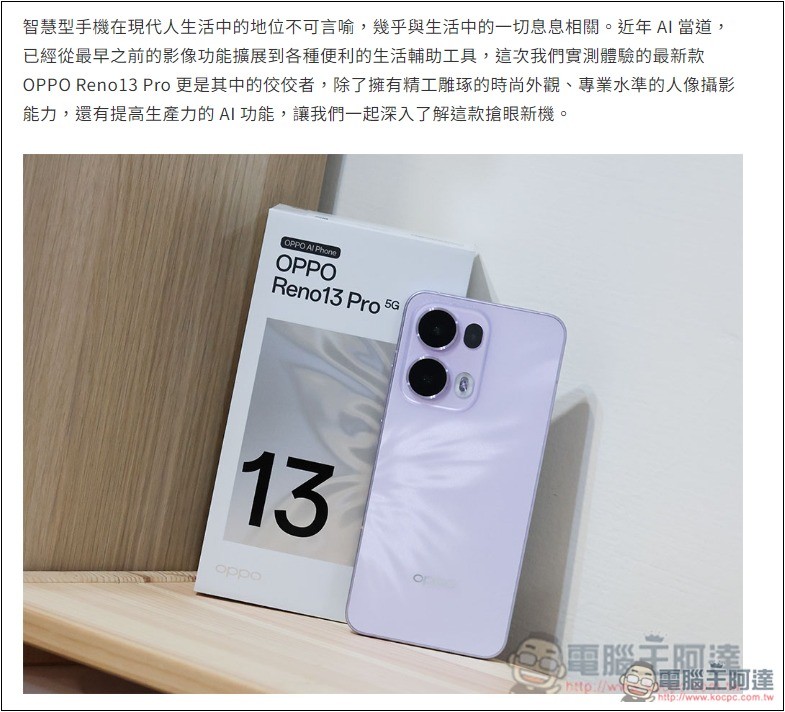
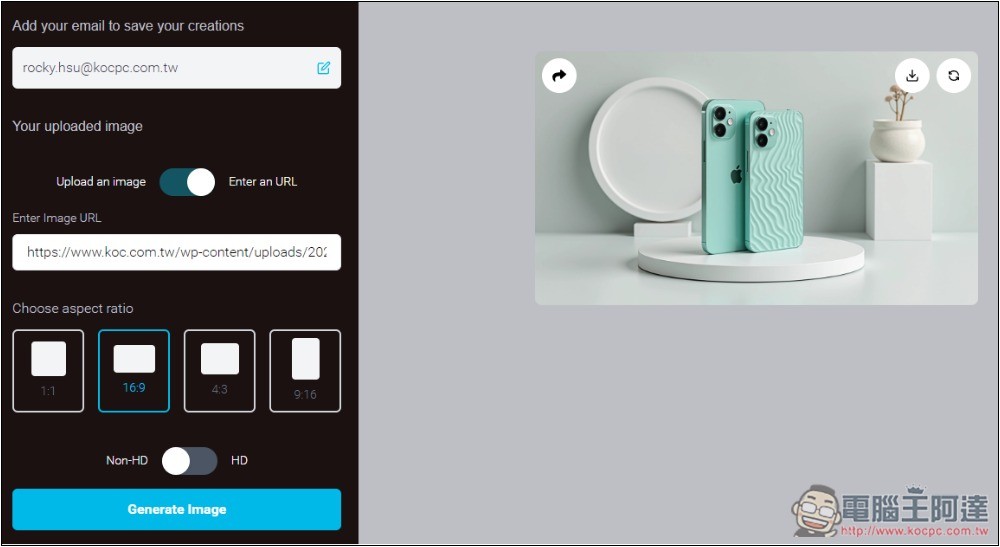
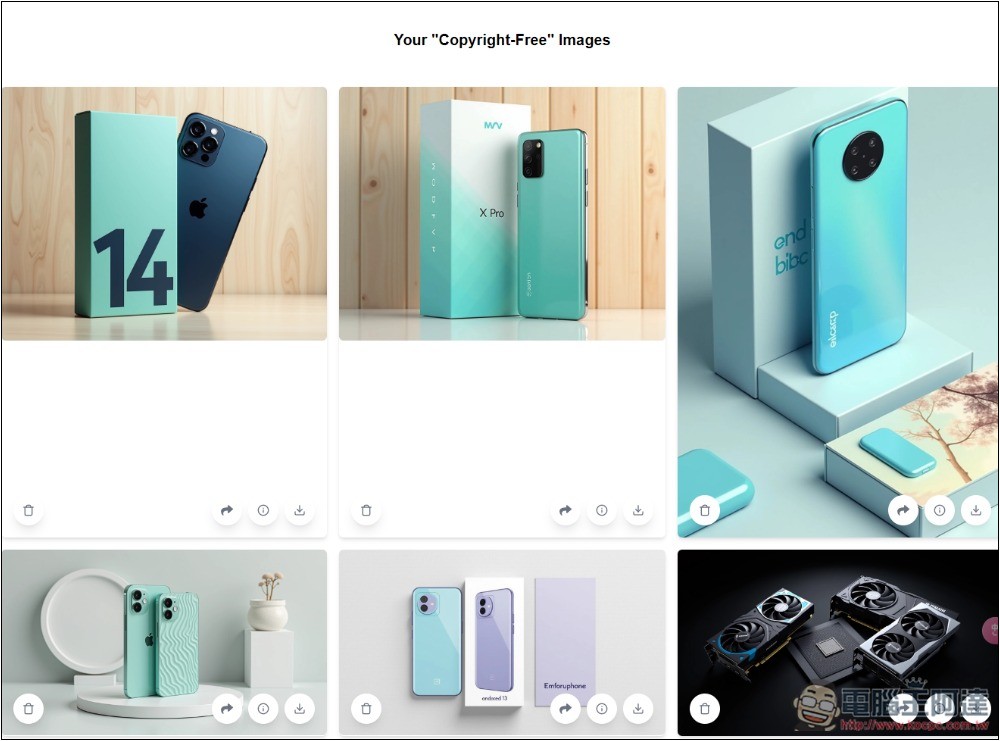
As expected, it was also read successfully, but it generated an iPhone. From this, it’s clear that the AI model used by this tool cannot recognize product brands, nor can it generate nearly identical images:
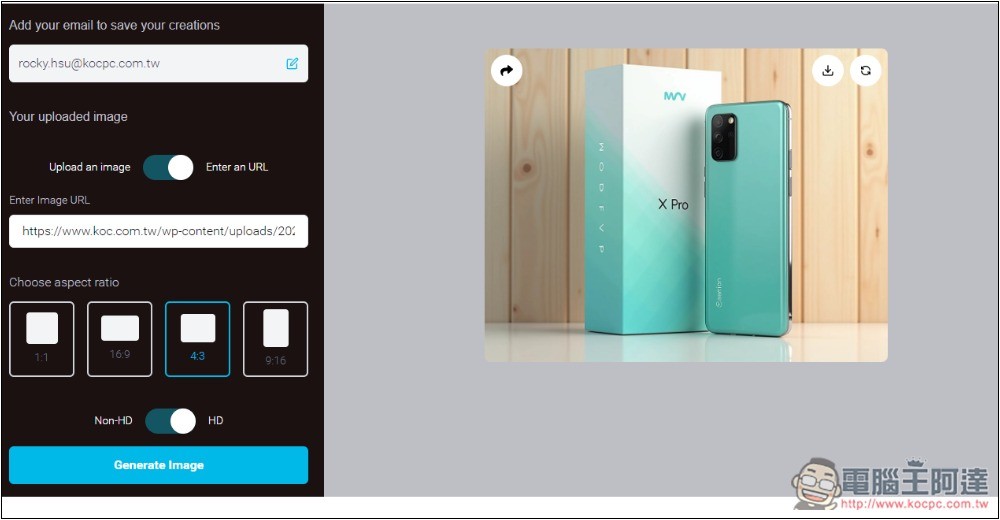
The second generation is a bit better, but it turned into an unknown brand. It would be even better if the text on it could be erased. The lack of an editing function is also a drawback of this tool—you can’t make local changes, only regenerate:
All previously generated images are recorded at the bottom of the webpage, where you can browse and download them at any time.
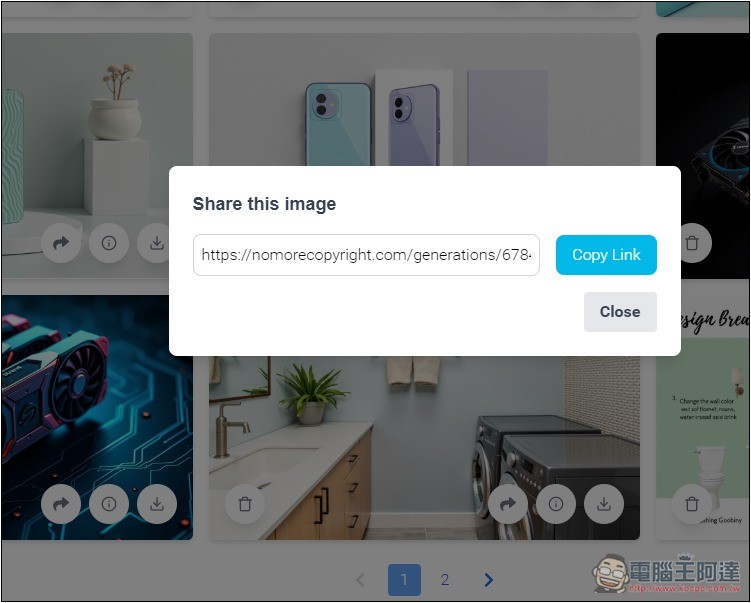
It also offers a sharing feature, letting you share images with others:
The “i” icon feature lets you view the prompt content that was used, and you can copy it to save it if needed:
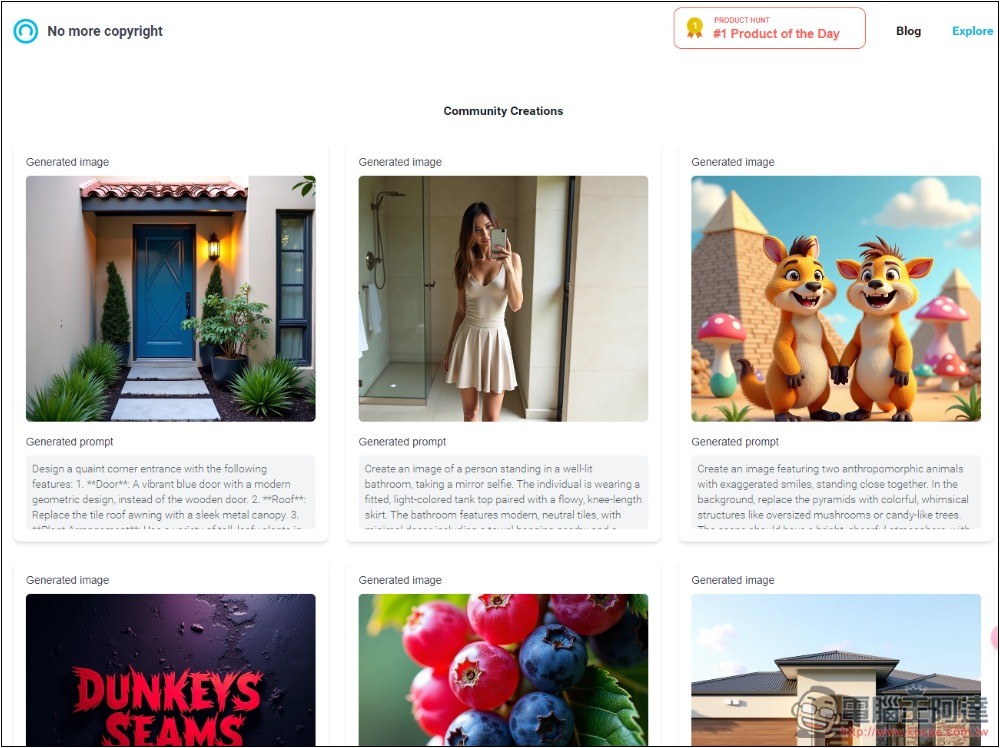
This website also offers a community feature that displays AI images created by other users, but I’m not sure if your own generated ones will also show up there. In my test, I didn’t see any:
Source: KOCPC Chinese