


Although the convenience of connecting Chrome to a Google account and the frequent introduction of innovative features are quite impressive. However, if you are a friend who often uses the browser to download data, I believe that Google’s user experience in this regard does not seem to be very intuitive and easy to use – or should I say that we have not seen relevant improvements for a long time? In this regard, the Chrome development team seems to be actively seeking changes through the Canary version recently. Continue reading the report on the evolution of the redesigned Google Chrome download interface for more intuitive operations.
▲ Image source for this article: Leopeva64-2 (Reddit)
Redesigned Google Chrome download interface brings more intuitive operation evolution
Maybe because many people jokingly call Chrome Downloader for IE Can’t move News of official retirementThe inspiration for the revision (mistake). Google’s experience with the download function of its own signature browser has been quite active recently. Not only the interface has been adjusted, but the supported operations have also been improved.
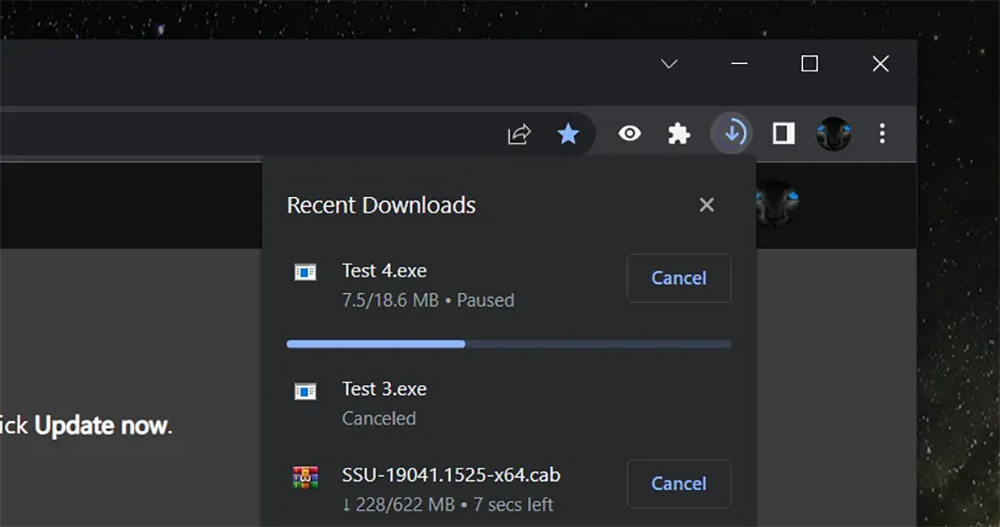
In the interface part, you can see the download sequence interface that originally occupied the bottom space and made the wide screen narrower. has been changed to a download symbol integrated into the toolbar on the right side of the address bar, and will display the download progress as the full weight of the circle while the file download is in progress.
The interface, which was originally arranged one by one like cards at the bottom, allows people to quickly grasp the download status of multiple files. However, it still makes people irritated by occupying the upper and lower space of a normal web page – at least this is the case for me, so I usually close this column when I start downloading, and then nothing happens again (often I only realize that downloading is still in progress after I close the browser)…
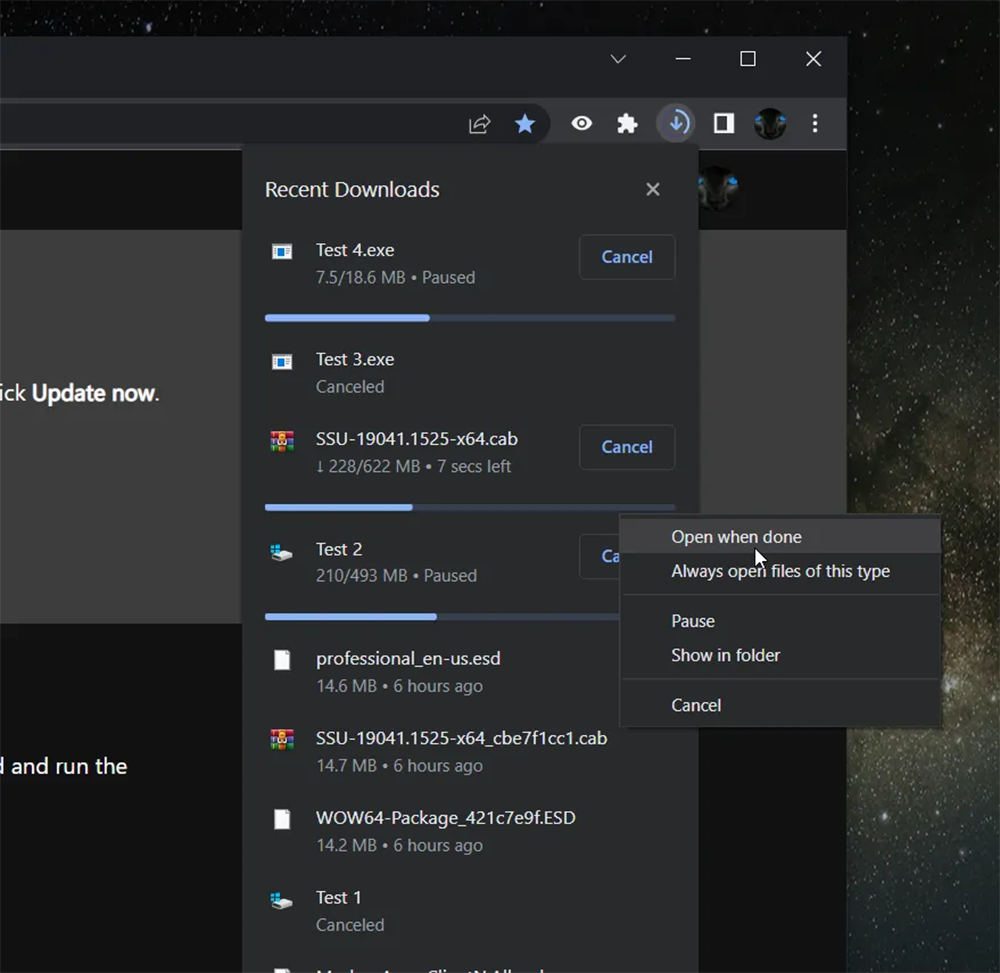
It feels like this new interface is about to become an official version feature (after all, it has been improved twice through updates). In addition to checking the total download progress by referring to the circle, you can also click the button to launch a floating window that displays the status of all downloaded items in a row. For each file, you can directly select “Cancel” to end the download, or you can right-click to open the advanced menu. You can pause, and you can also choose how to handle this type of file, such as whether to execute it directly after the download is completed.
After the latest Canary update, users from the Reddit forum discovered new “secret technique” instructions. It’s that Chrome’s new download page not only supports right-click functionality. You can also directly perform related operations on the target file through drag/drop. What he demonstrated was that by directly dragging the items in the list to the desktop, you can complete the advanced operation of moving files from the recently downloaded folder to the desktop or other folders, or even using applications such as Photoshop for processing.
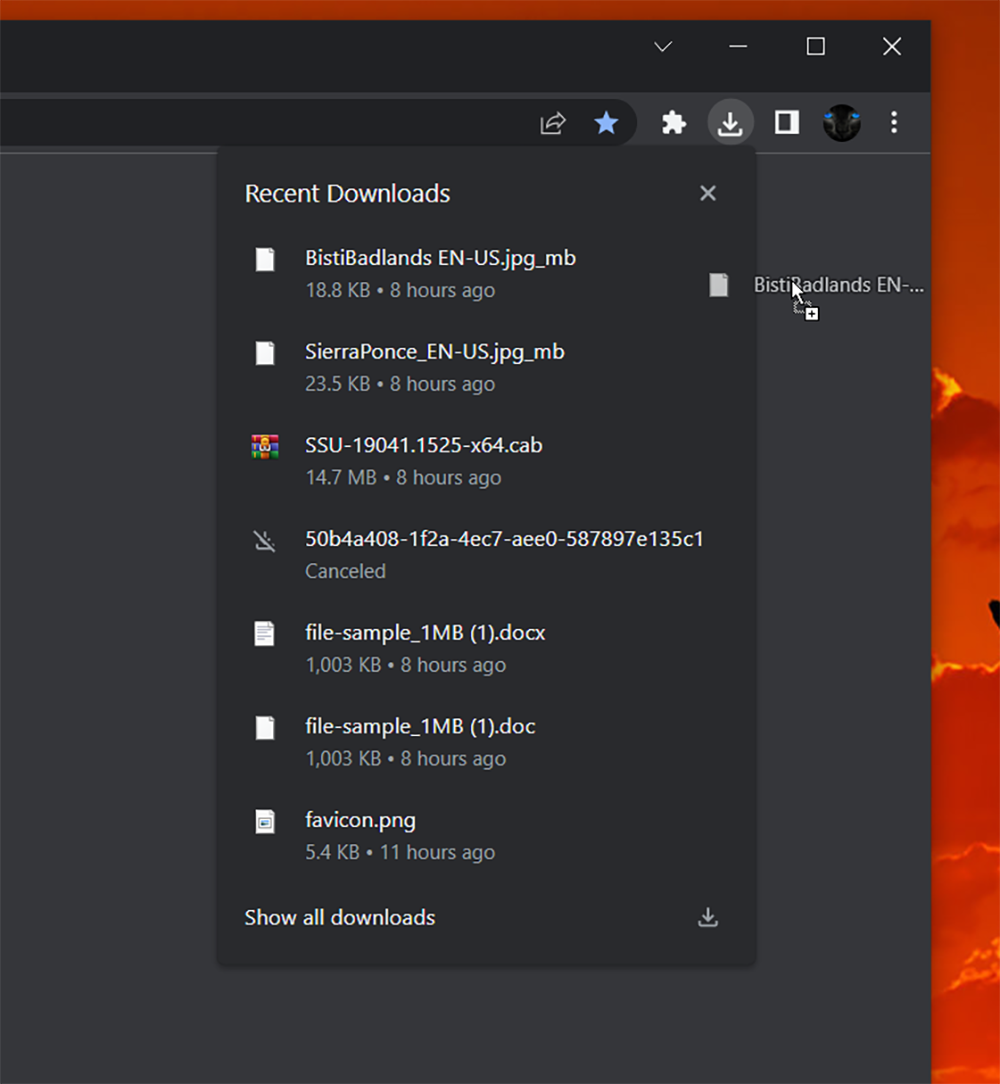
That is to say, such operations and interfaces feel so familiar to the author who uses Firefox browser as his main work browser (laughs). Speaking of the interface of this floating download window, Chrome probably just has an “X” in the upper right corner that can clear the list at once. Including the information and menu of the download list, as well as the direct drag and drop operation methods are really very similar.
I can only repeat an old saying again, that is, it is just like swimming and running, or else… (being taken away with his mouth covered)
Further reading:
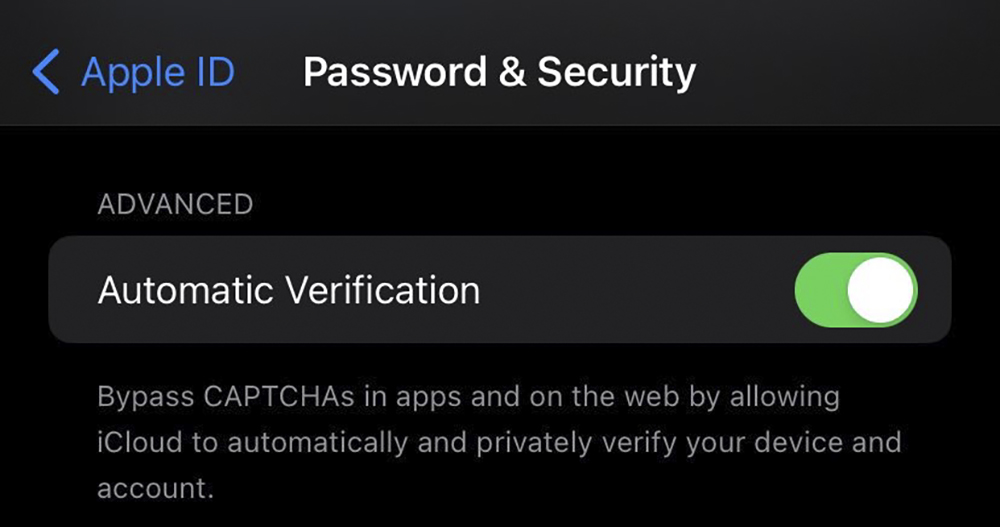
iOS 16 actually comes with the ability to skip CAPTCHA authentication images
Source: KOCPC Chinese