


When entering text, you might sometimes want it to look more professional or be presented in a different style. Many people turn to AI chatbots for this kind of transformation, but you may not always get the style effect you want. This article is going to recommend a really useful free AI all-purpose translator called “Omni Translator,” which already has hundreds of built-in translators for different styles. All you need to do is paste your content and hit translate, and the text will be converted into that style—from professional jargon and American-to-British English conversions, to slang, all the way to funny ones like cat style and Trump style.
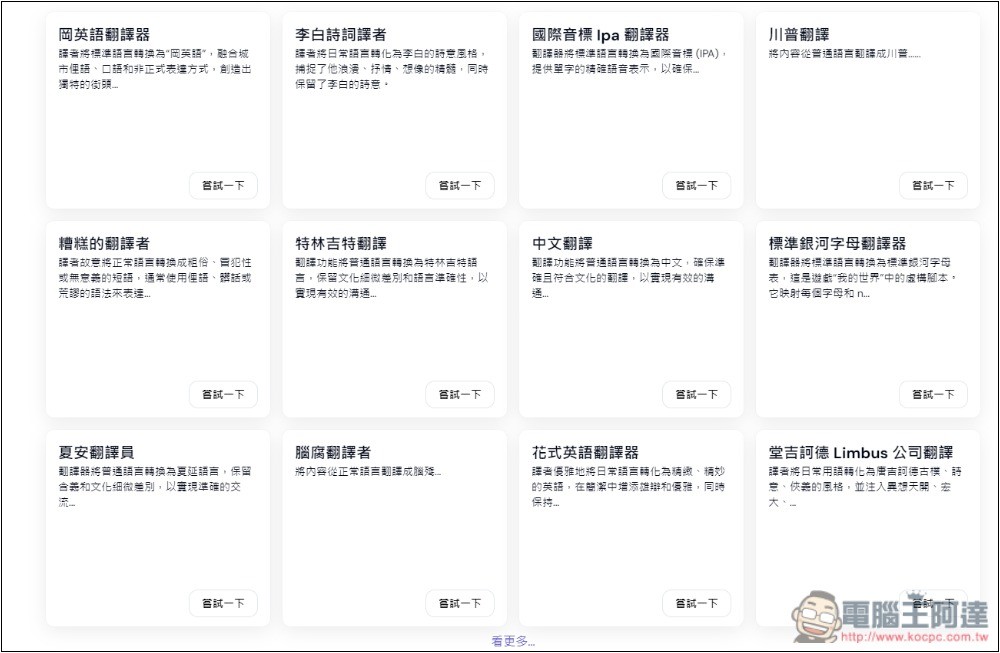
Omni Translator: An Introduction to the AI Universal Translator That Can Change Text into Other Styles.
Omni Translator supports thousands of languages, including English and Chinese, but note that it provides text style conversion, not translation functionality like converting English into Chinese.
Completely free to use, also based on AI technology. Besides the built-in translator, you can also create your own translator.
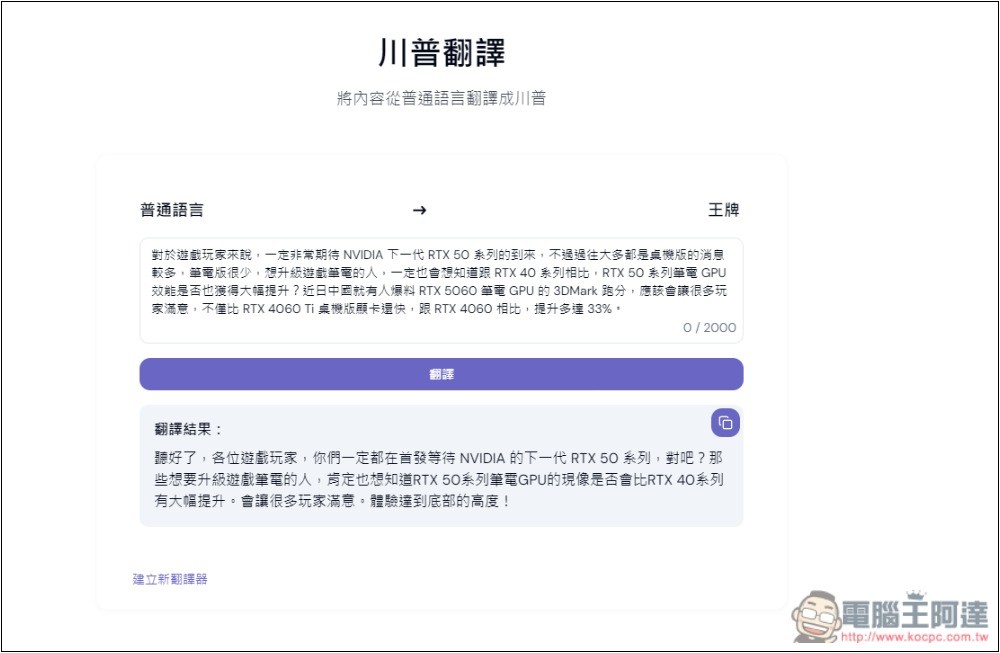
Here, let me first demonstrate the effect, using this text as an example:
對於遊戲玩家來說,一定非常期待 NVIDIA 下一代 RTX 50 系列的到來,不過過往大多都是桌機版的消息較多,筆電版很少,想升級遊戲筆電的人,一定也會想知道跟 RTX 40 系列相比,RTX 50 系列筆電 GPU 效能是否也獲得大幅提升?近日中國就有人爆料 RTX 5060 筆電 GPU 的 3DMark 跑分,應該會讓很多玩家滿意,不僅比 RTX 4060 Ti 桌機版顯卡還快,跟 RTX 4060 相比,提升多達 33%。
Converting to Trump style would become:
聽好了,各位遊戲玩家,你們一定都在首發等待 NVIDIA 的下一代 RTX 50 系列,對吧?那些想要升級遊戲筆電的人,肯定也想知道RTX 50系列筆電GPU的現像是否會比RTX 40系列有大幅提升。會讓很多玩家滿意。體驗達到底部的高度!
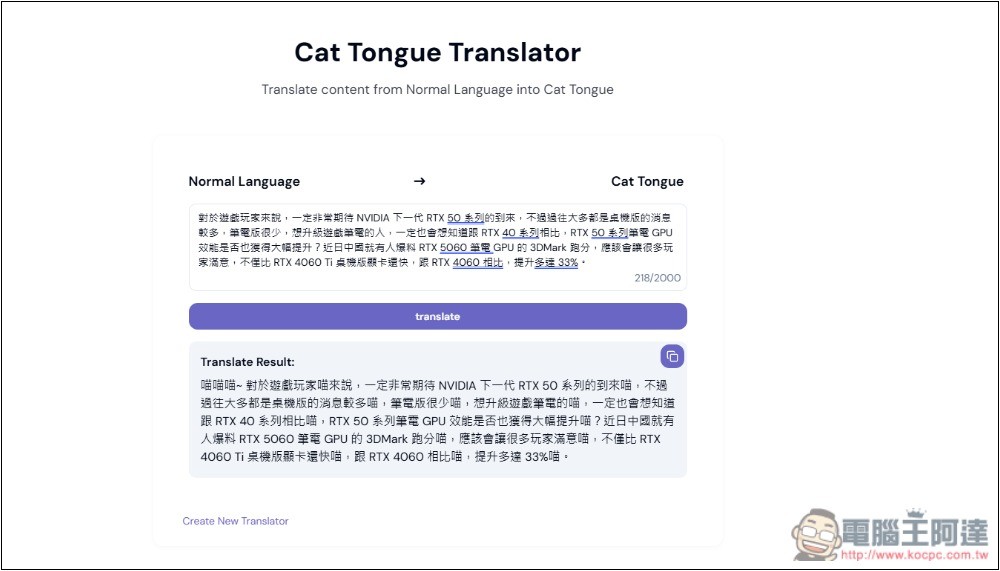
Converting it into a cat style would become like this:
喵喵喵~ 對於遊戲玩家喵來說,一定非常期待 NVIDIA 下一代 RTX 50 系列的到來喵,不過過往大多都是桌機版的消息較多喵,筆電版很少喵,想升級遊戲筆電的喵,一定也會想知道跟 RTX 40 系列相比喵,RTX 50 系列筆電 GPU 效能是否也獲得大幅提升喵?近日中國就有人爆料 RTX 5060 筆電 GPU 的 3DMark 跑分喵,應該會讓很多玩家滿意喵,不僅比 RTX 4060 Ti 桌機版顯卡還快喵,跟 RTX 4060 相比喵,提升多達 33%喵。
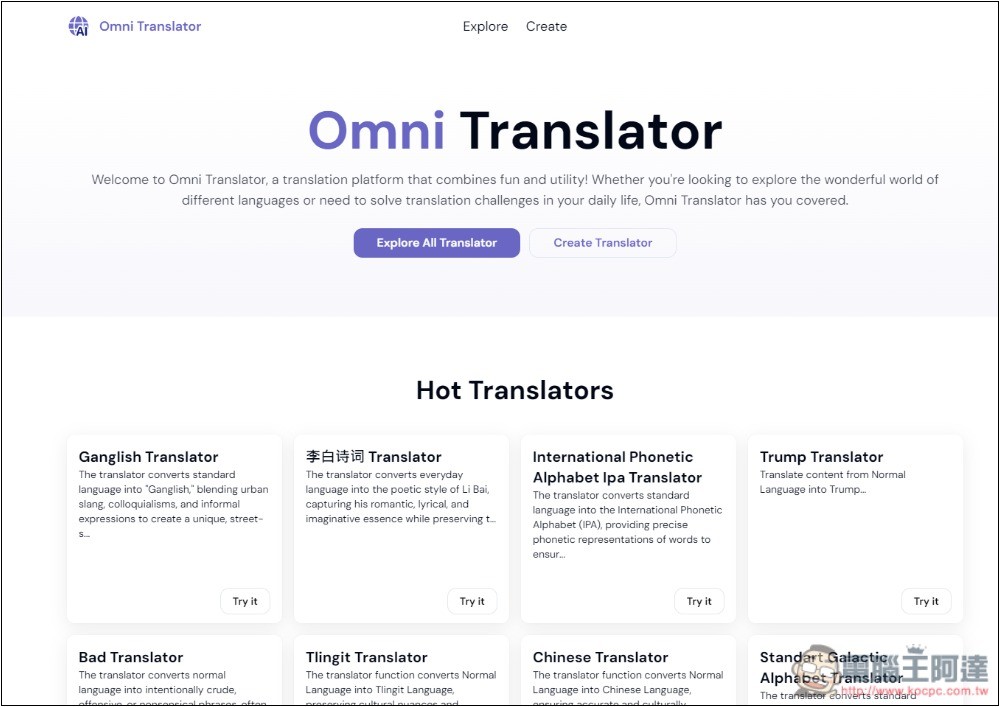
Usage is simple: click the link above to go to the Omni Translator website, and popular translators will be listed at the bottom of the homepage. You can also click “Explore” at the top to browse all translators.
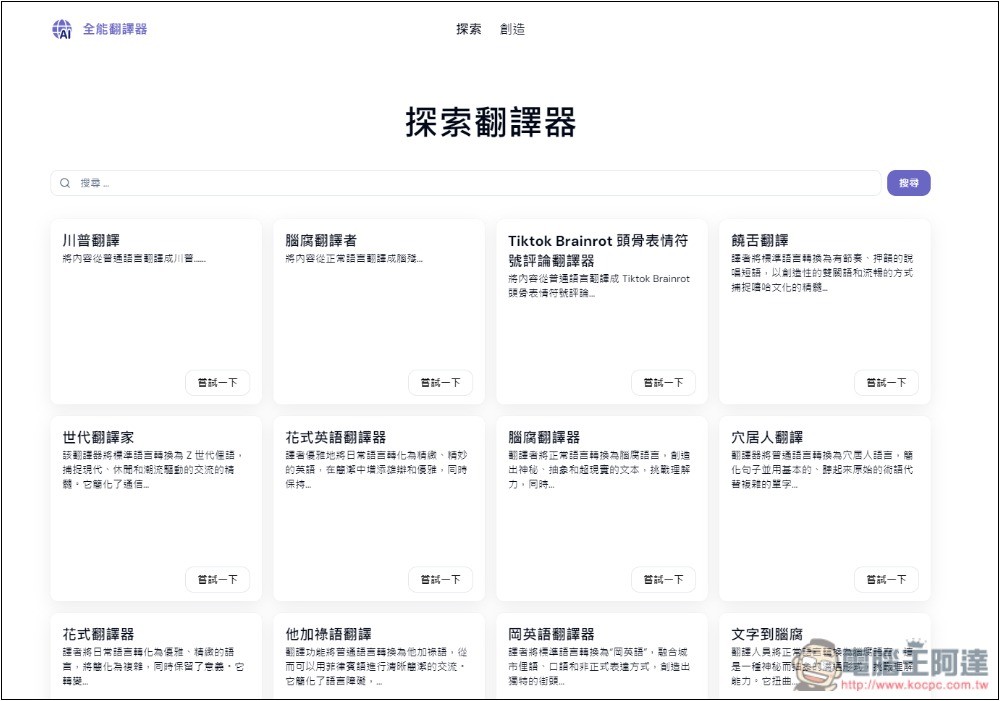
There are many style-transfer translators, like the Trump one shown above, as well as TikTok Brainrot, rap style, fancy English style, caveman language, and more. Search functionality is also available. However, this site is currently only in English; those who don’t understand it can use the browser’s translation feature to convert it into Chinese.
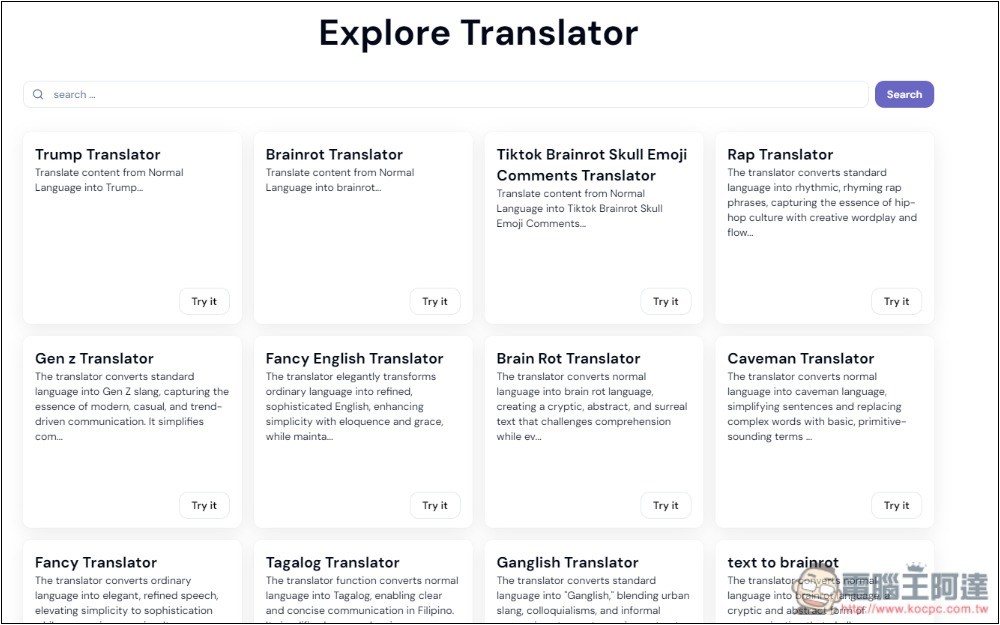
Like this, but some translator names are still hard to understand, so just try it directly:
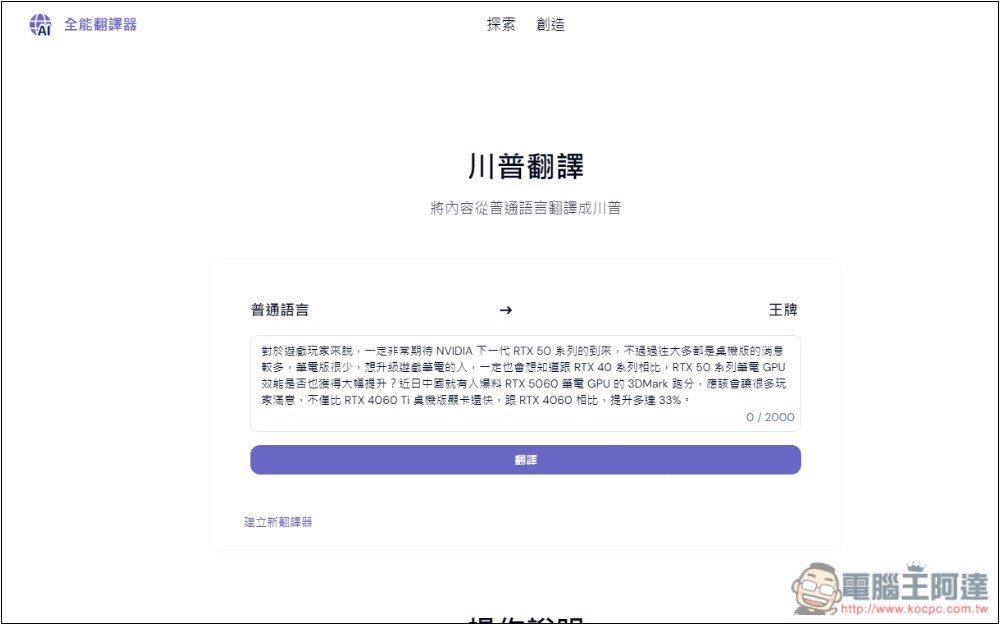
Once you’re on the translator page, paste the text you want to convert, then press the translate button, and the converted text will appear below. Also, note that each translator has a character limit; if you exceed it, you’ll need to convert it in separate parts.
Source: KOCPC Chinese