


Many people, like me, open a lot of software when working, which may lead to a situation where concentration is often interfered with by other windows. HazeOver is a Mac software that can solve this problem. It will darken the windows and backgrounds that are not currently in use, and only light up the current window for work, so that we can focus more on the current work. If you want to improve productivity, it is highly recommended to try this.
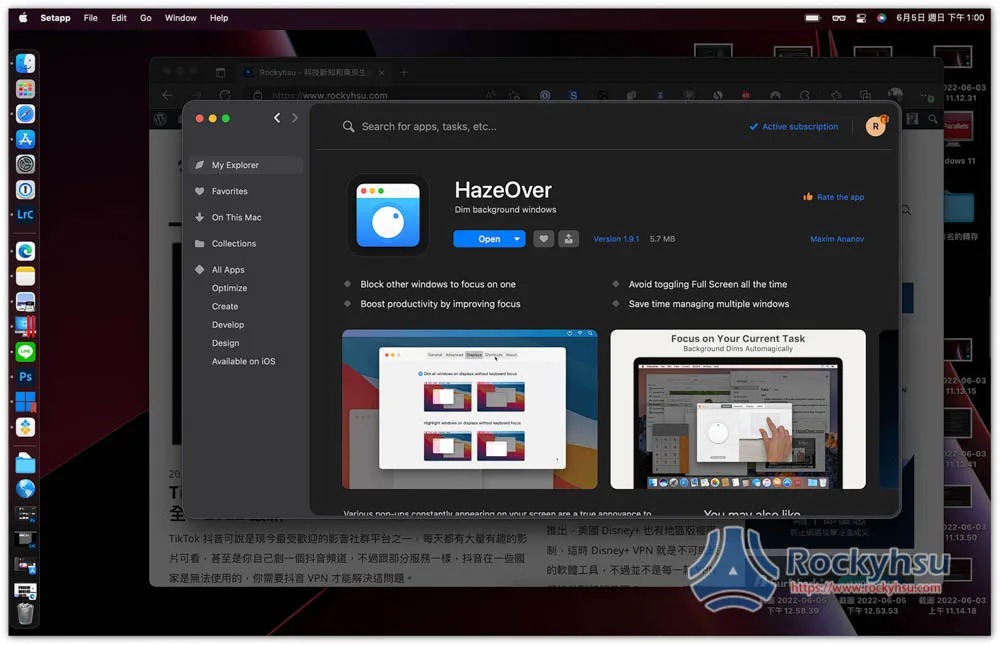
Is this free software?
No, HazeOver is a paid software, butOfficial websiteThere is a free trial, which means you can try it out first and think about it before you consider buying it.
It can be downloaded from the official website, App Store and Setapp. I installed it from Setapp.
Setapp It is a Mac Apps software subscription service that provides over 230 paid professional software, including many well-known Mac software, such as: CleanMyMac X,Bartender, Menubar
- Further reading:Setapp Mac and iOS software recommended subscription service, one account can use more than 230 professional paid software apps
HazeOver operation tutorial and introduction
Step 1 – Turn on permissions in Accessibility
The first thing after installation is to set permissions and click “Open System Preferences”:
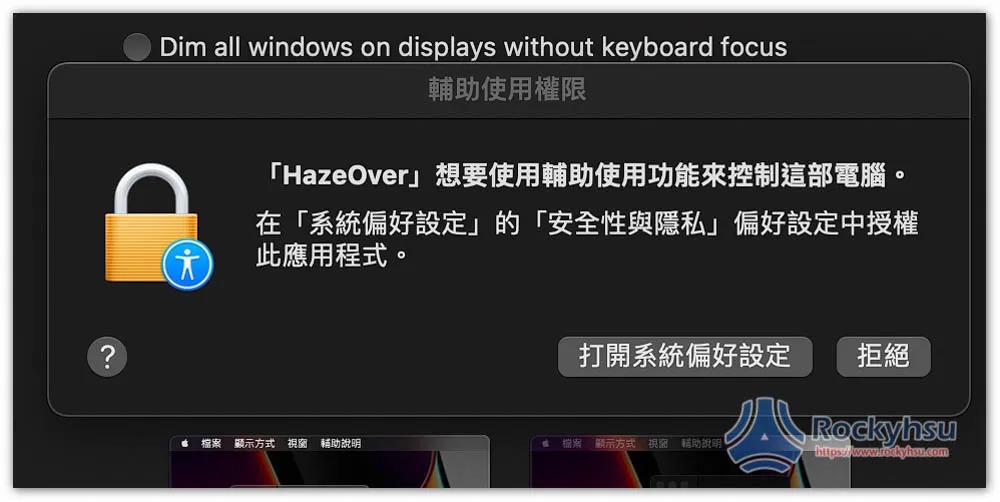
“Security & Privacy” -> “Accessibility” in System Preferences will open, click the lock in the lower left corner to unlock, and you will need to enter your Mac login password:
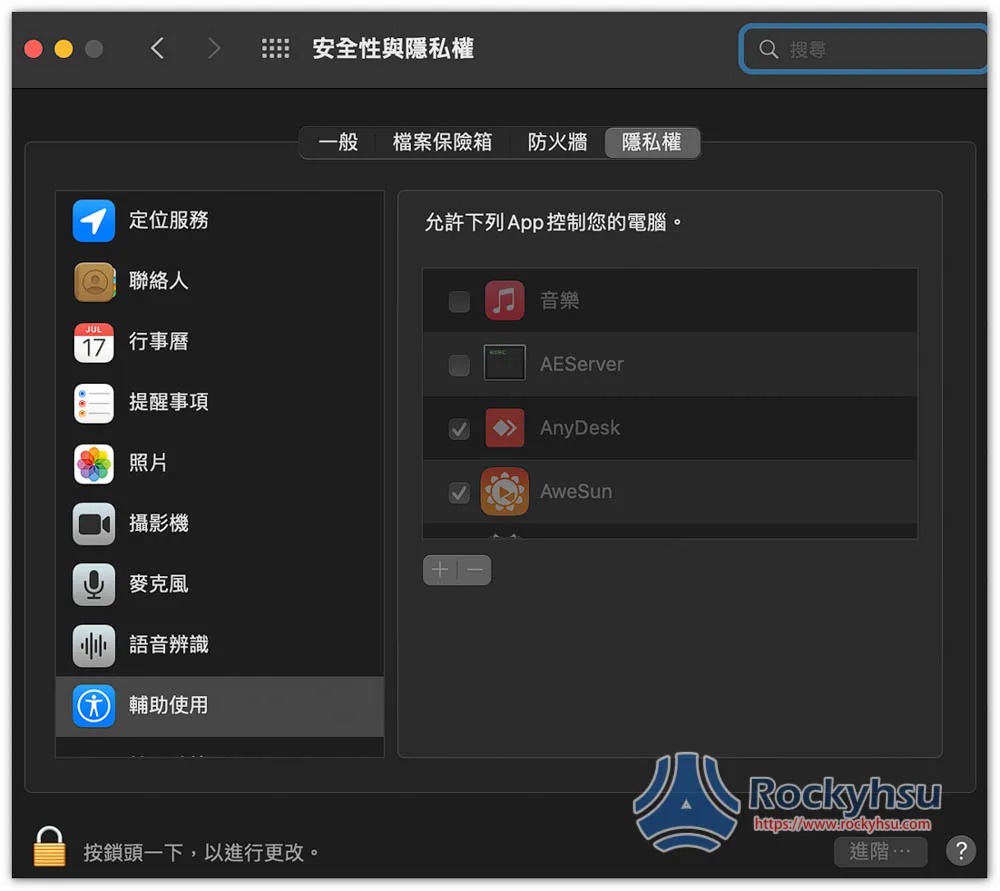
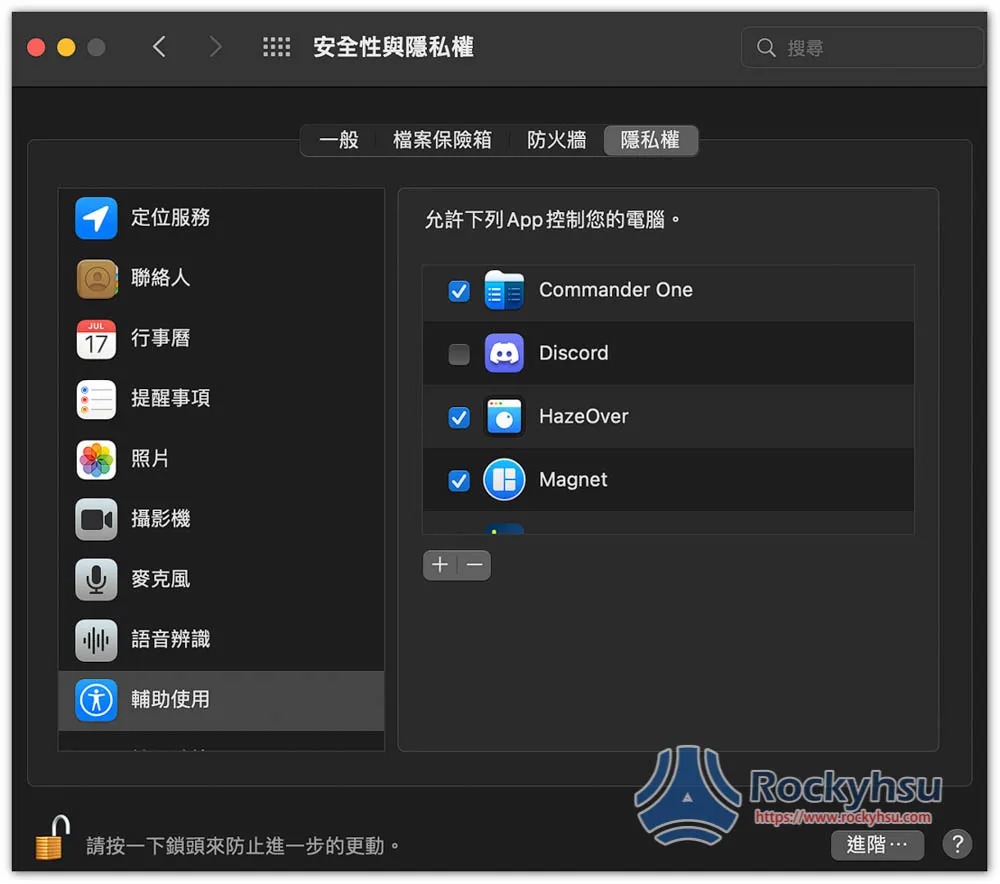
The right side will be unlocked, check this software, and you are done:
Step 2 – Get started
After setting it up, you can start using it. You should find that the background becomes dark and only the current window lights up.
The picture below is a screenshot I haven’t used this yet:

After using it, you can see that the back window and background have become darker. The default is only a little darker. If you feel it is not enough, you can adjust it:

Open the function icon in the upper right corner and drag the bar. The higher the percentage, the darker it is:
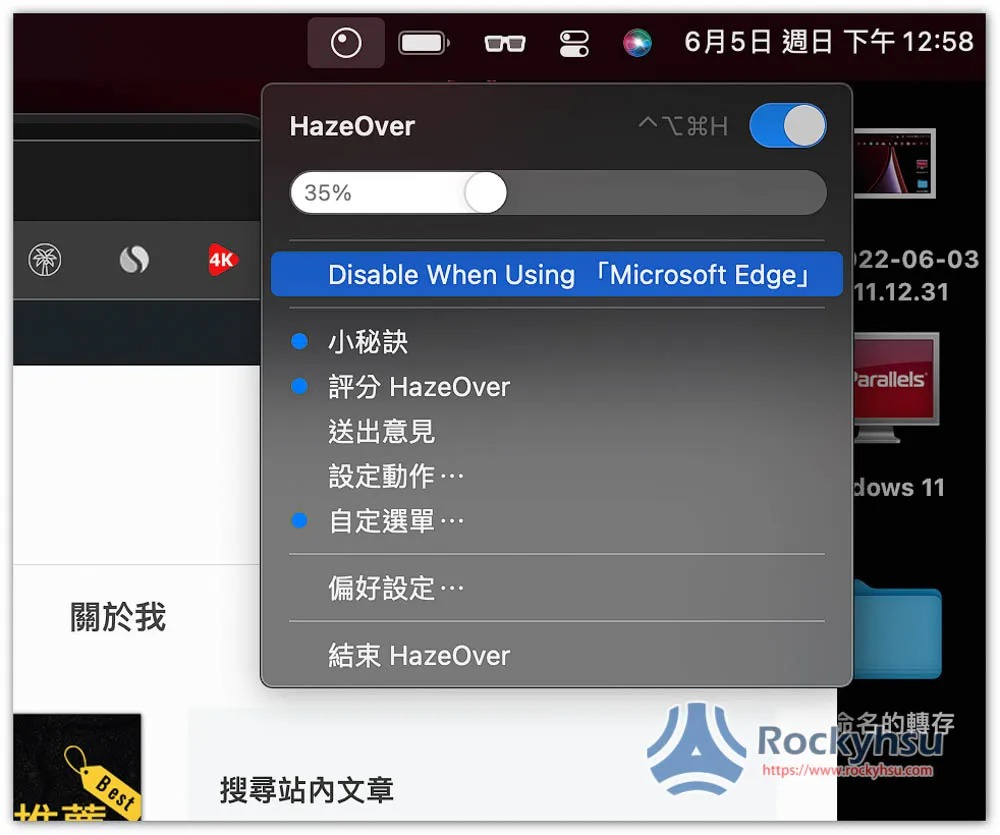
Like this one, I made it a little darker, so that the background is almost invisible:

Step 3 – Customization
There are quite a few things that can be adjusted in the settings, such as background color, switching animation time, and highlight:
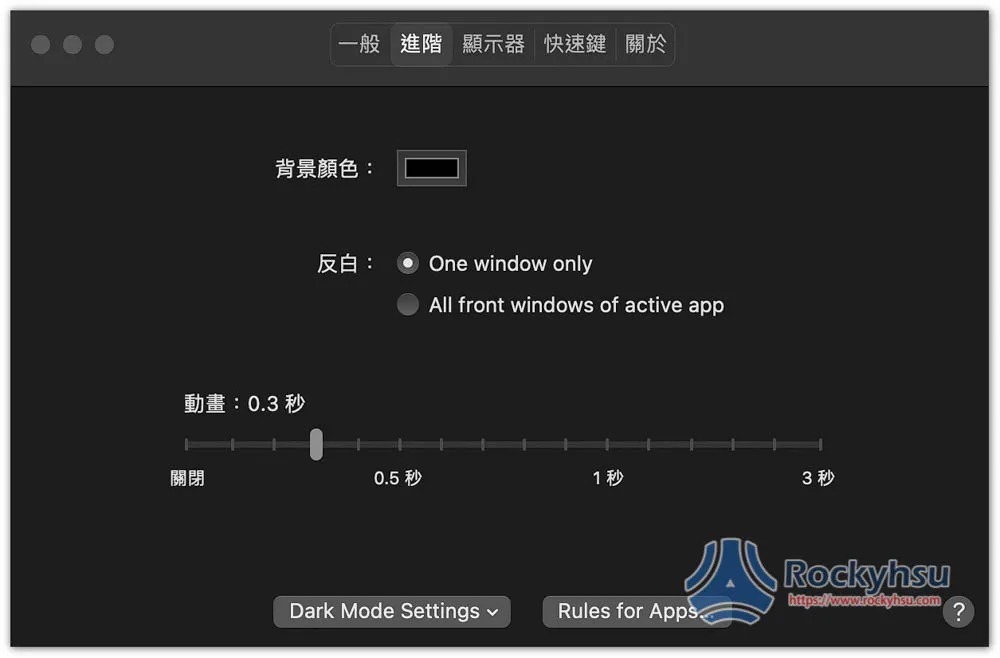
If I change the background to blue it will look like this:
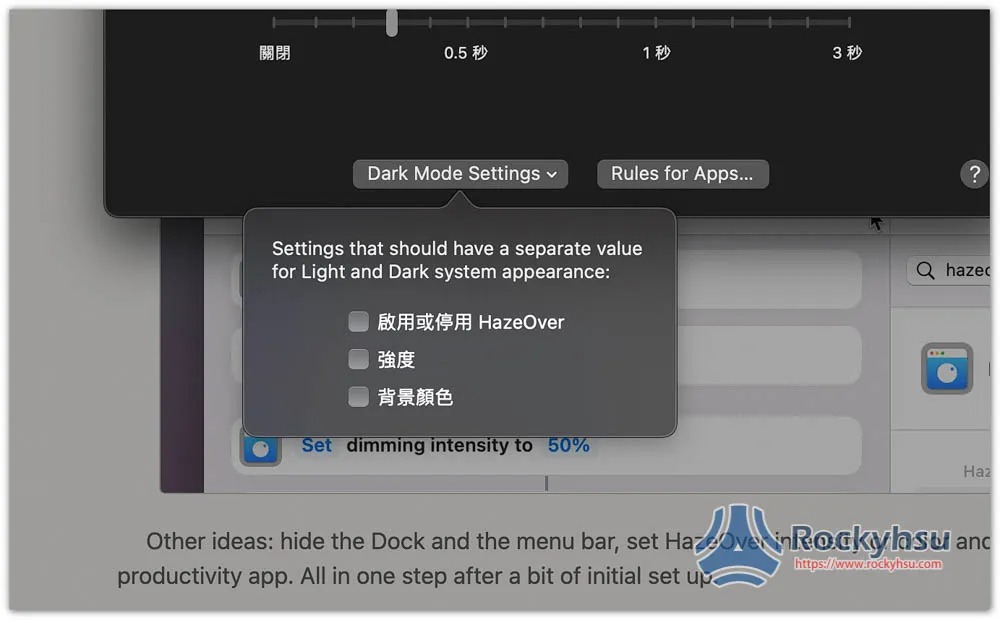
Dark Mode Setting:
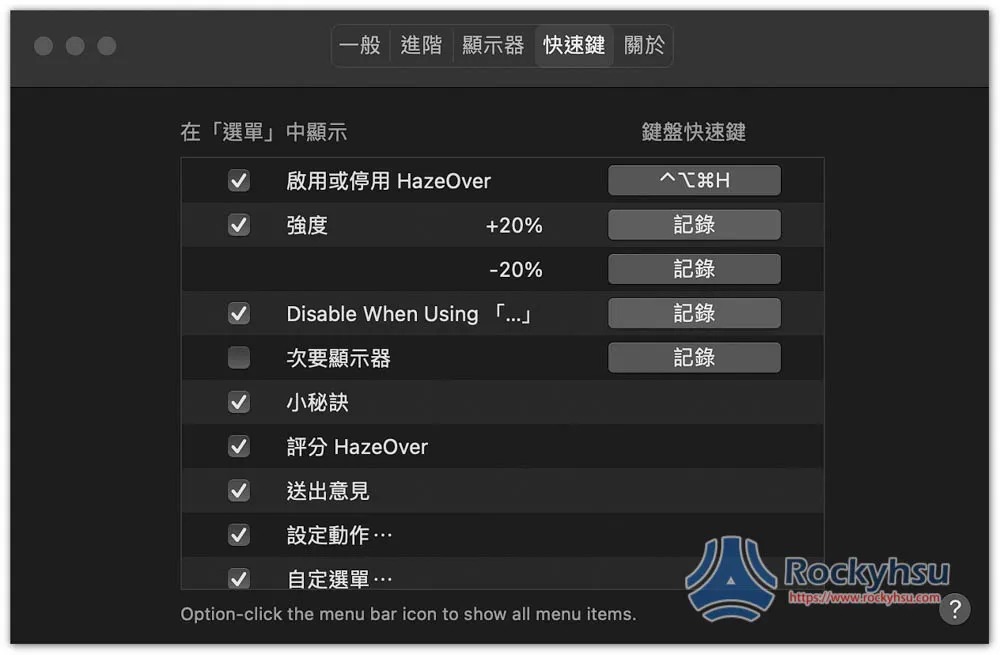
Also supports shortcut key functions:
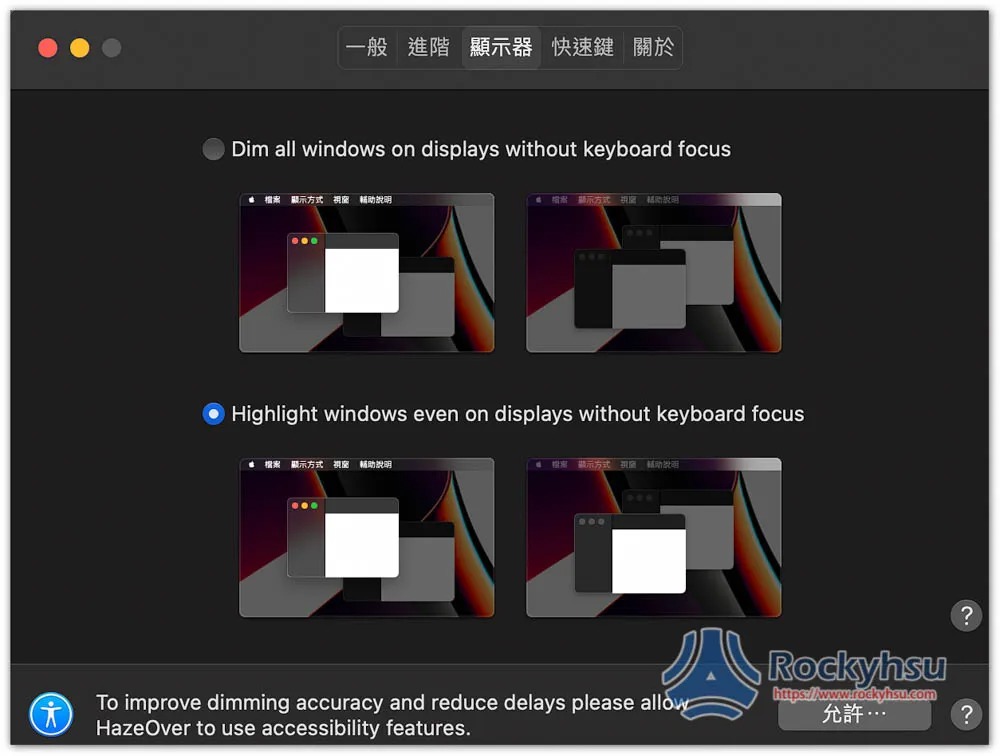
There are two types of monitors:
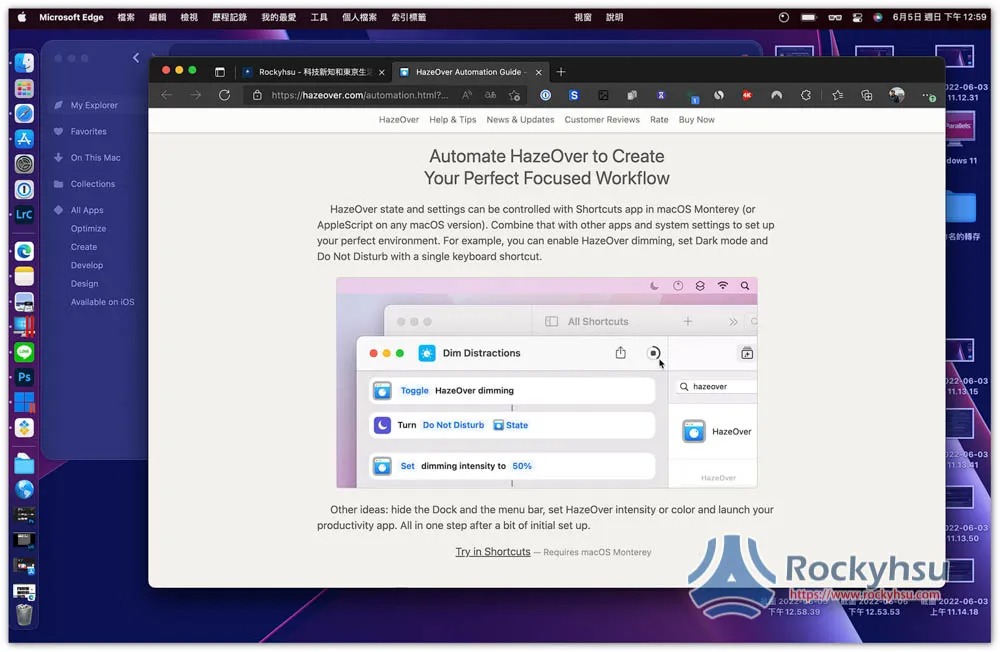
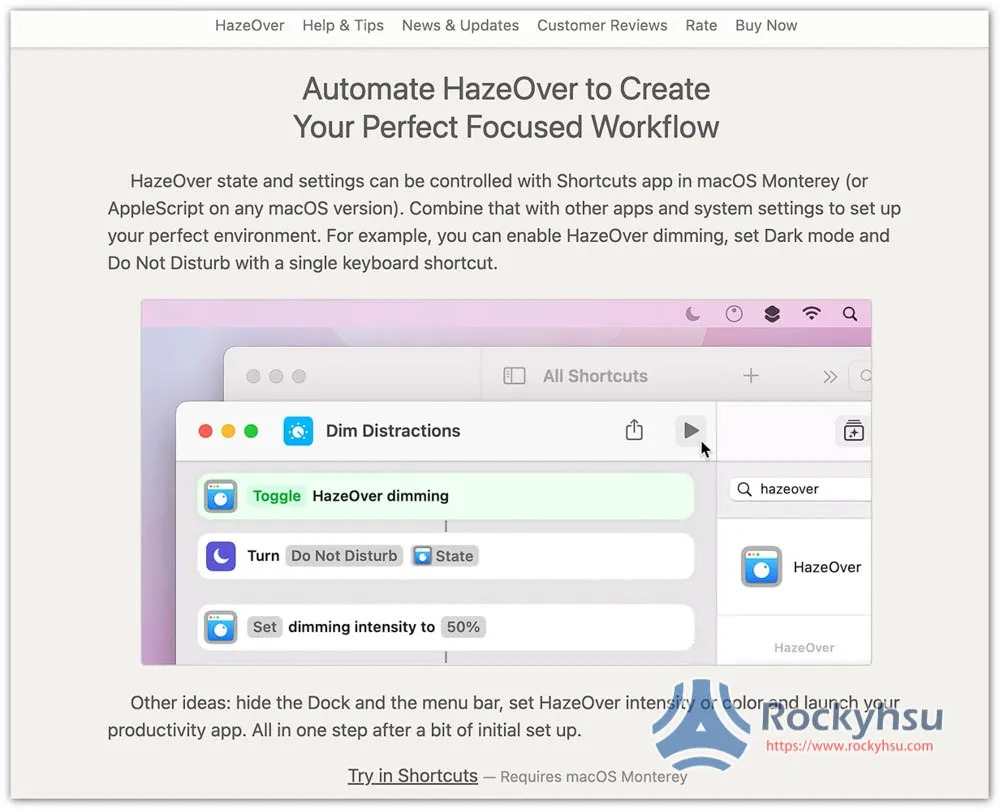
It also supports Shorcuts shortcut function, allowing you to automatically perform some automated operations. People in need can try:
Summarize
For those who always feel that they cannot concentrate on Mac work, you might as well try this software, which allows you to not be disturbed by other windows or backgrounds, and can even create some automated operations through the shortcut function to better meet your work needs.
Source: KOCPC Chinese