


There are now many real-time translation tools, such as the ones we have previously introduced: “Immersive Translation」、「DeepTranslate」、「TinaMind etc., can achieve real-time video translation, but this only applies to regular videos, not live streams.
And this article introduces “ViiTor Instant Translation,” which supports real-time translation for live videos, and even online video conferencing. From now on, when watching overseas live streams or having video conferences with people from different countries, you no longer have to worry about not understanding.
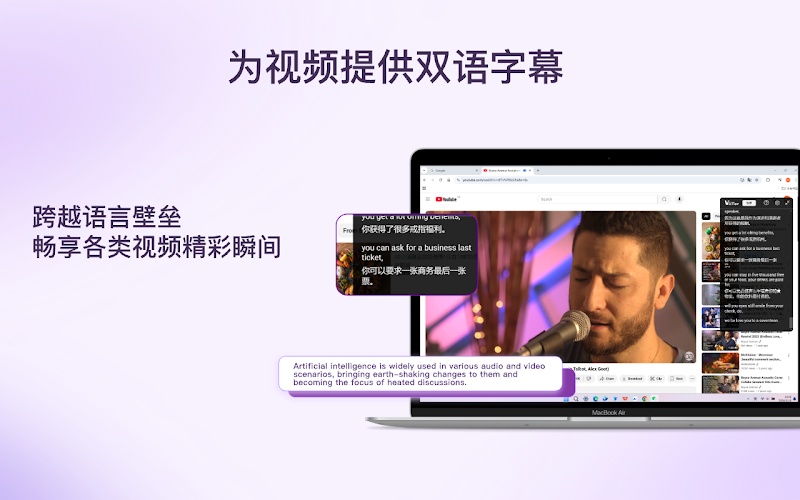
“ViiTor Instant Translation” Free Extension Introduction
“ViiTor Instant Translation” is a free Chrome extension that can also be installed on Chromium-based browsers such as Microsoft Edge and Arc Browser.
According to the developer, ViiTor’s real-time translation and transcription features all use the latest AI technology, though the specific model is not mentioned.
Regarding privacy, they also emphasized that they place great importance on user privacy, and all transcription and translation activities are conducted under encrypted conditions.
No registration is required to use it; you can start using it right away once you have it. The supported video types are as follows:
- Live streaming videos, including YouTube, Twitch, etc.
- Online video
- Videos on YouTube, Bilibili, Tencent Video, etc.
There are also many supported languages—19 in total—including: Arabic, Chinese (Cantonese), Chinese (Mandarin), English, Filipino, French, German, Hindi, Indonesian, Italian, Japanese, Korean, Malay, Portuguese, Russian, Spanish, Thai, Turkish, and Vietnamese.
After clicking the link above to go to the Chrome Web Store page, click the “Add to Chrome” button at the top right.

I use Arc Browser, but the installation process for other browsers is pretty much the same—just confirm adding it to your browser:
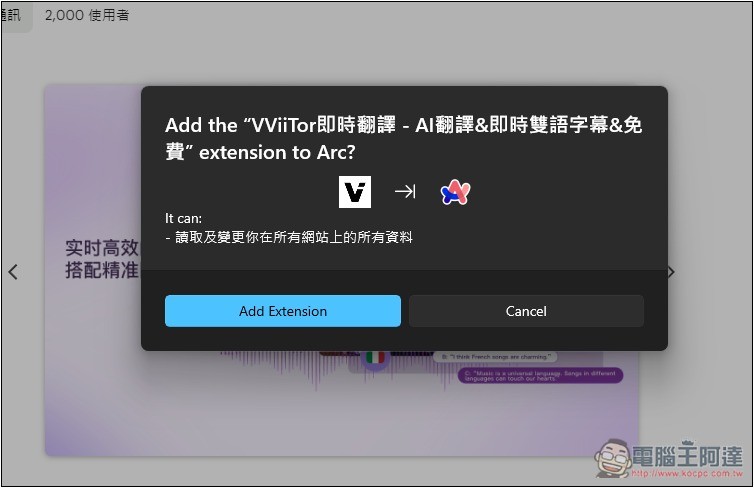
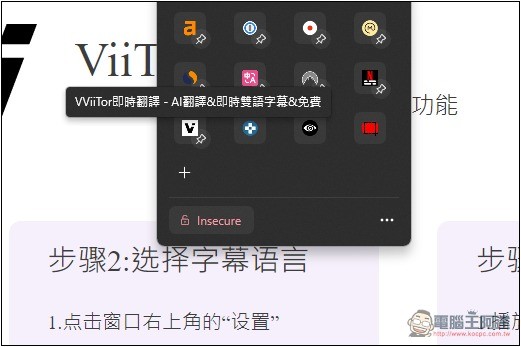
Next, please pin ViiTor, as it will be needed when translating videos later.
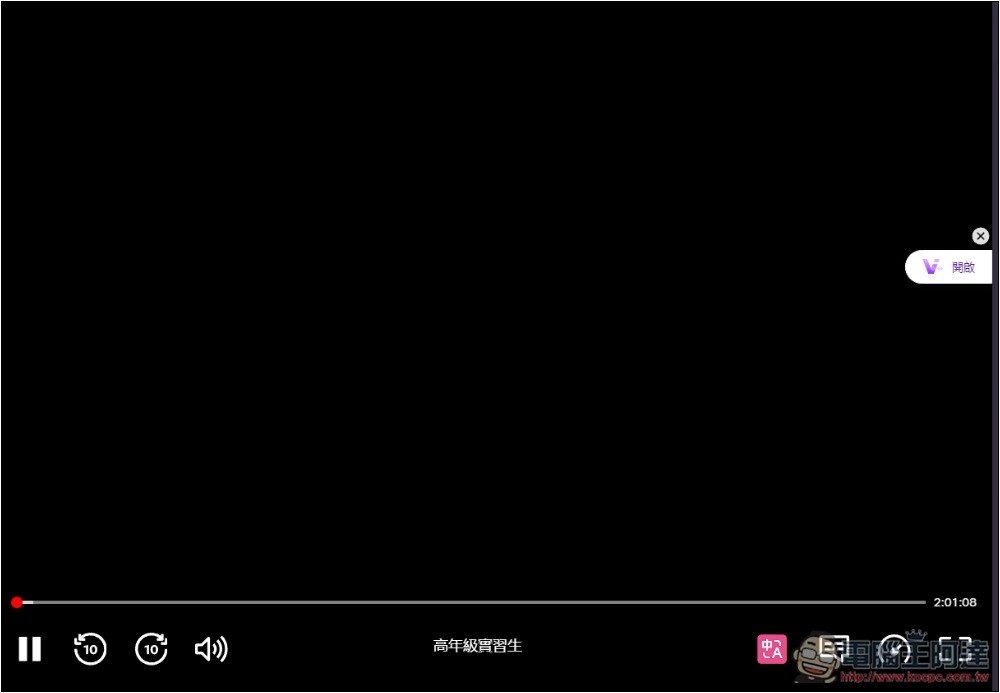
It’s very easy to use. I’ll first test Netflix videos. A small ViiTor icon will appear on the right side of the screen; click on it:
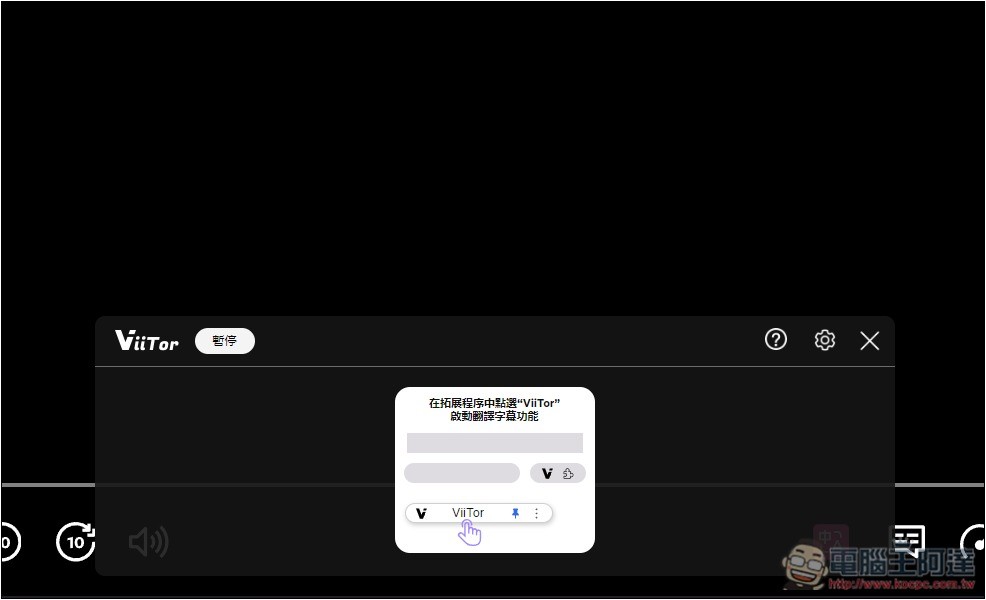
A floating window will pop up at the bottom, and both real-time translation and transcription content will be displayed in this window. At this point, you still need to click the extension icon to enable it:
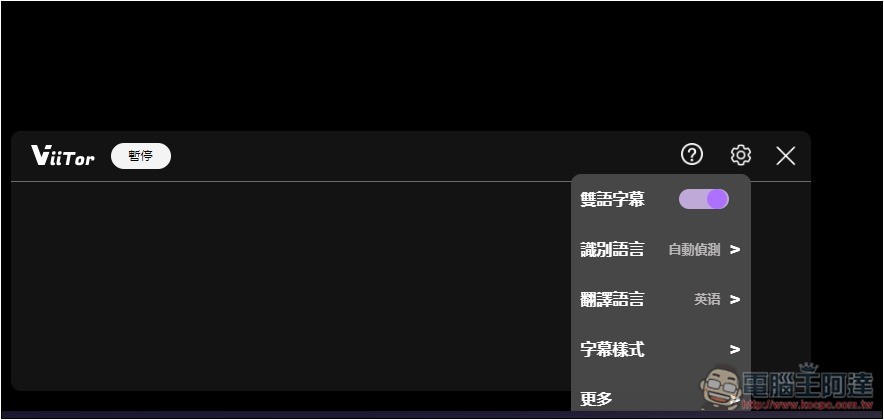
In the upper right settings, there are some options you can adjust. Remember to change the translation language to Chinese; the default is English:
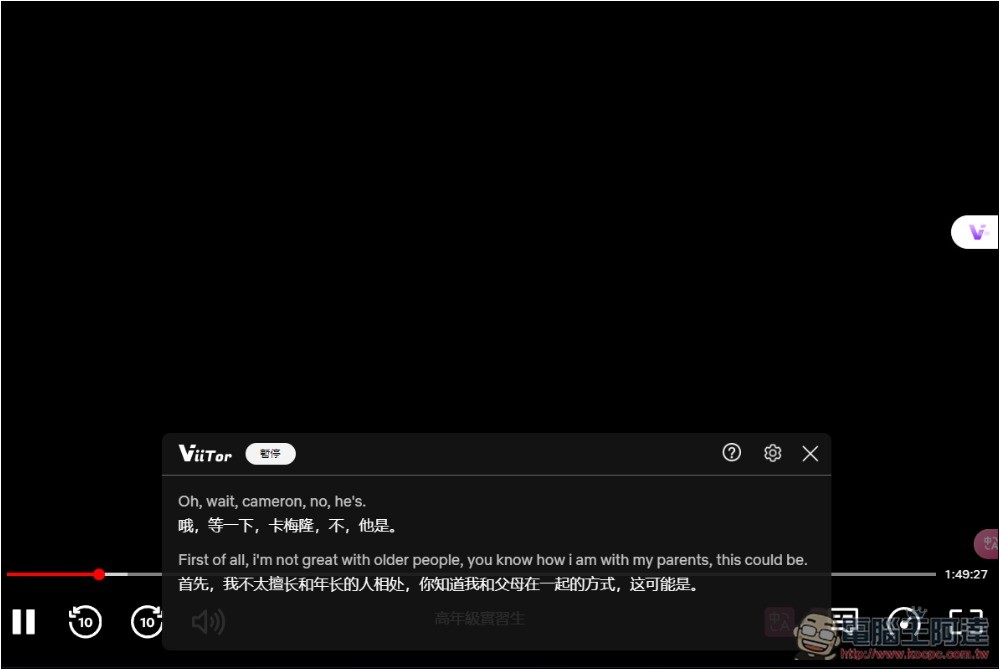
Once real-time translation is enabled, you can see the original language (English for this video) plus the Chinese translation in the floating window. The Chinese portion currently only supports Simplified Chinese. Additionally, the original language content is transcribed in real time by AI, so it doesn’t matter if the video has no subtitles.
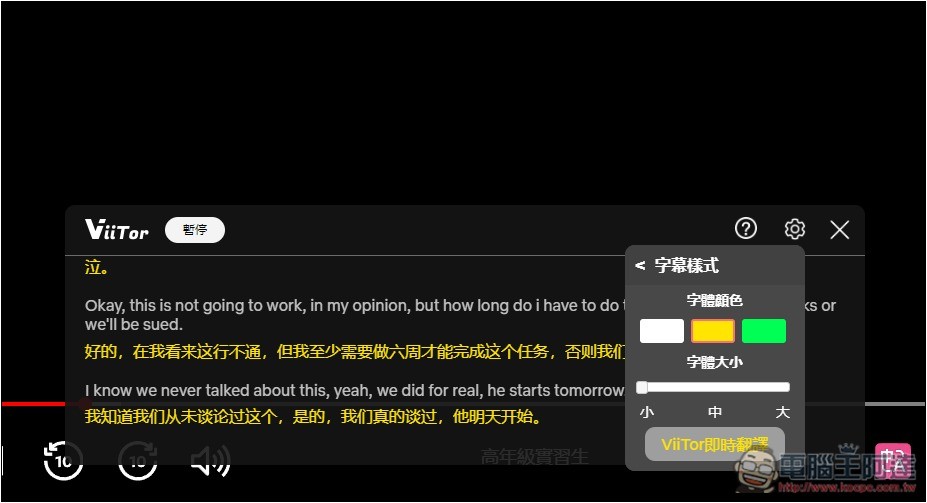
The floating window can be moved and resized, and you can also customize it to your preferred subtitle style.
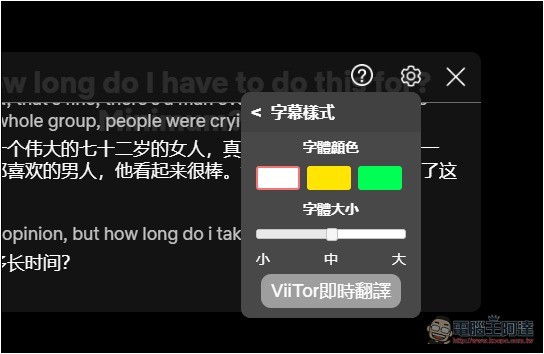
Like this, changing the translated Chinese subtitles to a different color makes them easier to read:
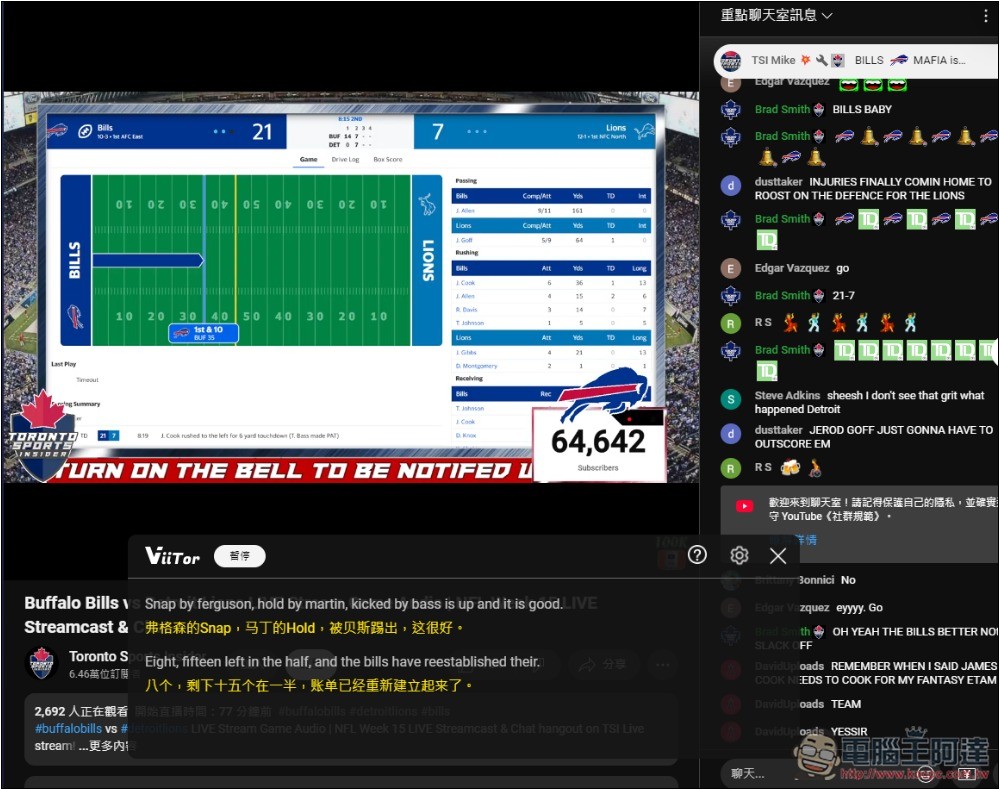
Next, I tested YouTube live videos and successfully did real-time translation + transcription:
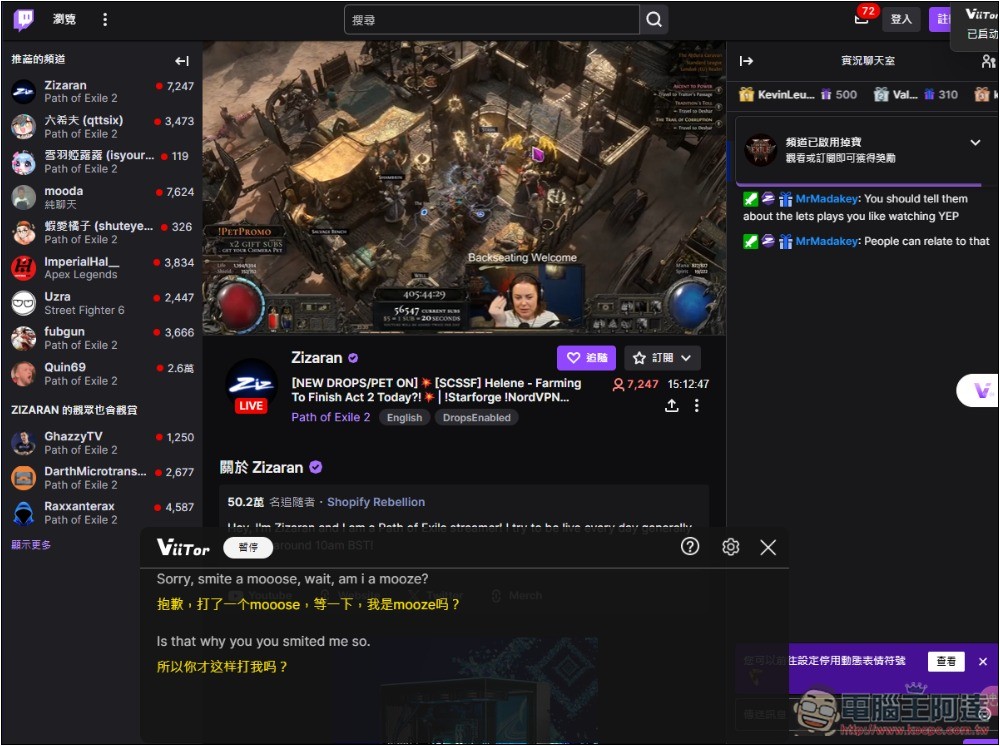
Twitch is the same, live stream videos can also have real-time Chinese translation:
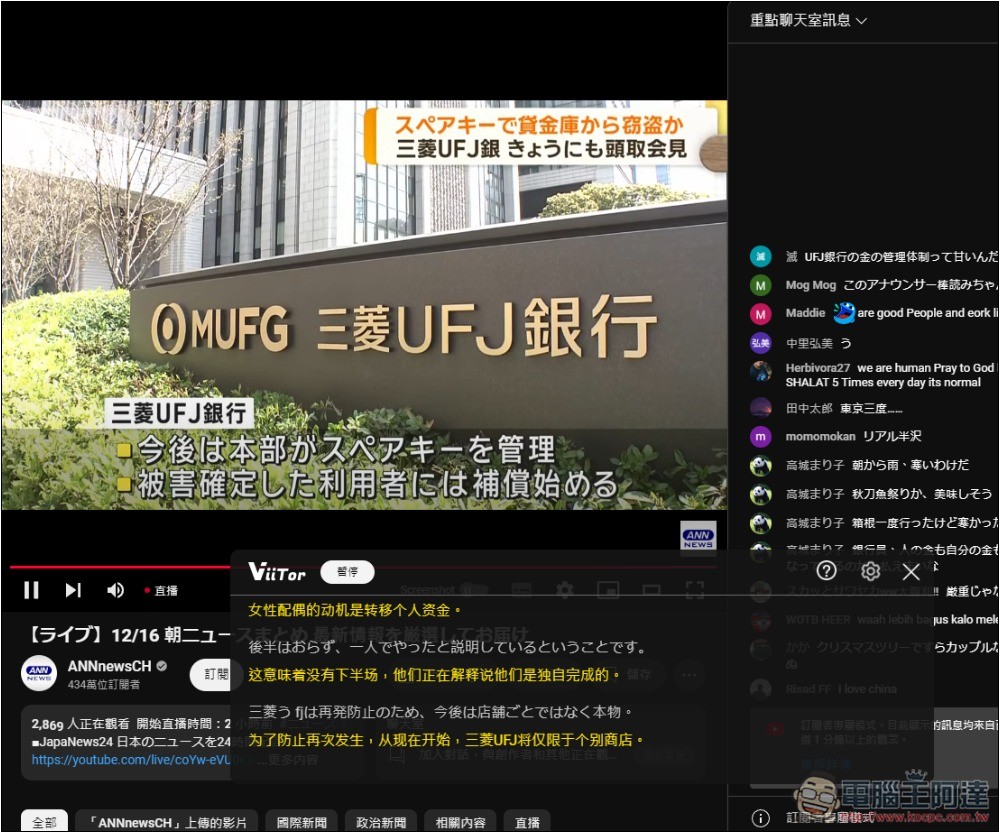
Not only English, but other languages are also supported. Below is the real-time translation of a live-stream video from a Japanese news YouTube channel:
I also tested Japanese Amazon Prime Video and it was successful:
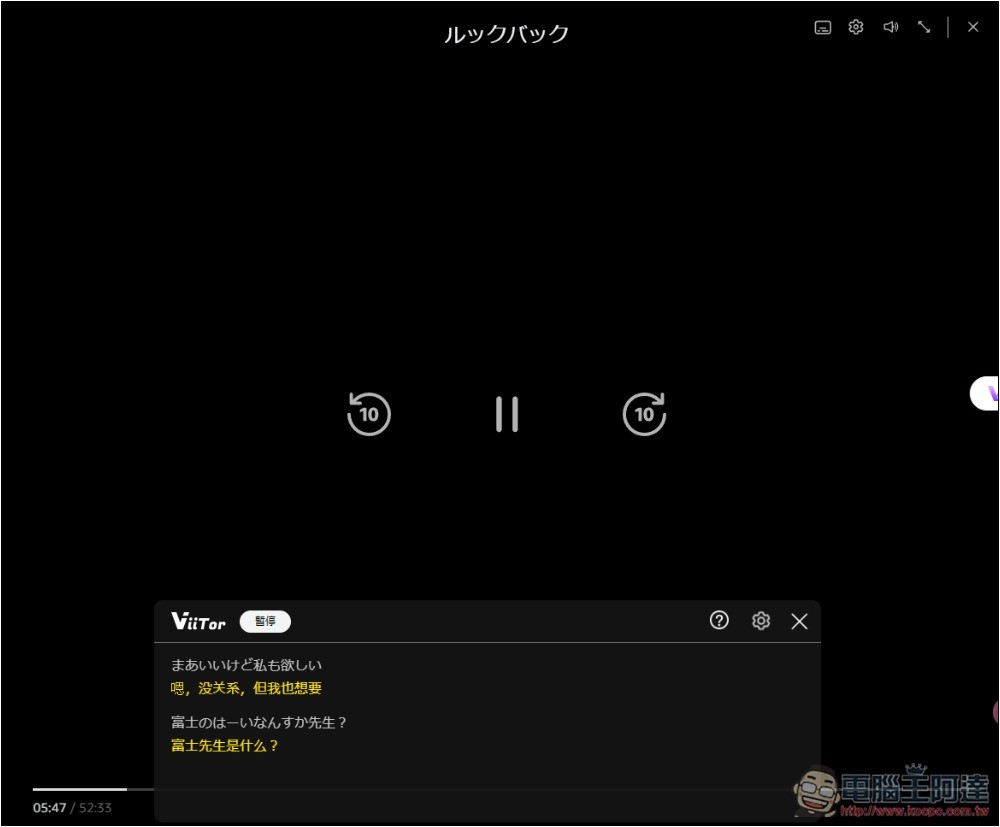
However, this extension has a drawback: it uses a floating window that’s quite large, which somewhat affects the video viewing experience, and reading it isn’t as intuitive as the original subtitles.
Source: KOCPC Chinese