


As the Internet becomes more and more convenient, you can now listen to global radio programs through mobile apps. If you are using an Android phone, the MyRadio App is quite good. It provides tens of thousands of global radio stations, and they are clearly classified. Not only countries, but also “language” categories, such as English and Japanese. After selecting, you can find all radio stations in that language. This is very useful for people who want to strengthen their listening and use radio to learn foreign languages. In addition, you can listen to good program content, and it also has a built-in recording function (you need to upgrade to the paid version), which is quite comprehensive.
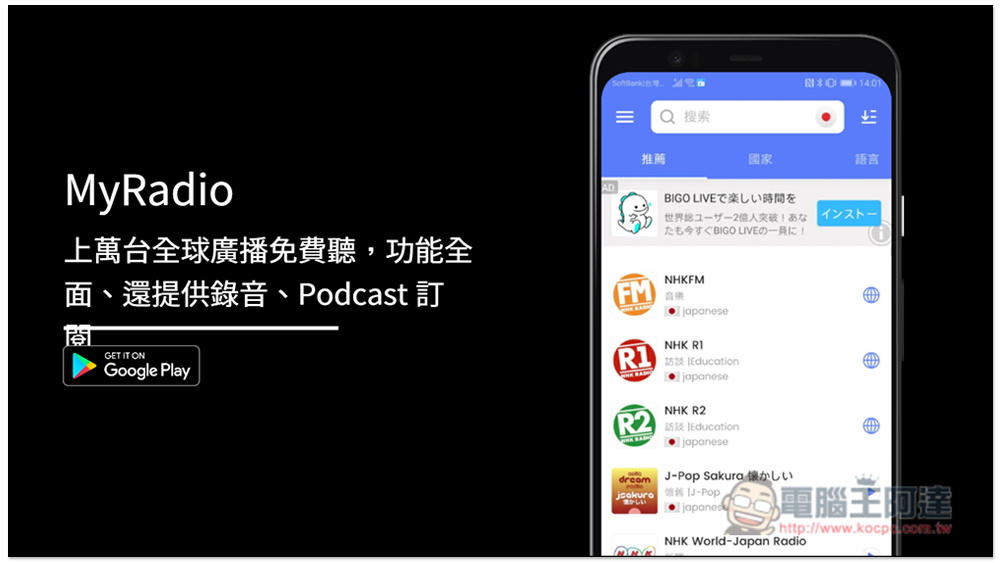
MyRadio app introduction to listen to tens of thousands of global radio stations for free
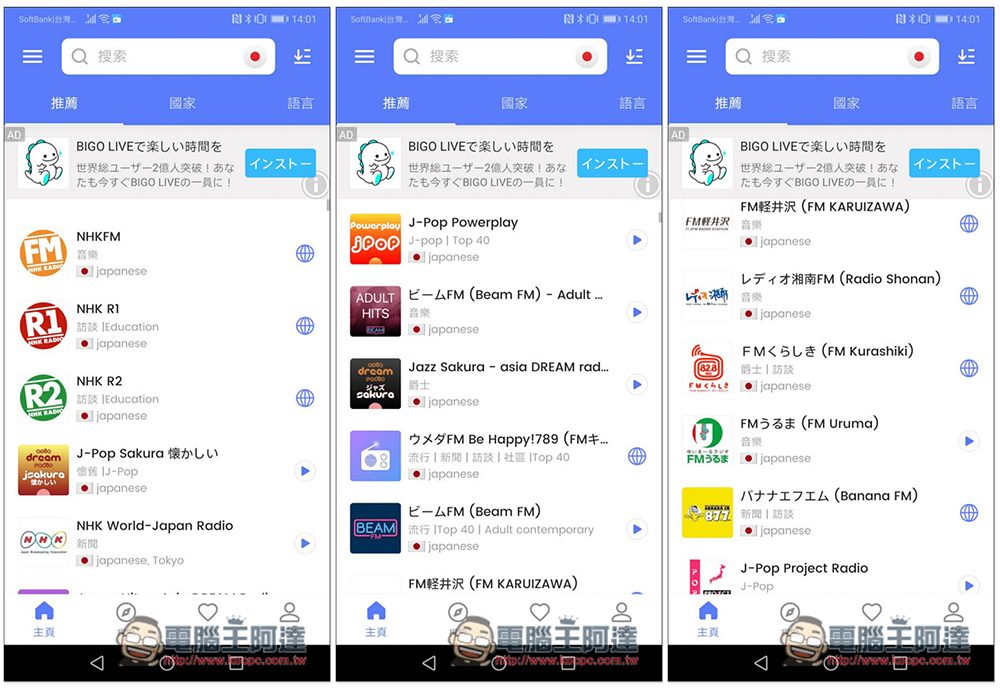
After opening the MyRadio App, it will automatically locate the country you are currently in, and then push radio stations owned by that country. For example, if I am in Japan now, Japanese radio stations will be displayed. Each station has a description of its genre, such as jazz, J-POP or news, etc. Click the play button on the right to start listening:
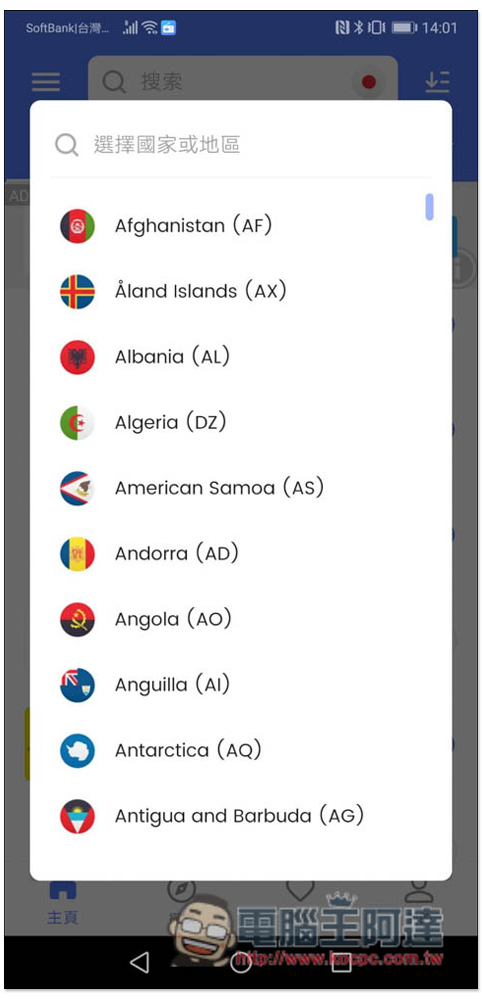
The country can also be switched manually. There is a national flag on the right side of the search bar above. Click to switch to other countries:
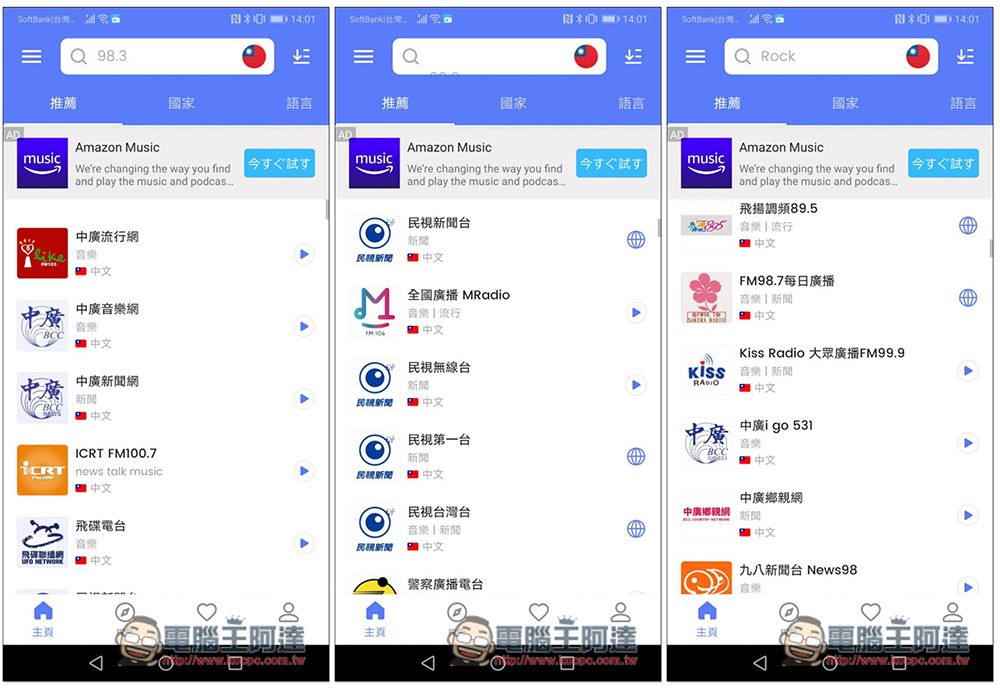
The picture below shows Taiwan’s radio stations. There are so many of them, it’s definitely enough for you to listen to:
The homepage also has two menus, country and language. I didn’t expect that Taiwan has 130 radio stations, which is very few. Other countries have at least 300 or 400 radio stations. The United States even has almost 5,000 radio stations. It is really scary. For those who want to use radio stations to enhance their foreign language skills, they can find radio stations from the language menu. Radio stations in all countries that use this language will be collected together, so there are more choices. For example, there are 4,707 stations in the United States, but there are 5,600 English radio stations around the world, which is an additional 1,000 stations:
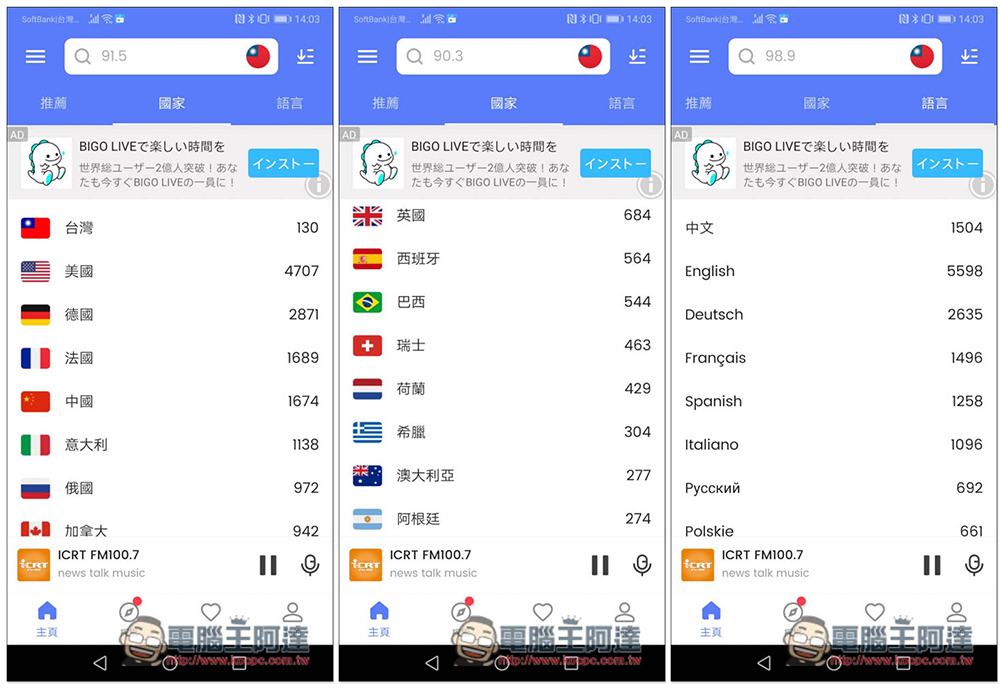
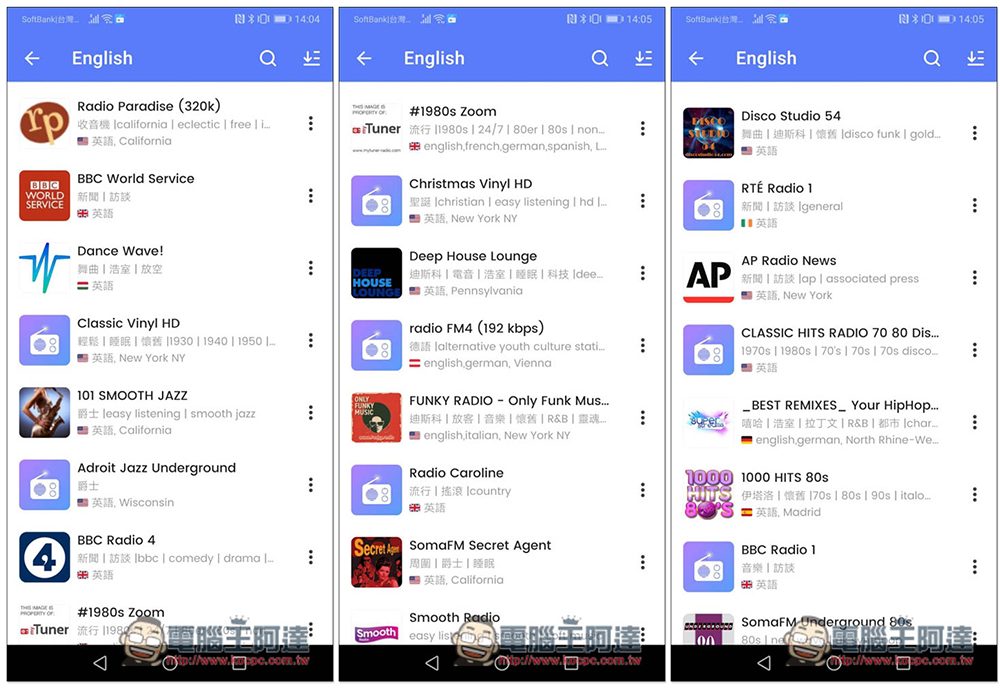
English radio stations are available in the United States, the United Kingdom, Brazil, and Germany:
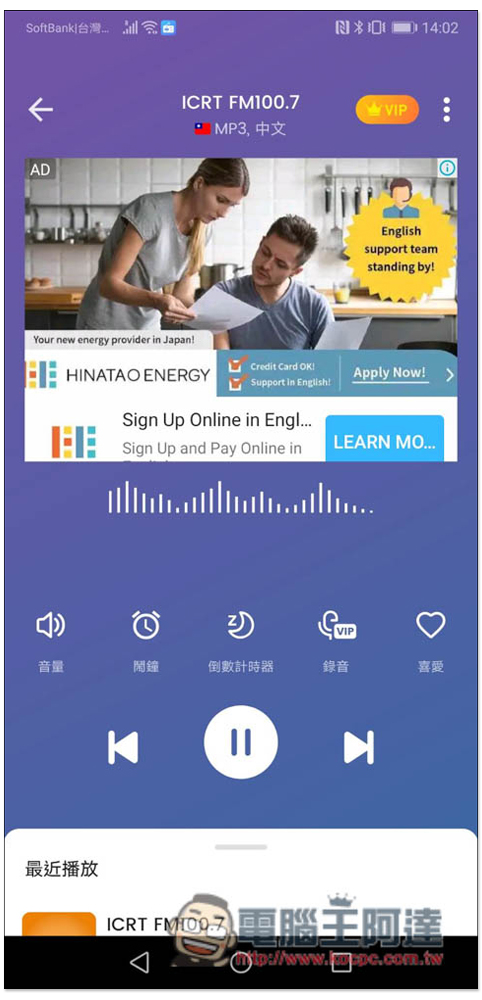
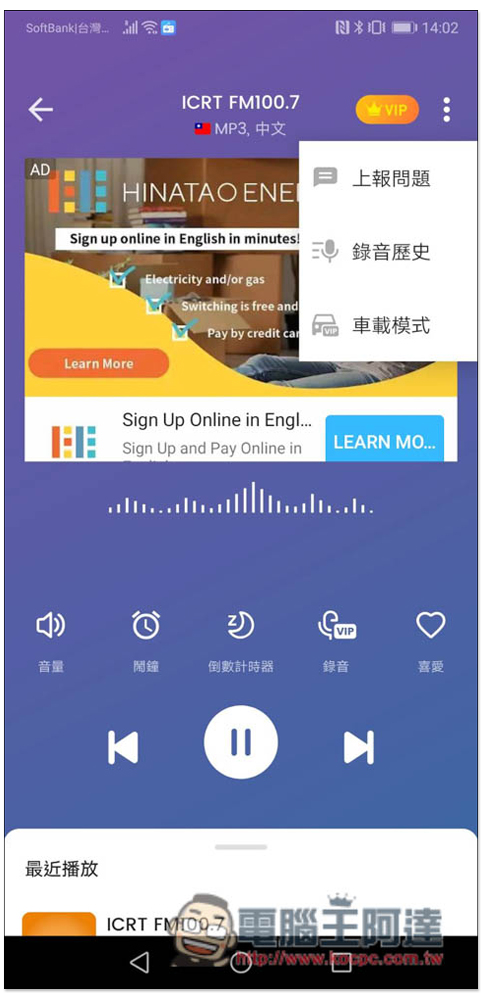
The music playback interface also has many practical functions, such as alarm clock, countdown timer, and recording. Recording needs to be upgraded to the VIP paid version to use. This can also be achieved using third-party tools:
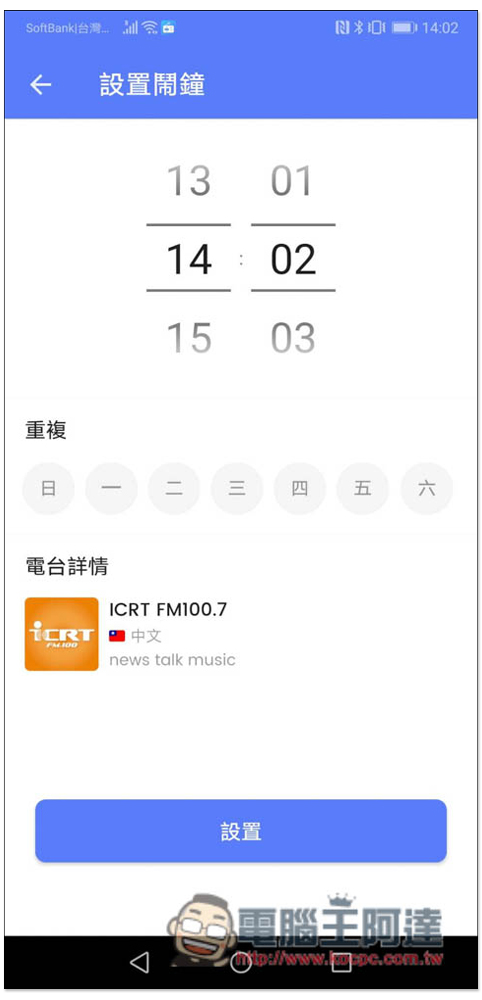
The alarm clock can be set to remind you to listen to a certain radio program at a certain time of the day, so you don’t have to worry about being too busy and forgetting:
The countdown timer is used before going to bed or before the end of rest. Once set, it will stop playing immediately when the time is up. You don’t have to manually press:
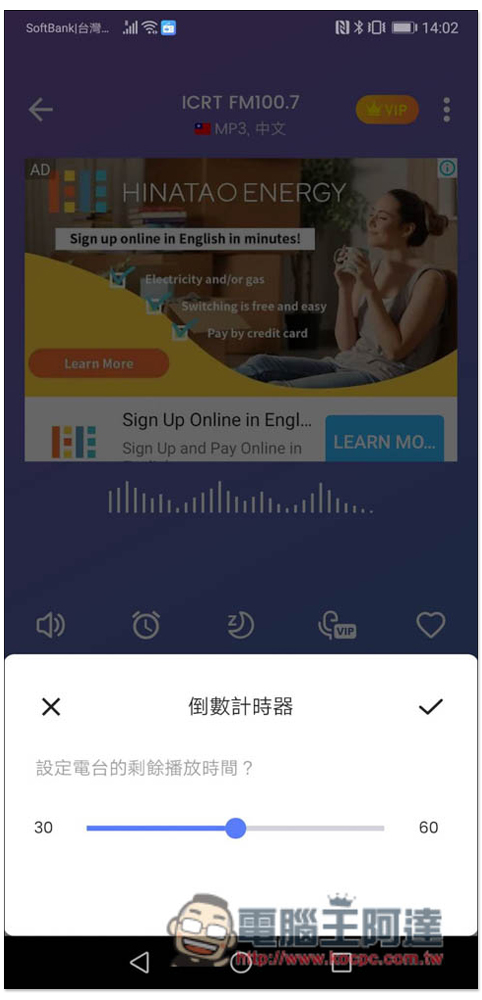
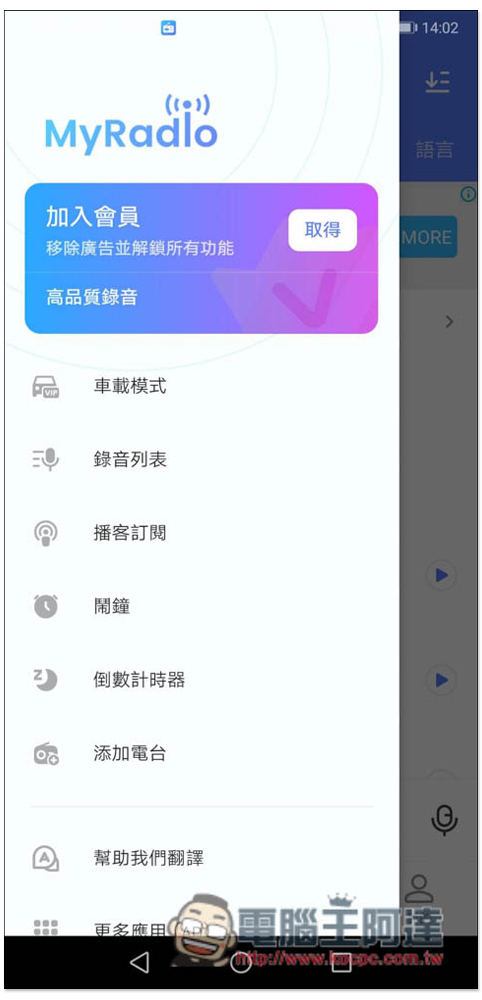
This App also provides a car mode, but unfortunately it is only available to paid VIPs. If you like this App very much, you can actually consider it because the price is not very expensive:
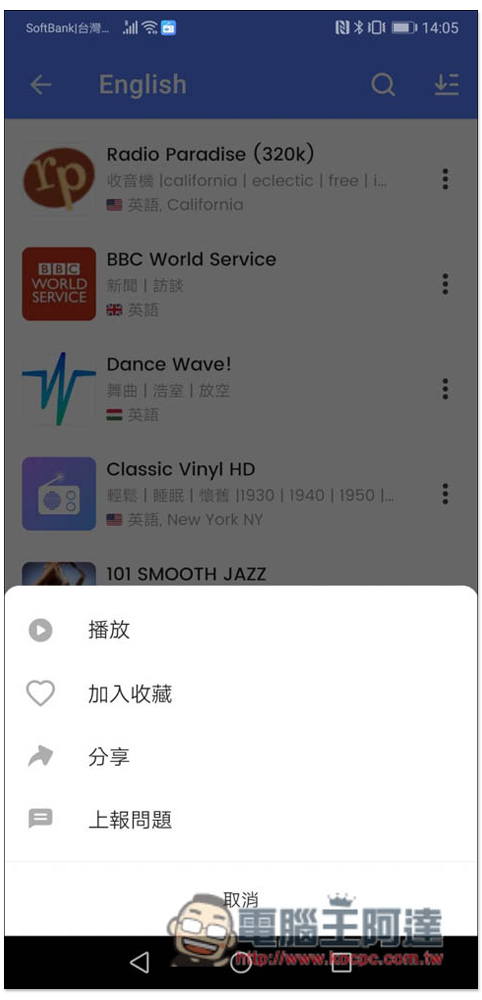
When you find a good radio station, you can also add it to your favorites list so that you can quickly find and play it next time:
Go to the favorites menu to find your favorite radio stations:
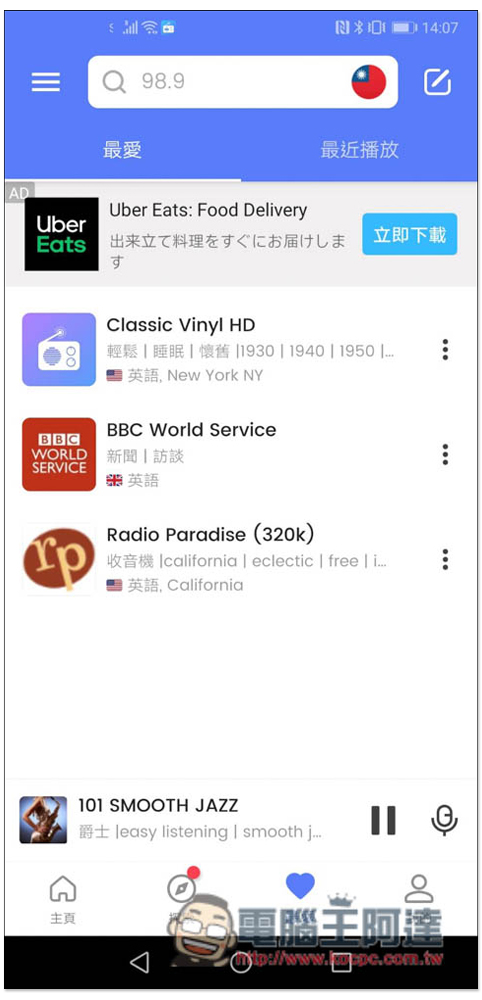
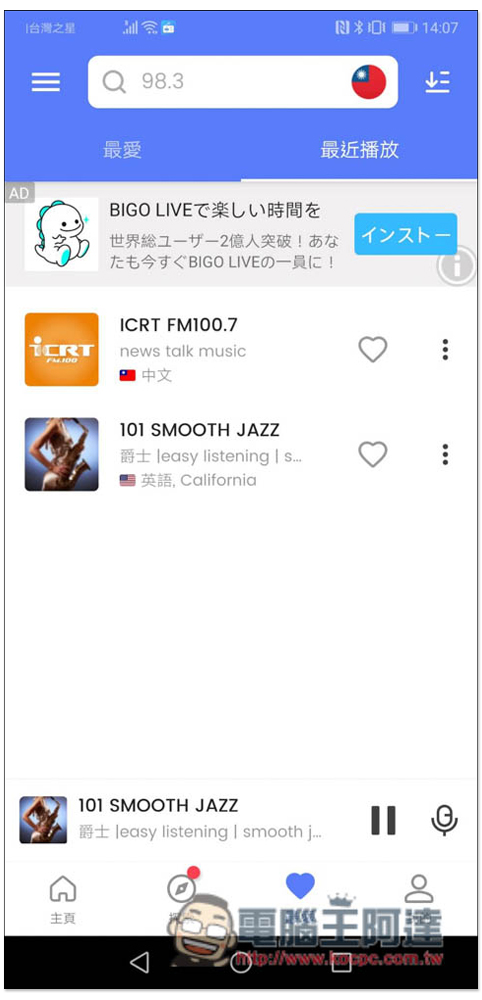
It will also record the radio station you played recently. If you accidentally forgot to add it to your favorites before, you can also find it in this record:
There are also some functions on the left menu. Podcast subscription requires manual entry of the address. There is currently no integrated podcast radio station:
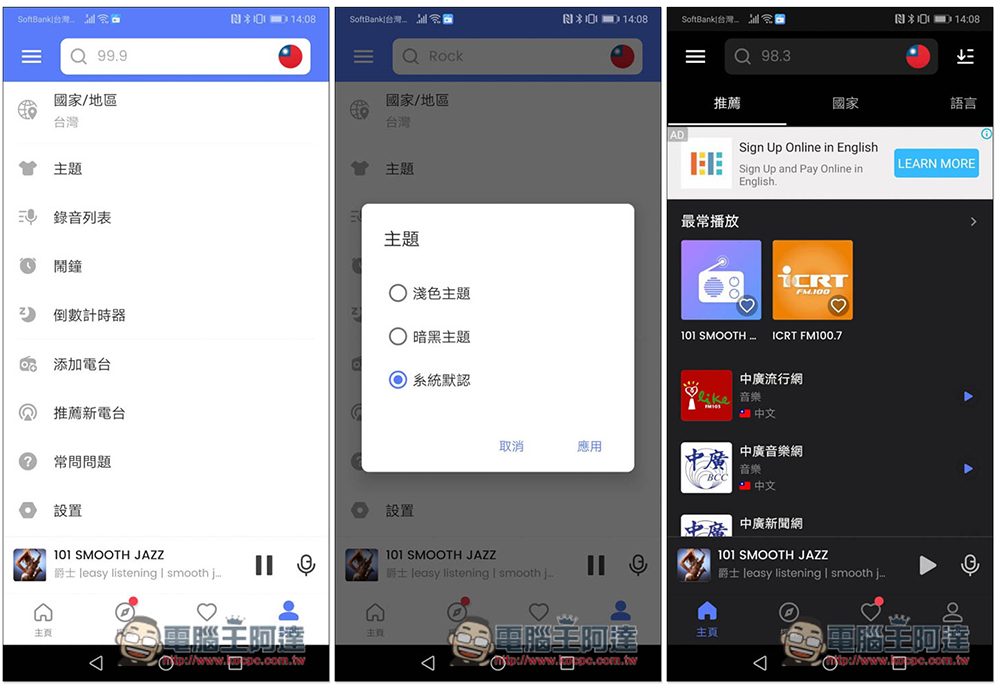
The default theme can also be switched. The default is the system default. You can manually change it to a light theme or a dark theme:
With the MyRadio App, you can basically find any radio station and country you want to listen to. In the future, you will only need this App to listen to radio.
Source: KOCPC Chinese