


Although there are many wireless mice nowadays, players who play FPS first-person shooter games must still prefer to use wired mice. For the real-time and stable sensitivity, wired mice are better. However, there is a dragging feeling when using a wired mouse. In order to solve this problem, some Japanese players have shared two tricks to eliminate this dragging feeling and make it as easy to use as a wireless mouse.
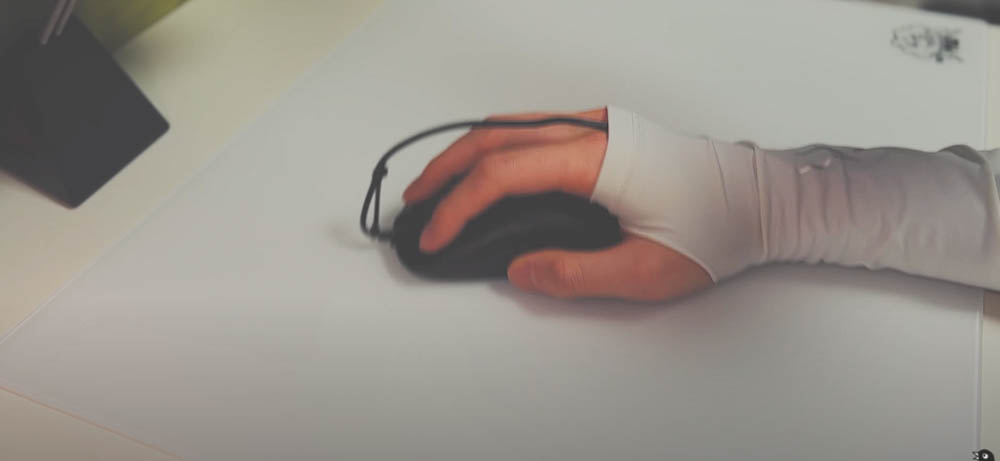
Japanese players modified the “wired mouse” into a “wireless mouse”, which no longer feels like dragging the wire.
A few days ago, Japanese player Aterui Mizuno shared on YouTube how to modify two cannons from a “wired mouse” into a “wireless mouse-like”. The methods are super simple and don’t require spending a lot of money.
The first thing he did was to prepare two cable ties. He bought this cable tie on Amazon in Japan for only 110 yen (only about NT$25), which was super cheap. There are also scissors and a wired mouse you want to modify:
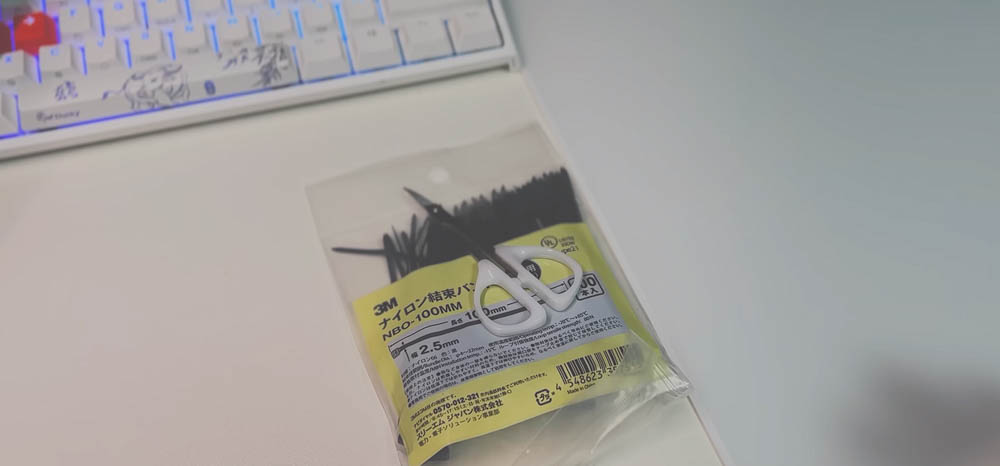
Fix the first cable tie at the head of the mouse. Do not cut off the excess wire after tying it tightly. This has other functions:
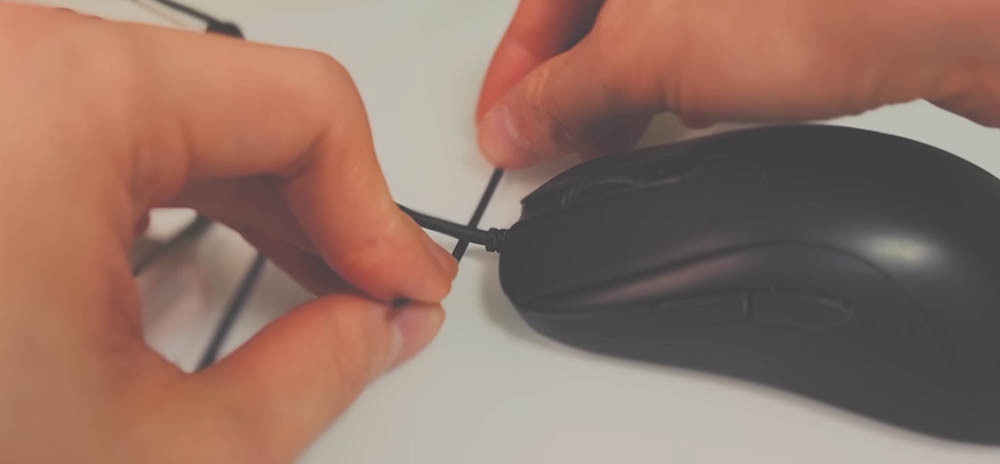
Place the excess wires of the first cable tie side by side with the mouse cable, and then tie them up with another cable tie at a good distance:
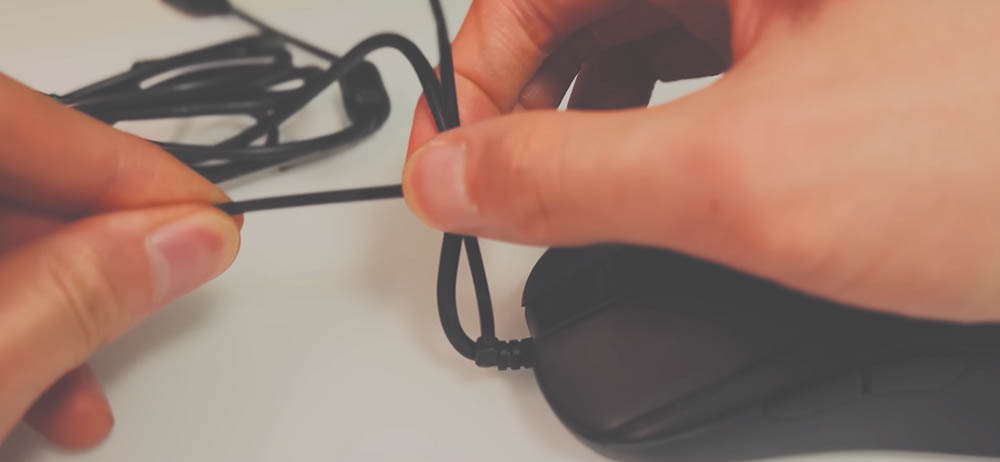
After tying them, you can cut off the excess wires from the first and second cable ties:
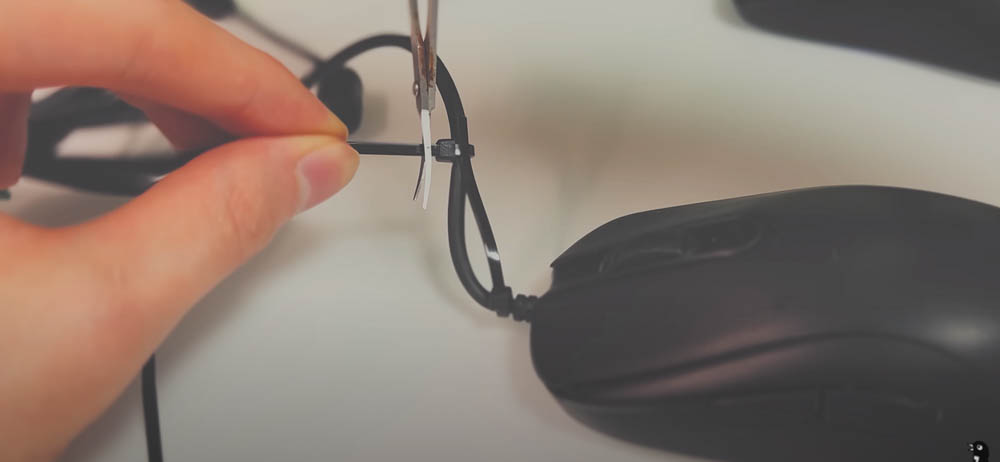
In the end, it will look like this. The front end will be fixed upwards, so that the thread will no longer sag, thus solving the problem of thread dragging:
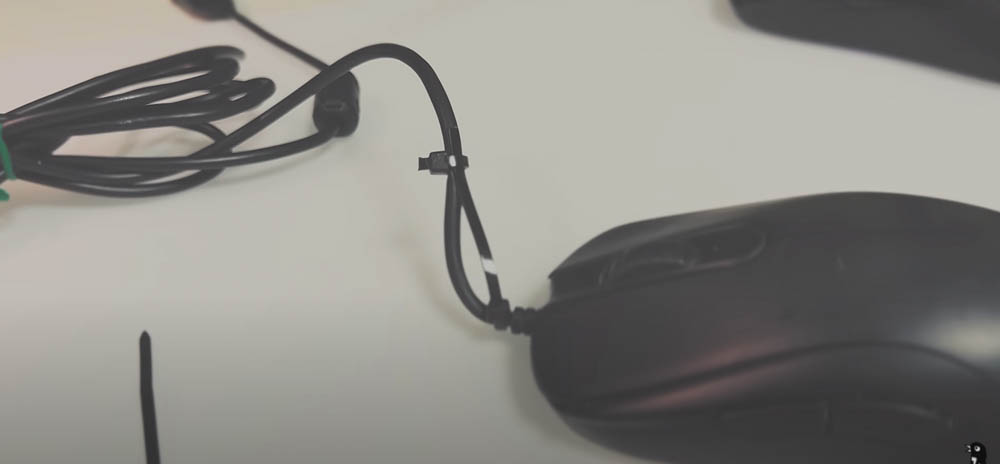
Another small detail to note is that the middle of the mouse cable must also be elevated (you can use a mouse cable clip), so that the cable connected to the mouse can flow from top to bottom and will not float on the desktop. Of course, you must first measure the movement range of your mouse, and remember to leave enough length. You can watch the video below for details:
The second method is a bit funny. You need to prepare a glove that is about half an elbow long. It is similar to the sheaths used by some elders who worry about their elbows getting tanned and sunburned when riding motorcycles:
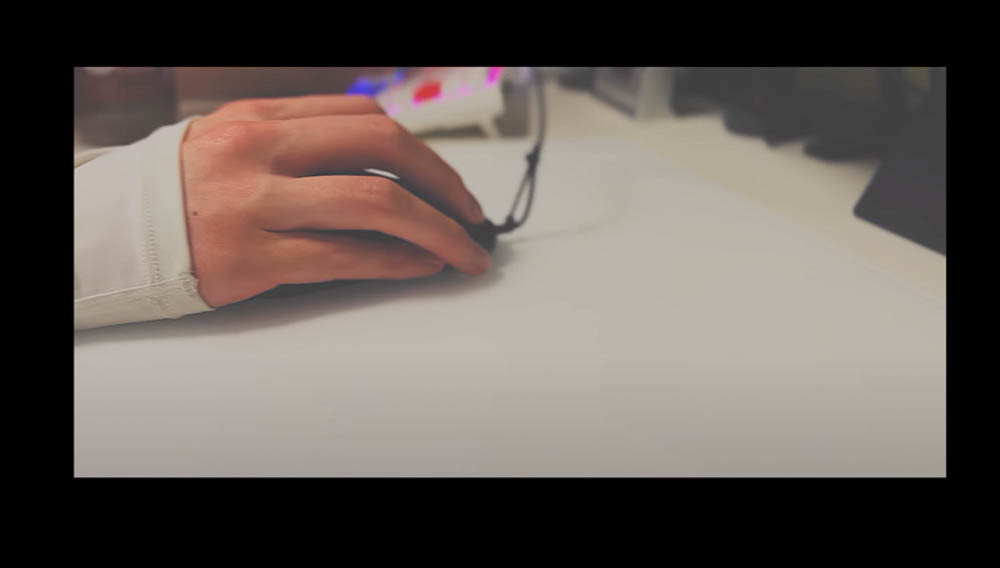
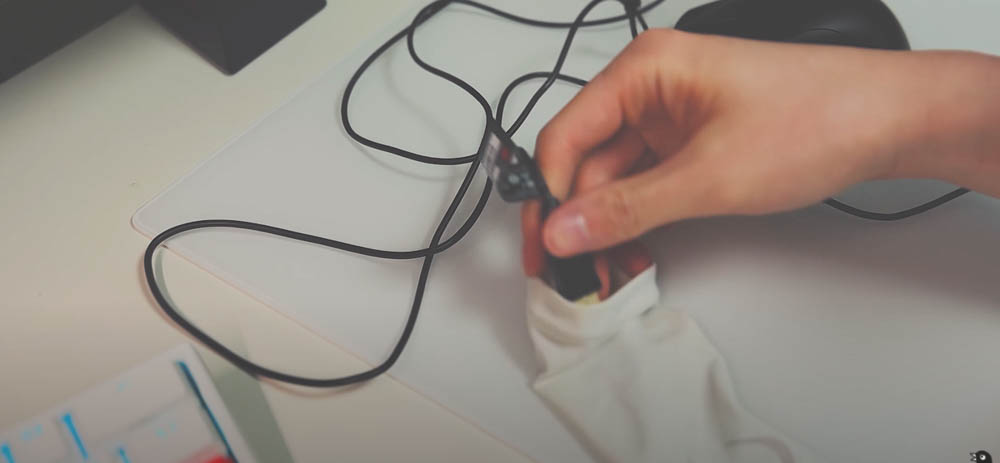
First, put the USB end of the wired mouse through the glove. You can first connect it only to the bottom, which is the front of the mouse:
Then put your mouse hand into it. Remember to leave room for your thumb to stick out in order to hold the mouse normally:
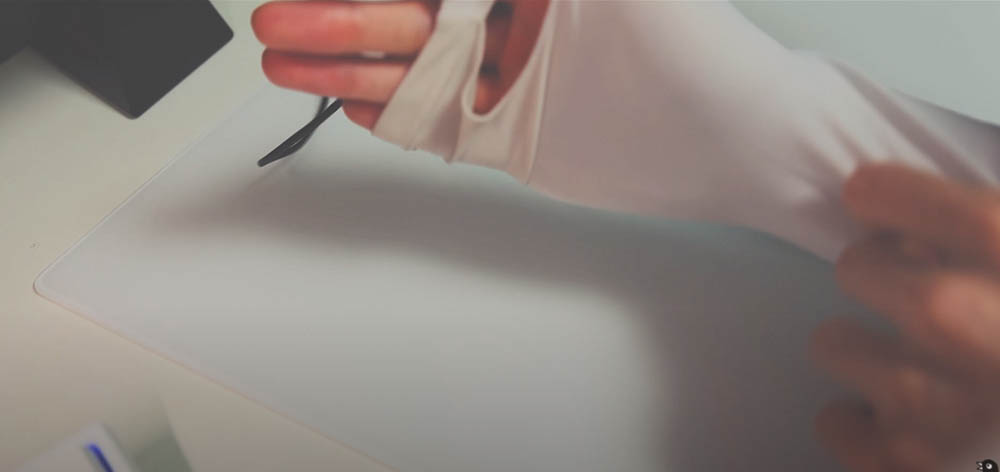
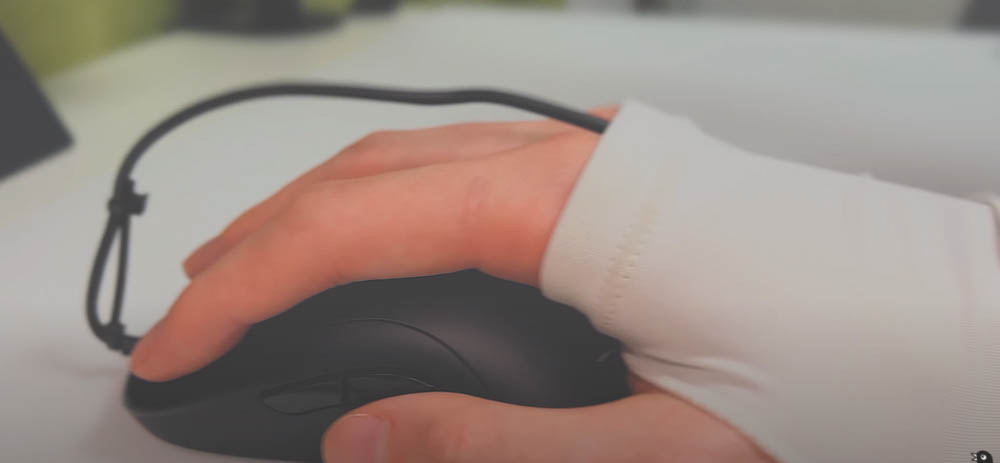
It will end up looking like this, with the mouse cable passing above your elbow and then connecting to the USB port of your computer. In addition, there is another area that can be improved here, that is, when you move the mouse, the thread will continue to rub against the skin above your elbow, which is very uncomfortable to use and may cause skin breakage for a long time:
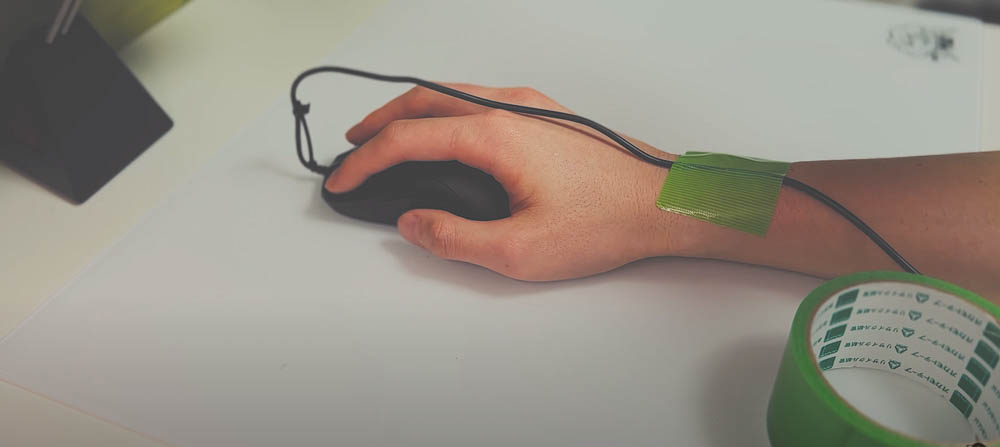
Therefore, before putting on gloves, you can fix the mouse cord with tape to prevent it from moving:
This method can truly eliminate the feeling of dragging, just like using a wireless mouse. It’s just that after putting on gloves, it’s very inconvenient to do other things, such as picking up things, looking at mobile phones, etc., and you have to take them off completely when going to the toilet (it’s impossible to go with a mouse), so there are pros and cons:
However, when playing games, most players should play for one or two hours, and rarely go to the toilet during the process, so players who don’t like the dragging feeling of a wired mouse can still try this method.
Source: KOCPC Chinese