


Whether students or office workers, they will occasionally need to make presentations, especially for business-type work. For people without design background, it will definitely be very difficult. It takes a lot of time just to organize the information, let alone beautify the layout of the presentation. Powerpointify is a website that provides hundreds of free presentation templates. There are many types, ranging from travel, business, education, creativity, to technology, etc. When you need to make a presentation, you might as well go directly to this website to find out if there is a template that suits your theme, and just insert it. It is time-saving and simple, and you can download it without registering.
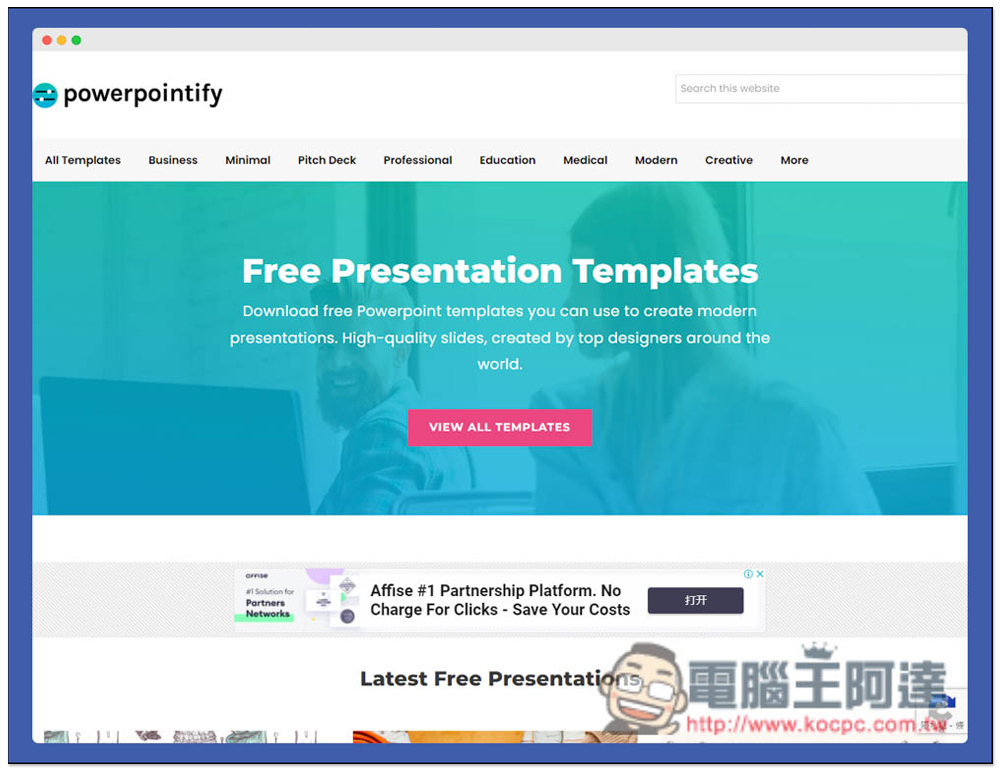
Powerpointify provides hundreds of free presentation template websites of various types.
Powerpointify is a foreign website. People who can’t understand it can use the full-page translation function of the browser, which is quite simple to use. After entering the homepage, there are complete classification options at the top, including business, minimal, professional, education, medical, fashion, creative, etc., and there are more categories in the More menu. It also provides a search function, you can enter keywords to find the presentation you want (only supports English):
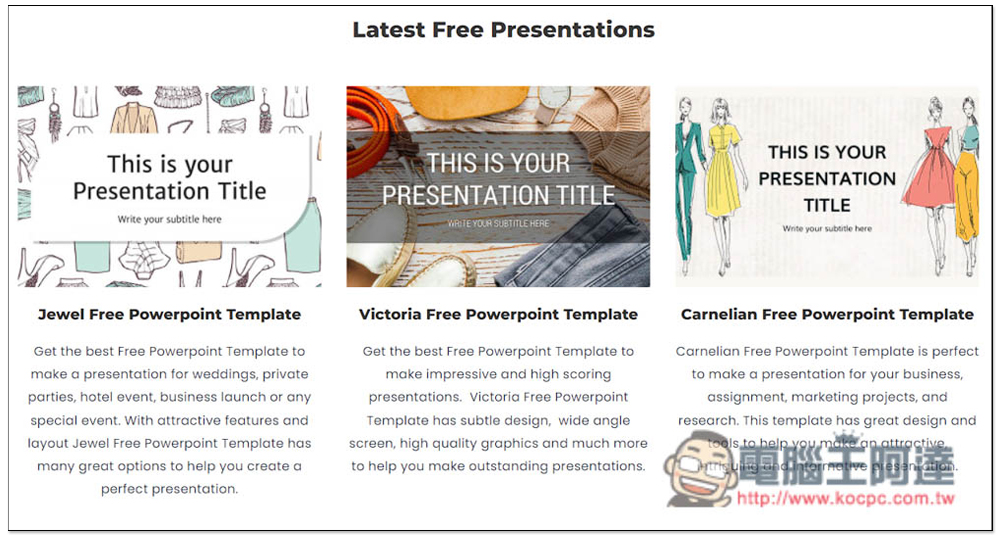
Scroll down and you will see a list of the latest free presentation files that have been added. They all look pretty good, and each presentation also has a detailed introduction:
Take Professional as an example. After entering the category page, there will be a brief introduction to this category at the top. In addition to PowerPoint templates, some also have Google Slides templates, which is pretty good:
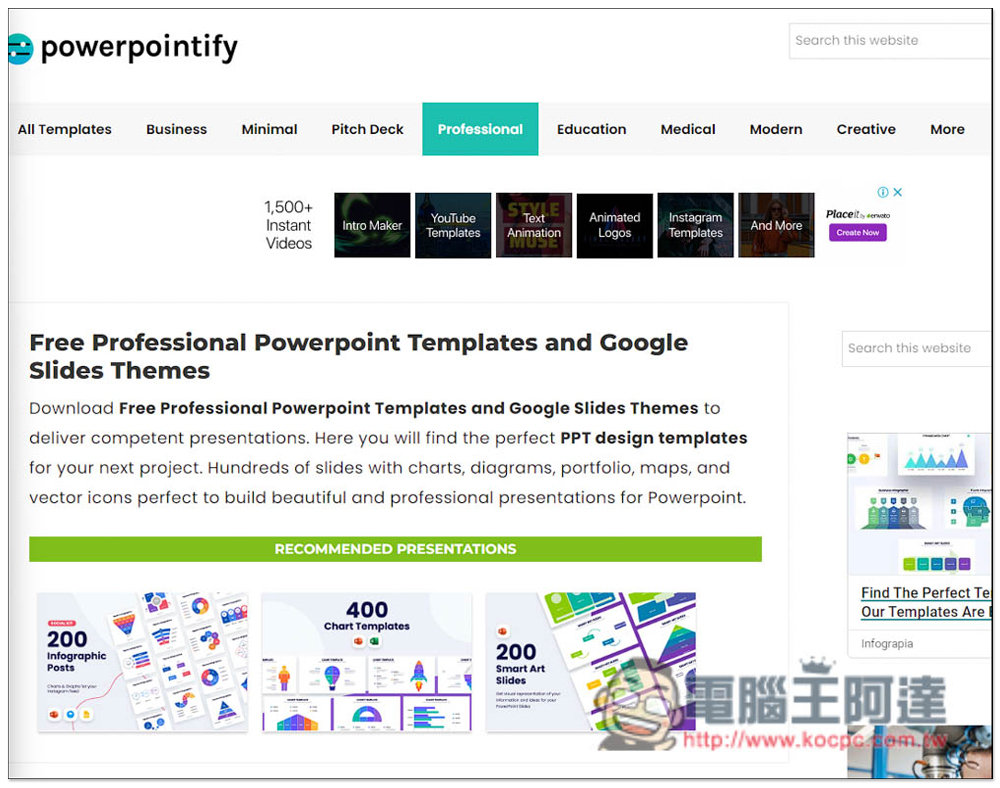
Another thing to note is that there are actually quite a lot of advertisements on this website, and many of them are advertisements for free presentation files, so it is easy to miss the click. If you only want to find free presentation templates on this website, remember to look for the presentations with the words Home / Templates at the top. The picture below Donwload 750+ Infographics for Powerpoint is an advertisement:
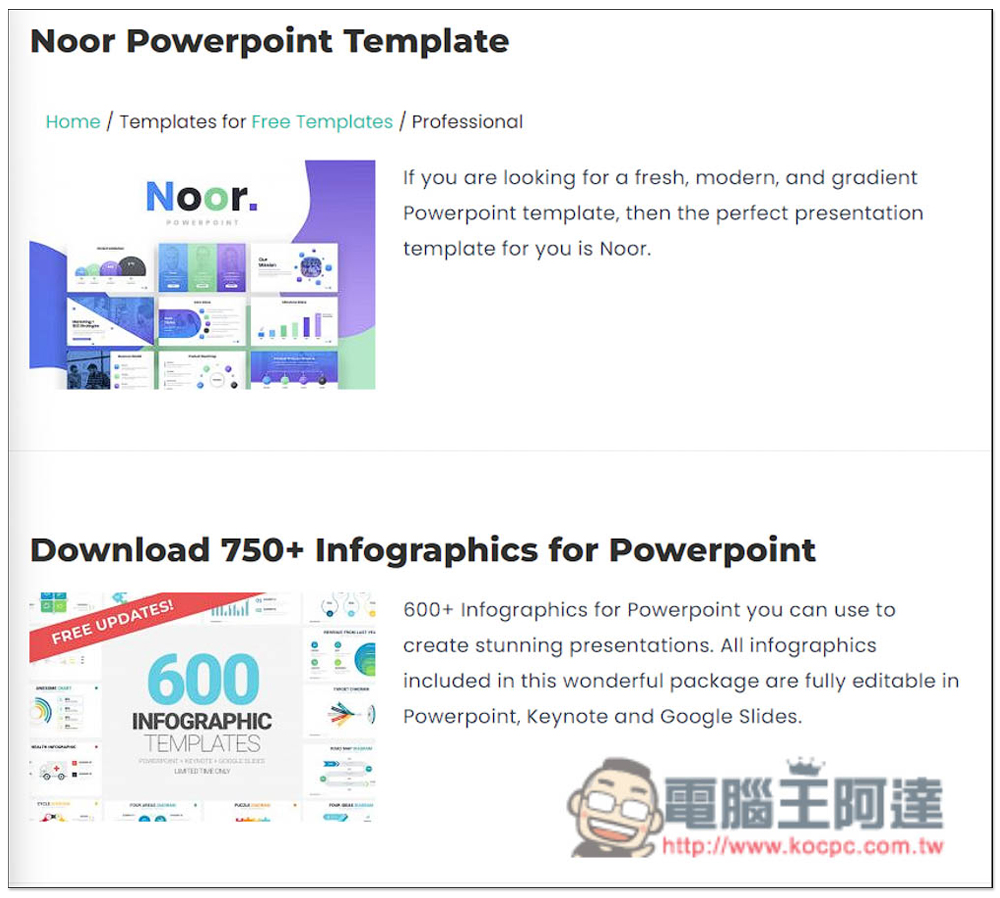
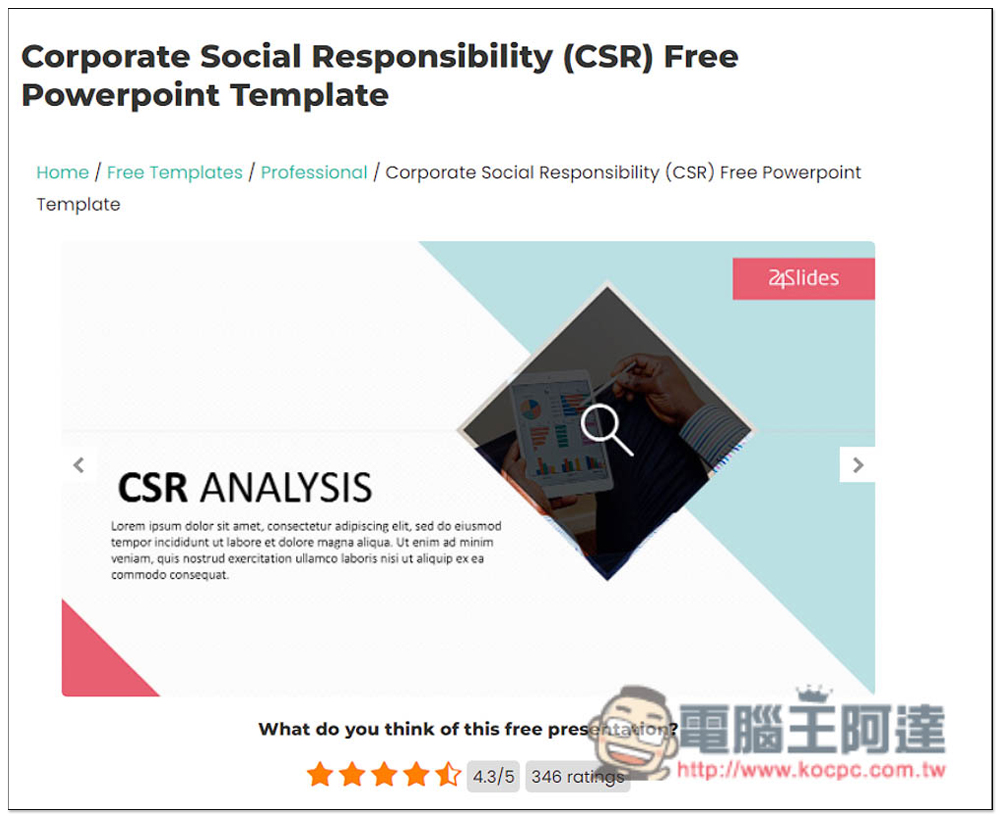
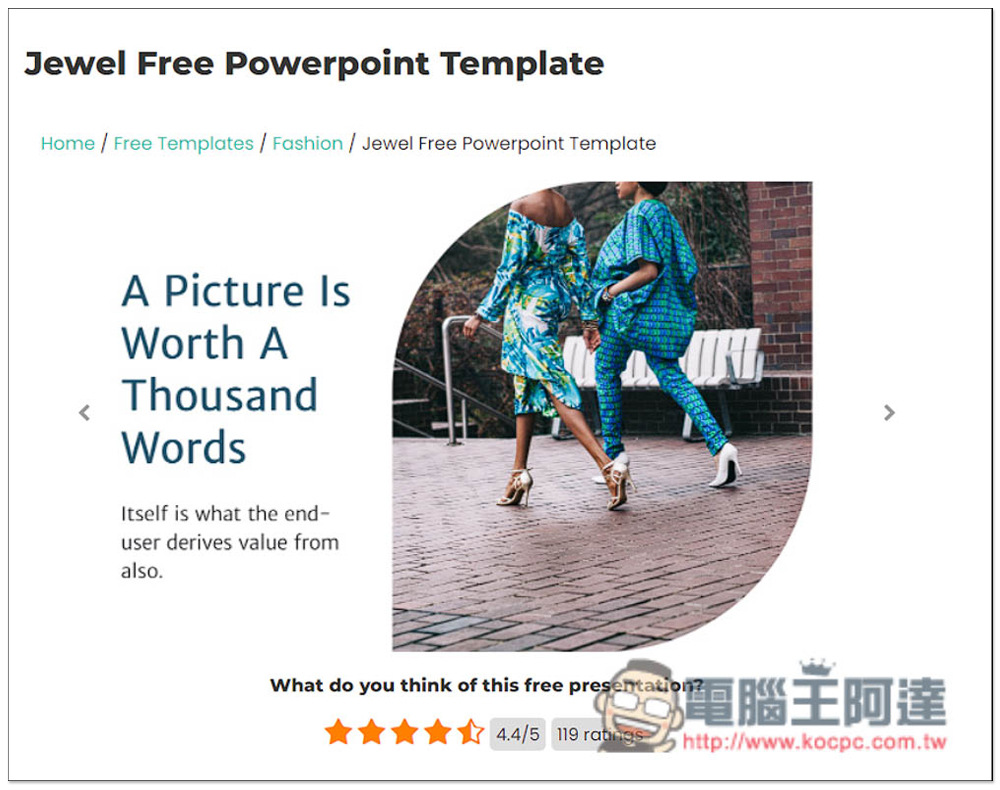
After you find the presentation you are interested in, the inner page will also provide the design of each presentation, allowing you to preview it first and then download it if you are satisfied. Below are also the ratings from netizens:
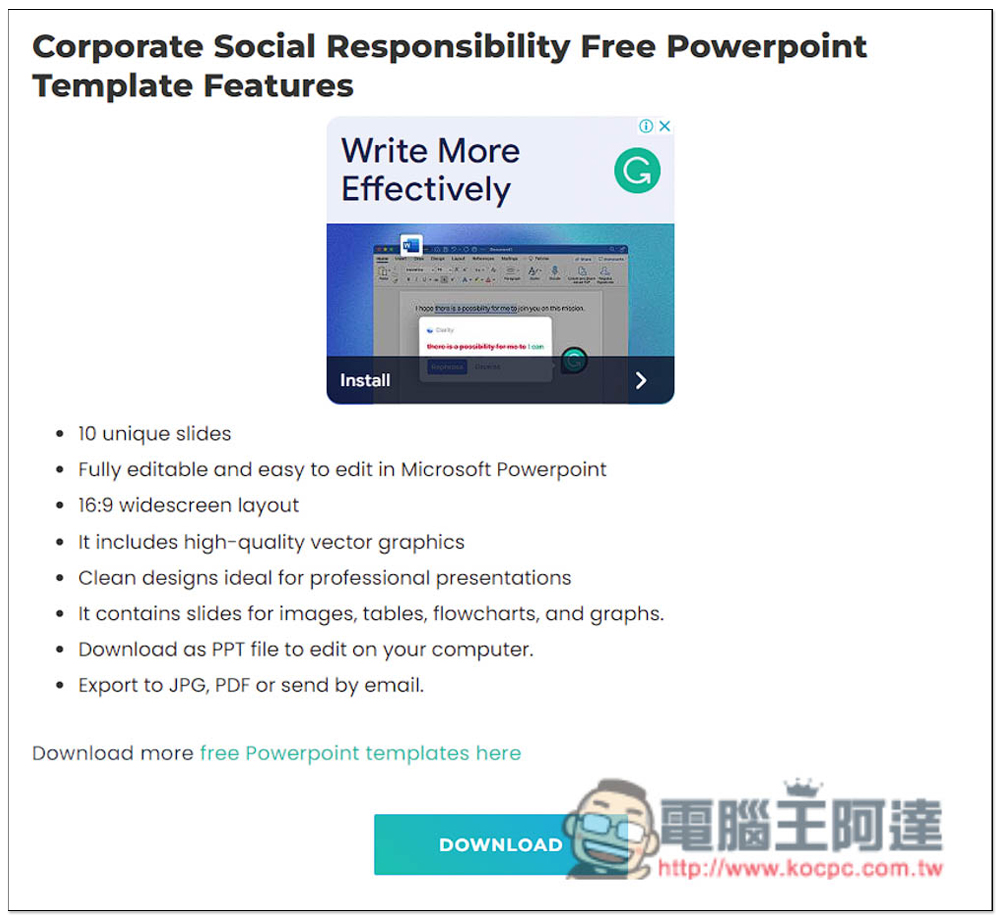
Scroll down to introduce the presentation, and the main features of this presentation will also be sorted out. For example, this one has 10 unique presentation page designs, full support for editing Microsoft Powerpoint, 16:9 wide screen layout, high-quality vector graphics, etc. It is worth referencing before downloading. Press Download and the download will start:
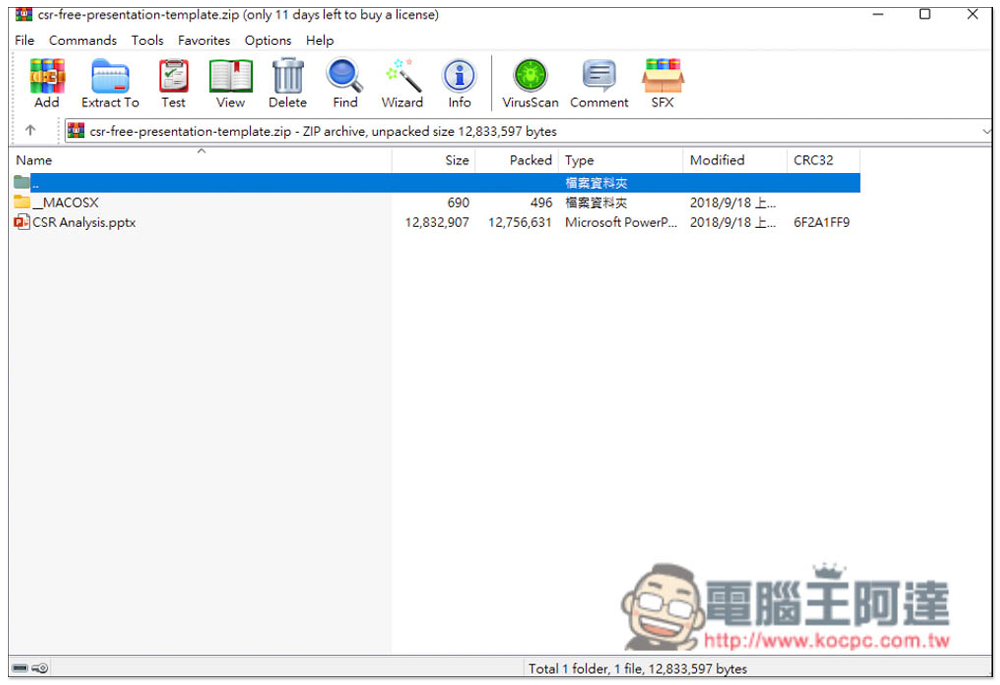
After downloading, it will be a compressed file. After decompressing it, you can start editing:
The design taste of each presentation is quite good, and most of them look good. I just don’t know if the Chinese characters match:
If you feel that there are not enough presentations on this website, or you cannot find one that meets your needs, you can also refer to the ones we have introduced before.Xiaomi PPT 、Selfone、slidesgo,as well as ALLPPT, these are also free newsletter sample websites.
Source: KOCPC Chinese