


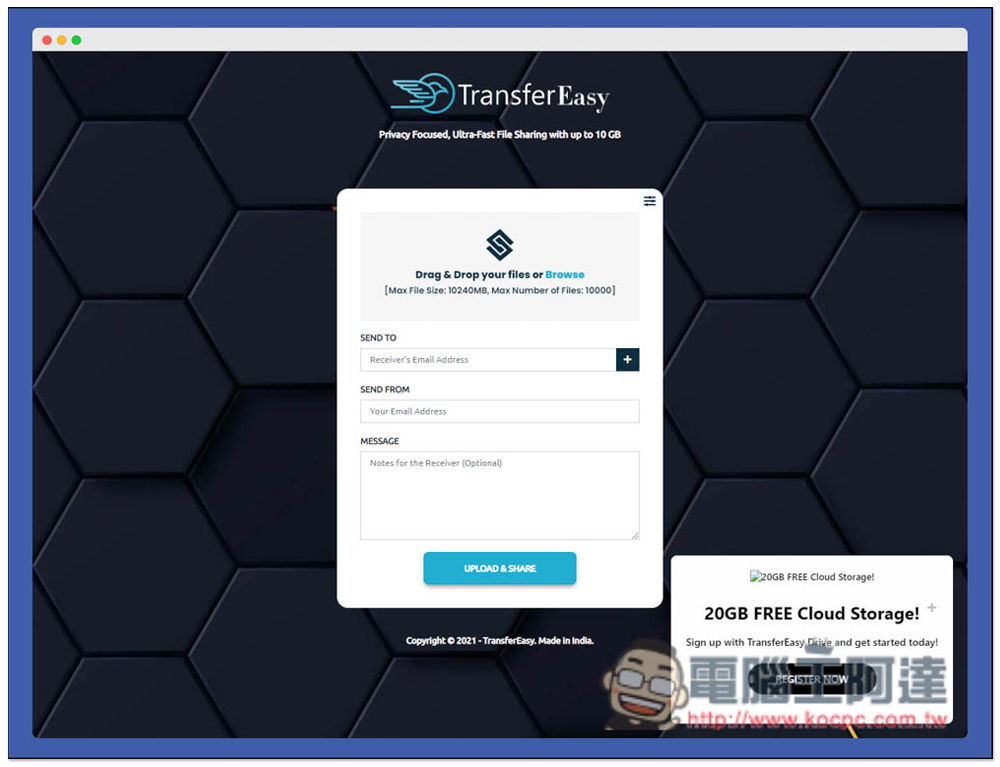
When you want to add a large attachment file when sending an email, or you have some files that you want to share with other friends, if the files are not too important, TransferEasy is a very good alternative file sharing service that does not take up your own cloud space. TransferEasy is completely free. Before uploading, you can specify whether you want to use email or get a download link. The maximum single file size is 10GB, and the maximum number of files can be 10,000 at a time. This should be the largest file sharing service I have seen so far. You can also set an automatic deletion date. It is very easy to use and I recommend it to everyone.
Introduction to TransferEasy online free file sharing service
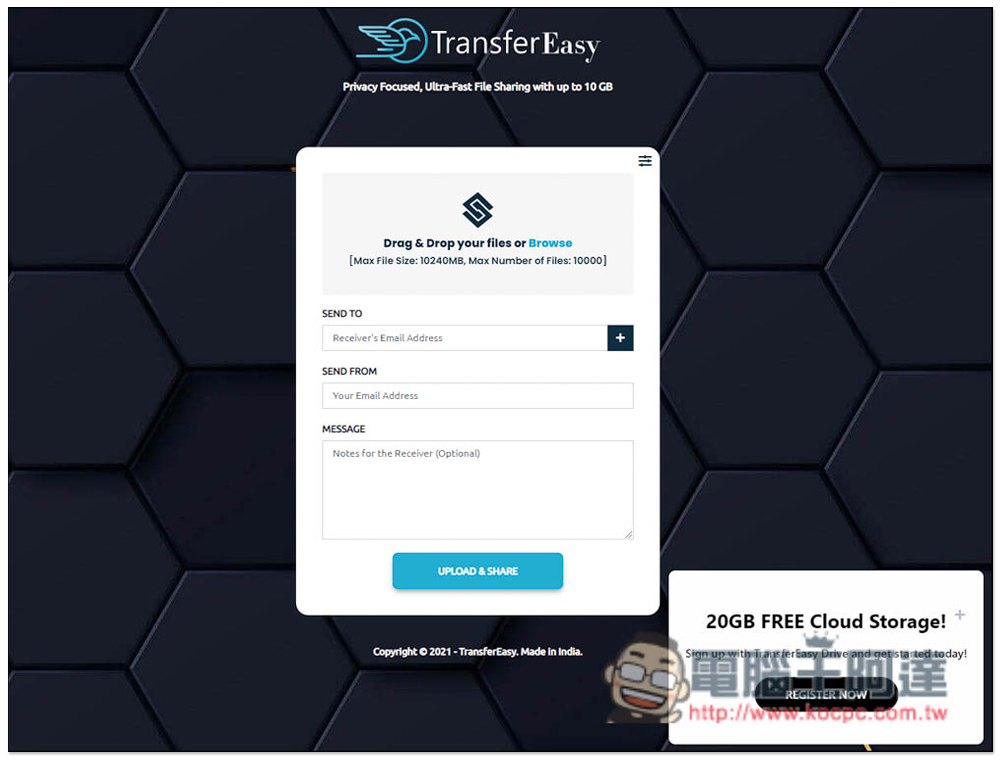
Enter TransferEasy and start uploading the file you want to share. The default is E-Mail mode. You can set who you want to send it to (the other party’s E-Mail address) and your own E-Mail address. These two are required. You can choose to fill in the message content. Just write it if necessary. In addition, this file service also provides 20GB of free cloud space. You can control the shared files, but you need to register as a member to get it. It depends on whether you need it:
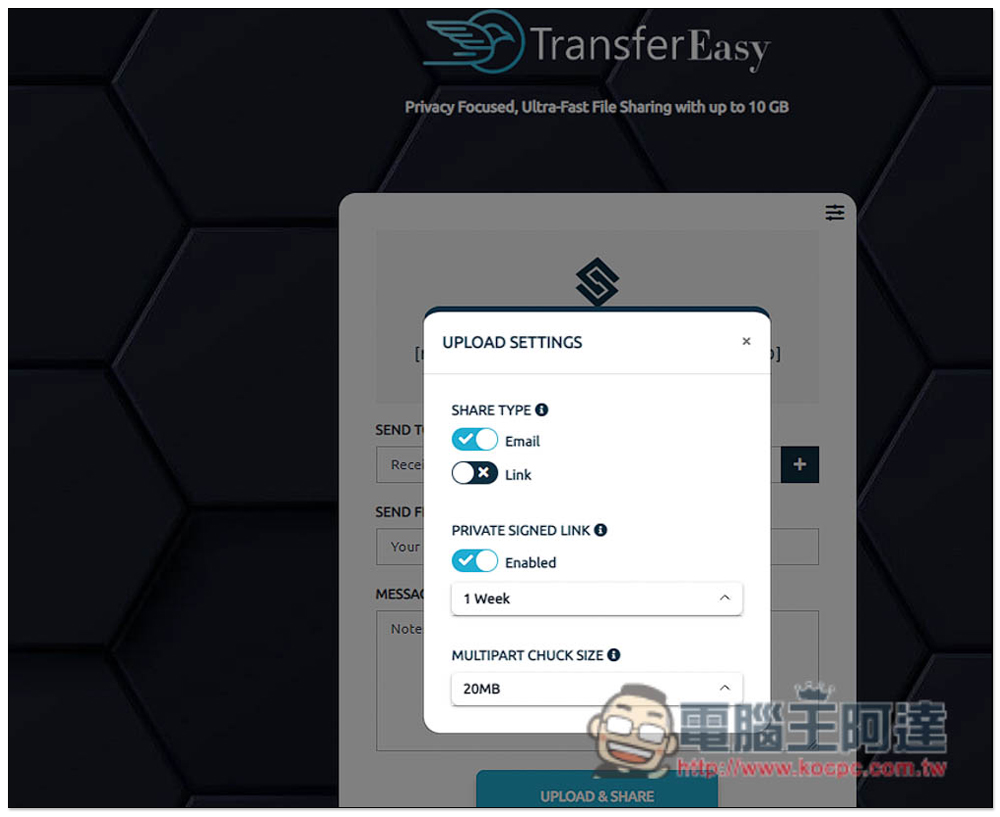
Click the icon in the upper right corner to change the settings, including if you want to use a link to download, change the SHARE TYPE to Link (check). You can also adjust the file expiration date below. The default is 1 week. If you don’t want it to expire, just turn off Enabled:
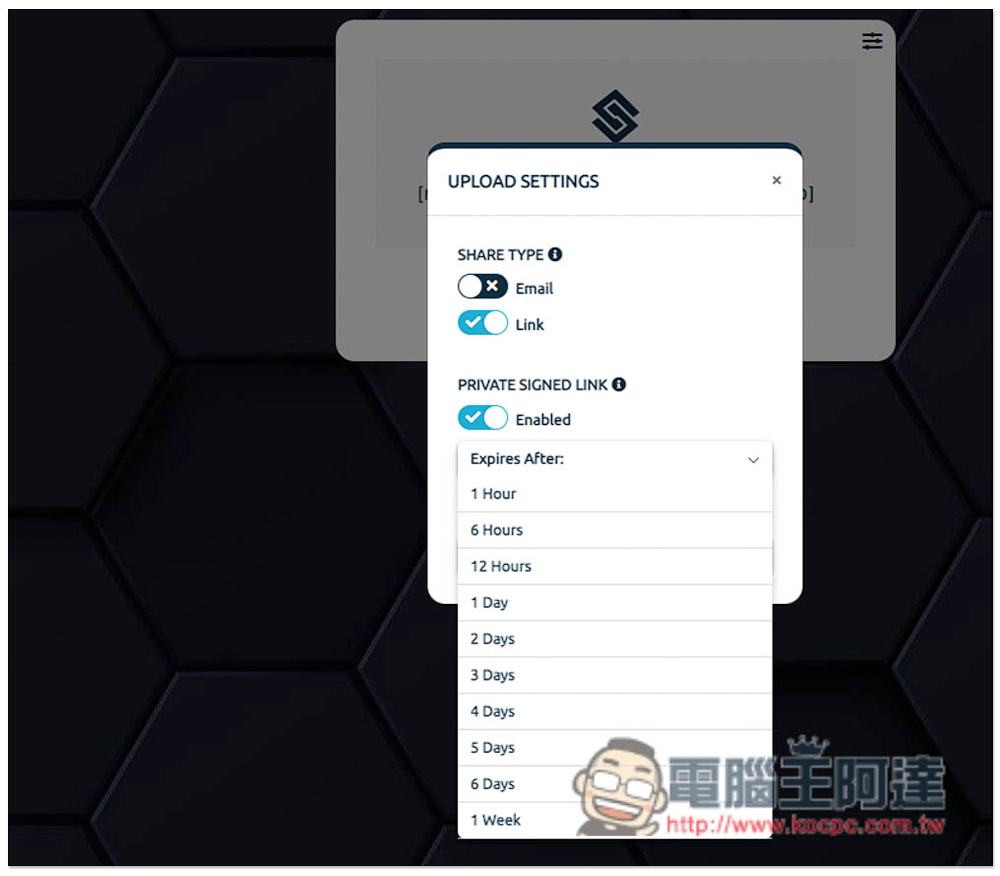
The longest date is one week, and there are also options of 1~6 days and 1~12 hours. If it is a more important file, you can set it shorter:
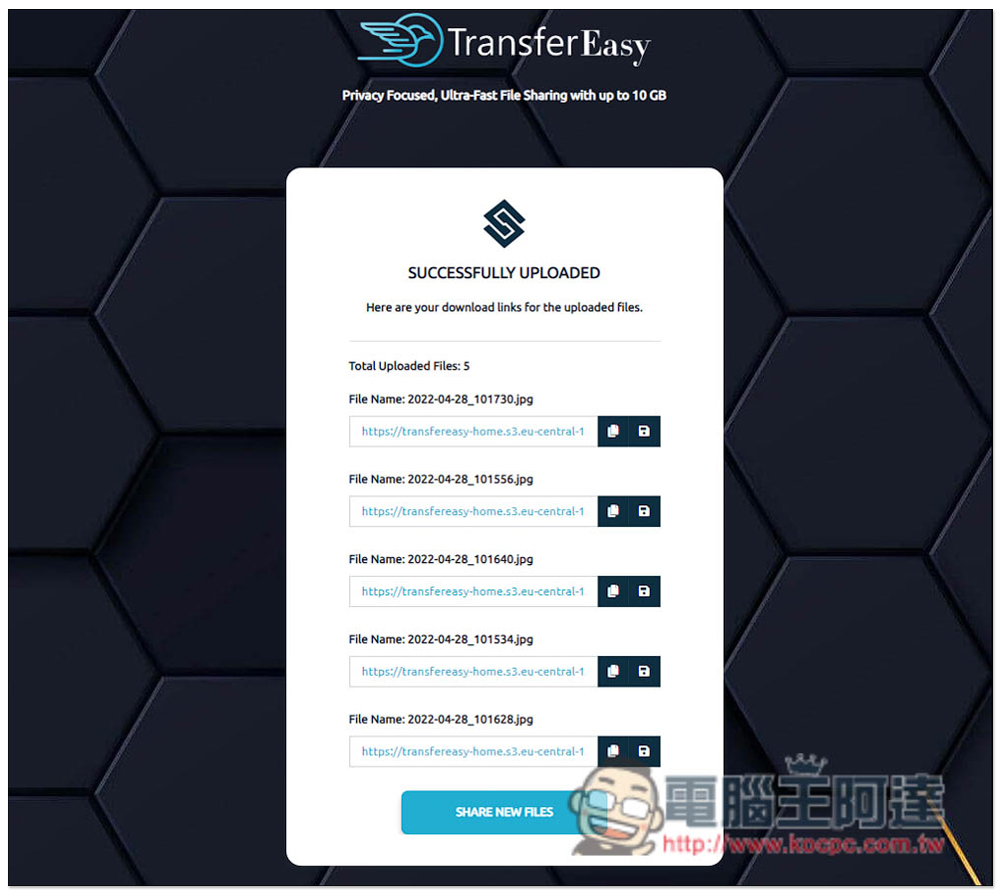
After uploading files in link download (LINK) mode, each file will receive an exclusive link. It also provides a very considerate function. There is a function to download all links at once to the right of the copy icon. Click to save all file download links into a .csv file, so you don’t have to worry about forgetting to download the link after closing the page. Unfortunately, this website does not have a link to download all the files at once. They must be downloaded separately. So if you want the other party to download them all at once, it is recommended to add them to the same compressed file and then upload it:
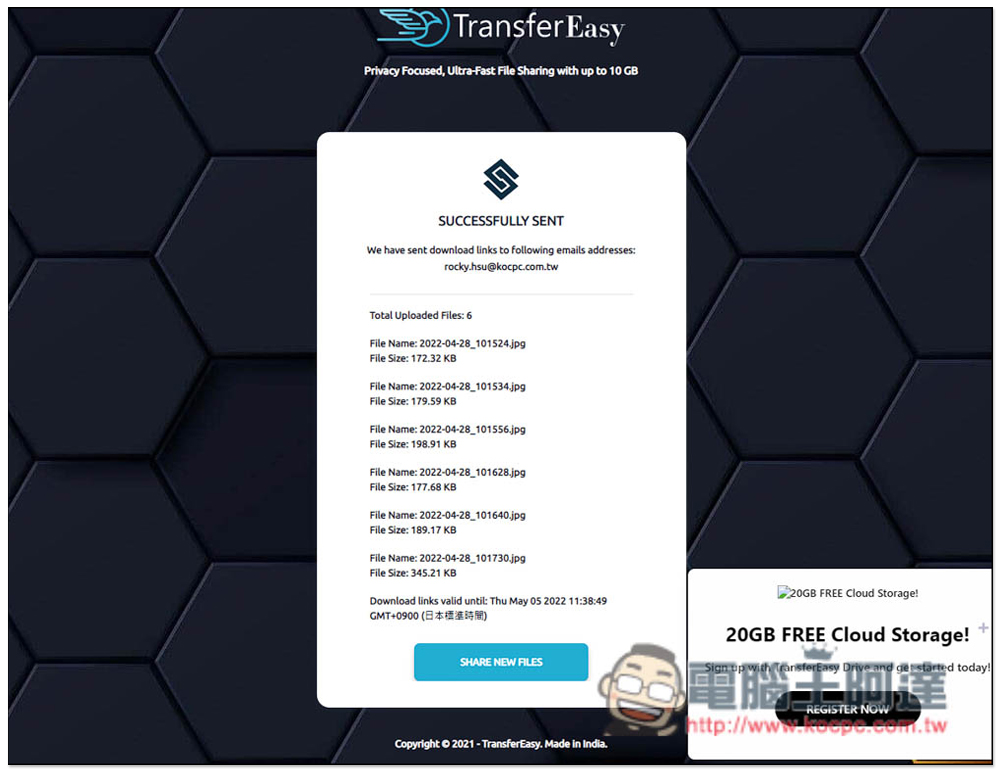
After uploading the file in E-Mail mode, the letter will be automatically sent to the E-mail location you filled in, and no download link will be provided:
The other party will receive a letter like this with a download link in it:
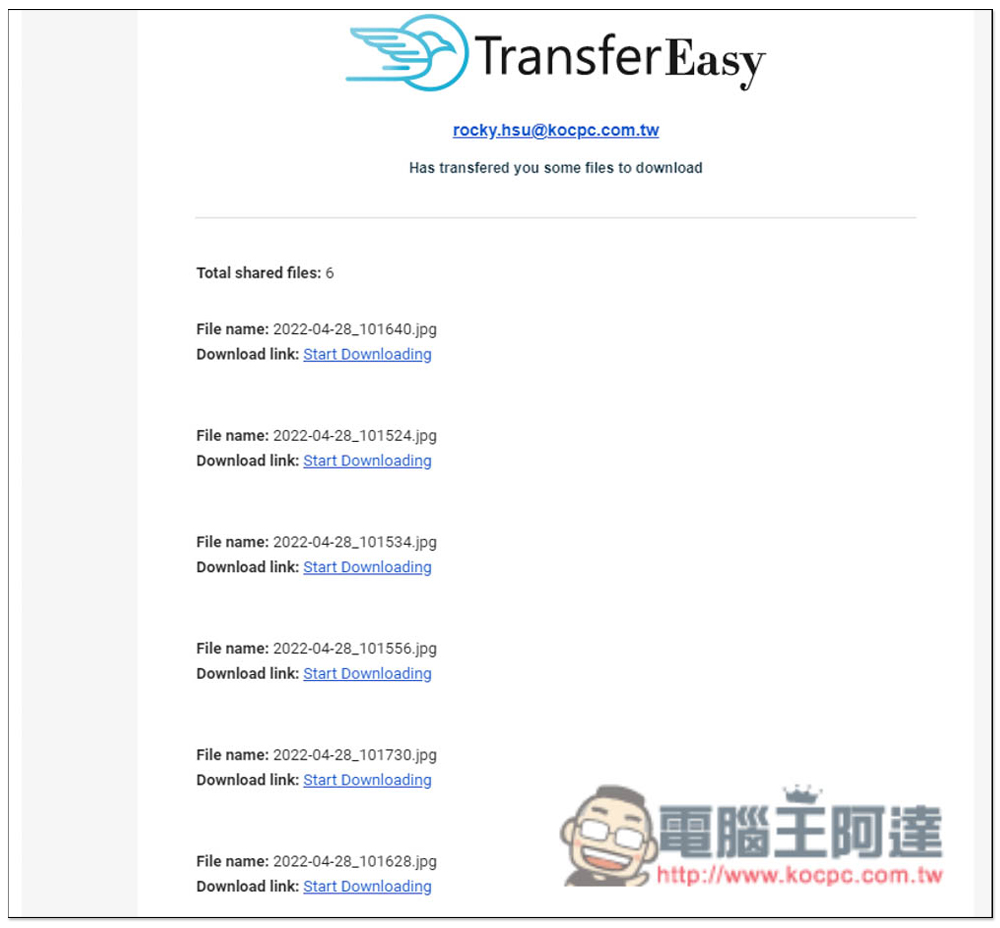
For those who don’t like to worry about losing .csv files, you can also use email techniques to store download links. I tested that the email address of the recipient and sender can be the same, so that you can store all download links in the mailbox, so you really don’t have to worry about losing them.
Finally, I would like to remind you that it is recommended to use your own cloud space for important or private files. Even if this type of online file sharing space is highly secure, there are still risks.
Source: KOCPC Chinese