


Nowadays, many people sit in offices and suffer from shoulder and neck pain for a long time. They will definitely want to improve their posture, but they often forget to sit properly when they are busy. If you have AirPods, there is now a free app “Posture Pal – Improve Stance” in the App Store. You can use AirPods to improve your posture. Whenever your posture is bad, you will receive an immediate sound prompt and a vibration notification on your phone.
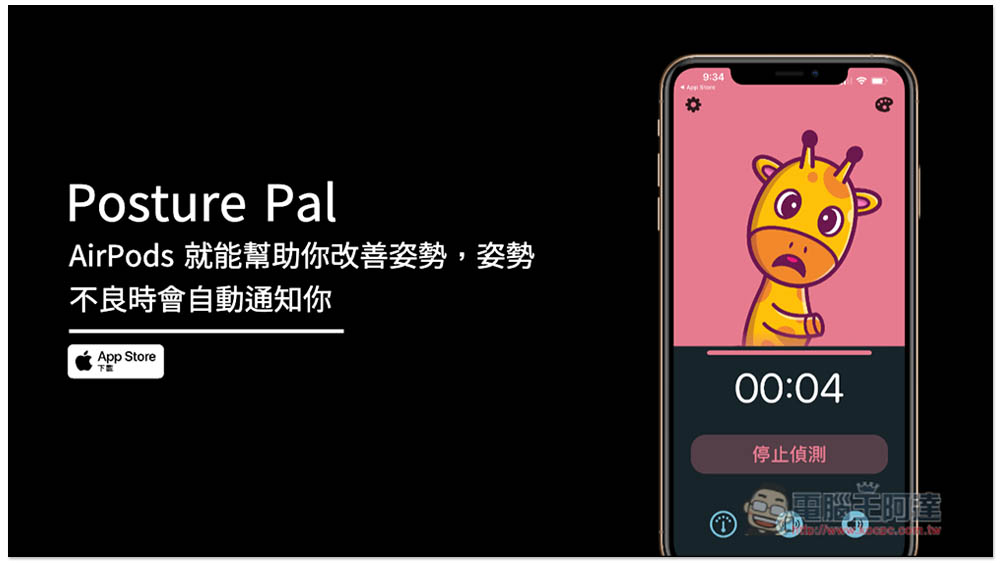
Teach you to use Posture Pal – Improve Stance App to implement AirPods to help improve posture
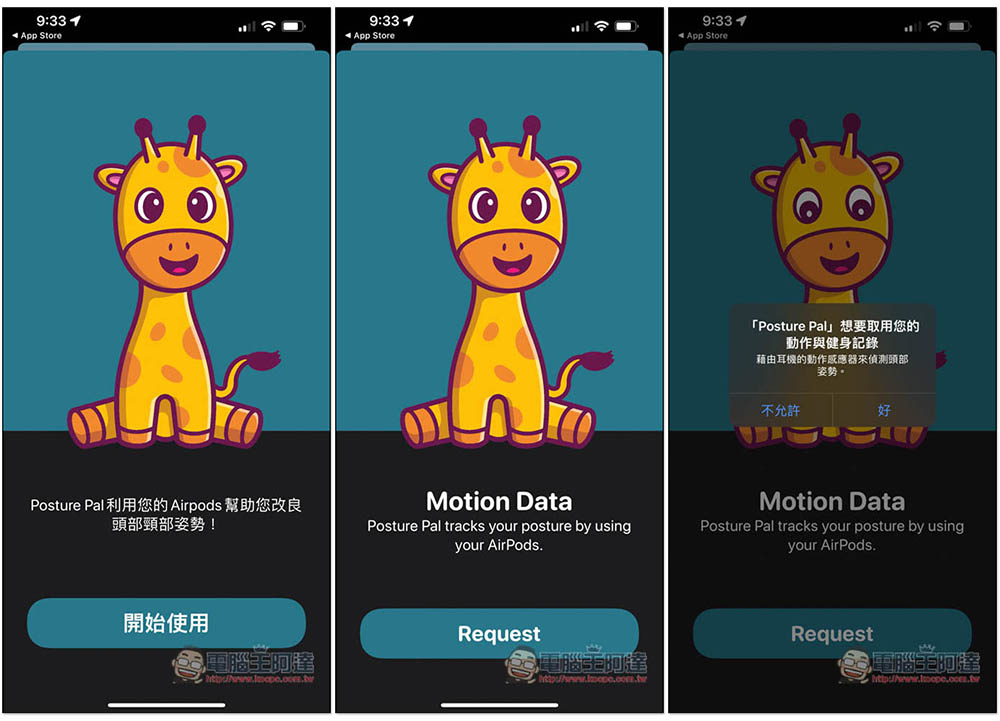
After opening Posture Pal – Improve Stance, you will be asked to obtain some permissions, please click Allow or OK:
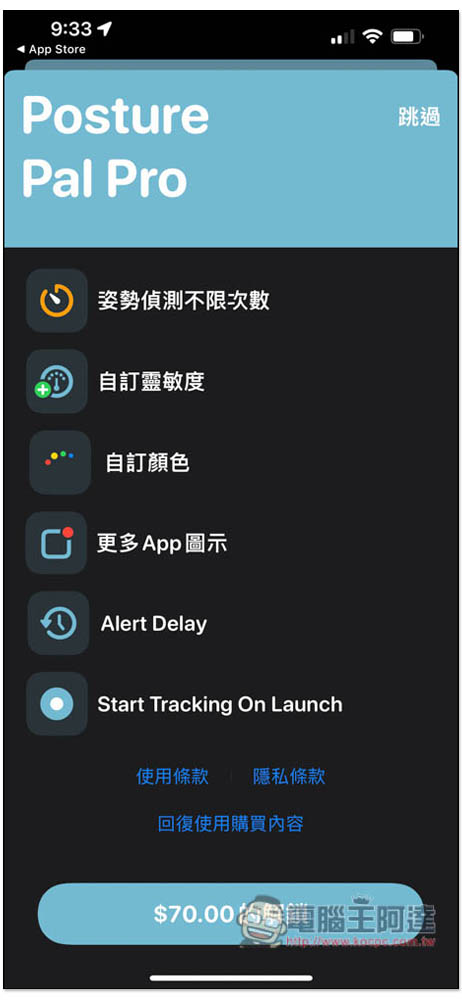
This also has a paid version. You can consider it when you really think it is useful. It is not very expensive. You can detect several postures for free at the beginning. Press the upper right corner to skip:
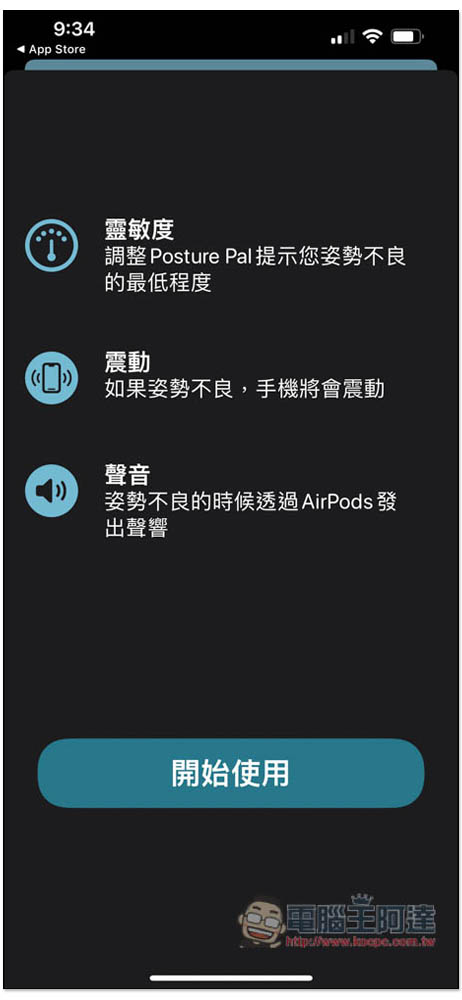
The detection principle of this is to use AirPods to see if the current position of your head is correct and whether it is too low. If it exceeds the set angle, the iPhone will vibrate to remind you, and AirPods will also make a sound notification:
After entering the homepage, put on your AirPods:

The animal above (it should be a giraffe, right?) will move with your head. Even if you haven’t pressed “Start Detection” yet, when your head moves forward, its head will follow. When the angle is exceeded, the background will turn red:
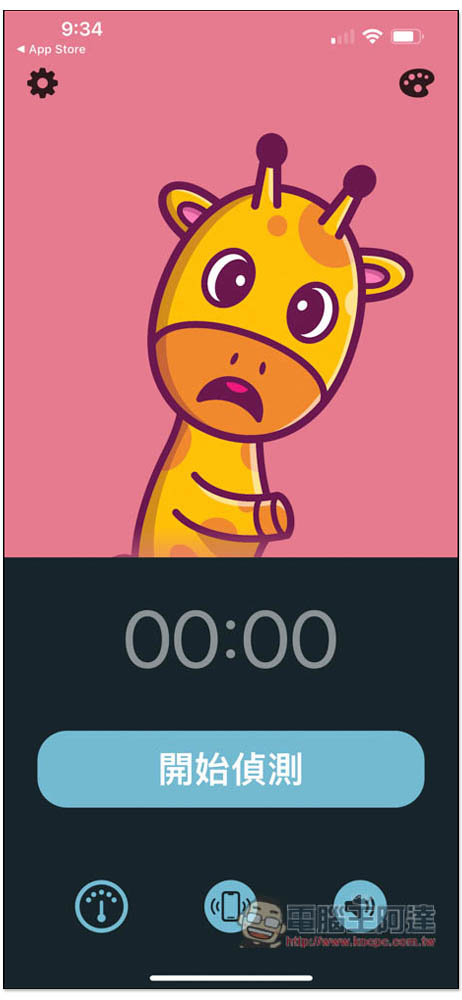
After pressing to start detection, your iPhone will vibrate and AirPods will also notify you if your posture is wrong:
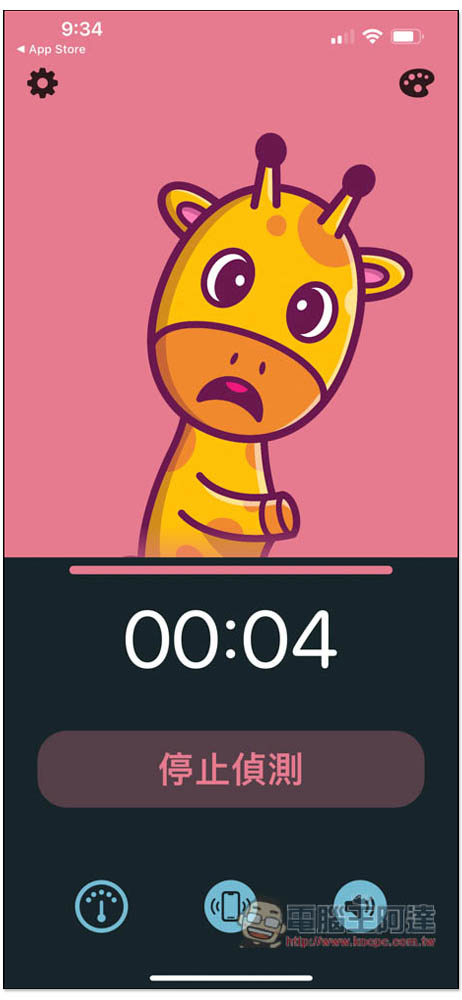
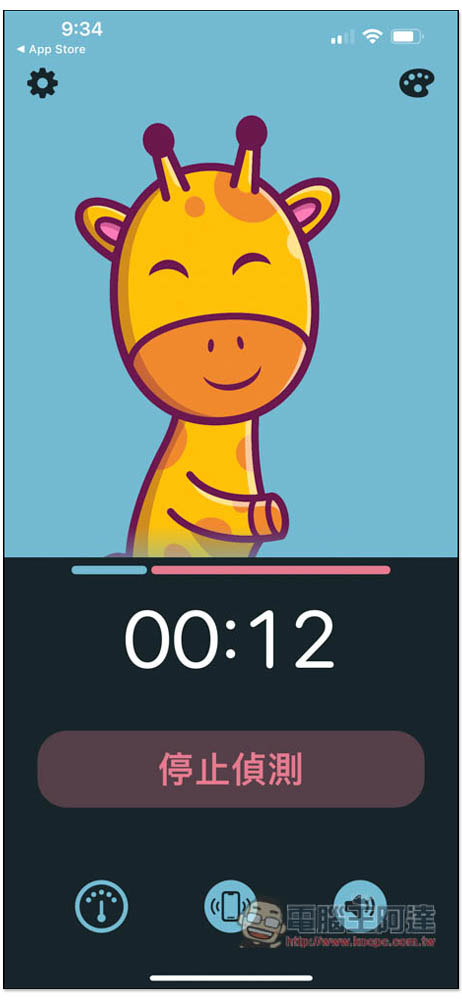
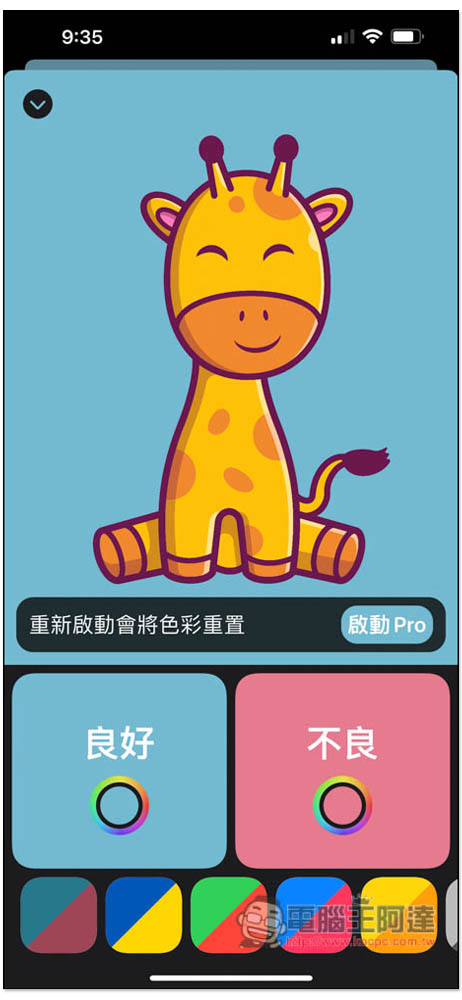
A smiling face with a blue background indicates correct posture. In my current test, it seems that it can only detect the front and back, and there will be no response when the head is moved left and right:
The default detection angle is 20 degrees. If you think it is too big or too small, you can change it to 35 degrees or 10 degrees:
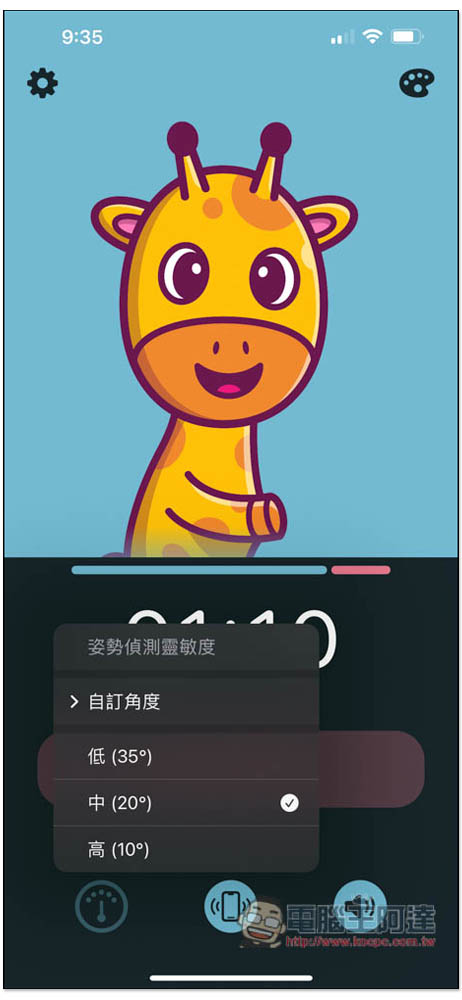
Angle 10 is not recommended. As long as you move your head slightly forward, you will be notified. It is super sensitive. Unless you want to strictly improve your posture in a short period of time, try again:
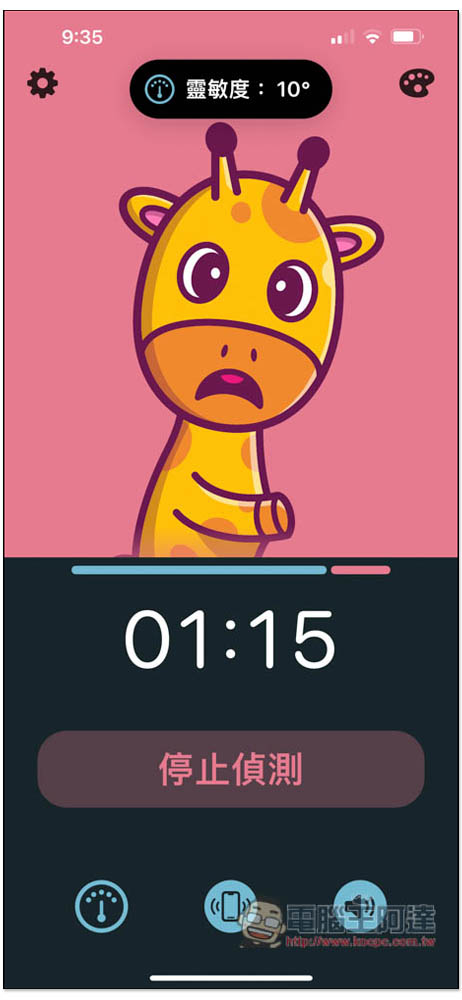
iPhone vibration and AirPods sound notification prompts can also be turned off. If you only need one of them, it will be very noisy to have a meeting with both:

The theme background color can be changed, but only for Pro users:
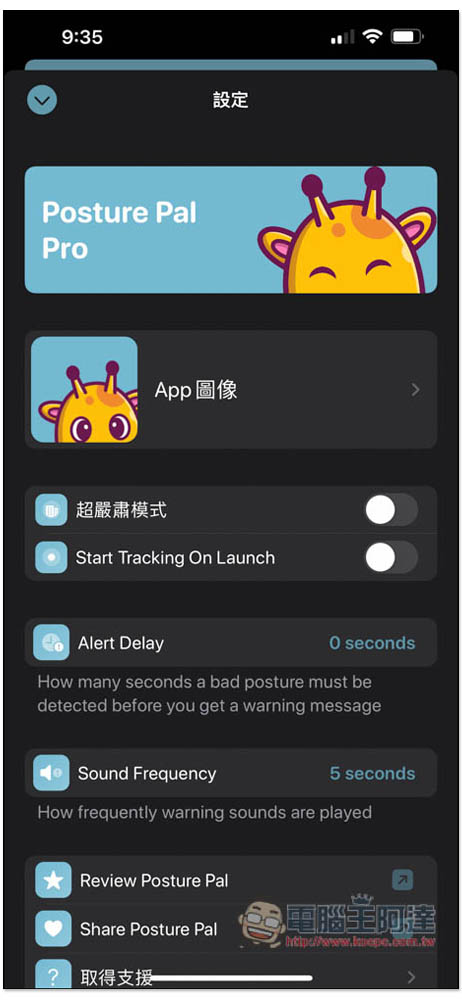
There are also some functions that can be adjusted in the settings, such as “Super Serious Mode”, “Start Tracking On Launch”, changing the alarm interval “Alert Delay”, and sound notification frequency “Sound Frequency”:
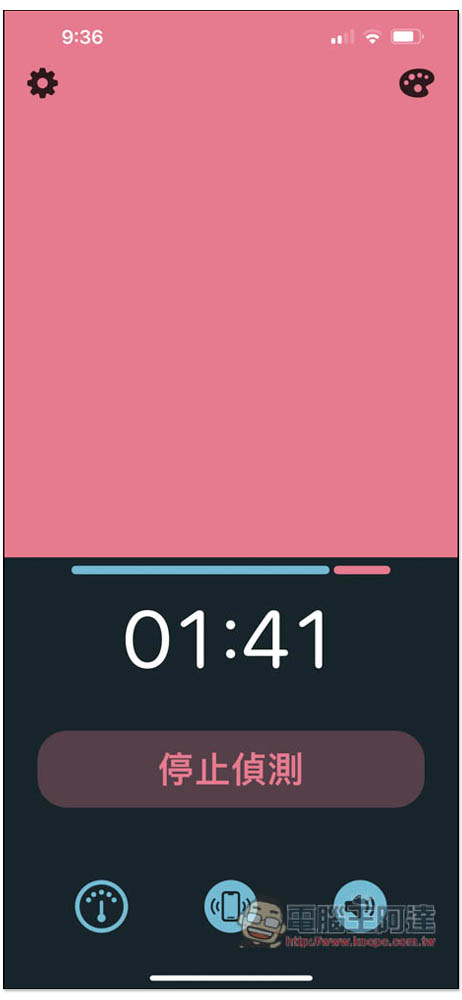
In super serious mode, animals will not be displayed and will only change the background color:
After the detection is completed, you will be given a score of good, excellent and bad. People who want to improve their posture can increase the good and excellent scores and reduce the bad:

Of course, this app can only be used as an auxiliary tool and cannot really fundamentally improve your posture. Therefore, if your posture is very serious or you want to improve it quickly, it is recommended that you go to the relevant hospital for treatment and examination.
Source: KOCPC Chinese