


Windows 11 is Microsoft’s latest operating system, and the original manufacturer has high hopes for it, hoping that it will make Microsoft great again, just like the influence that Windows 10 has. But first of all, Windows 11 has set a huge limitation that many players find difficult to accept, and that is TPM 2.0. Even if players find a machine code that can bypass this restriction and allow Windows 11 to be installed normally, the original manufacturer still resorts to the tactic of “give you a watermark since the device does not meet the needs.” Now, this watermark is not only visible to the Insider version of the system, but also the latest Release Preview. Presumably, soon, this “intimate reminder” will also appear in the official version.
I believe that many people have criticized the system requirements of Windows 11. This is not because Windows 11 requires a faster processor, more processor cores/threads, or larger system memory and storage space, but this time Windows 11 has added a check for the TPM 2.0 module during the installation process. Anyone who fails to pass the check will be deemed not to meet the system requirements, thereby preventing users from continuing the installation.
Of course, this kind of restriction cannot stop players. Players quickly found various tricks to avoid this check, such as calling the command prompt during the installation process to open the login editor (regedit) to modify the machine code, or directly importing modifications into the system installation disk, allowing the system installation process to automatically skip checking the TPM function.
These little tricks are of course intentional by Microsoft. After all, not every customer’s computer has the latest model.Some companies will need to use older hardware to run the latest systems, in order to maintain such flexibility, I believe it is not too surprising that organic codes can help bypass installation checks.
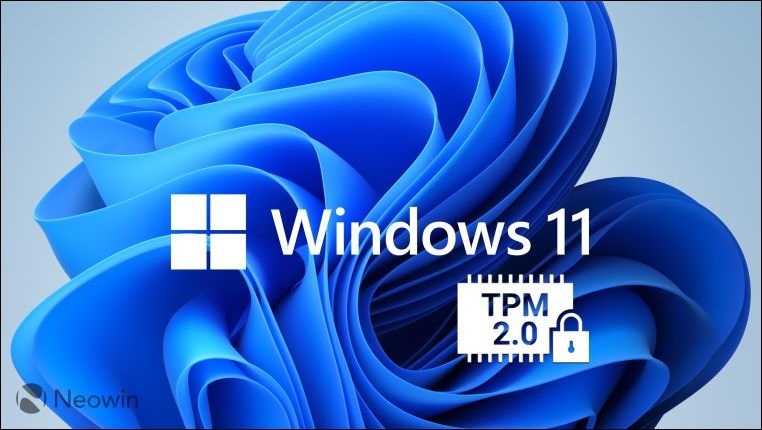
Windows 11 watermark warning is gradually being pushed to the official version
Recently, a netizen named Xeno (@XenoPather) posted on TwitterPosted a tweet, expressed how he noticed a floating watermark warning appearing on his Windows 11 system. What’s interesting is that in the system screenshot he posted, the build number is 22000.588. If you feed this string of numbers to the search engine, you can get the news that Microsoft switched this version from Beta to Release Preview channel a week ago. The Release Preview can basically be regarded as a quasi-official version, so we can be sure that this set of watermark tactics will also appear on the official version of the system that will be released soon.
Confirmed: 22000.588 introduces the “System requirements not met” watermark.#WindowsInsider pic.twitter.com/RrizjV2g8i
— Xeno (@XenoPanther) March 15, 2022
In principle, if you want to see this watermark, it means that the processor used by the computer itself is Intel’s 8th generation (Coffee Lake architecture) or earlier, or AMD Zen+ and Zen 2 architecture processors. Considering that the performance of modern computers is basically excessive, apart from a few enthusiastic players who are willing to constantly replace console parts for ultimate performance, there should be many players whose computers are classified as “unsupported” by Windows 11. Even if players only need to click their fingers and change two machine codes, they can still install it and use it.
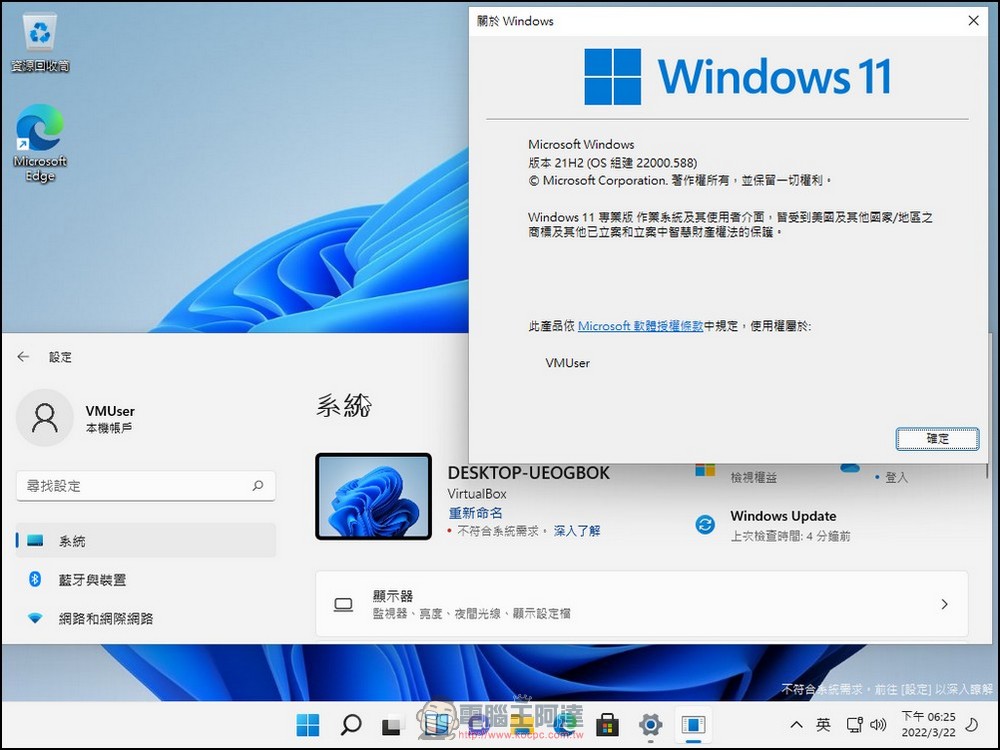
Or, if the user uses a virtual machine, such as Virtrualbox, which many people are familiar with, and uses the trick of modifying the login editor during the installation of Windows 11, they can still see the watermark that many people love and hate. Without modifying the .vmx file to support the vTPM function, VMware Player can also experience the joy of hardware being squeezed out by Microsoft through the same approach.
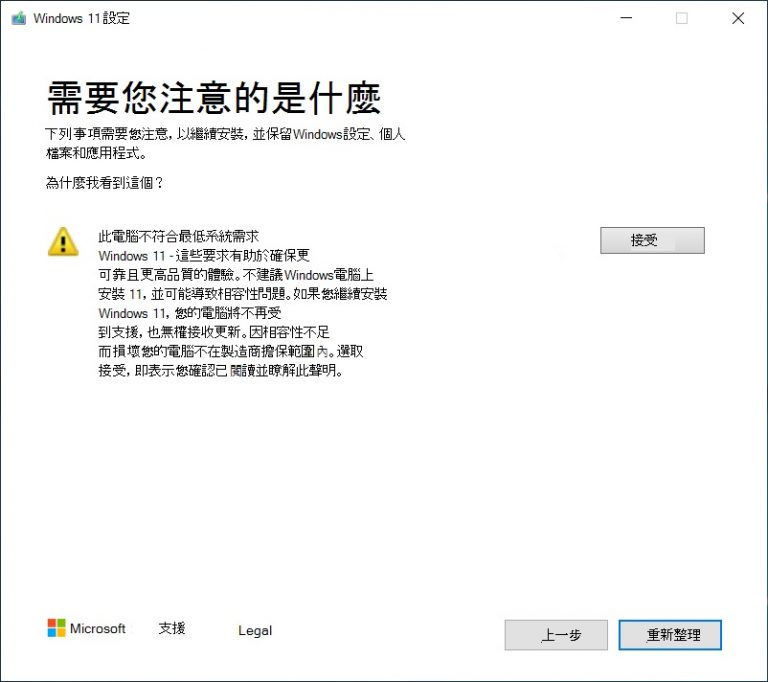
At present, Microsoft will only display this watermark text on computers that do not meet the hardware requirements. However, it does not lock some system functions of users, or directly make the tablecloth black without changing the tablecloth, as it did in the past such as Windows 7, and the watermark itself can still be covered. Therefore, although this paragraph may seem unpleasant, as long as it is pretended, it can still be used normally at this stage.
Source: KOCPC Chinese