


Since the popularity of smart phones, unscrupulous people have long regarded mobile phones as an area to “show off their talents”, especially the open Android system with a high degree of freedom, which is a stage for everyone to show their talents. Google is also constantly improving its own security protection technology to deal with new malicious intrusion methods. Recently, security research units discovered that Trojan penetration in the Play Store has surged since January this year, with the most popular apps installed more than 500,000 times.
Security researchers find Trojan hidden in multiple Google Play Store apps
Dr. Web’s security researchers began monitoring virus activity on mobile devices in January 2022, it was found that most of the apps containing malware in the Google Play Store belong to the Trojan family used in various scams. The main harm is the theft of personal data and financial losses. In addition, a new Android Trojan appears in the form of a WhatsApp module plug-in and is spread online through social media posts, forums and SEO viral marketing promotions.
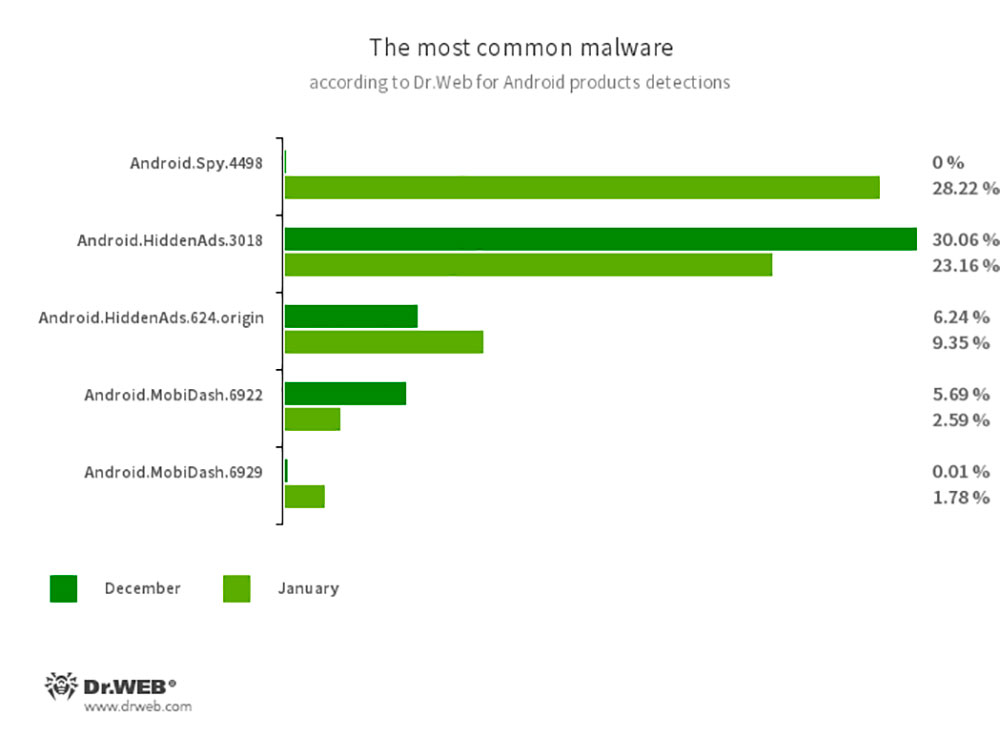
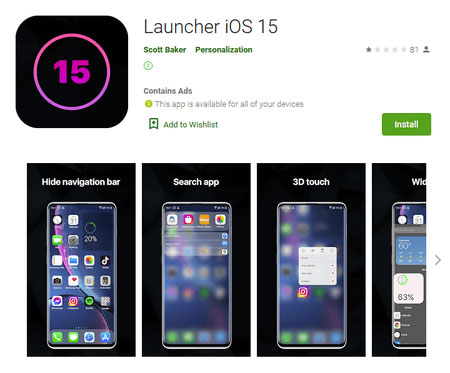
First, we saw the Trojan applications discovered by Dr. Web in the Play Store, which included cryptocurrency management, social service assistance tools, fake Gasprom investment tools, photo editors, and iOS 15 theme desktop launchers.
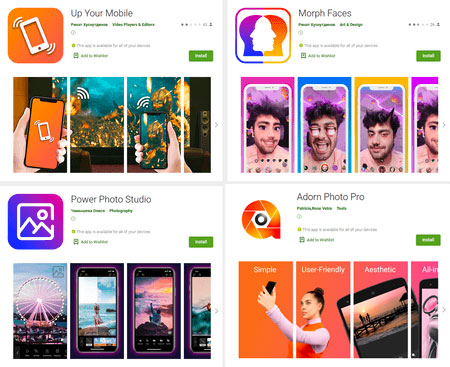
Most fake investing apps ask users to create a new account and deposit money purportedly for trading, which is simply deposited into the scammer’s bank account; other apps try to trick users into paying hefty subscription fees. Most of the apps reported by Dr. Web have been removed from the Play Store. After being downloaded and installed, these apps will load into the affiliate service website and enable paid subscriptions through Wap Click technology after tricking the victim into entering their phone number.
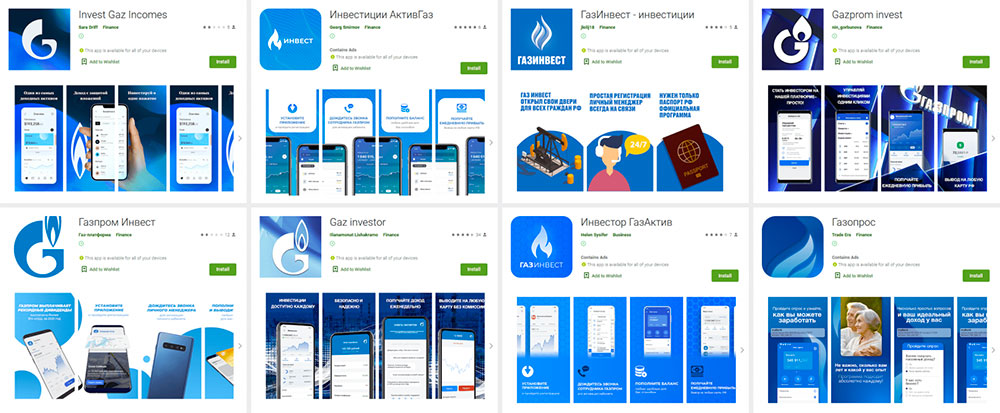
▲These are fake natural gas investment apps
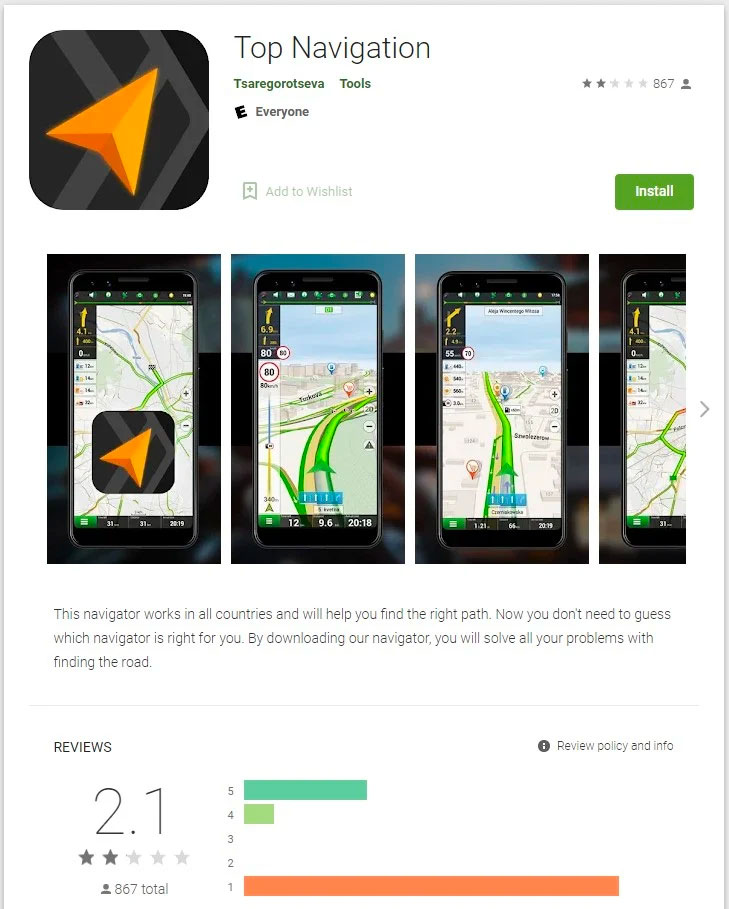
Bleeping Computer In addition, a navigation application “Top Navigation” was found in the Play Store that has been downloaded by more than 500,000 people. This application contains malicious viruses, but due to the large number of downloads, it has become an important issue of security hazards.
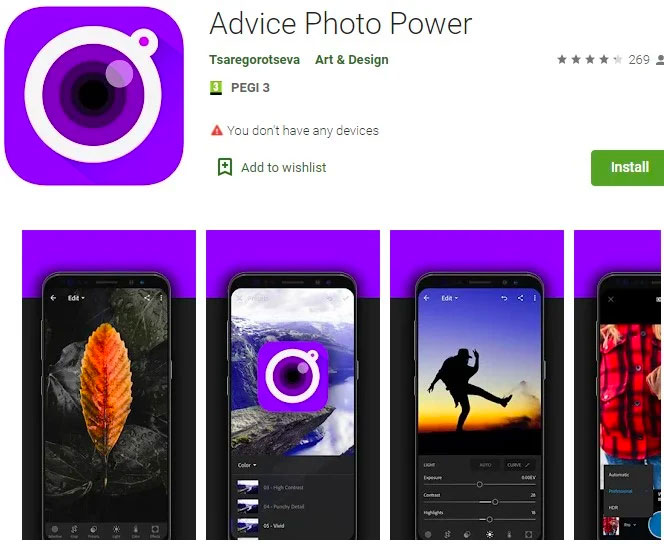
Another app that contains security threats is the app “Advice Photo Power” developed by Tsaregorotseva. This photo editor has been downloaded more than 100,000 times. User reviews below the app describe tactics similar to subscription scams, charging $2 per week purportedly to authorize or remove ads without providing any real service.
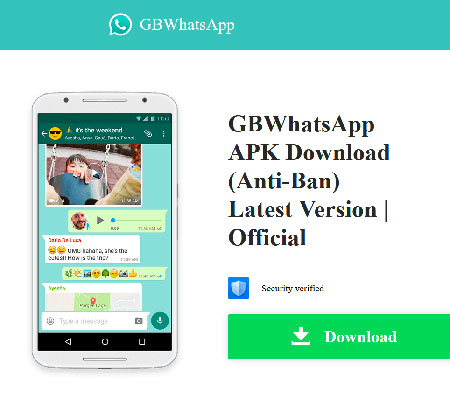
The most harmful among these Trojan threats are unofficial WhatsApp module plug-in Trojan versions of applications called GBWhatsApp, OBWhatsApp or WhatsApp Plus. These modules provide additional features such as Arabic language support, home screen widgets, separate bottom bar, hiding personal status, blocking calls, and automatic storage of received multimedia. These mods and plug-ins are very popular in online forums as they provide additional functionality not previously available on WhatApp.
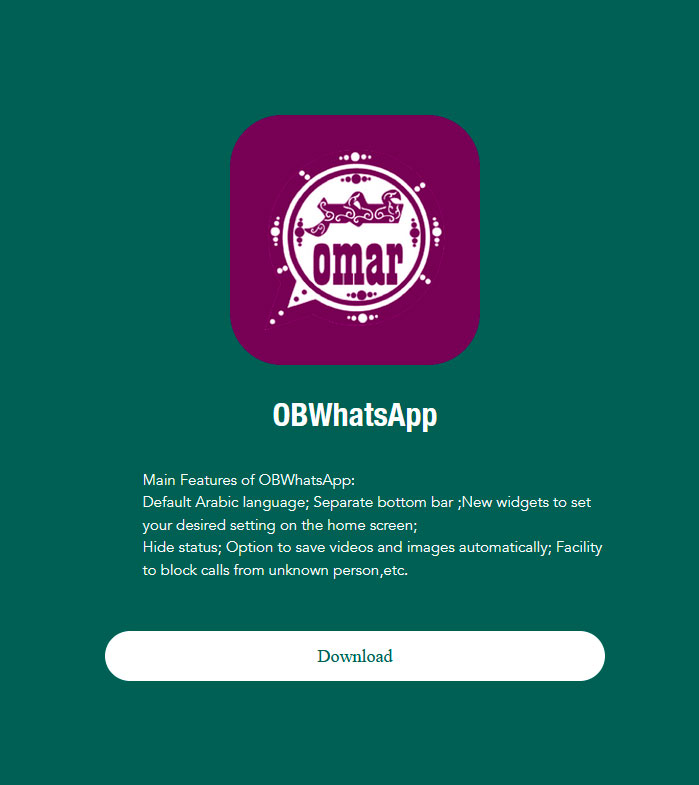
However, in the Trojan version, the malware contained inside attempts to obtain notifications from the Google Play Store and Samsung Galaxy Store apps through the Flurry statistics service. Additionally, the Trojan downloads additional APKs from the URL received from the command and control server and requests the user to install them under the guise of an OBWhatsApp update. The application will then display arbitrary dialog boxes containing remotely dynamically configured and updated content, allowing the attacker to redirect the user to a malicious website.
The most effective way to stay away from these security threats is to avoid downloading APKs from unknown and unsafe sources. Even if you download from well-known platforms such as the Play Store, check the user reviews below. When installing, be sure to carefully check the permissions the application asks for from you, and closely monitor the power and network usage after installation to detect the possibility of running in the background. In addition, you must regularly check the status of Google Play Protect. If your budget permits and you frequently download various applications, you can also install a reputable security tool to add a second layer of protection.
Source: KOCPC Chinese