


When making videos, some people may not like to record their own voices, or need to speak a foreign language but do not know it. In this case, text-to-speech is a very good auxiliary tool, and VanillaVoice is a very good one that I recently discovered. It is free and supports many languages, including Chinese, English, French, German and other major languages. It can be directly downloaded into MP3 files without registering an account.
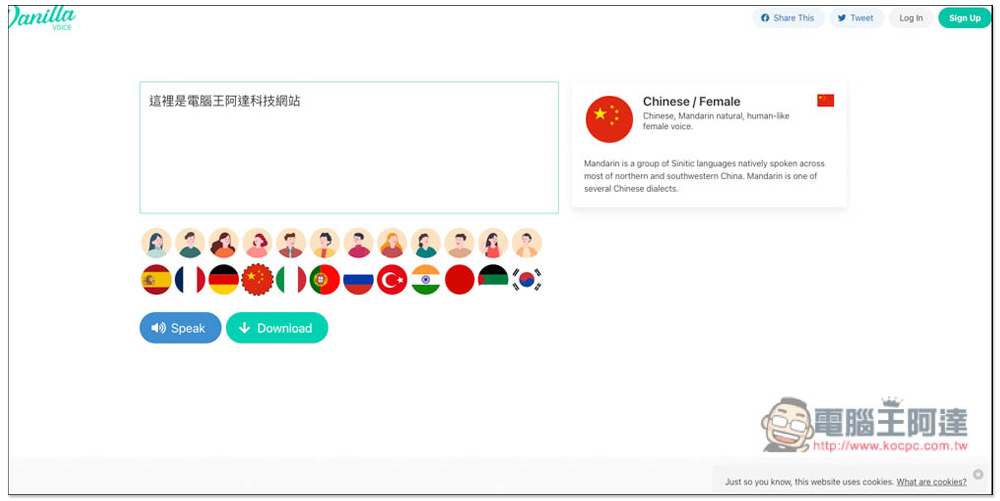
Introduction to VanillaVoice text-to-speech free online tool
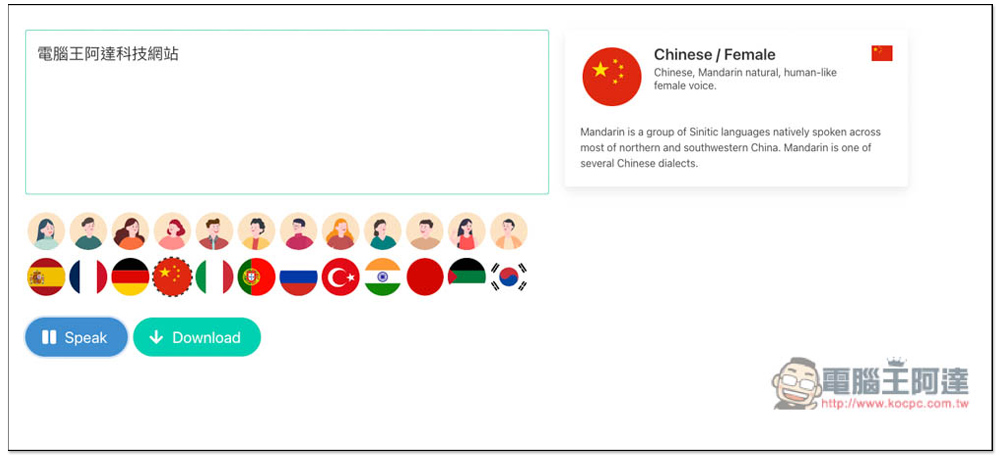
After entering the VanillaVoice website, click the arrow below the input box to expand all supported text-to-speech languages. Those with avatars on them are all in English, with American, British, and Australian accents, and non-English ones include Spanish, French, Portuguese, Korean, Indian, Japanese, Chinese and other major languages. Although the Chinese part is the Chinese flag, the accent of this voice is not very strong and is somewhat similar to Google Voice, so don’t worry too much:
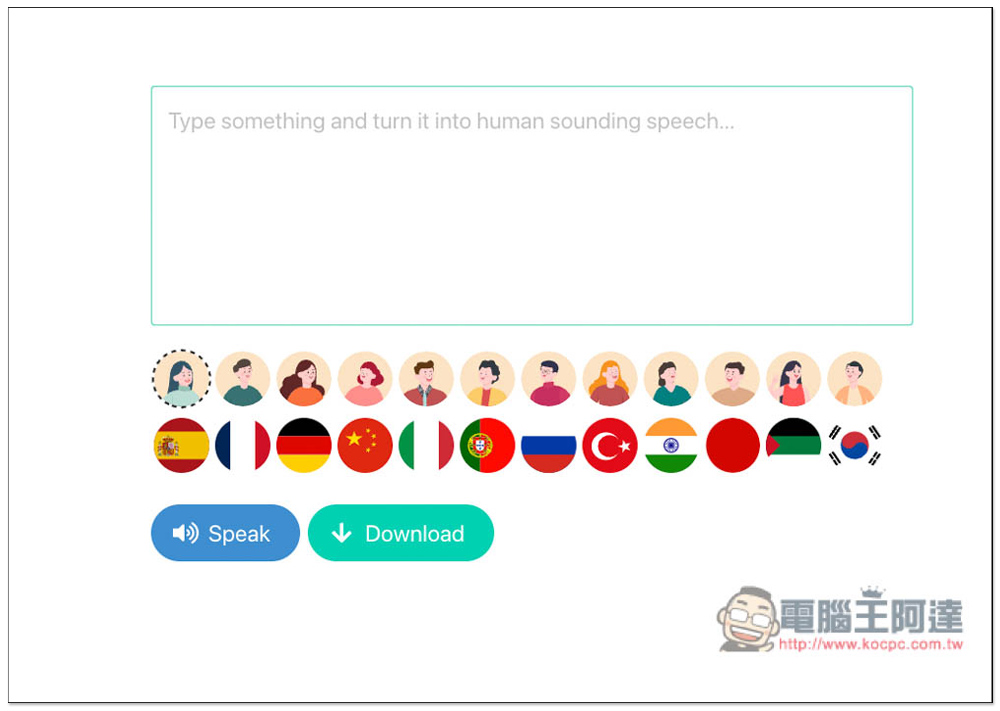
Clicking on the right side of the avatar will introduce the gender, age, nationality, and voice characteristics of the voice. After entering the content you want to convert text to speech, click Speak below to listen to it. If you like, download it:
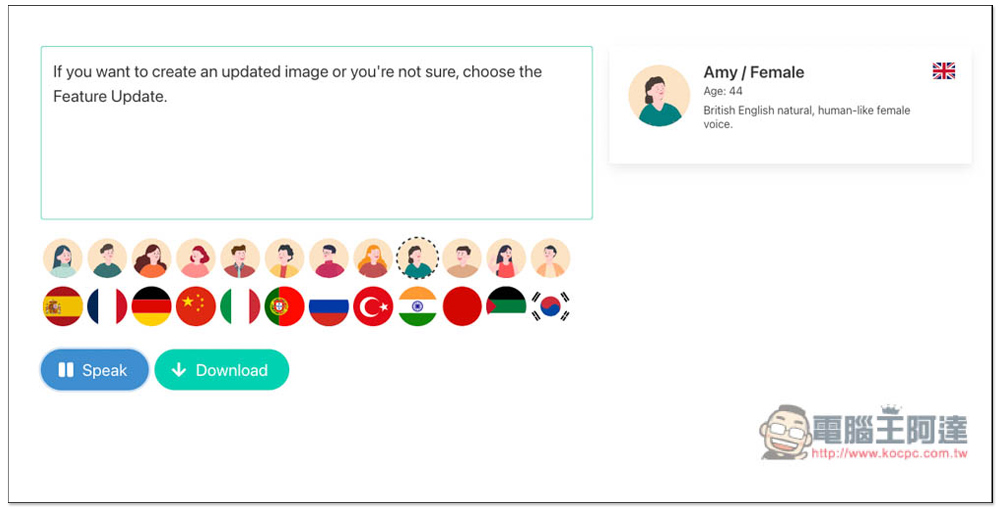
Chinese currently only has female voices. What is special is that if the input is in English, most languages can be converted into speech, but the other way around is not possible. For example, if you input Chinese in American voice, pressing Speak will not cause any reaction:
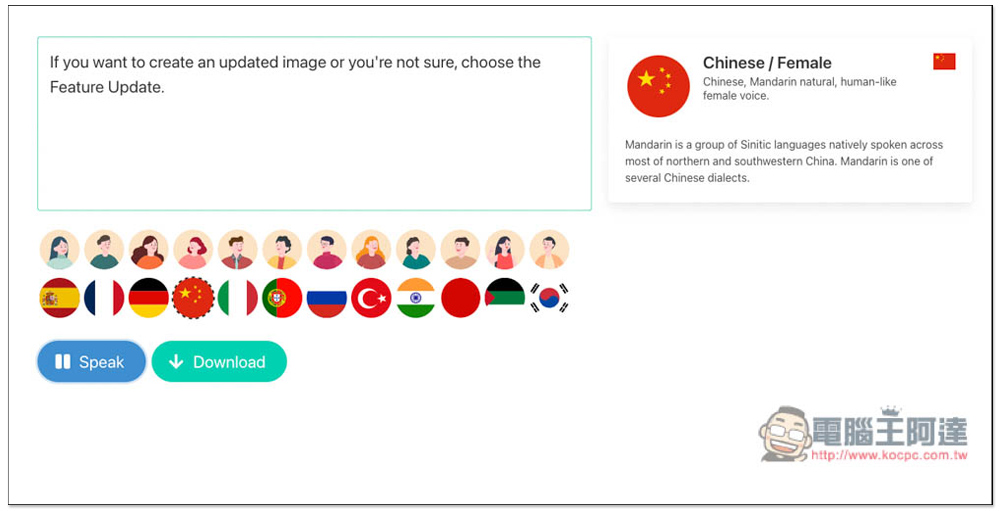
After inputting Chinese, press Speak to convert text to speech. I think the pronunciation is quite natural and not too robotic:
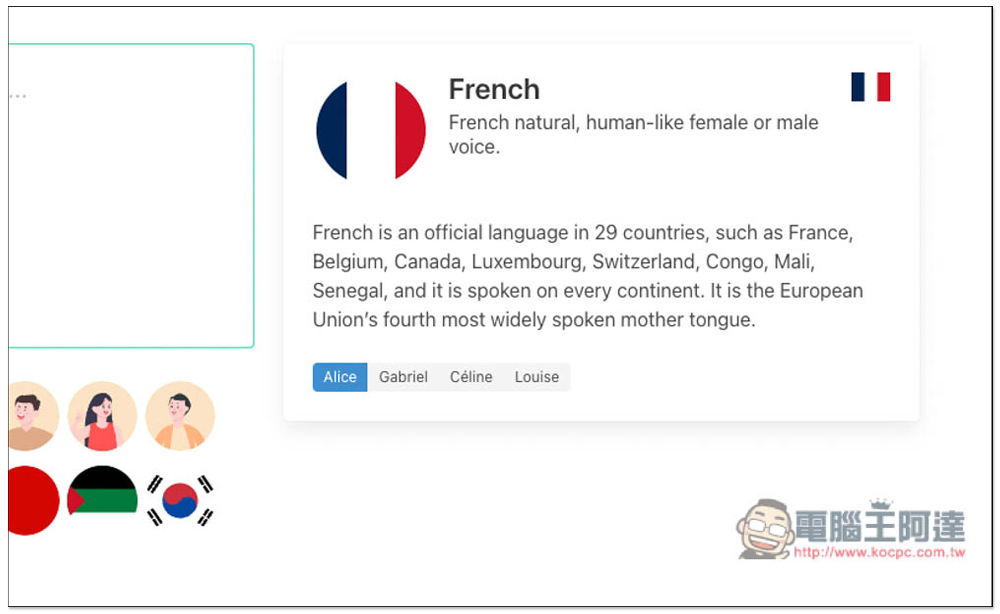
In addition, the voices of some countries also provide multiple character pronunciations, such as French, which has Alice, Gabriel, Celine, and Louise:
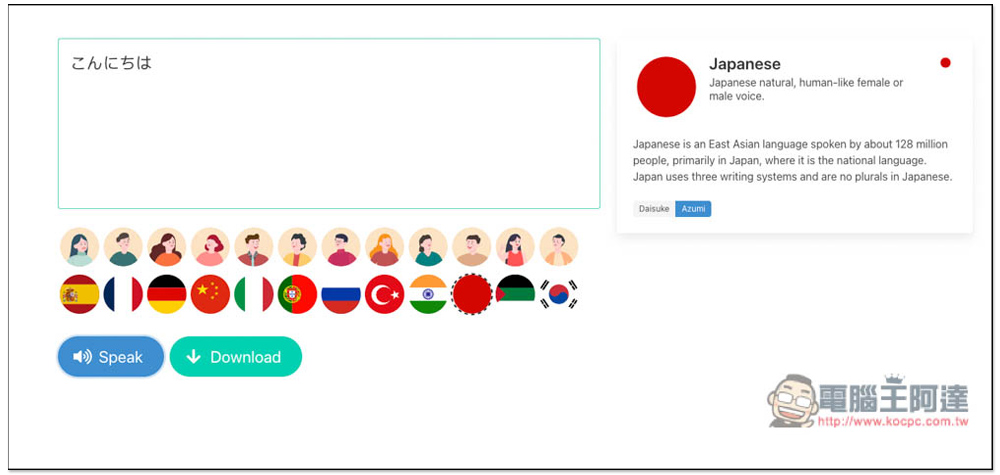
Japanese also has two roles:
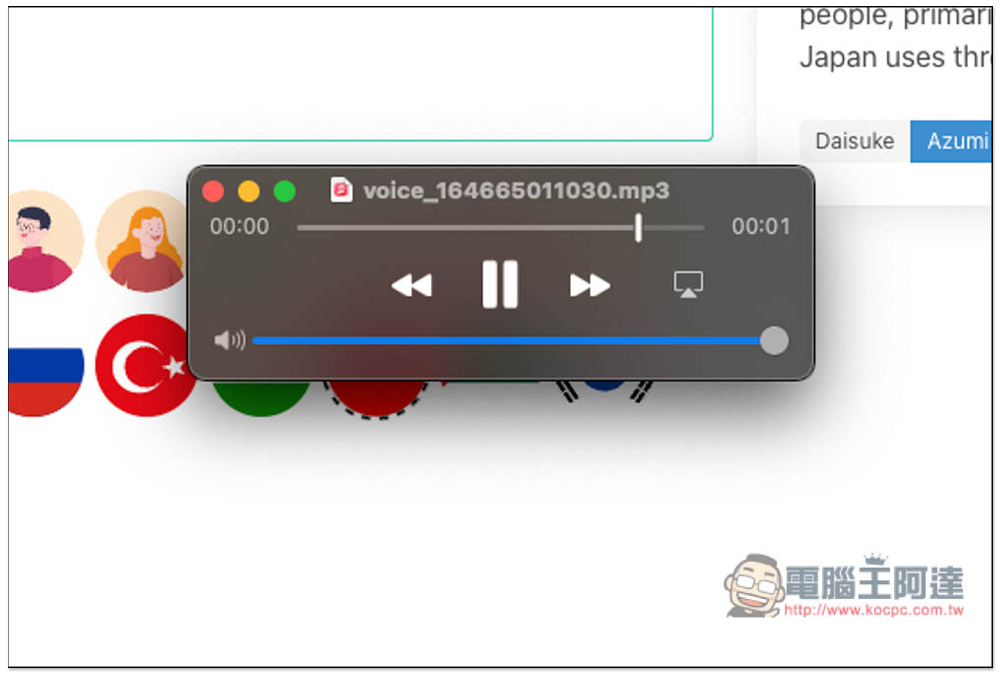
The sound quality after downloading is also very good, and the format is MP3:
As far as text-to-speech is concerned, VanillaVoice is really useful. There are no ads on the page. There is no need to register an account. You can use it just by opening the website. It is a pity that there is currently only one female voice option in Chinese and no male voice, so friends who need male voices cannot use this tool. But if your text-to-speech is mainly used in English, this tool is very useful. There are many characters and accents for you to choose, which one you like.
The only thing to note is that I am not sure whether this website is completely free, because it provides the function of registering and upgrading paid plans, but the page does not have any explanation on the difference between paid subscription and free, so this part allows readers to try it on their own. There may be limits on using text-to-speech too many times, or the conversion will not be possible after the number of words reaches a certain number.
In addition to this tool, this website also has tools such as automatic grammar modification (CorrectMe), saving any web page screenshot (SavePage), and link preview (LinkPreview). People who are interested can also try it out. They all feel pretty good.
Source: KOCPC Chinese