


As AI models become more powerful, background removal that previously required professional software like Photoshop can now be done with AI. Recently, I came across this “RMBG-2.0 for background removal” – a very powerful AI background removal tool. After uploading the image you want to process, just hit the button, and within seconds you’ll get a background-removed image. Even images with complex backgrounds can achieve excellent results.
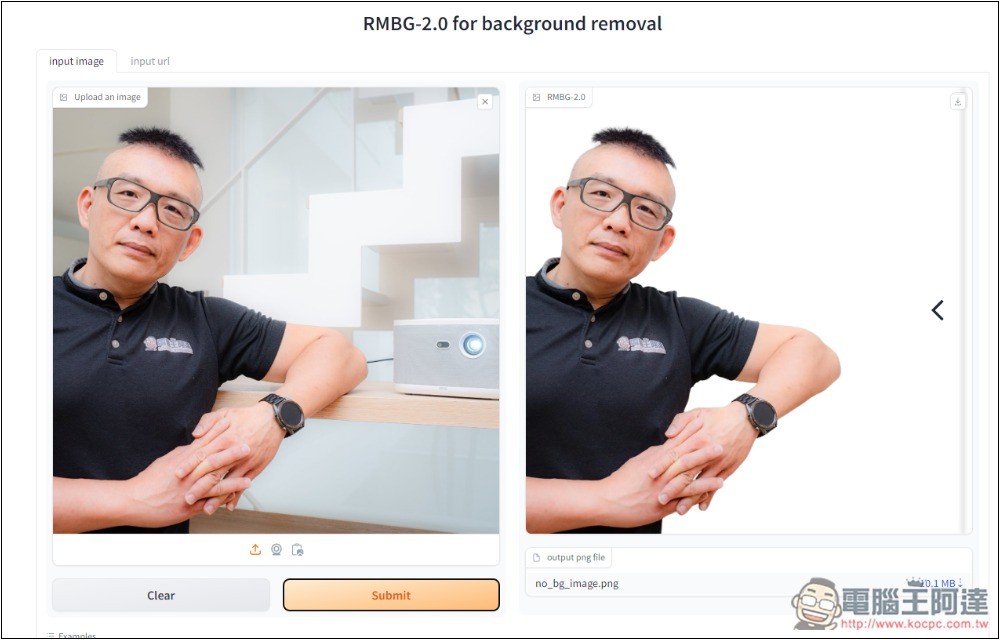
RMBG-2.0 for background removal — a free AI tool that delivers high-quality background removal with one click
RMBG-2.0 for background removal is a free AI background removal tool hosted on Hugging Face, and it also offers model downloads. Those who need it can go to RMBG-2.0 repositoryDownload.
Usage is simple: just upload an image and click process, and it’s done. No need to select the area to remove the background or keep the subject—AI automatically identifies the person.
However, when I tested certain images, there’s still a possibility that both a person and an object get retained at the same time.
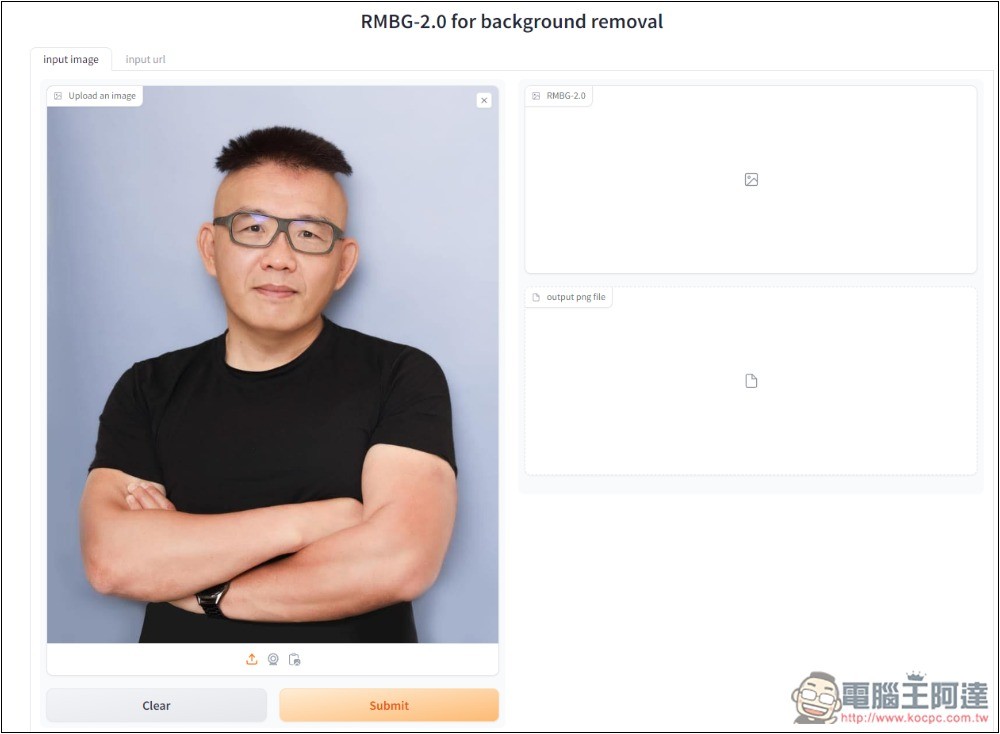
After entering the RMBG-2.0 for background removal tool, upload the image you want to remove the background from. I’ll first test a photo of Ada with a simple background; after uploading, press Submit below:
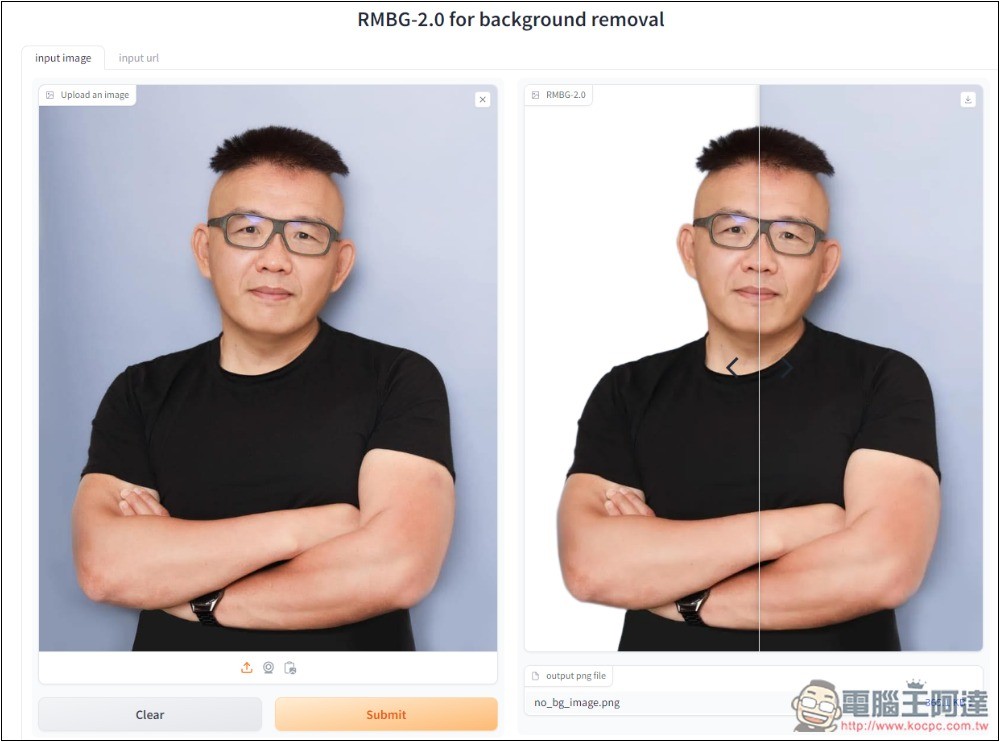
Background removal completes in just 2~5 seconds—very fast. It even provides a slider so we can compare the before and after. That’s pretty nice:
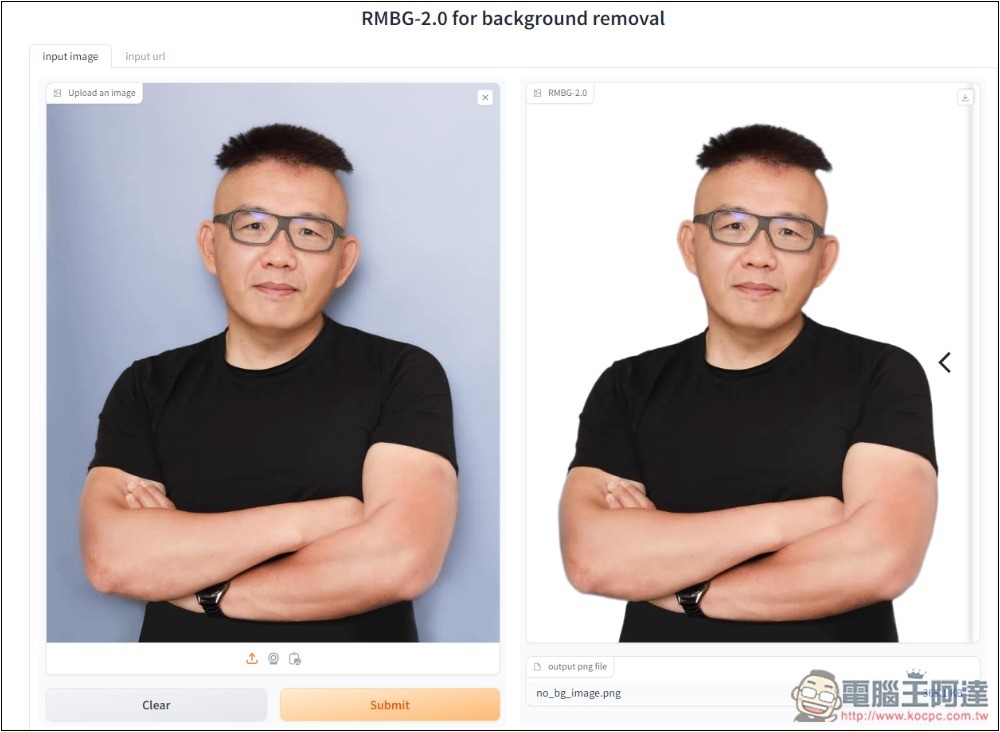
Unsurprisingly, this kind of simple-background photo is very easy for AI, and even the details around the hair are cut out perfectly:
Next, I tested this photo with a complex background, and surprisingly, the background removal was just as flawless. I’ve tried other background removal tools on this one before, and most of them couldn’t accurately identify all parts of the subject, especially the clothing area—many tools would either leave an extra chunk or cut off a piece. But RMBG-2.0 for background removal identified it perfectly. Amazing:
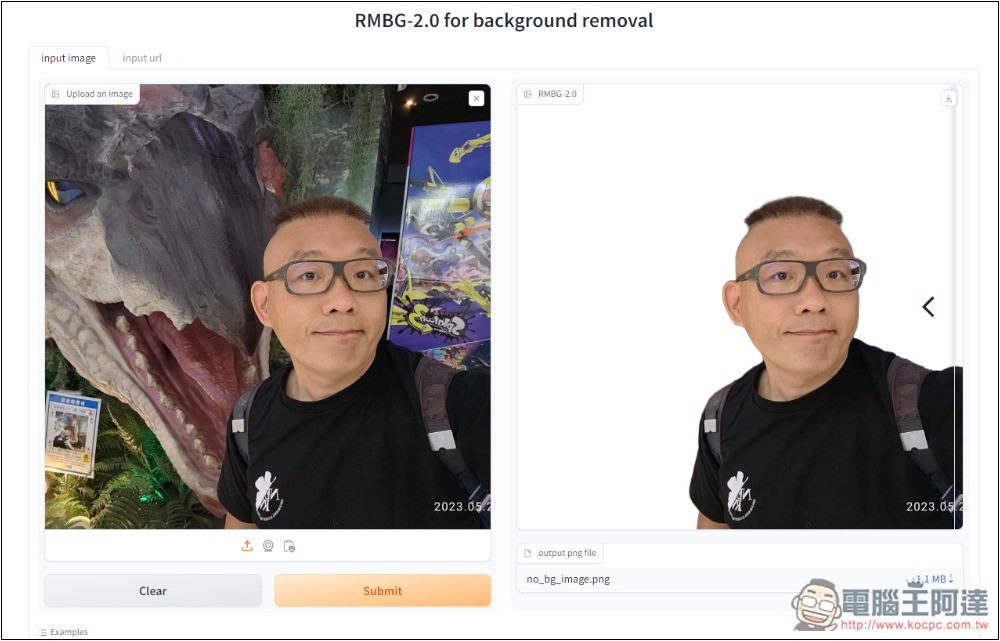
But when I tested another image of Ada with an electric vehicle, the AI also did the background removal perfectly, but it didn’t remove the background correctly—it kept both Ada and the electric vehicle.
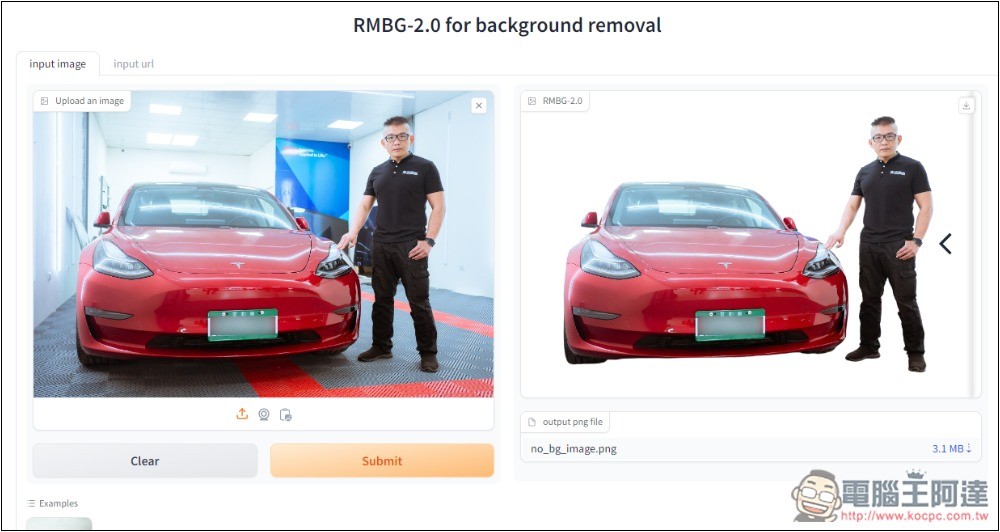
Because this tool is mainly for demonstrating RMBG-2.0’s AI background removal effect, it does not provide other editing functions. If there were a function to specify a range and then remove the background again, it would definitely be more useful.
Although RMBG-2.0 for background removal cannot correctly identify every image, basically as long as it’s not like the one above where Ada and the electric vehicle are both large subjects, it should be fine, and you can get quite good person cutout results.
Besides manually uploading images, it also supports capturing from your camera, pasting from your clipboard, and specifying an image URL.
The only thing to note is that because this tool is hosted on Hugging Face, when too many users are using it at the same time, the background removal speed may slow down. If it’s too slow, you can try again later.
Source: KOCPC Chinese