


Almost everyone often relies on LINE to communicate with family, friends and customers in their daily life. When using LINE, it is inevitable that there will be times when you are not familiar with the operation and need to seek answers. At this time, you can seek help from LINE customer service assistants to help solve your doubts! Recently, LINE officially announced that it will comprehensively upgrade its customer service assistant. It not only introduces natural language understanding technology and AI upgrades, but also supports 24-hour intelligent customer service to help users answer LINE usage problems anytime and anywhere.
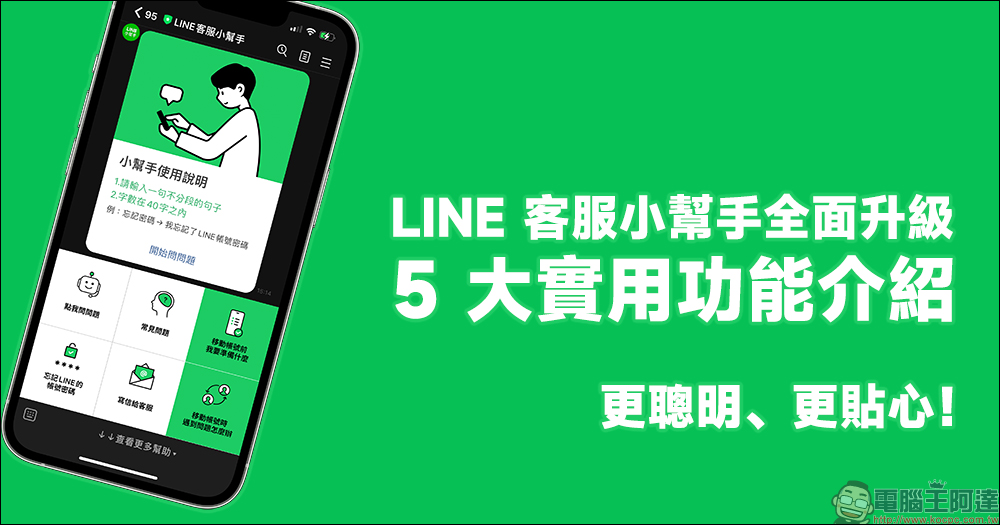
LINE customer service assistant has been fully upgraded! Introducing 5 practical functions to make you smarter and more considerate!
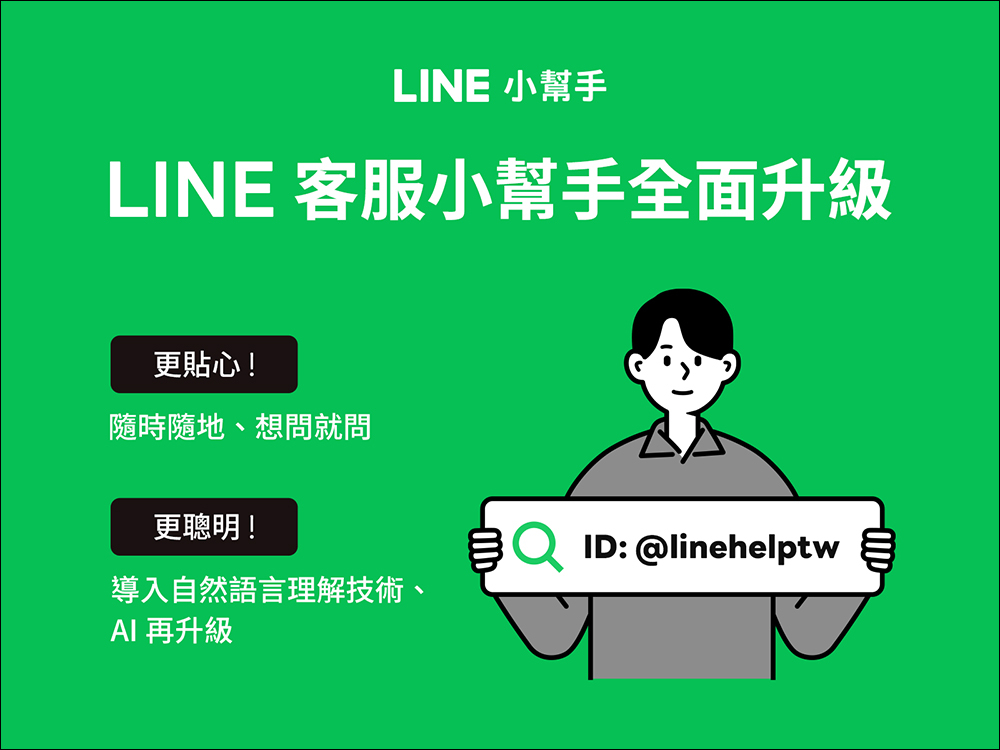
In addition to transferring LINE to a new phone, the majority of LINE users will also encounter various usage problems that need to be answered during daily operations. Among them, forgetting passwords is a common usage problem that everyone encounters. From now on, if you encounter various LINE usage problems, in addition to using the customer service form to write to inquire, you have a faster and more immediate option. As long as you add the official LINE account of “LINE Customer Service Helper” as a friend, you can enjoy the now fully upgraded customer service service that is more responsive to user needs! Not only does it provide 24-hour AI customer service, but this time we will also quickly introduce the five practical functions of the customer service assistant.
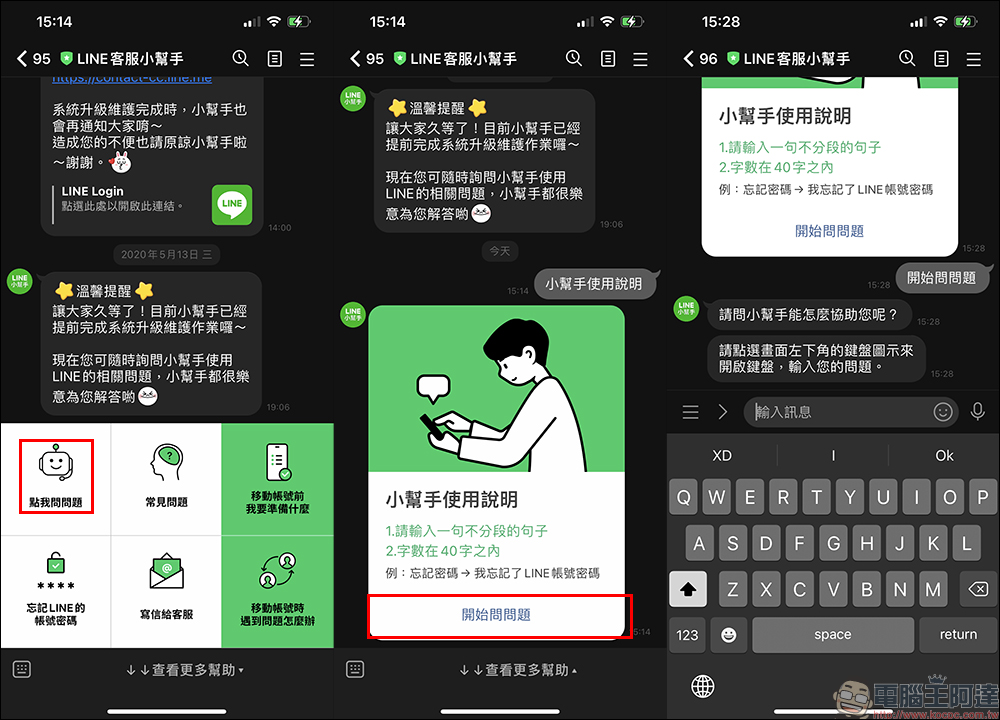
Click me to ask questions|You can ask anytime, anywhere.
Select “Click me to ask a question” on the main menu of the official LINE Customer Service Assistant account, and then enter the question you want to ask. You can ask questions at any time, and the intelligent customer service assistant will find the answer for you. (* Tips for use: It is recommended to enter a sentence without paragraphs or lines, so that the helper can understand your question faster.)
Frequently Asked Questions | Top 5 Quick Answers to Recent Popular Questions
Want to know what problems other LINE users have encountered recently? Click “Frequently Asked Questions” to view the five most popular frequently asked questions recently. You may already have answers to the questions you encounter.

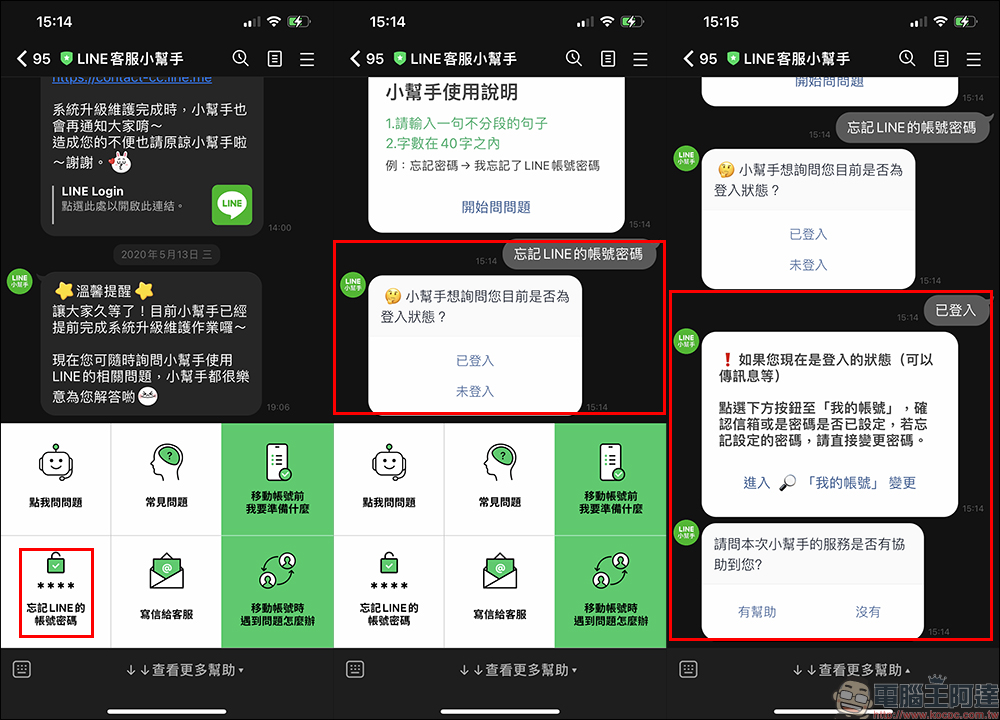
Forgot your LINE account password | Don’t be afraid if you forget your password! Leave it to the little helpers
Forgetting your password may be the most common problem that modern people encounter when using social applications. Sometimes the password is forgotten after a while after setting it. Especially for LINE passwords, unless you frequently use the computer version of LINE to log in to your account, you may not need to enter your password for a long time, and by then you may have forgotten your LINE password. If you find that you have forgotten your LINE password, don’t worry too much! Just click “Forgot LINE account password” on the LINE customer service assistant, and then select the situation you are currently encountering according to the helper’s reply, and the helper will tell you how to deal with it!
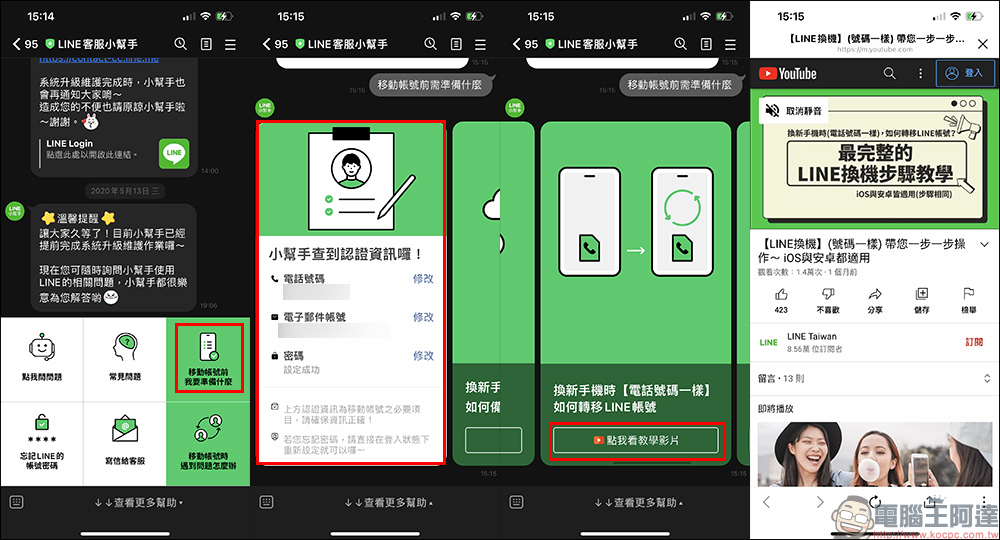
What should I prepare before moving my account|Complete tutorial on changing LINE phones, complete account health check with one click
Before switching LINE phones, be sure to confirm that the phone number, email account, and password of your LINE account are set up to make the switching process smoother. Users only need to click “What should I prepare before moving my account” in the upper right corner of the main menu, and the little helper will immediately become your LINE phone switching coach. Not only can you complete the account health check with one click, but it has also compiled instructional videos on the switching steps for various phone switching situations. As long as you follow the step-by-step instructions of the little helper, everyone can successfully transfer LINE to a new phone!
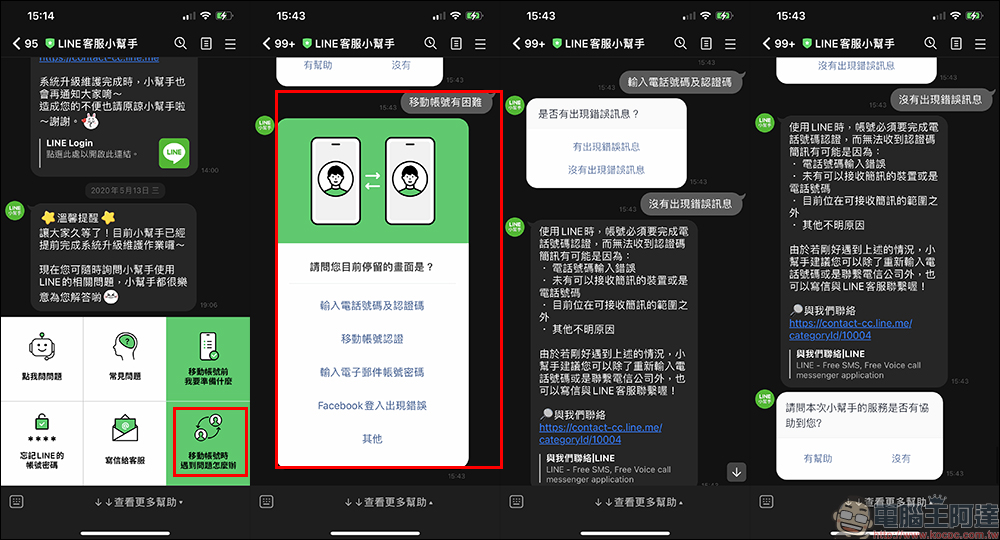
What to do if you encounter problems when moving your account | Frequently Asked Questions about the Switching Process
If you encounter problems when moving your account, click “What to do if you encounter problems when moving your account” on the main menu, select the status of the current problem according to the helper’s response, and you can also find the solution when changing devices. Even if your current mobile phone cannot operate the Little Helper, you can still ask friends and family to use their mobile phones to ask the Little Helper for help!
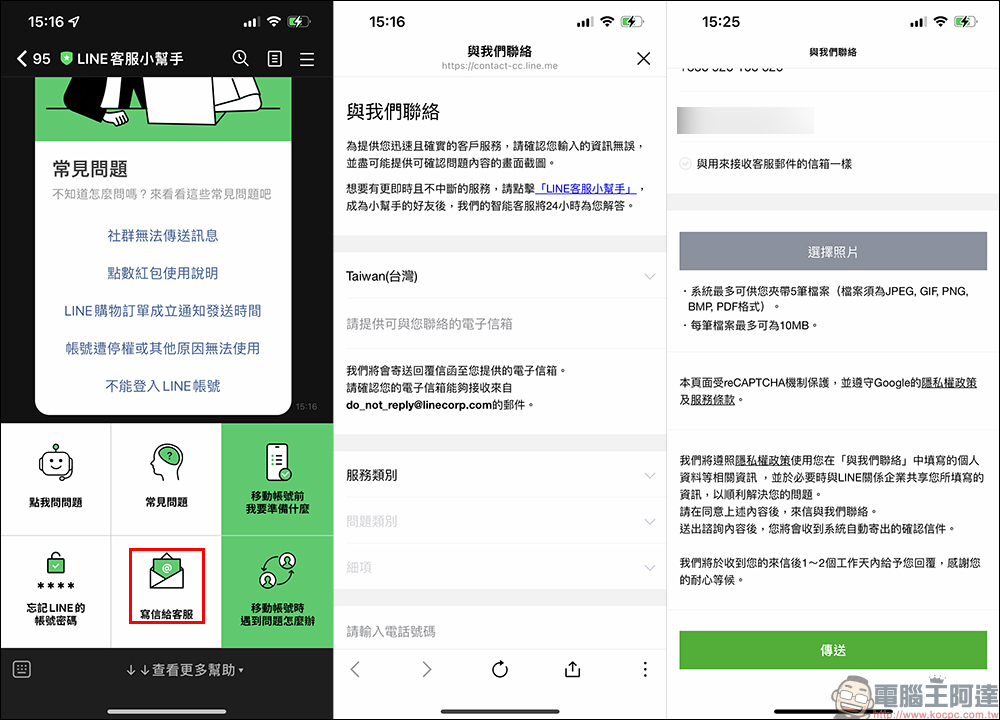
Write to customer service|If the problem still cannot be solved, please contact LINE customer service
If the various functions of the LINE Customer Service Assistant still cannot answer your usage questions, then click “Write to Customer Service” to ask customer service staff to answer your questions! However, the author recommends that you directly use the functions introduced above by the customer service assistant to solve the problem of quick use. Unless the problem cannot be eliminated after trying for a long time, you can then send a letter to customer service staff for answers.
LINE customer service helper:Click me to add friends
Source: KOCPC Chinese