


Although iPhones and Android phones have built-in timers, most of them do not have voice functions. They only have ring reminders when the time is up. This is not very useful in some situations. For example, if you are very busy now and have important meetings to attend, you may want to prompt a countdown before the time is up so that you have time to finish. This article will recommend a free timer app with built-in voice reminders, 1Timer App. Both iOS and Android versions are available. After setting the timer, it will preset every 10 seconds within 1 minute. It will prompt once every second, and the last 10 seconds will count down, and the prompt interval can be customized, which is very easy to use.
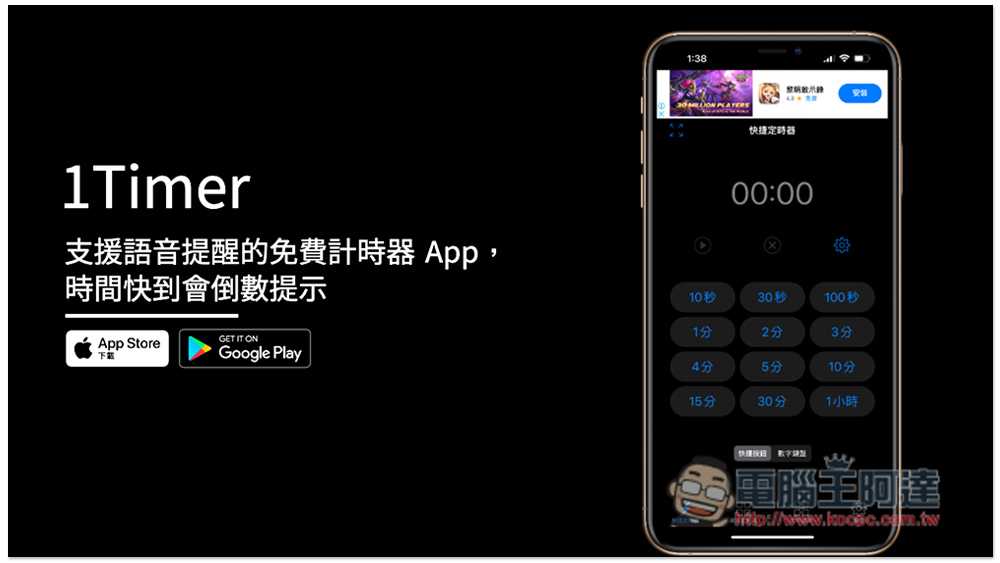
Introduction to 1Timer, a free timer app that supports voice reminders
Download link
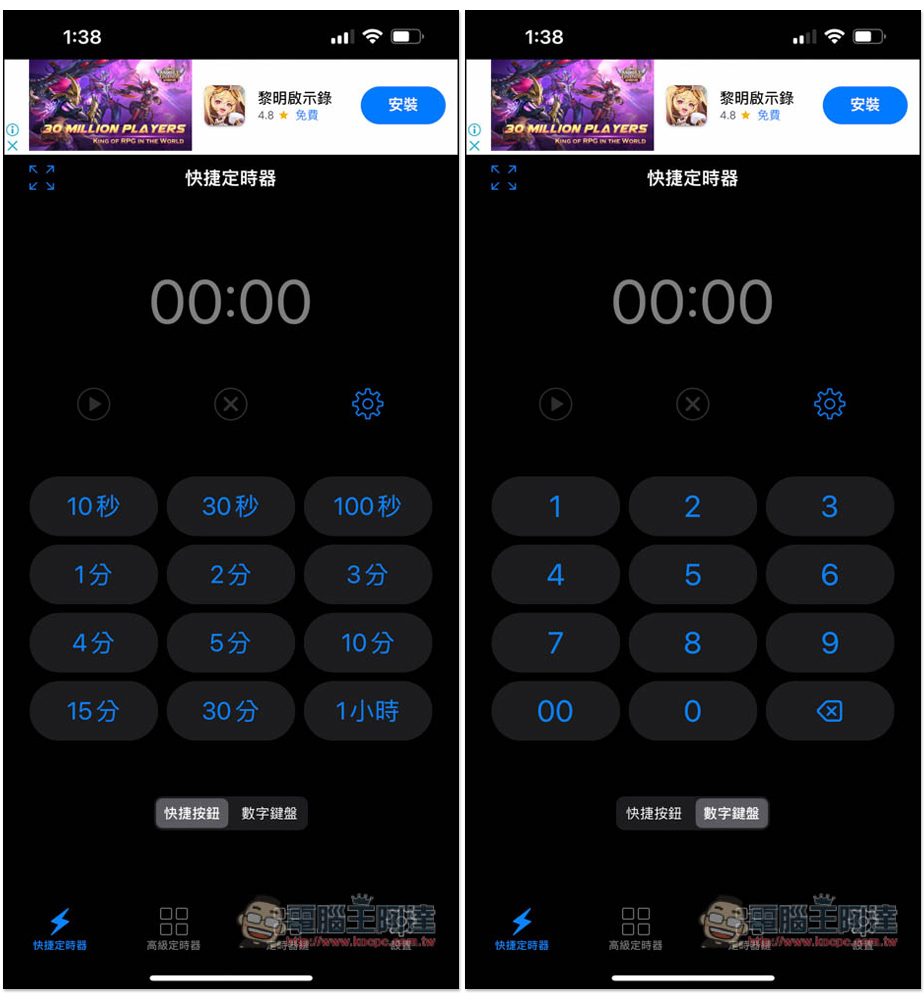
After opening the app, you will enter the quick timer page, where some commonly used times have been preset, such as: 10 seconds, 30 seconds, 100 seconds, 1 minute, 2 minutes, 3 minutes, 4 minutes, etc. Once clicked, the timer will start. Of course, you can also manually enter the time you want:
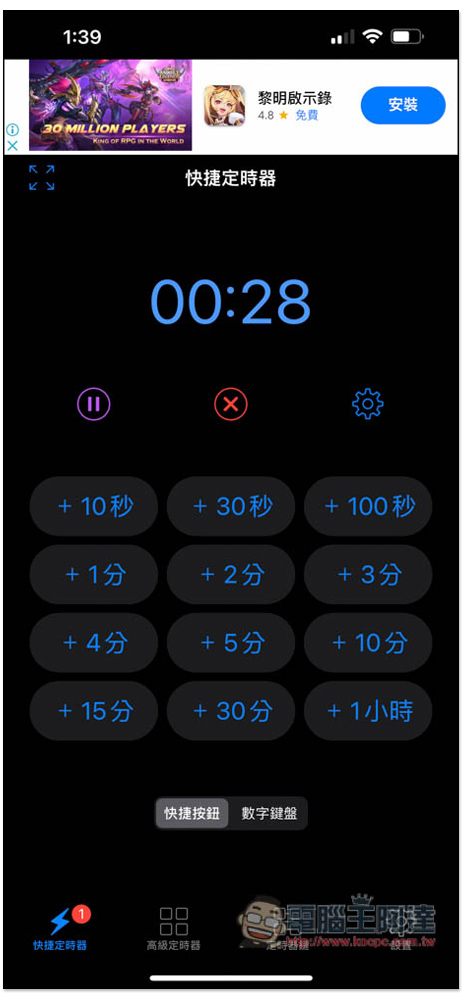
After starting the timer, in addition to the voice prompts, you can also see whether to add time depending on the current situation. This function is quite good, and there is no need to reset it:
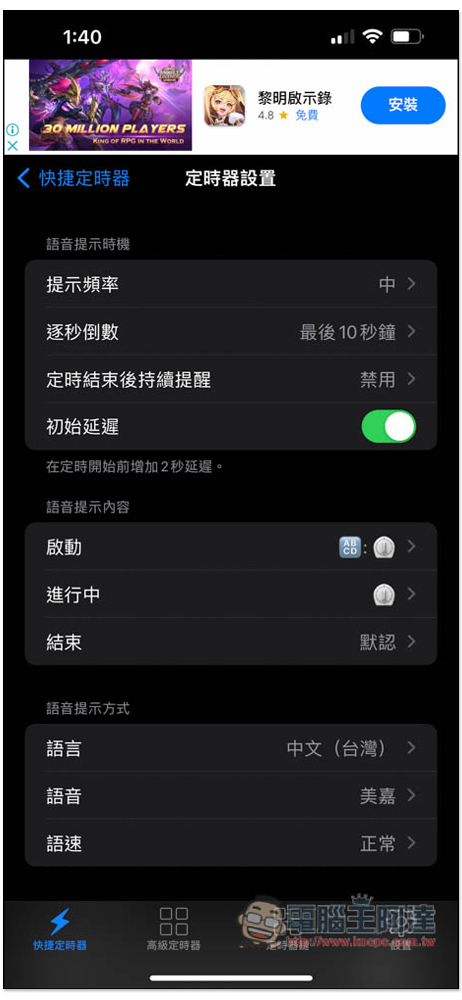
There are three levels of prompt frequency, high, medium and low. The default is medium. The medium frequency will give you a voice prompt according to the following specifications:
- Under 1 minute: Prompt every 10 seconds
- Between 1 and 5 minutes: prompt every 30 seconds
- Between 5 and 10 minutes: prompt every 1 minute
- Between 10 and 30 minutes: prompt every 5 minutes
- Between 30 and 60 minutes: prompt every 10 minutes
- 60+ minutes: prompt every 30 minutes
If you want the voice prompts to be more frequent or longer, open Settings -> Prompt Frequency to adjust. The second-by-second countdown is preset to the last 10 seconds, but can also be changed to the last 15 seconds, the last 30 seconds, the last 60 seconds, etc.:
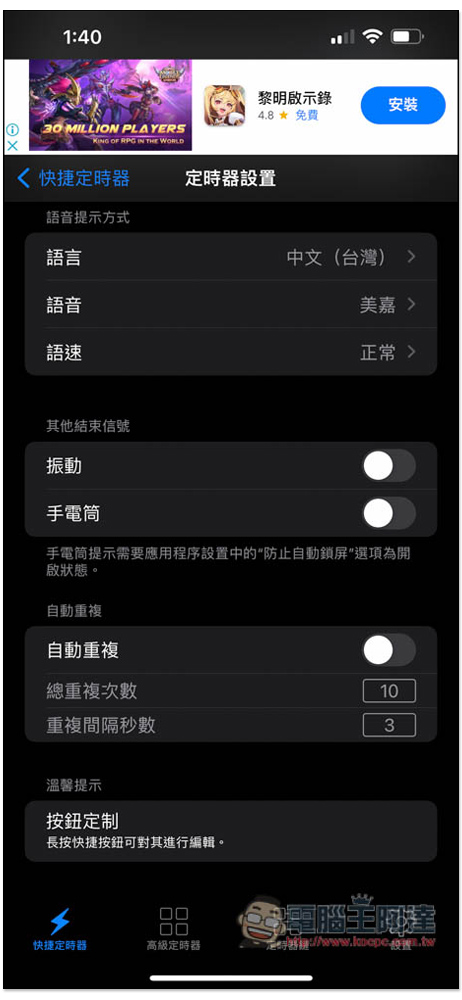
In addition to voice, other reminder functions, vibration and flashlight are also provided, depending on whether you need them or not. The default is off:
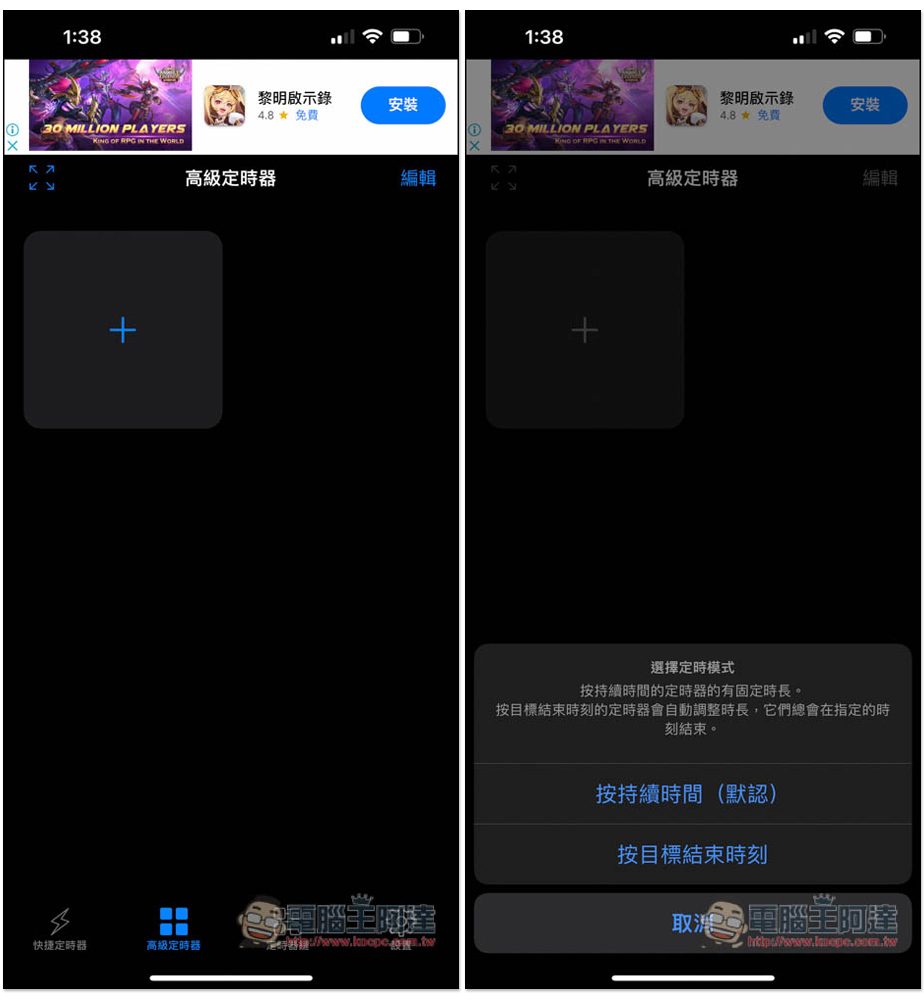
This one also has advanced timers, including “by duration (default)” and “by target end time”. Unlike the shortcut timer, you can create commonly used timers here, such as daily exercise timers. The timers here will not disappear after counting down and can be used repeatedly. “By duration” is to set a fixed time, such as a 5-minute timer. “By target end time” is different. You can set a certain time point, such as: 4 p.m.:
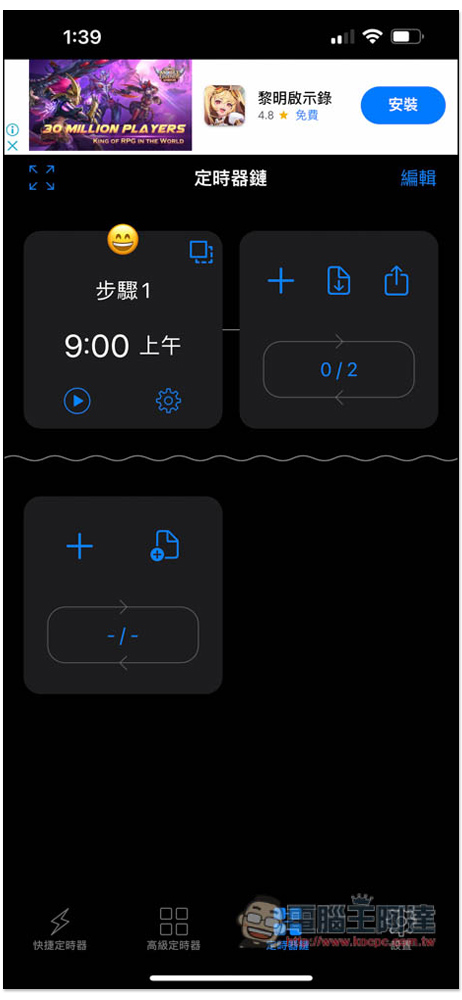
The timer chain is a more advanced timer. It can continuously connect multiple timers in series:
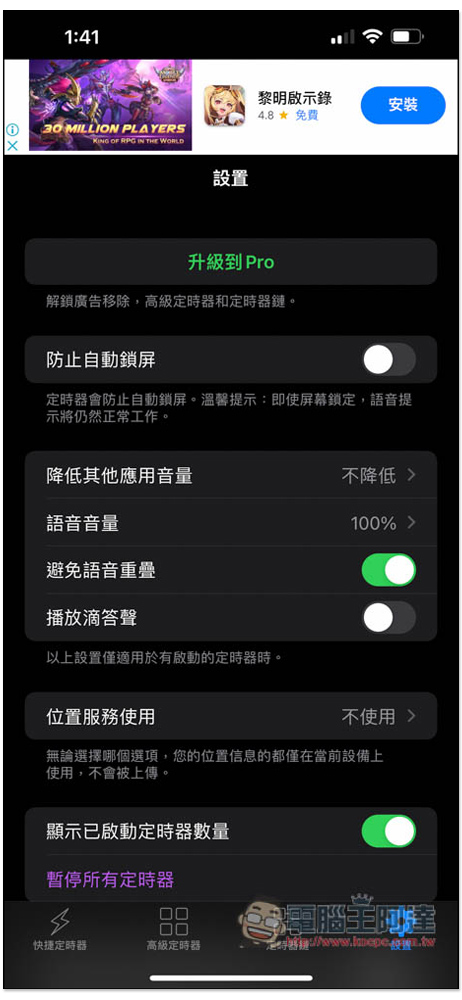
There is a function to prevent automatic locking in the settings, but it doesn’t matter whether it is turned on or not, because even if the screen becomes locked, the voice prompts and timer will operate normally. This app also has a Pro version, which can unlock more timers and remove ads. Those who find it useful can refer to:
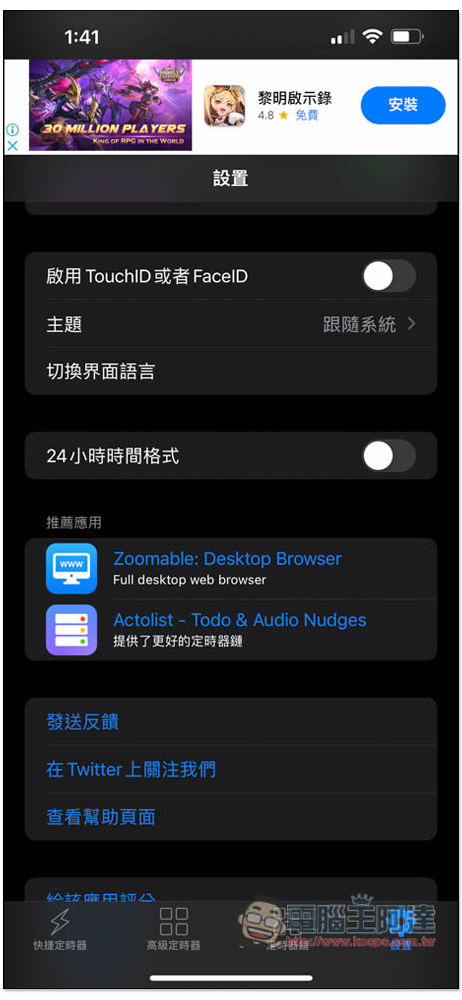
It also supports Touch ID and Face ID unlocking, but I think this is quite redundant. After all, it is just a timer. It feels meaningless to add another layer of lock:
1Timer can be said to be the app with the most types of counters that I have used so far. Therefore, it can be used in a wide range of applications, such as fitness exercises, forming habits, homework, work, punctuality, exams, etc. No wonder it is rated so highly.
Source: KOCPC Chinese