


Recently there really have been more and more powerful AI coding tools, besides the ones we previously introduced… Cursor、LlamaCoder, and Websim.aiRecently, I discovered another very useful tool, v0.dev. It can also do the same: just use natural language and a sentence, and AI will help you create that app. What’s even better is that besides being able to download the code, you can also deploy online with one click, meaning you can share it with others for use.
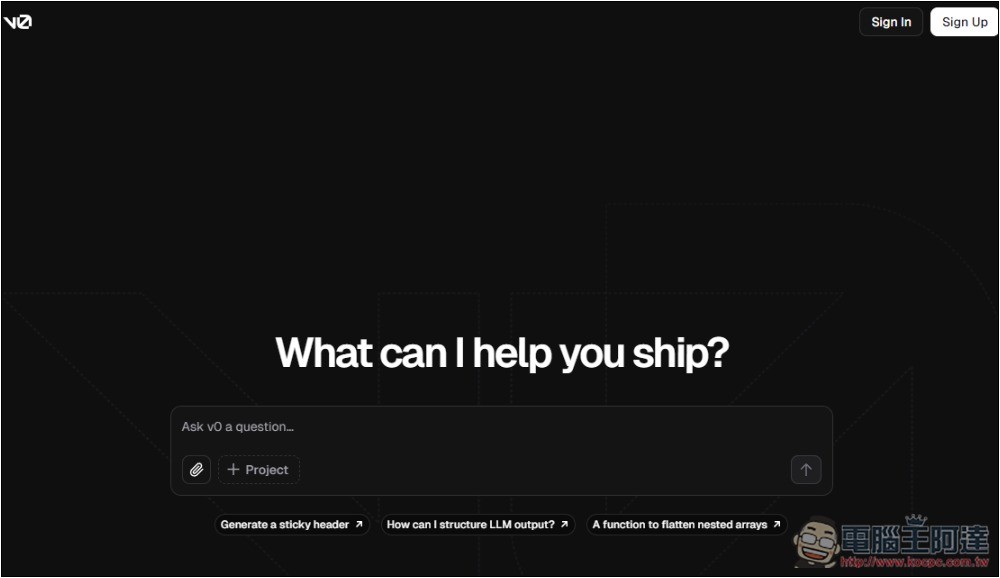
v0.dev lets you create your app easily with just one sentence.
v0.dev is an online AI chatbot service launched by Vercel. Like most tools of the kind, it has both free and paid versions. The free version gives you a certain number of credits to use, and these are refreshed every month.
Not sure if it’s because it just launched recently, but when I tested it, chatting doesn’t deduct points, so I can keep chatting without any restrictions.
You don’t need to install anything—just open the webpage and log in to your account to start using it.
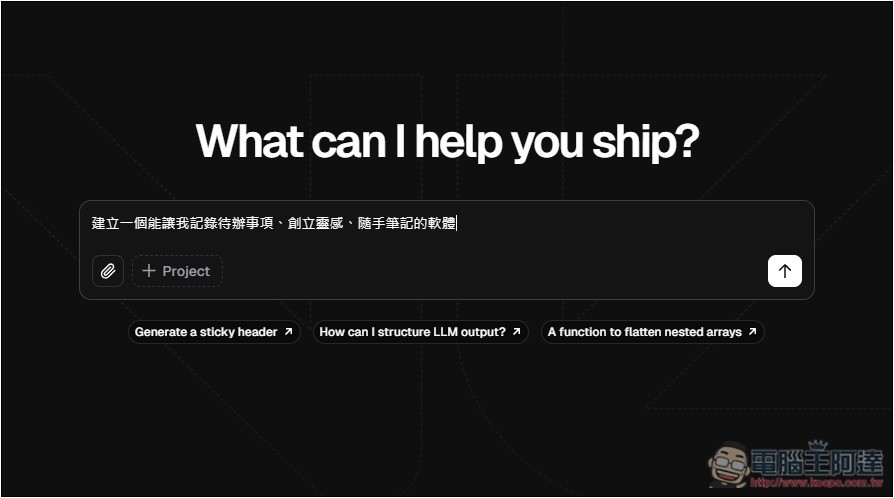
After clicking the link above to go to the v0.dev website, just type the description of the app you want to build in the chat window. It’s fine if you don’t have many ideas at first—just tell it what features you want your app to have. For example, I typed “Create software that lets me record to-do items, capture inspiration, and jot down notes.” There are also options below for uploading files and adding to a Project.
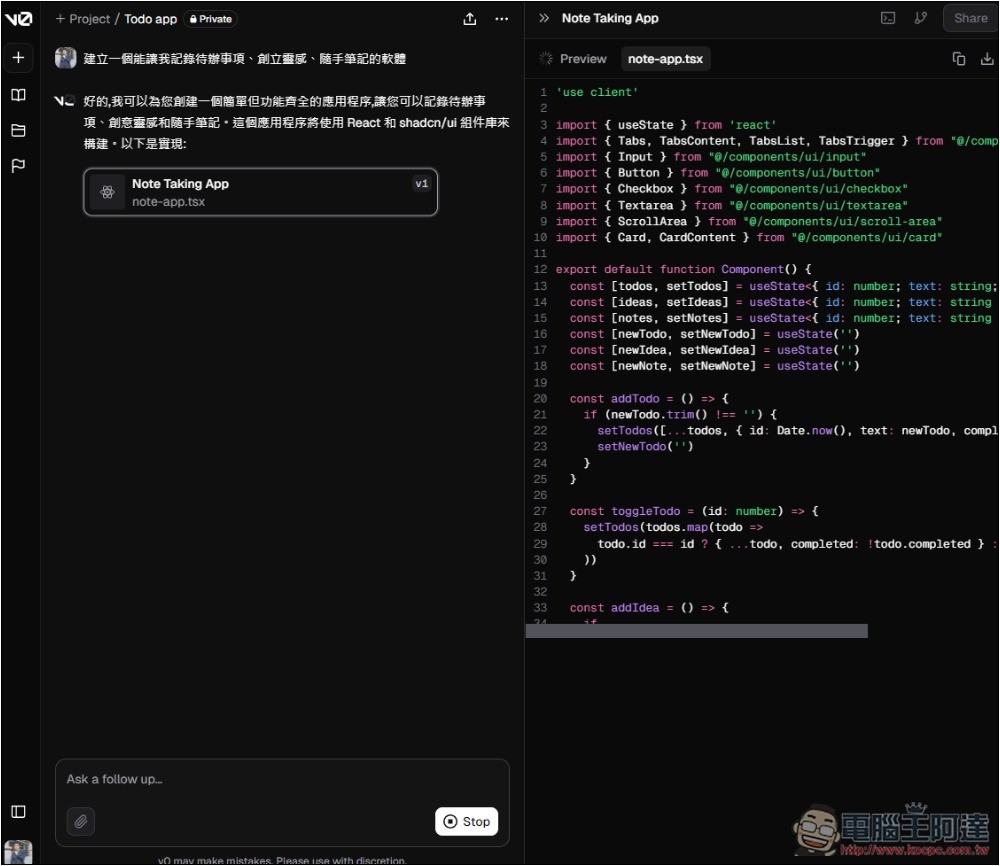
Once you submit the prompt, it will start building the app. Since I didn’t specify how it should be made, it automatically picks the best approach on its own—for instance, this one was built with React and Shadcn UI components. The right side shows the code and a live preview of the app, meaning you don’t need to download or copy the code to test it manually; you can see the result directly in the chat.
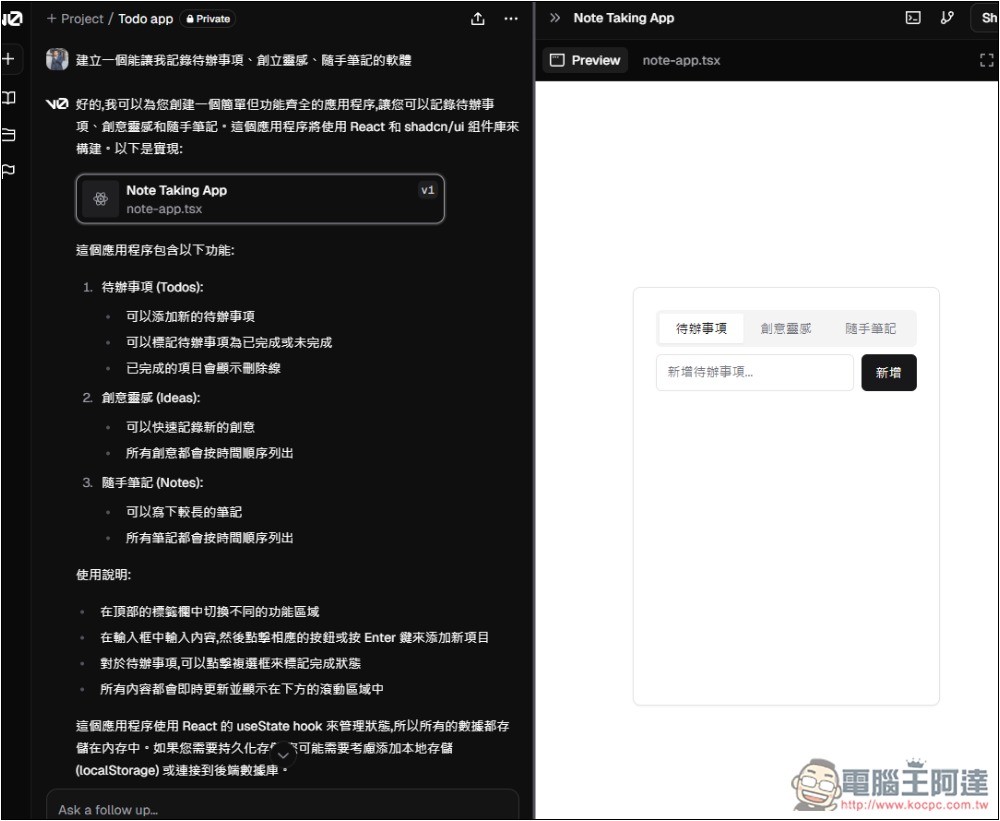
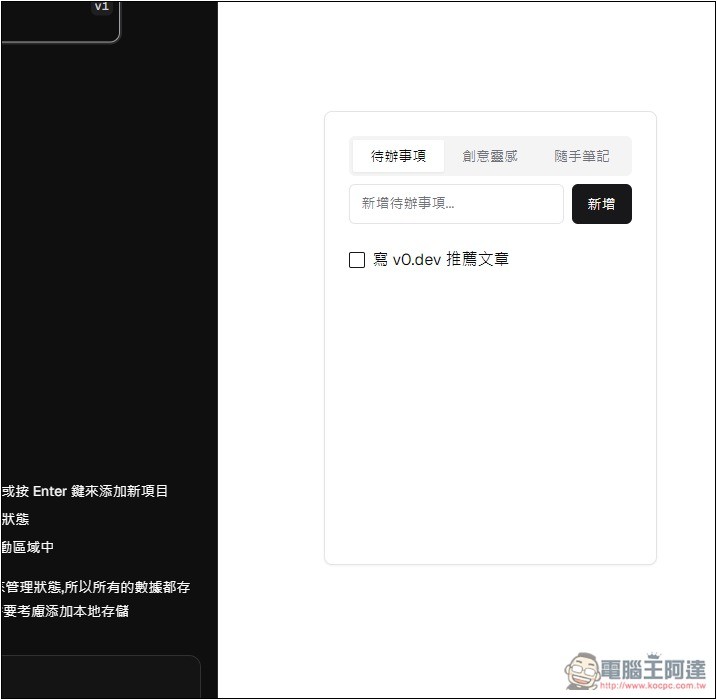
In less than a minute, AI helped me build this app, with no need to understand or write any code. Everything was done by AI. And it worked on the first try, with the to-do list, creative ideas, and quick notes I requested all included.
Moreover, it knows to format the to-do items as checkable, which is really nice:
Jotting down: when I test the input content, it just becomes plain recorded text:
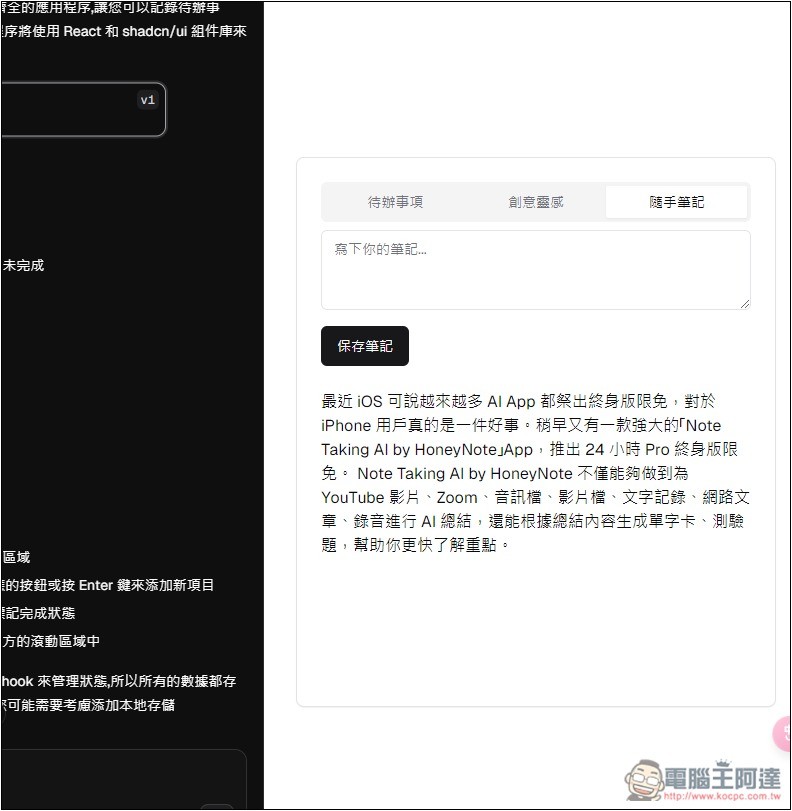
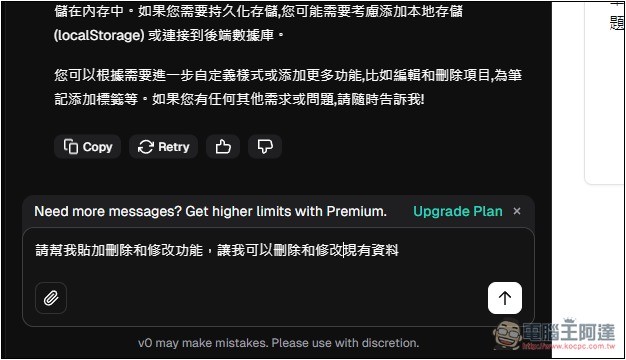
However, I noticed that the content I entered couldn’t be deleted or modified, so I just asked the AI to add it for me, again using natural language.
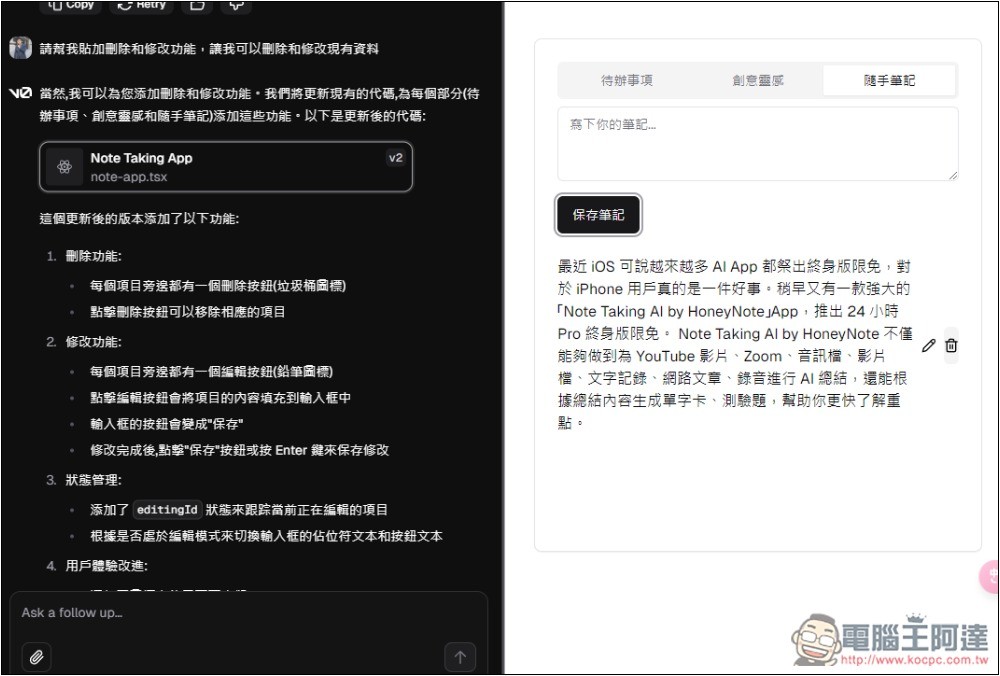
After the modifications, the tests were successful as well. Each entry has edit and delete functions, and they are also designed as icons, with a very nice texture:
Once you’ve finished the App and want to share it with others to try out and deploy it online, click the Share button in the top-right corner and select Publish:
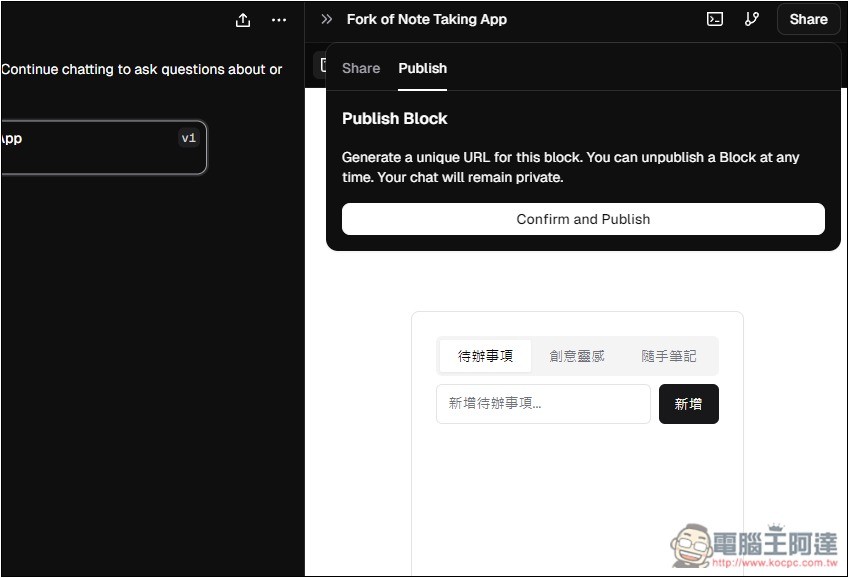
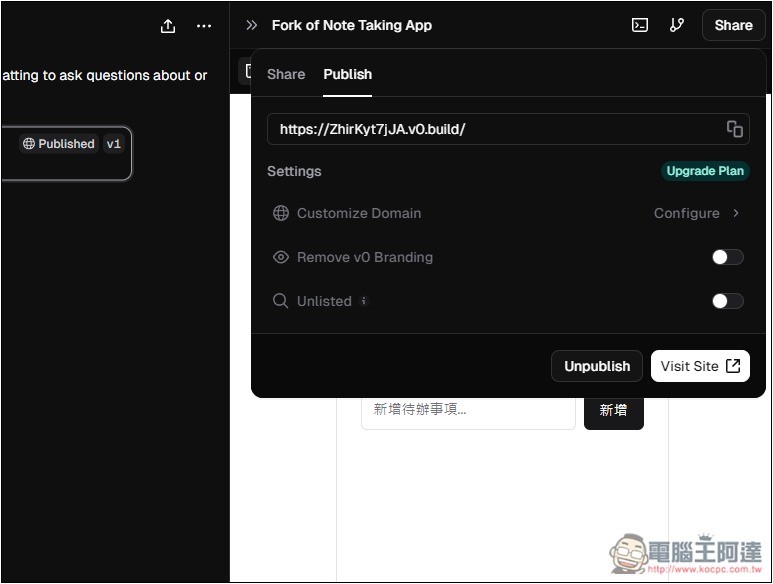
You will get a dedicated URL. Share this URL with others:
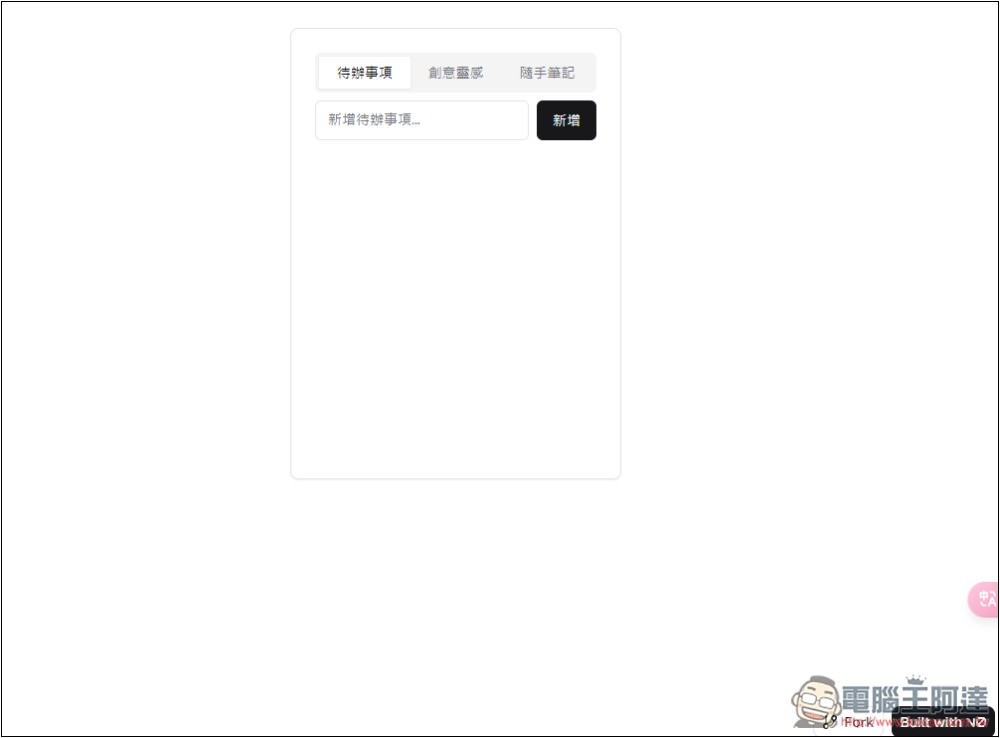
When the other person opens it, they’ll go straight into the app.This is the program I demonstrated.It only took a few sentences to finish this app, so there aren’t many features, but if you’re interested, you can still give it a try:
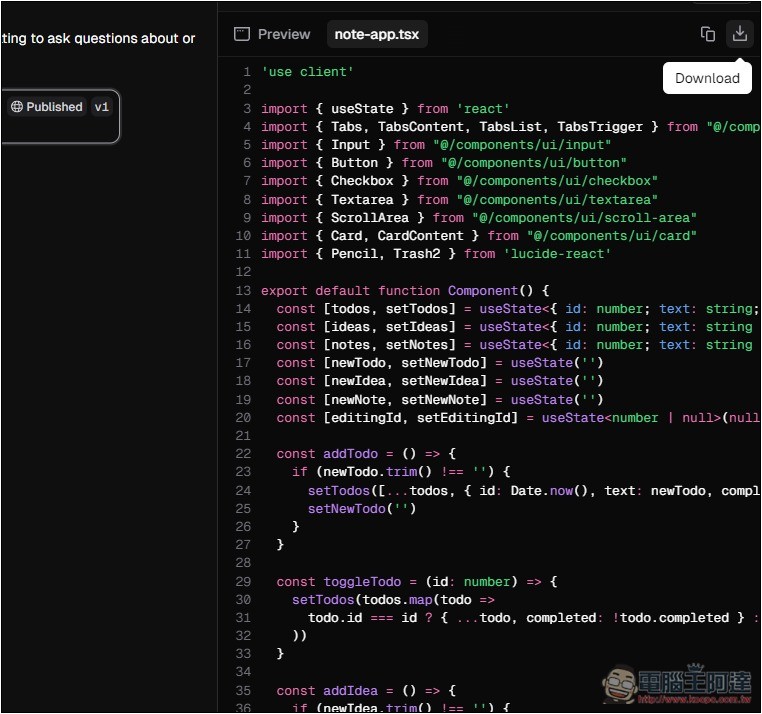
Of course, you can also download the code files:
Upload a screenshot, and AI will create this webpage for you.
vo.dev supports image uploads, so if you come across a nice webpage or screen you’d like to use for your own app, you can upload a screenshot and ask AI to generate similar content.
Like how I captured Threads’ web version:
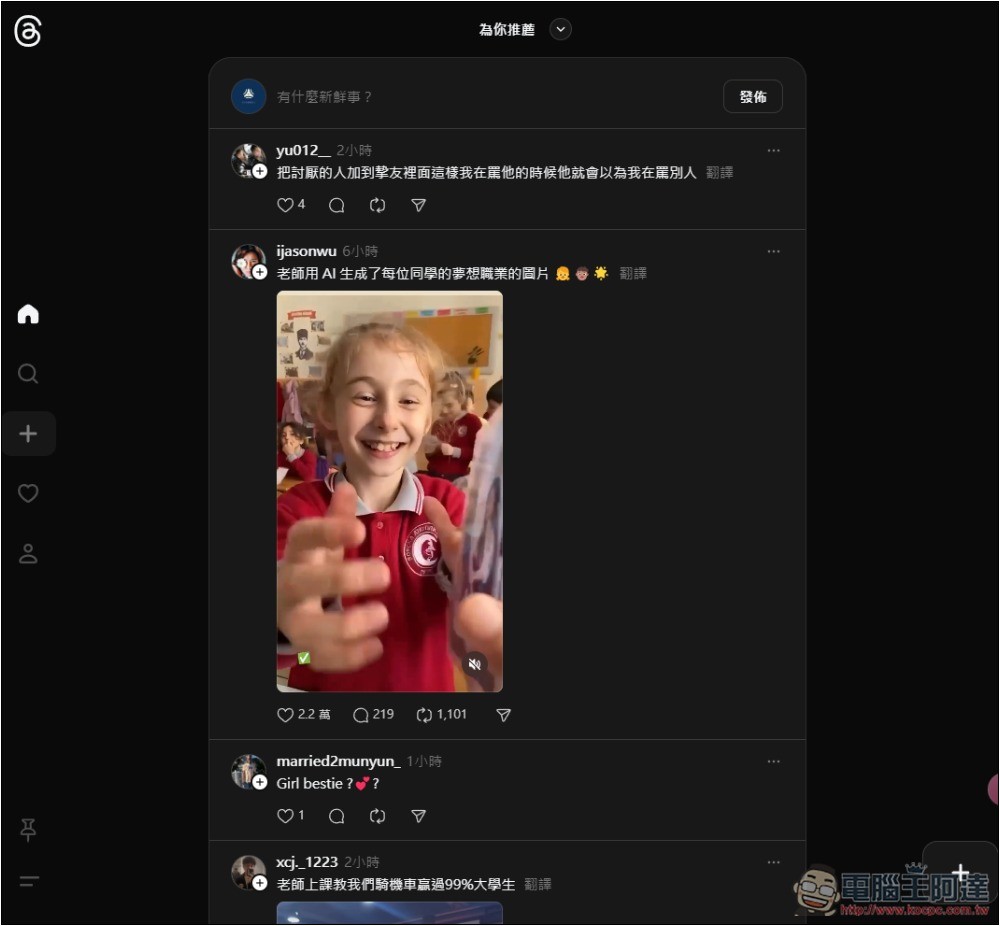
After uploading the screenshot, I asked it to create a similar webpage:
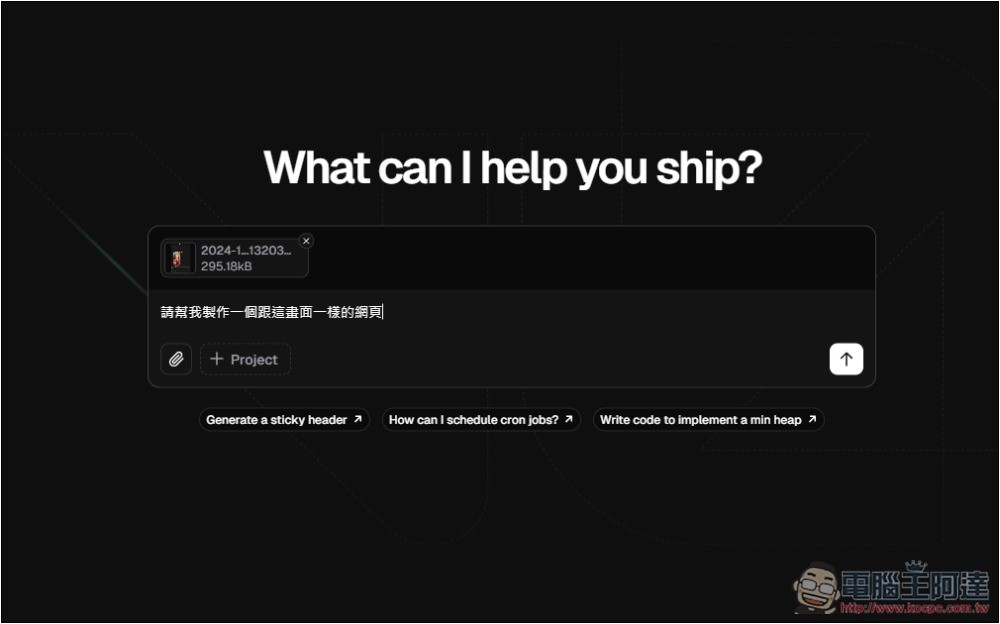
Once recognition is complete, it will begin writing:
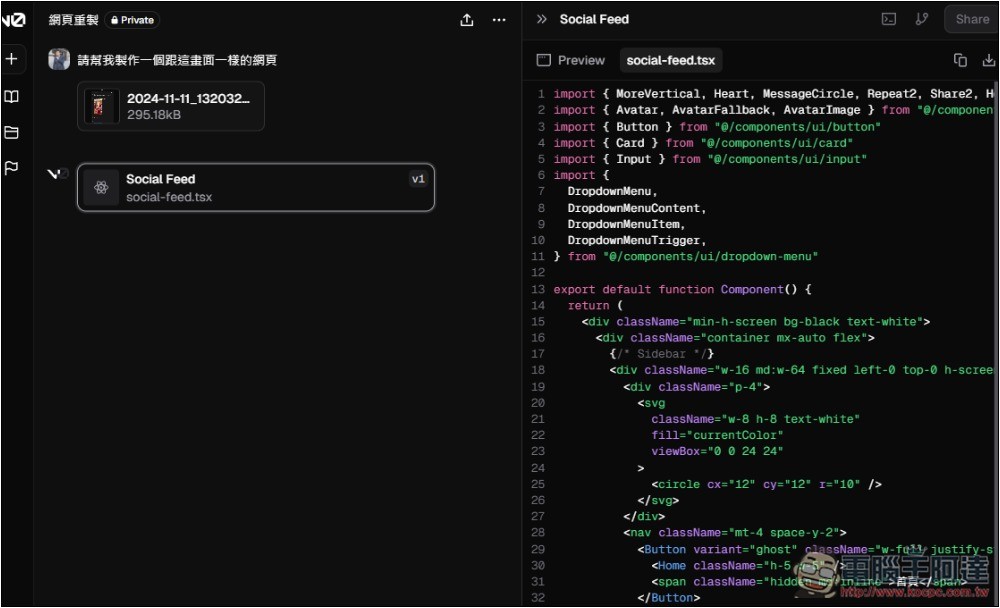
Likewise, it took less than a minute and the finished product was done. Although it wasn’t 100% identical, the overall interface was quite similar, and it even knew this was a social media page, so there was a box at the top for entering status updates. However, when I tested it, there was no functionality.
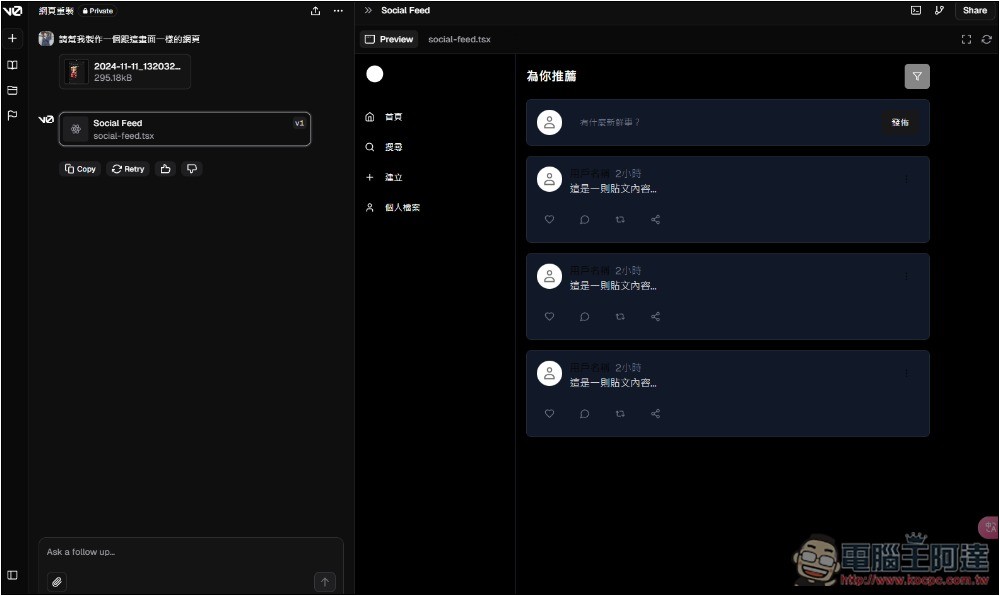
So I asked it again to add the ability to publish new posts and also have memory functionality, so that the data won’t be lost the next time it’s opened:
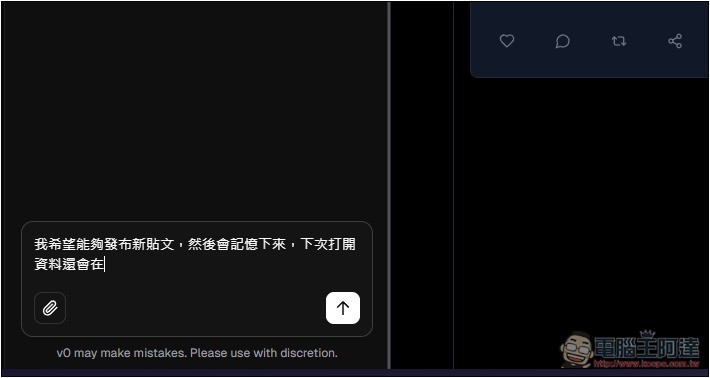
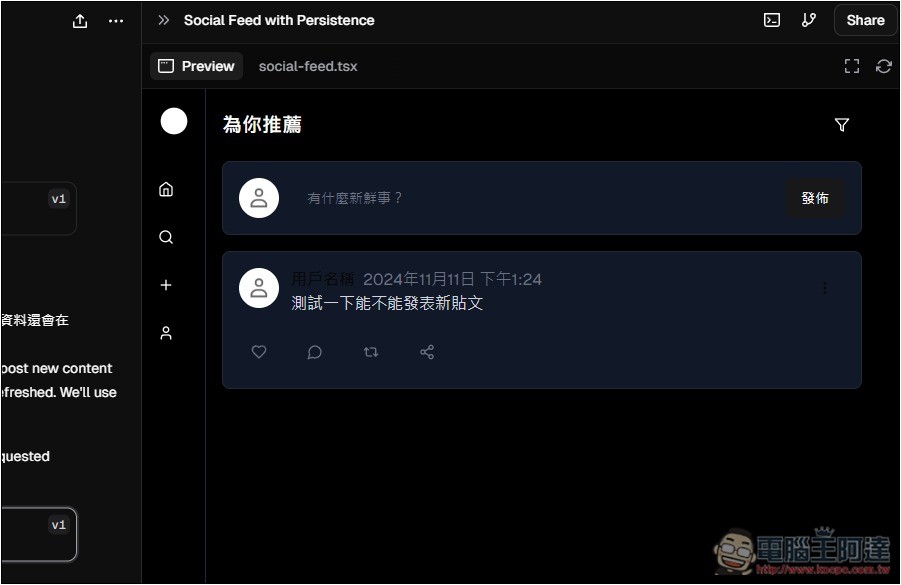
After the modification, I tested successfully:
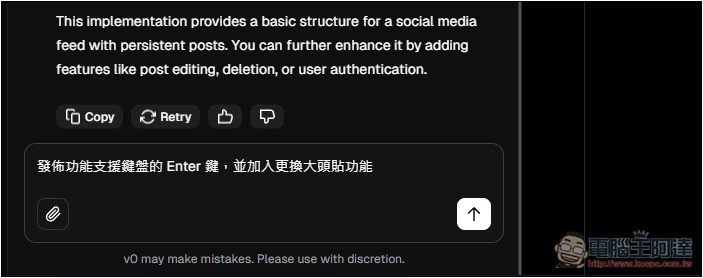
Next, I’d like to continue requesting new features, such as being able to press the Enter key to directly post after entering a status update, and also changing the profile picture:
After the fix, testing confirmed it was really there, and it even knew to add a feature letting me choose images.
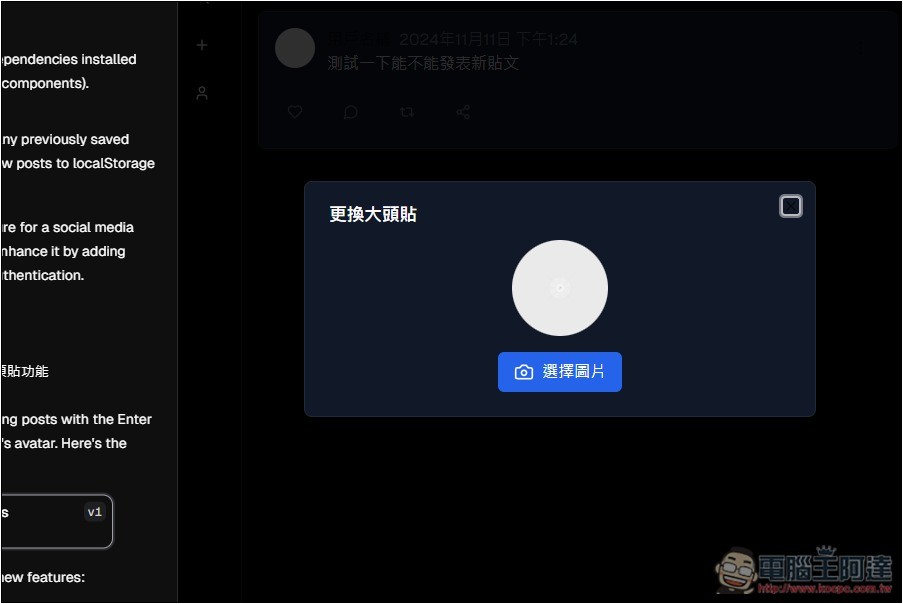
Setup successful:
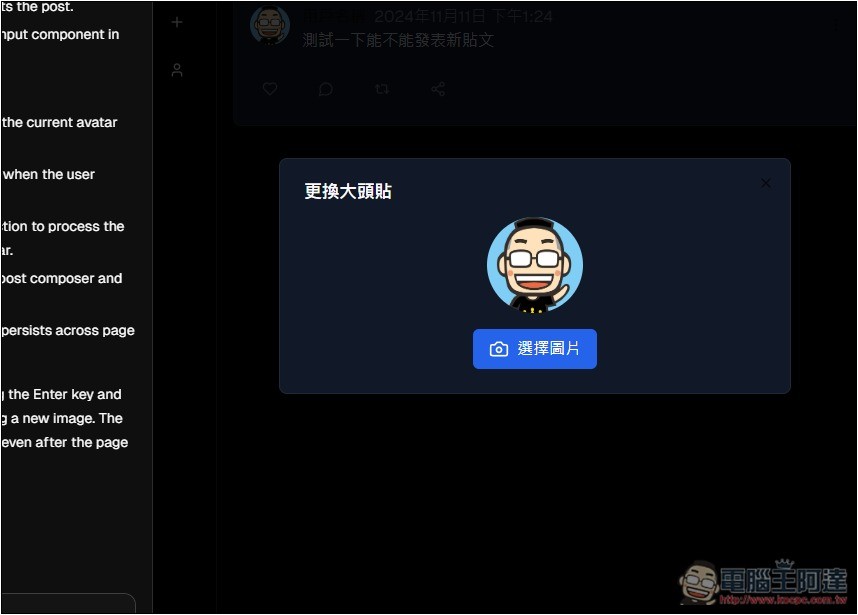
After changing it, the profile picture will be applied:
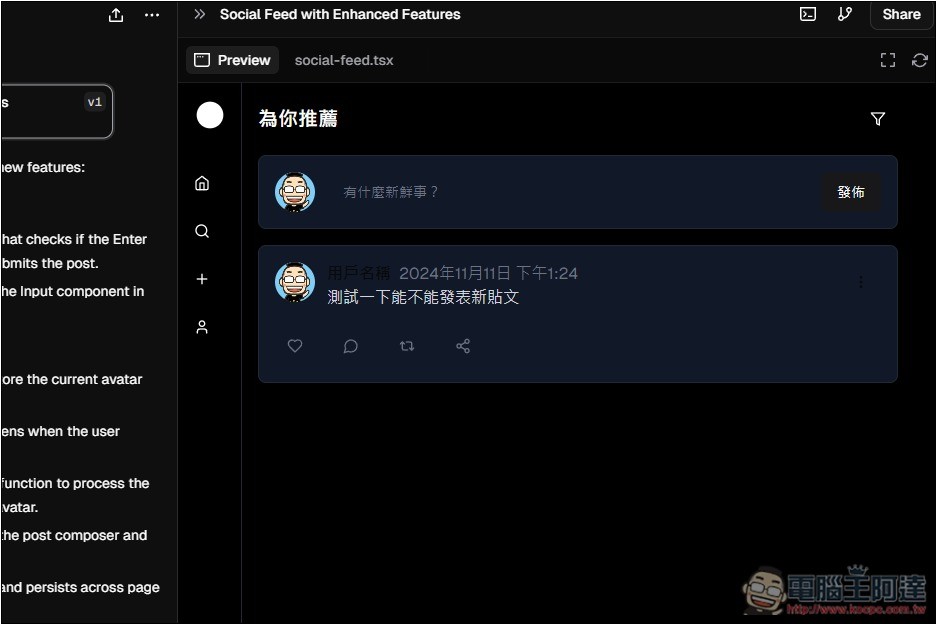
Got to say, the AI model on 0v.dev is pretty smart. It anticipates a lot of things on its own, so I don’t have to explicitly ask—it just adds them automatically. That’s really great.
Additionally, I tested these two programs and they never failed—every modification succeeded every time, which also impressed me a bit.
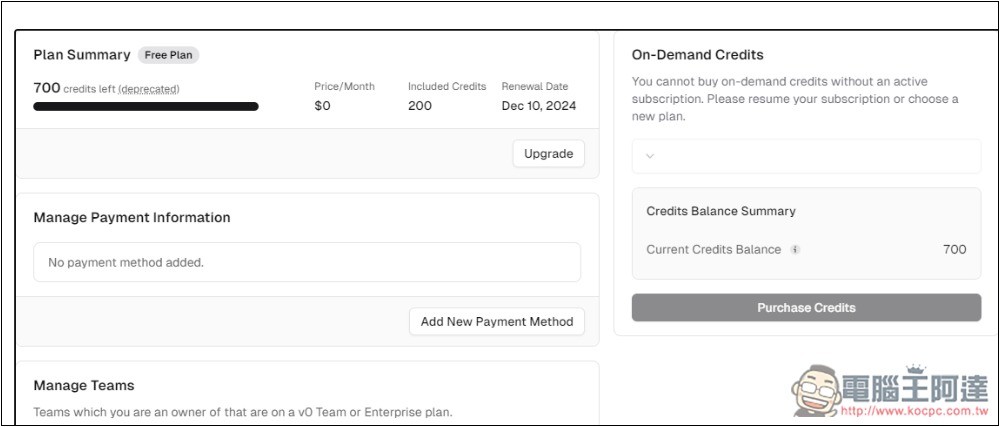
In the account backend, Billing lets you view the remaining Credits. Currently, it seems that no matter how much you chat, the points aren’t deducted:
Source: KOCPC Chinese