


We have shared many useful iOS shortcut scripts in the past, including the Google image search function that many people love to use. We have also shared iOS shortcuts for image search on Google before. However, with the update, most of the old versions of Google image search shortcut scripts on some networks have become invalid and cannot be used for a period of time. If you often need to search for Internet images on your iPhone, it is recommended to try the 2022 new version of Google’s image search shortcut script!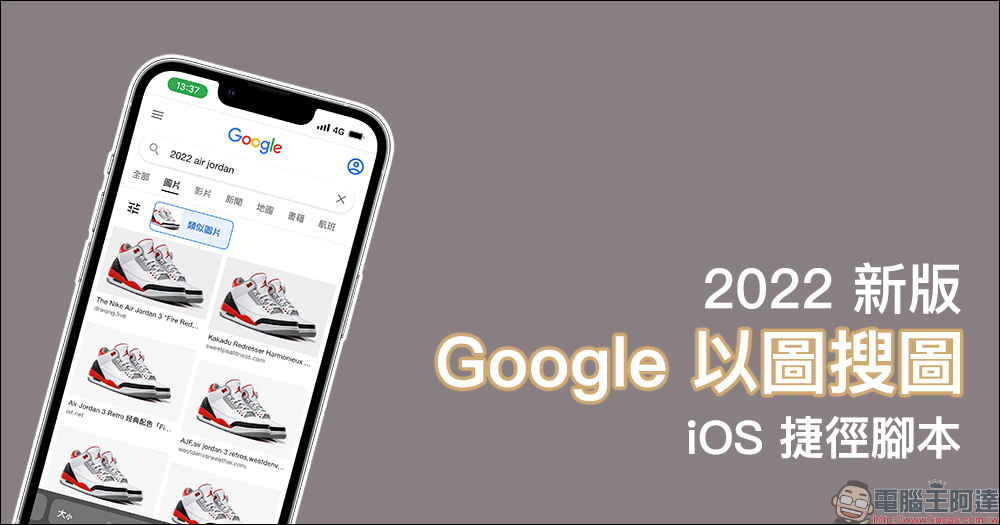
2022 new version of “Google Image Search” shortcut script to quickly query online images through iPhone
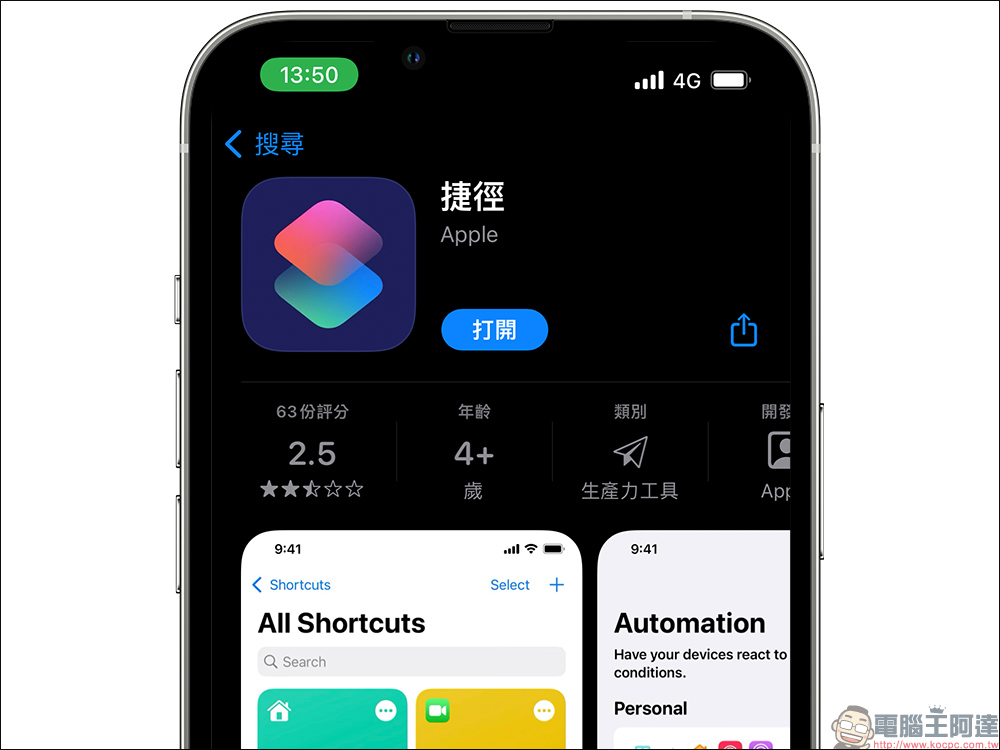
Since Apple launched the “Shortcuts” app in iOS 14, it allows users to create various useful shortcut functions to make daily life more convenient. There are also many kind-hearted people who share their own shortcut scripts for the public to use. To use these shortcut scripts, you must first go to the App Store to download the “Shortcut” App.
In addition to Google’s powerful search engine, many people also like to use Google’s image search function to find the source of Internet images, or to find higher-resolution images. However, compared with the convenience of Google image search on the computer version, it is not so easy to use on mobile devices such as iPhone.
But you can still use iOS shortcuts to achieve this feature! You only need to download the Shortcut App, then download the shortcut script Google Search by Image (2022) (the download link is at the end of the article), and then click the shortcut to directly perform Google Search by Image on your iPhone.
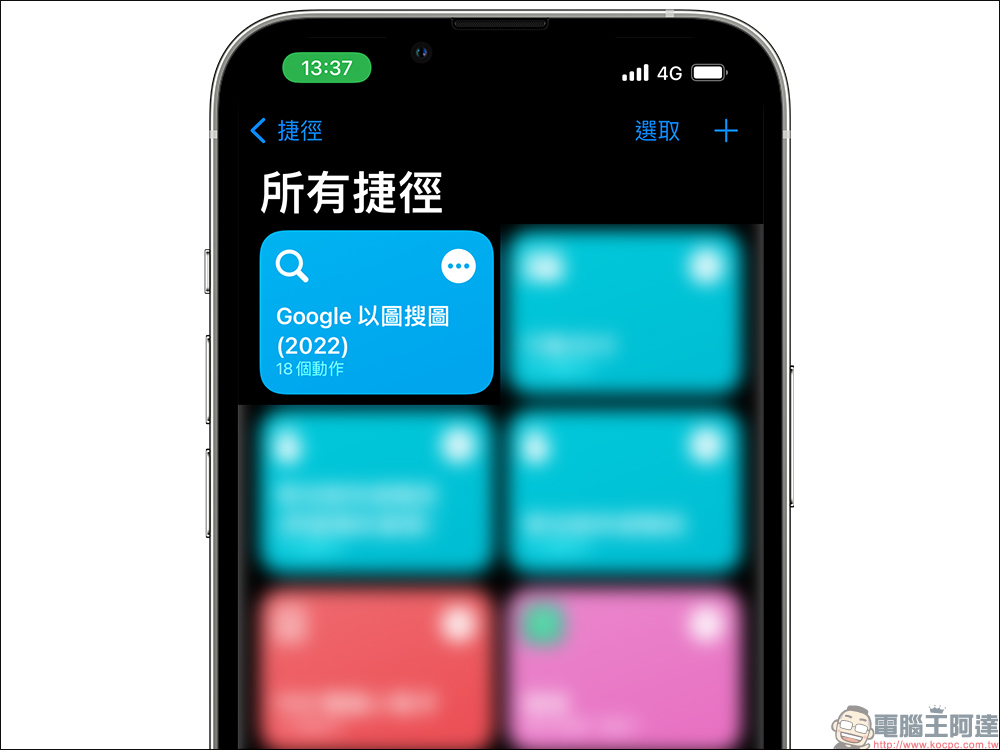
This Google image search shortcut script is very easy to use. After clicking the shortcut, the photo menu will open. Just click on the image you want to search to proceed to the next step.

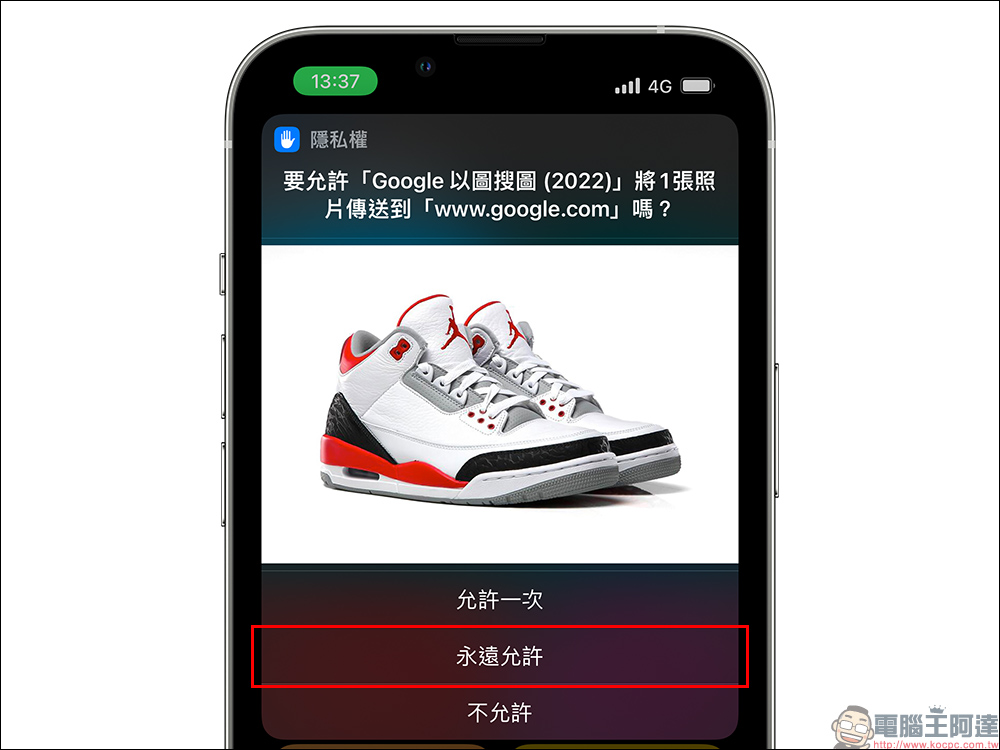
If this is the first time you use this shortcut, a notification will pop up asking you to allow privacy rights. At this time, just click “Always Allow”. This screen will only appear when you start it for the first time, and will not appear again after subsequent uses.
The iPhone will then automatically jump to open the browser and perform an image search on Google using the image selected by the user. You will now be able to see related links to the image, as well as similar images that match your search criteria. If users want to find higher resolution images, they can use this method to achieve it.
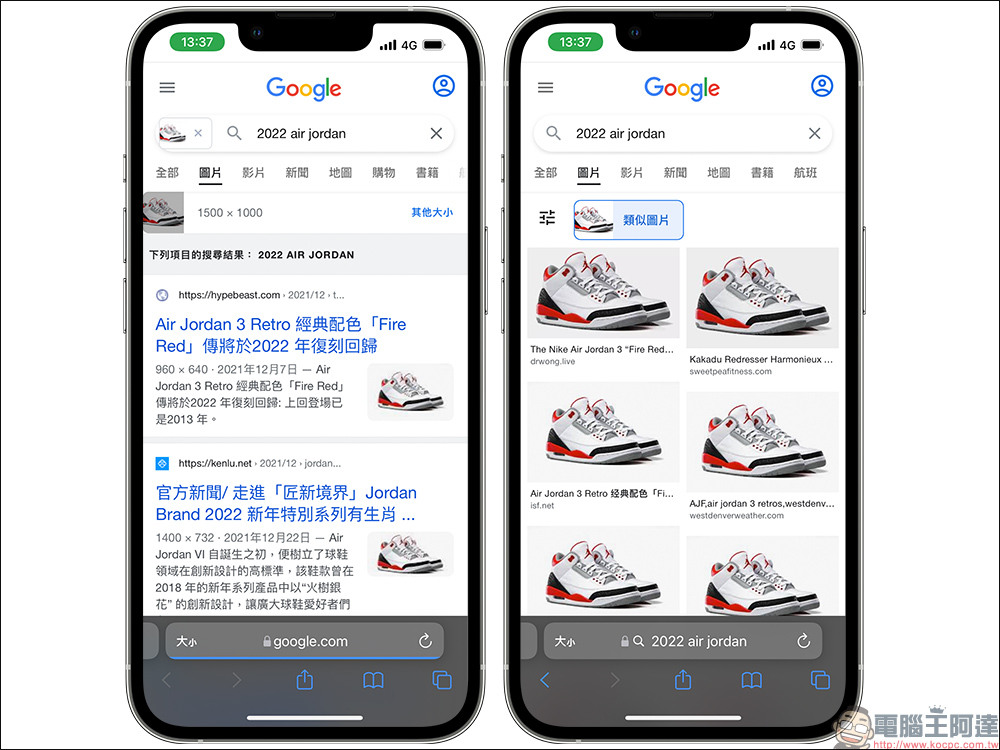
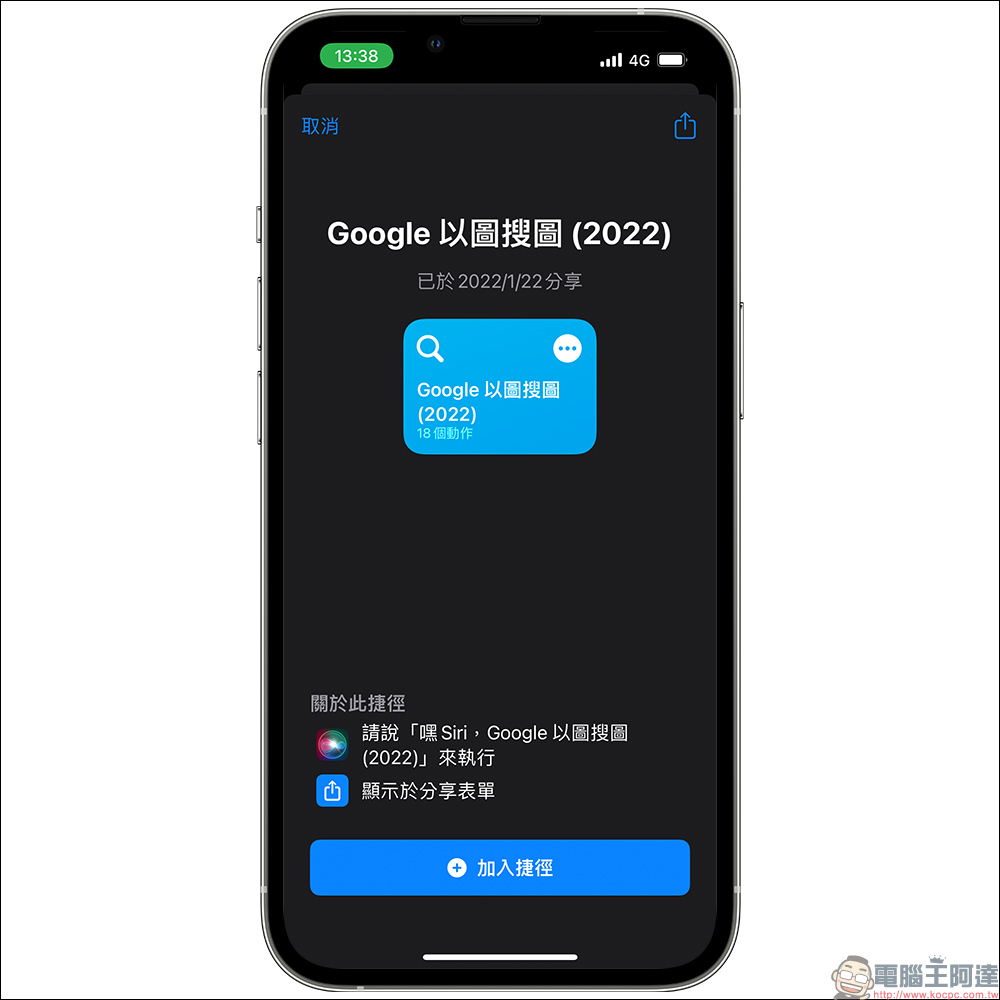
Google Search by Image (2022):
iOS shortcut script (click me to download)
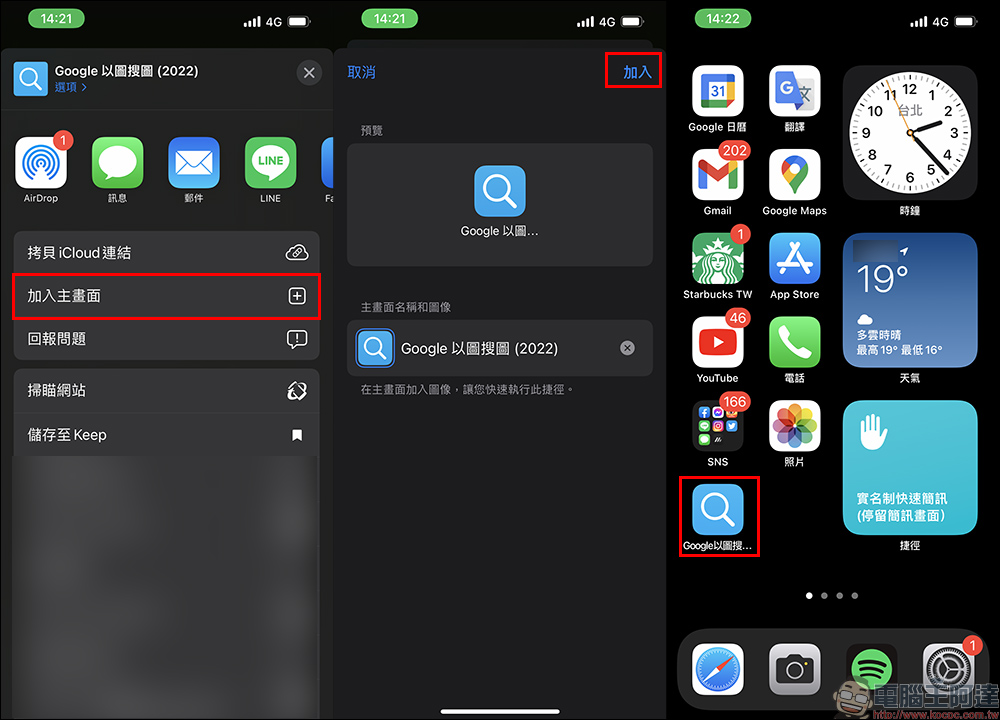
If you rarely open the “Shortcuts” App, you can actually add the “Google Image Search” shortcut script directly to the home screen of the Shortcuts App, making it faster to search for any pictures you want to Google. Click “…” next to the Google Image Search shortcut in the Shortcut App to enter the shortcut editing page, then click the “Share” button to find the “Add to Home Screen” button. After clicking it, you can choose to “Add” it to the Home Screen.
In addition to introducing this 2022 new version of the “Google Image Search” shortcut script this time, we have also previously shared the use of the built-in “automatic operation” function of the Shortcut App to achieve the super useful function of automatically sending messages and scheduling messages in LINE. For detailed instructions, you can click on the extended reading below to read.
Further reading:
LINE’s automatic messaging function is super convenient! iOS automation operation, schedule sending messages like this (tutorial)

Source: KOCPC Chinese