


A MacBook costs tens of thousands of yuan, and many people must be very careful to protect it after buying it. Although charging the battery to 100% every time is basically no problem, if you are really worried and want to extend the battery life, this free AlDente application can help you achieve it. After installation and turning off the specified functions, you can set the maximum percentage of each charge. There are also practical functions such as discharge, overheating protection, and calibration.
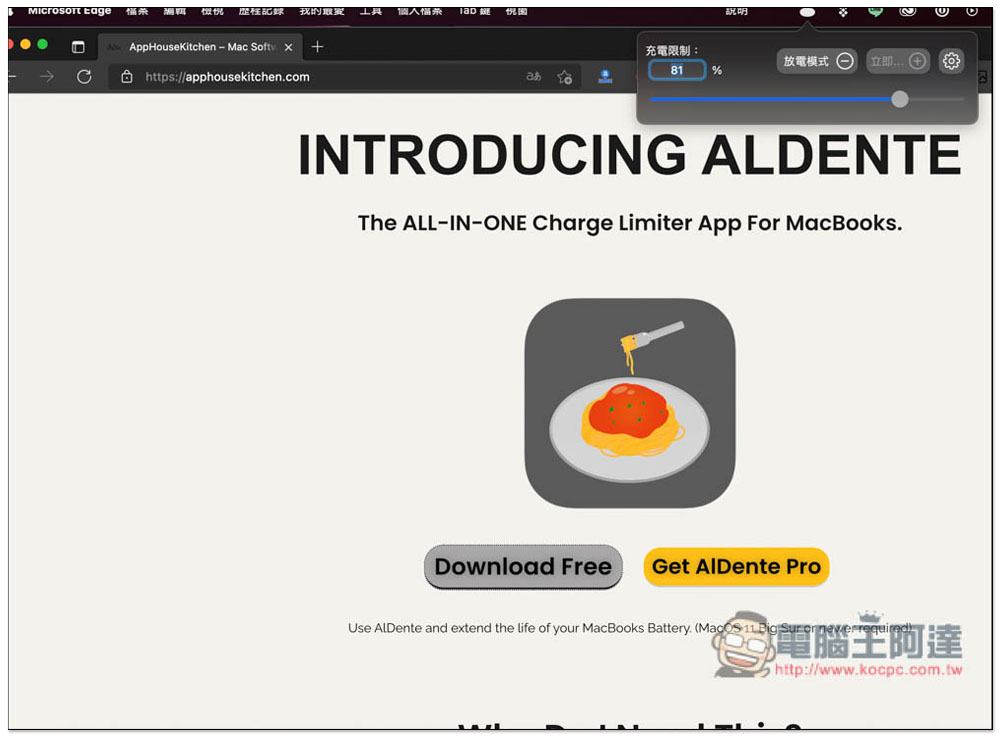
AlDente Free tool to limit Mac battery charge percentage
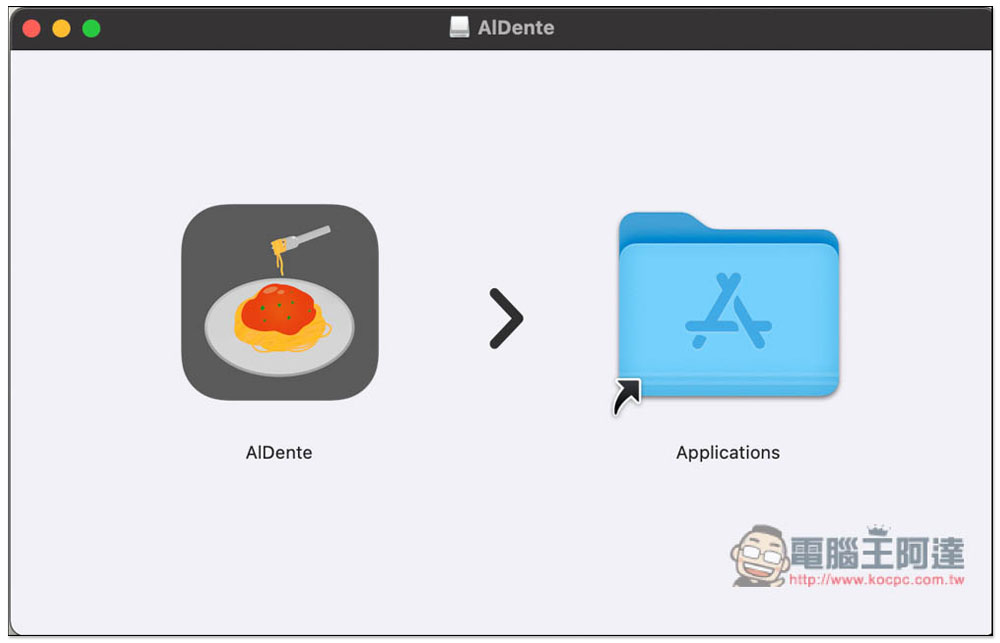
After downloading the installation file, open it and drag the AlDente application to the Applications folder on the right to install it:
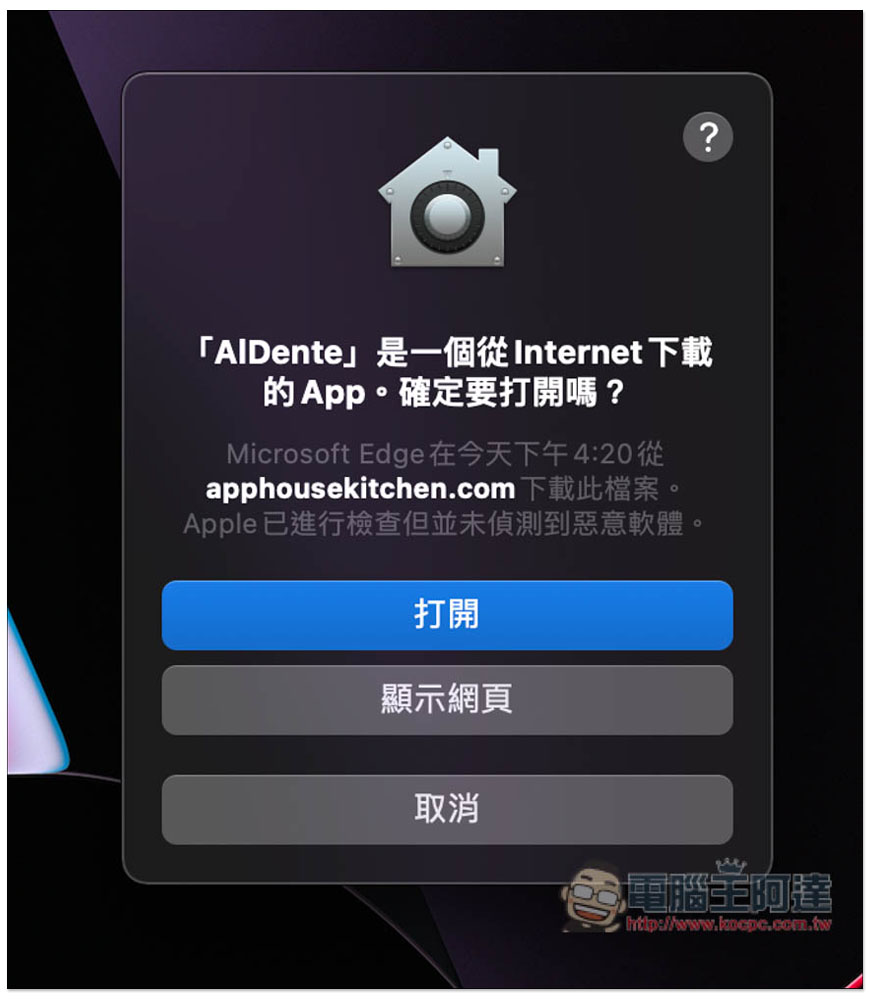
This prompt will pop up, click “Open”:
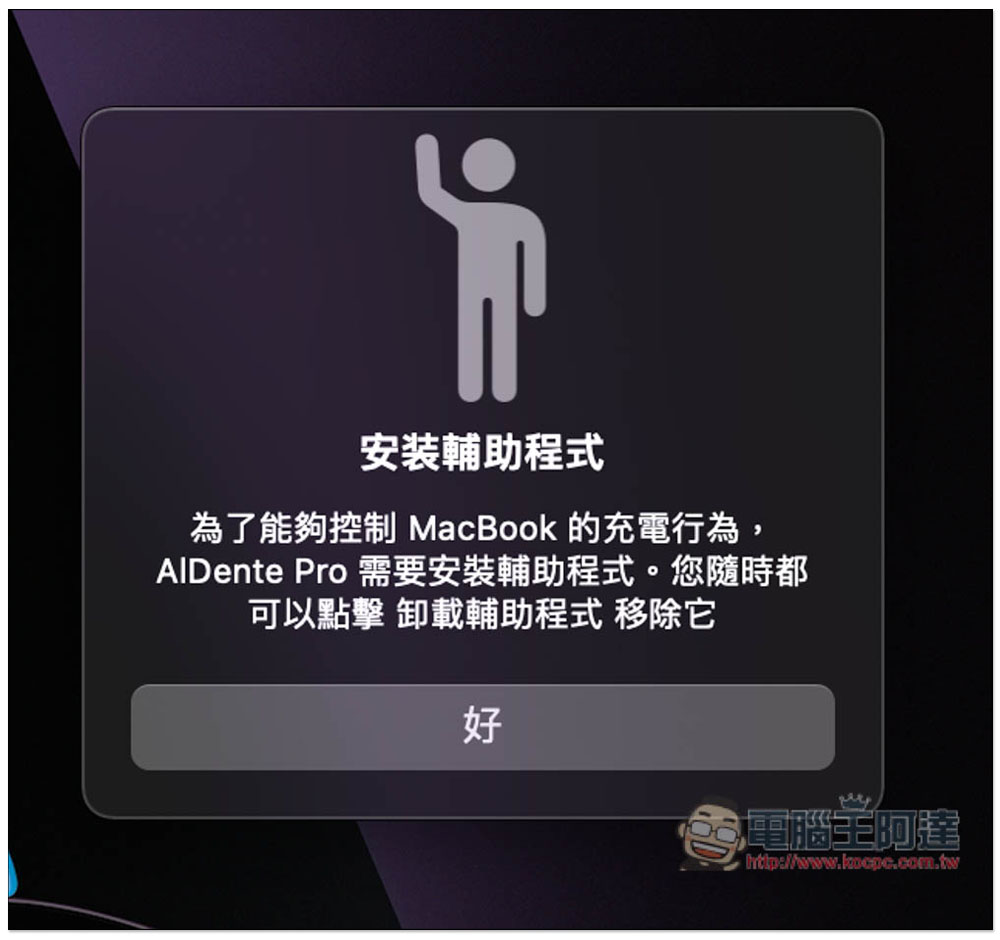
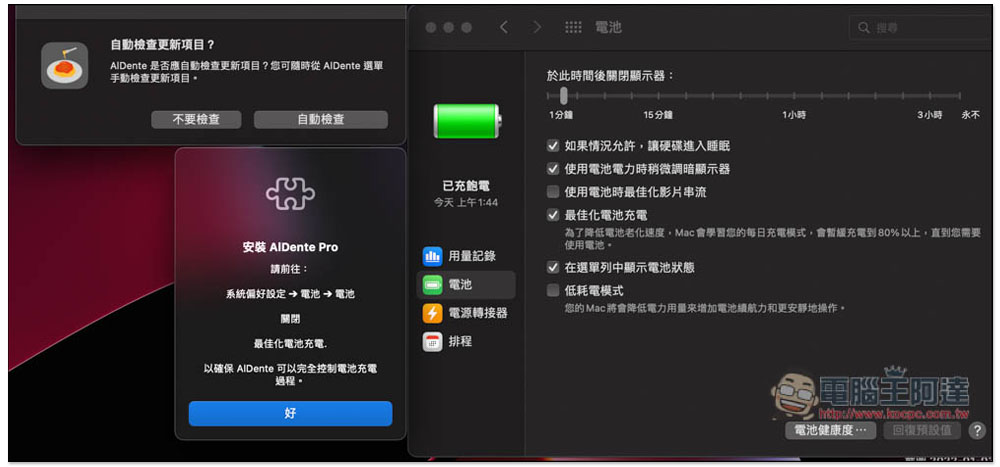
You need to install an auxiliary program before use, click “OK”:
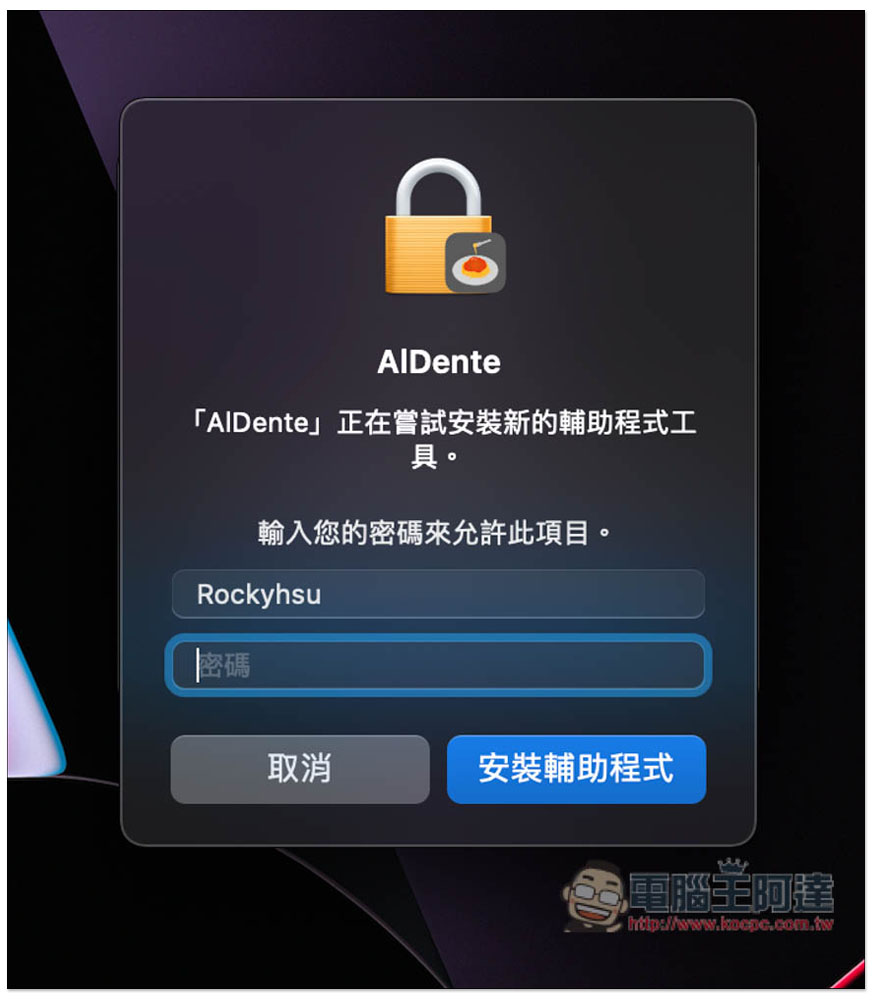
Enter your login password and click “Install Helper”:
Then the battery menu in settings will automatically open. You need to turn off the “optimized battery charging” function in the battery:
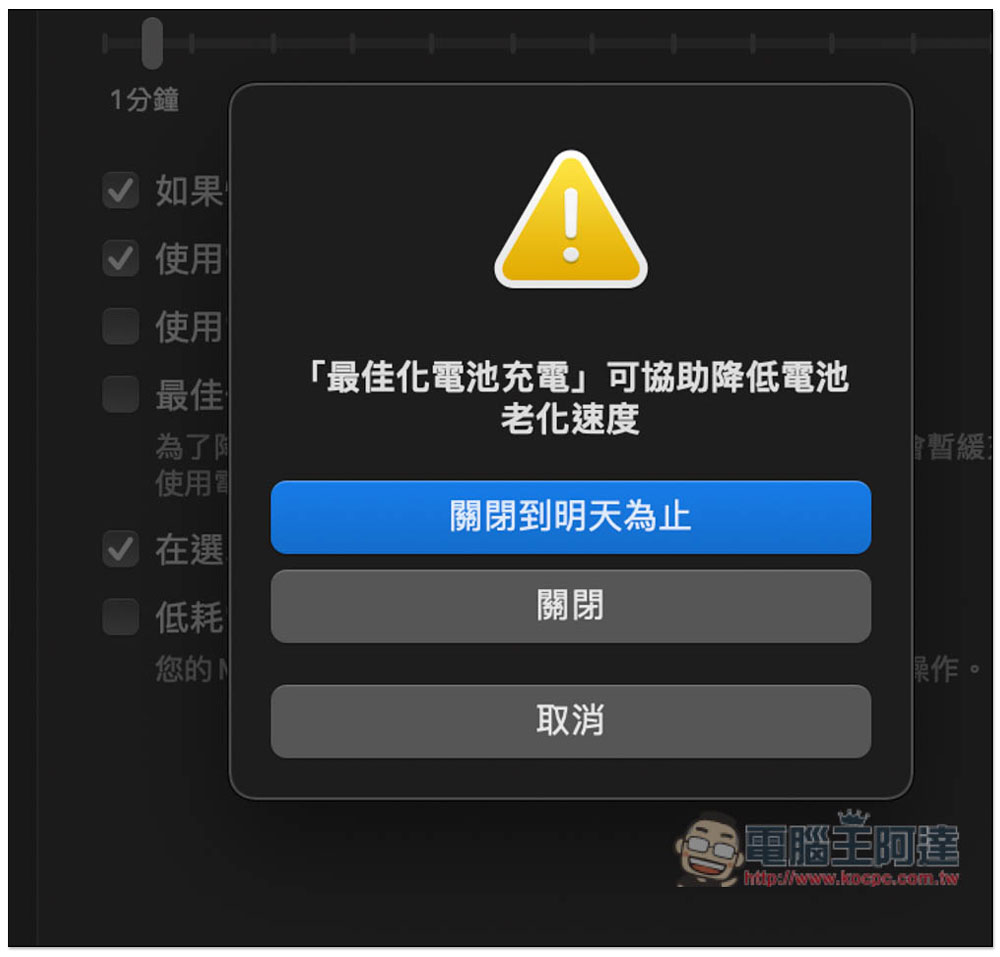
Remember to turn it off entirely (not by pressing the blue button above), so that it will not affect the subsequent function of limiting the battery charge percentage:
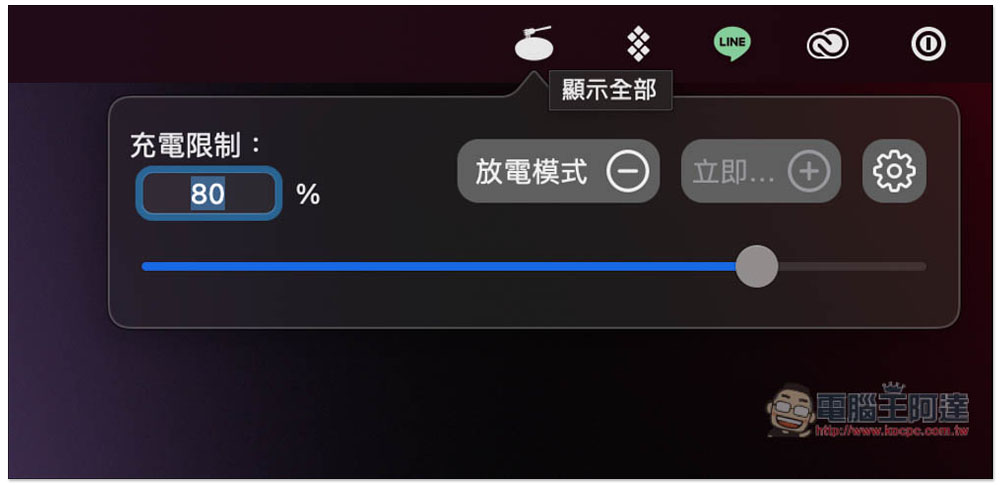
After everything is set, you will see the AlDente icon in the toolbar in the upper right corner. Open it to set the charging limit percentage. The default is 80%. If necessary, there is also a discharge mode on the right:
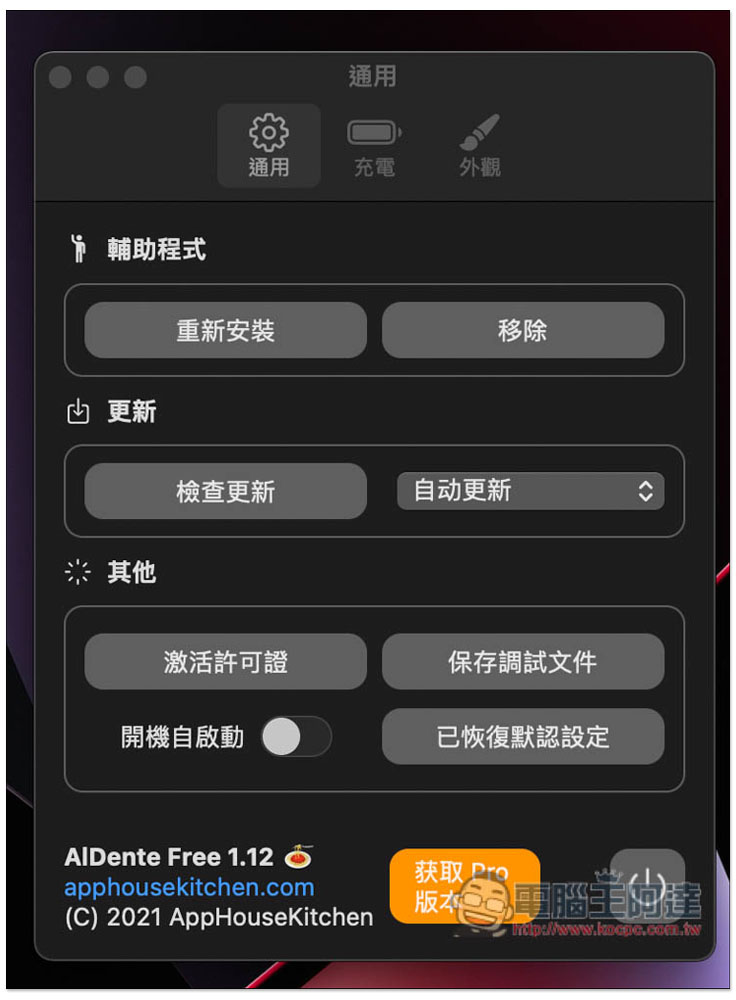
There are many functions that can be adjusted in the settings. You can also notice that this set has a Pro professional version. Most of the functions in the settings are only available to Pro users:
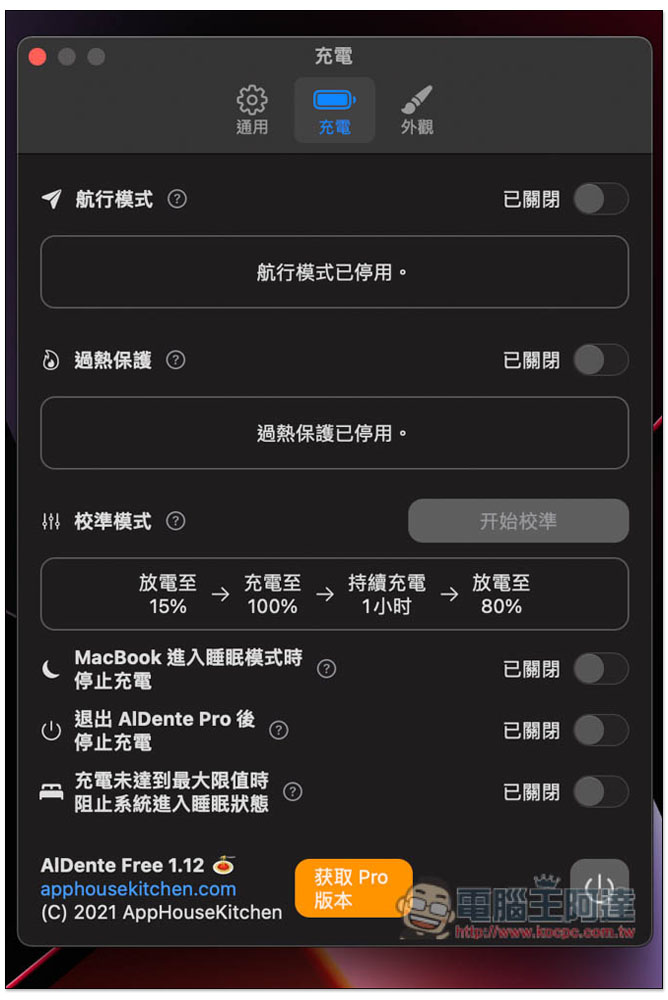
For example, there are navigation mode, overheating protection, and calibration mode in the charging menu. There are also three very practical functions, such as: stopping charging when entering sleep, and preventing the system from entering sleep state when charging does not reach the maximum limit:
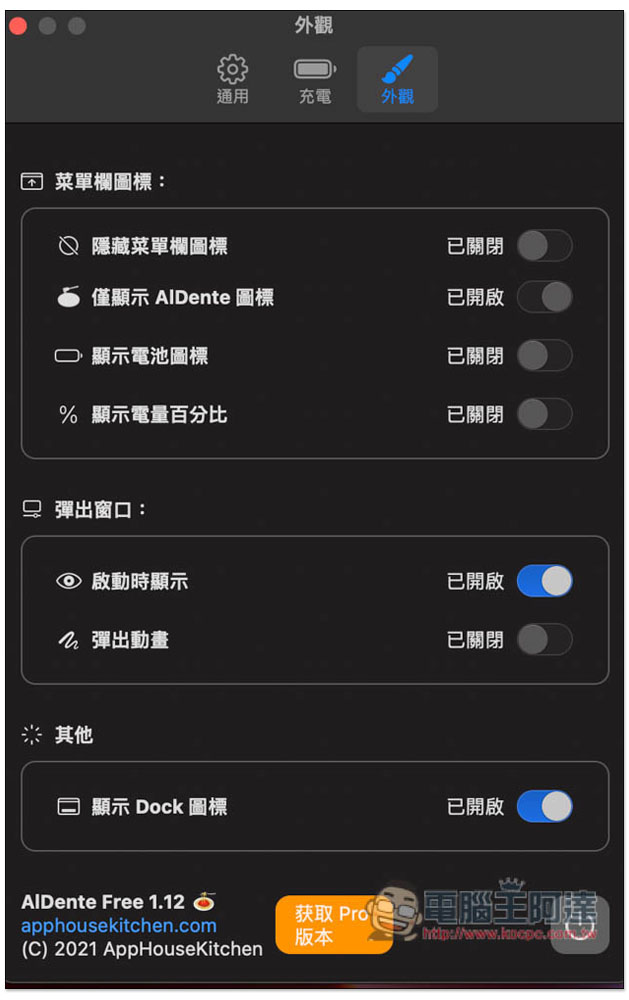
Appearance can also enable hiding menu blue icons, displaying battery icons, displaying battery percentage, pop-up animations, etc.:
If you think it is useful, you can actually consider the Pro professional version. It is not expensive and has many more functions. It provides two options: subscription and lifetime version. It is recommended to buy it for life.
LANDrop 輕鬆實現跨系統無線傳輸資料、照片的免費工具(Windows、Mac、iOS、Android、Linux)
Source: KOCPC Chinese