


We’ve already covered things like Genmo Mochi 1 preview、Hailuo AI Creative Video Platform、Pika、Kuaishou AI、RunwayFree AI text-to-video models and the like. Since text-to-video generation is all the rage right now, new text-to-video models basically pop up every so often. Our editor recently came across another text-to-video model, “PixVerse.” Besides the most basic text/image-to-video generation, PixVerse now also has a Venom effect available. Let’s check out the PixVerse tutorial~
PixVerse: An interesting service that lets you generate AI videos for free using text or images.
PixVerse, as an AI video creation platform, allows users to generate videos using text or images. PixVerse also ensures consistency in generated characters; users can create custom characters that remain consistent throughout the generated videos.
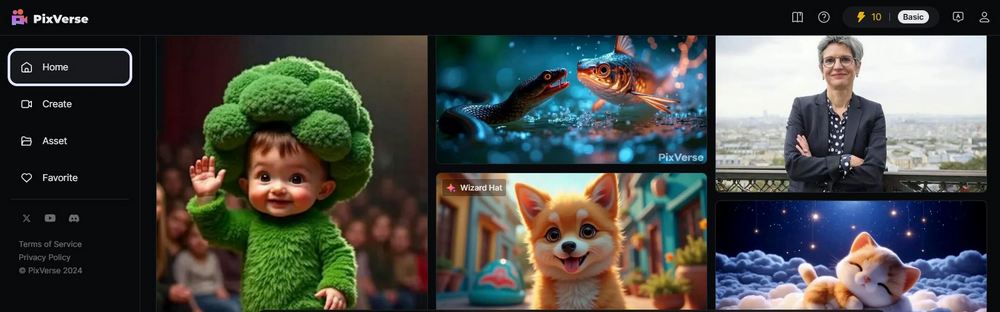
Go to PixVerse text/image to video generation
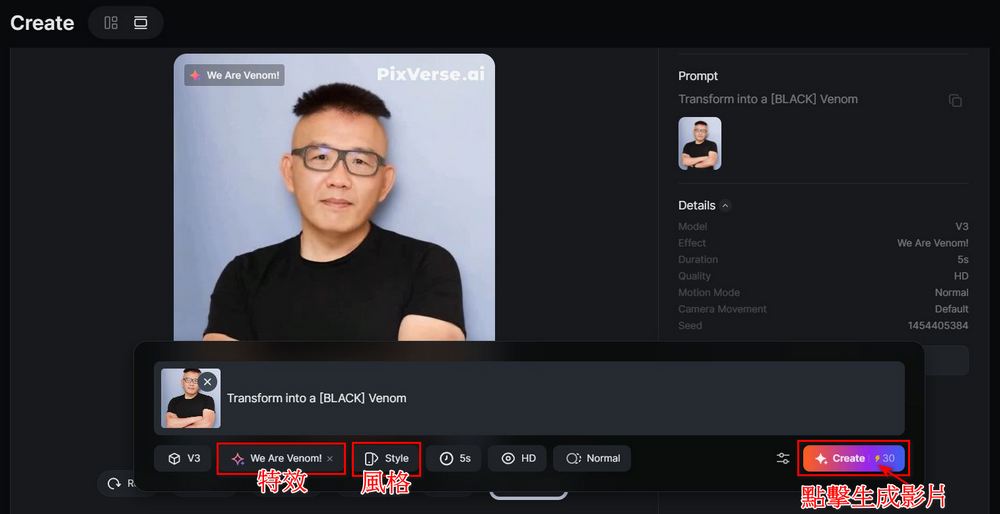
Friends who want to use PixVerse need to register for an account first. You can register with Google, Apple, or Discord. Once registered, you can start using PixVerse to generate videos. Enter a prompt in the box and select options such as Effect, Style, video generation time, and so on. After entering the prompt and selecting the effects, click “Create”, and PixVerse will generate the video for you. It takes about 10 to 30 seconds to complete.
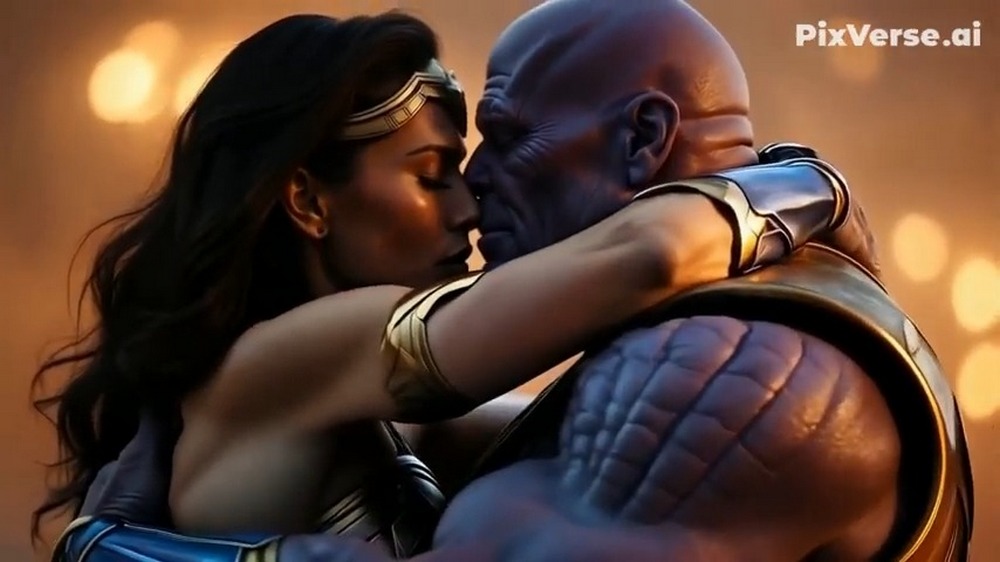
The editor used the prompt “Cinematic shot of Wonder Woman and Thanos embracing in an emotional hug, dramatic lighting, epic superhero movie style, detailed costumes, 4K, hyper-realistic, movie scene, shallow depth of field, warm color grading, close-up shot” to generate a video, and the results were better than expected.
Here I’ve also included the same video generated earlier with the Hailuo AI creative video platform for comparison. Which do you think is better — Hailuo AI creative video platform or PixVerse?
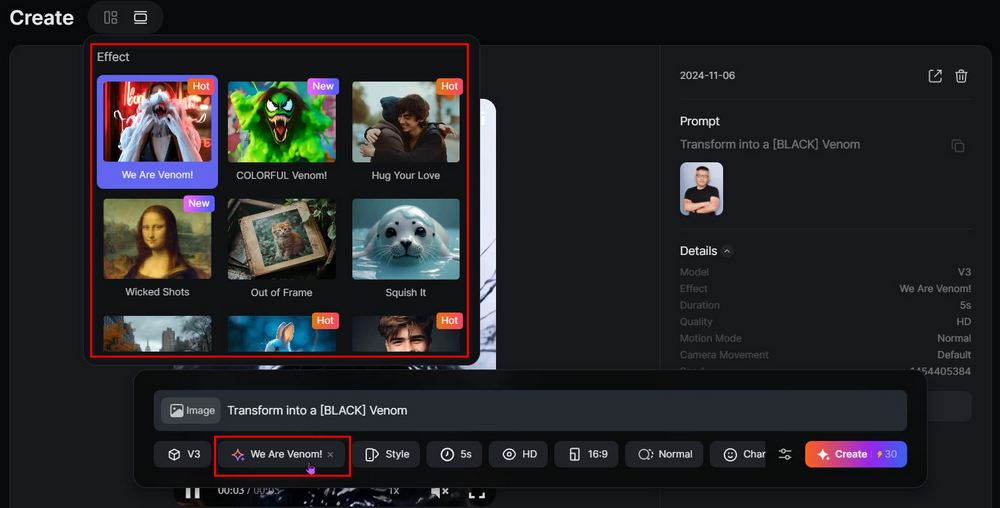
Besides the basic text-to-video and image-to-video generation features, PixVerse’s Effect feature is also pretty good. Now they’ve even teamed up with Venom to launch We Are Venom! Whether it’s animals or people, using the We Are Venom effect, they can all become Venom!
PixVerse’s special effects also include effects like COLORFUL Venom, hug your love, squish it, Zombie Mode, and more. You can go try them out on PixVerse yourself.
PixVerse starts with 100 points. Each generation costs 30 points, so you can generate up to three videos for free per day. You regain 30 points daily. If your usage needs are high, you might consider subscribing to PixVerse. The pricing is as follows; feel free to weigh your options.
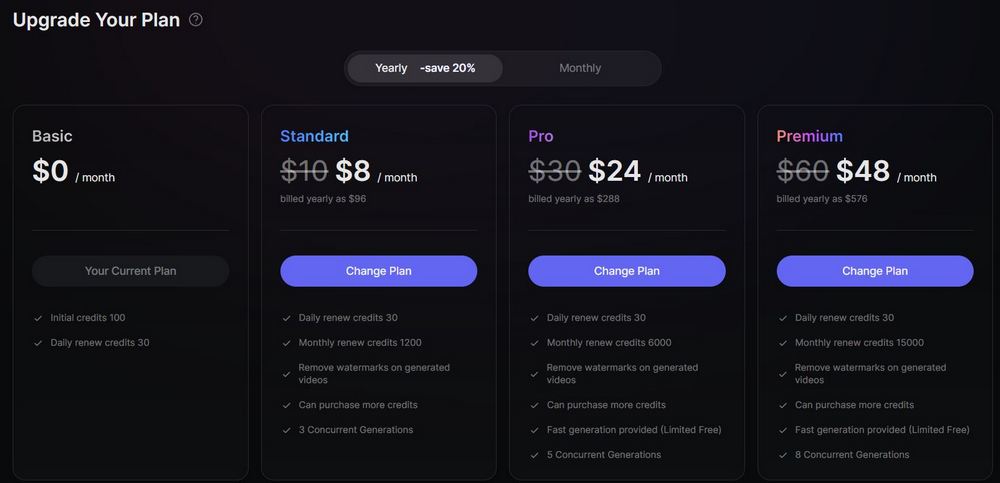
That concludes the introduction to the AI text/image-to-video model PixVerse. If you’re interested, you can go try it out yourself. You can only generate up to three free videos per day, so think carefully before clicking Create!
Go to PixVerse Text/Image to Video
If you’re interested in the text-to-video model we shared previously, you can also visit the link below to read the related coverage.
Source: KOCPC Chinese