


With the New Year and the holidays coming soon, many people must be planning a trip, and the most worrying thing at this time is whether there will be traffic jams on the road. This free app “Real-time Traffic Image” allows you to view real-time traffic images across Taiwan, including highways and ordinary roads. You can view them on any monitor you want. It even provides speed camera locations, allowing you to easily obtain all road conditions on your way to your destination. It is available on iOS and Android.
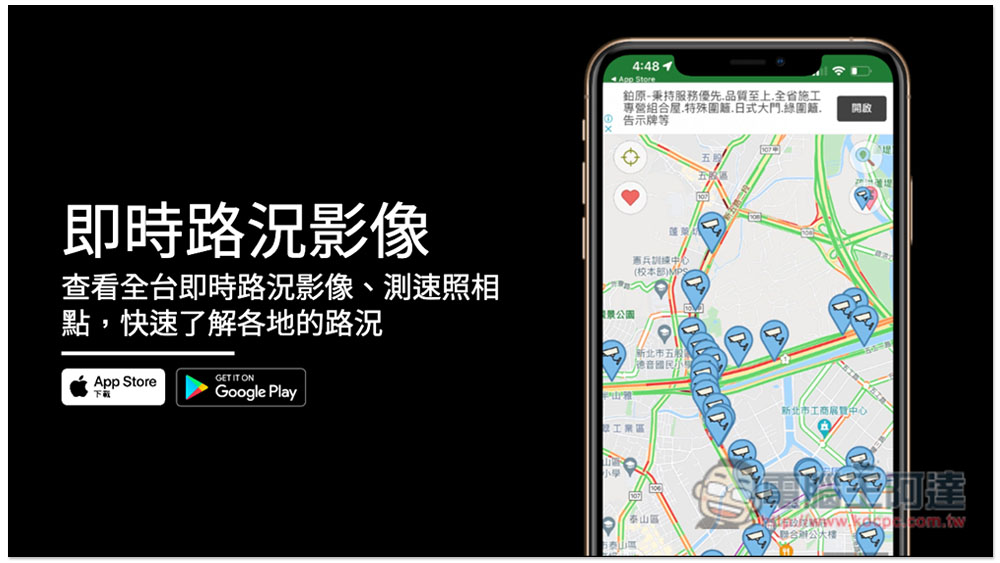
“Real-time Traffic Image” App, view real-time traffic images across Taiwan. Free App Introduction
Download location:
After opening the real-time traffic image app, your current location will be located, and then you can drag the map to view the road section you want to know. The camera is the real-time traffic image, and the red color is the speed camera:
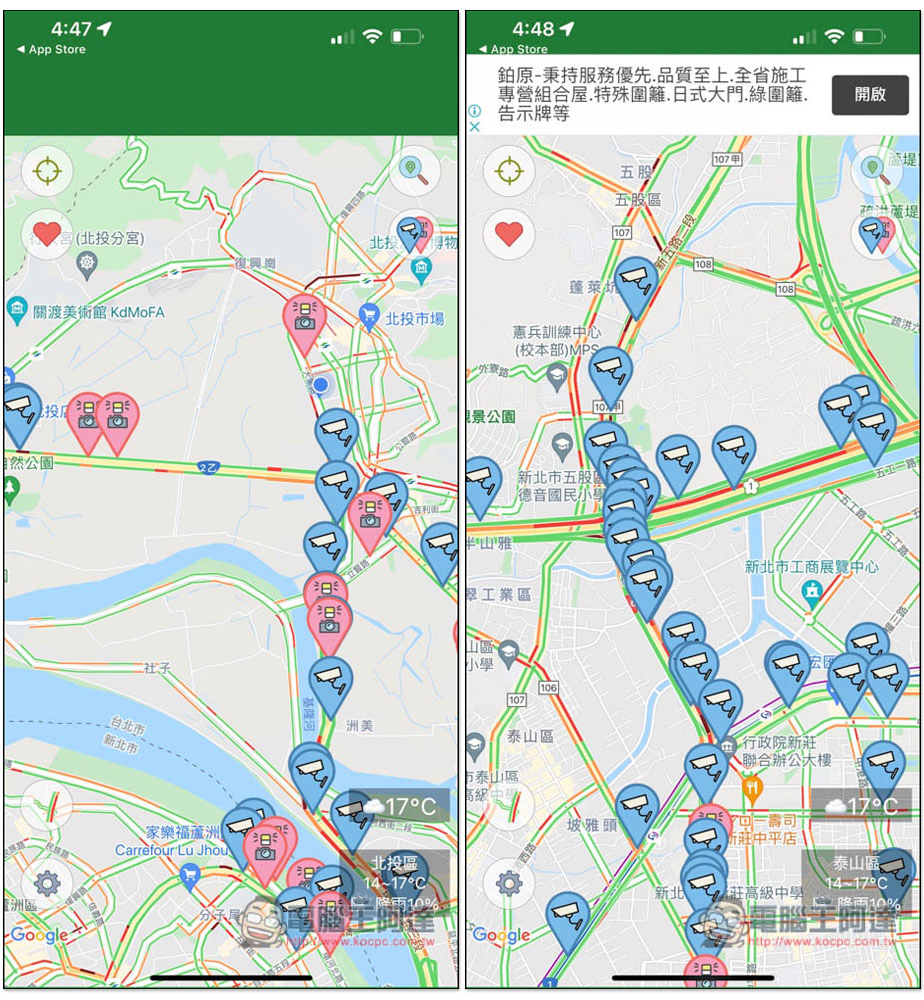
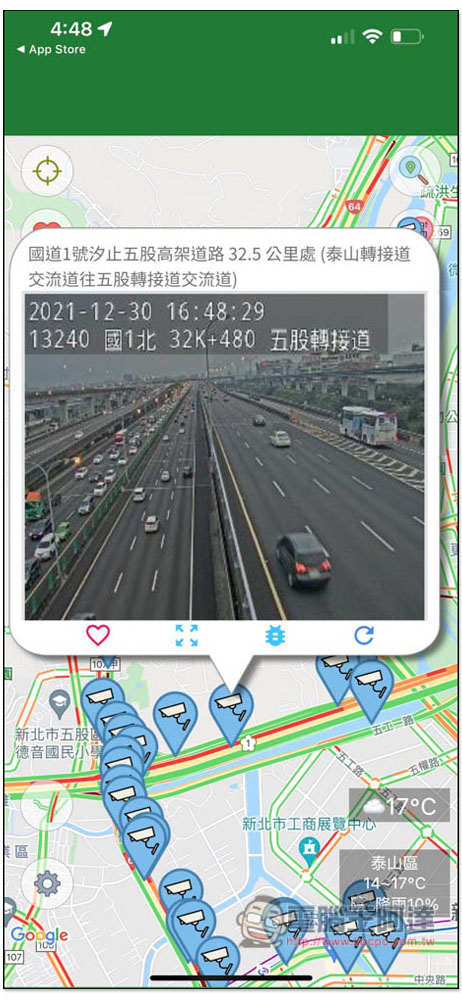
Clicking on the camera tack will start playing real-time traffic conditions. You can basically see the highway conditions, but I have found a few on general roads. I don’t know if they are not available or are broken:
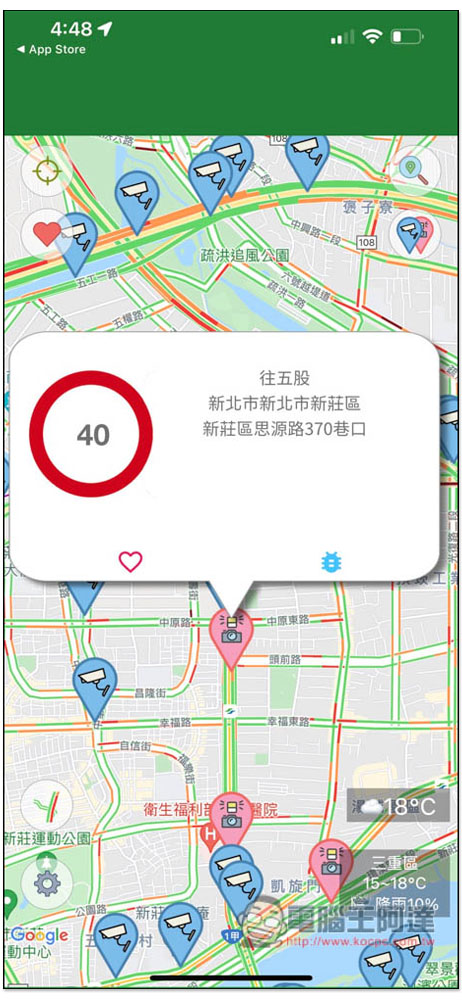
Speed cameras will tell you the speed limit here:
General road images are really real-time traffic conditions:
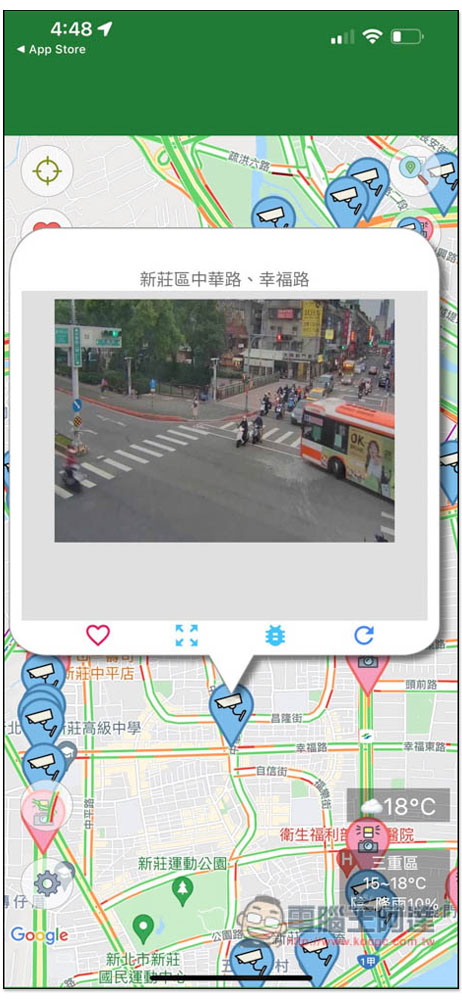
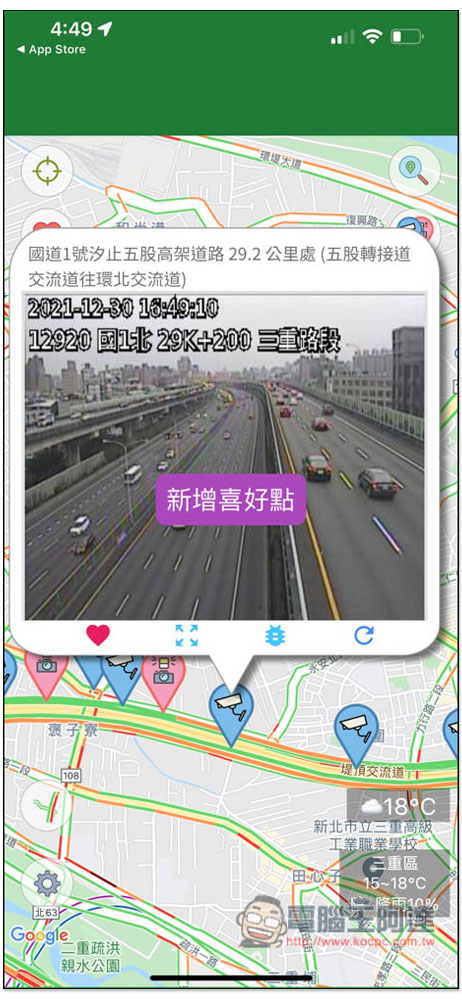
For frequently checked road sections, it is highly recommended to click the heart in the lower left corner and add it to your favorites, so that you can quickly find these monitors without having to look for them on the map:
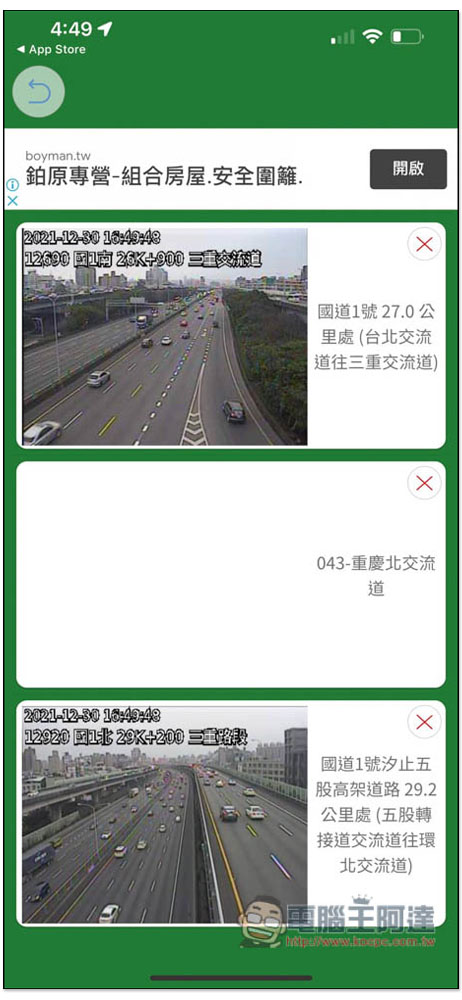
The real-time traffic monitor and speed camera that have been added to my favorites can be seen by clicking on the love icon in the upper left corner of the homepage. The monitor section will also directly play real-time traffic conditions without having to click to enlarge. This is very convenient. You can view the traffic conditions of all monitors at once:
If you think the blue and red tacks on the map are confusing, you can also specify which one to display:
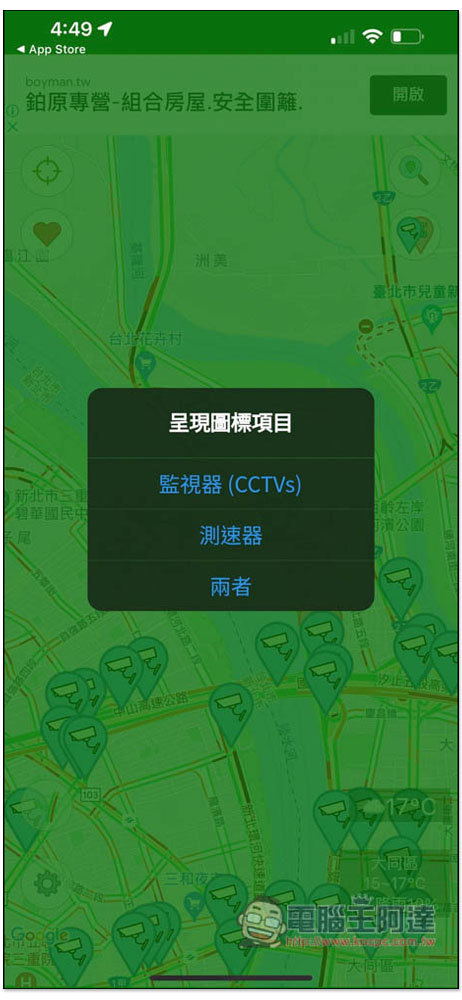
If I click to keep only the speed camera, the monitor will be removed:
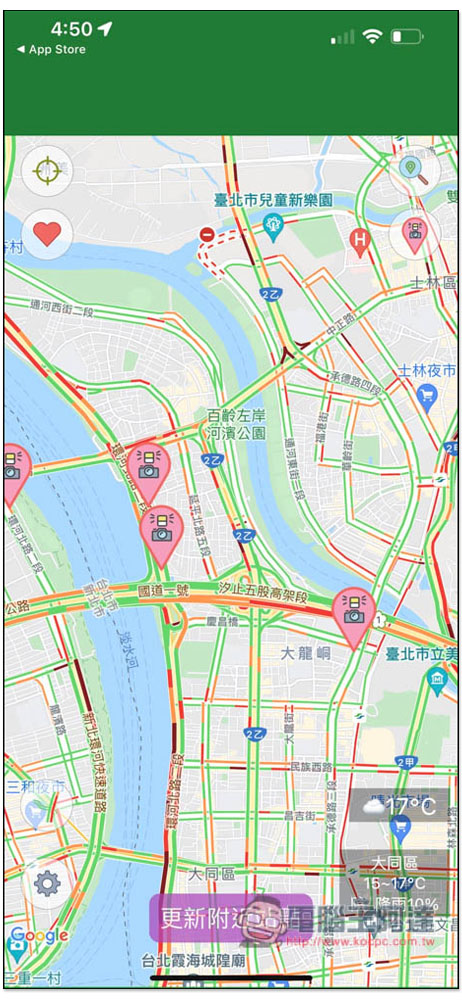
It also provides search functions for “County, Town and City List” and “Popular Attractions List”. If you don’t know where it is on the map, you can look for it here:
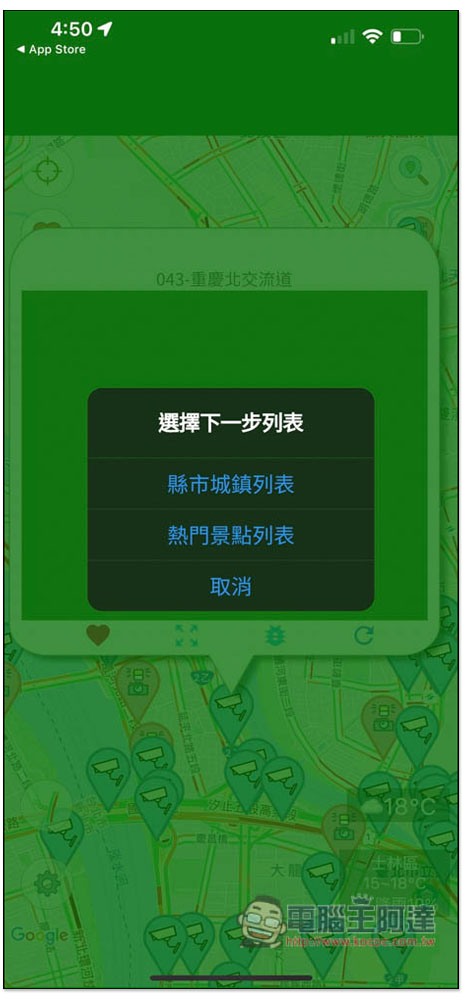
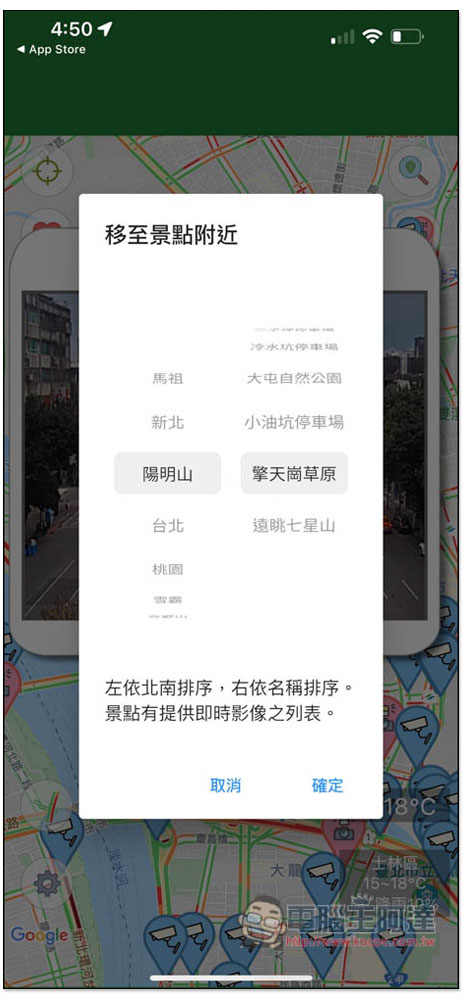
Like if I click on the attraction, I can select the city -> attraction:
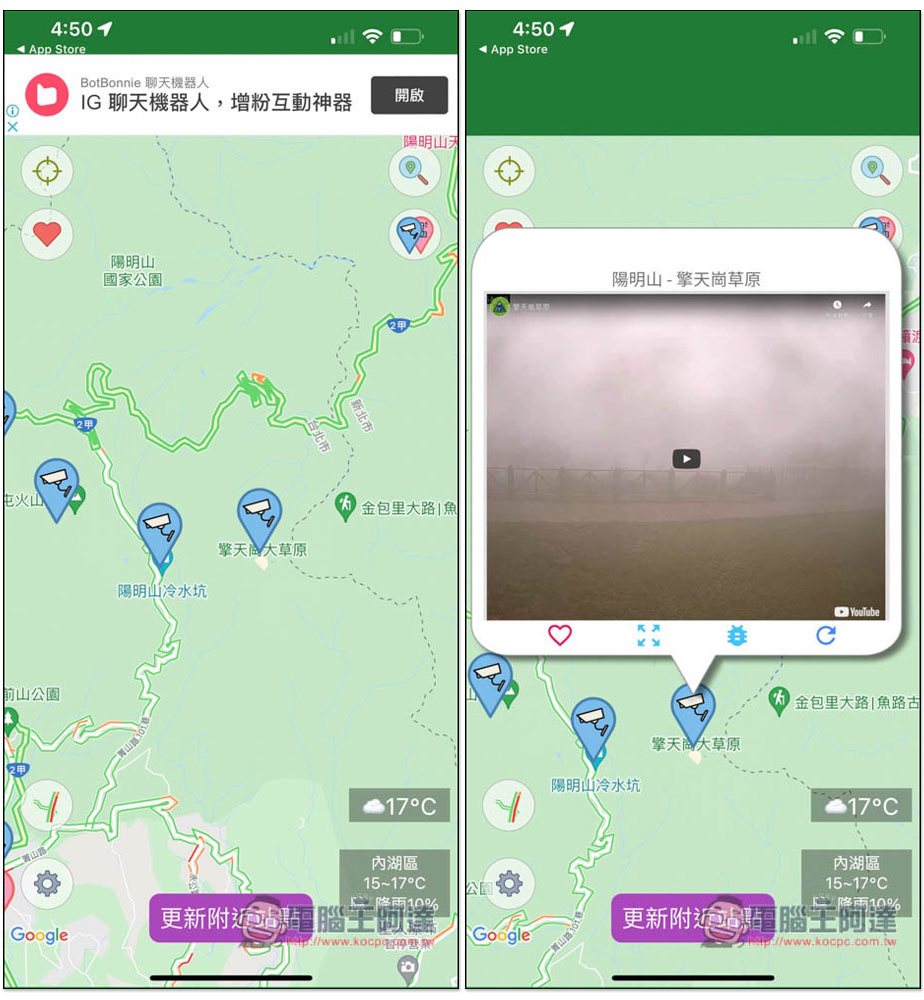
After selecting, the map will automatically move here. The following picture is the current real-time image of Qingtiangang:
I believe this app would be more useful if it could add the function of planning a route + checking real-time traffic conditions on the route, but it’s not bad at the moment.
Source: KOCPC Chinese