


Nowadays, PDF can be said to be one of the most commonly used files, so your computer must have a set of PDF software. Although Adobe is easy to use, it is very expensive and still adopts a subscription system. If you don’t have PDF software on your computer, there is a very good Lightpdf Editor that is currently available for free for a limited time. The original price is about NT$2,000. It has a Traditional Chinese interface, can be edited, and can also be converted, and has quite complete functions.
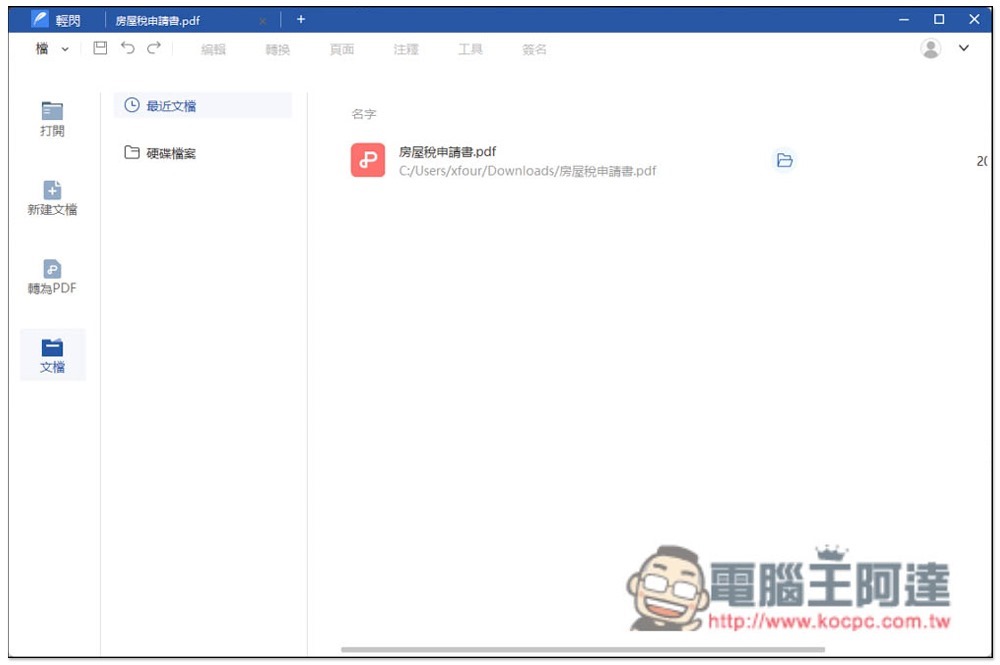
Lightpdf Editor provides professional software for editing and converting PDF formats for free.
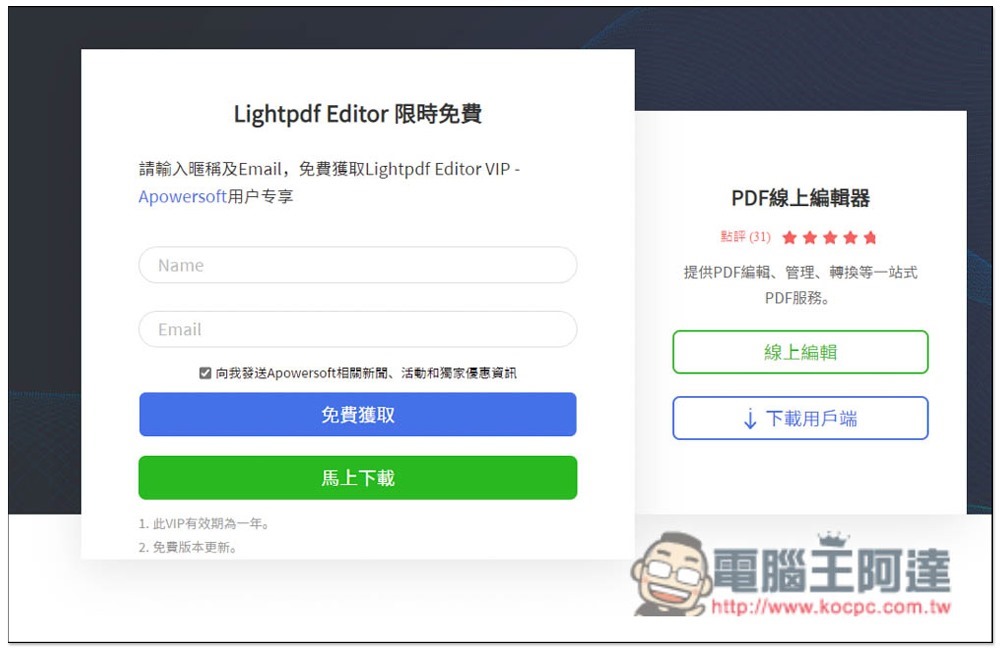
Now Lightpdf Editor is launching a limited-time free Christmas event. There are still more than 4 days left. After entering the event page, click the “Get it for free” button:

Enter your name and email, and you must check the box below to receive advertisements and offers:
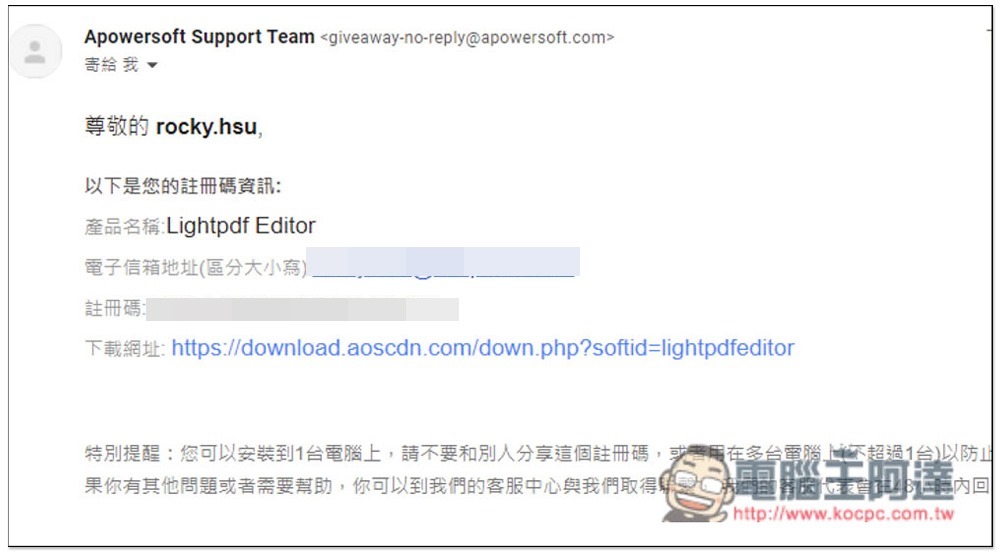
You will receive a registration code letter and download point in your mailbox. You need to download and install it first, and then you need to go to the website backend to redeem it:
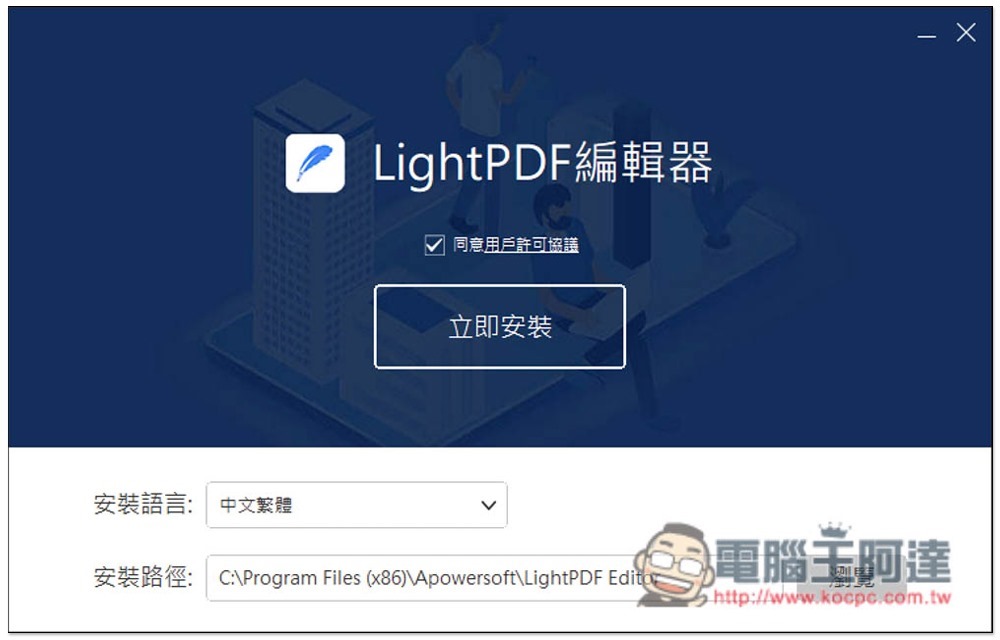
If there are no special requirements during the installation process, just keep pressing Next:
After installation, open it. There will be the words “VIP activated” in the upper right corner, which means it has not been activated yet. Click “Login” on the right:
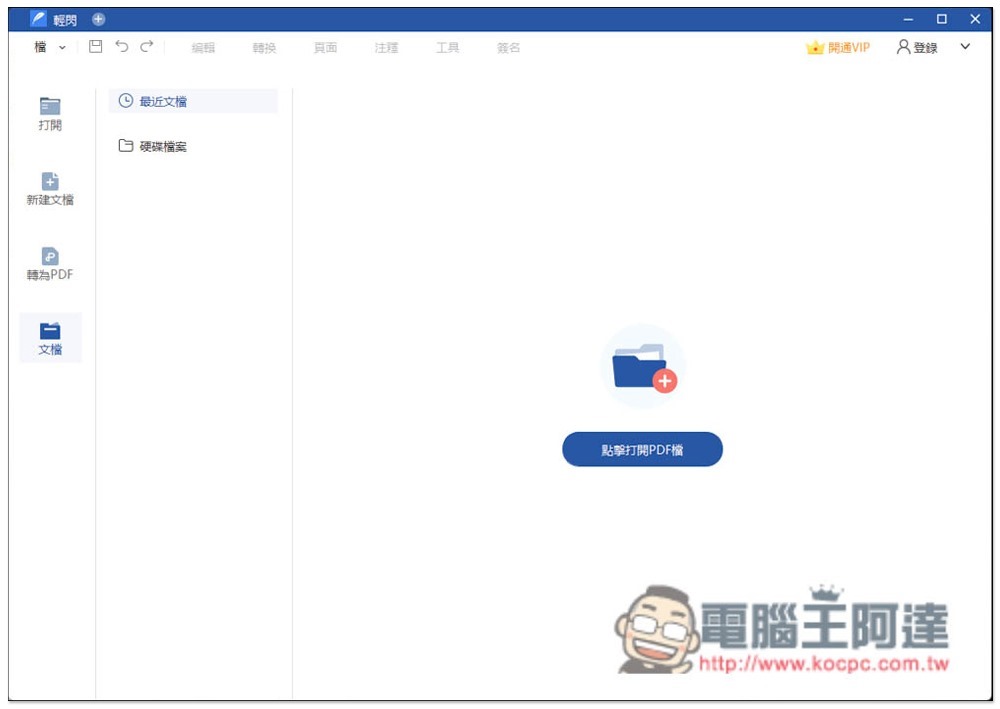
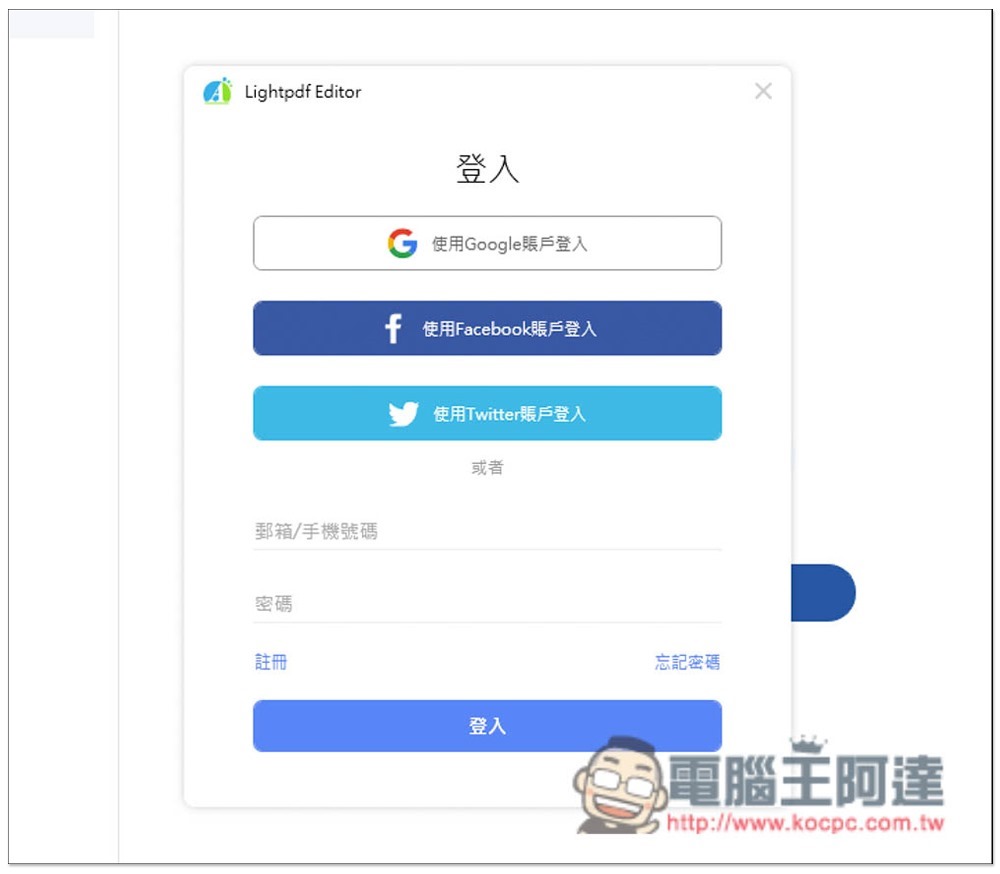
Please log in to your account. If you haven’t yet, register for free. It is recommended to use the same E-Mail address:
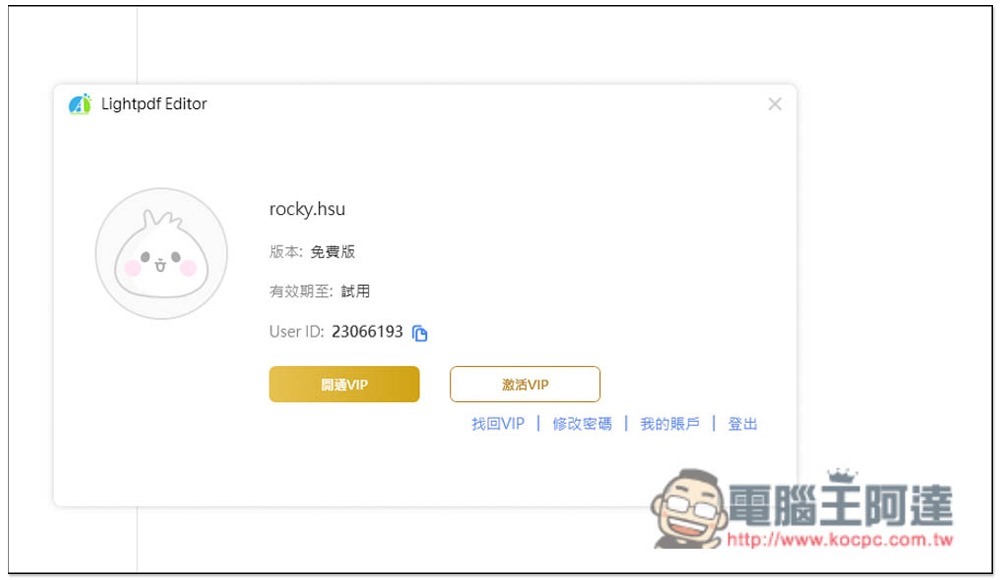
After logging in, you are still trying out the free version, click “My Account”:
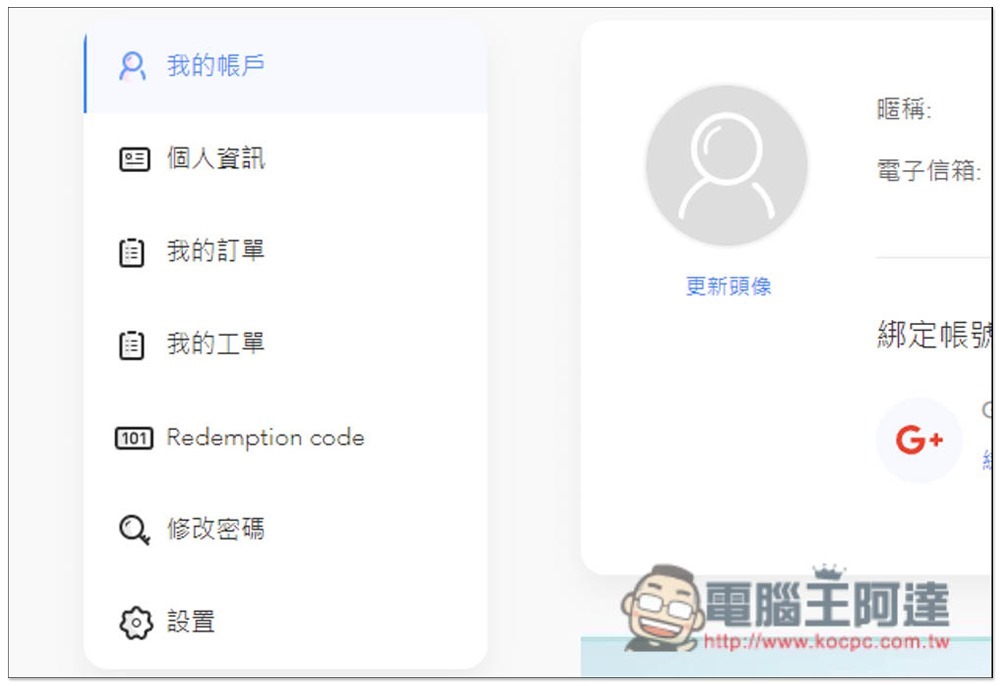
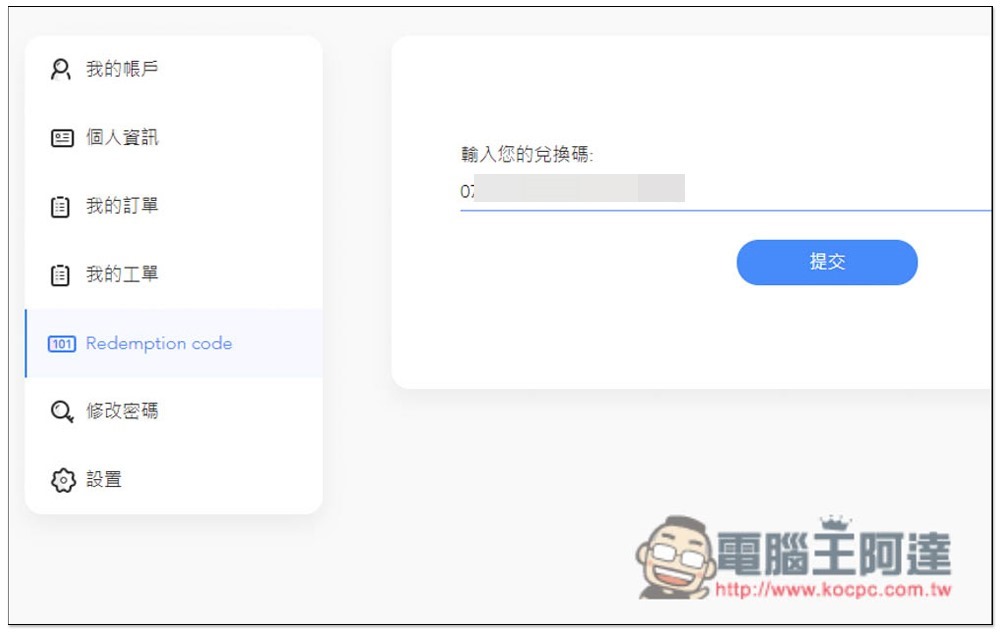
The official website will open and enter the backend, click on the “Redemption code” option on the left:
Enter the redemption code you just got and press submit:
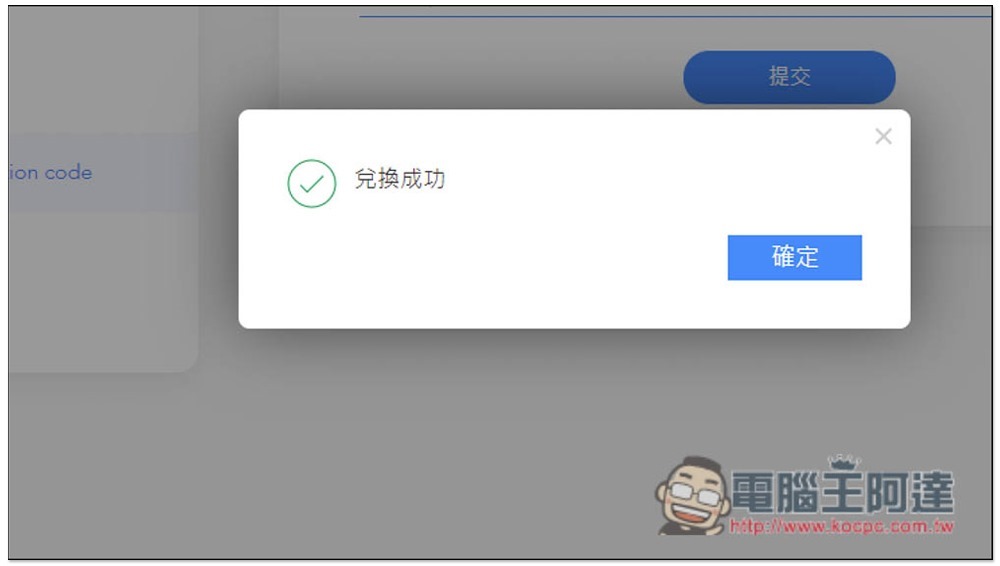
This way the exchange is successful:
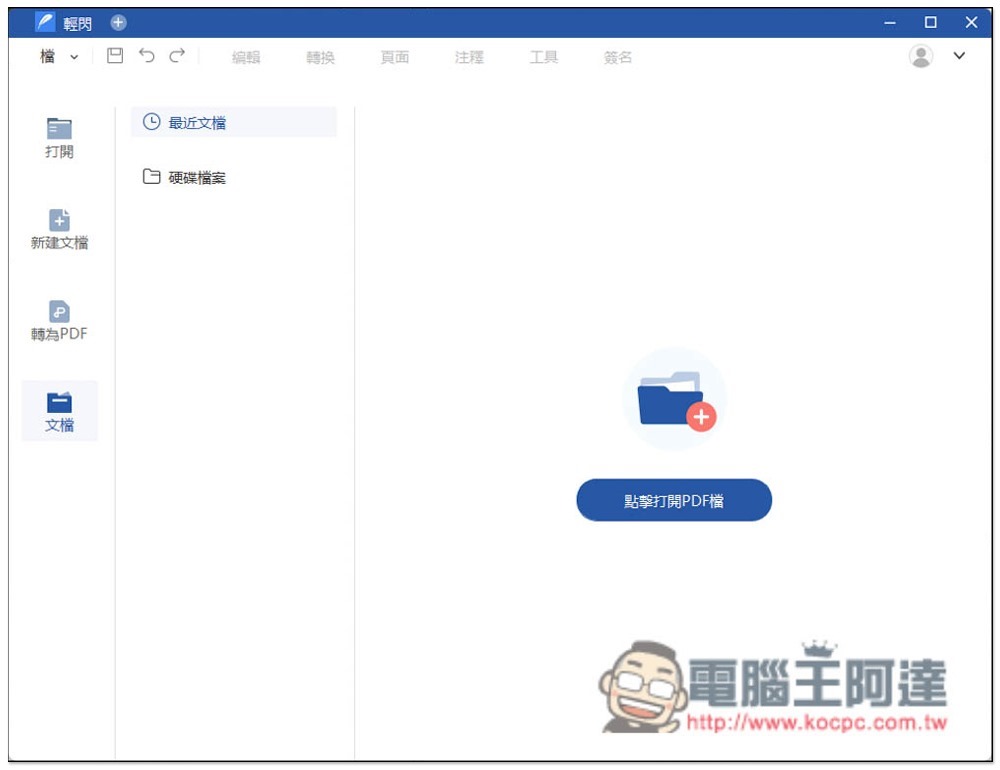
When you reopen the software, you will see that the word VIP in the upper right corner is gone:
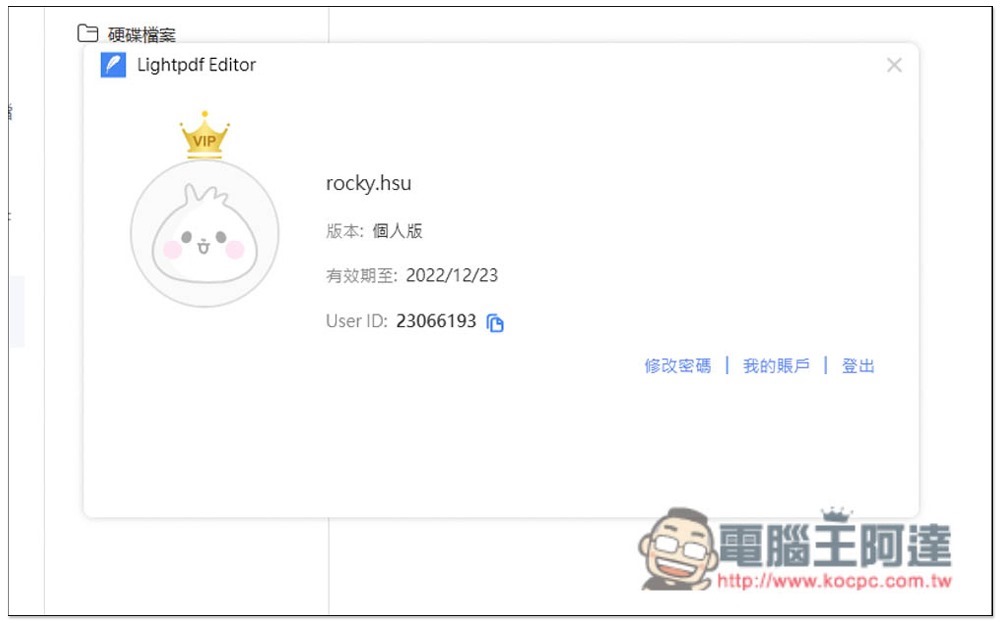
The version will also become a personal version, but this time the limited release will only be free for one year, not for life:
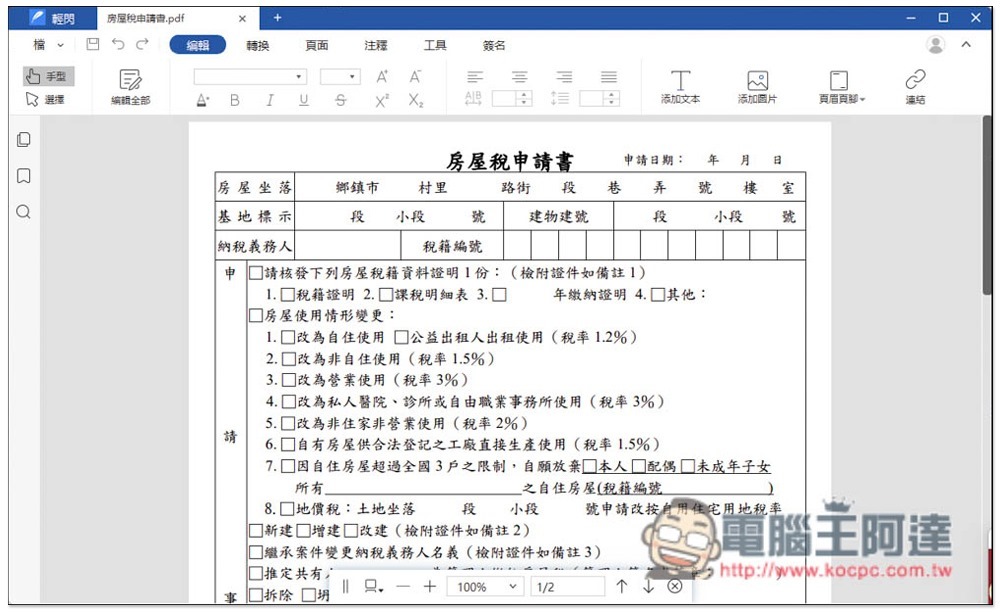
It is very simple to use. You can edit the PDF after reading it in. The interface is a bit like Word. It can not only modify text, size, bold italics, etc., but also provides functions such as PDF signature and annotation:
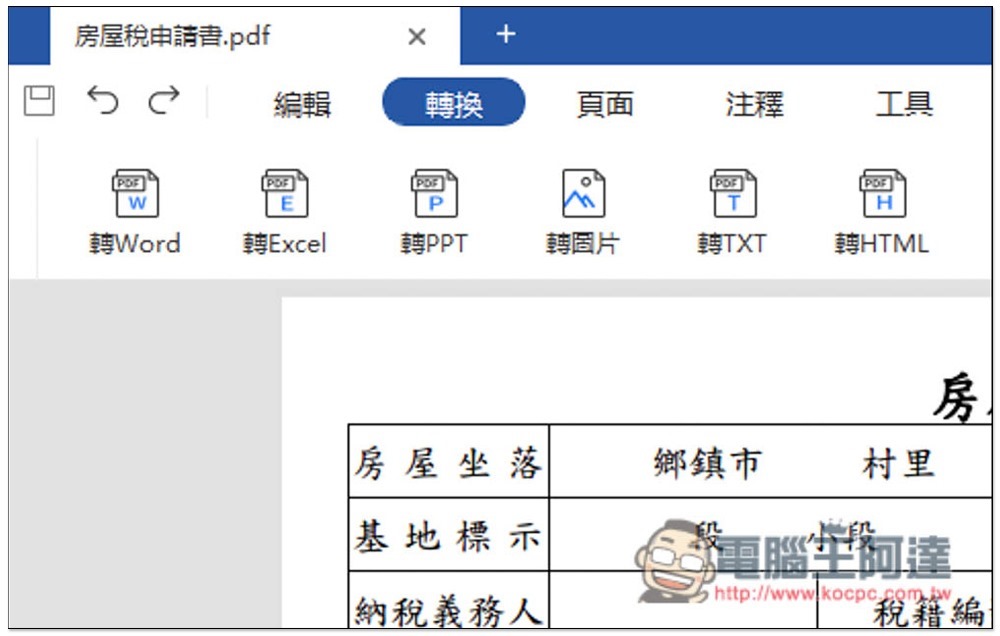
If you want to convert, click Convert. It supports conversion to Word, Excel, PPT, pictures, TXT, and HTML:
Source: KOCPC Chinese