


Compared with the App Store, there are almost no apps on Google Play that can download and listen to music offline, and many of them are blocked before being put on the shelves. Recently, I discovered this pretty good Whim Music, which not only allows offline downloading and background playback, but also supports the playback of local music and podcasts. It can be said that almost all sound playback needs can be met with this set.
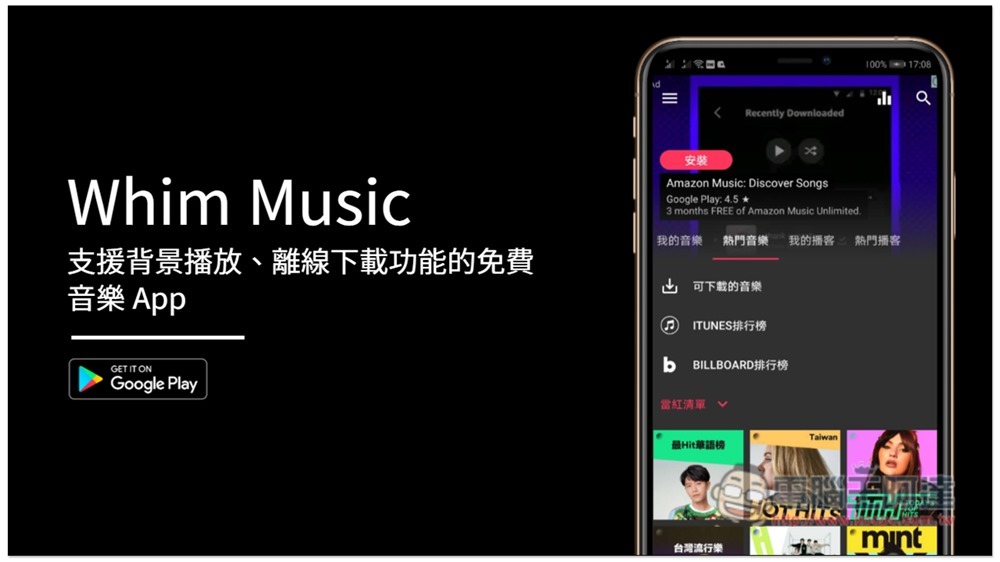
Whim Music Offline Music Free Android App Introduction
The interface of Whim Music is similar to most music apps and is also available in Chinese, so you should be able to get started quickly. After opening the homepage, there are four options in the middle: “My Music, Popular Music, My Podcasts, and Popular Podcasts”:
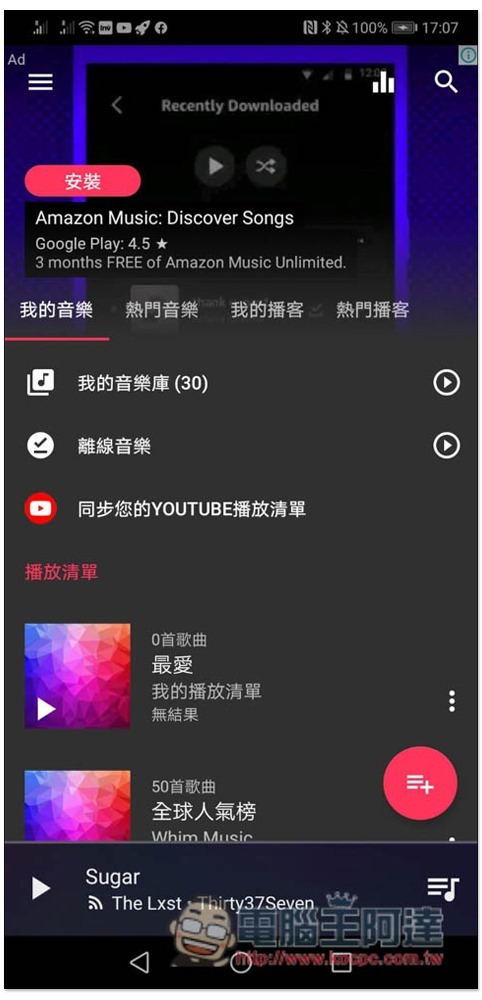
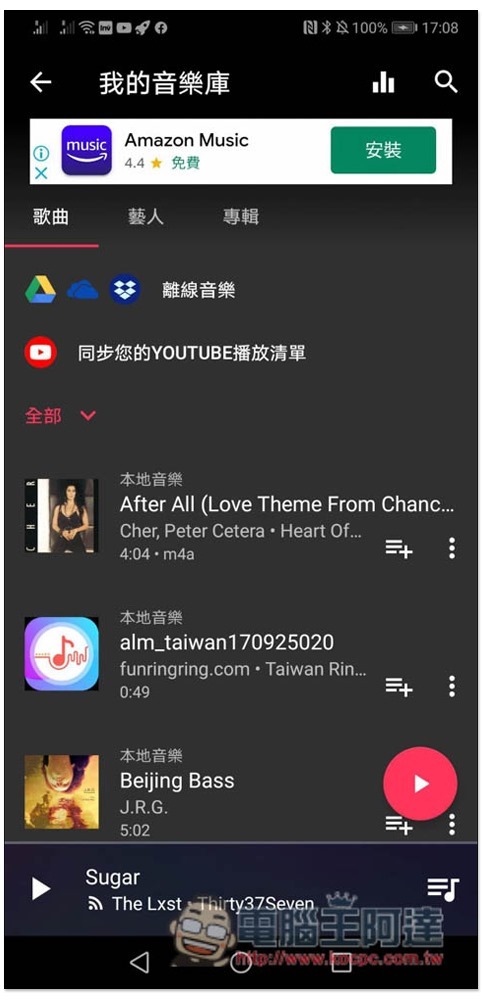
My music library will display the music stored on your local machine, and you can play your local music from here:
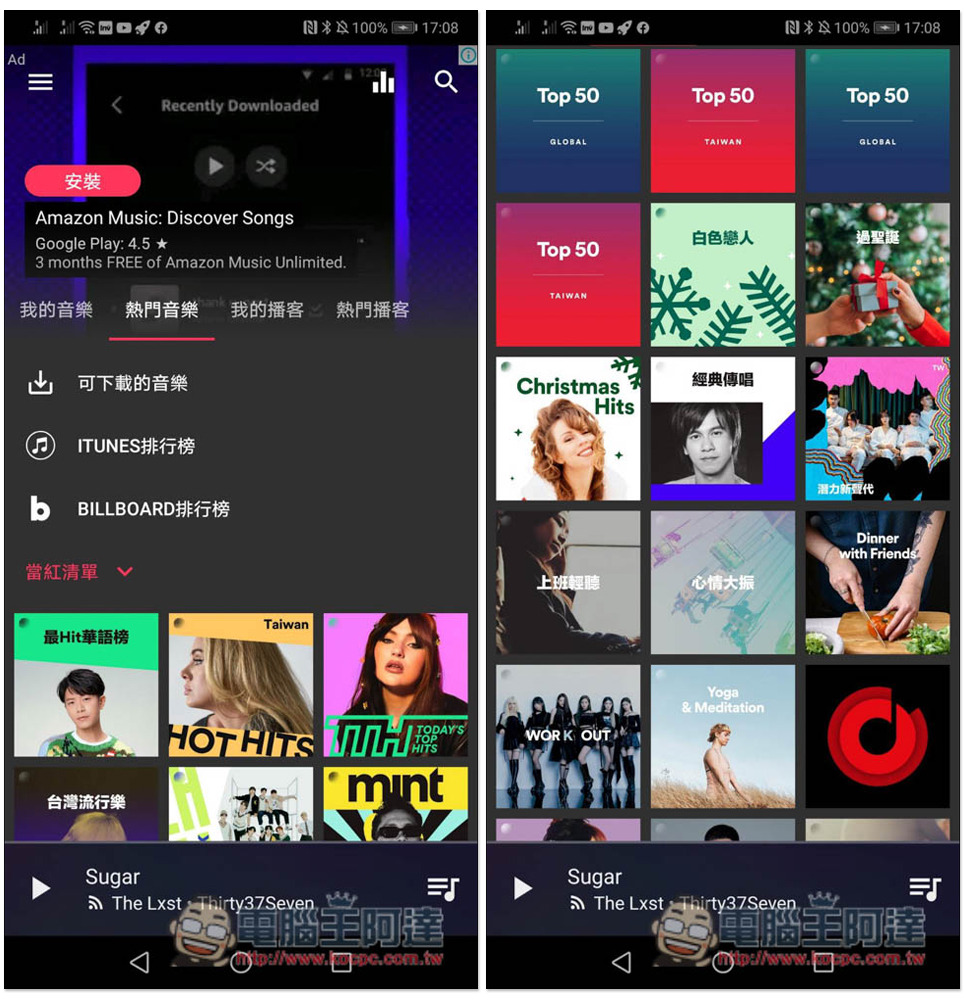
Popular music will display major rankings. When you don’t know what to listen to, you can find it here:
There are two sources, “YouTube and online music”. The difference is that YouTube has more songs, but the background music is in the form of picture-in-picture, and online music can really play in the background:
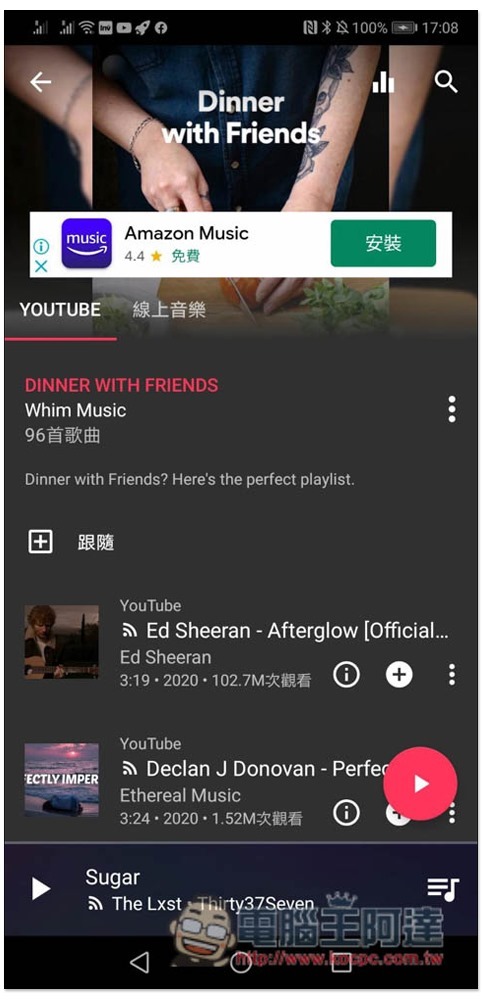
After all, it is a free app and there are ads during playback, but you can watch a video for 15 minutes without ads:

The picture below is YouTube Music. Picture-in-picture will be automatically enabled when jumping to the desktop:
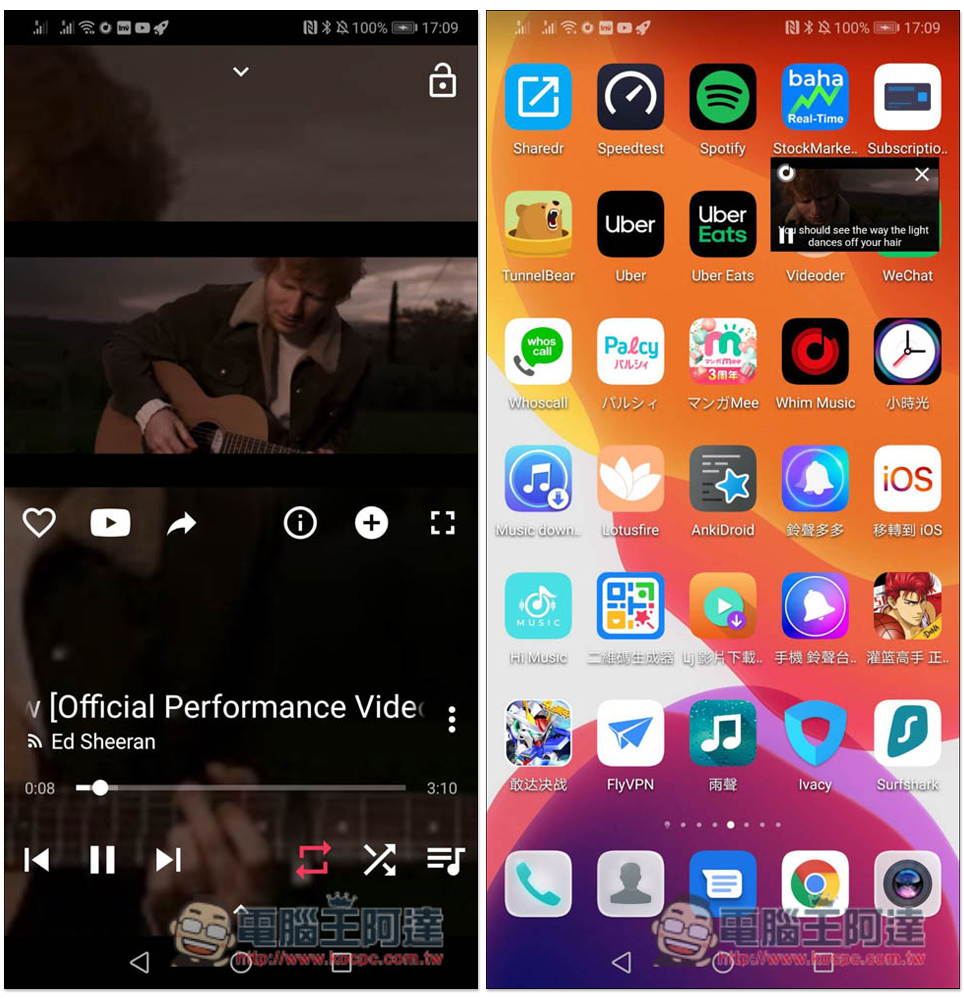
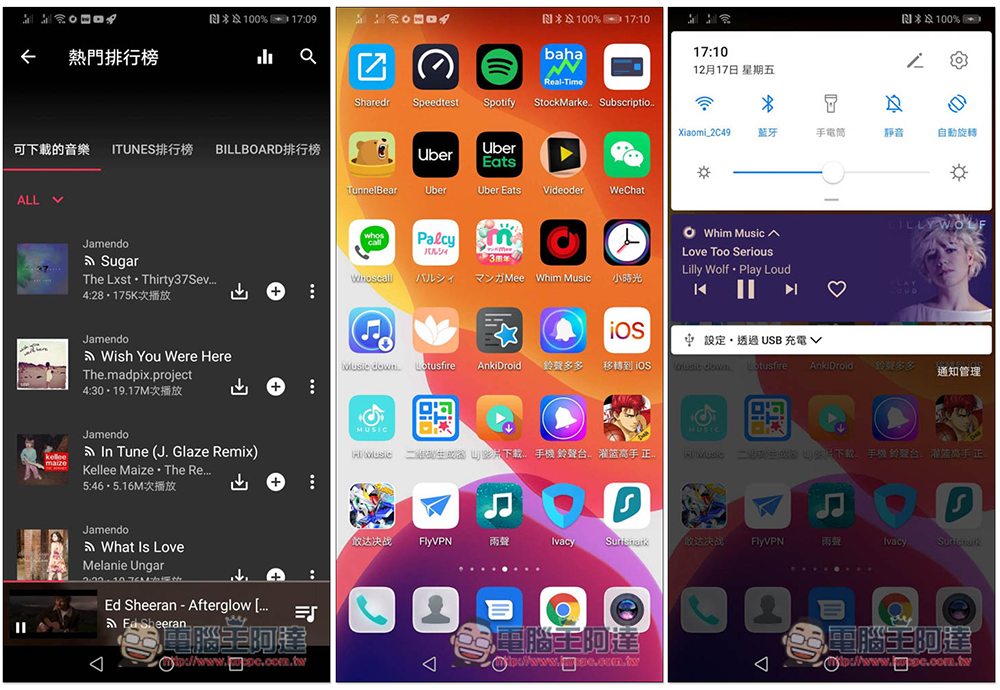
If you’re listening to music from a non-YouTube source, it can actually play in the background:
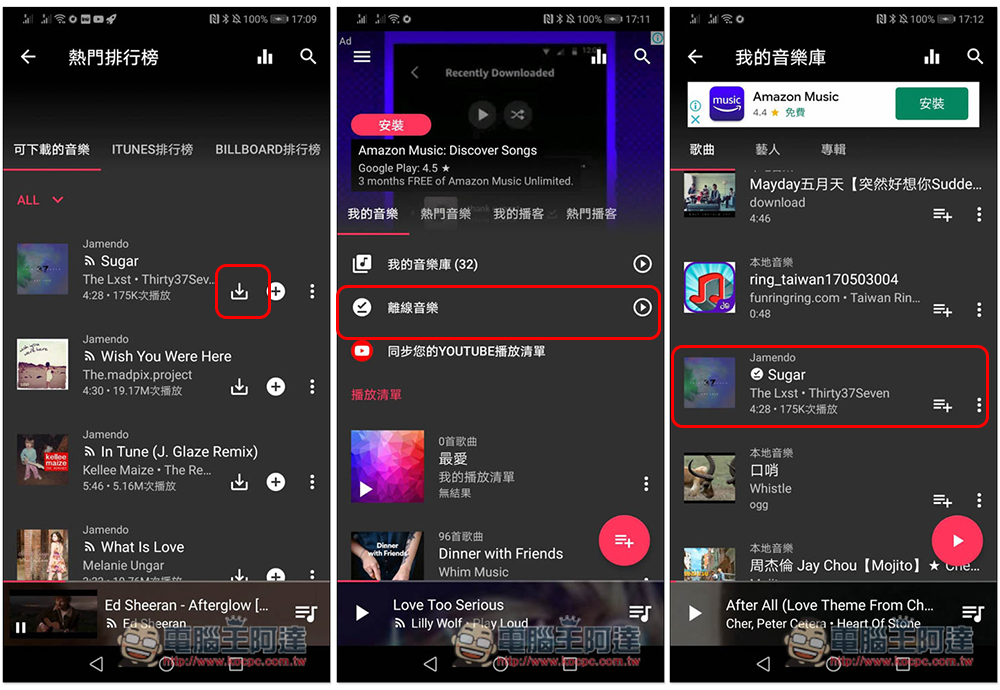
Music sources other than YouTube can also be downloaded offline. After clicking the download function, you can find it in the offline music option. However, be aware that it will be mixed with your local music. If you play a lot of music, you need to look for it:
Popular podcasts are Podcasts. You can subscribe and add them to my podcast:

Although this app cannot download YouTube music, there are a lot of free music from other sources, and it can also play local music and podcasts. I personally think it is quite easy to use. People who find ads annoying can also consider removing ads permanently.
Source: KOCPC Chinese