


Whenever important foreign holidays come, Apple will hide some easter eggs in its apps. For example, if you enter the keyword “Let it snow” in the Apple Store app now, a snow effect will appear on the screen, and it will continue to snow on all App Store pages until you close the app.
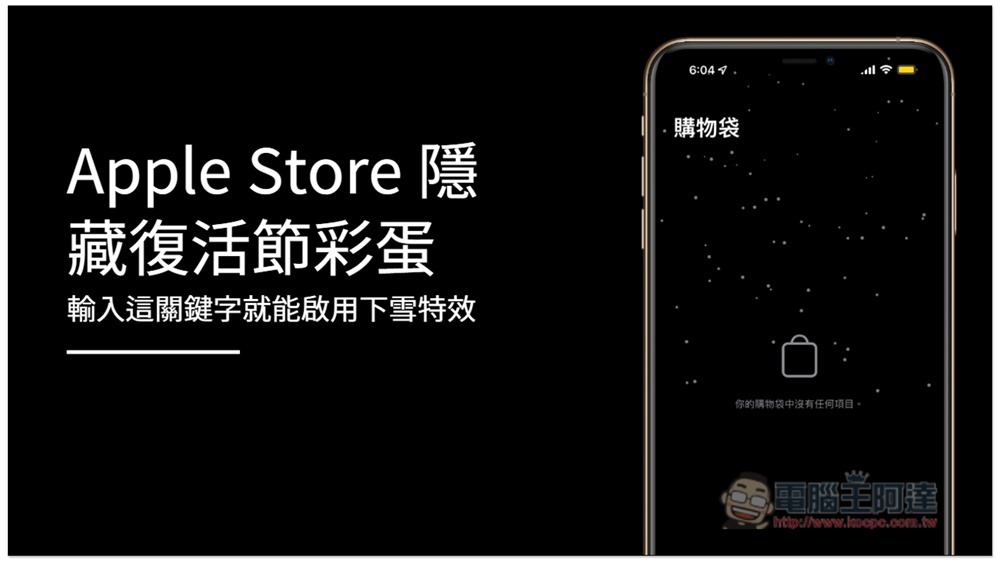
Enter a keyword to enable the snow effect for Apple Store hidden Easter eggs
First, you must download the Apple Store app on your iPhone. If you haven’t installed it yet, please click on the link below.
Then open the Apple Store App. It will not snow by default. Please click the “Search” function below:
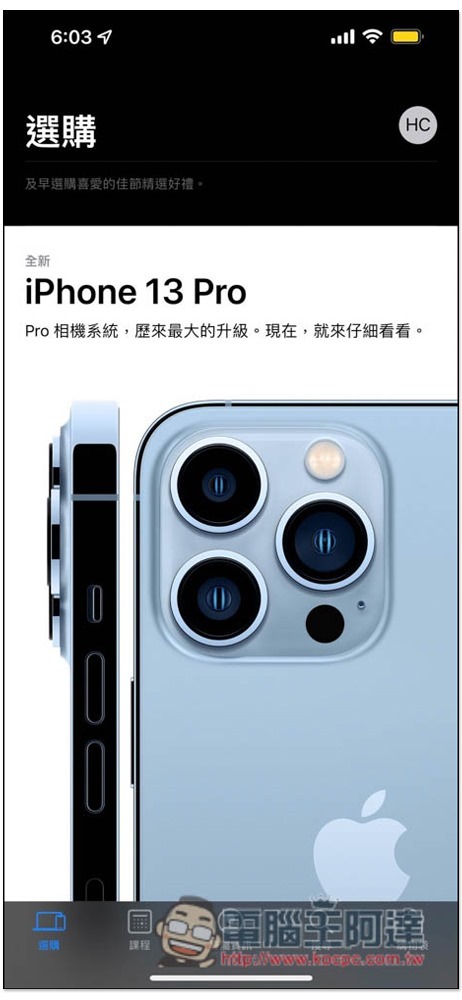
Then enter “Let it snow” in the search field above. You can also use all lowercase letters. Basically, it should start snowing immediately without pressing the enter key. But if yours does not appear, you can press enter:
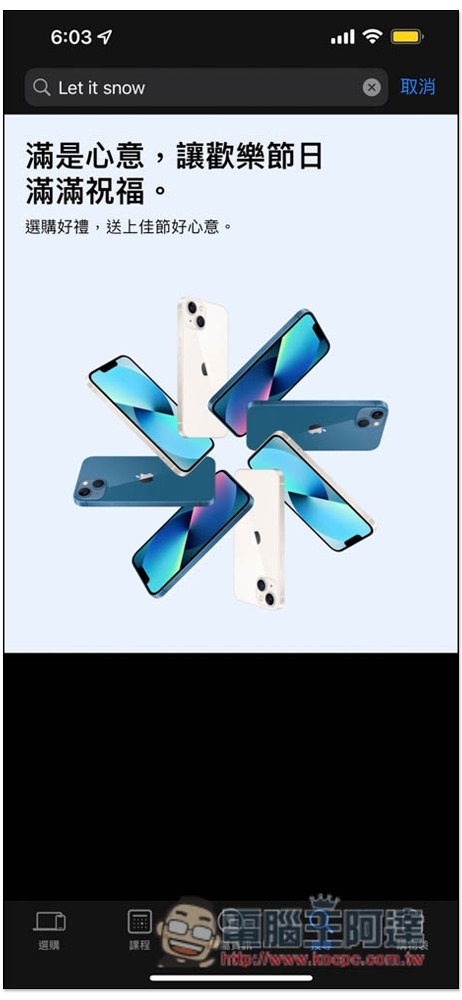
The screen will start to snow, and it will continue. Even if you browse other Apple Store pages, it will be canceled after closing. If you want to see snow again, you must enter Let it snow again:
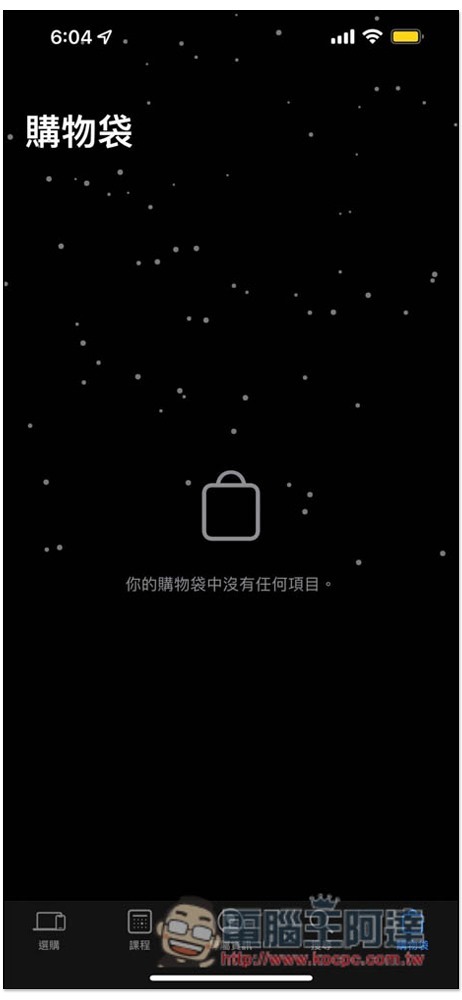
Below is a dynamic image file. As for when this effect will end, we don’t know yet, but I guess it will be at least until Christmas (?):
According to 9to5Mac, Apple has actually launched this Easter egg (snow special effect) as early as 2017. This is not the first time, it seems to happen every year at this time, but having said that, since it has been launched long ago, it should be localized so that this special effect can be enabled by inputting Chinese.
In addition, for this holiday season, Apple’s official YouTube channel also uploaded a holiday season advertisement at the end of last month. The content describes a little girl trying to save a little snowman. The entire process was shot with an iPhone. Those who are interested can take a look. It is quite good:
Source: KOCPC Chinese