


Let me introduce everyone to the service that’s been really popular recently “Google NotebookLMIt is an AI note-taking app launched by Google in 2023. It is rumored to be somewhat experimental within Google, and originally not many people used it (at least I didn’t notice much discussion). But after integrating Gemini 1.5 Pro this year, its functionality has been greatly enhanced. It is quite convenient for organizing multiple information sources. Even recently it introduced a feature that generates podcasts based on content, which I personally find quite impressive. I’ll share my personal experience here; if there’s anything to add, you can also join the discussion on the fan page. First, go to the NotebookLM service. After logging in with your Google account, create a notebook:
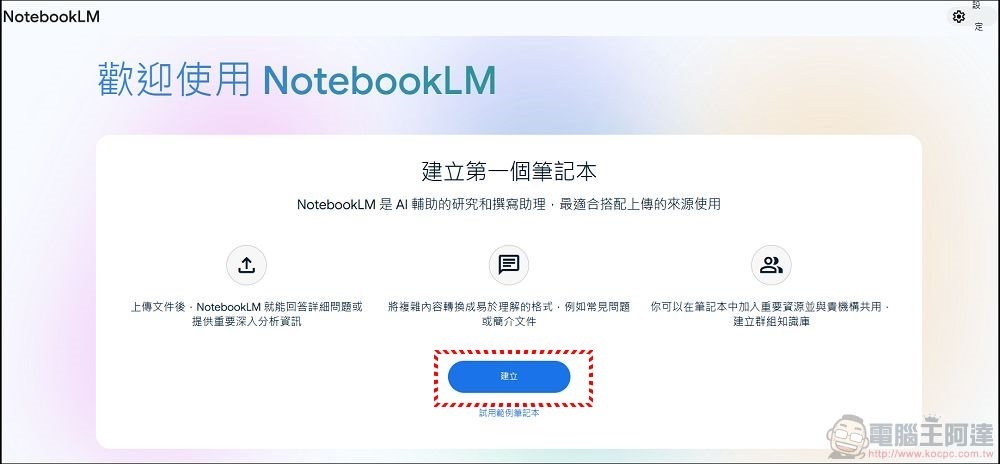
NotebookLM Tutorial: Quickly Organize and Digest Large Amounts of Information and Papers for More Efficient Research
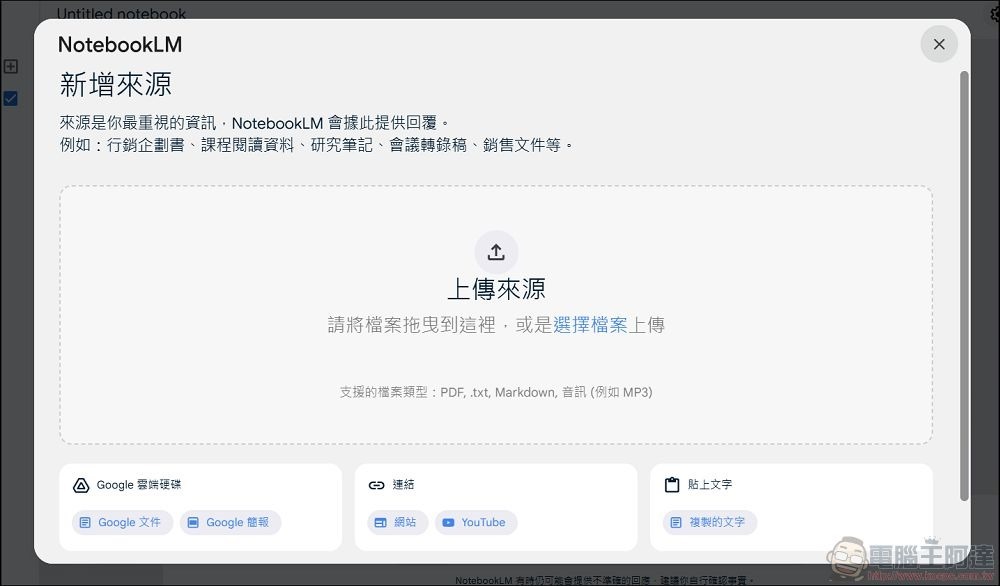
Next, you can choose a file to analyze. It can be text, PDF, txt, audio recordings, Google Docs, website links, etc. (Supported formats: pdf, txt, md, 3g2, 3gp, aac, aif, aifc, aiff, amr, au, avi, cda, m4a, mid, midi, mp3, mp4, mpeg, ogg, opus, ra, ram, snd, wav, weba, wma). Simply upload the file or link:
NotebookLM official website (click me)
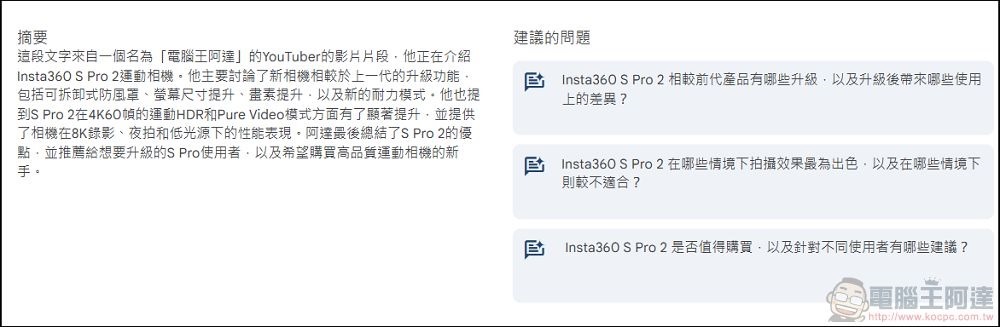
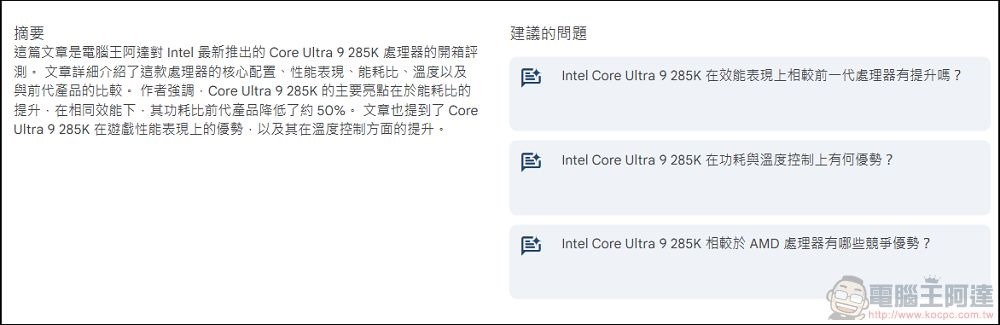
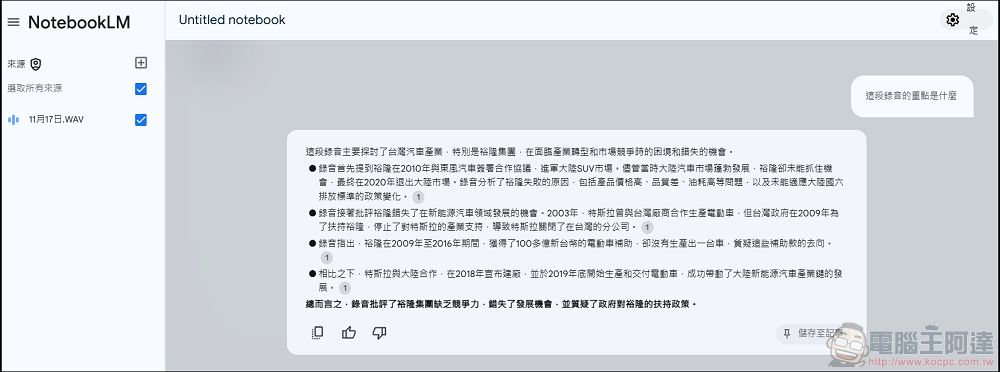
In actual testing, it can use articles in any language, audio recordings, and even YouTube videos without subtitles (as long as the videos aren’t too recent) to summarize them directly into Chinese content, while also providing multiple related follow-up questions on the topic:
You can also upload audio recordings of your classes or meetings to NotebookLM to organize the key points, and you can even ask it to output a verbatim transcript.
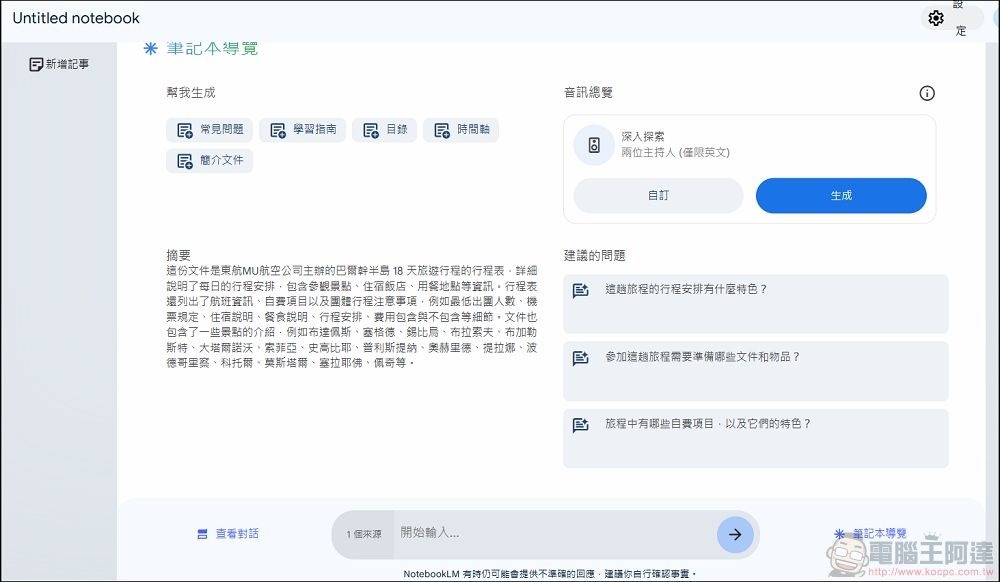
Here I’m using a travel agency’s itinerary as an example (I happen to be choosing travel packages recently). After you upload it, the system quickly provides a content analysis and summary. You can directly ask about anything you want to know, or ask through the suggested questions:
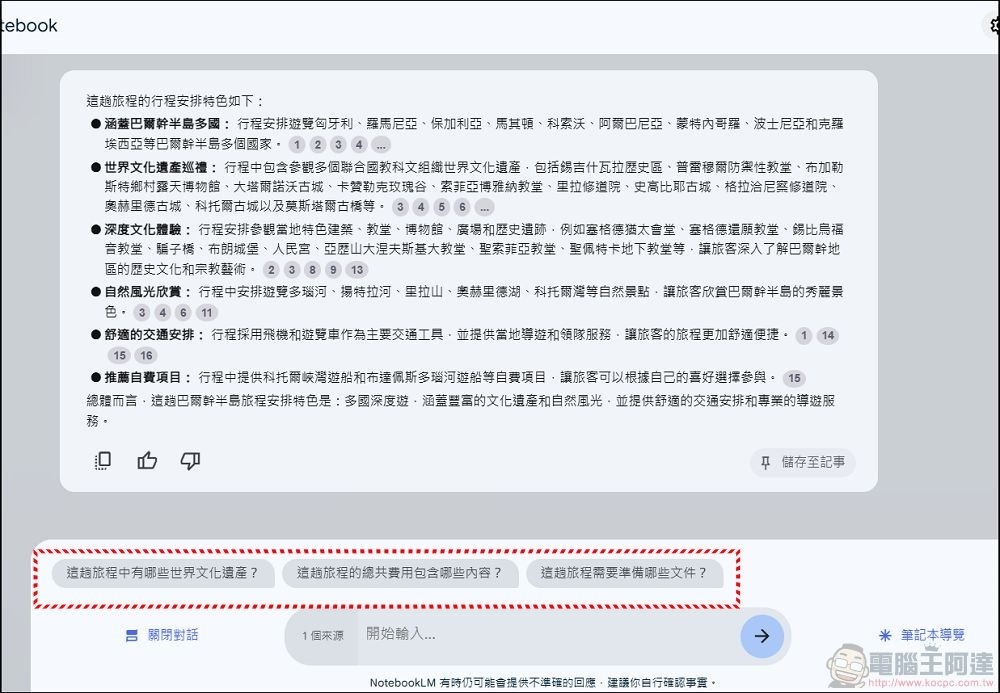
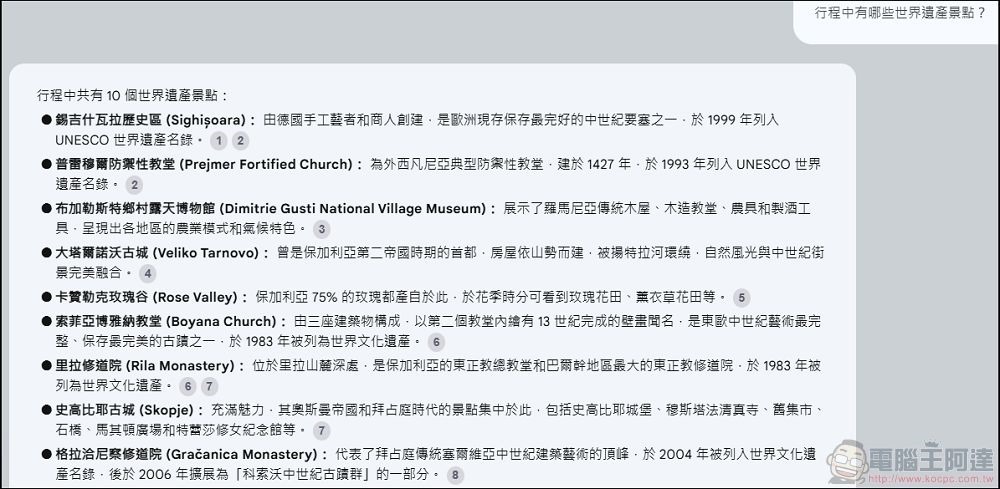
For example, when I used the suggested question “What makes this trip’s itinerary stand out?”, the system immediately provided the itinerary’s highlights, and then I could continue asking questions below or use other follow-up questions. If you don’t have time to read through documents in detail, NotebookLM can definitely help you quickly organize various information.
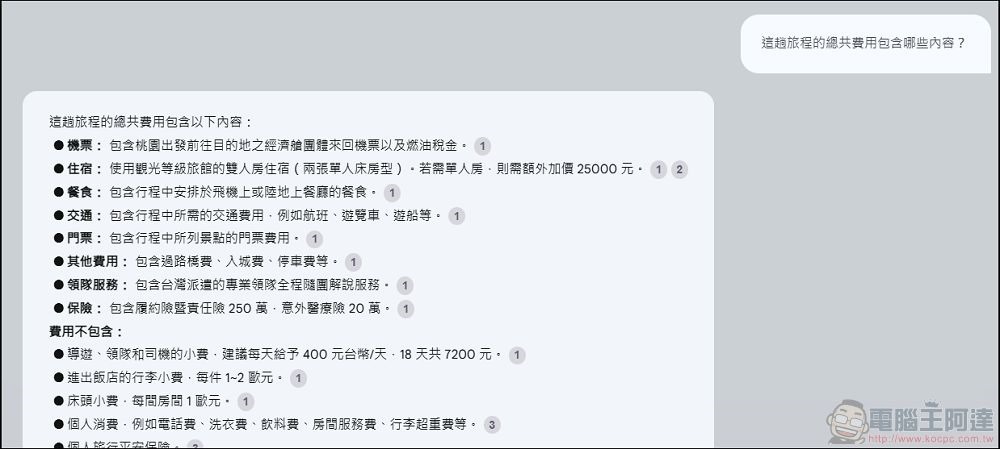
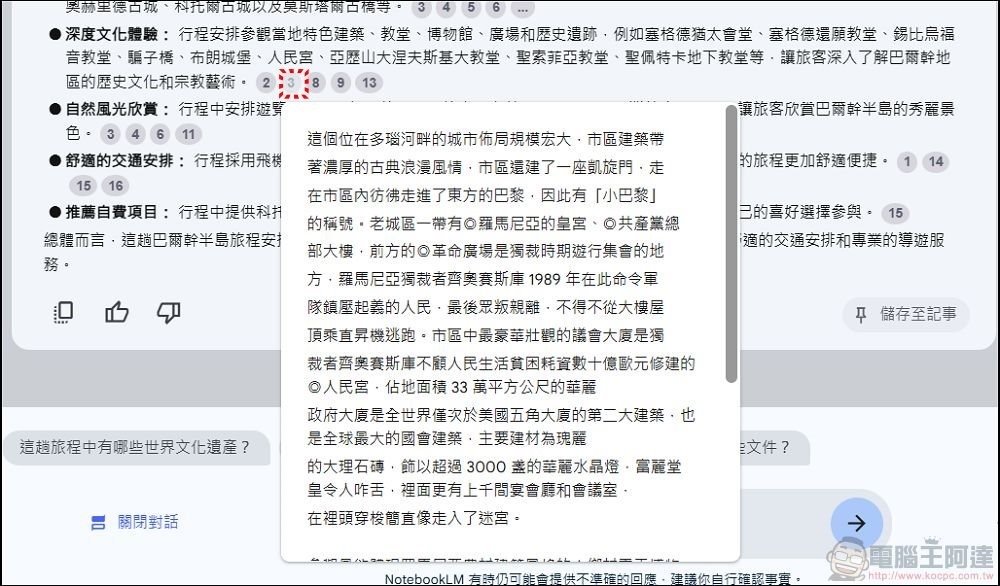
The notes provided by NotebookLM all include relevant document citations, allowing users to verify whether it’s AI hallucination. I tested it several times myself, and the accuracy was very high:
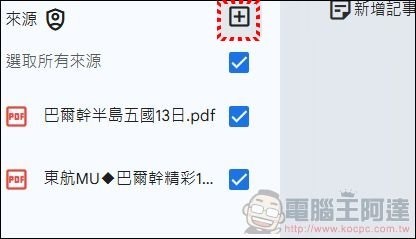
In addition, clicking “Add Source” in the upper right corner lets you add other documents and links for research comparison (up to ten sets of documents or links). Here, I found a similar itinerary from another travel agency:
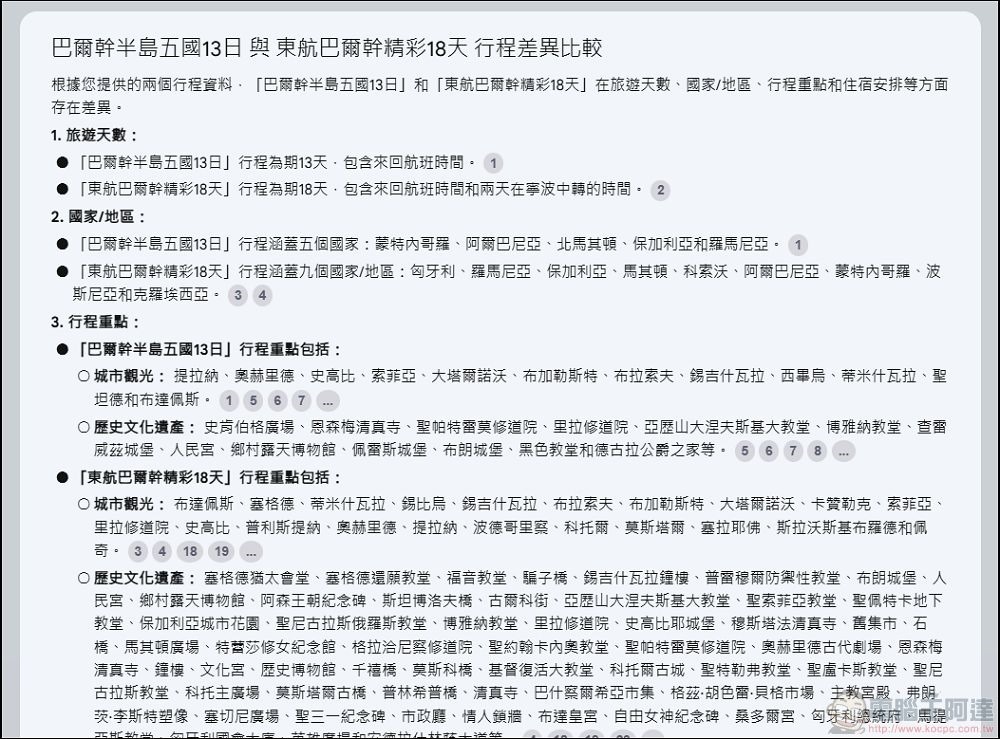
Then when I asked about the differences between the two itineraries, the system immediately provided a detailed comparison. If you need to organize and summarize large amounts of content for papers, reports, or research, NotebookLM’s feature is quite practical.

Amazing! Have NotebookLM turn the relevant content into a Podcast (Audio Overview).
Besides organizing content from different sources into easy-to-read material and information, what I find most amazing about NotebookLM is that it can evenYou can turn the organized information into plain and simple Podcast content.However, currently you can only create content in English, and the method is super simple: in the note content, click on “Notebook Navigation”.

Then, in the notebook navigation, there will be an “Audio Overview” section, where you can generate a fairly rich English Podcast:
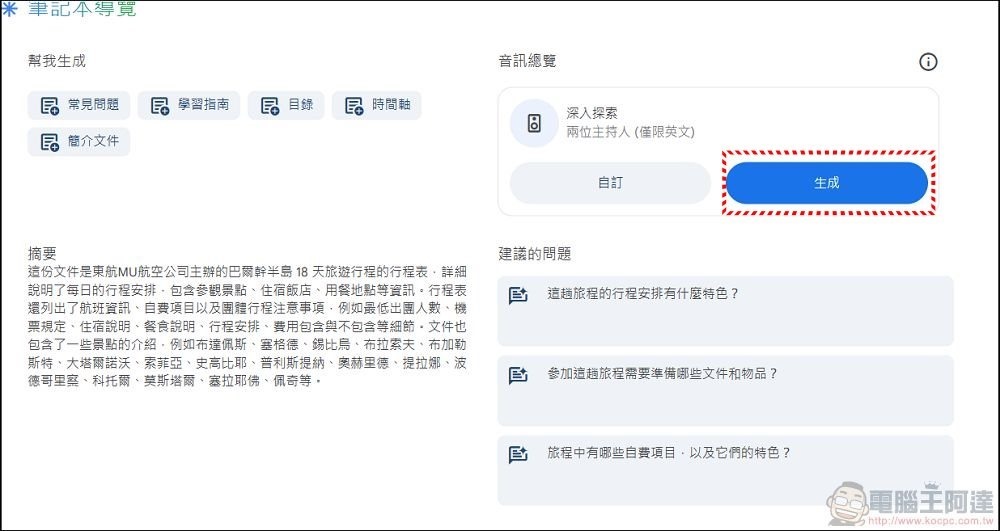
It will be ready in a few minutes. You can listen to it online or download it to your computer:
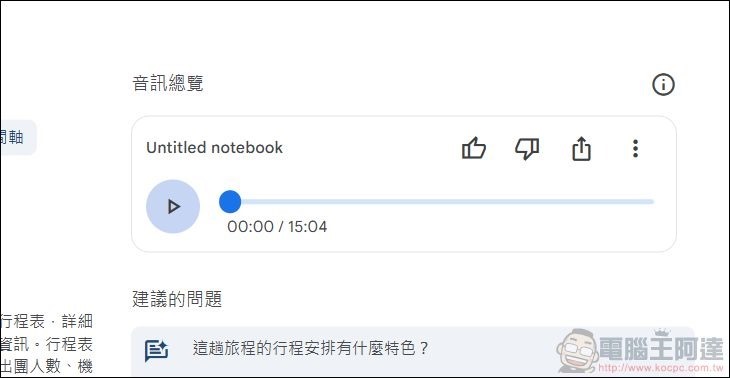
Ada used PDF files from two online travel agencies’ Balkan tour packages to create a 20-minute podcast audio file with NotebookLM. Everyone can give it a listen—the result is very natural, and you’d never guess it’s AI-generated content. It’s quite practical for people who don’t have time to carefully read through large amounts of source material and organize the information.Unfortunately, only English audio files can be generated at the moment.Now it can generate Chinese content. Everyone can listen and see how it sounds.Welcome to subscribe.):
Conclusion
Personally, I think Google NotebookLM is quite useful for people who often need to organize and synthesize various complex information for research and analysis. Its practicality even far exceeds ChatGPT, and it’s also what I consider to be the most powerful practical application of Gemini 1.5 Pro so far. I hope Google will keep putting effort into NotebookLM, and not be like…Other services also stop abruptly without any warning.That’s a shame. I also recommend it to everyone. If you know of any other NotebookLM-related applications that I haven’t mentioned, please let me know, and I’ll add them when I find the time.
In addition, Taiwan has recently seen businesses launching local versions of link-to-podcast generation services. Interested friends can also give it a try:
Source: KOCPC Chinese