


Some Apps are not available in the Taiwan App Store, and you need to switch to the App Store in other countries to find them. However, sometimes you may not be sure which countries are available. In this case, you can use this free Store Switch app to quickly switch to the App Store in other countries and search with one click. There is no need to enter the Apple ID to modify the region information or apply for a new account. The operation is very simple!
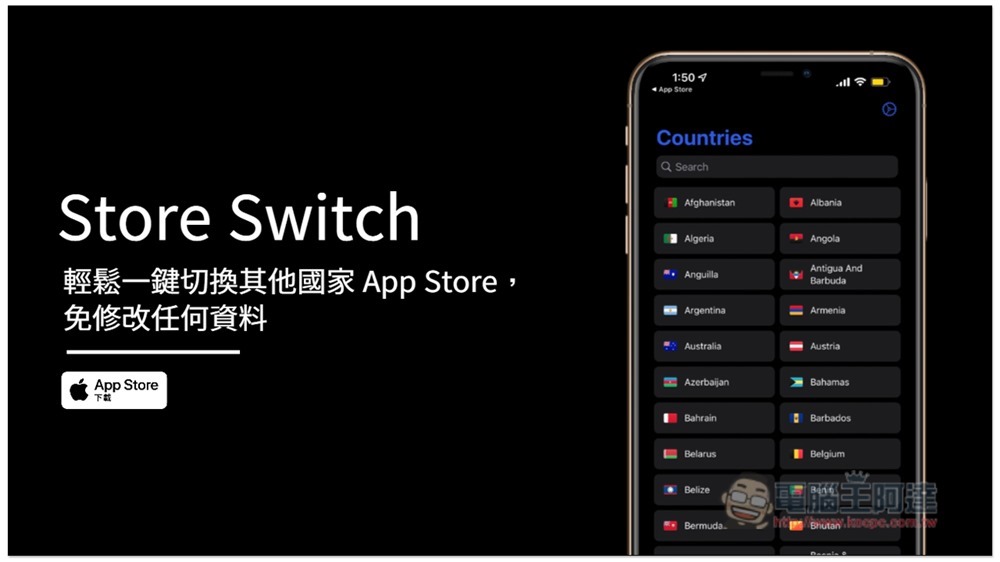
Store Switch Easily switch to other countries’ App Store operations with one click
Before I start the introduction, I would like to remind you that this App can only be switched to App Stores in other countries. If you want to download it, you still need to apply for an account in that country. You cannot use the original Apple ID to download it.
After entering the homepage of the App, you will see the names of all countries, arranged alphabetically. Scroll down to find the country you want to switch, or you can search for keywords through Search above:
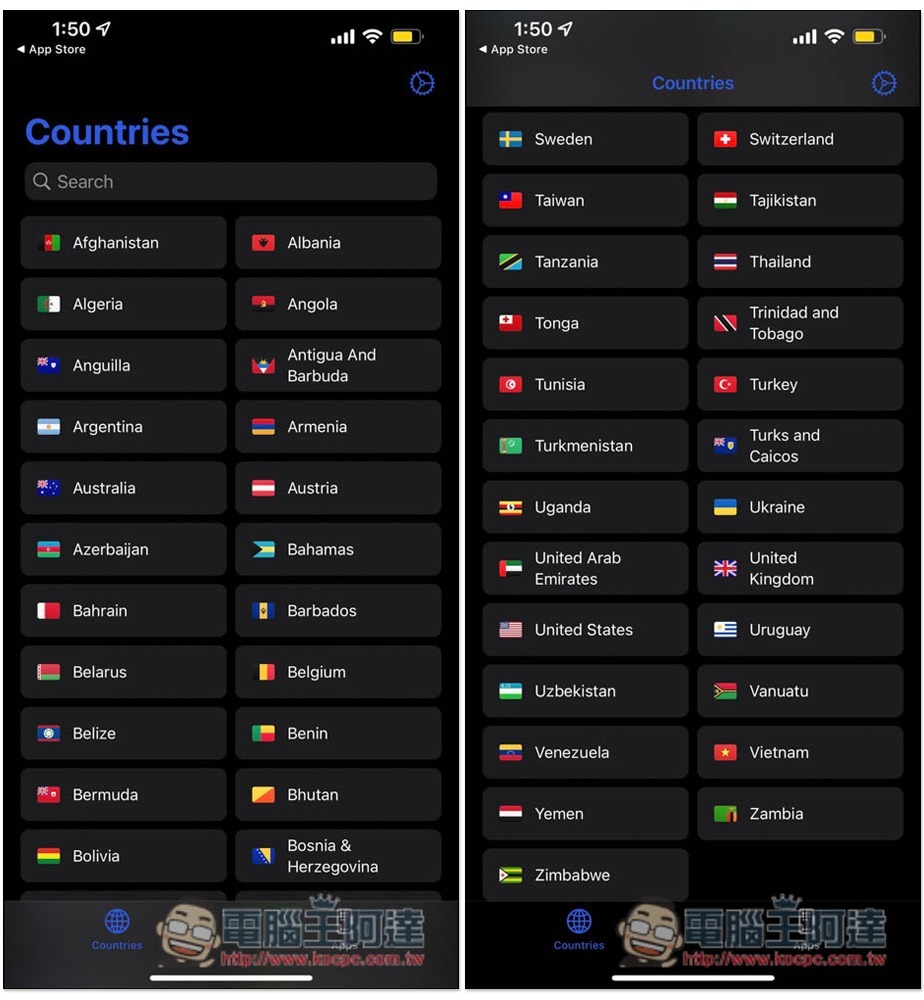
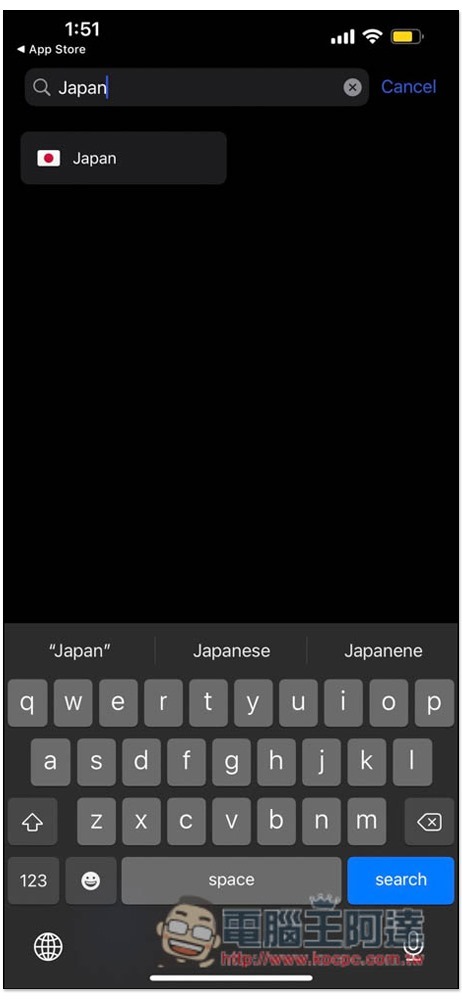
I’ll take Japan as an example. Once you find it, click:
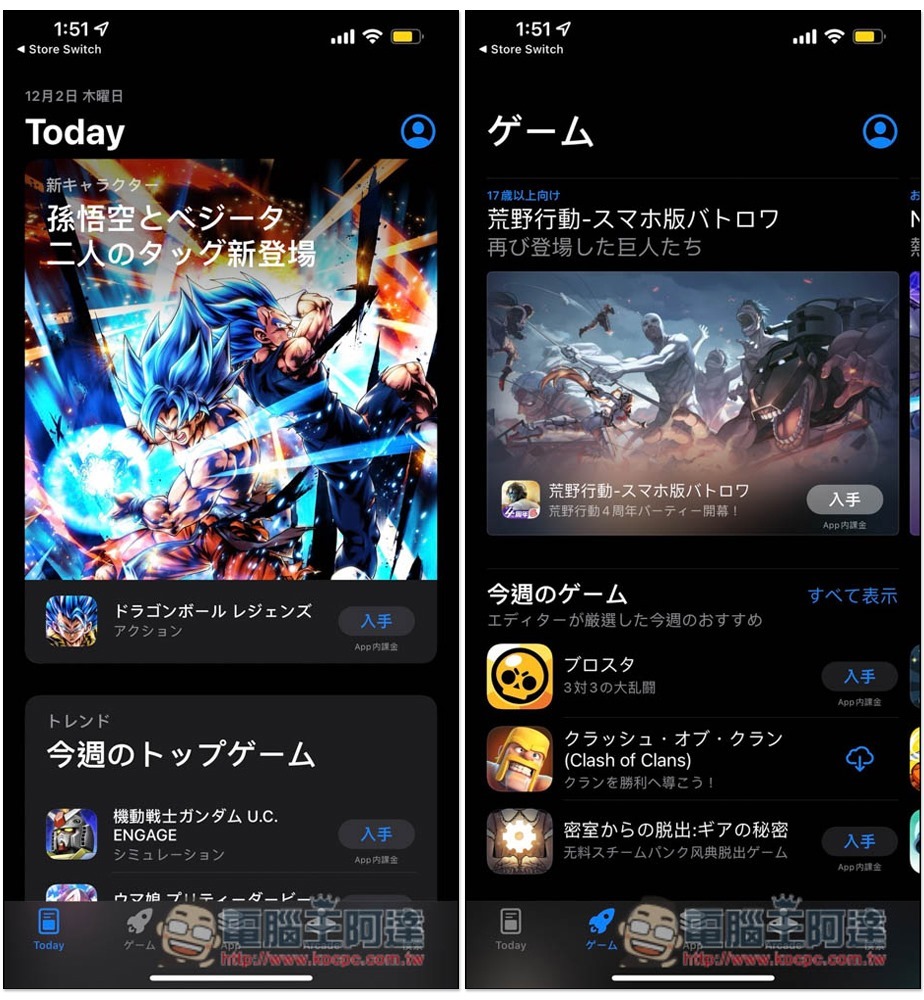
The Japanese App Store will automatically open, and you can start browsing all the content, or search for the Apps you want to check:
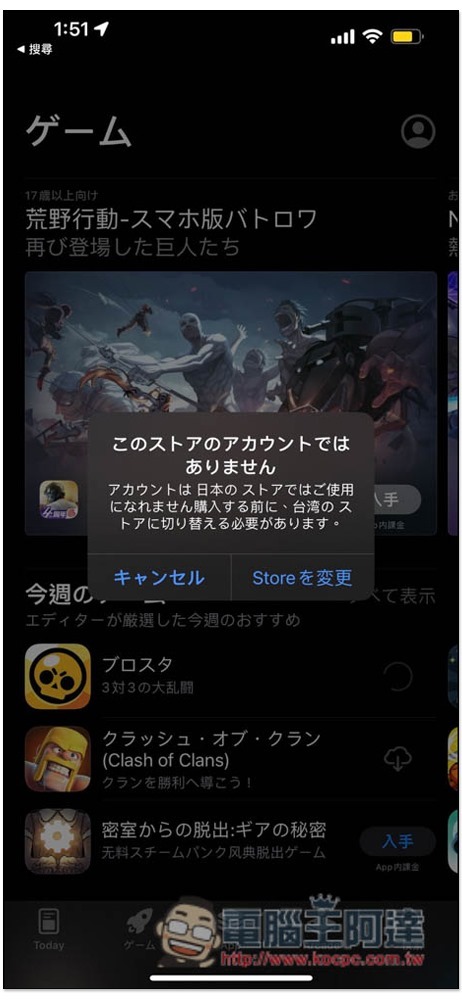
As mentioned before, there is no way to download the App directly, even if it is free. Clicking on it will pop up a notification that the App Store and Apple ID account country are different. Pressing Store to change will jump back to the original Taiwan App Store:
In addition to switching the national App Store, this app also provides the function of recording the Apps you are interested in. After opening the Apps page, press + in the upper right corner:

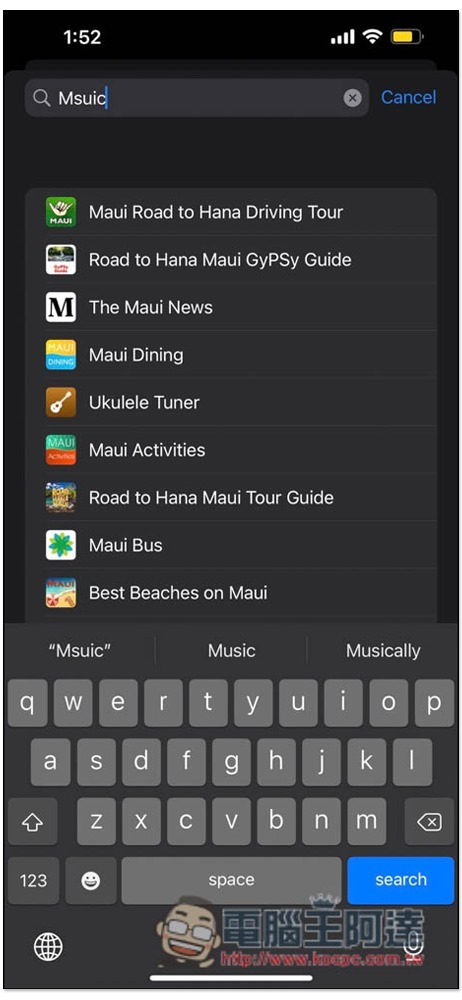
Enter keywords to find the apps you want to record:
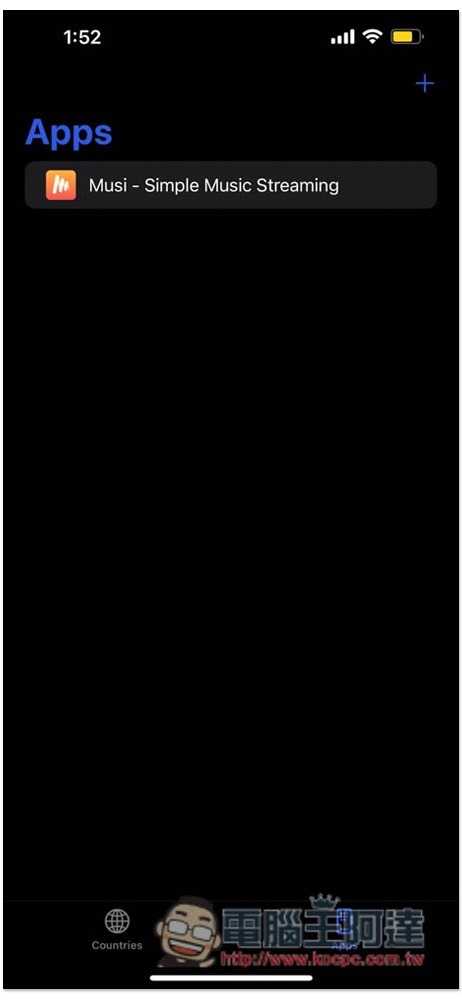
After clicking, it will appear in the list. If you want to view or install it in the future, just click it:
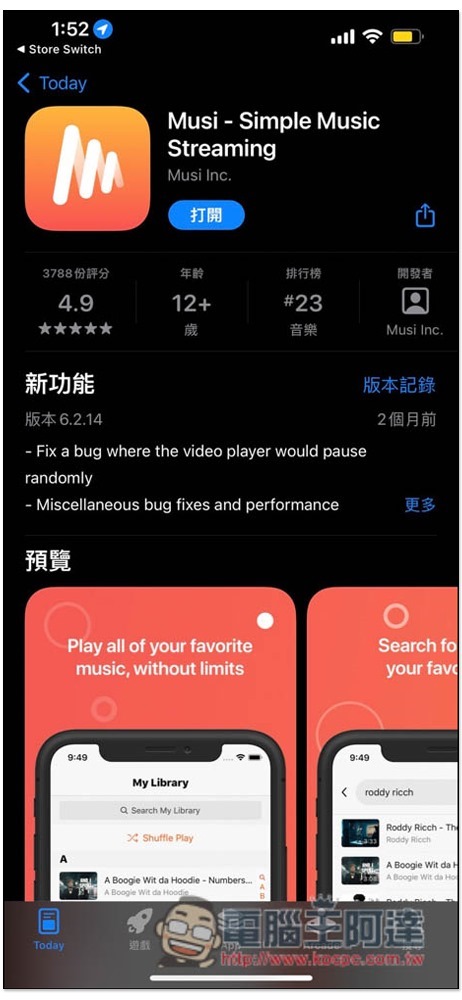
The App Store page for this app will automatically open:
After switching the App Store country, if you do not need to use it after checking the information, it is recommended to switch back to Taiwan. It will be easier to download apps in the future and no additional settings are required.
Source: KOCPC Chinese