


Do you ever find that searching for information is slow because of language barriers? When working on reports in university, we often need to introduce a company, so we go online to Google to learn about the company we’re presenting. However, sometimes we can’t understand foreign languages or the company’s information is incomplete, which makes researching really slow and time-consuming. Today, I’m introducing a website that uses AI to search for global information, “BiLin AI.” BiLin AI can find real, accurate search results from websites around the world within seconds. You just enter keywords, and BiLin AI will organize a bunch of relevant websites for you to browse. English, Japanese, Korean, Spanish, German, and so on are no problem at all. With just BiLin AI, you can find all the information you need at once. If you’re interested, keep reading!
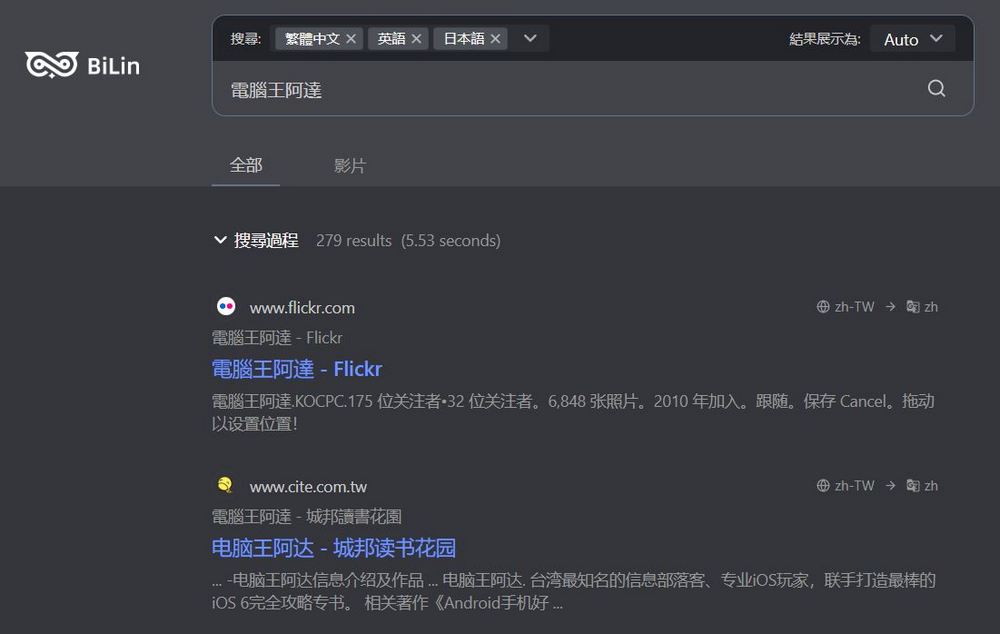
Cross-Language Search Powerhouse BiLin AI: One-Click Search Across Global Websites, Bilingual Side-by-Side Translation
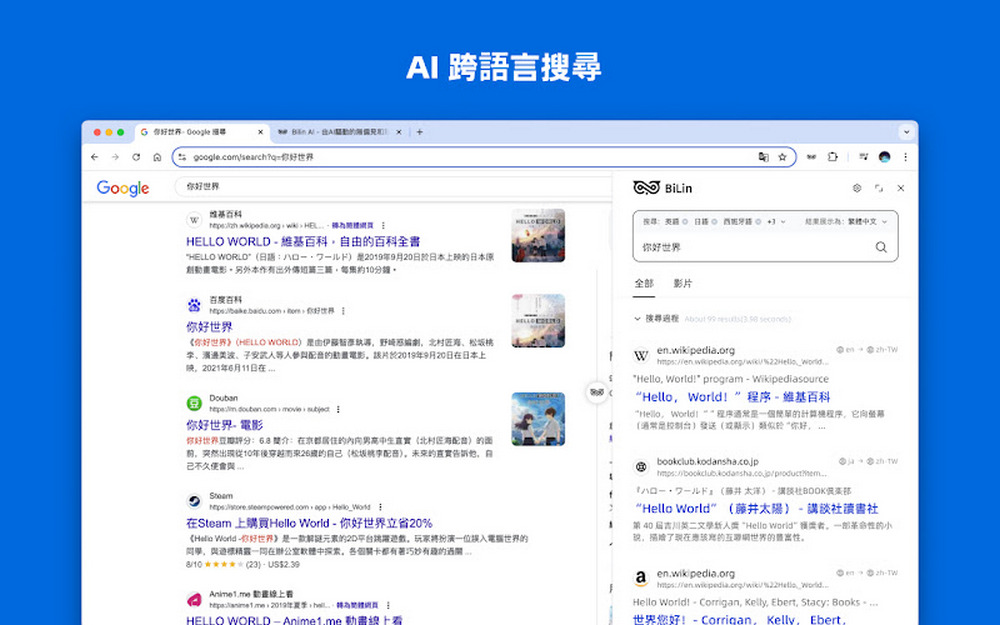
BiLin AI, as a global information search service website, can search websites with articles written in English, Japanese, Korean, Spanish, French, German, Arabic, and more. You just need to enter a keyword, and BiLin AI can search for information from websites in various languages and translate it into Chinese, making it easier for you to find the materials you need. BiLin AI also offers free bilingual comparison webpage translation. Chrome extensionIt works. After using it, you can read articles on foreign websites effortlessly.
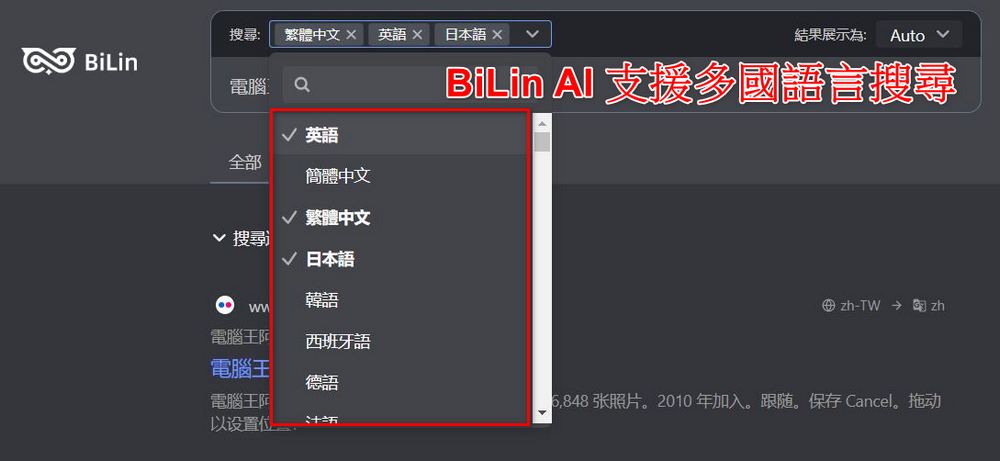
Visit the BiLin AI search service website.
Click the link above to visit the BiLin AI website. To use BiLin AI, you first need to select the search language. BiLin AI supports many languages, but you can only select up to three languages per search. It is recommended that if you know which country the information you are searching for primarily comes from, choosing that language, Chinese, and English will give better search results.

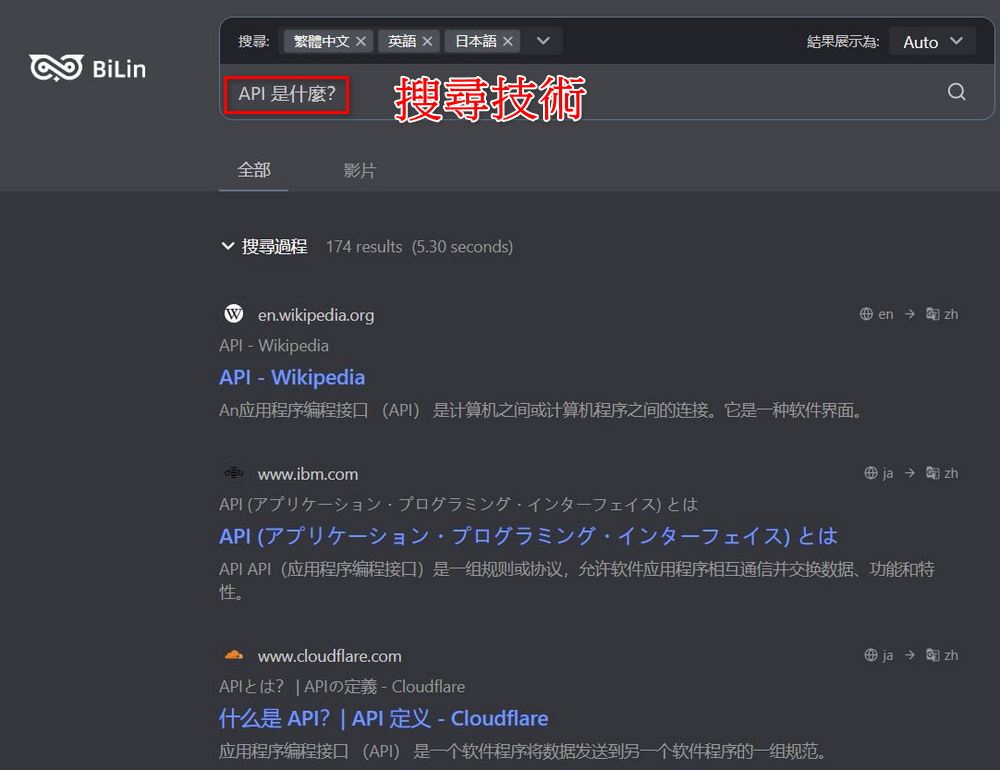
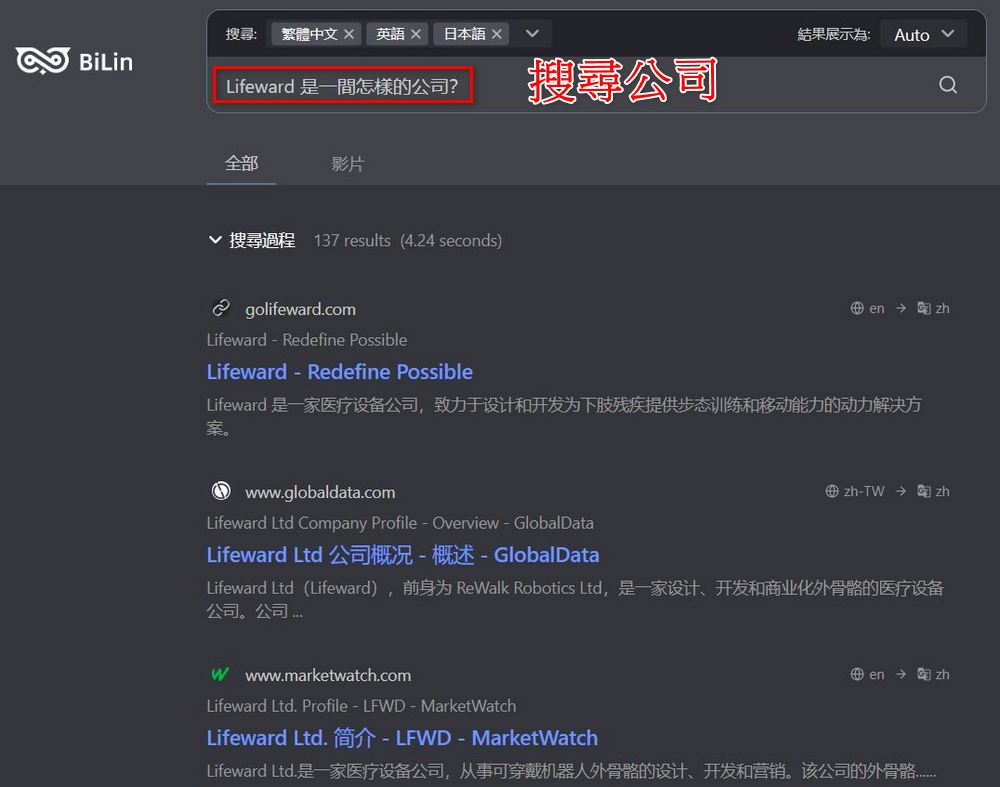
After selecting a language, you can start searching for information by simply entering what you want to find in the search box. The editor tested it and found the results to be quite good—whether you’re asking about technical topics or looking up information about a specific company, it handles both. This way, you don’t have to click through webpages one by one to verify data, saving a lot of time in research.
BiLin AI Chrome Extension
If you’re not confident in your language skills and worried that reading foreign articles will take a lot of time, you can also consider adding BiLin AI’s free AI search engine sidebar extension. The BiLin AI extension can help you with side-by-side bilingual webpage translation, allowing you to quickly browse through article content without feeling like you’re taking a reading comprehension test every time you look at a foreign article.
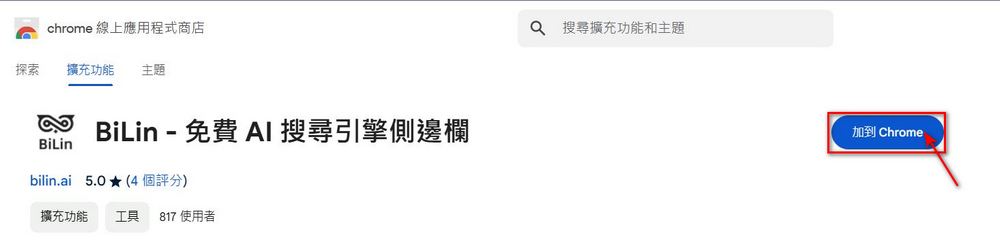
Go to add the BiLin AI Chrome extension
Click the link above to go and add the BiLin AI extension, then click “Add to Chrome”. Next, pin the BiLin AI extension to the toolbar so you can start using the BiLin AI extension.

After adding the extension, a BiLin AI bubble will appear on the webpage. Click the bubble’s “Translate/Show original” and you’ll see the bilingual side-by-side webpage translation created by BiLin AI.

That concludes the introduction and tutorial for BiLin AI, the Chrome extension for global web search and bilingual webpage translation. Hopefully, this is helpful for those who frequently search for international information and read articles from around the world. If you’re interested, you can try it out for yourself — BiLin AI doesn’t require registration or login, which makes it quite convenient to use.
Go experience the search service website BiLin AI.
Source: KOCPC Chinese